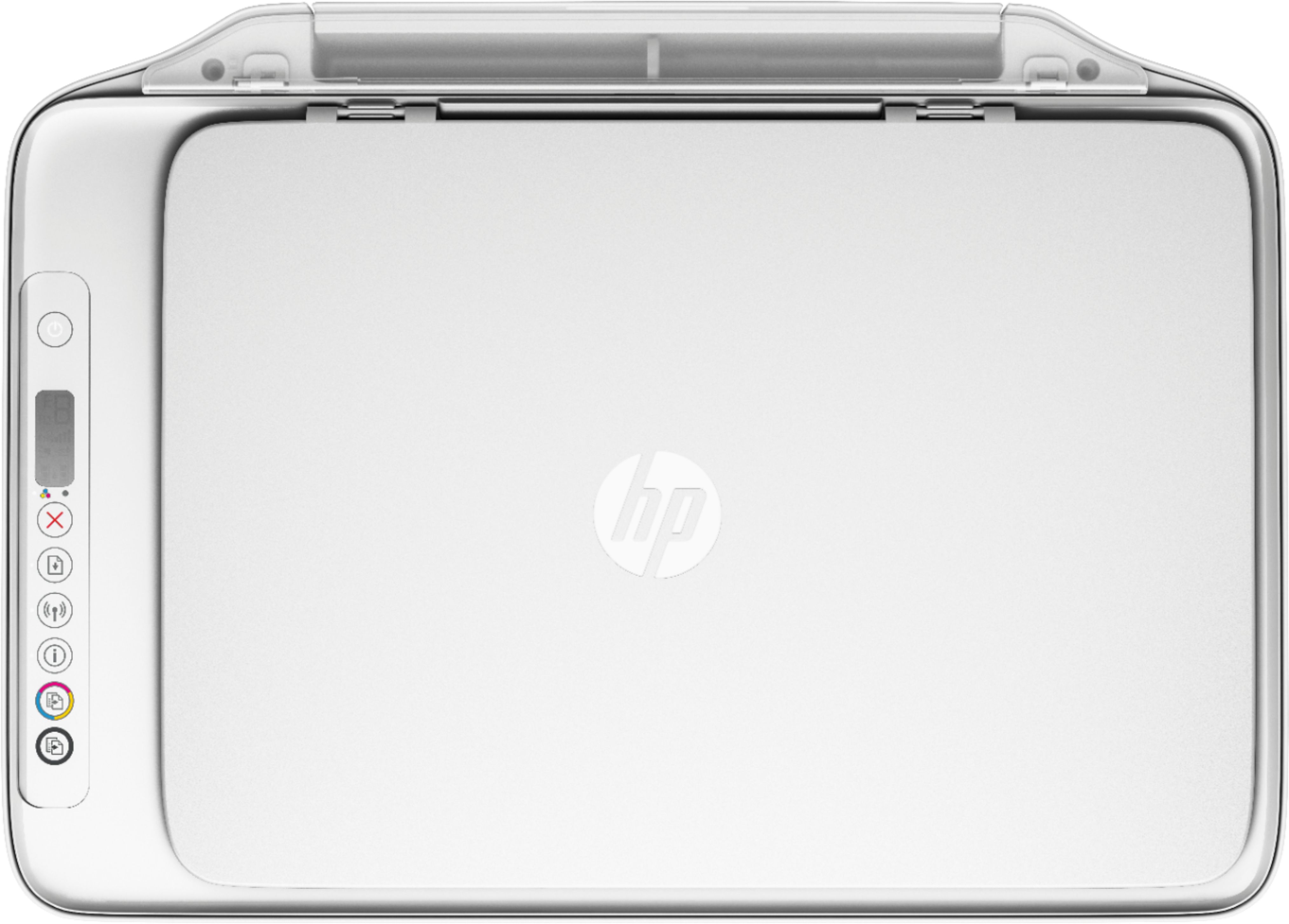
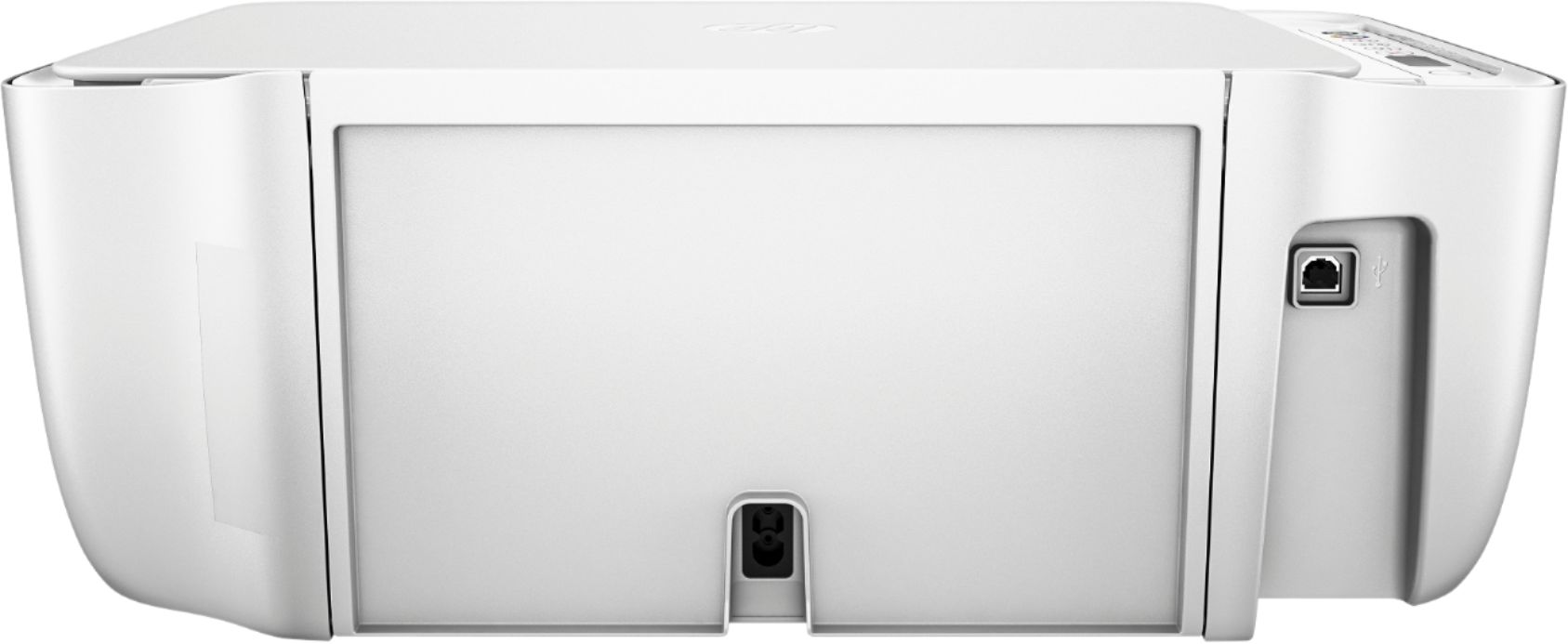
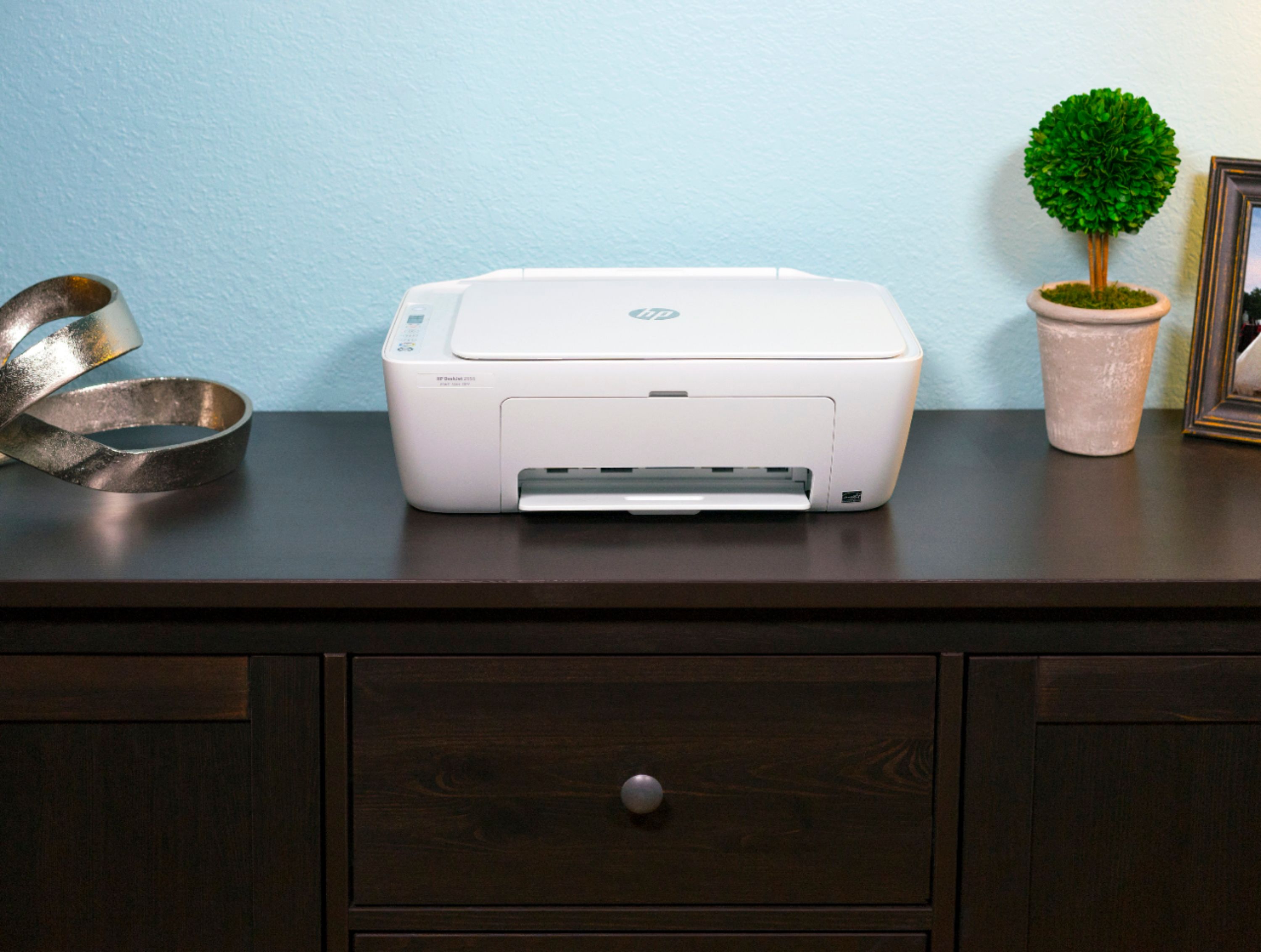
A:AnswerYes, it will work with a laptop running Windows 7. To use it with an Android phone, you'll want need to download the free HP Smart app from the play store. That will allow you to control all of the printer functions right from your phone.
A:AnswerI can't do anything with this printer. Had to call for help installing it and was charged $90. Was over the phone and they had to have access to my computer. Still can't use this printer....very upset.
A:AnswerNo, the Deskjet 2655 printer does not do borderless printing. I would recommend looking at the Officejet 3830 or 5255 or any of the HP Envy printers for borderless prints. The Officejet Pro printers also do borderless prints.
A:AnswerThe printer and the desktop would need to be connected the same wireless network in your home. I would recommend going to http://123.hp.com/setup to get your printer setup to your desktop. Just follow the instructions on the screen. If you need more assistance, please contact HP Support.