A:AnswerHello. Thanks for your question. If you do not have internet access, you can set up this printer with the built in printer driver on Windows 7. Here are some instructions: https://support.hp.com/in-en/document/ish_2224996-1993298-16
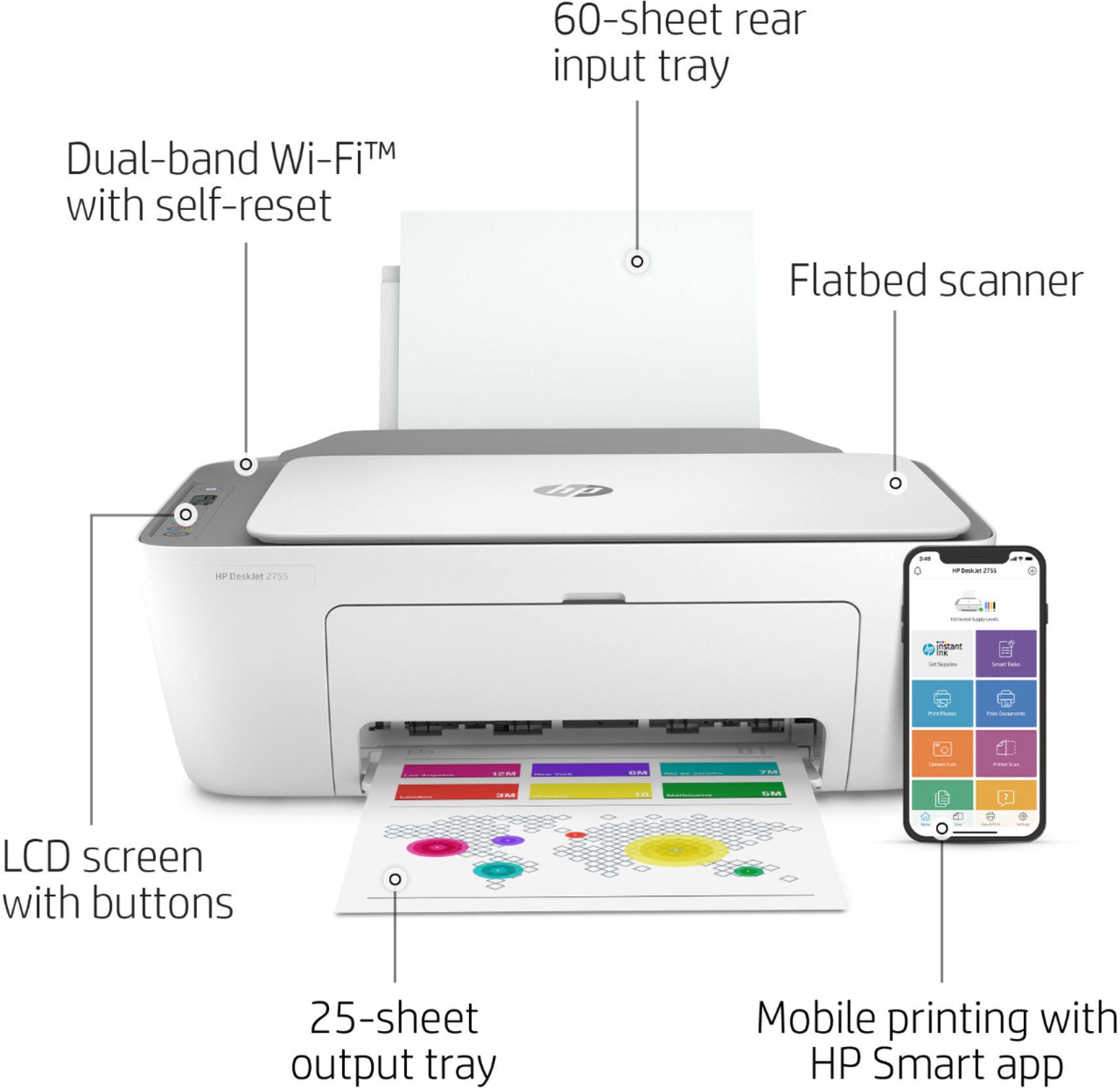
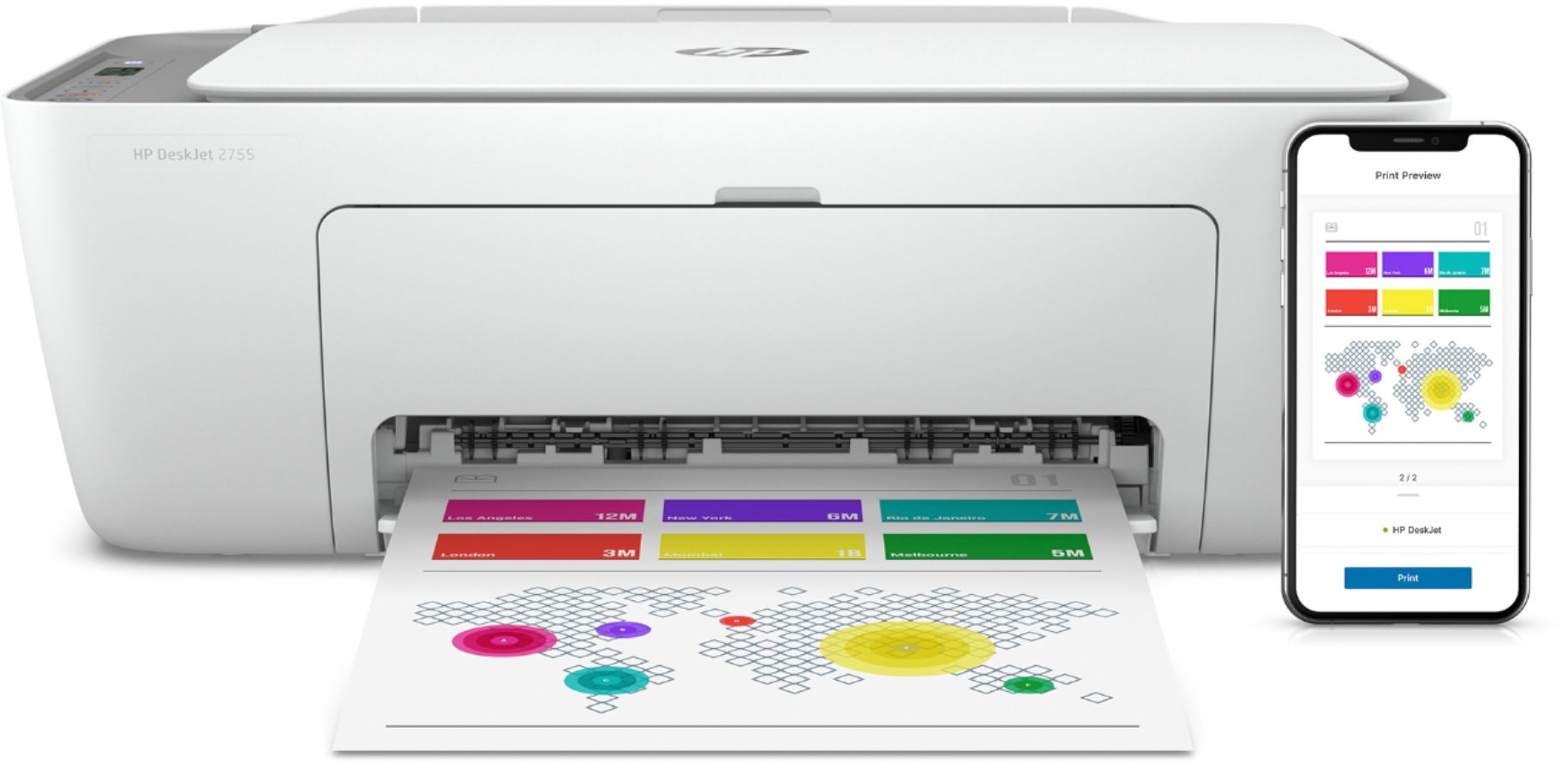
A:AnswerYou do not need WiFi to use this DeskJet 2755e printer. You can connect the printer to your computer with a USB printer cable or you can print directly to it from a Smart phone.
A:AnswerHello, Harold. You are not obligated to join HP Instant Ink. When setting up the printer, be sure to say no to the free printing or HP Instant Ink. You can still buy ink cartridges.
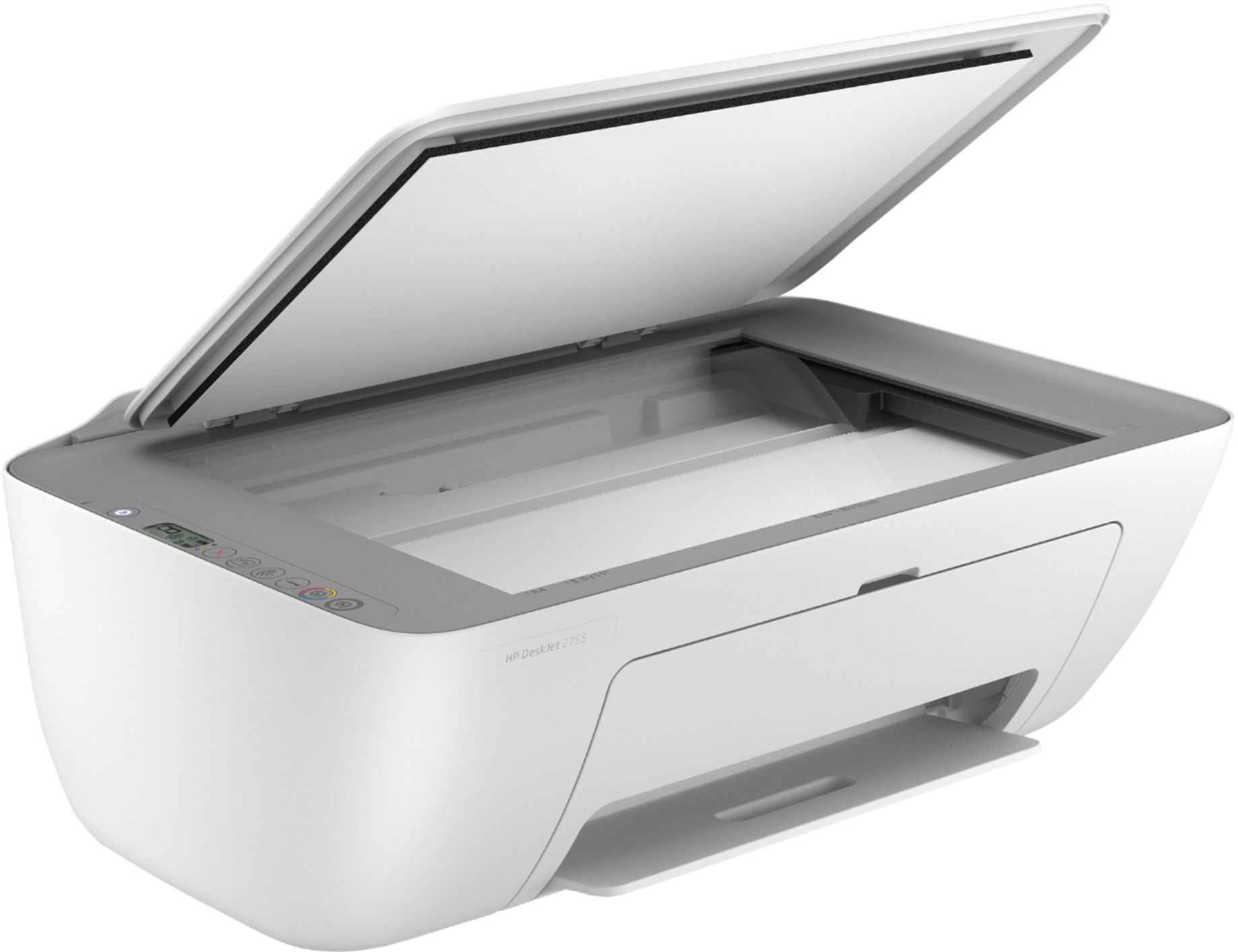
A:AnswerThe scanner works very well for scanning single sheets. It does not have a document feeder, so if you need to scan a multi-page document you'll need to do it one page at a time
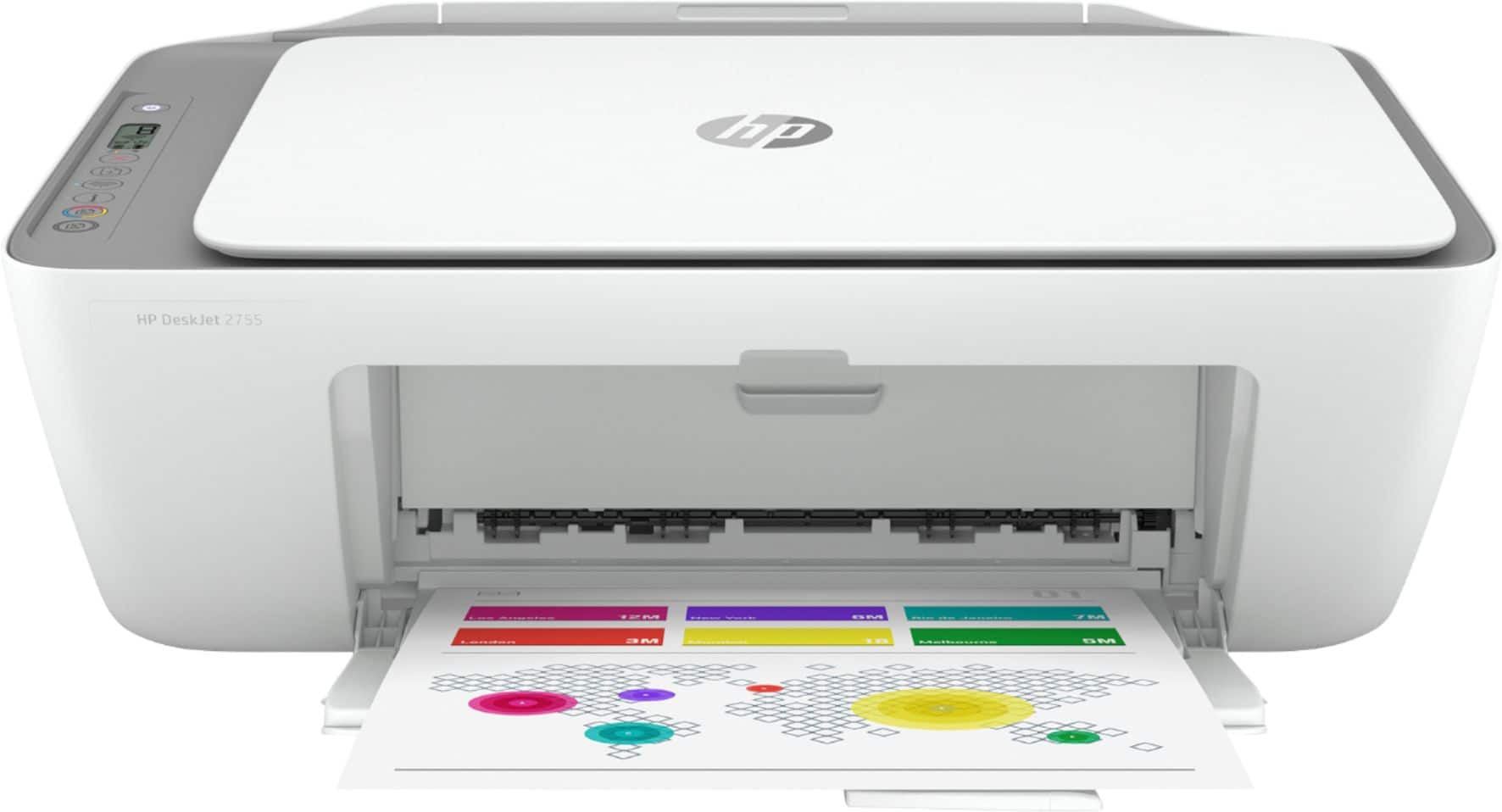
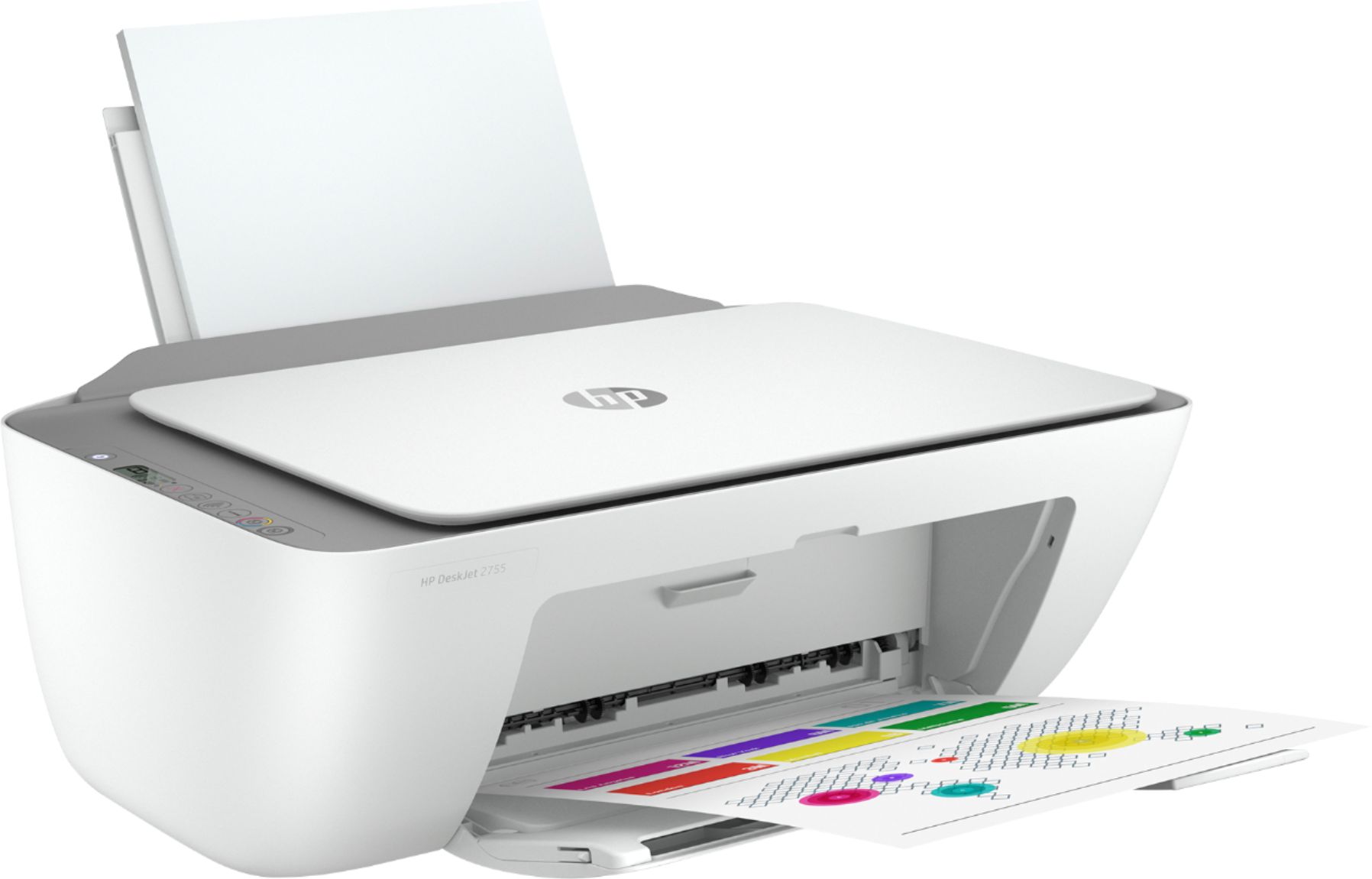
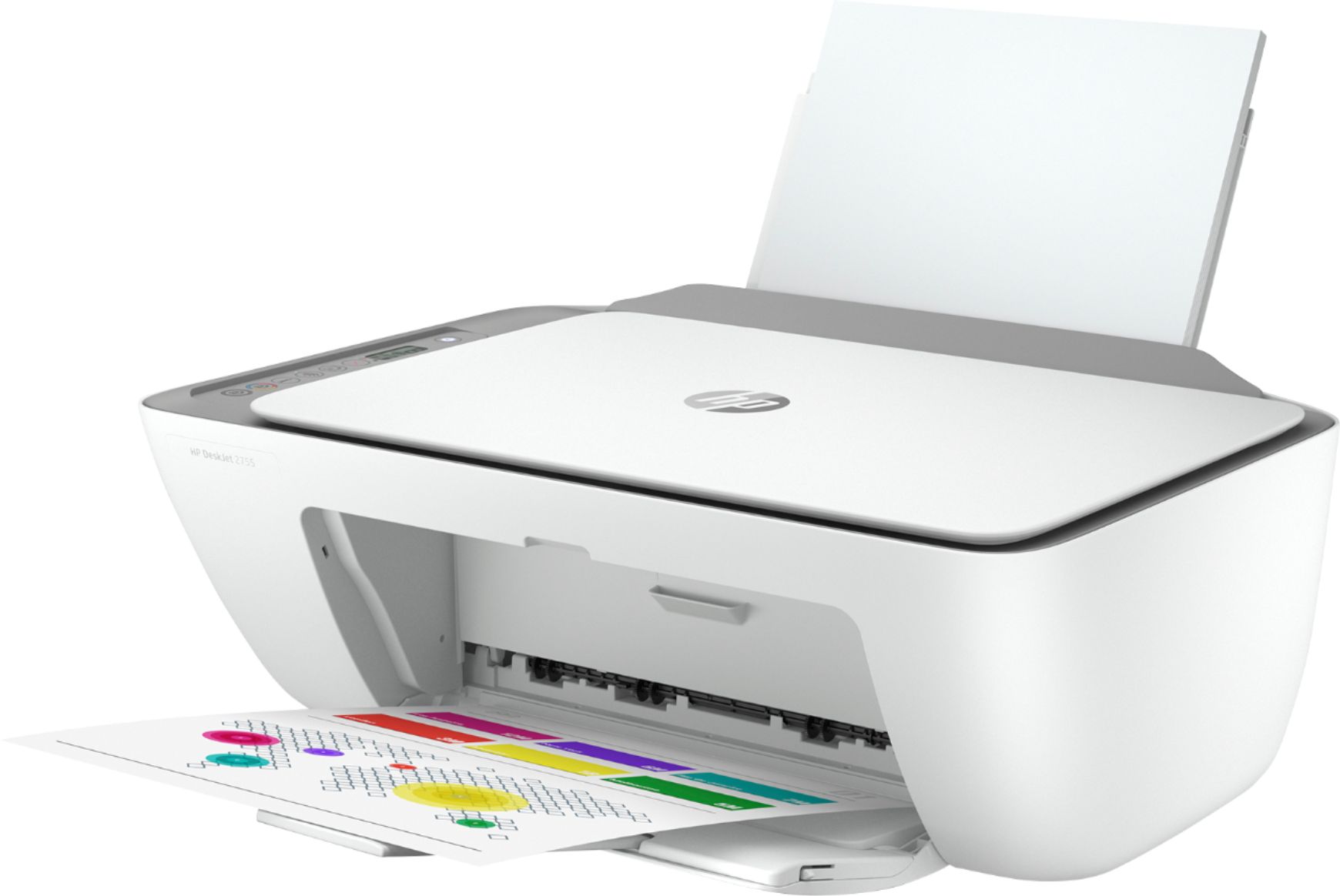
A:AnswerThank you for the question. The DeskJet 2755e would be very practical for label printing. Be sure that you use media labeled for use with inkjet printers. The paper loads from the rear, in a tray that extends upward. Scroll through the images to see a picture of the printer with paper loaded.