Questions & Answers
Page Showing 81-100 of 185 questions
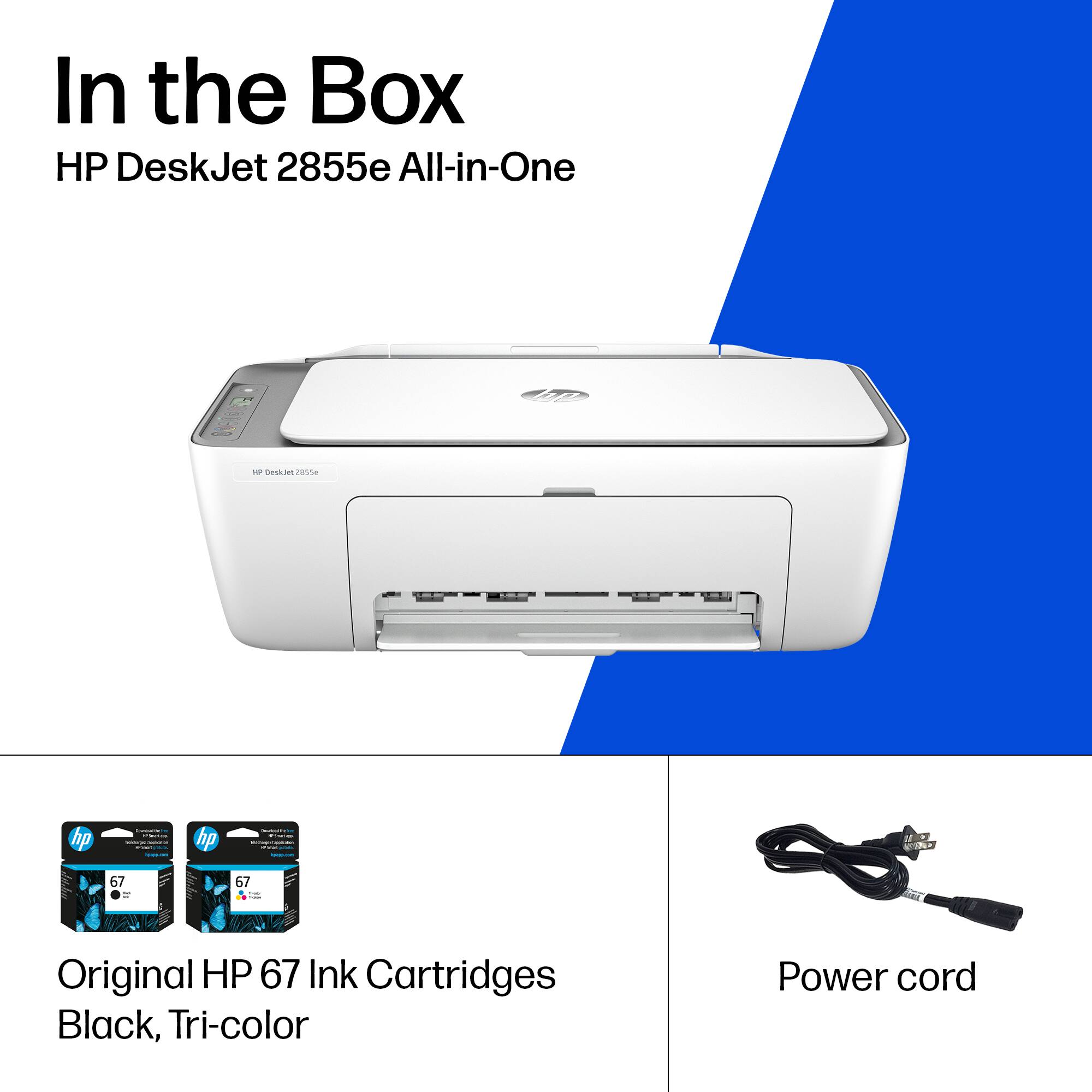
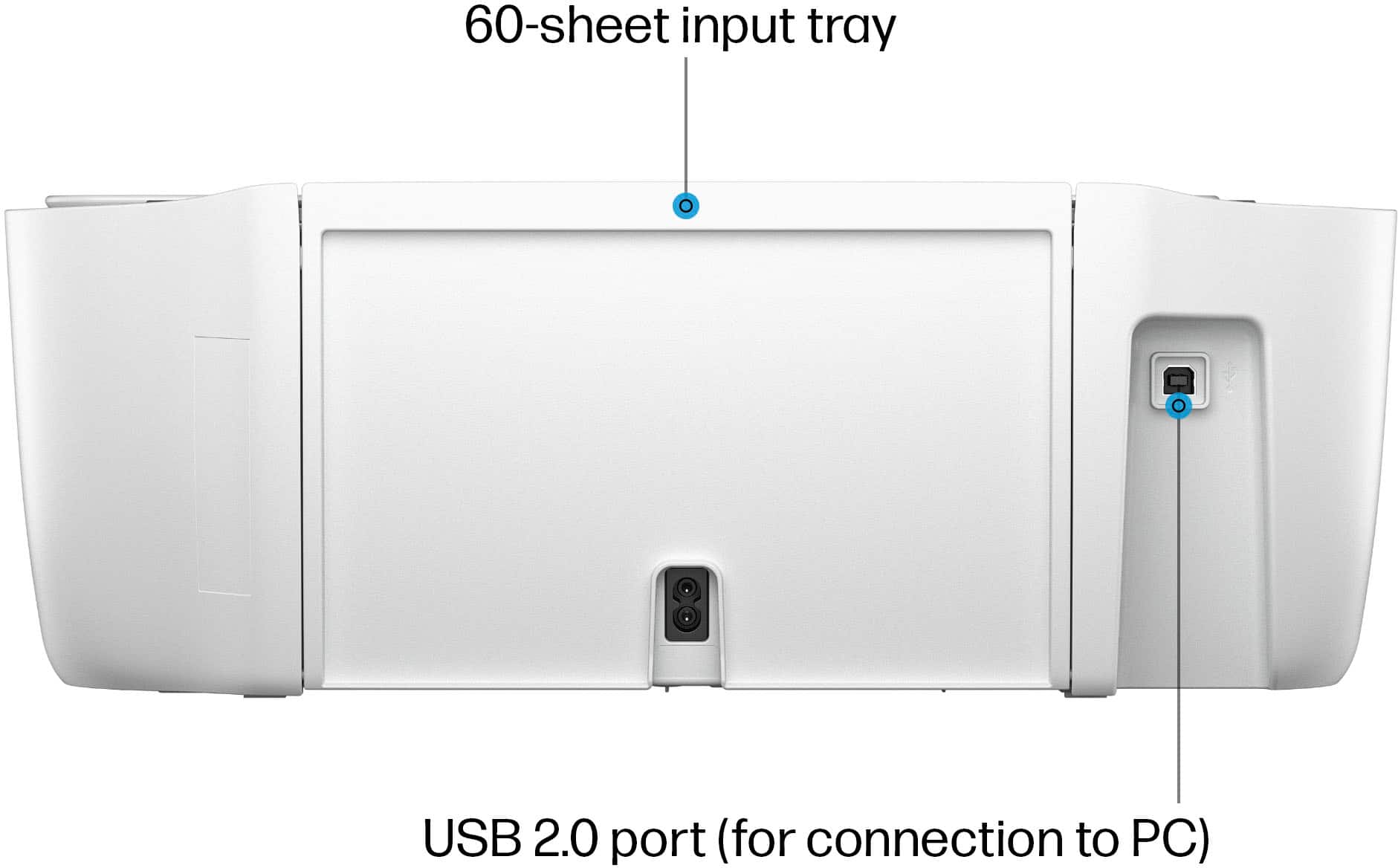
Q: Questiondoes the unit come with a USB -B cable
Asked by smoky.
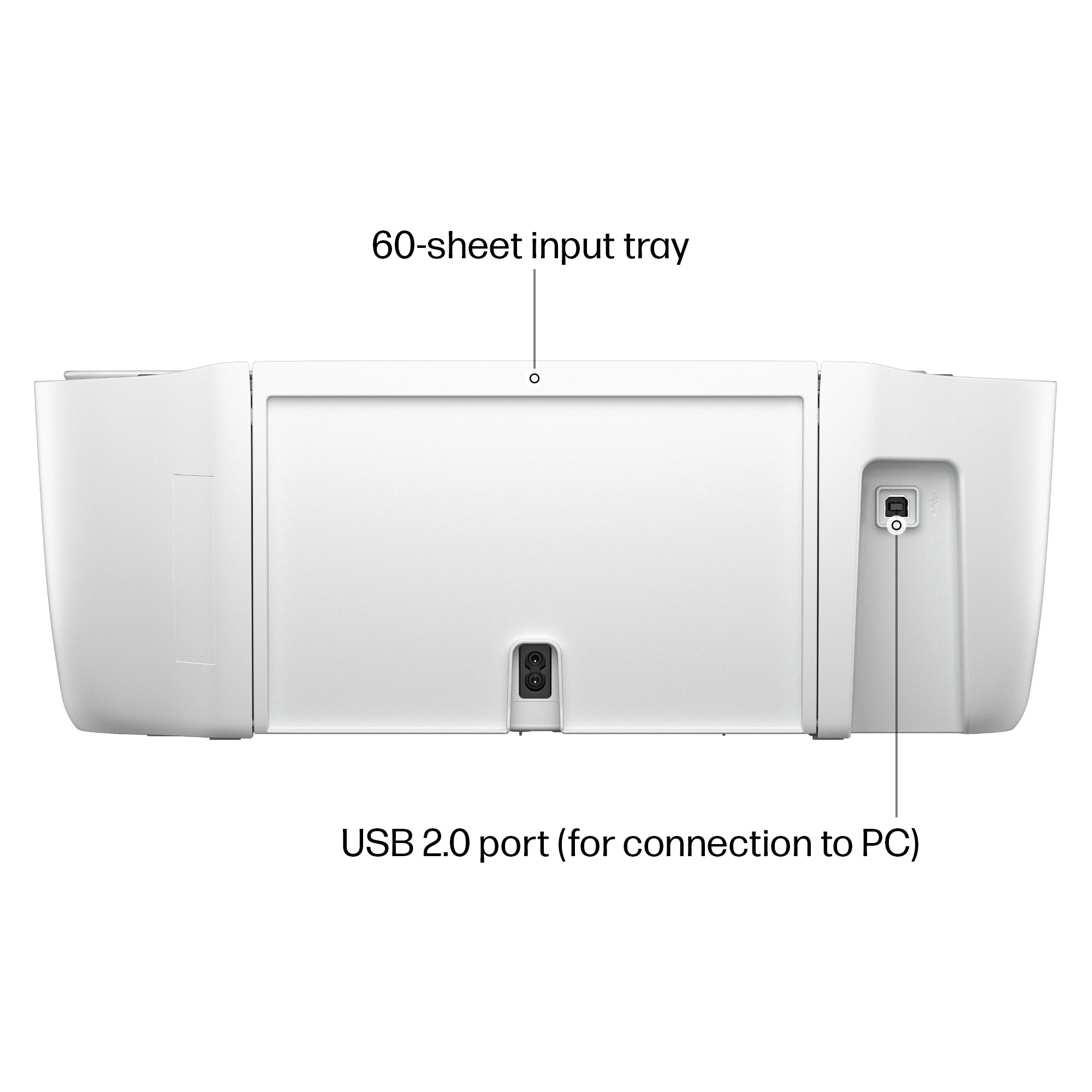
- A:Answer Printers no longer come with a USB cable in the box. It will need to be purchased separately.
Answered by Ernie
Q: QuestionExplain the ink plan
Asked by Lilly.
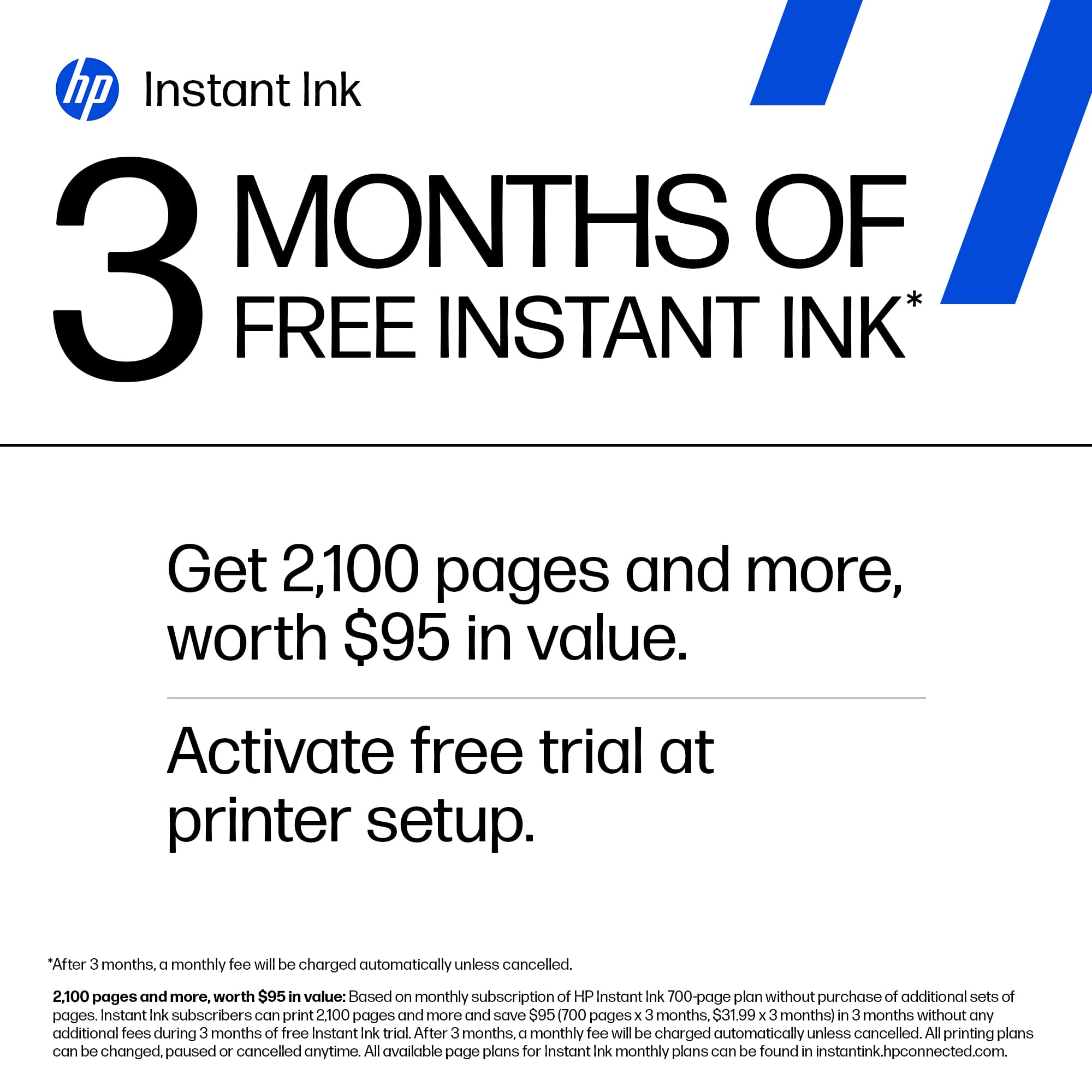
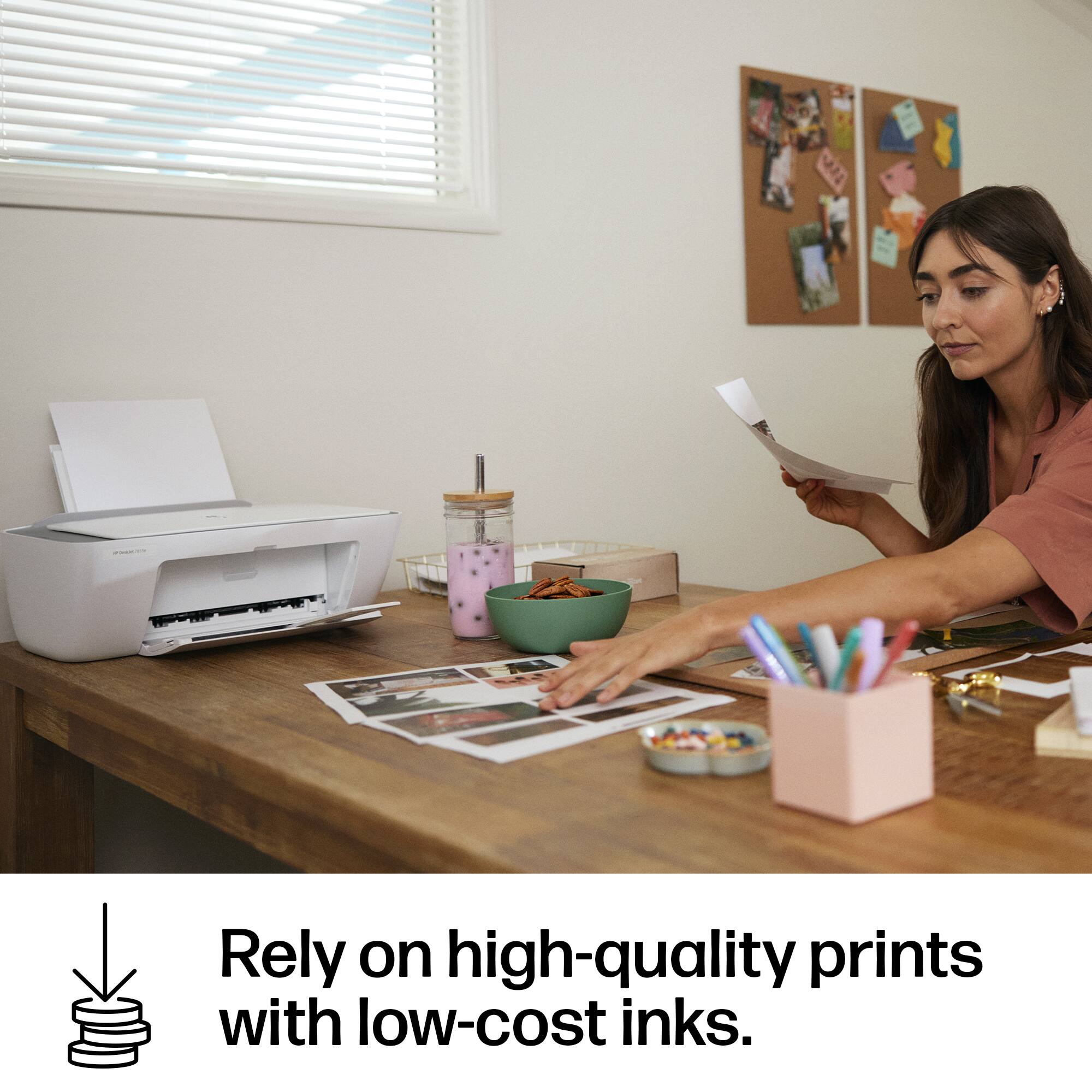
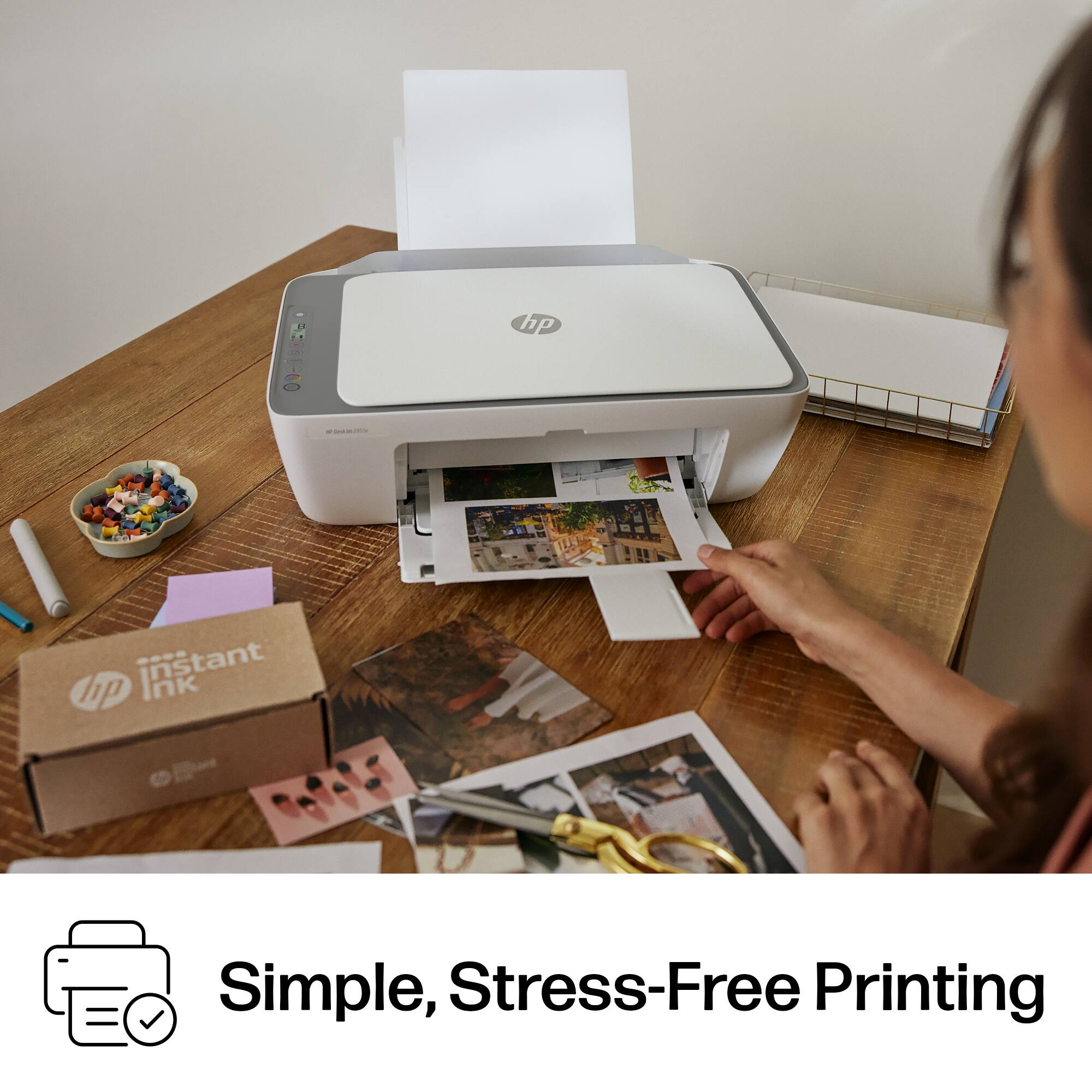
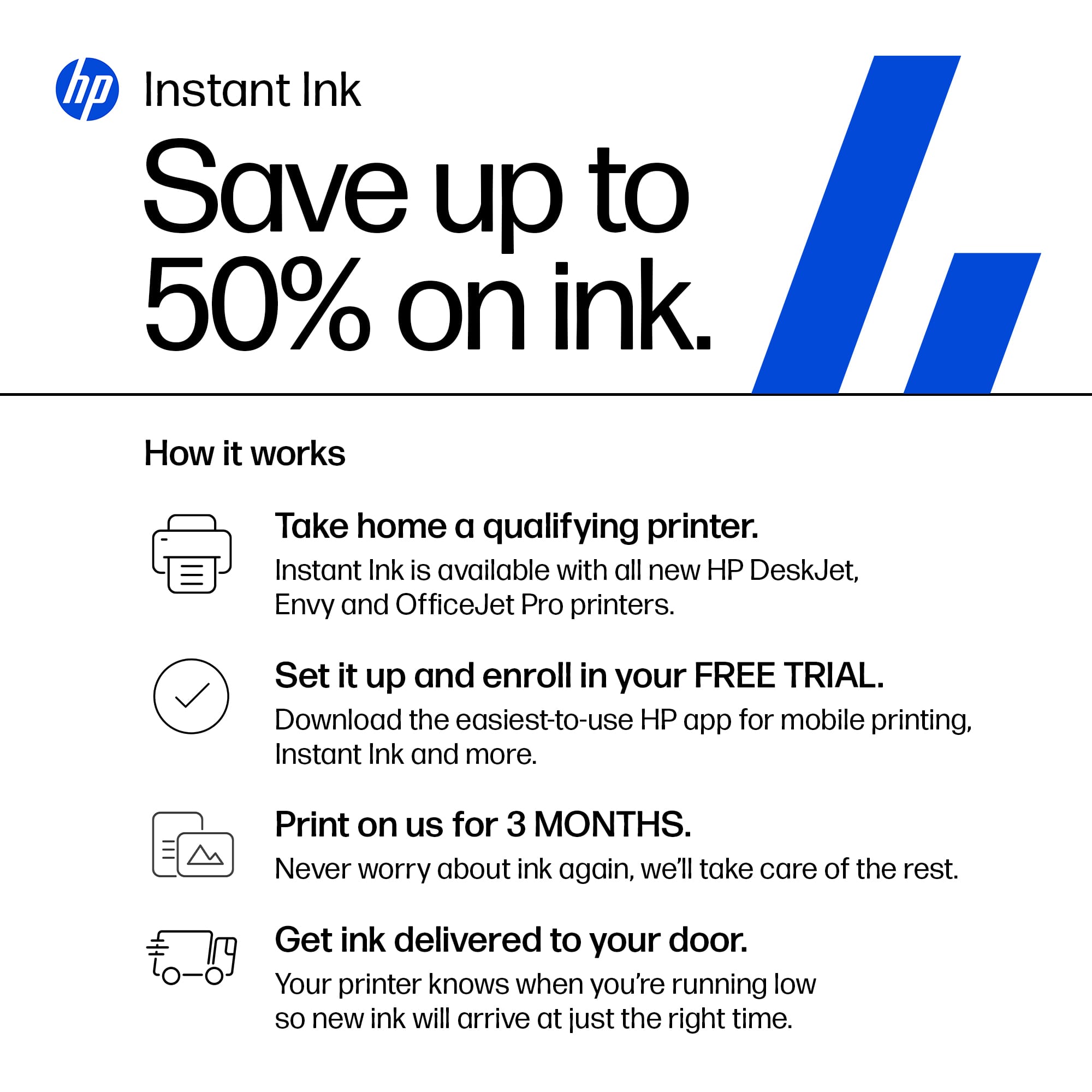
- A:Answer HP Instant Ink is a subscription program offered by HP to help you manage you ink cartridges. Plans are based off on how many pages you plan to print versus how much ink goes into each page. This means you can print 1 page of black and white text and 1 full size 8x10 photo for the same price. The printer notifies HP that you are low and the cartridges are mailed to you automatically. You choose the plan based on your printing frequency and can change or cancel anytime. Any unused pages are rolled over to the next month at up to 3X your plans page count. A traditional cartridge may yield a certain amount of pages but if you're prints are using up a lot of ink, then they won't last as long as the cartridge states to last. HP instant ink cartridges are also XXL which means that they have a lot more ink them than the standard cartridges you can buy at a store. This is why a lot of customers claim that they don't get cartridges in the mail that often because they barely print anything. I must also note, that since you are paying for pages and not the ink, if you choose to cancel your subscription, the current instant ink cartridges on your printer will not longer be operable and you will need to purchase cartridges off the shelf. Again, this is due to you purchasing pages rather than the ink that is on those cartridges. Thanks,
Answered by Ernie
Q: QuestionDoes this printer work with iPad and iPhone?
Asked by Sidney.
- A:Answer Yes it does work w apple products.
Answered by mart
Q: QuestionHow many pgs can be printed from one catridge does this printer scan
Asked by Deena.
- A:Answer There is an average pages. But it can be more or less. If you print pictures it will be substantially less. Documents more. They do give a printed pages on som sites . But they can vary.
Answered by mart
Q: QuestionCan it be connected Bluetooth?
Asked by Anonymous.
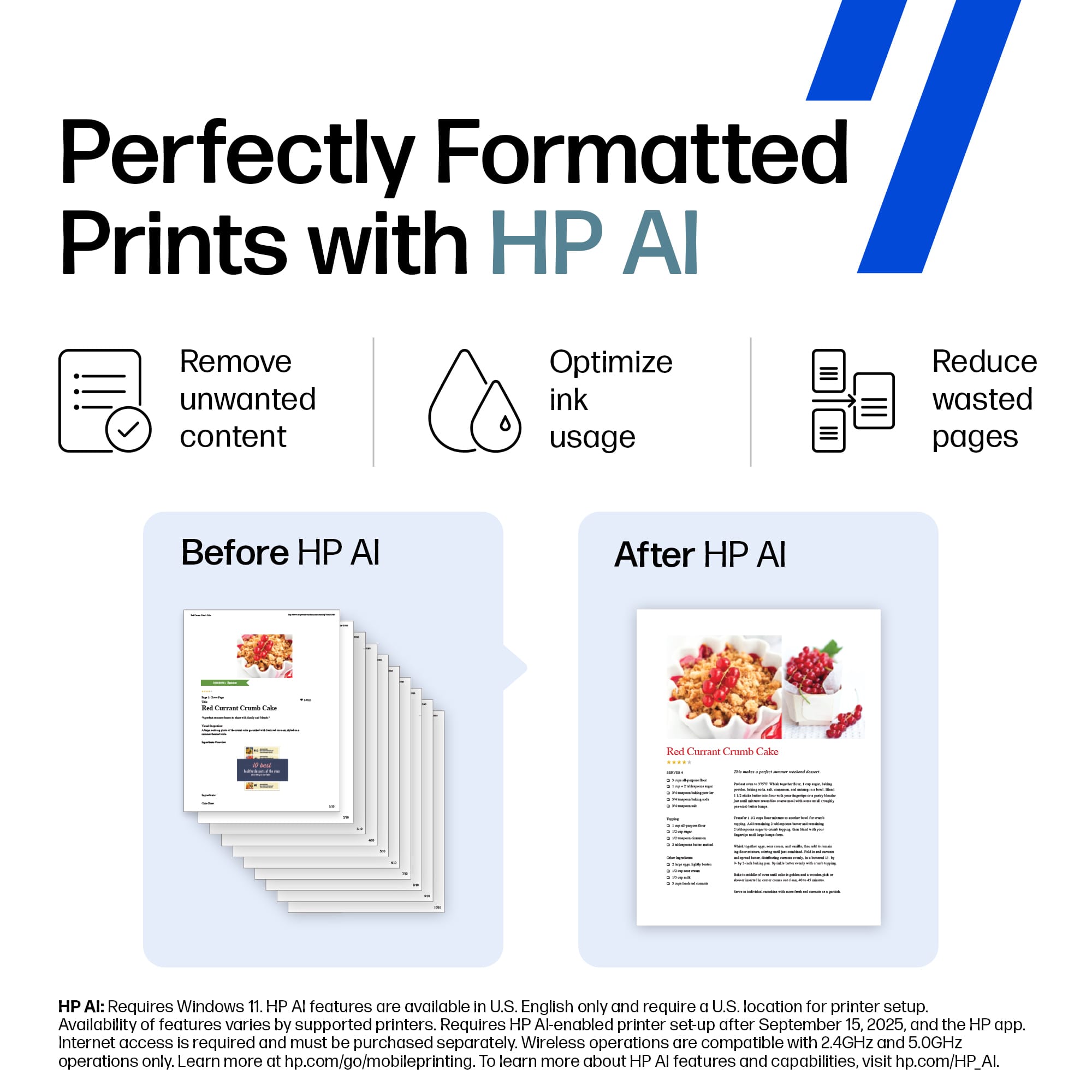
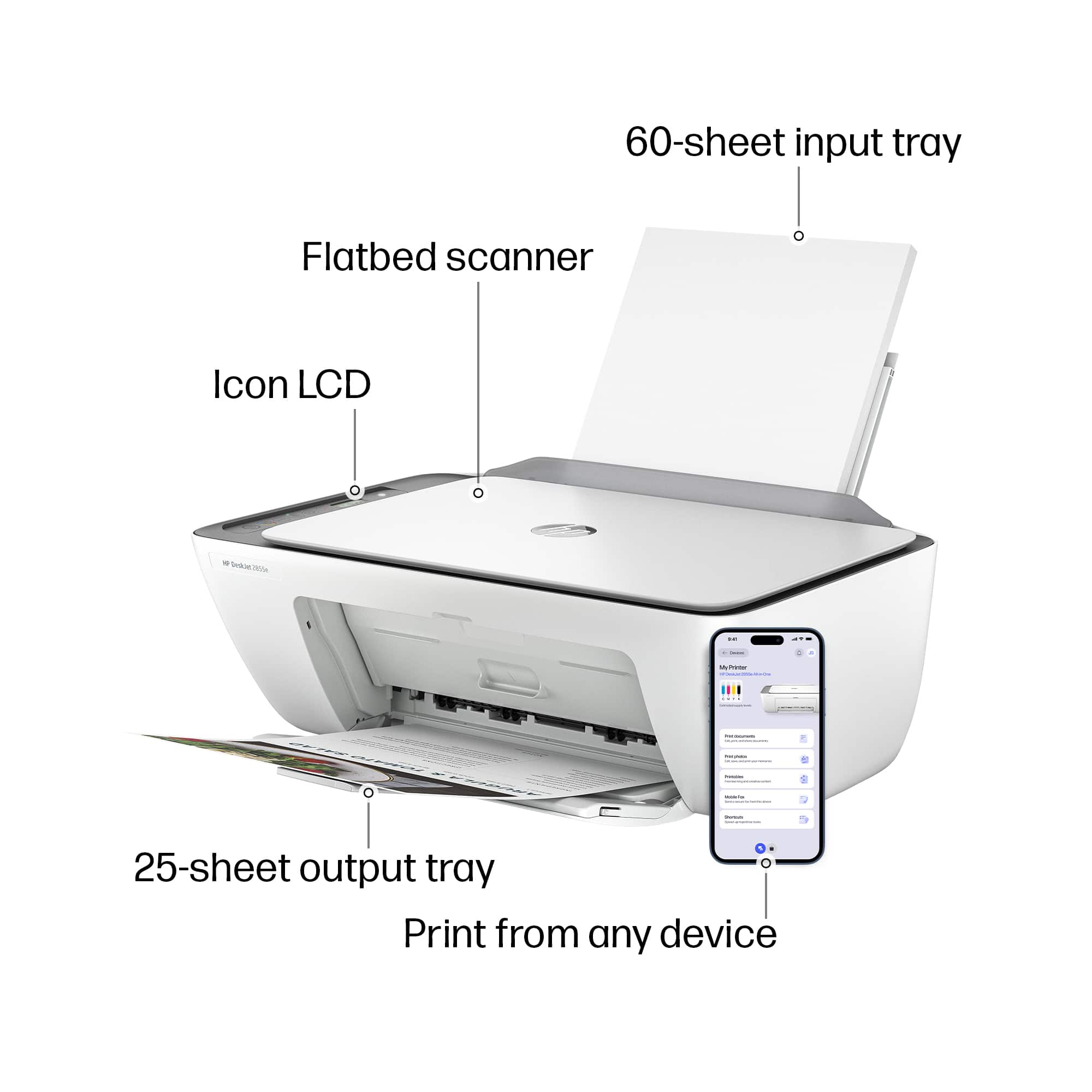
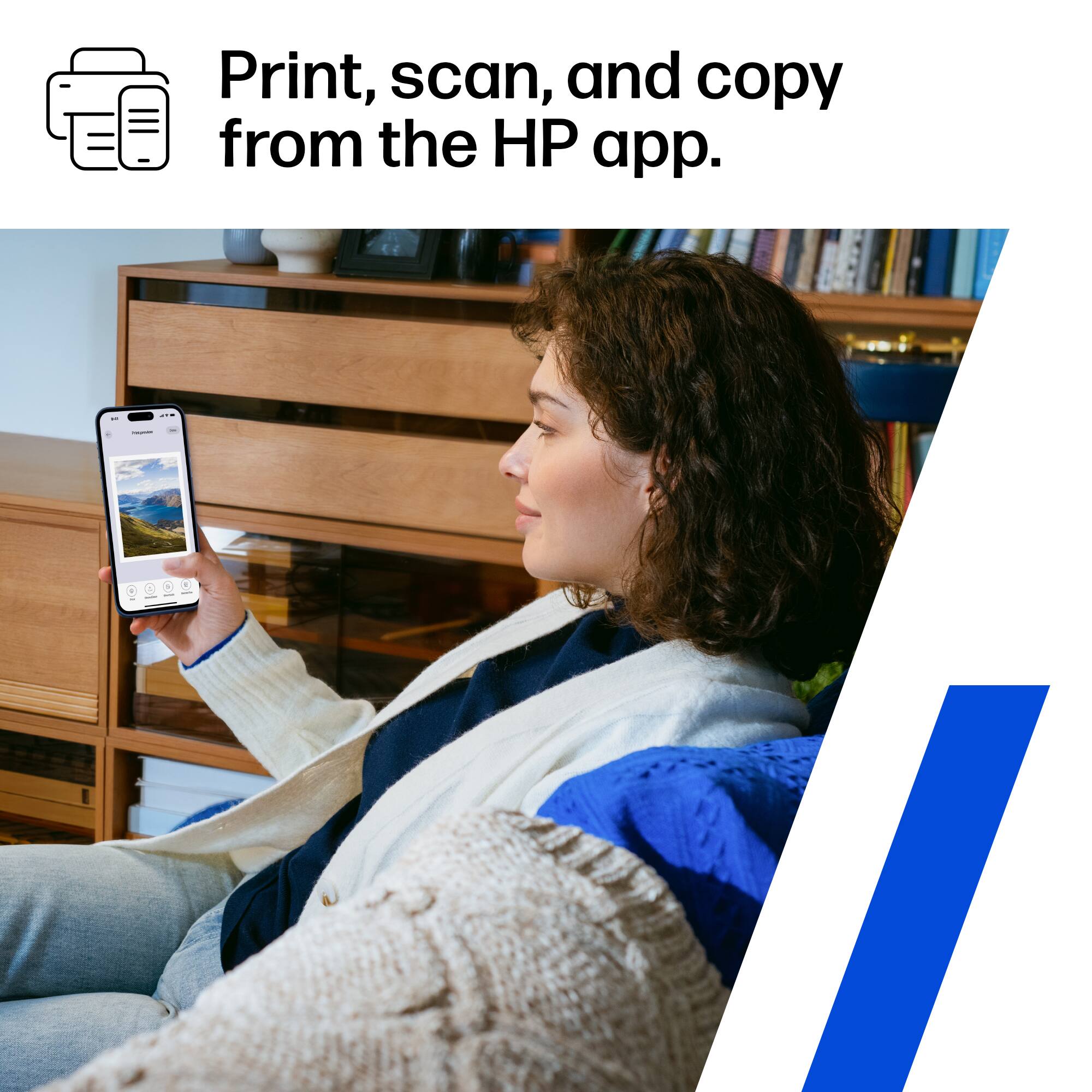
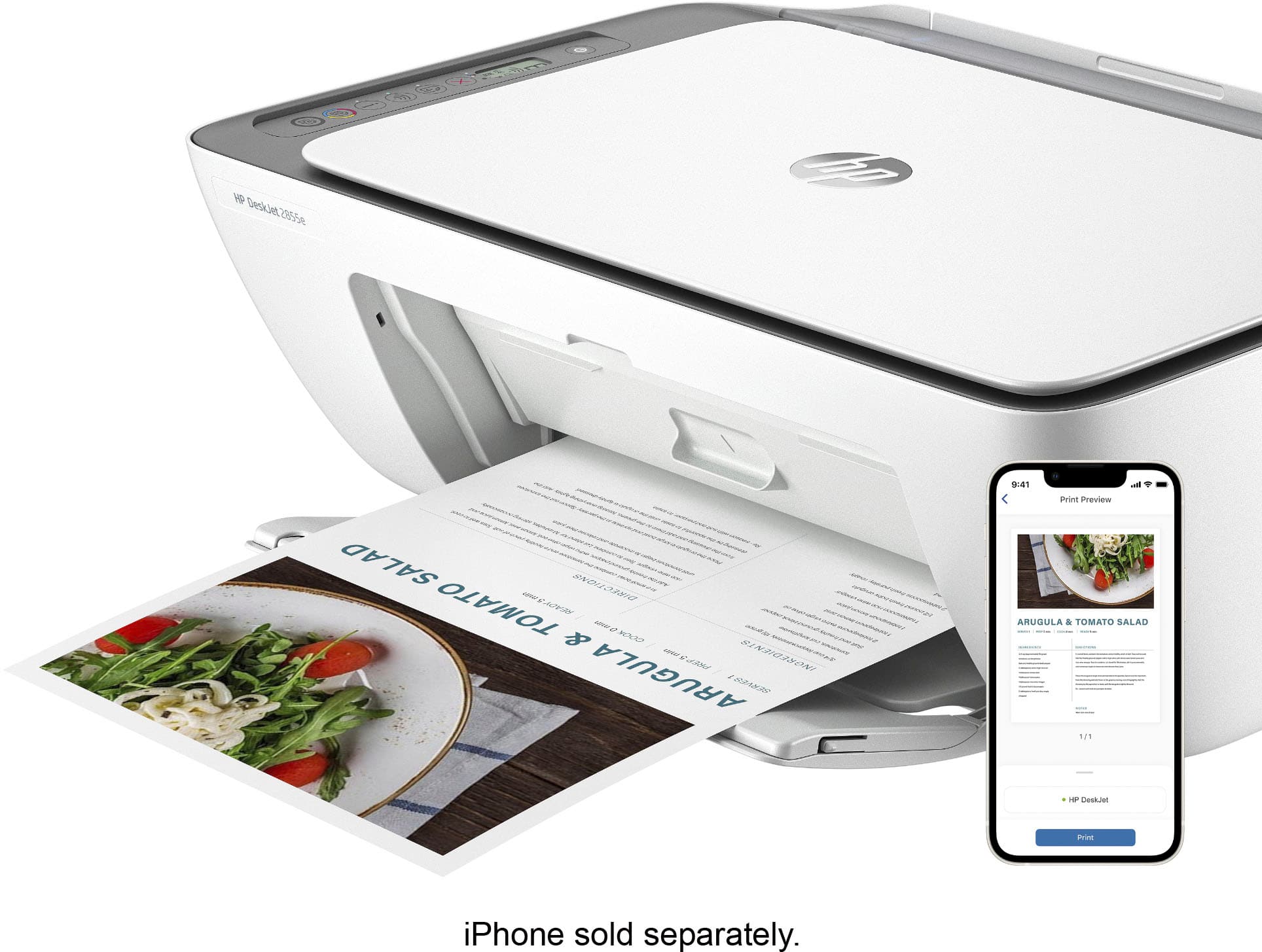
- A:Answer No Bluetooth but you can print wirelessly through the HP Smart App on the your pc and phone. You can also print using wifi direct which means you can print wirelessly even if you're not connected to a wifi network.
Answered by Ernie
Q: QuestionDoes this printer have the ability to enlarge and decrease size?
Asked by Ory1.
- A:Answer You cannot edit your scan or copy directly on the printer but you can use the HP Smart App to scan, edit the size and print as a copy.
Answered by Ernie
Q: QuestionDoes it use 64xl ink
Asked by Anonymous.
- A:Answer This printer only takes HP 67 cartridges.
Answered by Ernie
Q: QuestionIs it difficult to replace cartridges
Asked by LindaM.
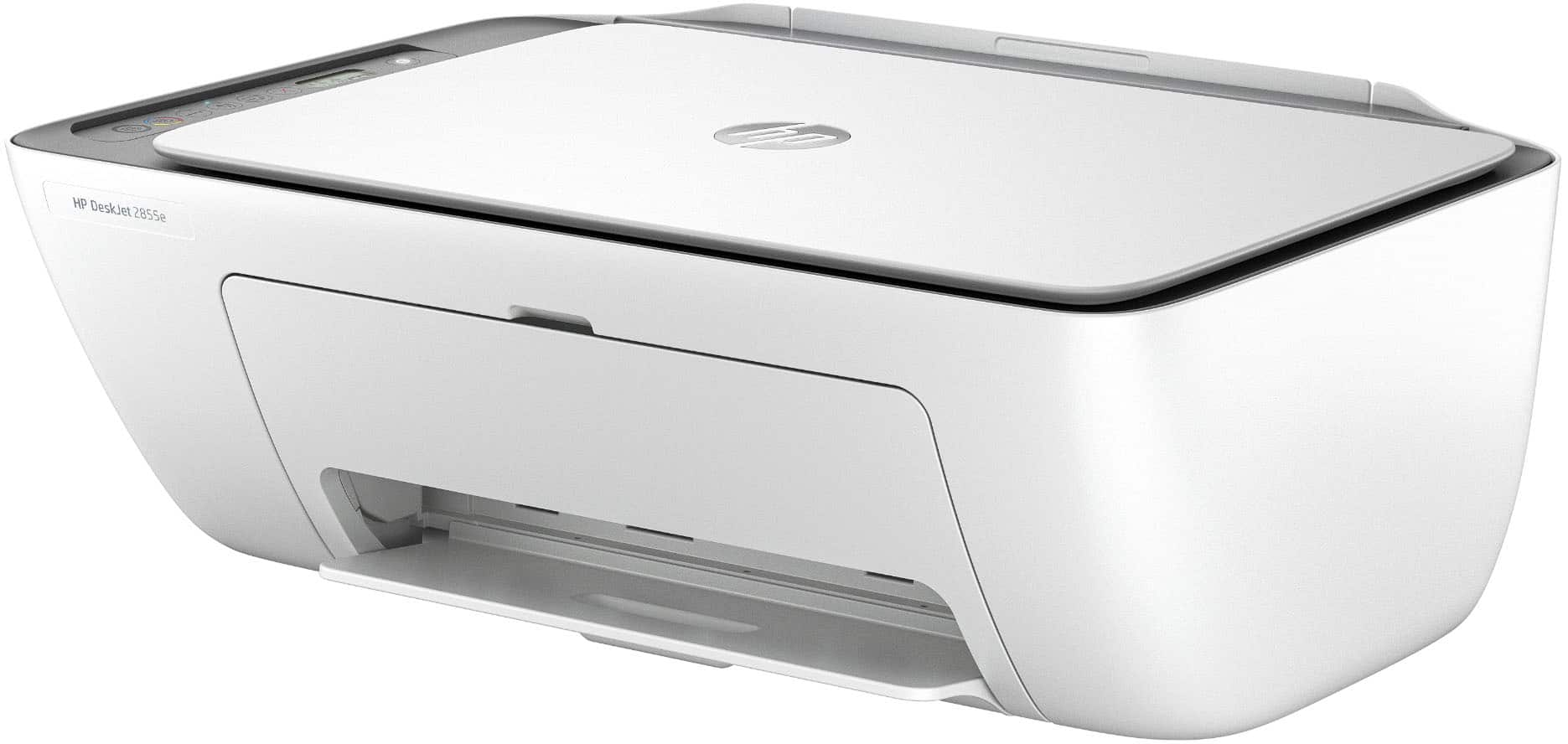
- A:Answer It's not an easy peasy, as you have to open the front of printer to install ink. If you do not place the printer high enough so you can see inside that opening you will have to lift it up and lean back to change them Another feature I did not like about this model.
Answered by Ranay
Q: QuestionCan HP desk jet printers continue to print in black if the color cartridge is empty?
Asked by Dolly.
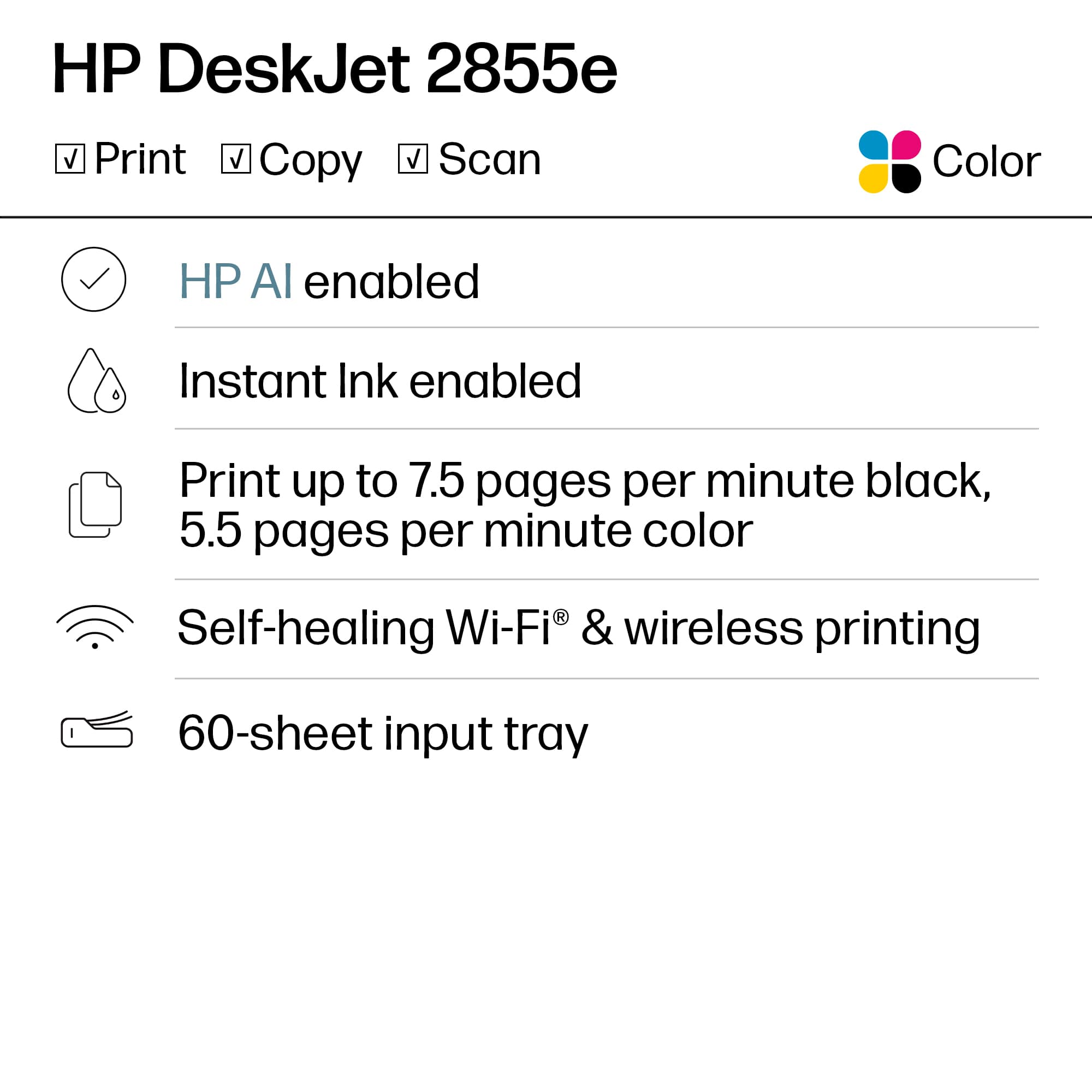
- A:Answer Thank you for your question. Yes, the Deskjet 2855e printer can print in black ink only if the color cartridge is depleted.
Answered by HP Team

Q: QuestionWill this printer work without internet or an ap? This is for an 85 year old woman who just wants to be able to copy papers. She has no internet and only a regular telephone.
Asked by SusieQ.
- A:Answer Hello and thanks for asking. The HP DeskJet 2855e printer does not require an internet connection or require an app to use.
Answered by HP Team