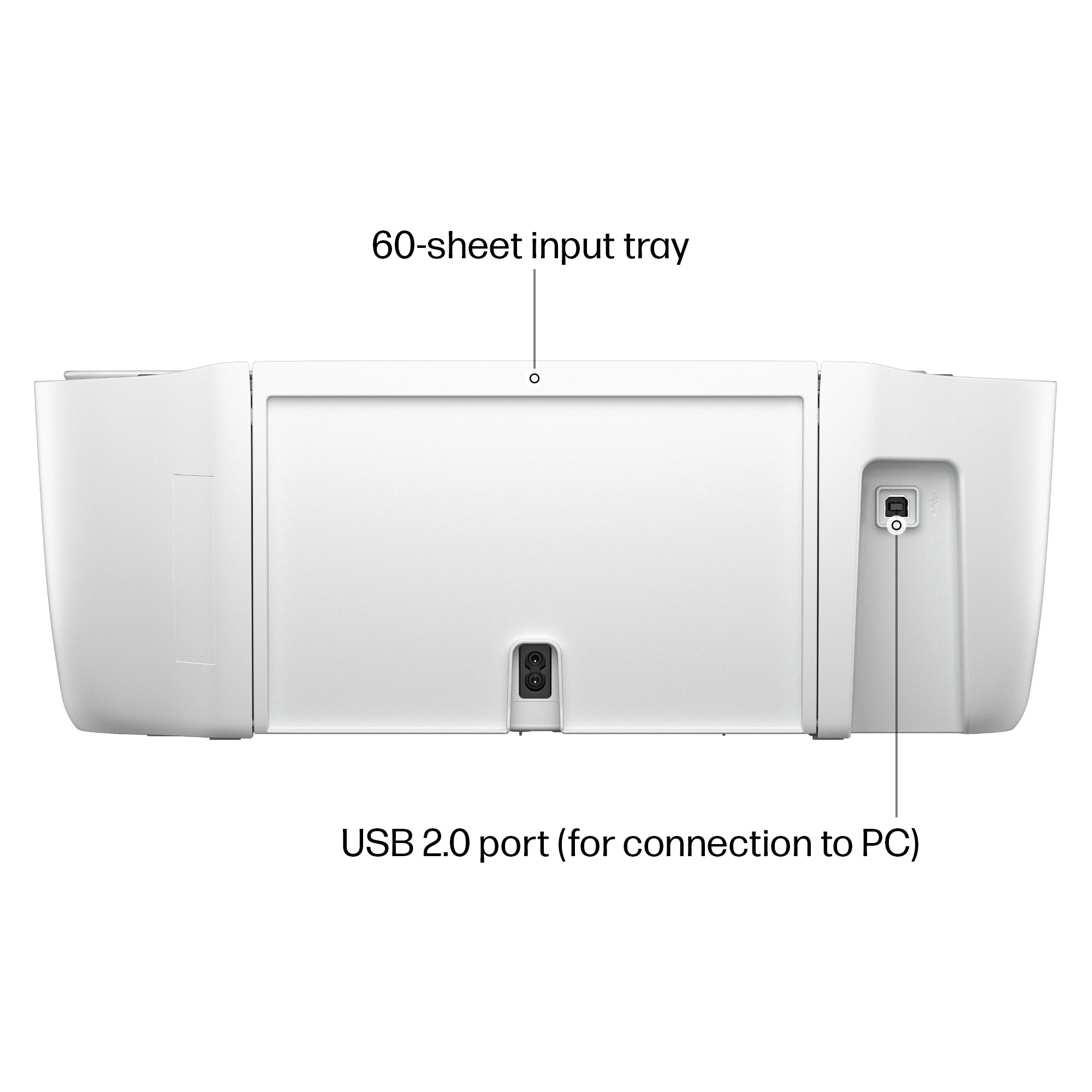
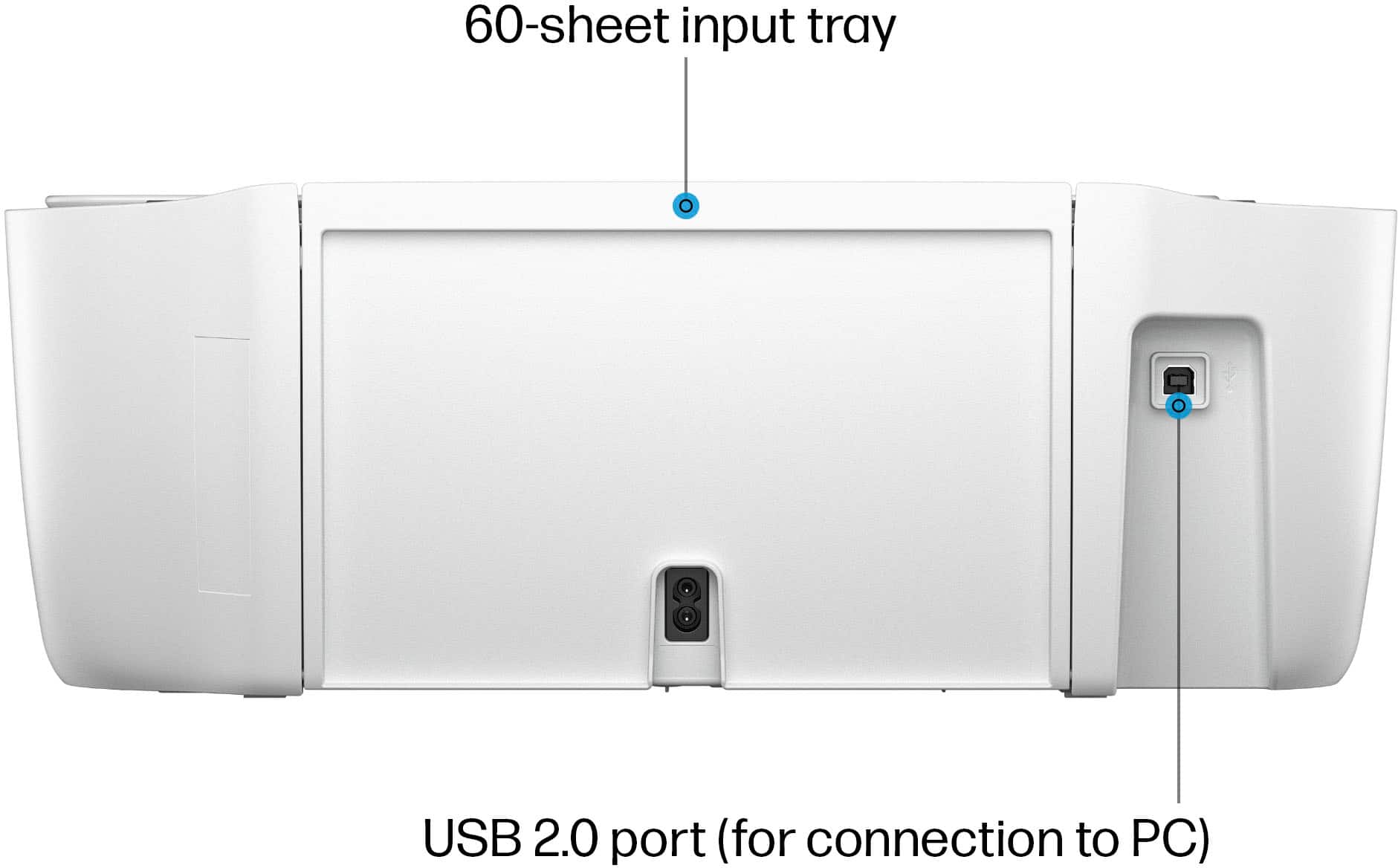
A:AnswerHi, Printing, and thanks for the question about what operating system the Deskjet 2855e is compatible with I'm not sure whether you've got a Chromebook laptop or one with Windows 11 (those two operating systems aren't compatible, so you've got one or the other on your computer, but not both), but yes, this printer is compatible with either operating system.
A:AnswerHello, Richard. Thank you for the question. The DeskJet 2855e does not have an auto-duplexer. However, manual (user page reversal) 2-sided printing is supported.
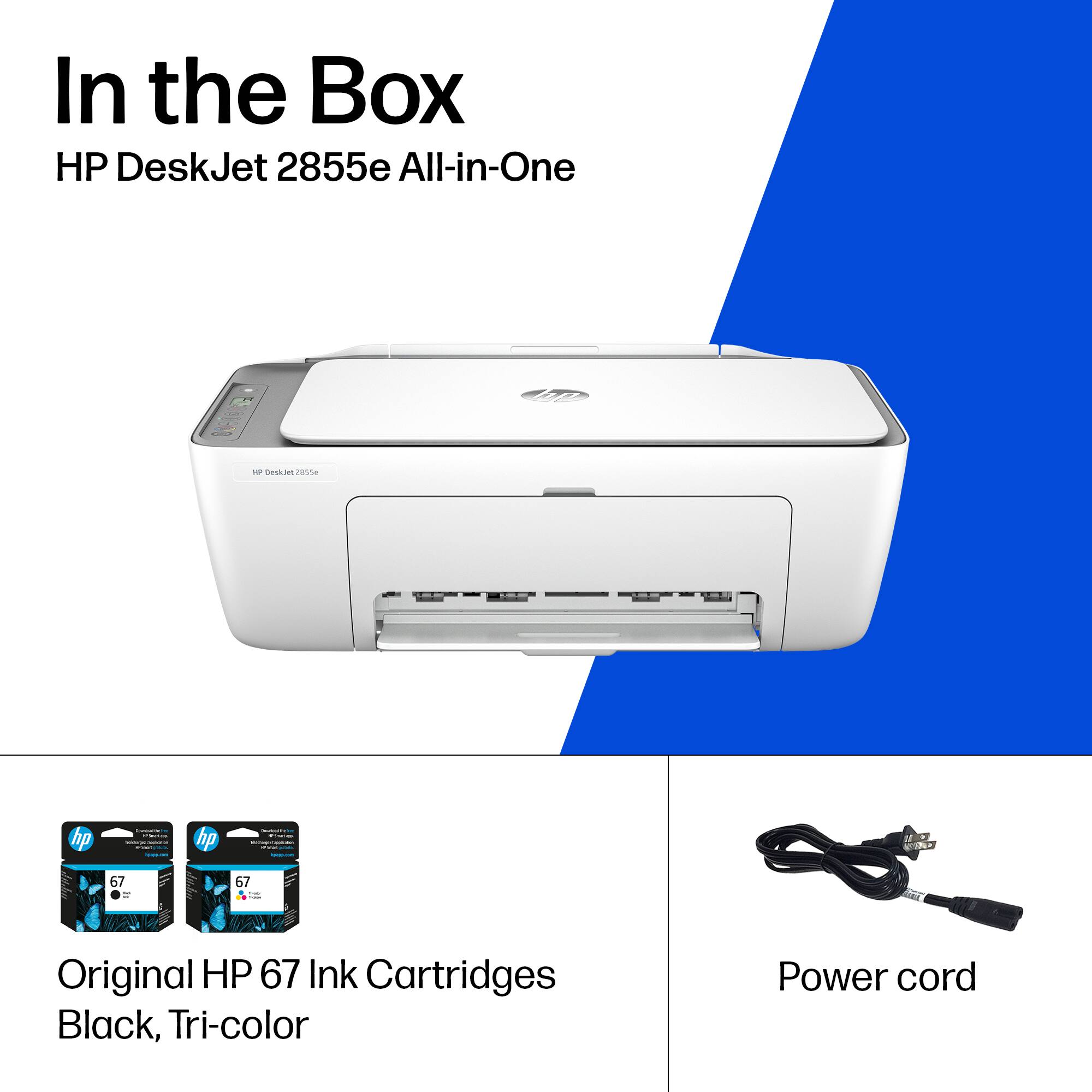
A:AnswerHello and thank you for your question. This HP DeskJet 2855e does not come with paper. I recommend getting paper with the "ColorLok Technology" logo on the package.
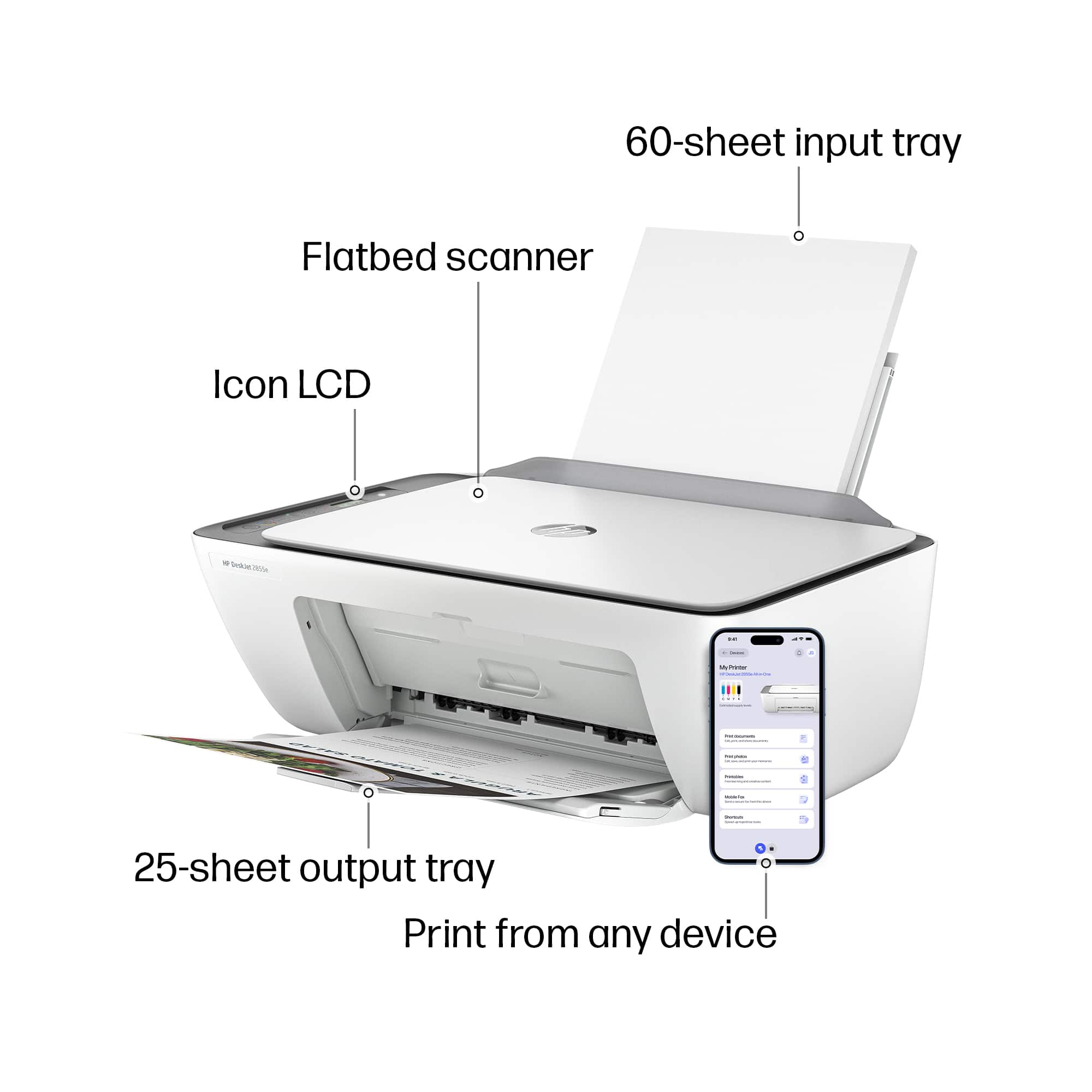
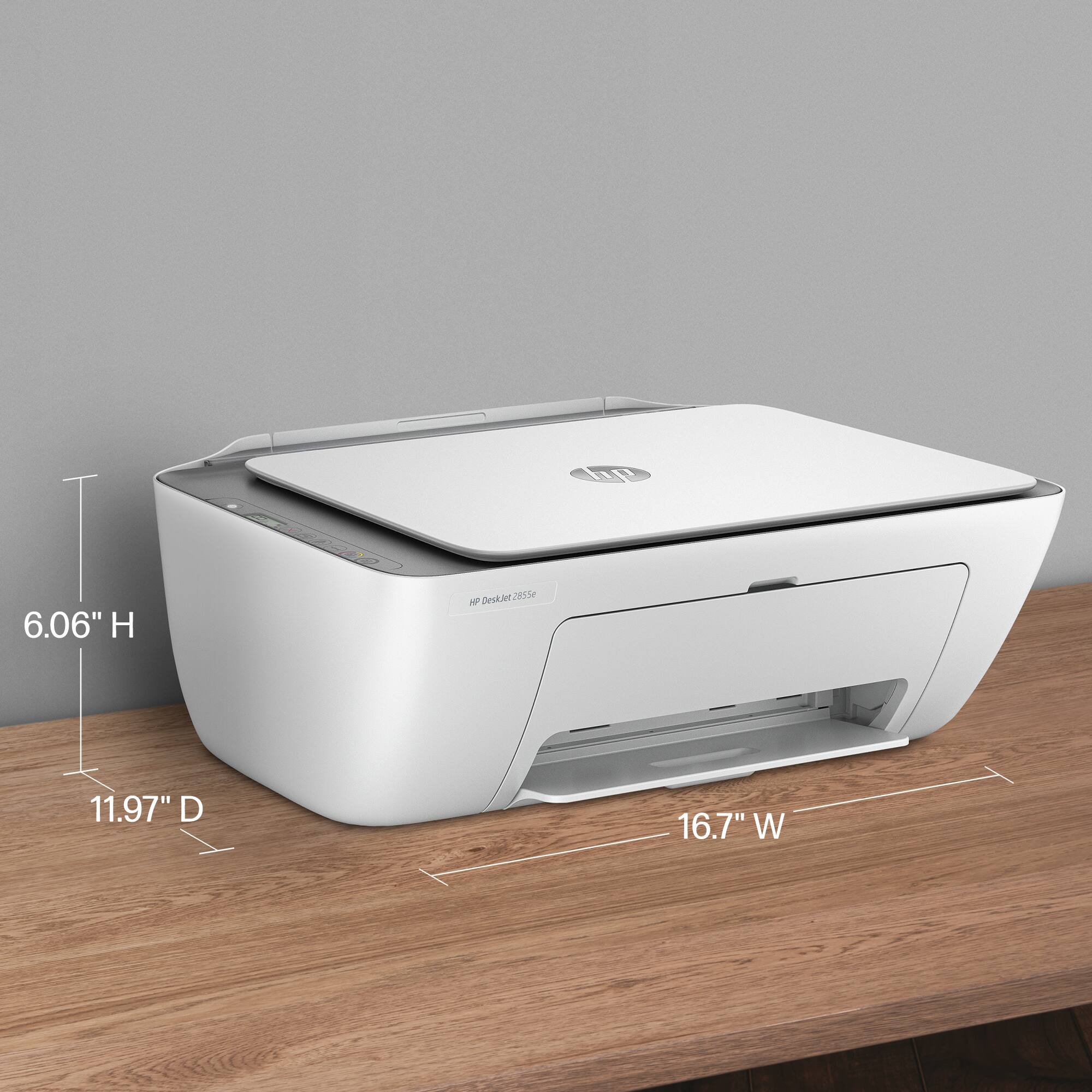
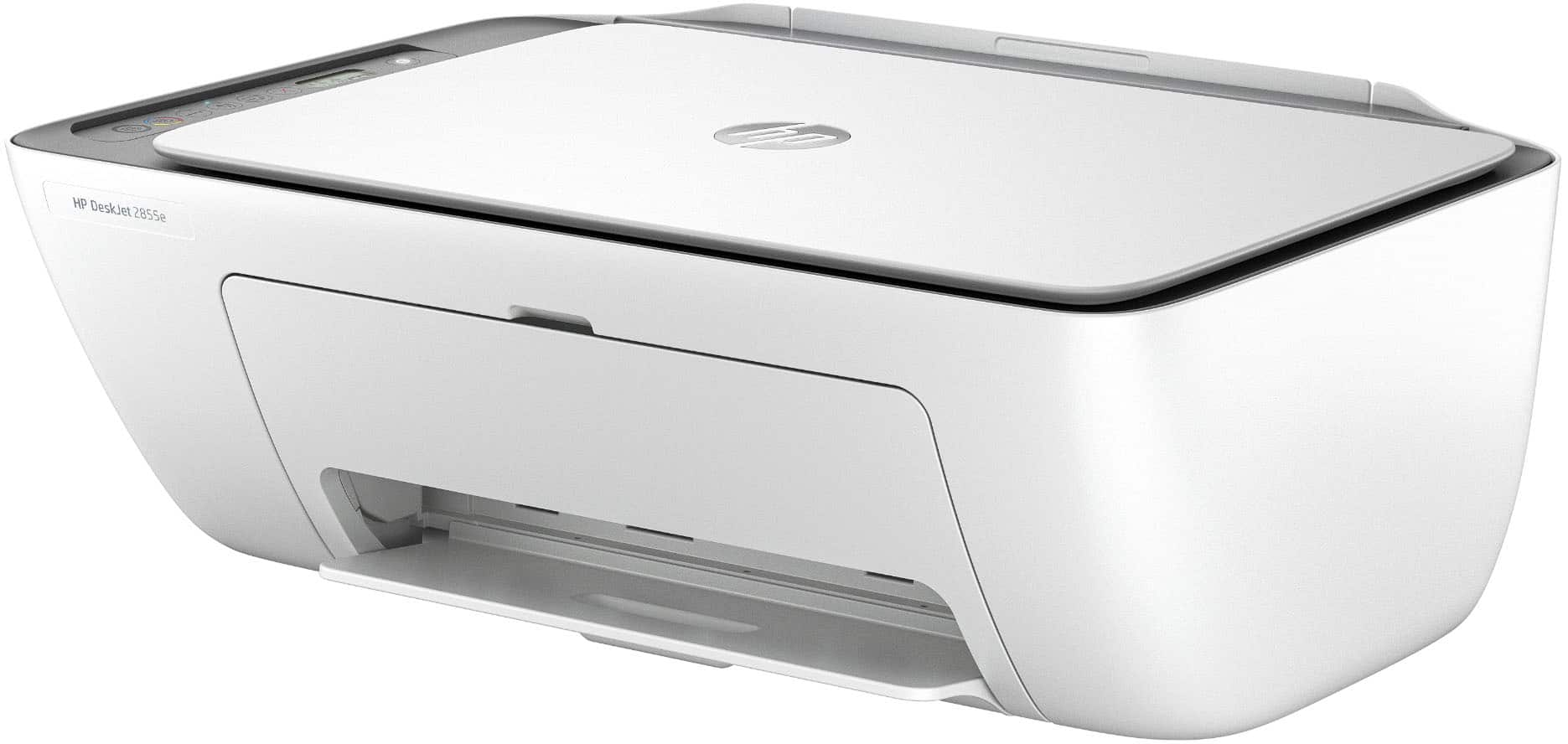
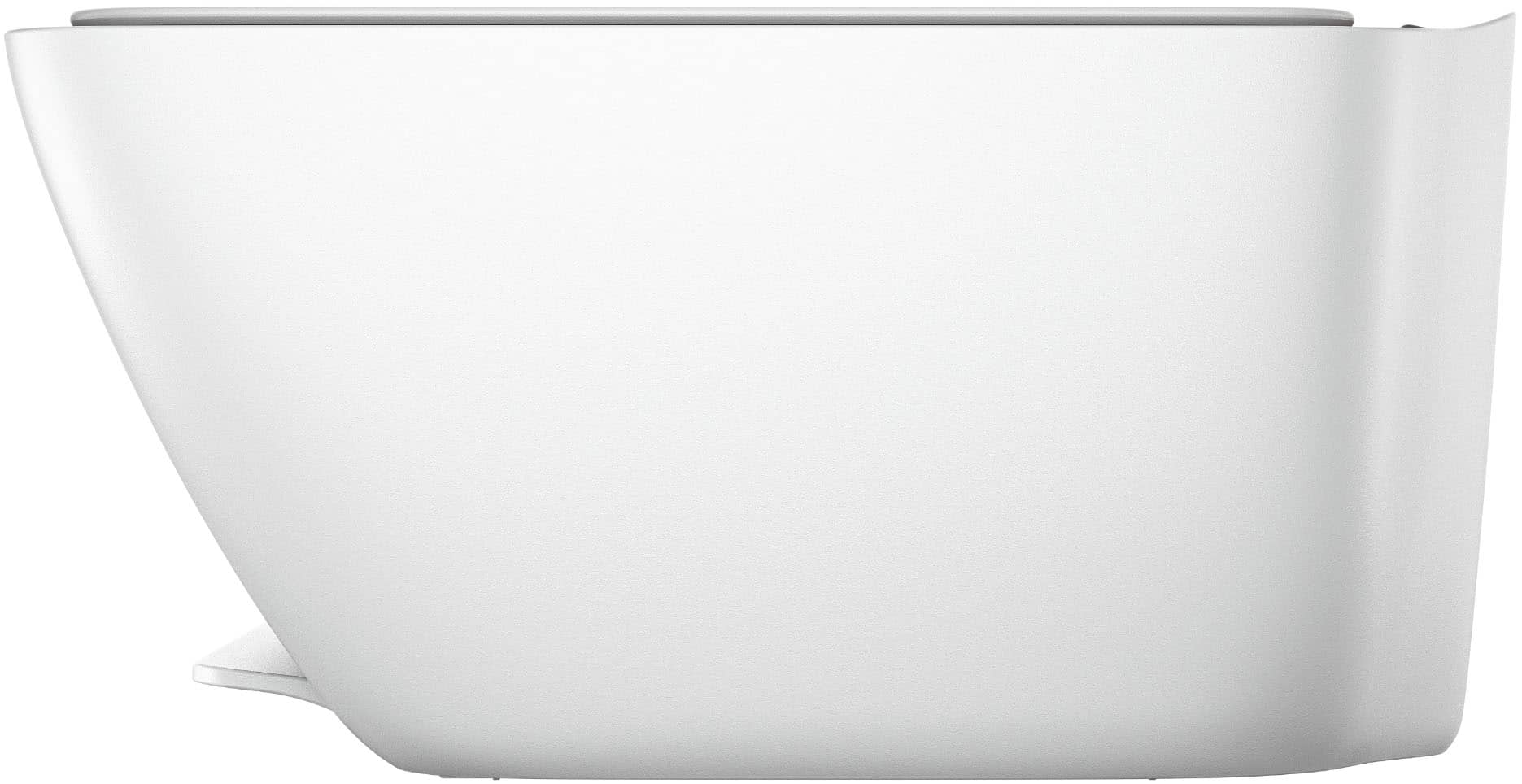
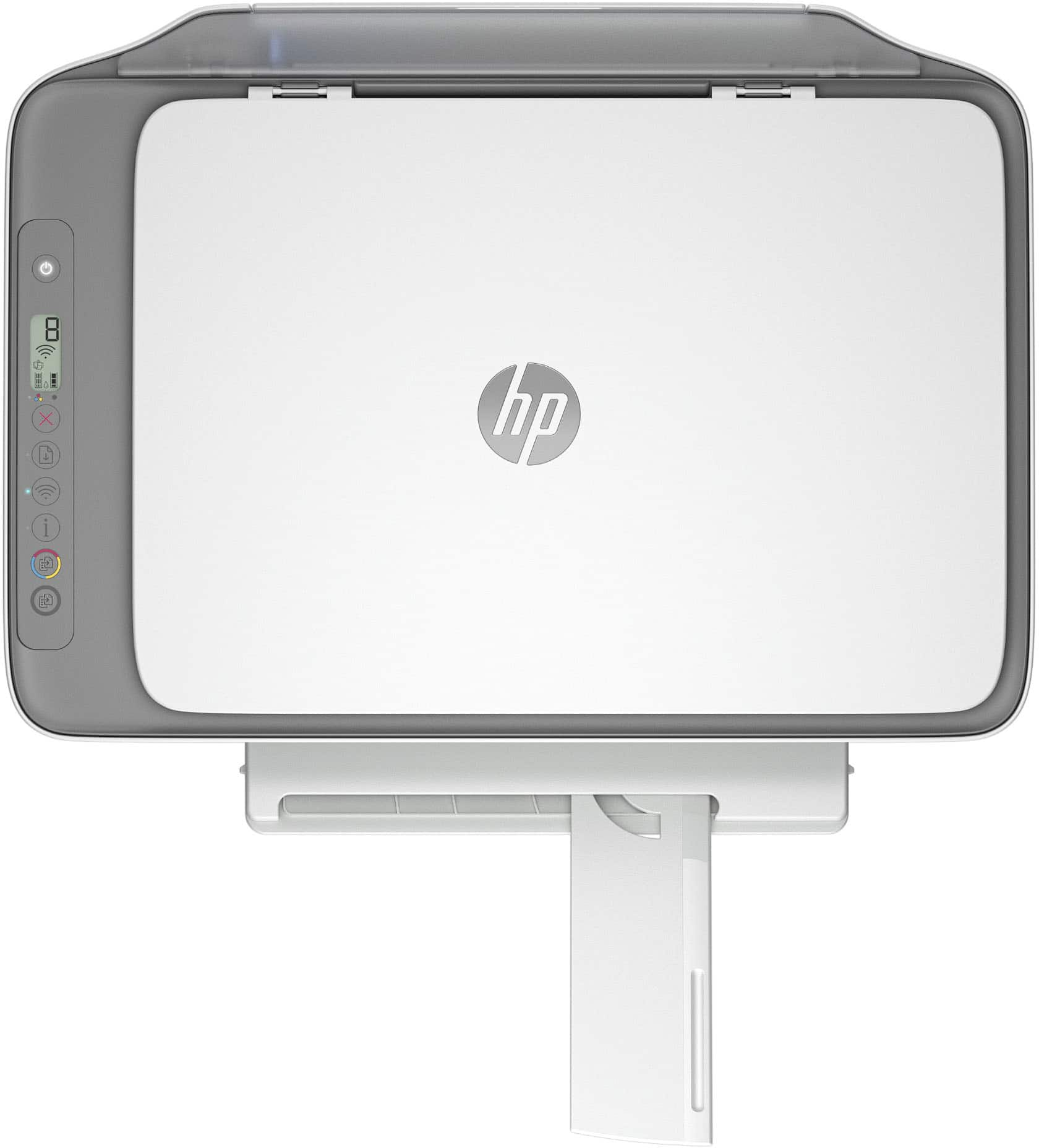
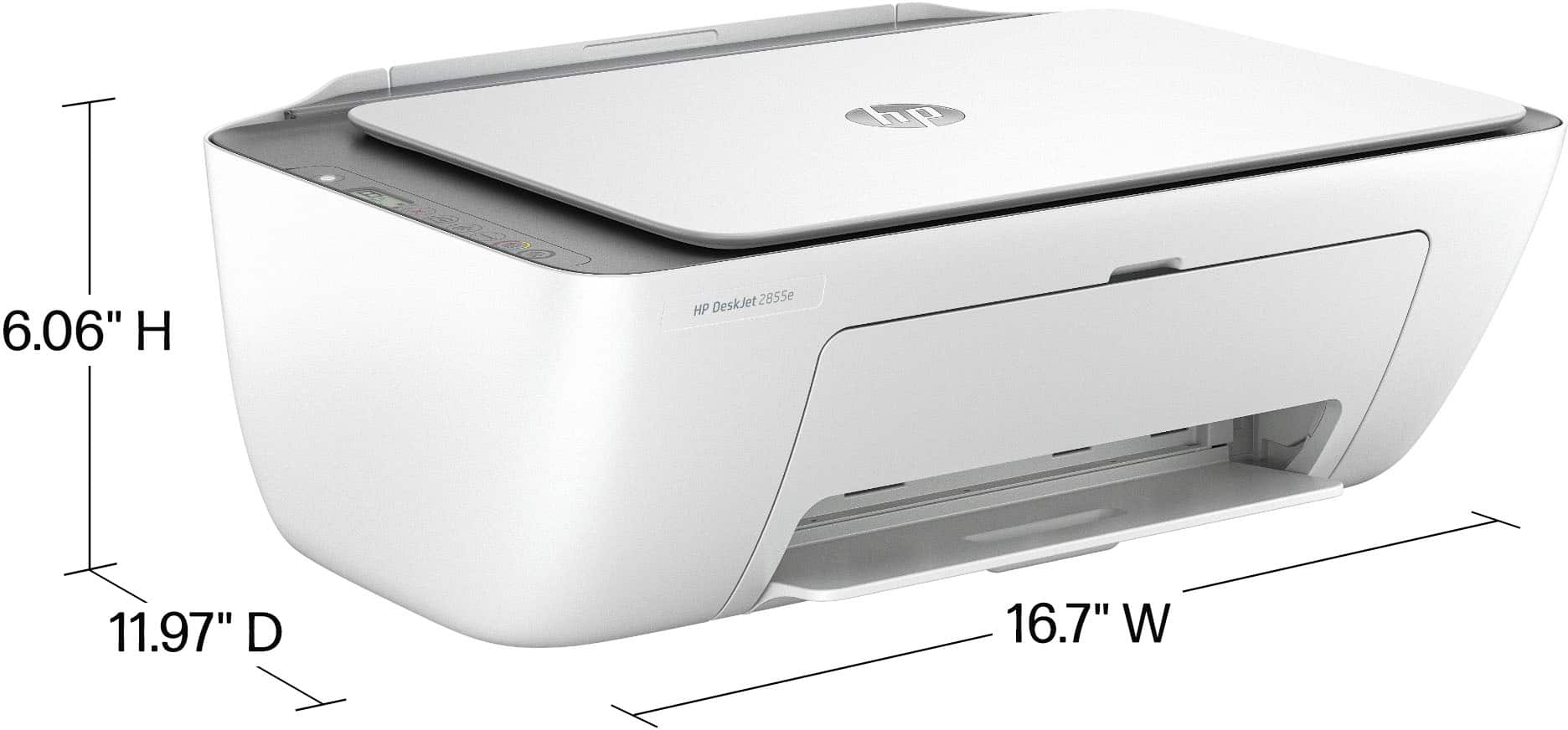
A:AnswerThank you for asking. The DeskJet 2855e measures (maximum - with output and input trays extended) 16.7 inches wide, 21.5 inches deep, and 9.8 inches high.
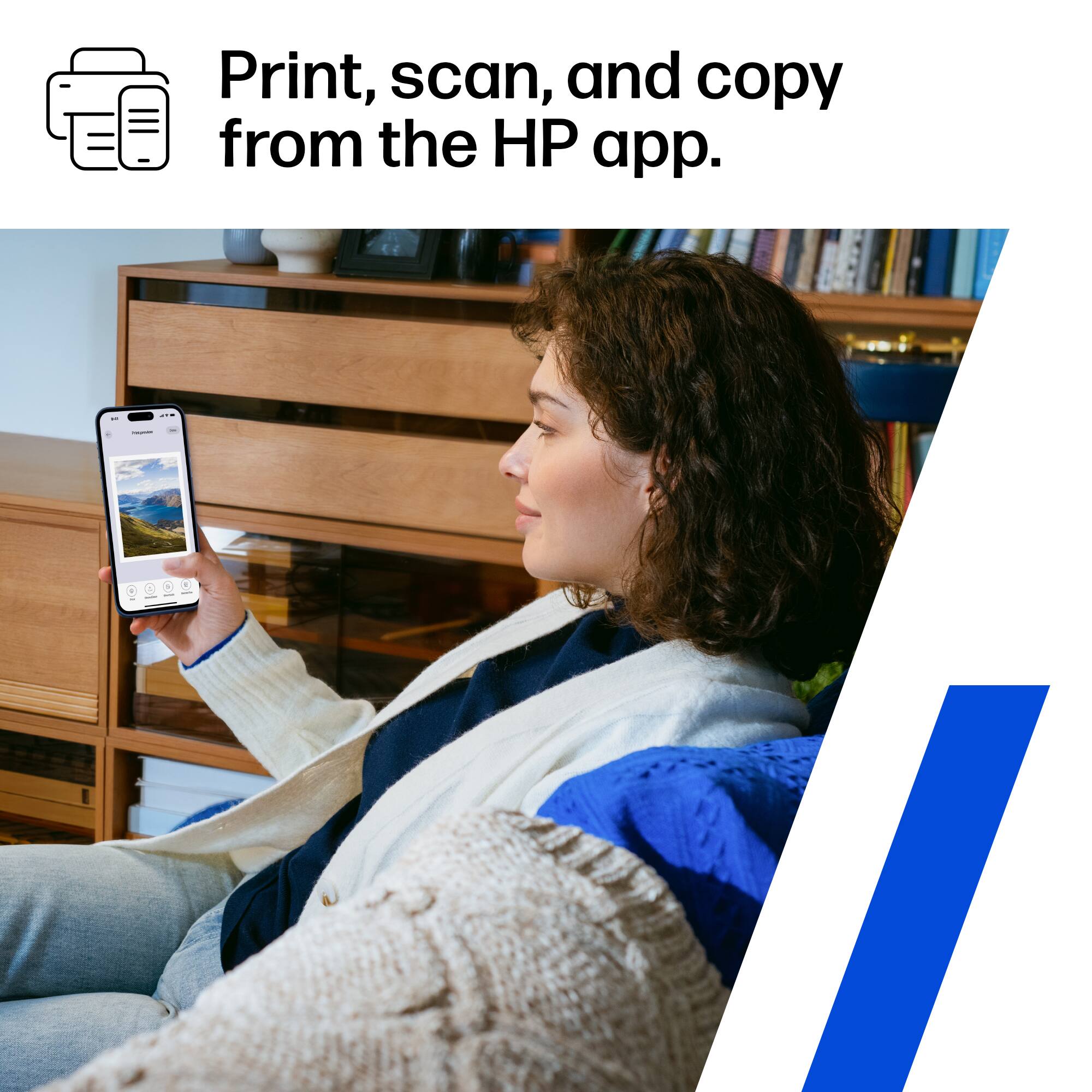
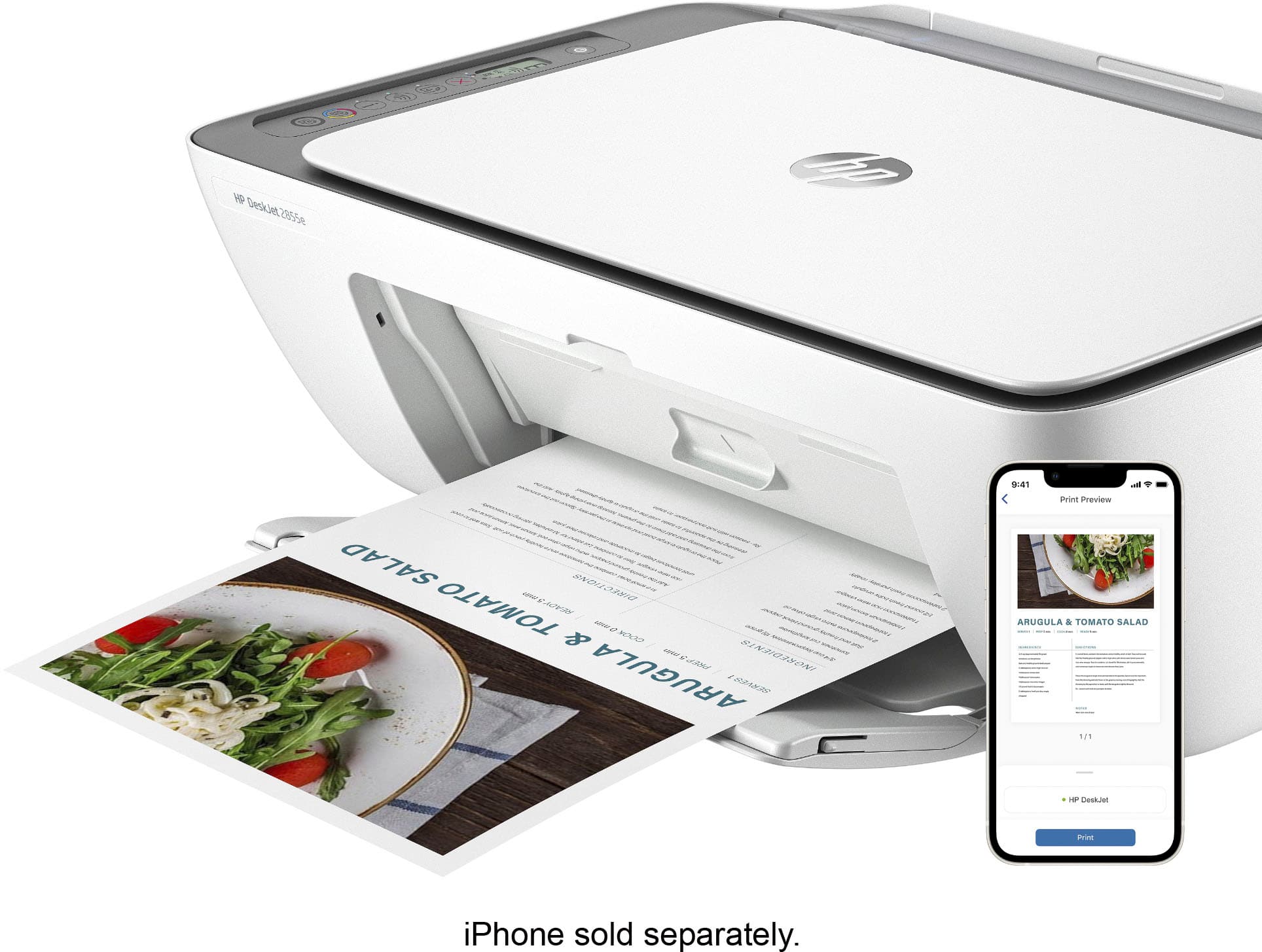
A:AnswerHi Harley, thanks for your question! You can use AirPrint form your iPhone, to print from the HP DeskJet 2855e Wireless All in One Inkjet Printer.
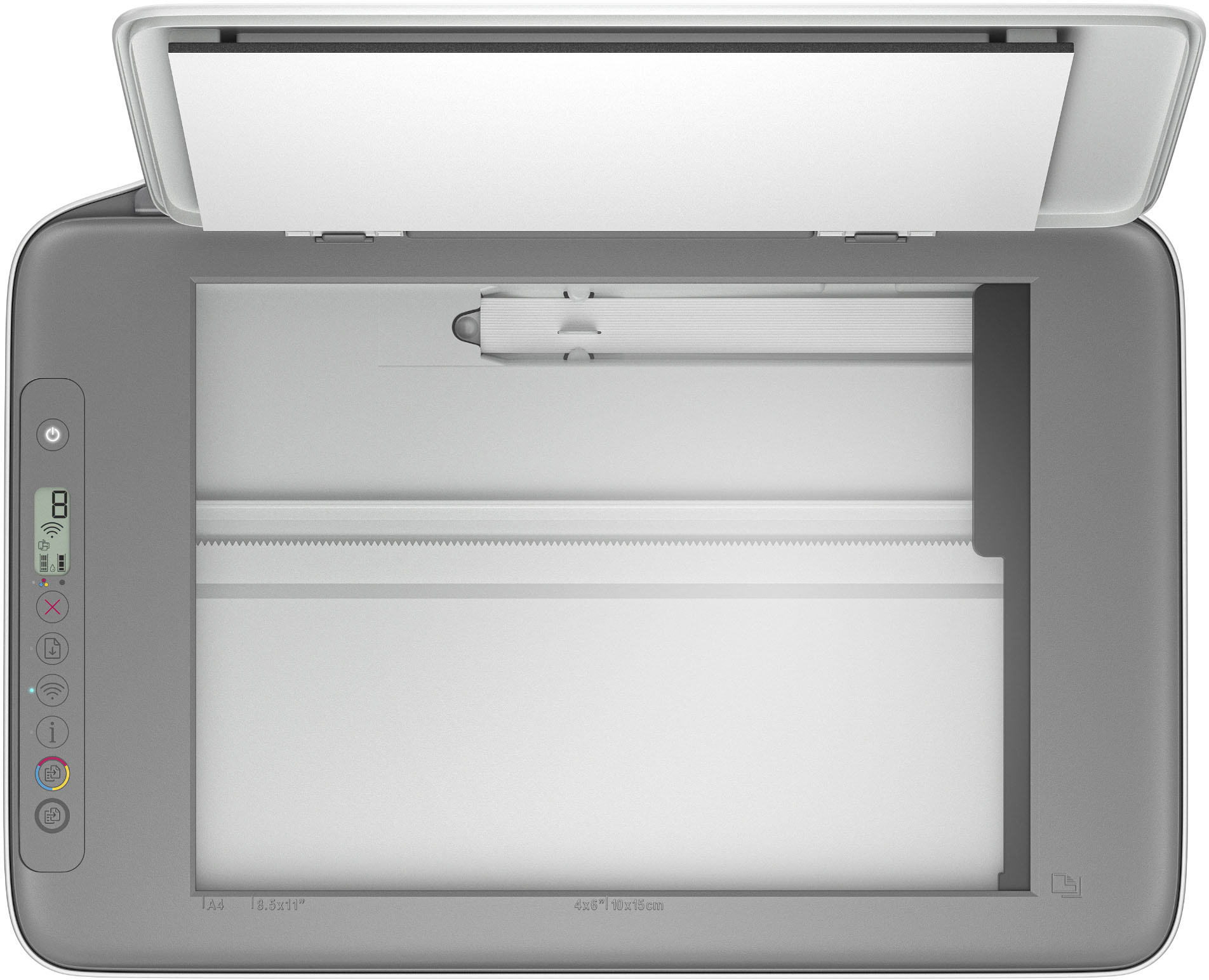
A:AnswerThank you for the question. Yes, you can use the DeskJet 2855e as a copier only. However, you won't be able to use HP+ features unless you connect to your smartphone or PC.
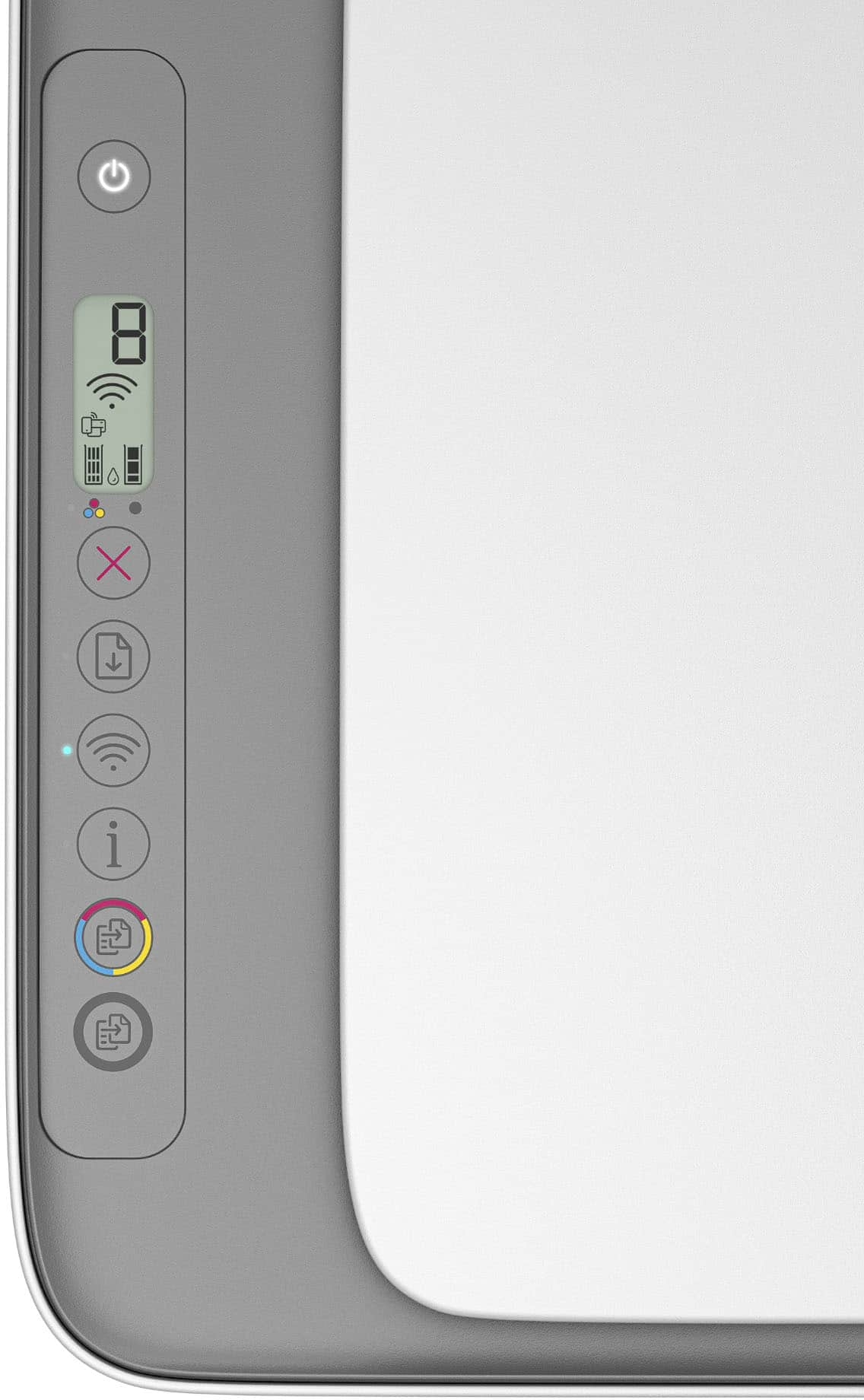
A:AnswerHello and thank you for asking. The HP DeskJet 2855e does not require the use of the free HP Smart app, but we recommend it highly as it is the easiest way to set up the printer wirelessly and to print from your mobile device. However, the printer does not have the ability for you to print from a mobile device via Bluetooth. You connect your mobile device to the printer via Wi-Fi. The printer uses a Bluetooth LE (Low Energy) connection for setup only.
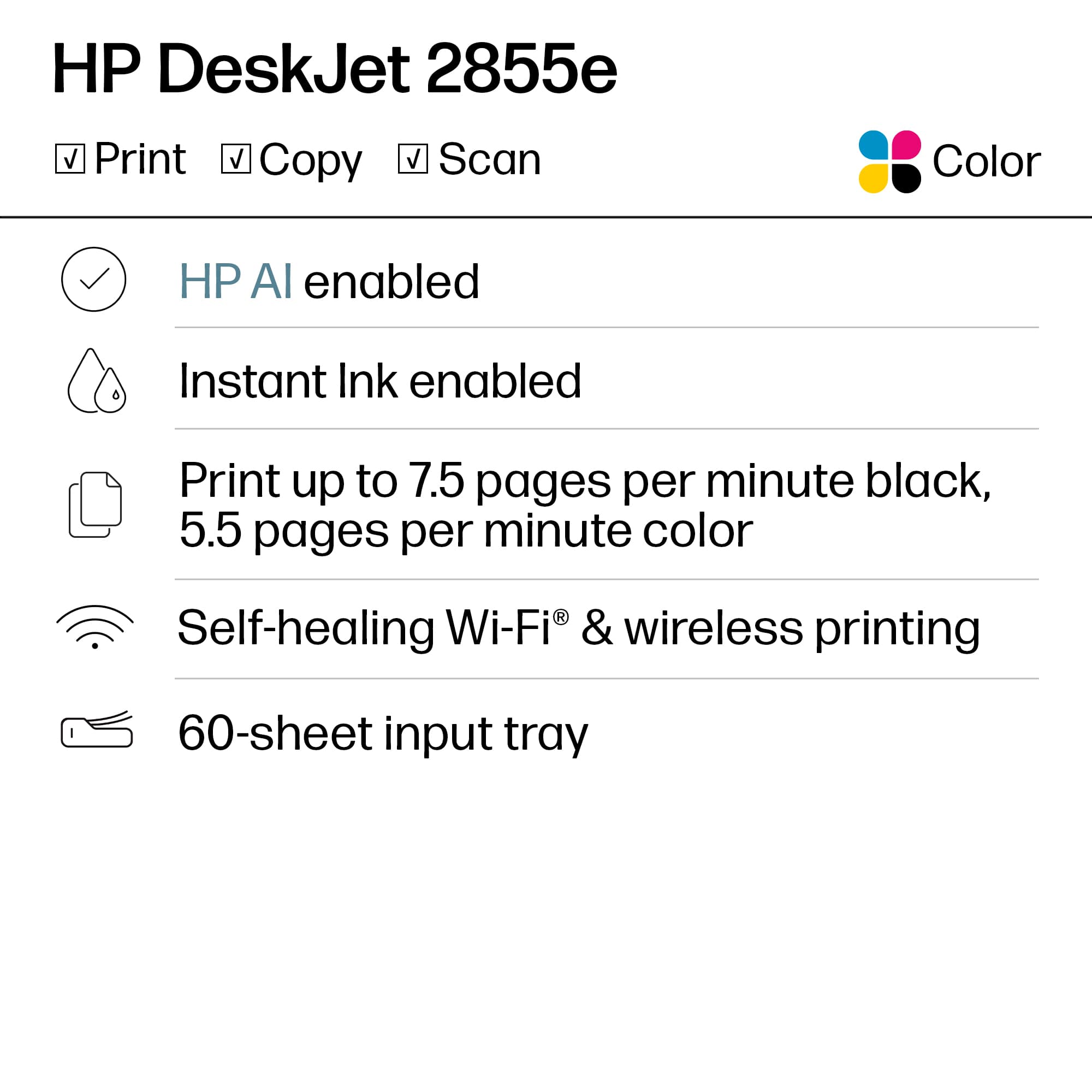
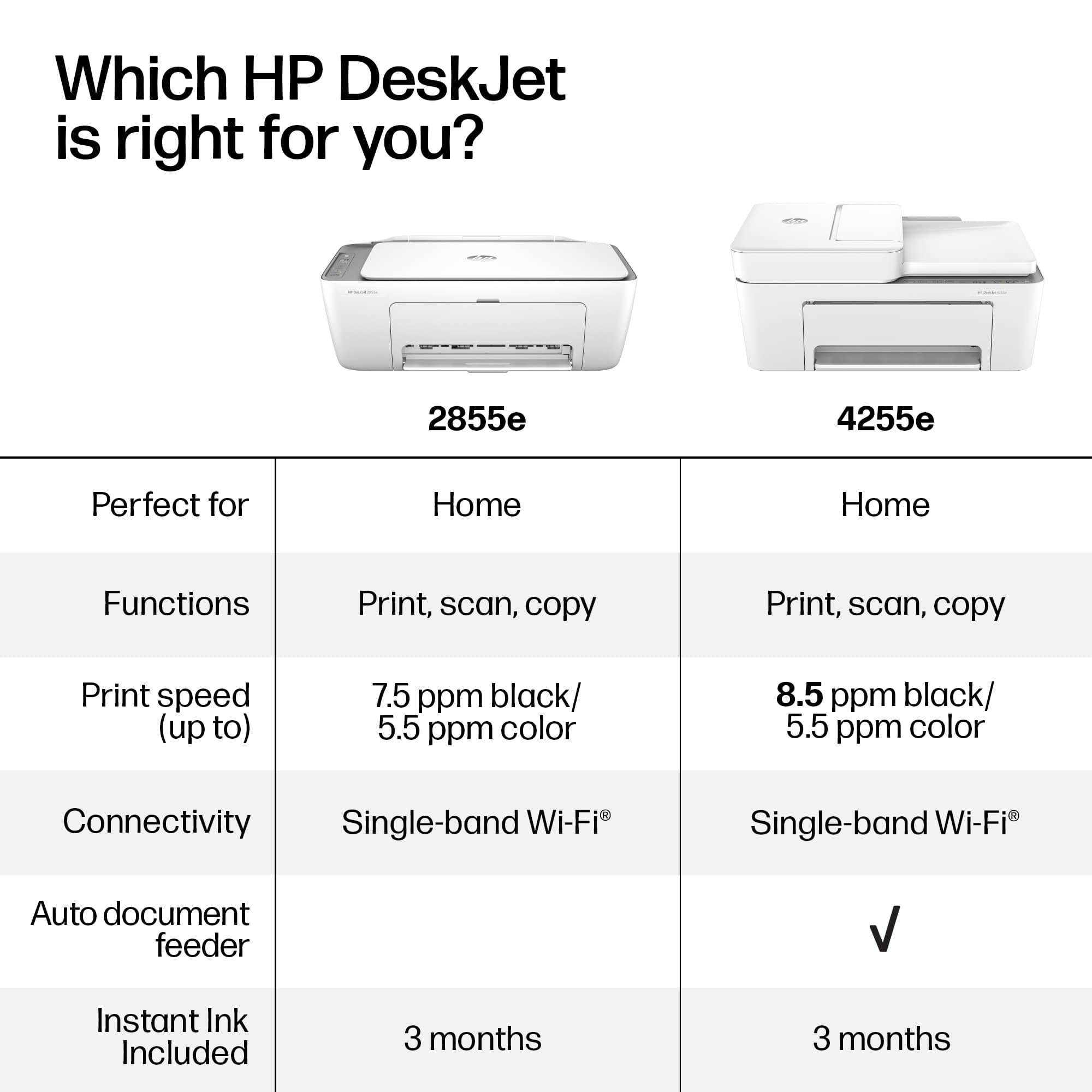
A:AnswerThank you for asking. Yes, the DeskJet 2855e has Wi-Fi 802.11b/g/n. 802.11n supports multi-channel utilization and operates at both 2.4 GHz and 5 GHz bands.