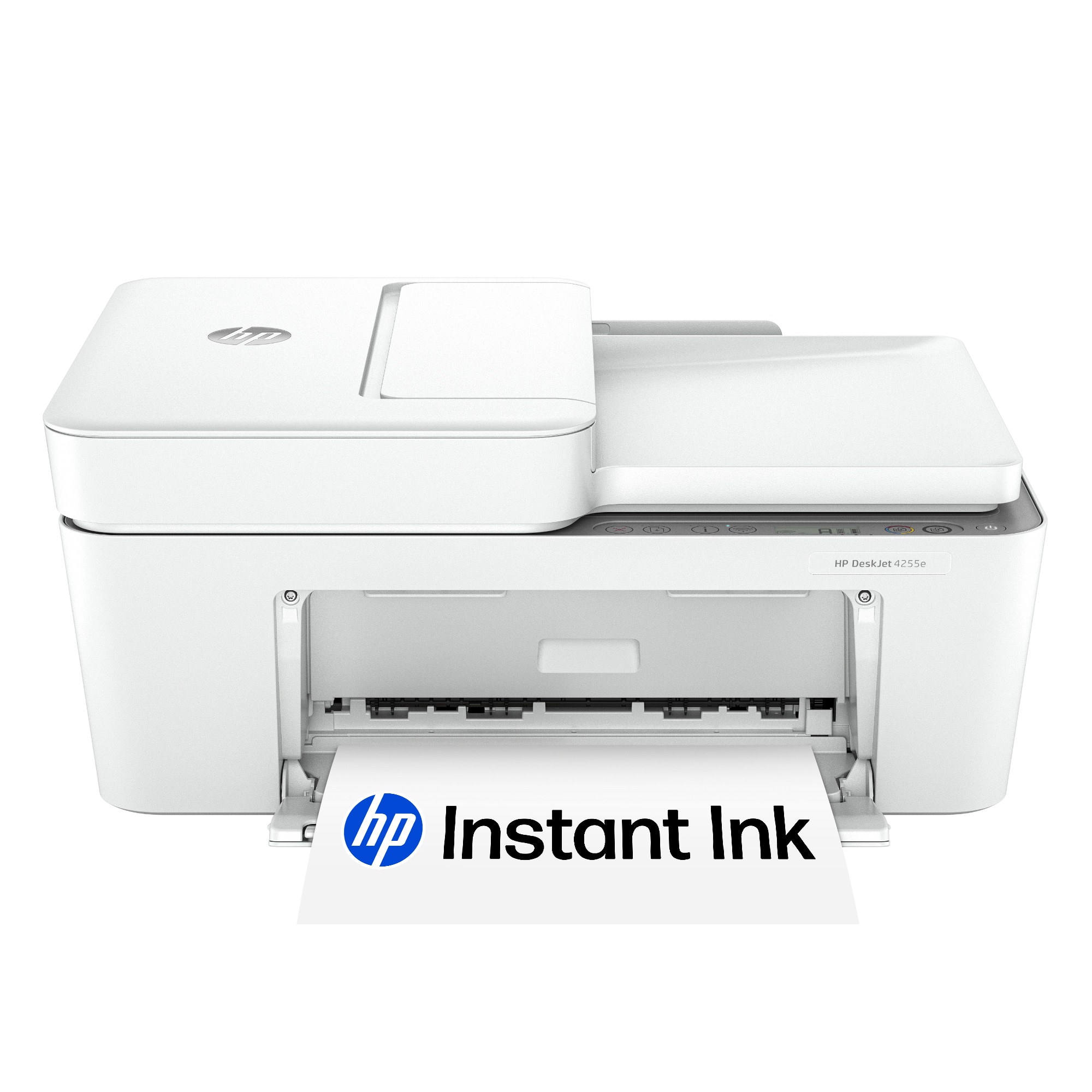
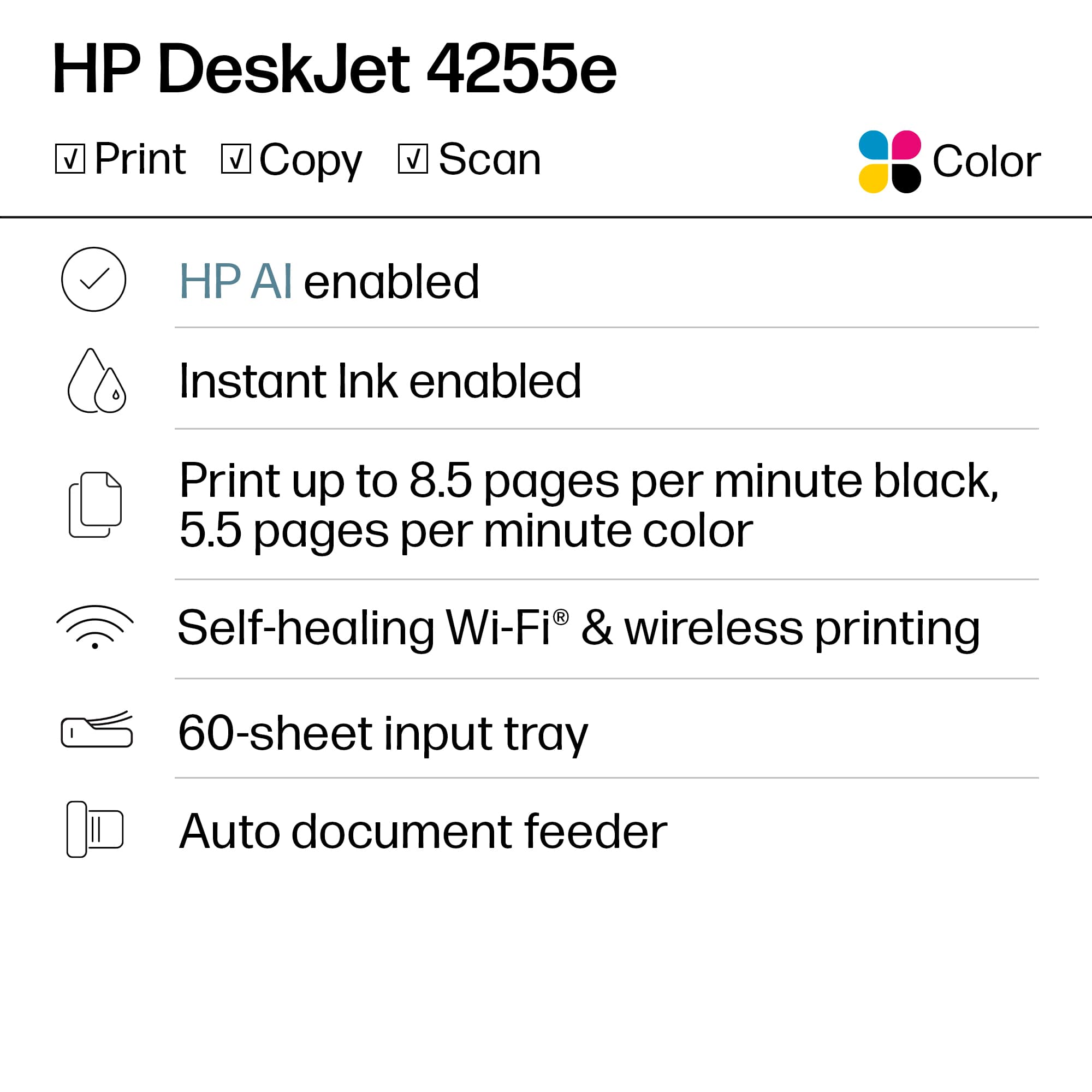
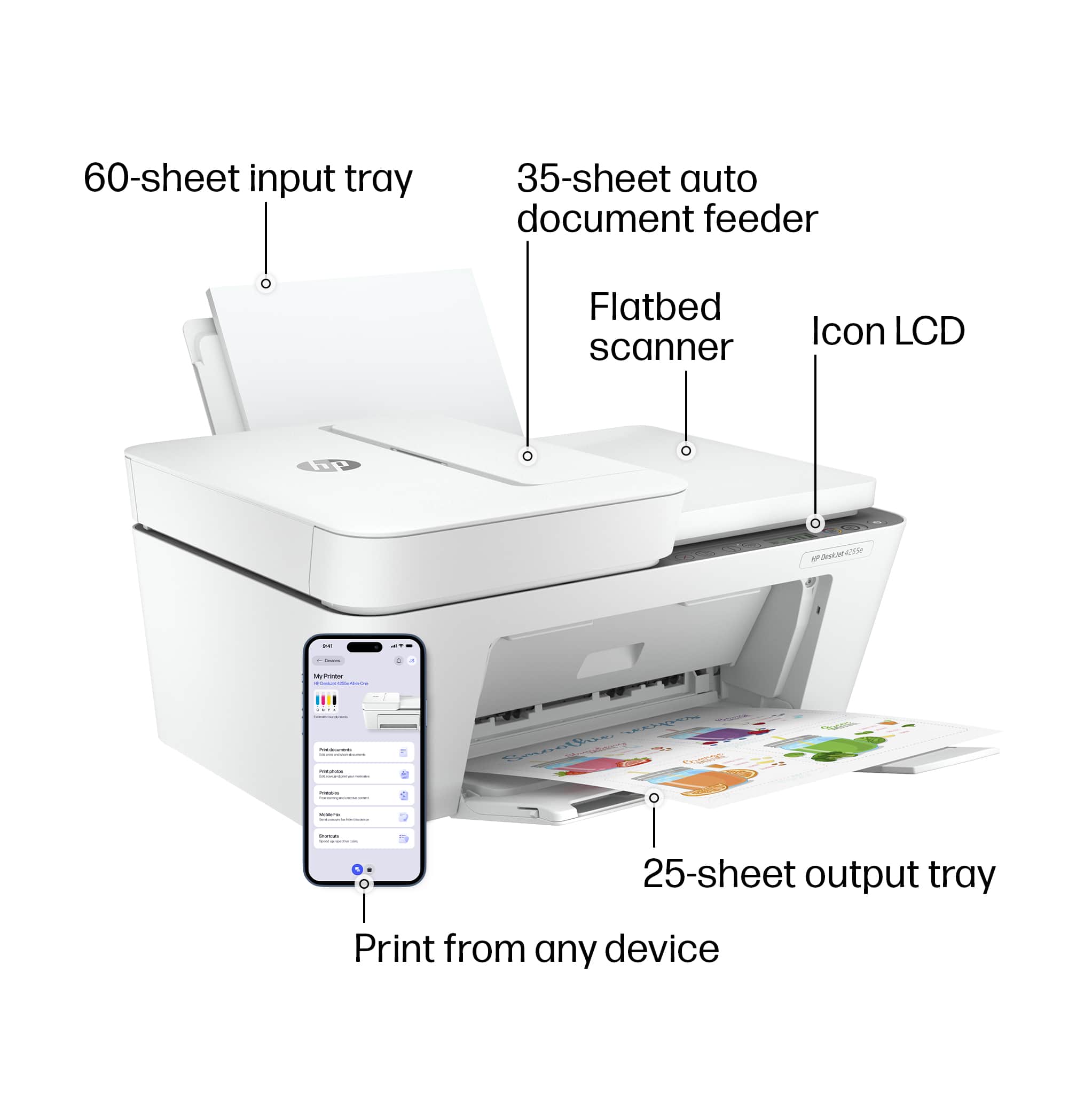
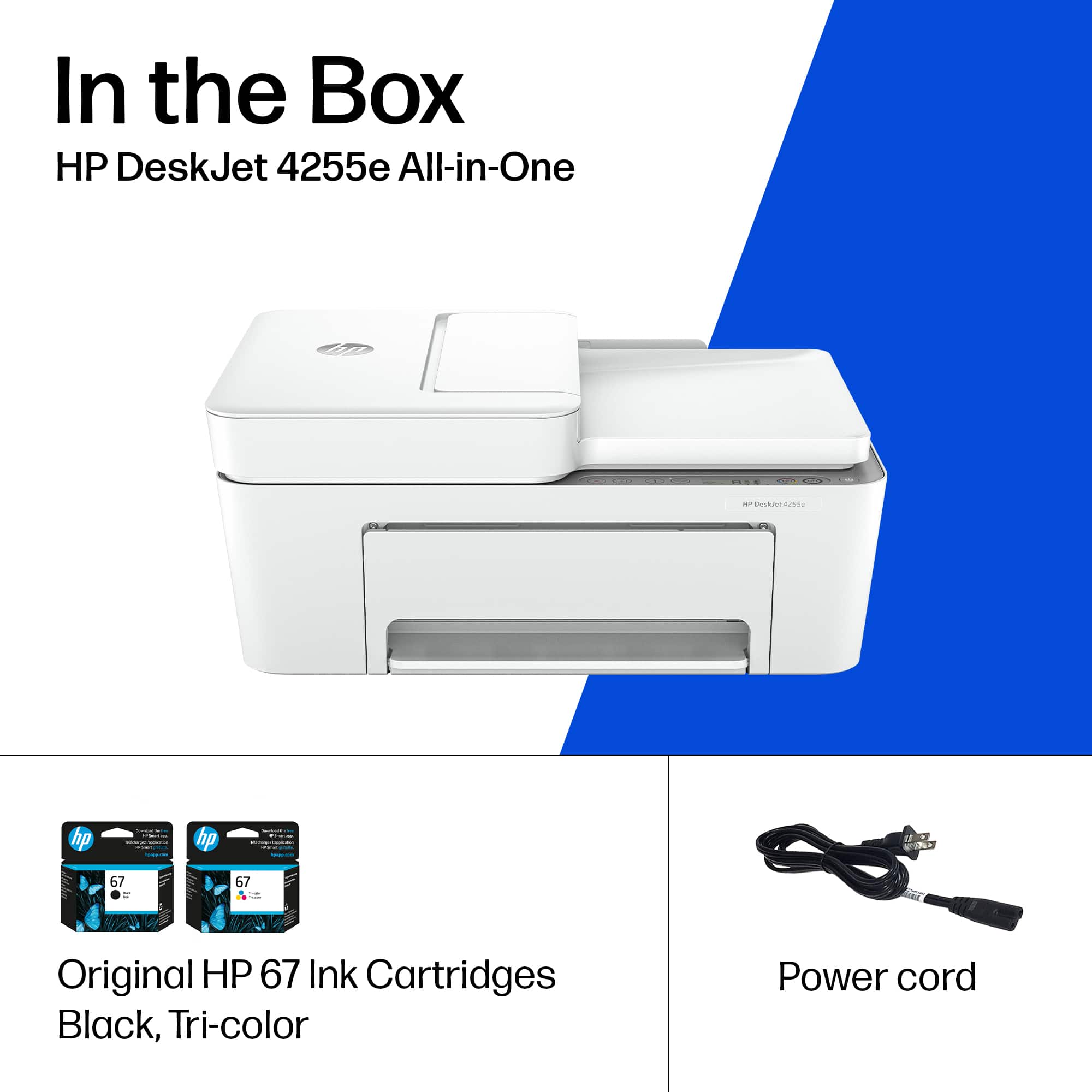
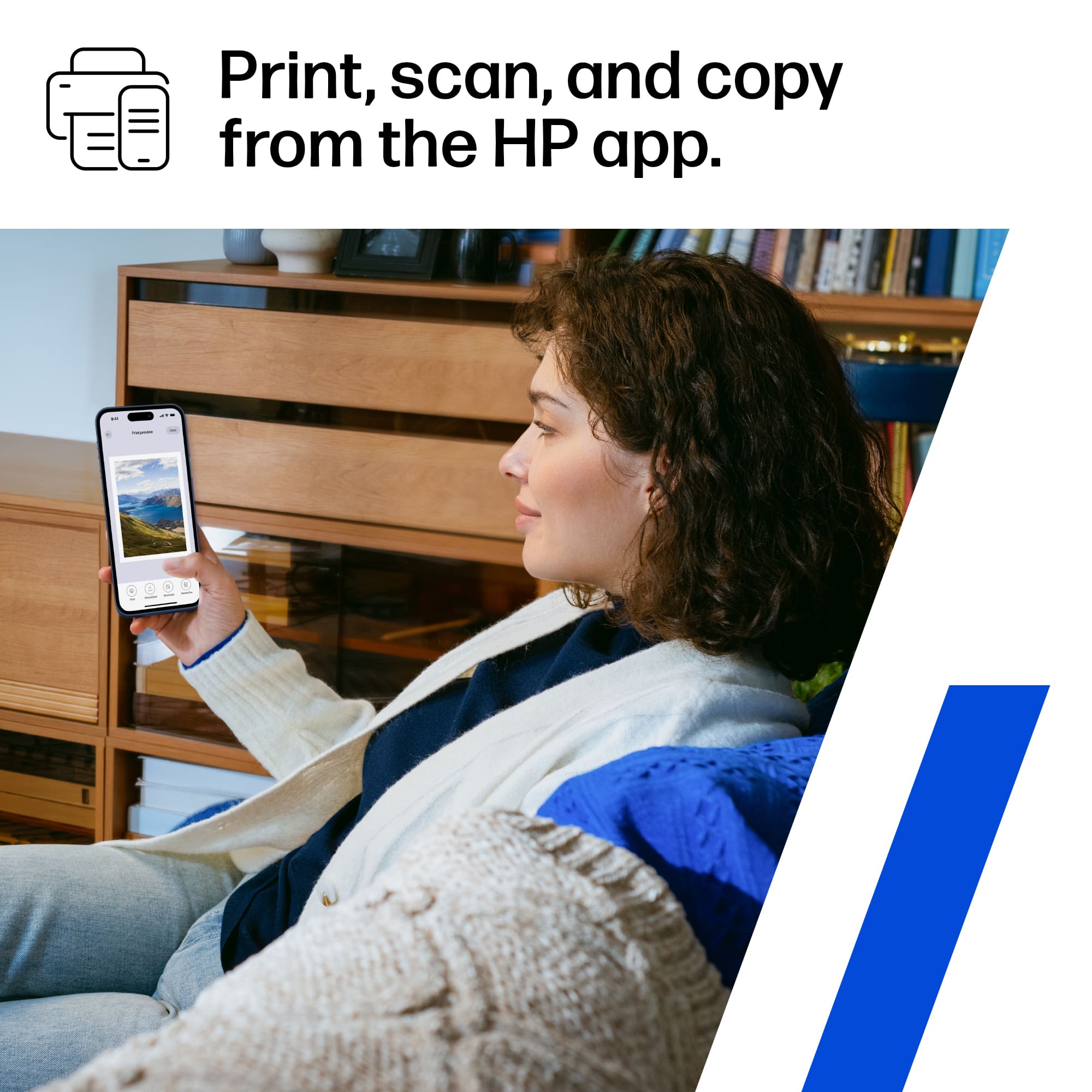
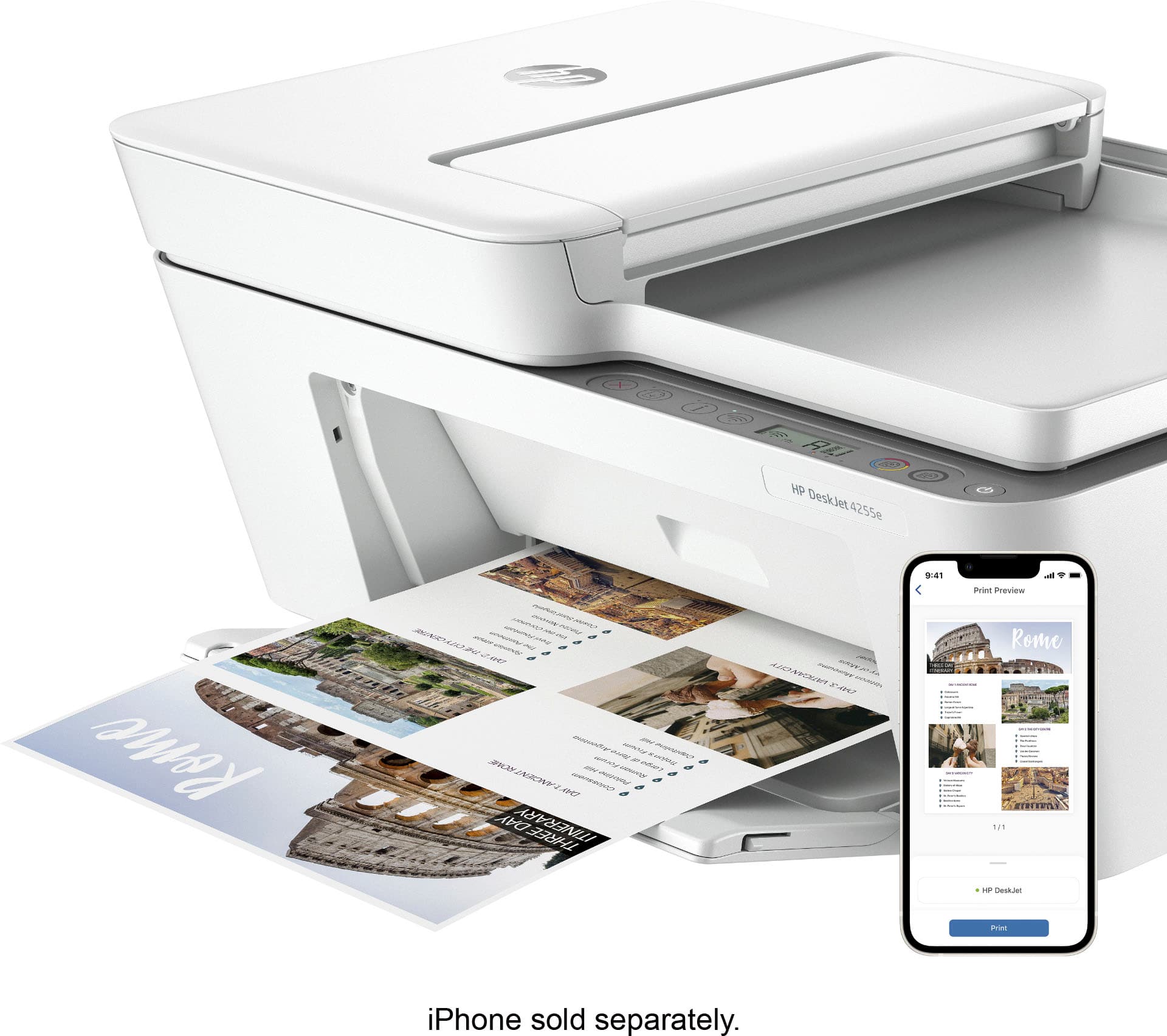
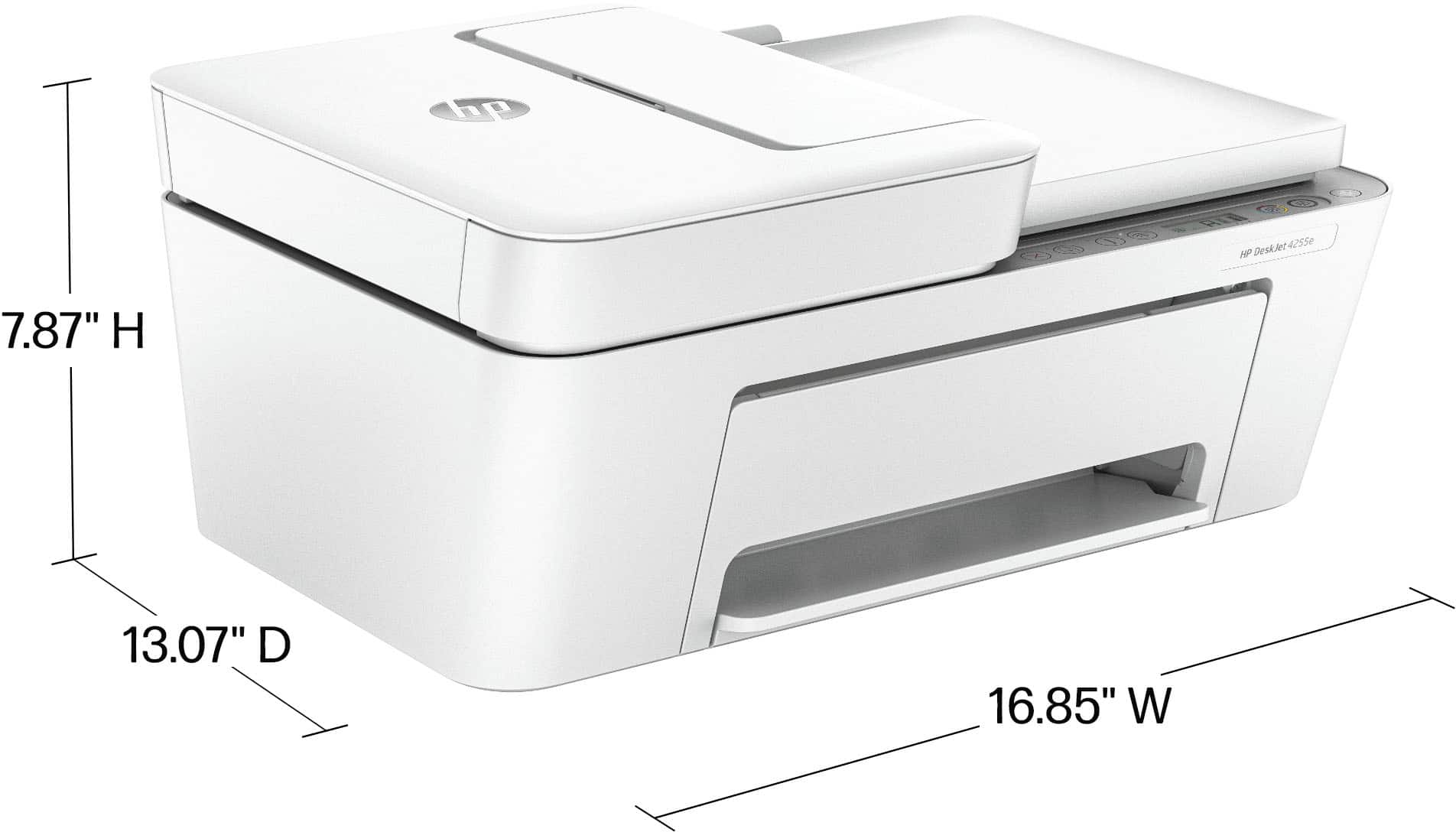
A:AnswerHi there. Thanks for your question! You are able to use the HP Deskjet 4255e with your MacBook Air 13, as long as your MacBook is running at least macOS 10.14 Mojave or newer. The HP Deskjet 4255e does not come with built-in fax capabilities. You would be able to use the HP Smart app's mobile fax function to send faxes (however you would not be able to receive faxes).
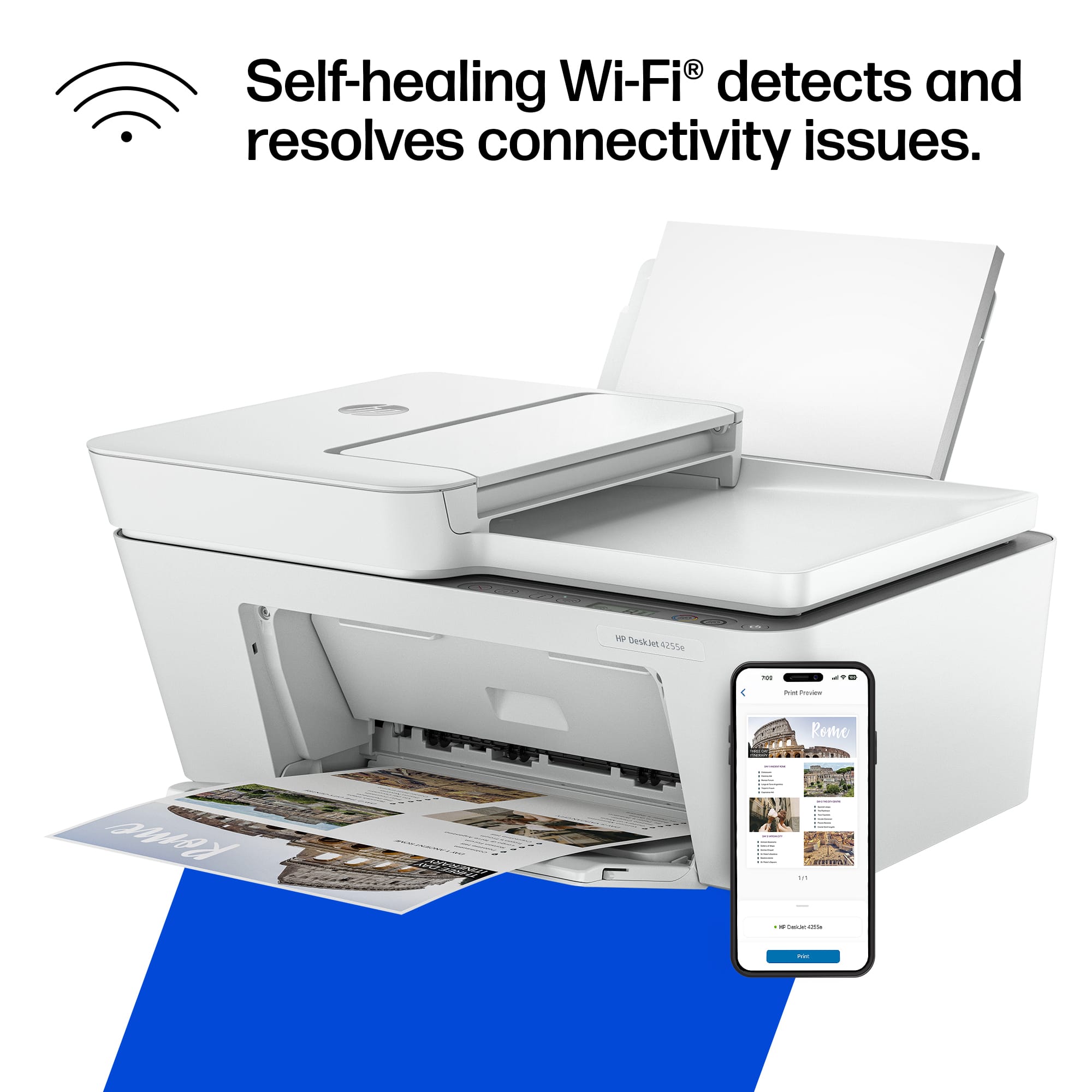
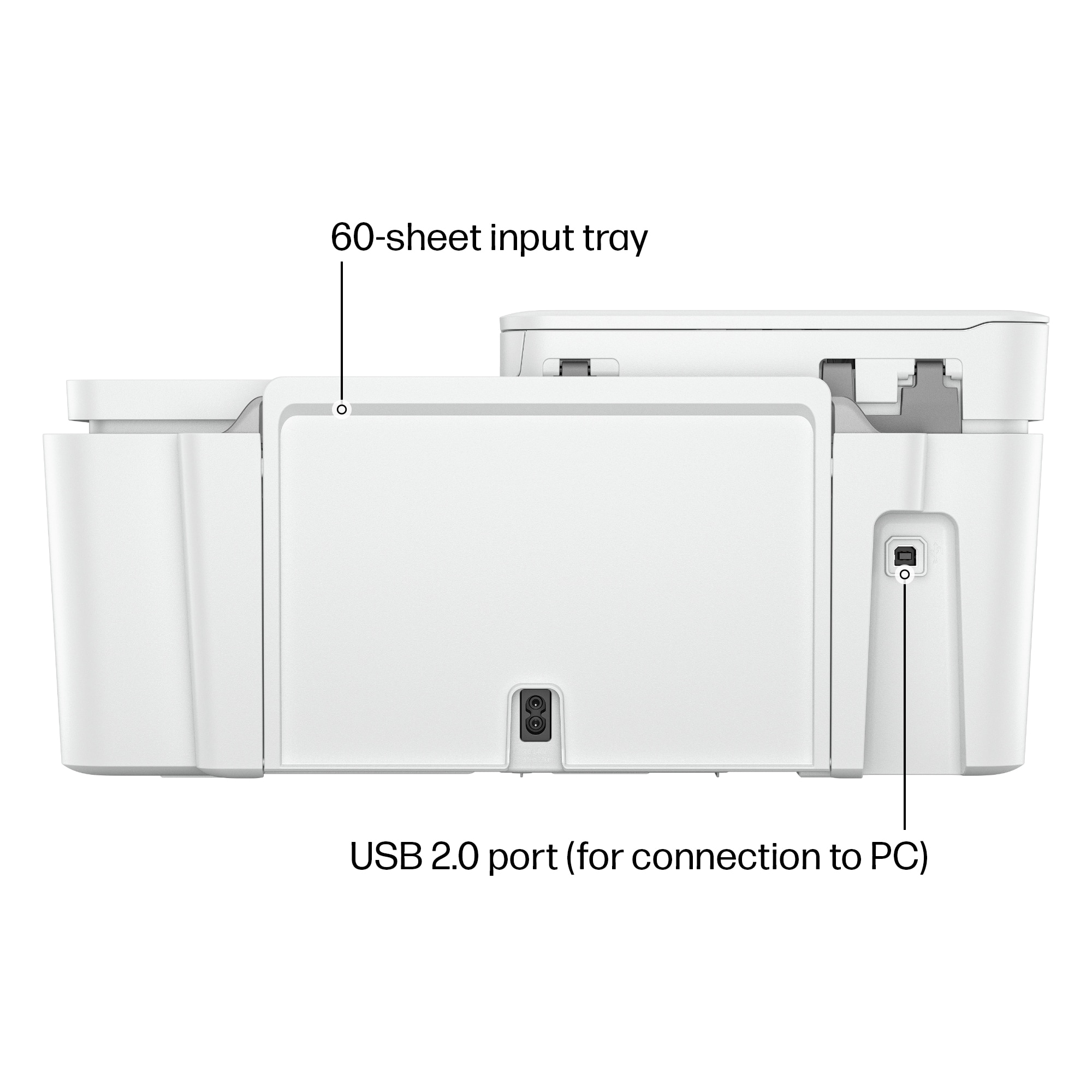
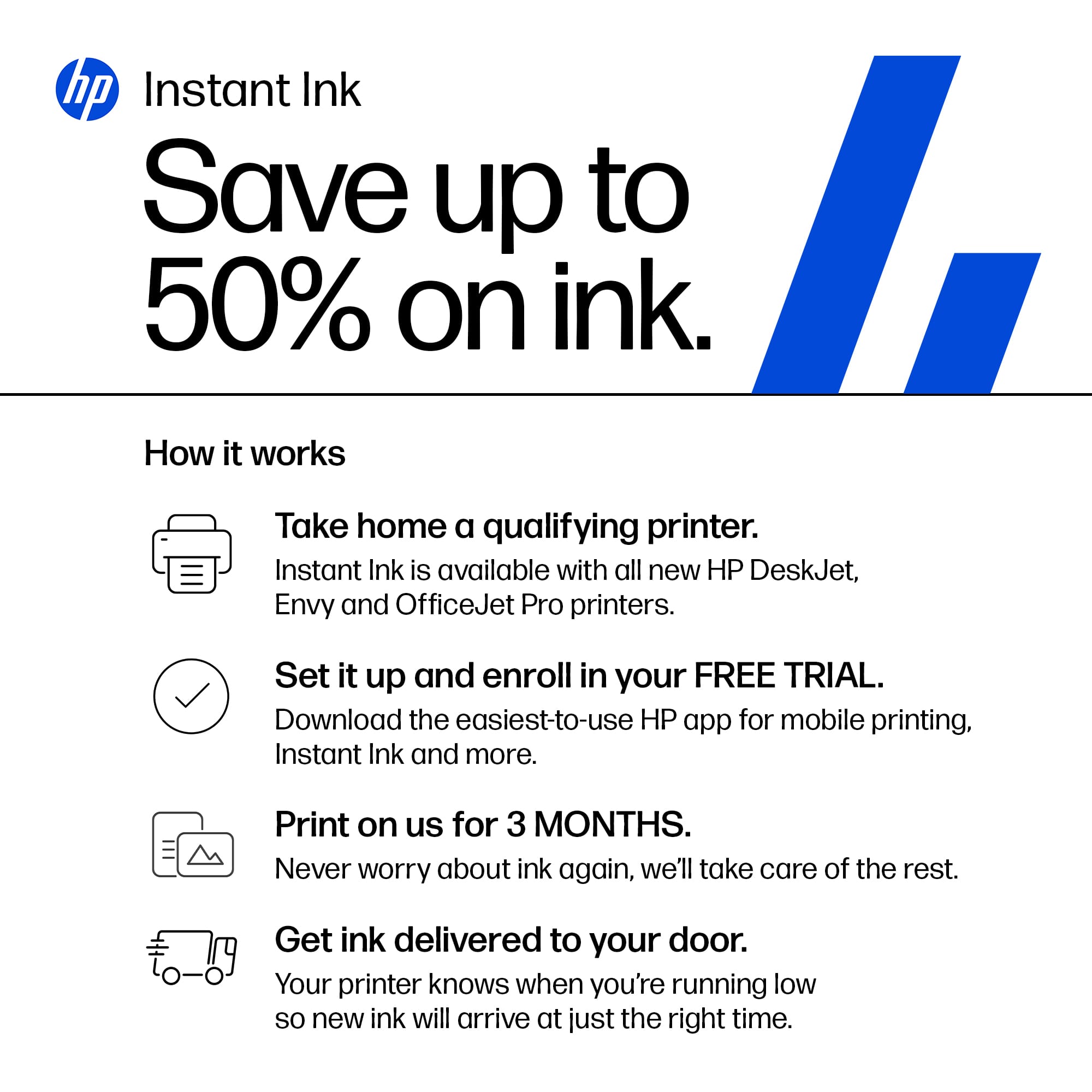
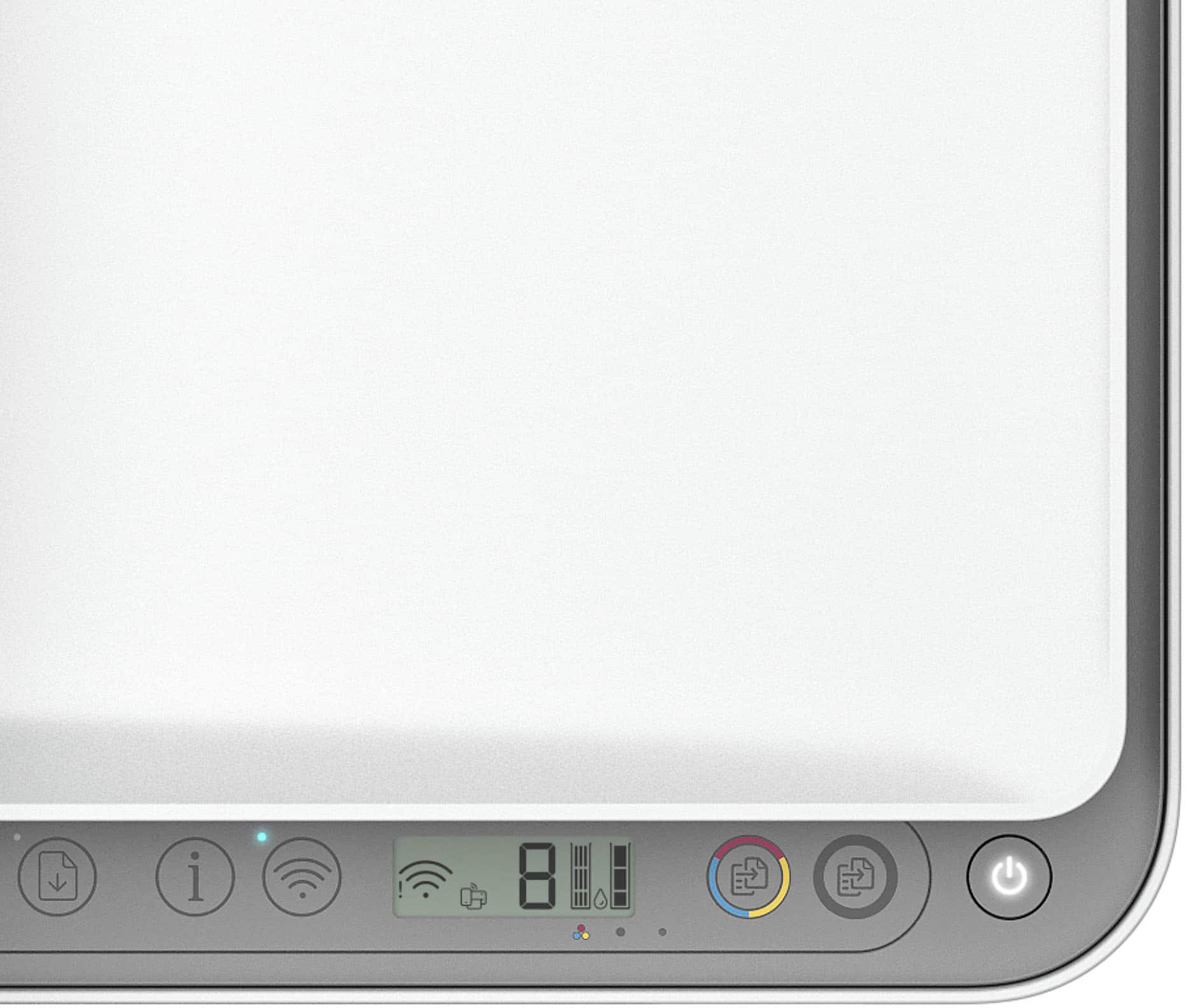
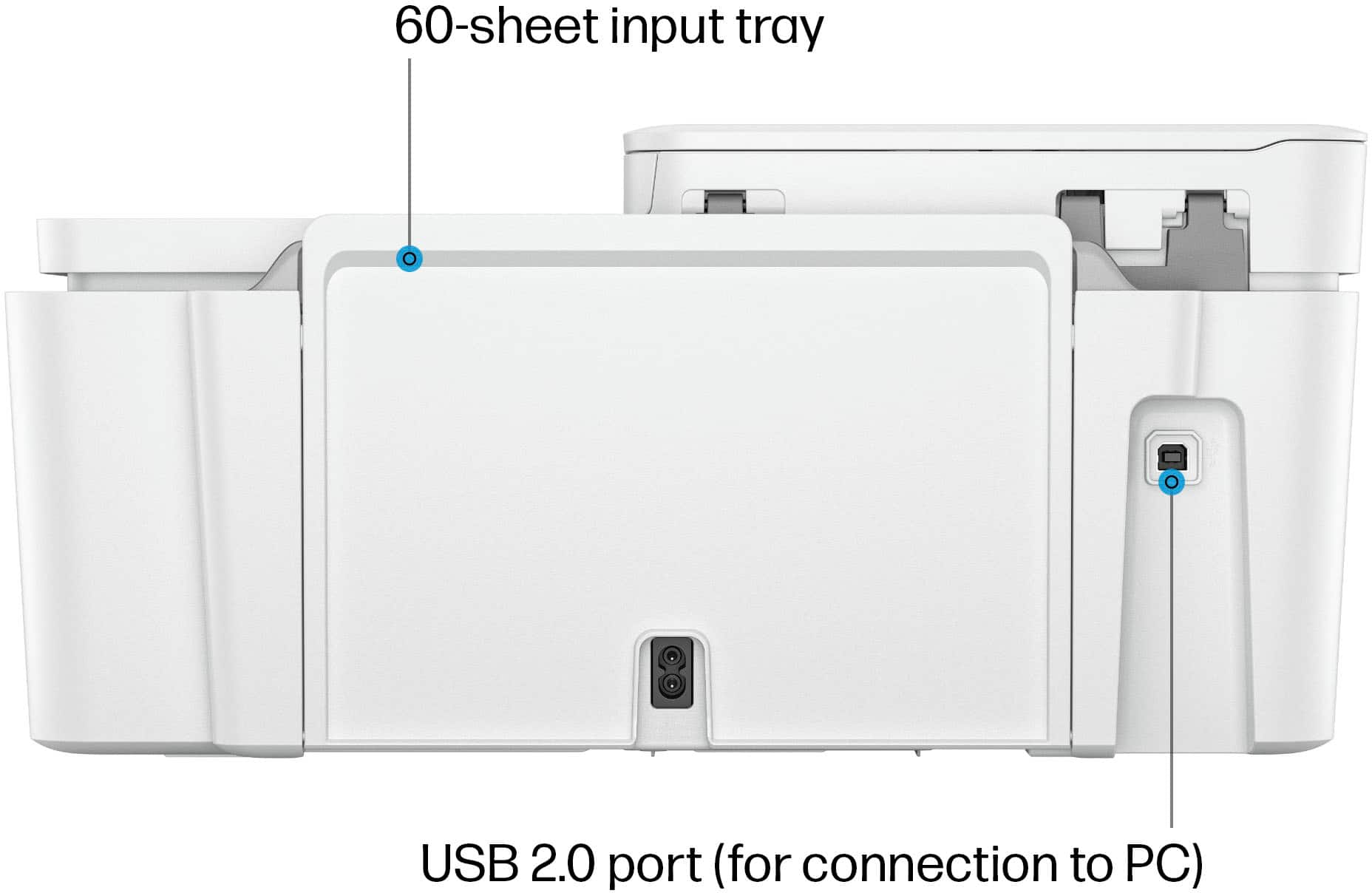
A:AnswerThank you for the question. The DeskJet 4255e has a USB Type B port for connecting to your PC's USB-A port. To avail yourself of features like HP+, print from anywhere, and Instant Ink, the printer needs to be connected 24/7 via Wi-Fi.