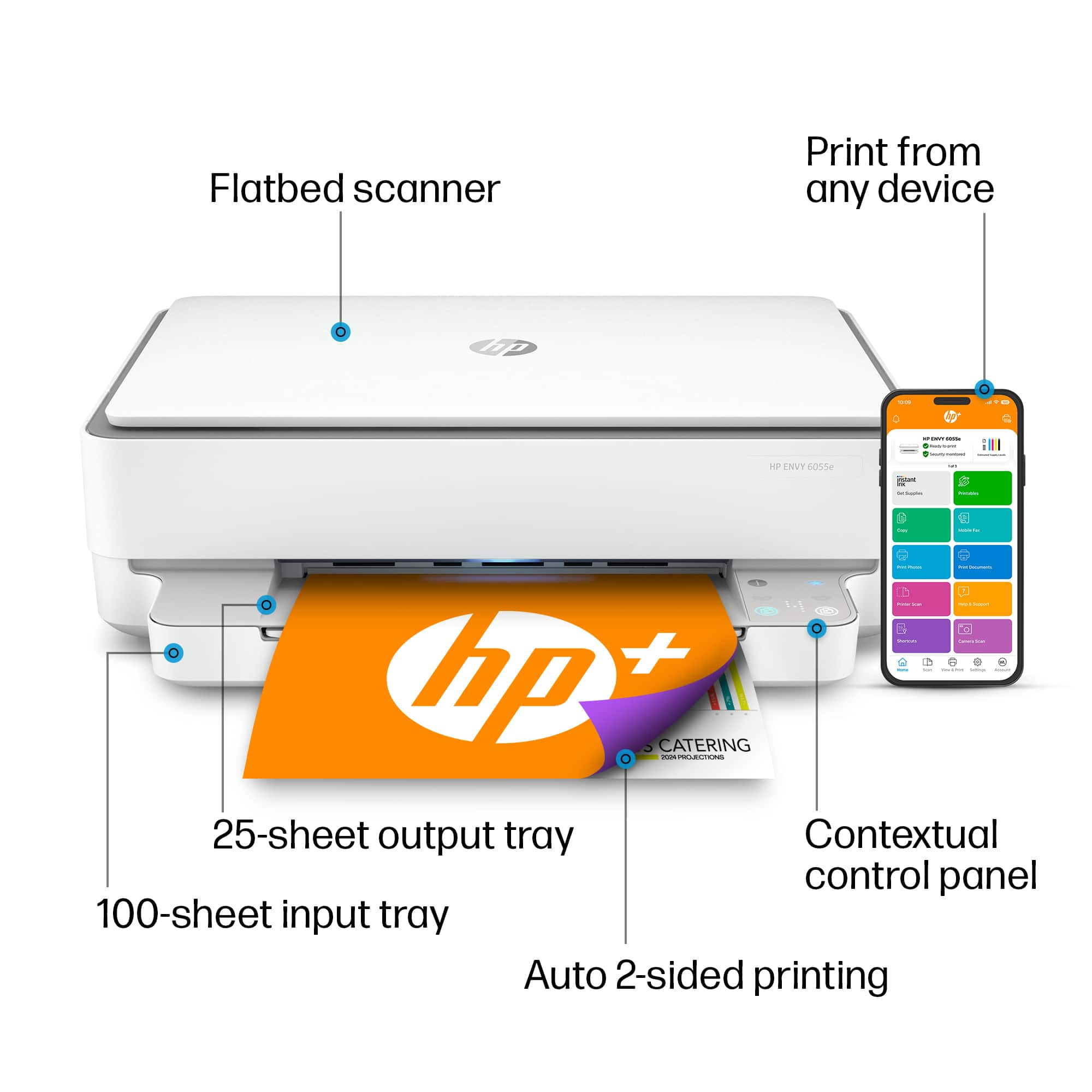
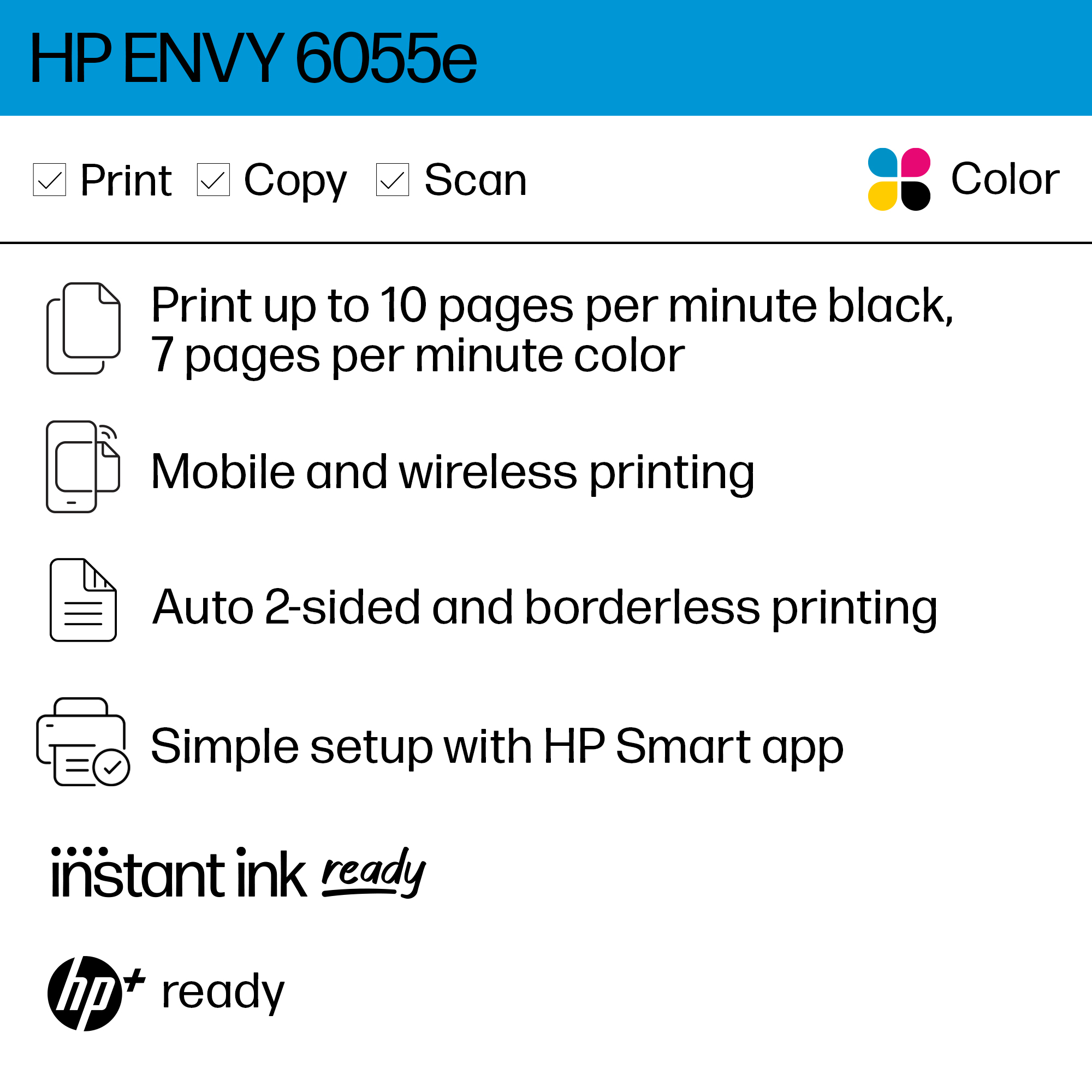
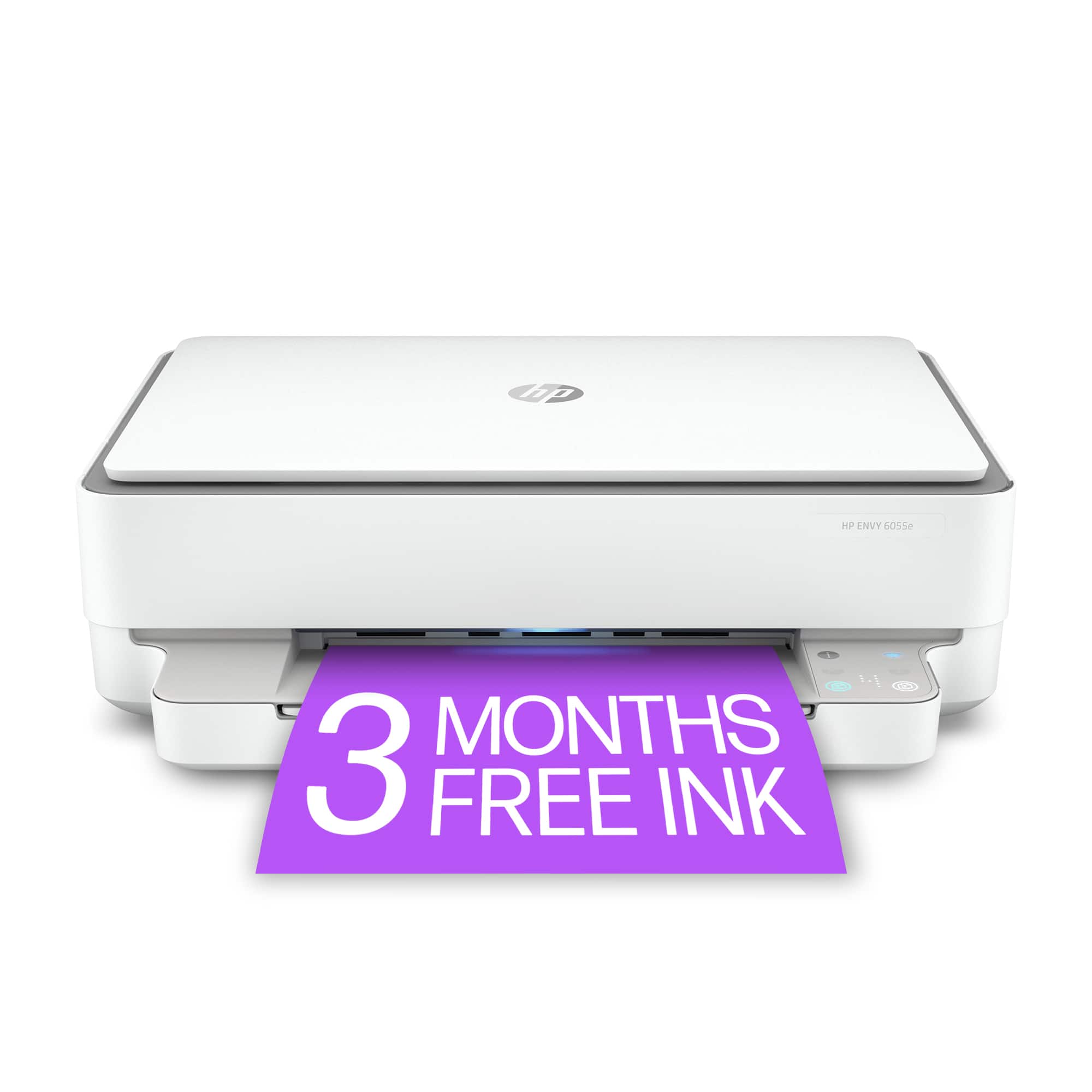
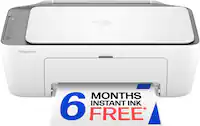
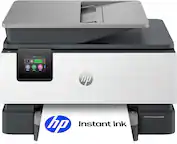
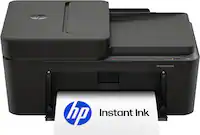
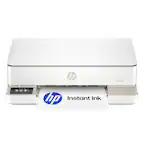
A:Answer Once again, HP refuses to answer the question with simple instructions, but instead refers to links and documents that DO NOT SHOW HOW TO USE THE SCANNER WITHOUT AGREEING TO THE HP+ LIFETIME INK AGREEMENT. That's because, if you don't agree to buy your ink from HP forever, the scan, copy and other features don't work.
Here's the error message:
"For HP+ printers to function as expected and receive the benefits of HP+, you must create or sign in to an HP account, keep the printer connected to the Internet, and use Original HP ink or toner for the life of the printer."