A:AnswerOnce again, HP refuses to answer the question with simple instructions, but instead refers to links and documents that DO NOT SHOW HOW TO USE THE SCANNER WITHOUT AGREEING TO THE HP+ LIFETIME INK AGREEMENT. That's because, if you don't agree to buy your ink from HP forever, the scan, copy and other features don't work.
Here's the error message:
"For HP+ printers to function as expected and receive the benefits of HP+, you must create or sign in to an HP account, keep the printer connected to the Internet, and use Original HP ink or toner for the life of the printer."
A:AnswerThere is NOTHING in this PDF that shows how anyone can the 6055e scanner with a Mac without the HP+ / lifetime ink commitment. You are either ignorant or intentionally misleading.
Prove me wrong. Just copy and paste or post a screen cap right here that shows - step x step - how anyone can use the 6055e with a Mac to scan a document WITHOUT the HP+ / lifetime ink commitment.
I'll wait.
A:AnswerHello, Greg. Thanks for your question. If you choose to say no to the free ink. You can still say yes to HP Plus during the setup of this HP Envy 6055e printer. HP Plus gives you an extra year of warranty and advanced scanning features in the HP Smart app.
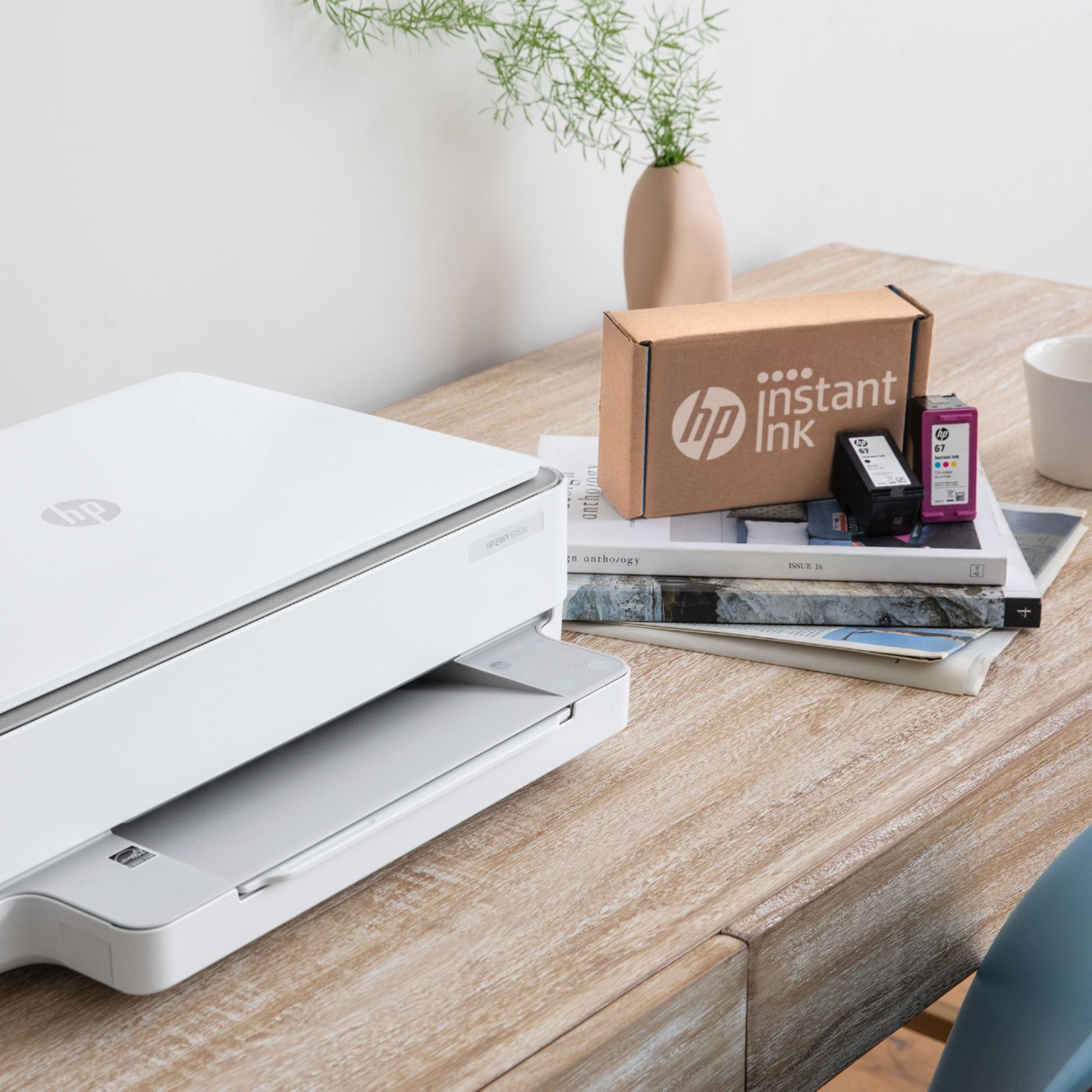
A:AnswerWhile it saves you money and time, it's not required that you sign up for the Instant Ink program if you choose not to. During the initial setup, the printer will ask if you want to sign up. Just tell it "no" and the setup will continue.
A:AnswerI elected not to subscribe to the HP+ ink service which requires I give HP internet access to my computer work and a lifetime commitment to buy HP ink.
This is the ERROR message when i tried to use the scanner: "For HP+ printers to function as expected and receive the benefits of HP+, you must create or sign in to an HP account, keep the printer connected to the Internet, and use Original HP ink or toner for the life of the printer."
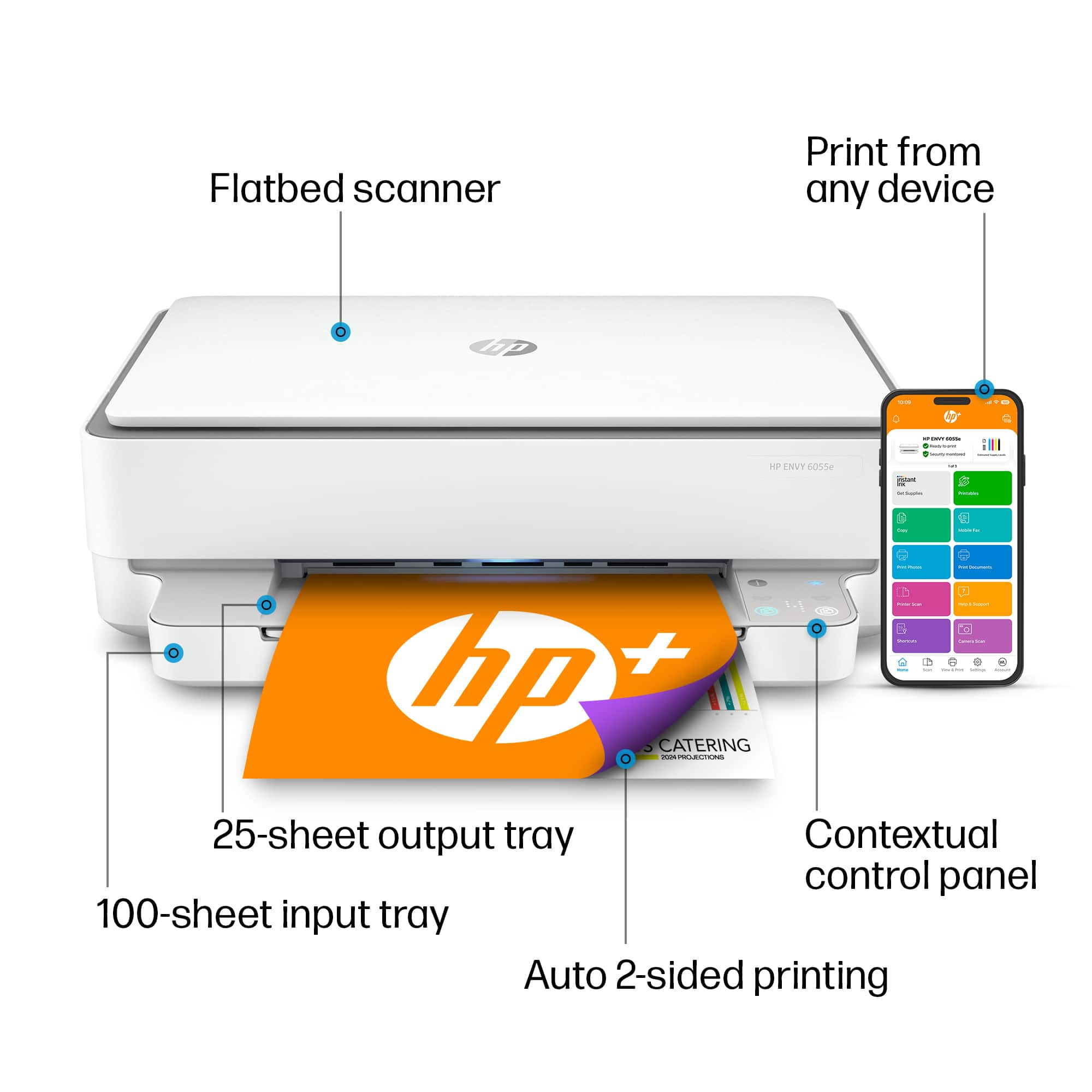
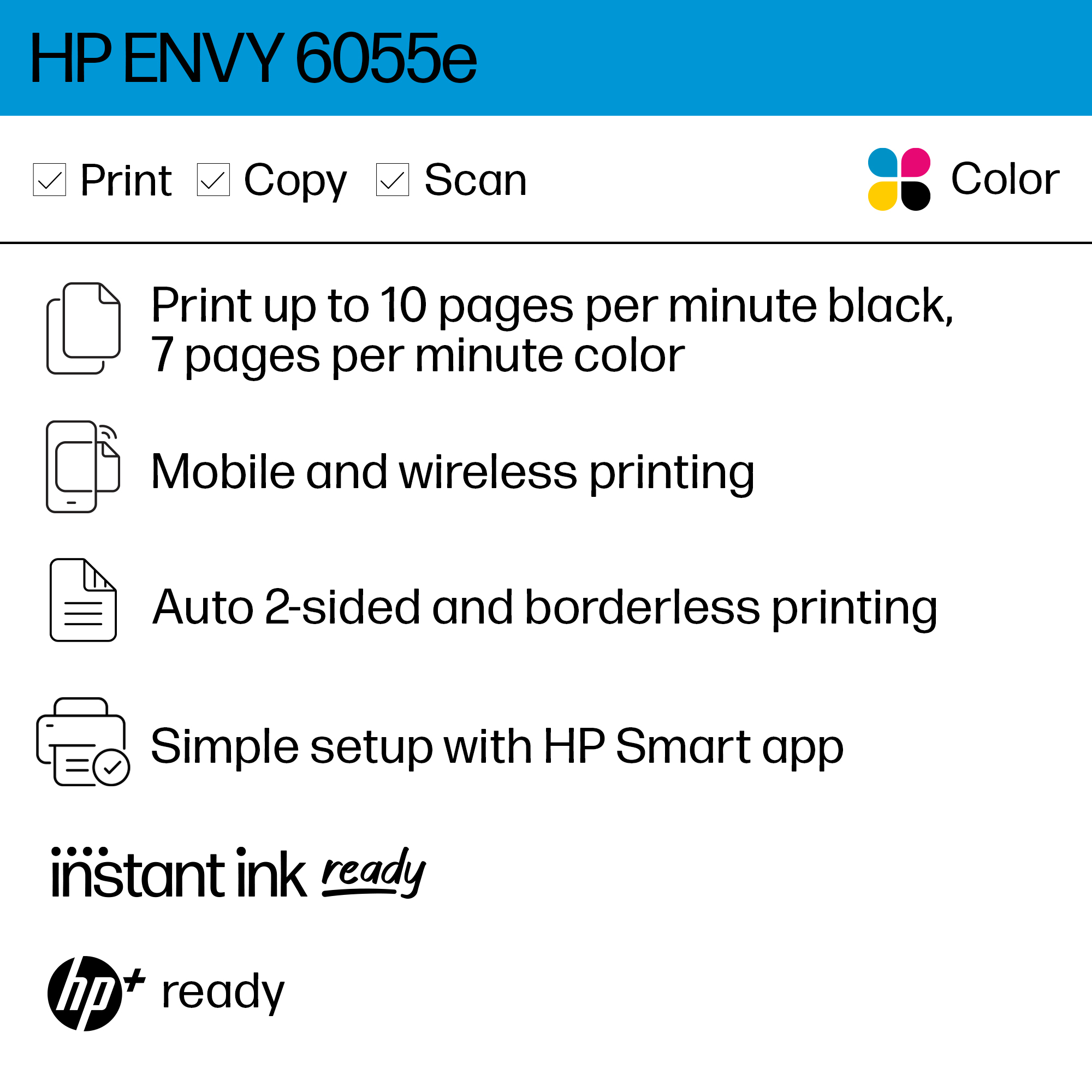
A:AnswerHello! Thank you for your question. The HP Envy 6055e gets an average page yield of 120 with HP 67 and 240 with 67XL or 'Extra Life' cartridges. That model is HP+, which will come with a promotion for a free 2-year warranty and free ink for the first six months with HP Instant Ink. After the promotional period, you could save up to 50% by sticking with it.
A:AnswerIt has "dual band" wifi connectivity, which means it can connect on either the 2.4 GHz or 5GHz wifi bands. Note that the 5GHz Wifi band is _not_ the same thing as 5G Internet. None of the current printers connect directly with 4G or 5G Internet.

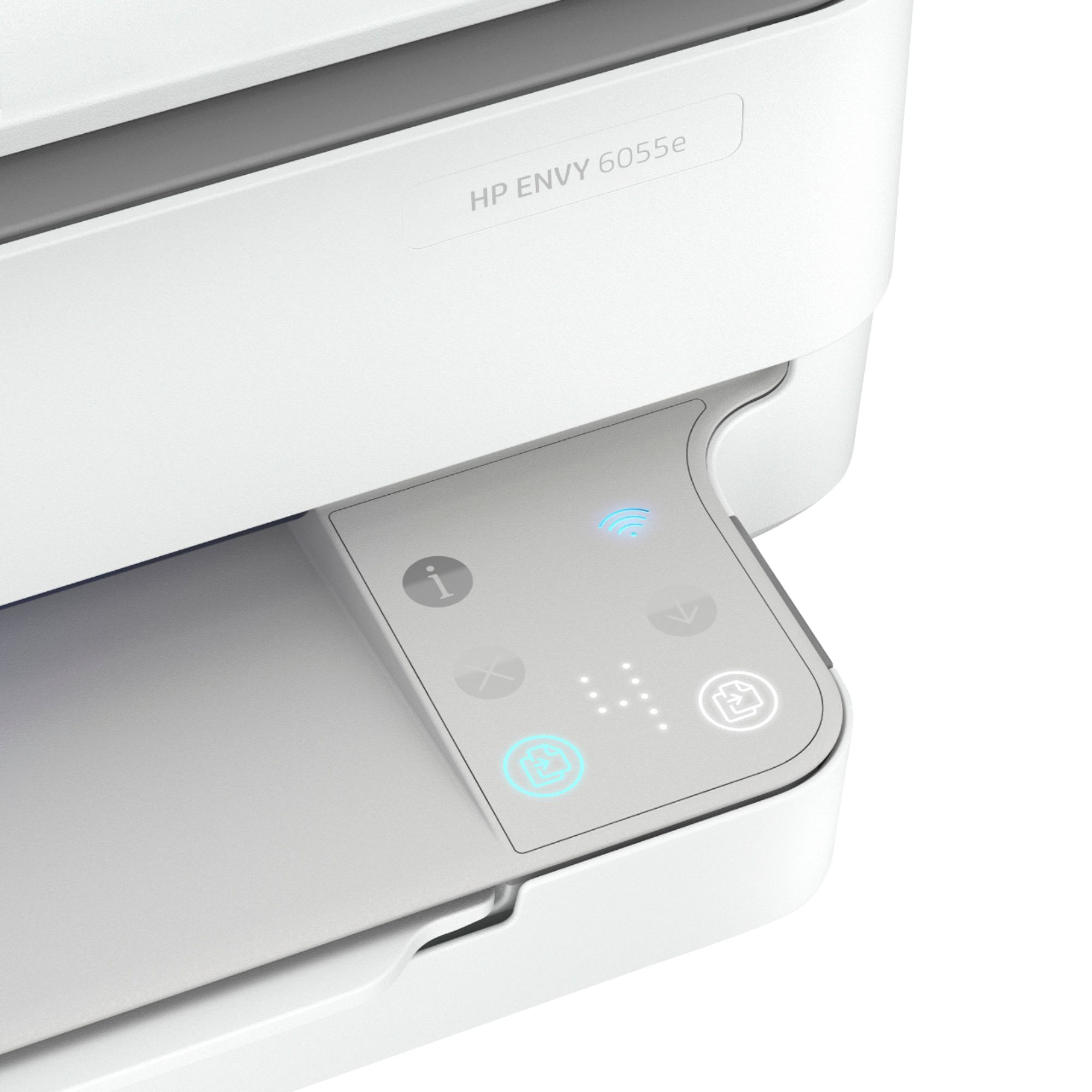
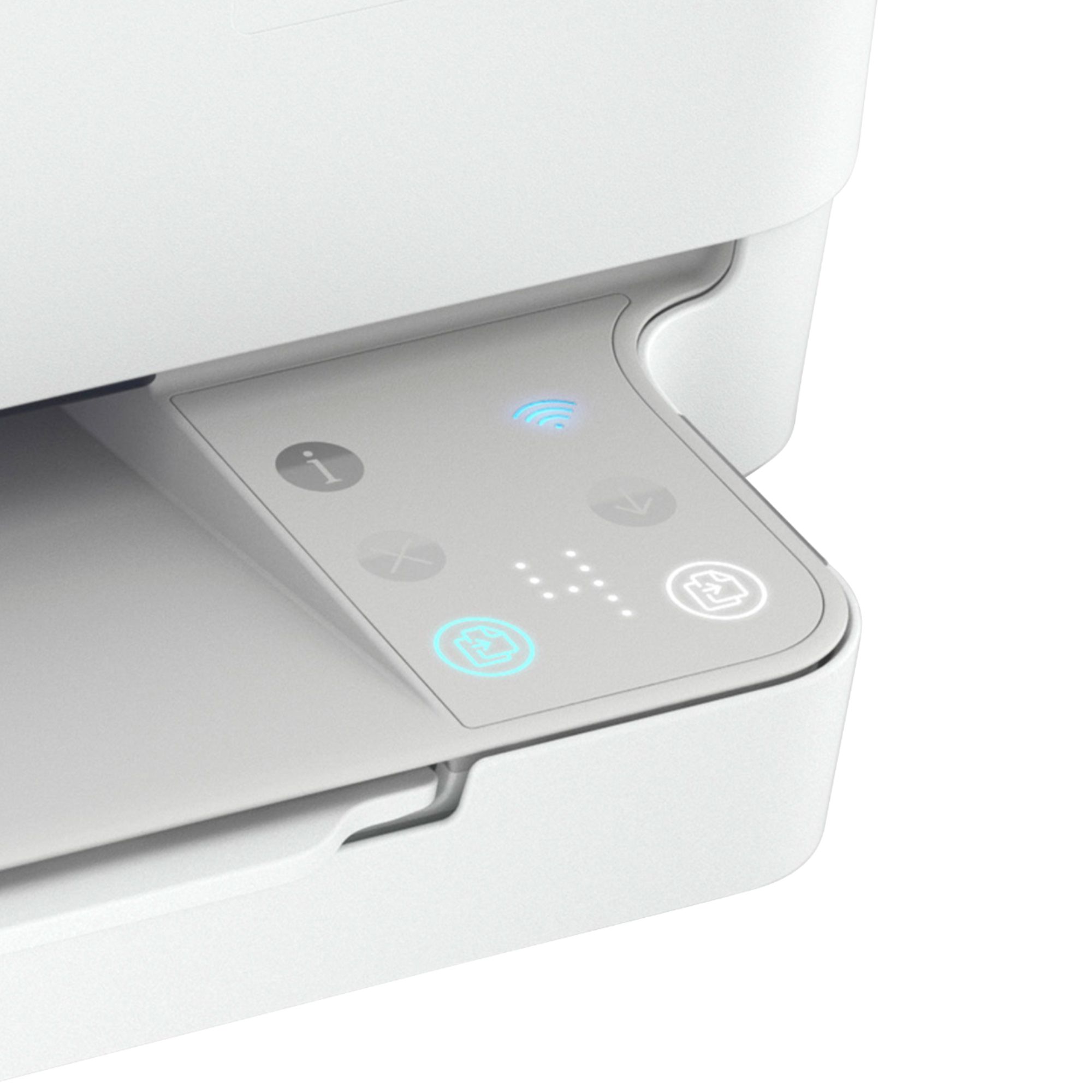
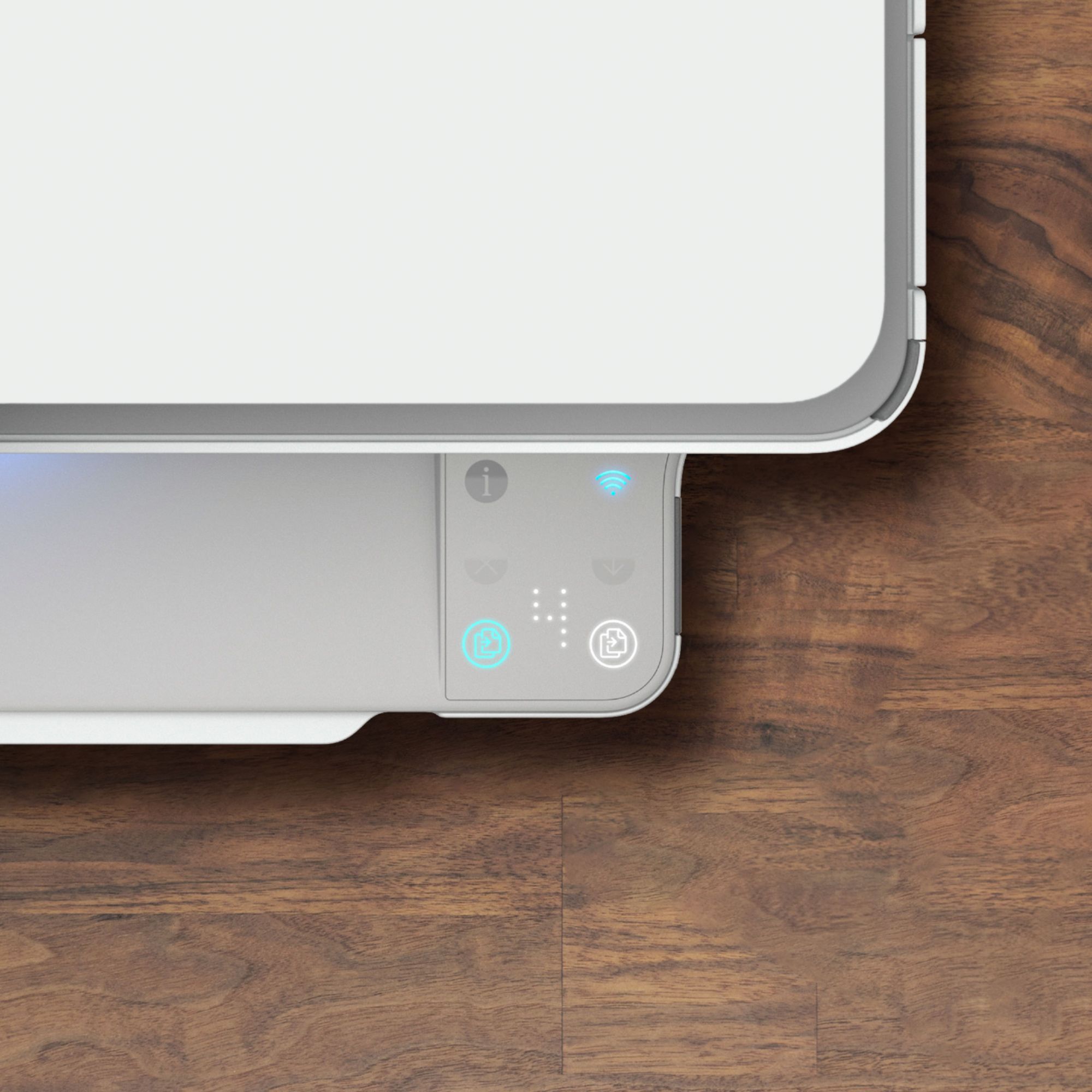
A:AnswerHello, the option to cancel print jobs is on the HP Smart app or through the red x on the printer itself on the paper output tray right side. Thank you for being an HP customer!
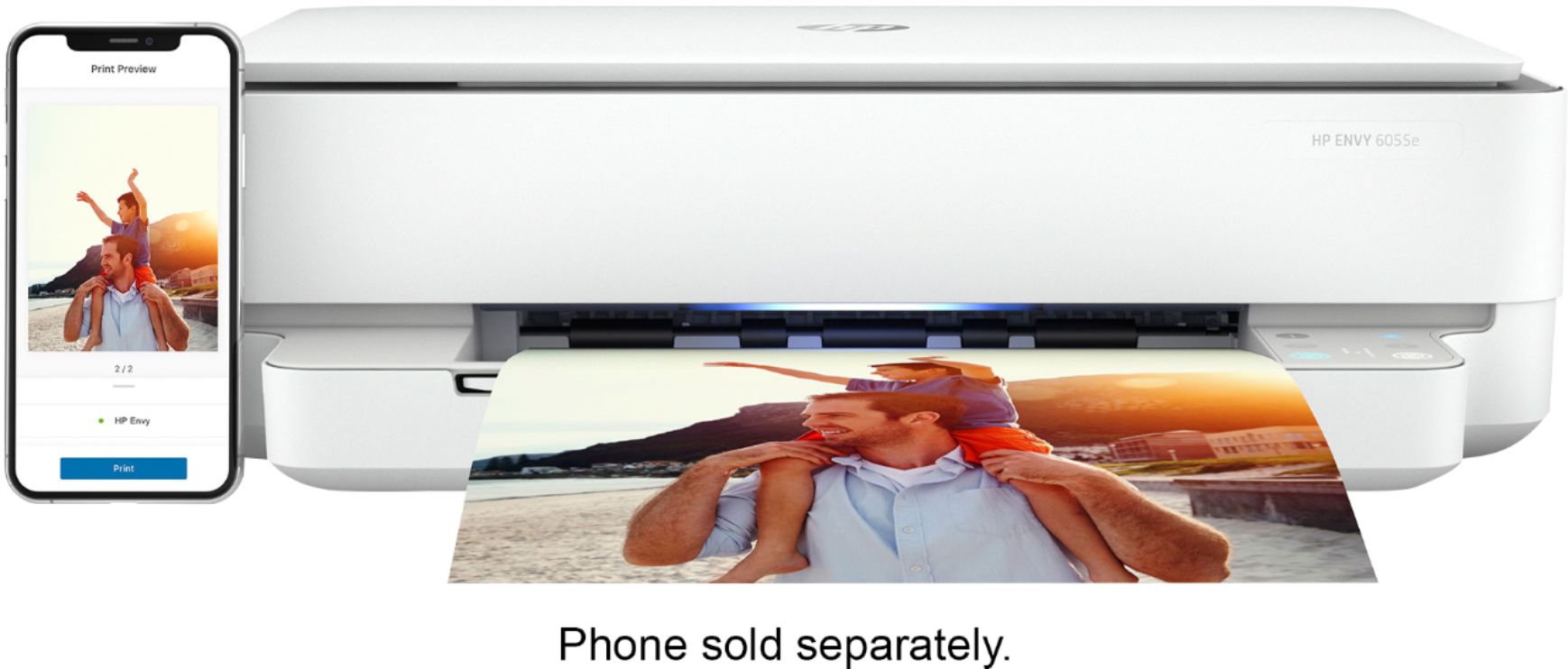
A:AnswerTo scan with the Envy 6055e printer you will need to use the HP Smart app which acts as a remote control for this printer. You cannot scan directly from the printer itself.
A:AnswerI was able to hook mine up to my MacBook Air. But I had already had the app as I had a previous HP Printer the I replaced. Did you download the app?
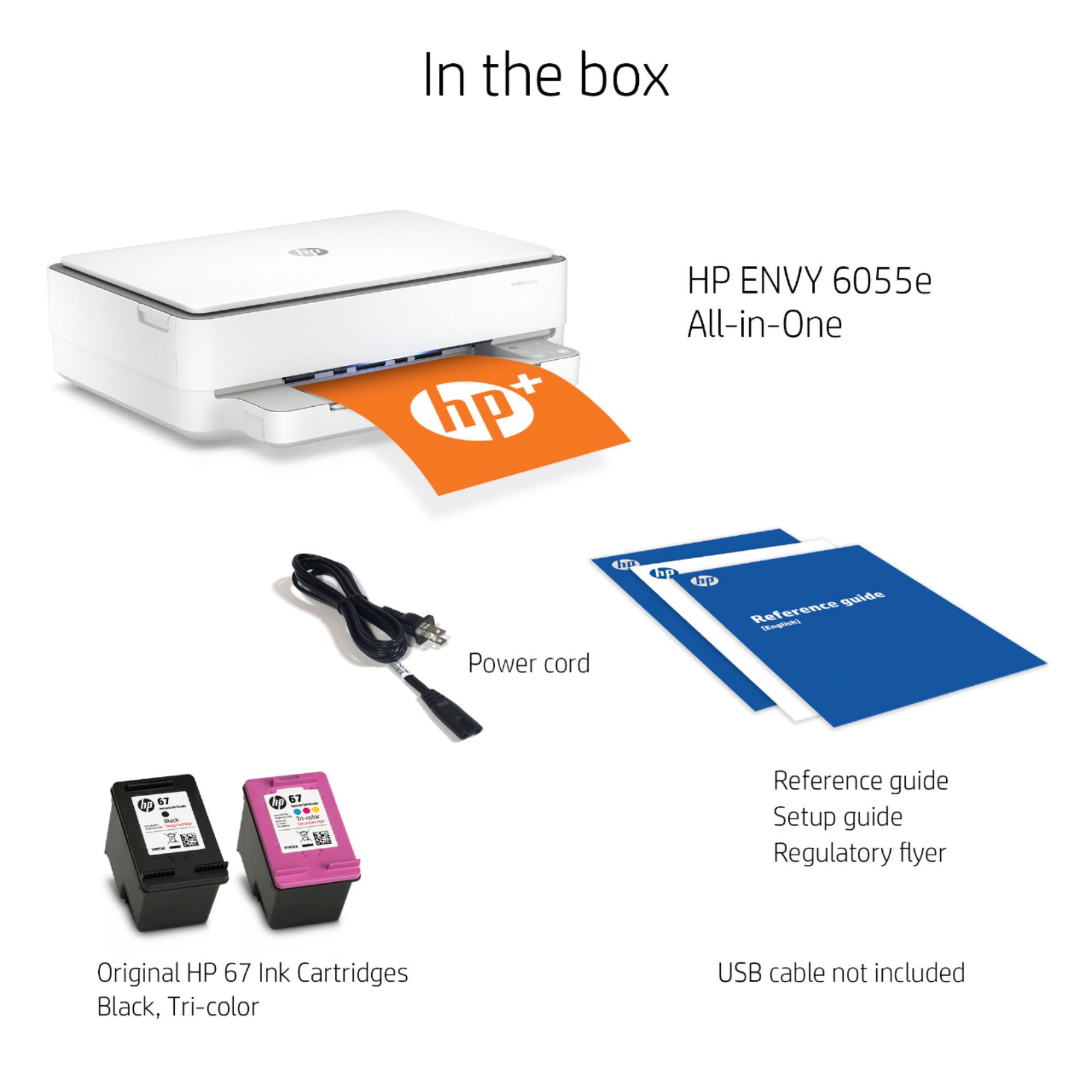
A:AnswerThe Envy 6055e printers uses the 67 ink cartridges. The standard 67 will yield up to 120 pages and the 67XL cartridge will yield up to 240 pages.
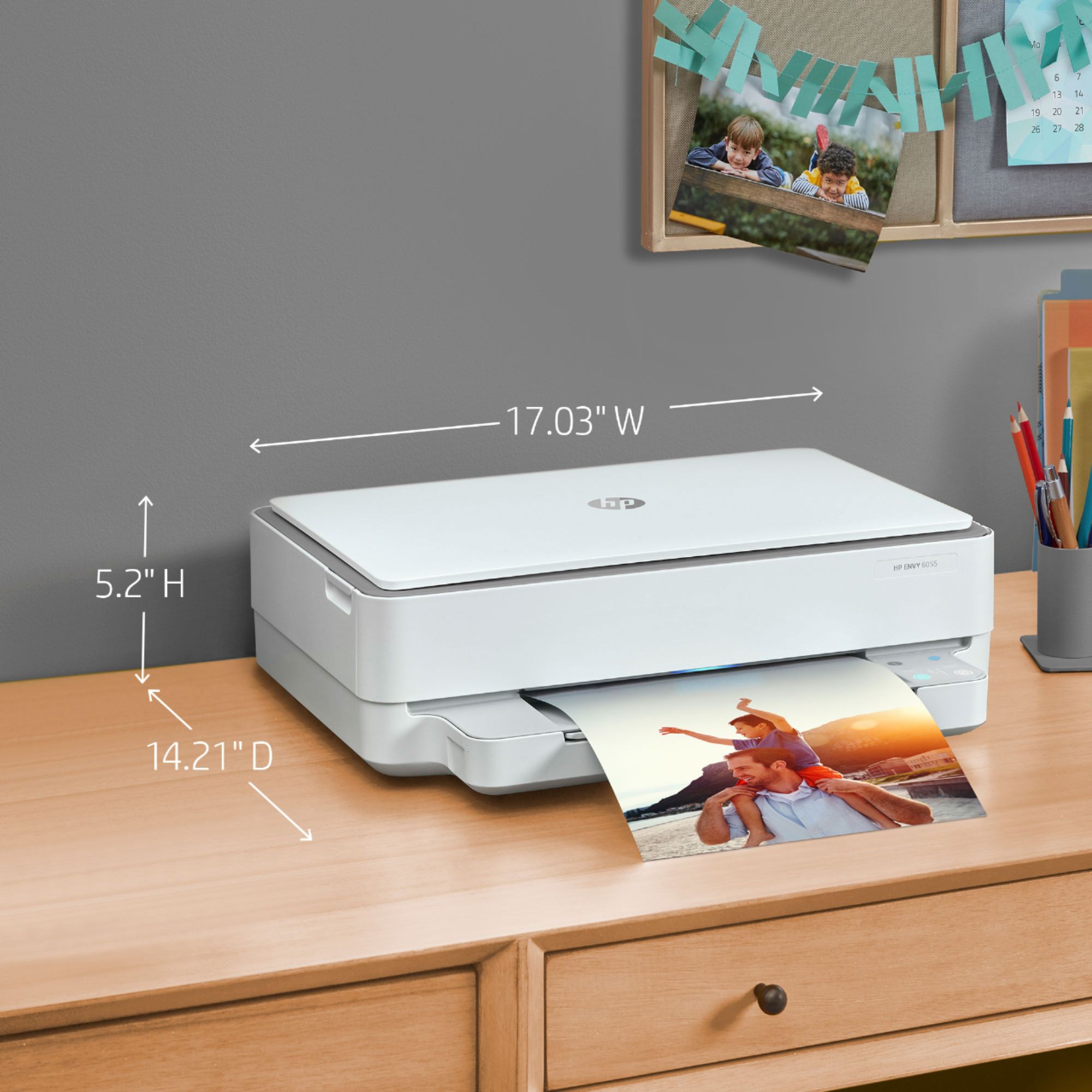
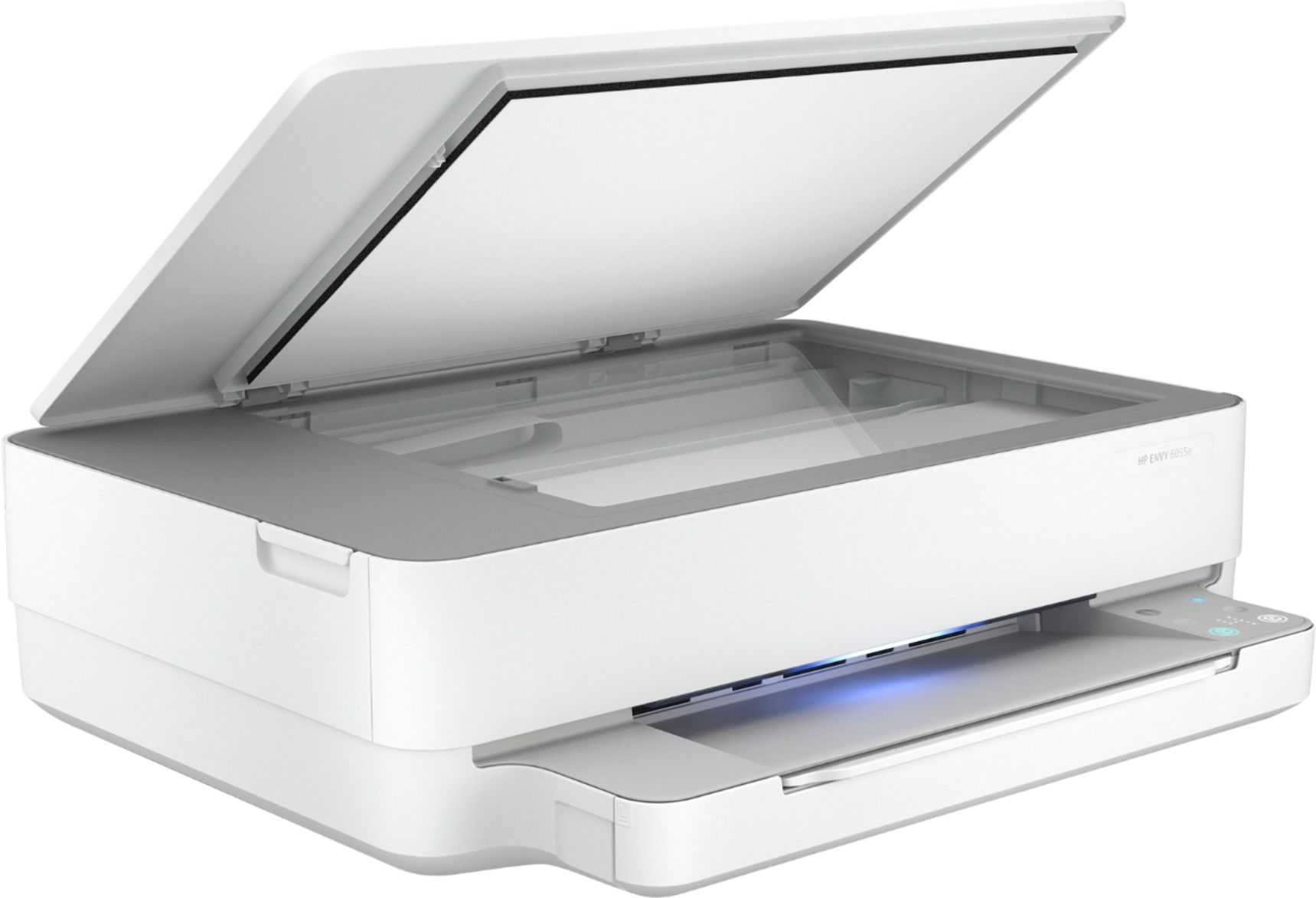
A:AnswerHello. Thanks for your question. The maximum dimensions of this HP Envy 6055e printer are (W x D x H) 17.02 x 14.21 x 5.2 inches. The paper tray is the part that extends in front of this printer.