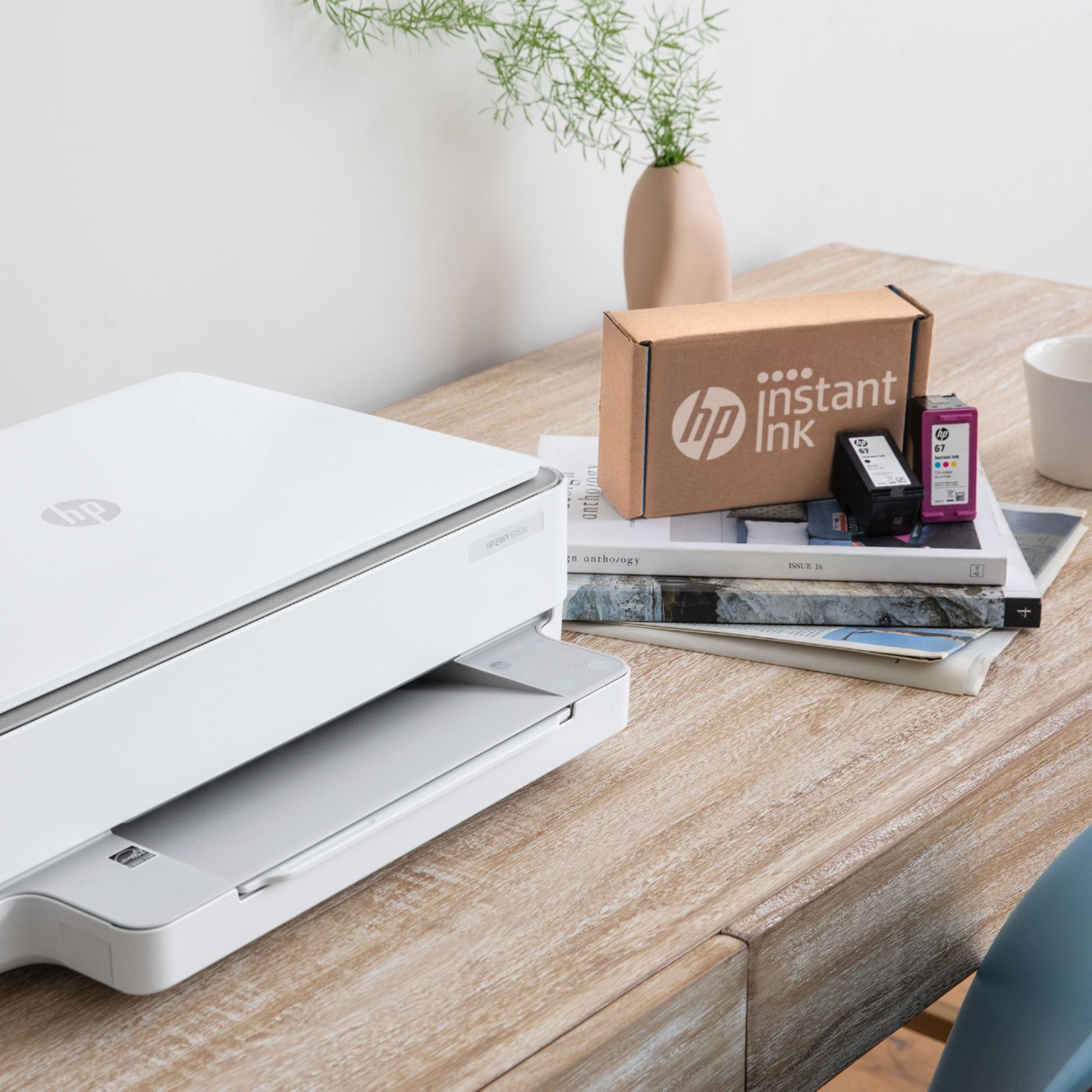
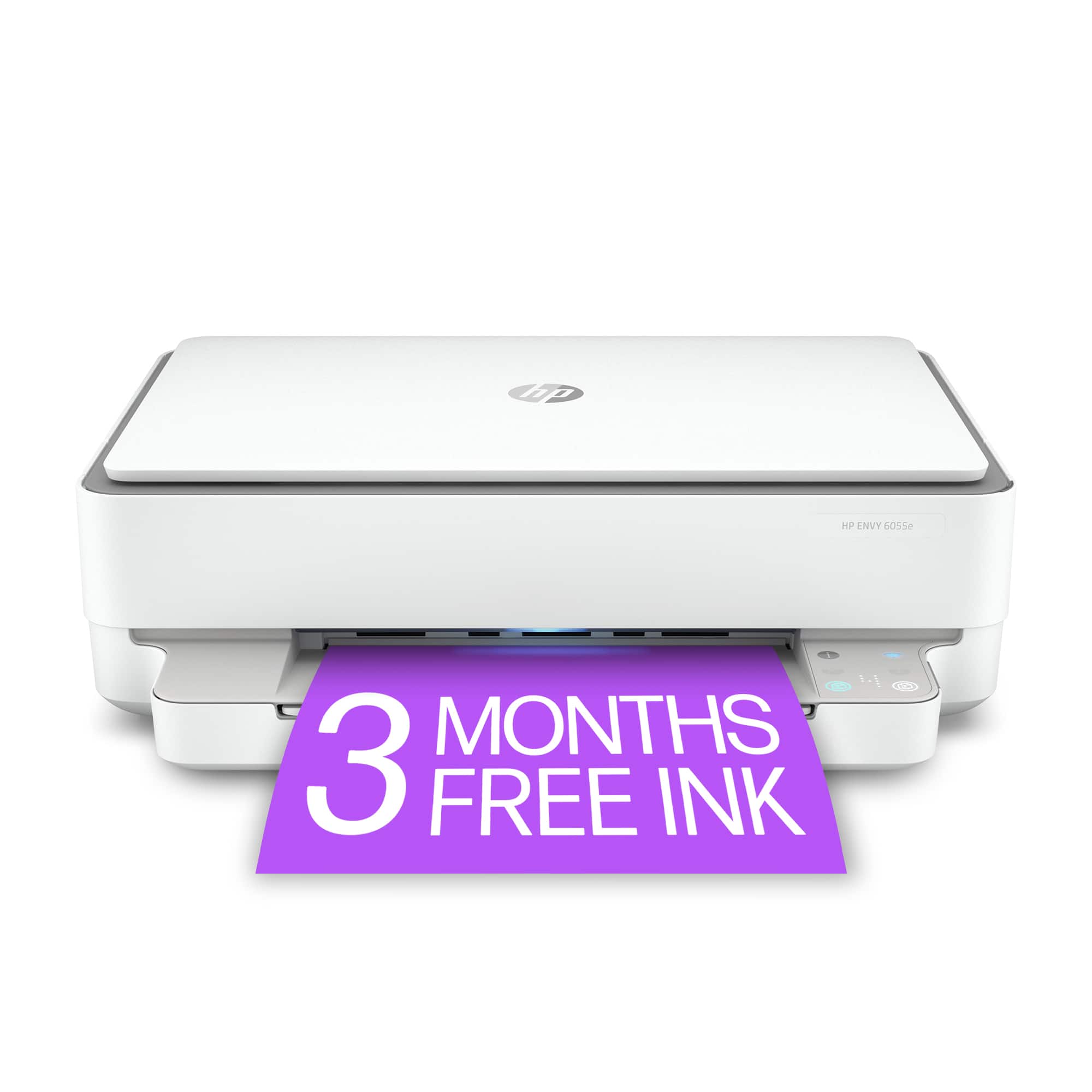
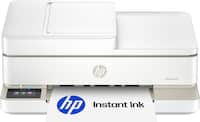
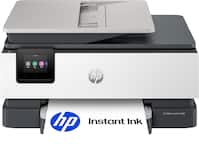
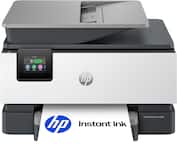
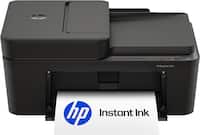
A:AnswerYes, this printer qualifies for the HP 3 month HP Instant Ink promotion and the Canva Pro 3 month free subscription to Canva Pro. The offer is valid until January 15, 2021.
A:AnswerYes, this printer is compatible with a Chromebook. Here are some instructions on how to set up the printer on the Chromebook: https://support.hp.com/us-en/document/c04122530
A:AnswerThis printer uses WiFi technology. We recommend using WiFi Direct. Wireless Direct (WiFi Direct) allows you to directly connect to a printer from a mobile device or computer without the need for internet access or a wireless network. You would connect to the printer’s wireless direct signal just like you would connect to a wireless network. The printer would have a unique name in your wireless connections, i.e. Direct-04-Printer. For more information, you can go to https://bit.ly/3jqsGQ8
A:AnswerNo. This printer does not have the front USB port for a USB flash drive. We would recommend looking at the HP Envy Photo 7855, Officejet Pro 9015 or 9025 printers, which would have the front USB port so that you can print photos or scan to a USB thumb drive.
A:AnswerIt will depend on whether your software can do a reverse (or mirror image). This website gives more information on printing mirror images: https://support.hp.com/us-en/document/bpa00482
A:AnswerNo, the HP Envy 6055 does not have a built in card reader. The HP Envy Photo 7155 and HP Envy Photo 7855 each have SD card readers. Here is a link to the 7155 - https://www.bestbuy.com/site/hp-envy-photo-7155-wireless-all-in-one-instant-ink-ready-inkjet-printer-black/5962000.p?skuId=5962000
Here is a link to the 7855: https://www.bestbuy.com/site/hp-envy-photo-7855-wireless-all-in-one-instant-ink-ready-inkjet-printer-black/5961901.p?skuId=5961901
A:AnswerCalling the store number usually reroutes you to a call center. Currently the phones are shut off at stores in Ohio, but I don’t know about other states. If you google the extensions you might be able to get ahold of someone, but I always say it’s best to talk to someone in person.
A:AnswerYes, this printer can handle printing schoolwork off of a Chromebook. Here are some instructions on how to set up the printer on the Chromebook: https://support.hp.com/us-en/document/c04122530