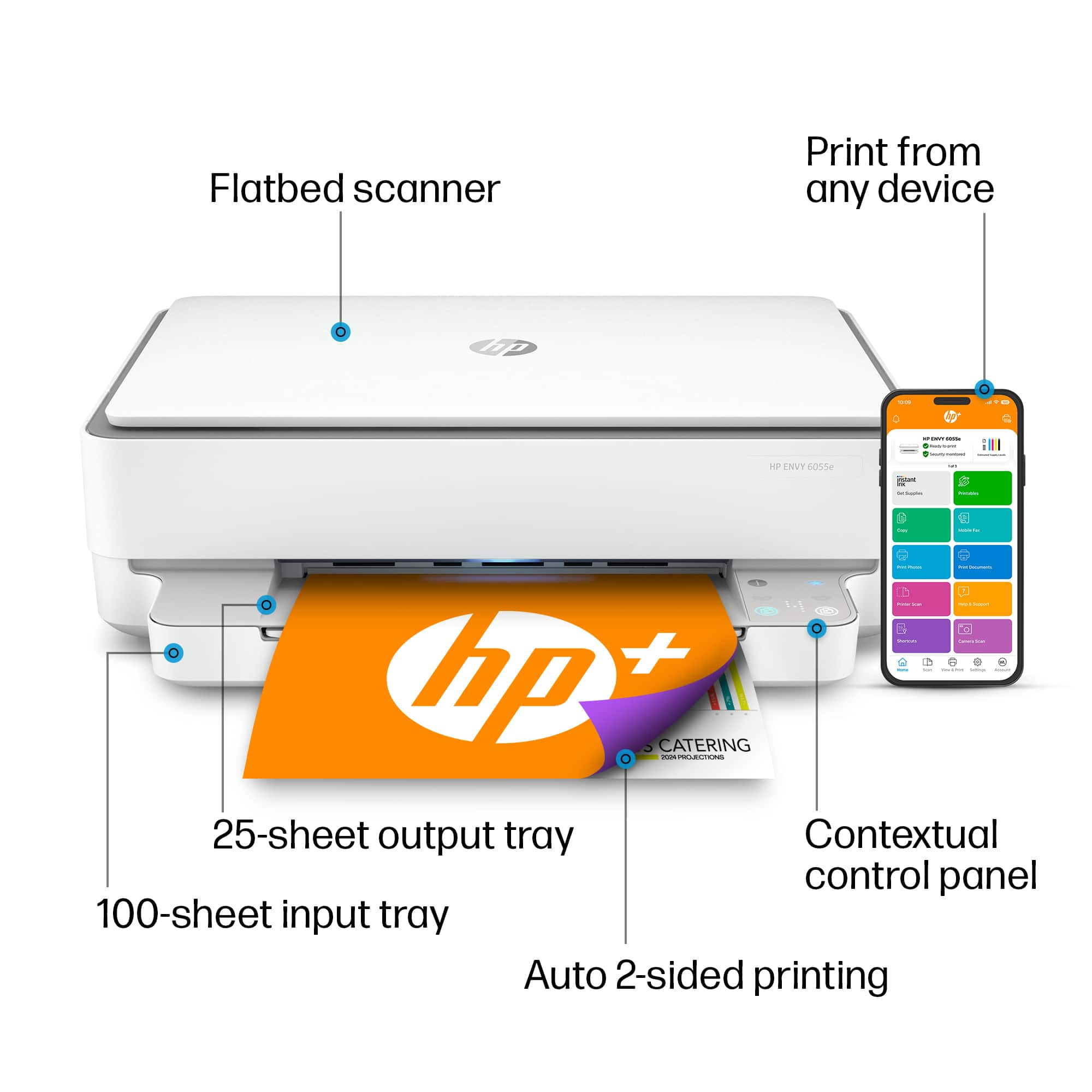
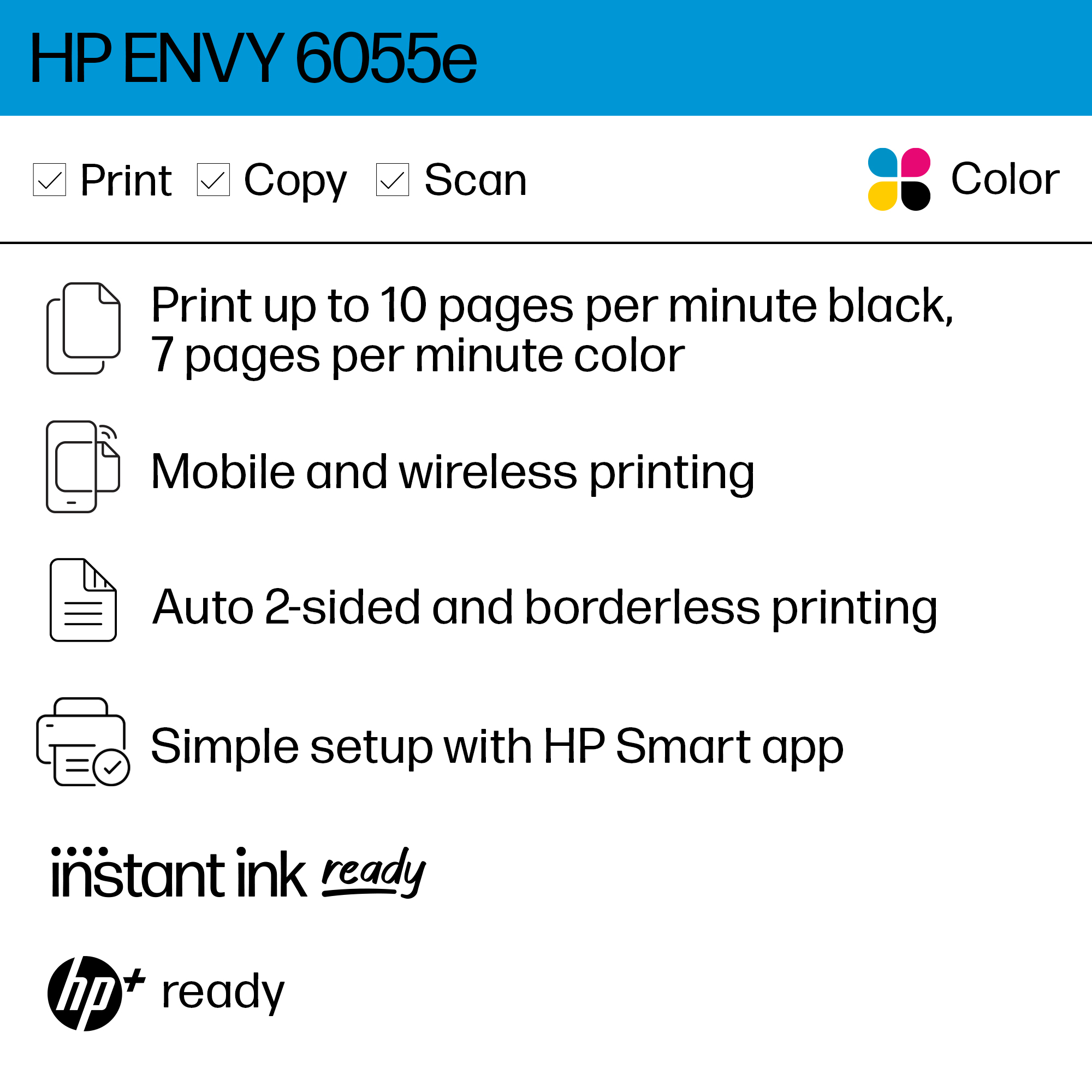
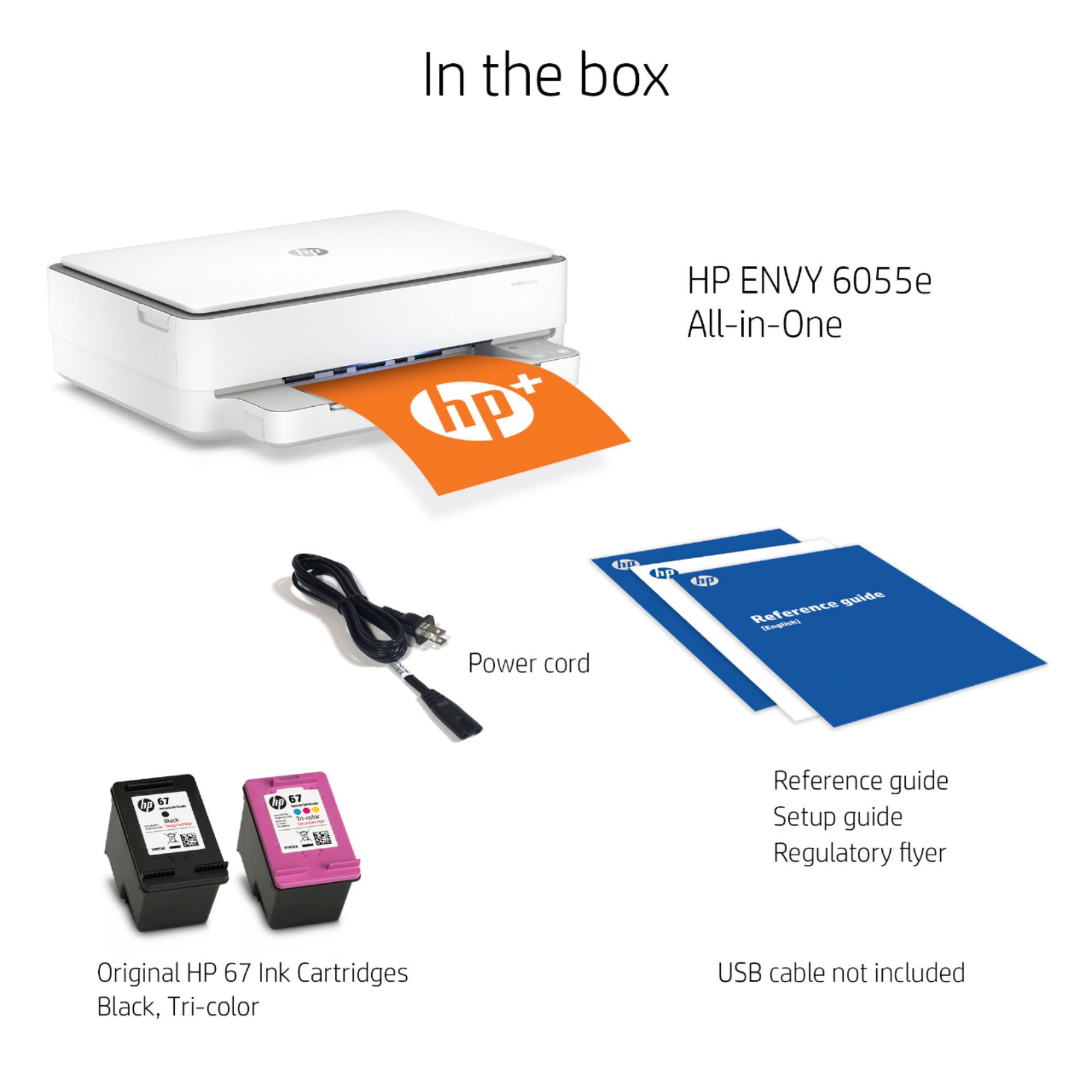
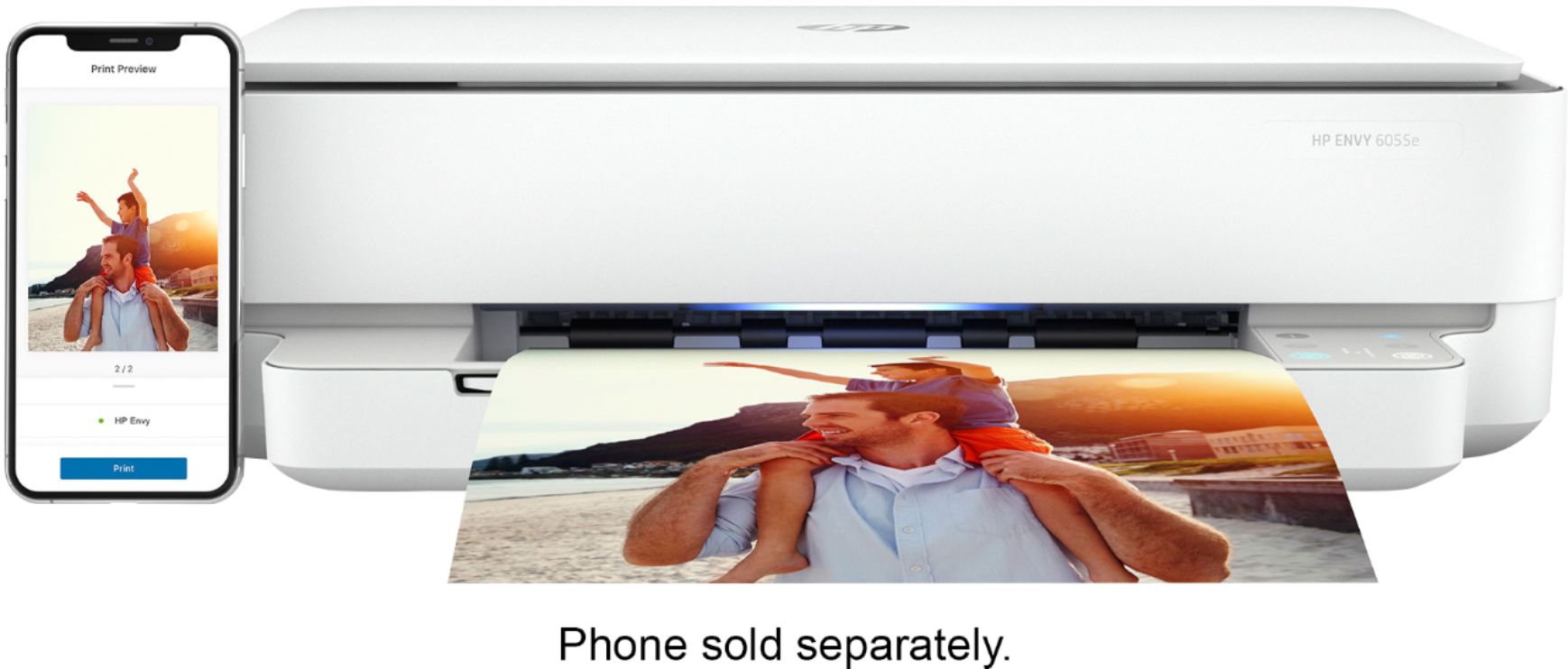
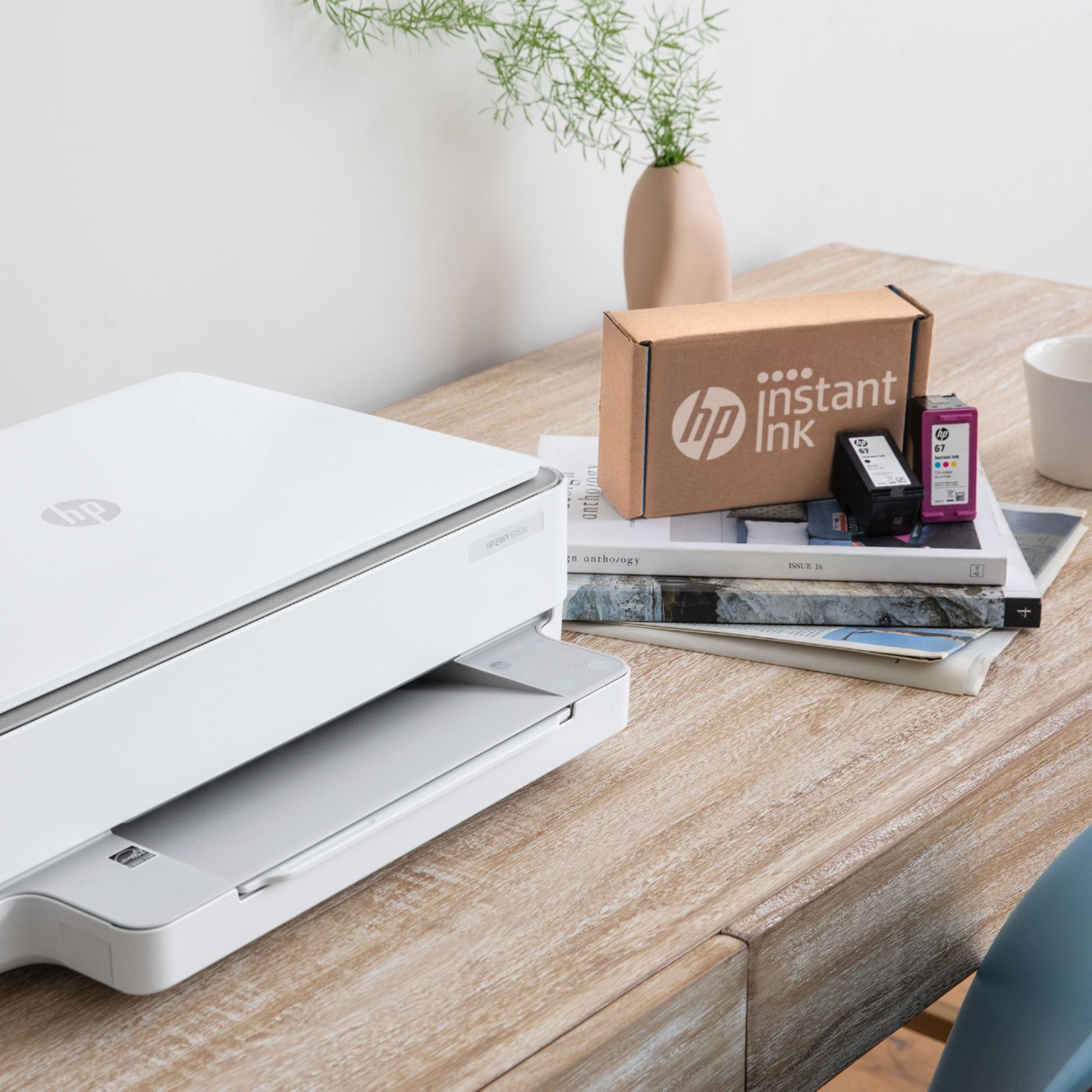
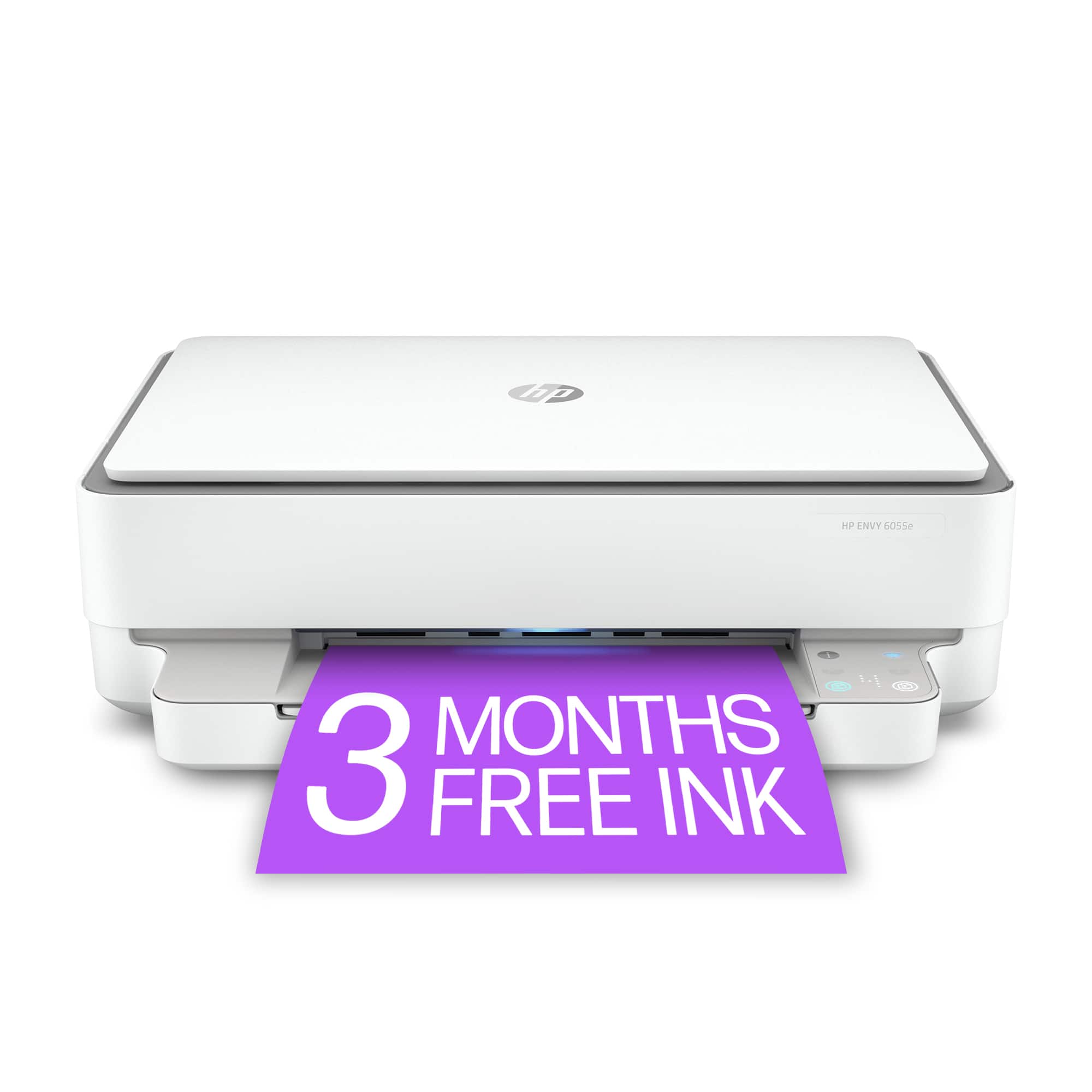
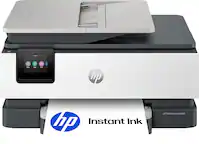
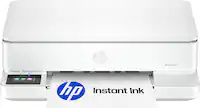
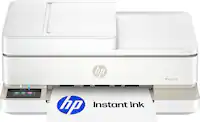
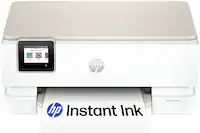
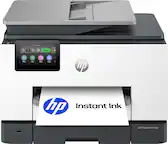
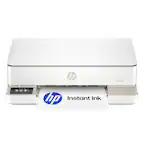
A:AnswerThe HP Smart app is not exclusive to the Instant Ink program and will show you your ink levels if you are using cartridges bought from the store. While you do not have to use Instant Ink, it does come with Instant Ink cartridges. You would need to replace them with standard ink cartridges after setup to print.
A:AnswerI did the same thing. You will lose the free 6 months of instant ink with (700 pages to print each month) if you REPLACE your existing printer on your Instant ink account. To take advantage of the free 6-months with my new printer, I simply cancelled/deactivated the printer on my existing account and chose the option SET-UP NEW PRINTER as opposed to the replace printer option. This way, I could get the free 6 months and print as much as I want. I’m not nearly printing 700 pages a month (and that’s sharing the printer with a high school kid who occasionally needs to print an assignment). I hope this helps.