A:AnswerI'm '60s too :)
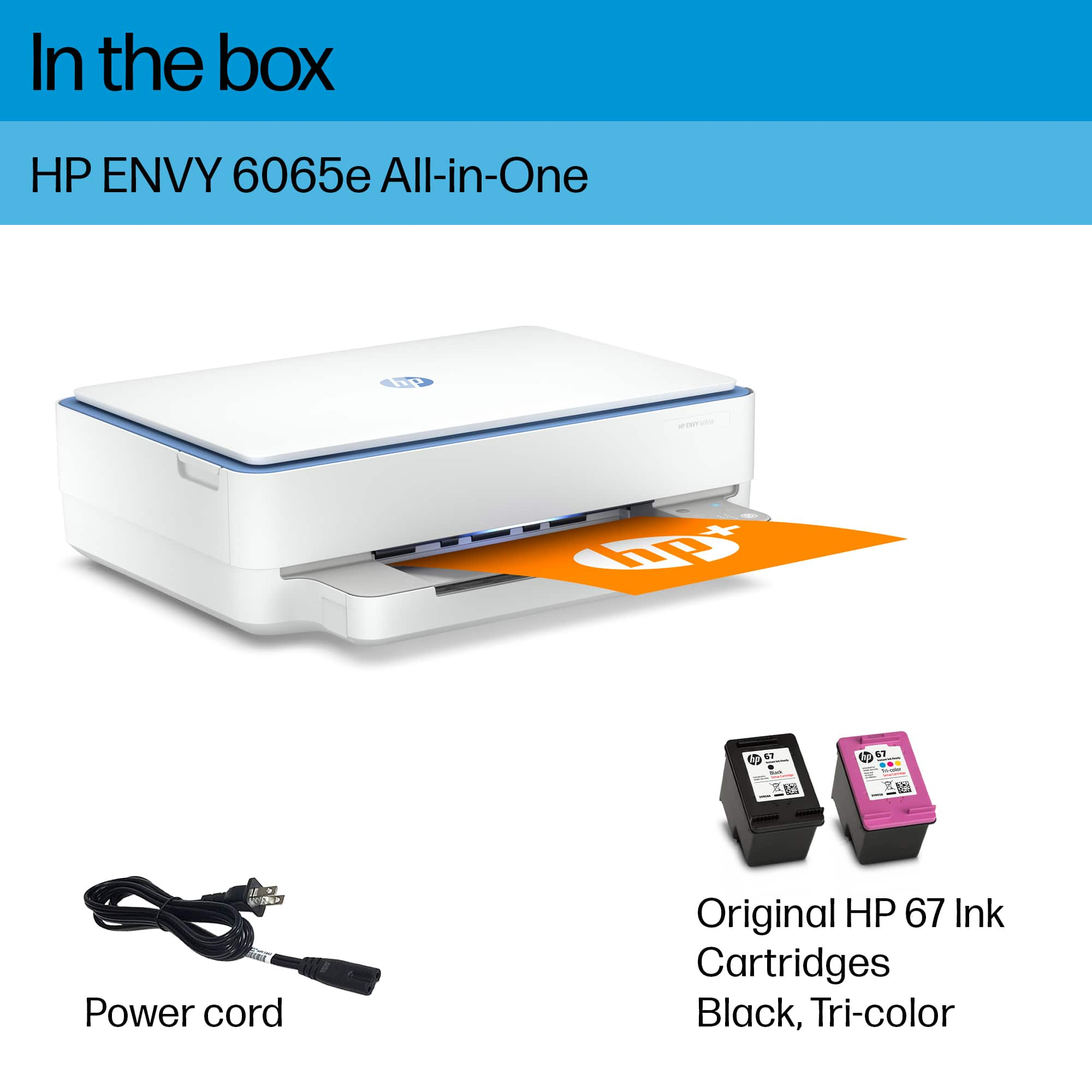
I use it with my Mac Air. It only uses 2 cartridges, color and black, that are included but low-volume.
I did Canon and agree, + the color wasn't quite right.
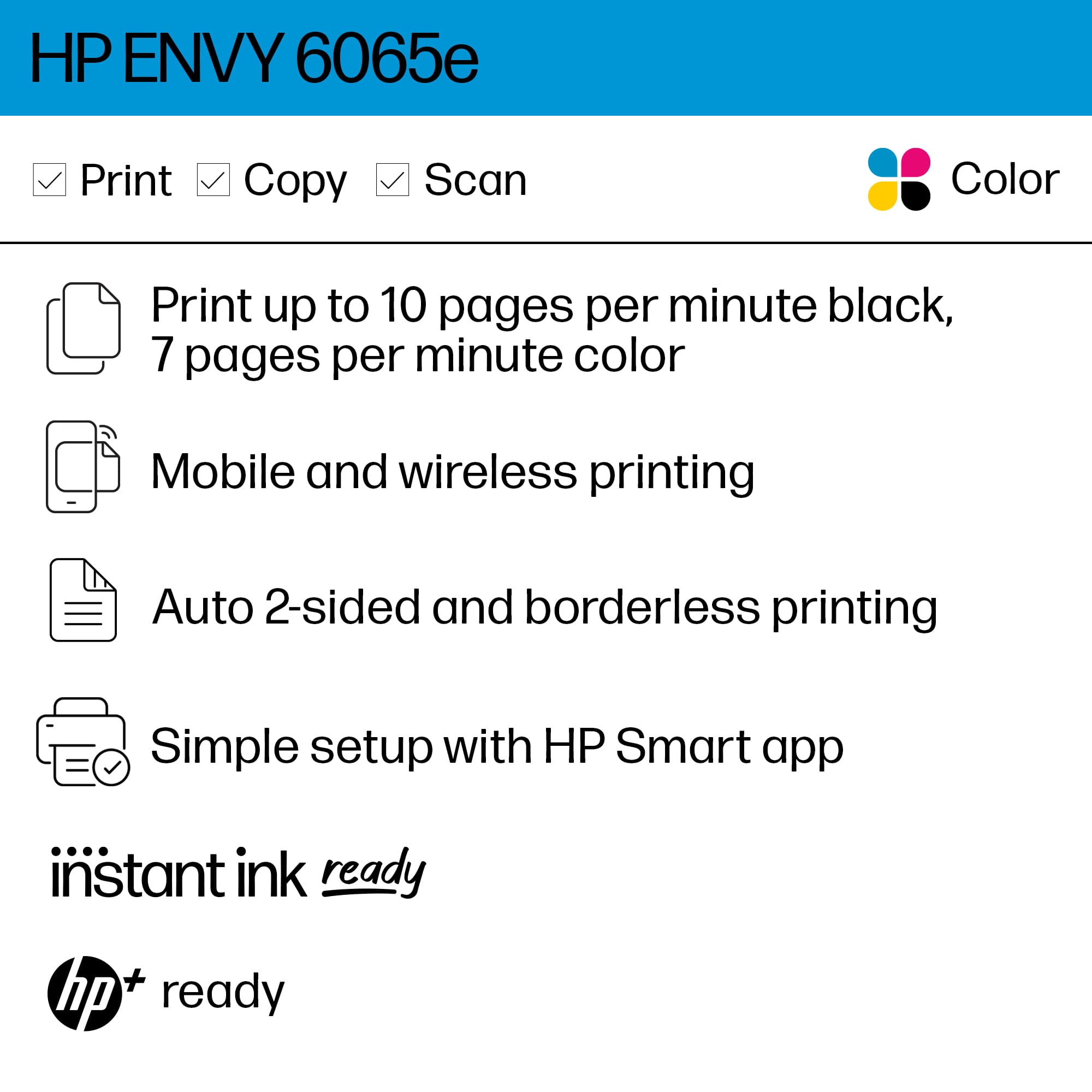
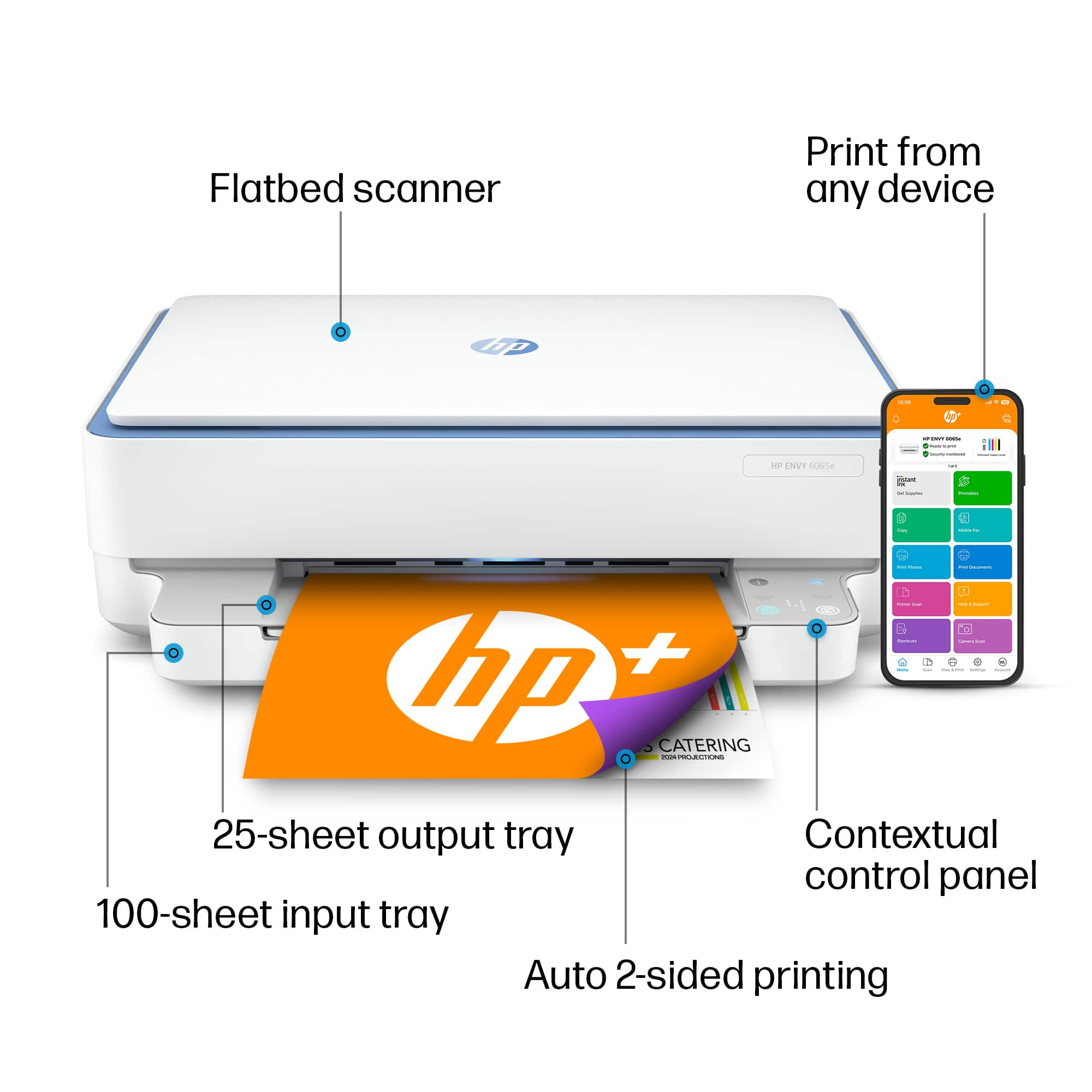
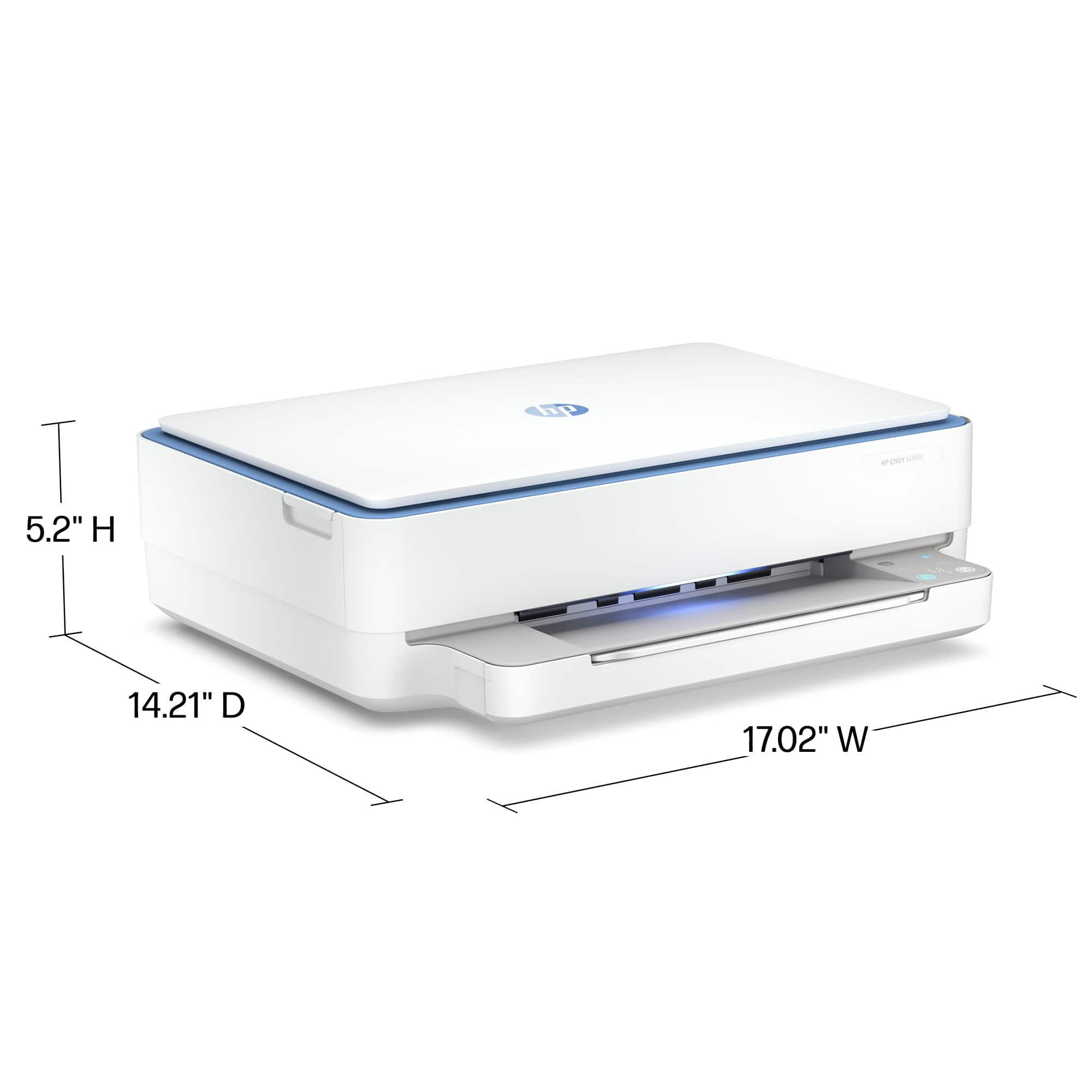
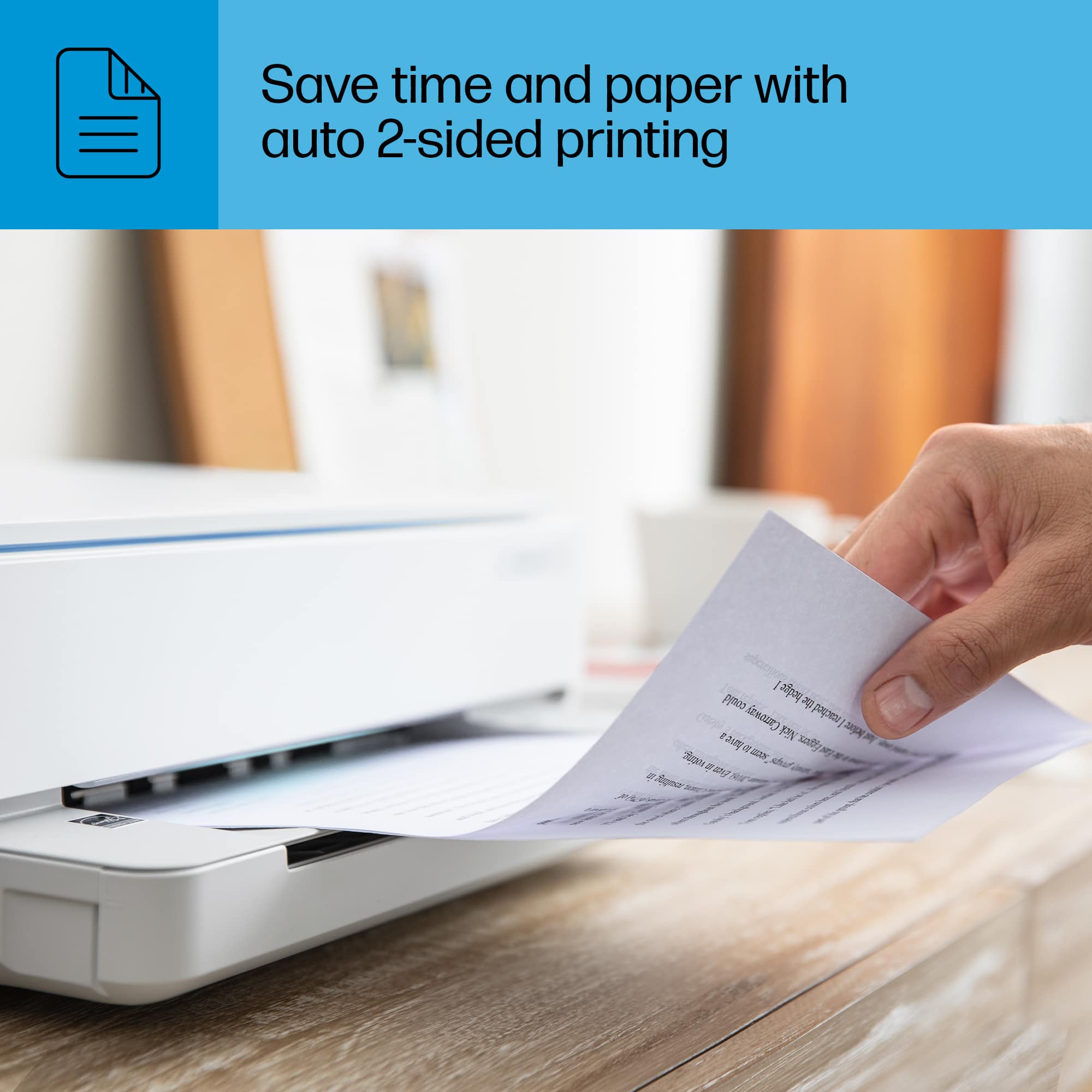
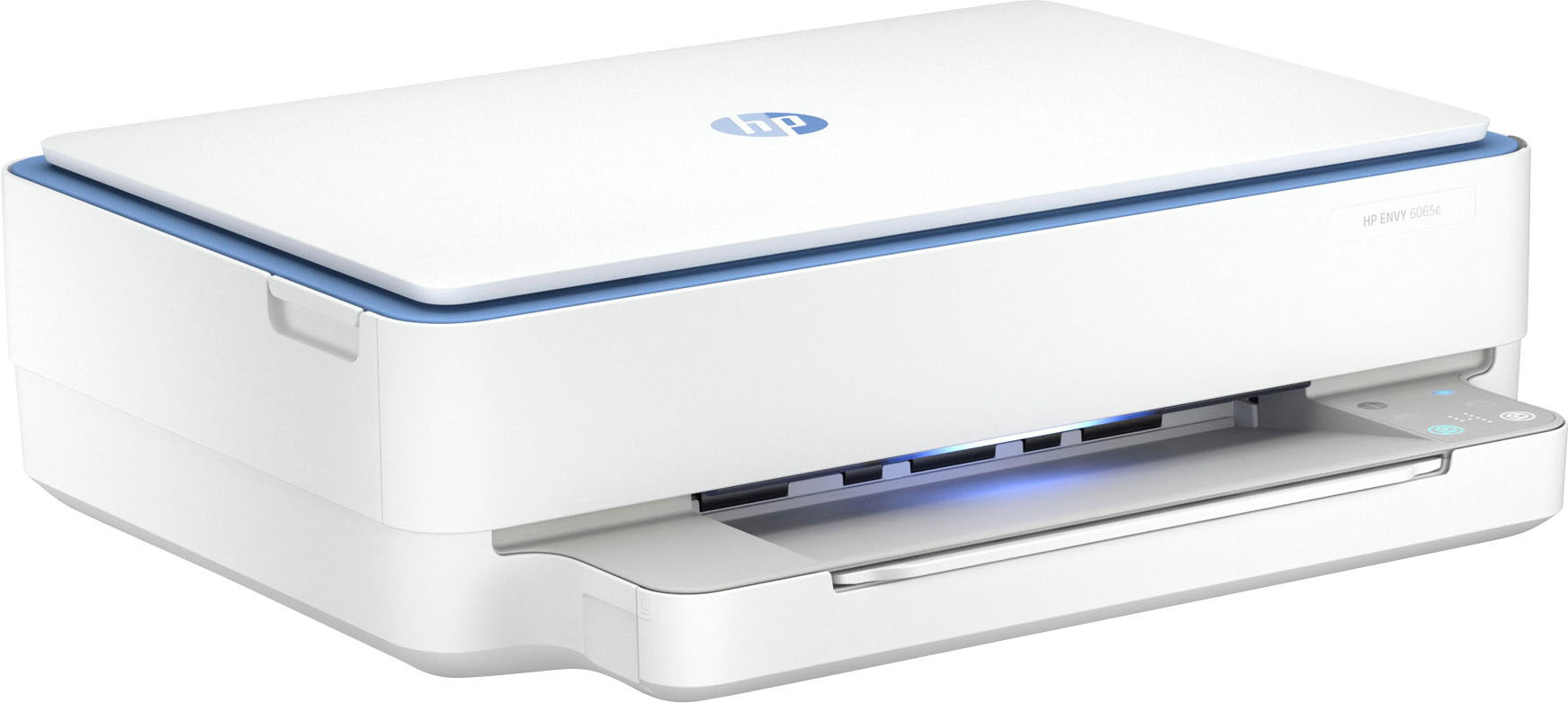
A:AnswerThe dimensions are in the specifications. It is a nice size, not huge. It has lots of features the $39.95 does not have... such as printing on both sides automatically and borderless printing... I had a prior model of this for years and loved it.
A:AnswerWhen you hit print and are brought to the print screen page and on the left there will be a menu where there are choices for things like 'portrait' and 'landscape'.
Go down the menu and near the bottom under the 'color' dropdown menu you will see a "print on both sides" dropdown menu. Click on that and make your choice to print on one side or both sides.
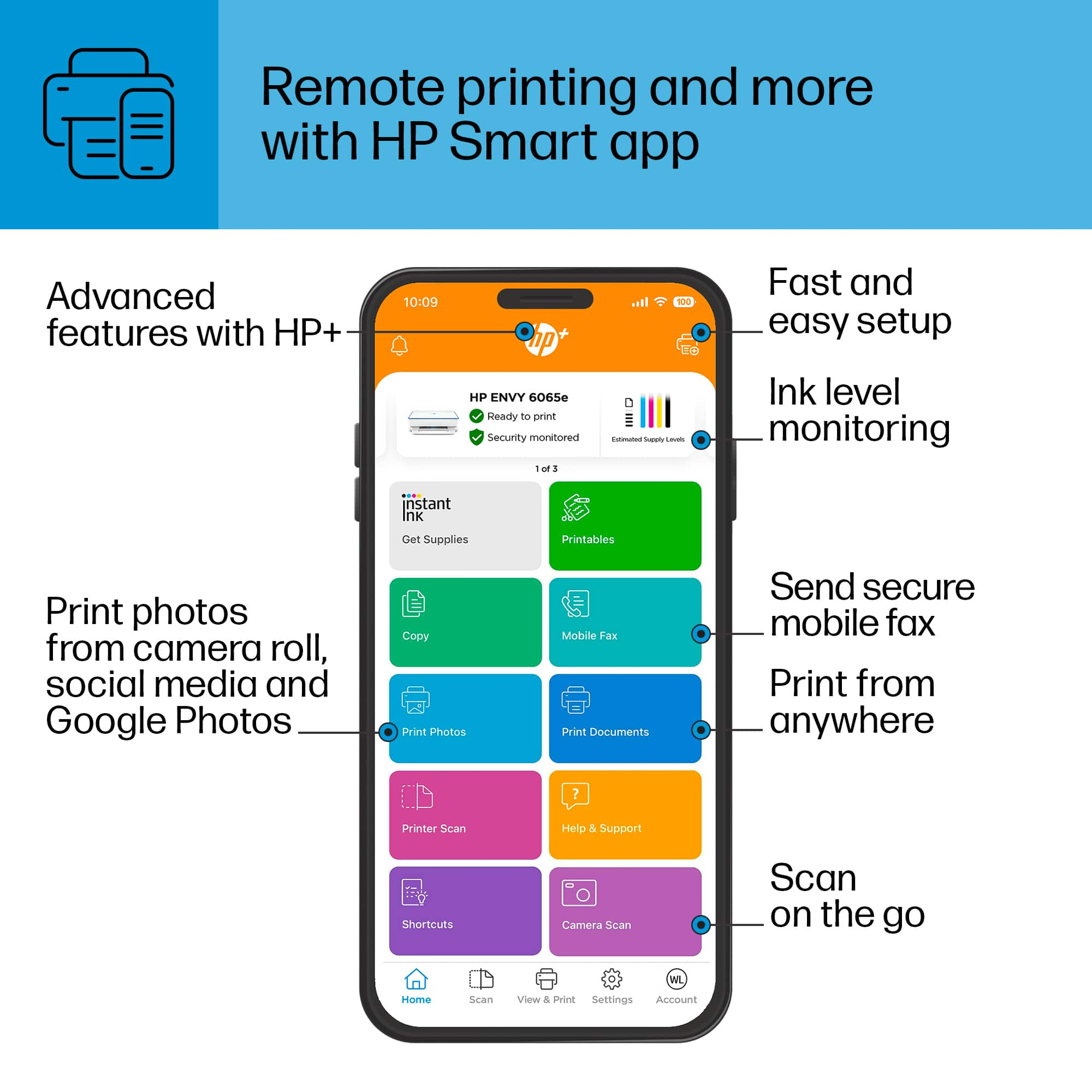
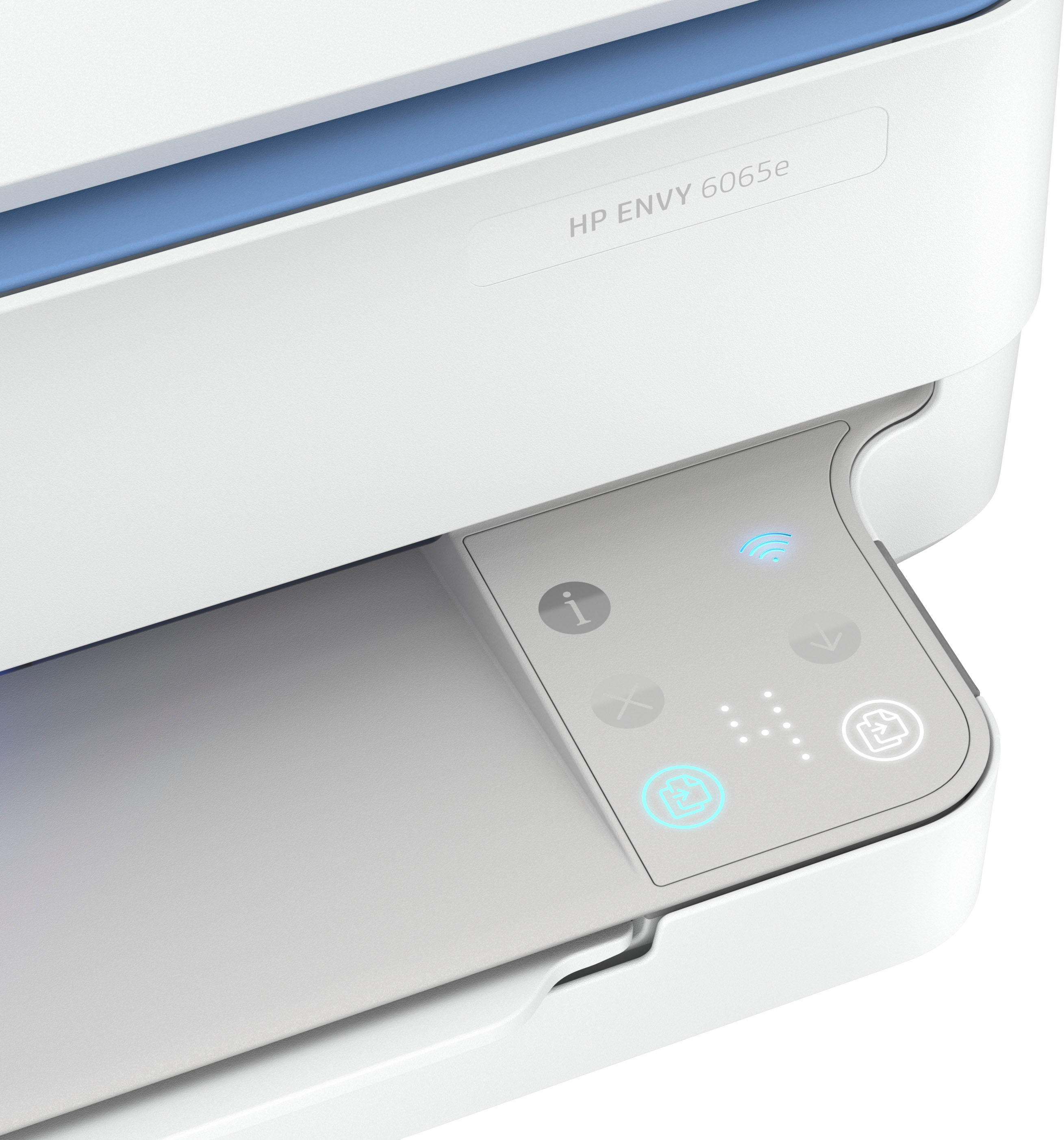
A:AnswerYes, the Envy 6065e printer can copy one page at a time from the printer itself and can scan one page at a time with the assistance of the HP Smart App, which is free and accessible with a smartphone, tablet or computer.