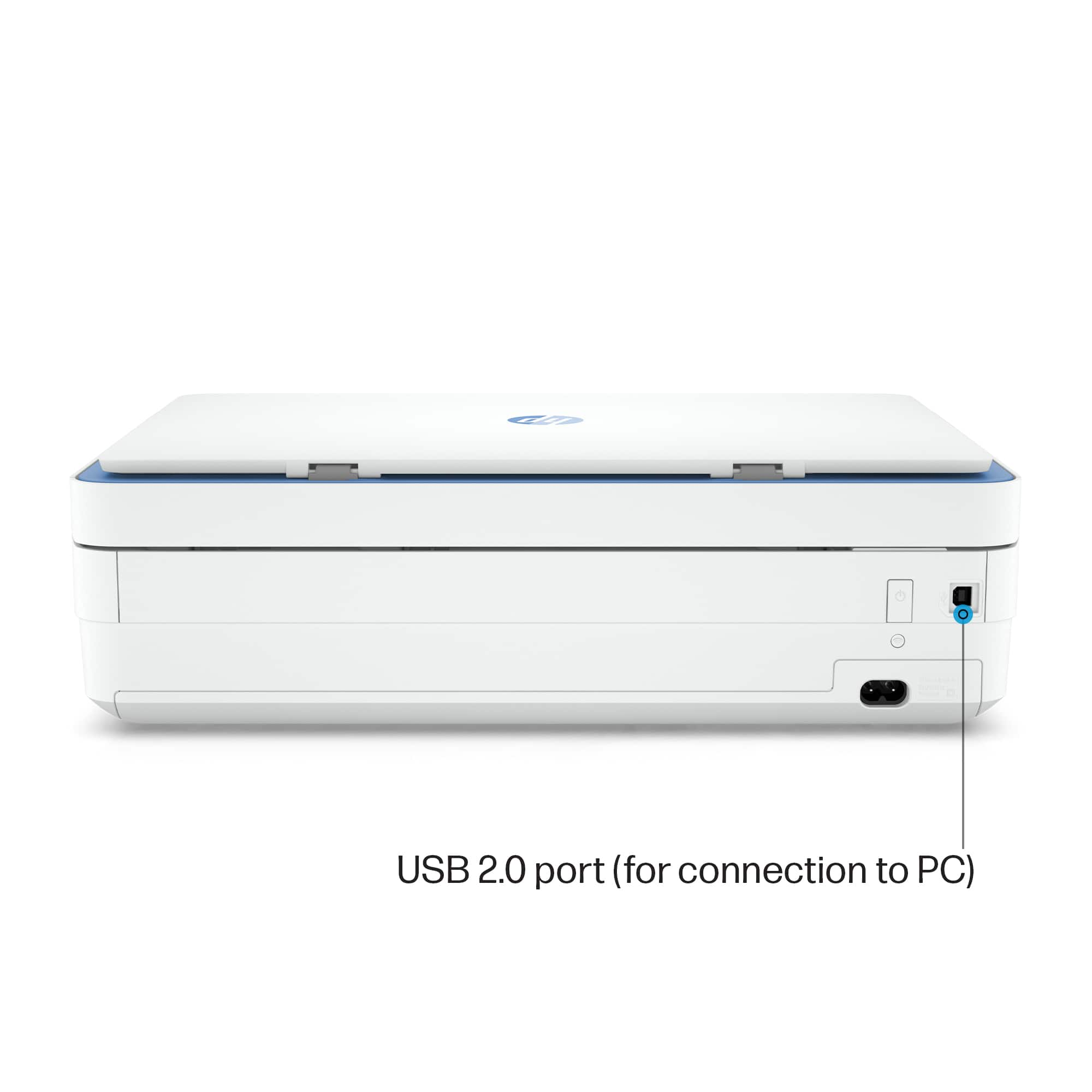
A:AnswerHello Ruby! If you are asking if you can use the same USB cable to hardwire the computer to the HP Envy 6055e, yes you can. Thank you for your question.
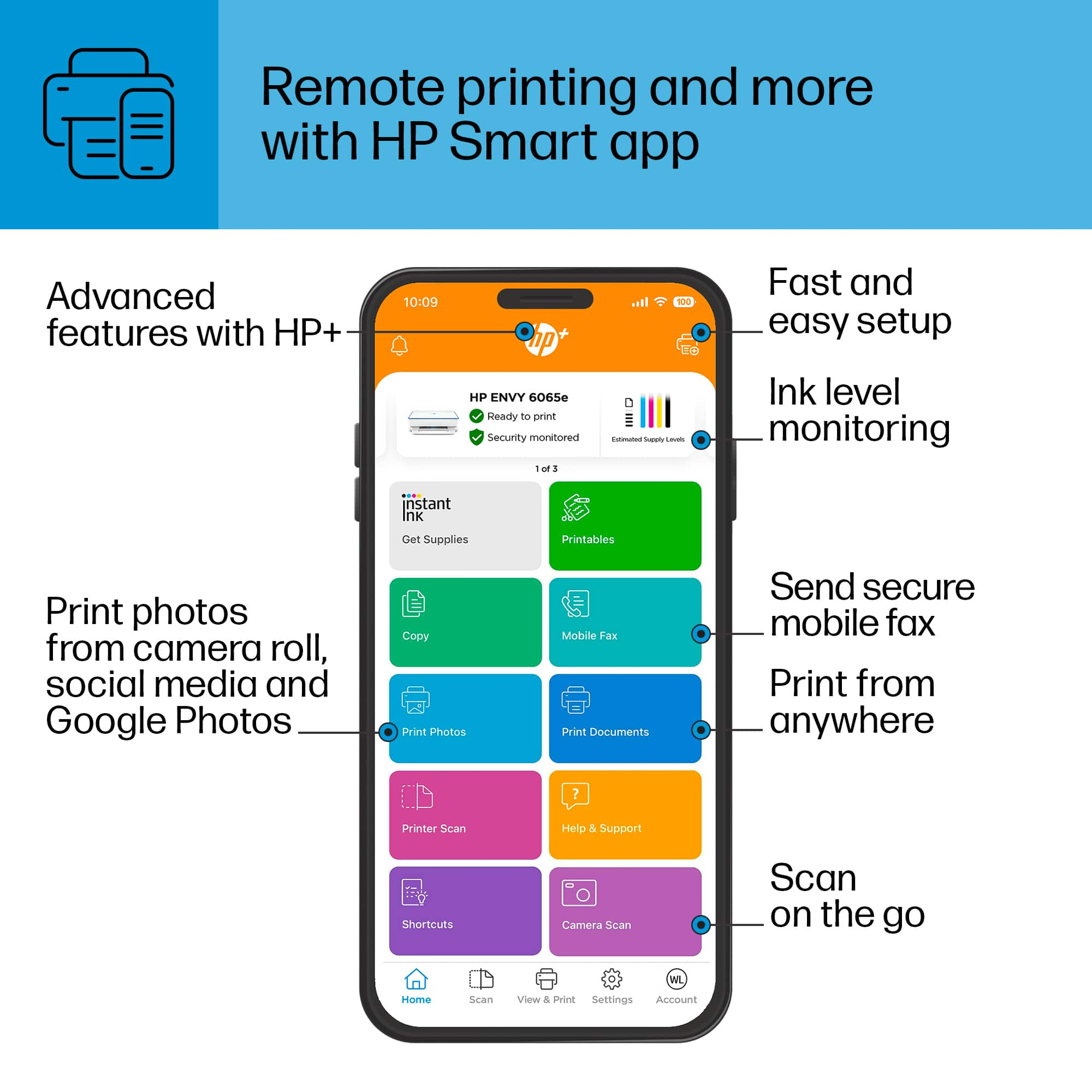
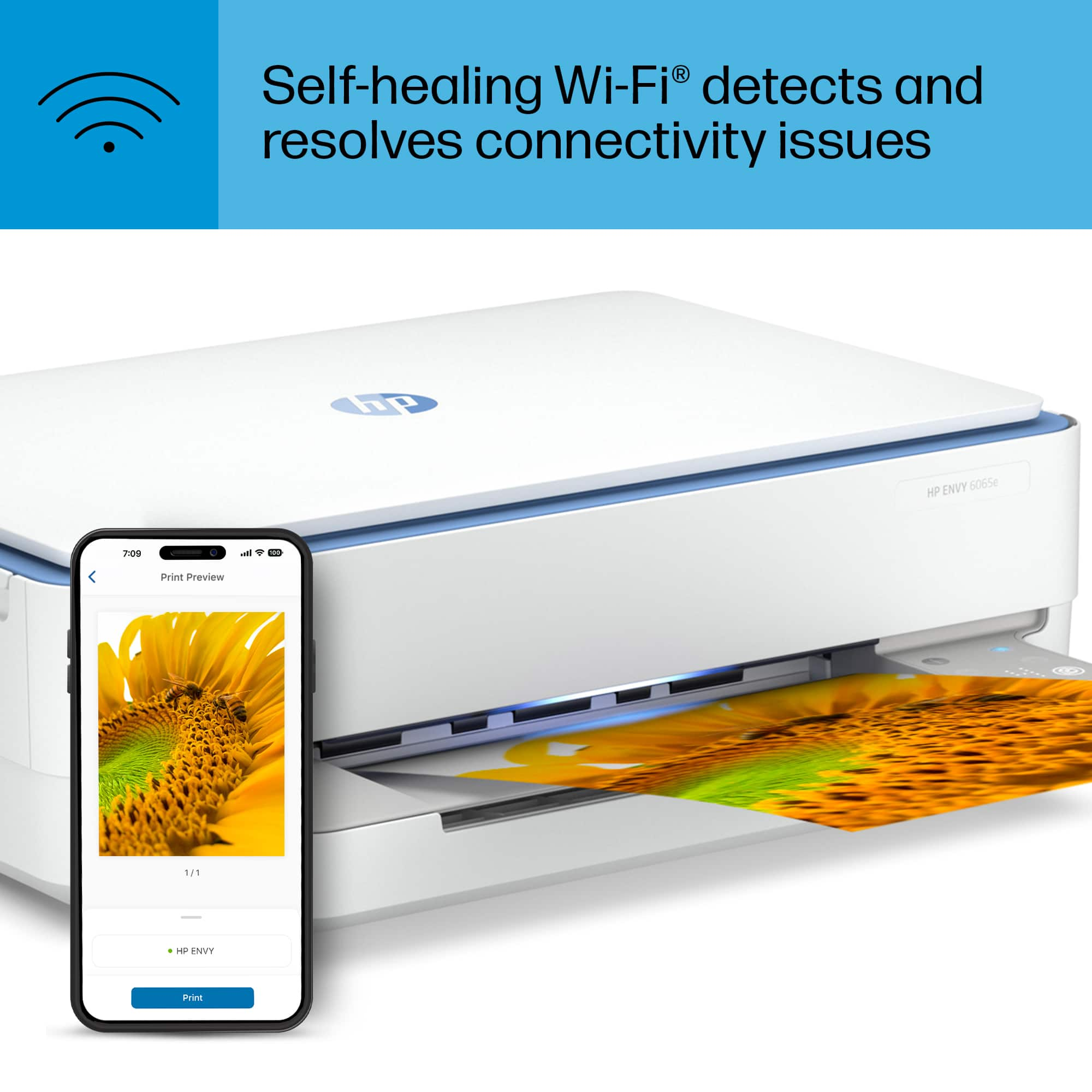
A:AnswerIt is not recommended to connect the printer via a public network. Instead, use the free HP Smart app to connect via WiFi Direct. Thank you for your question!
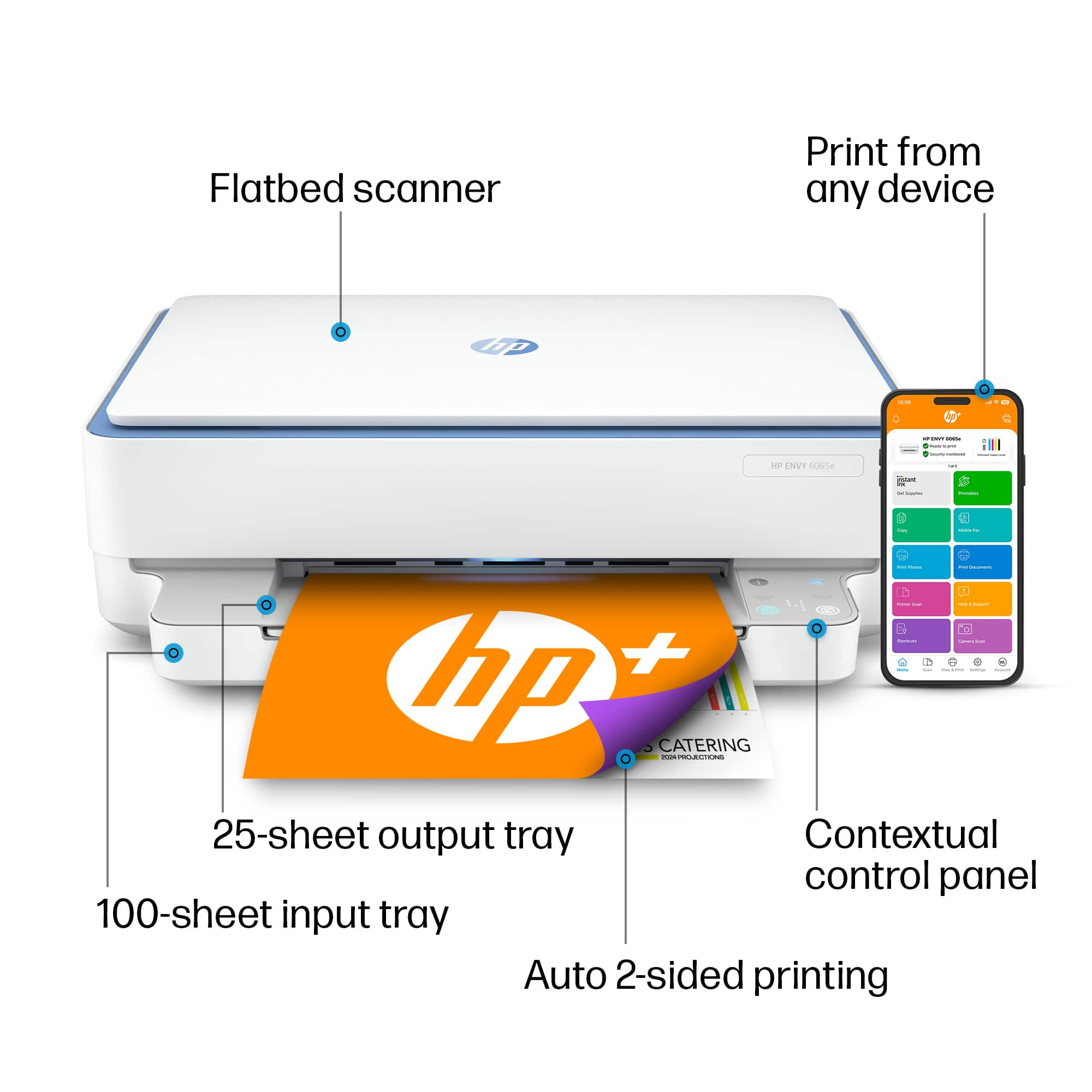
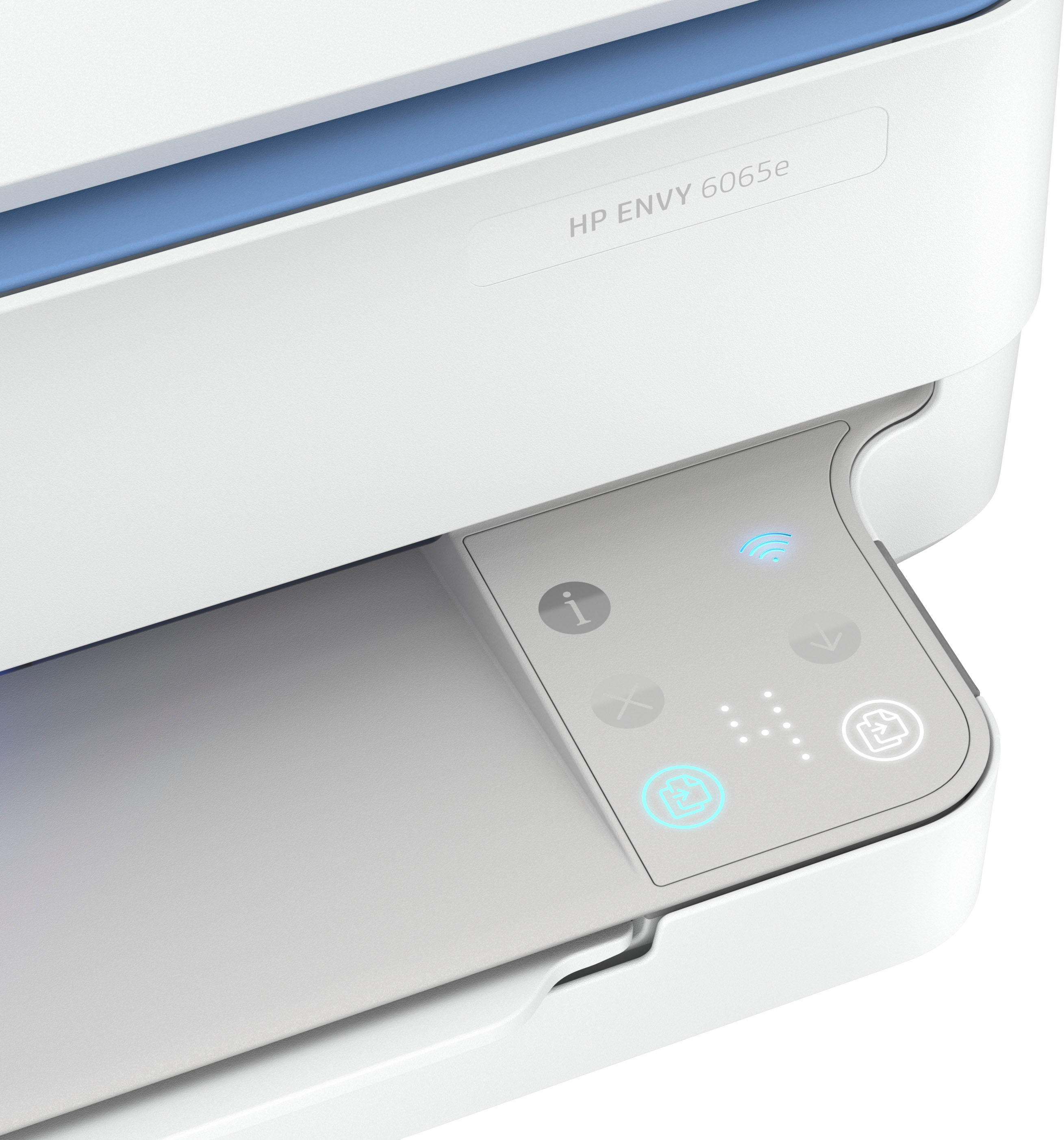
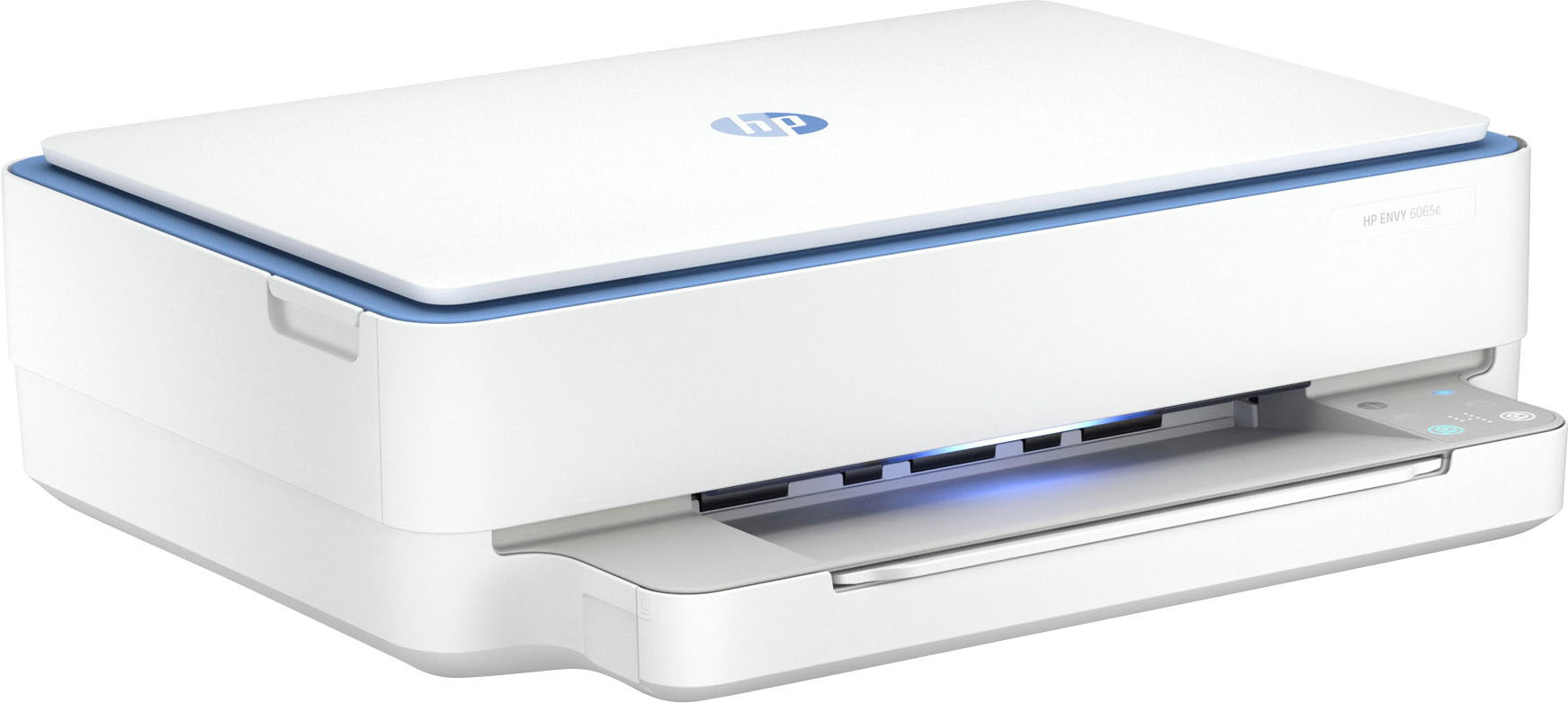
A:AnswerThank you for the question. Yes, if the external drive is connected to your computer (the Envy 6065e does not have a port for a flash drive). You can scan to the computer using the full feature version of the HP scan software available at 123.hp.com.
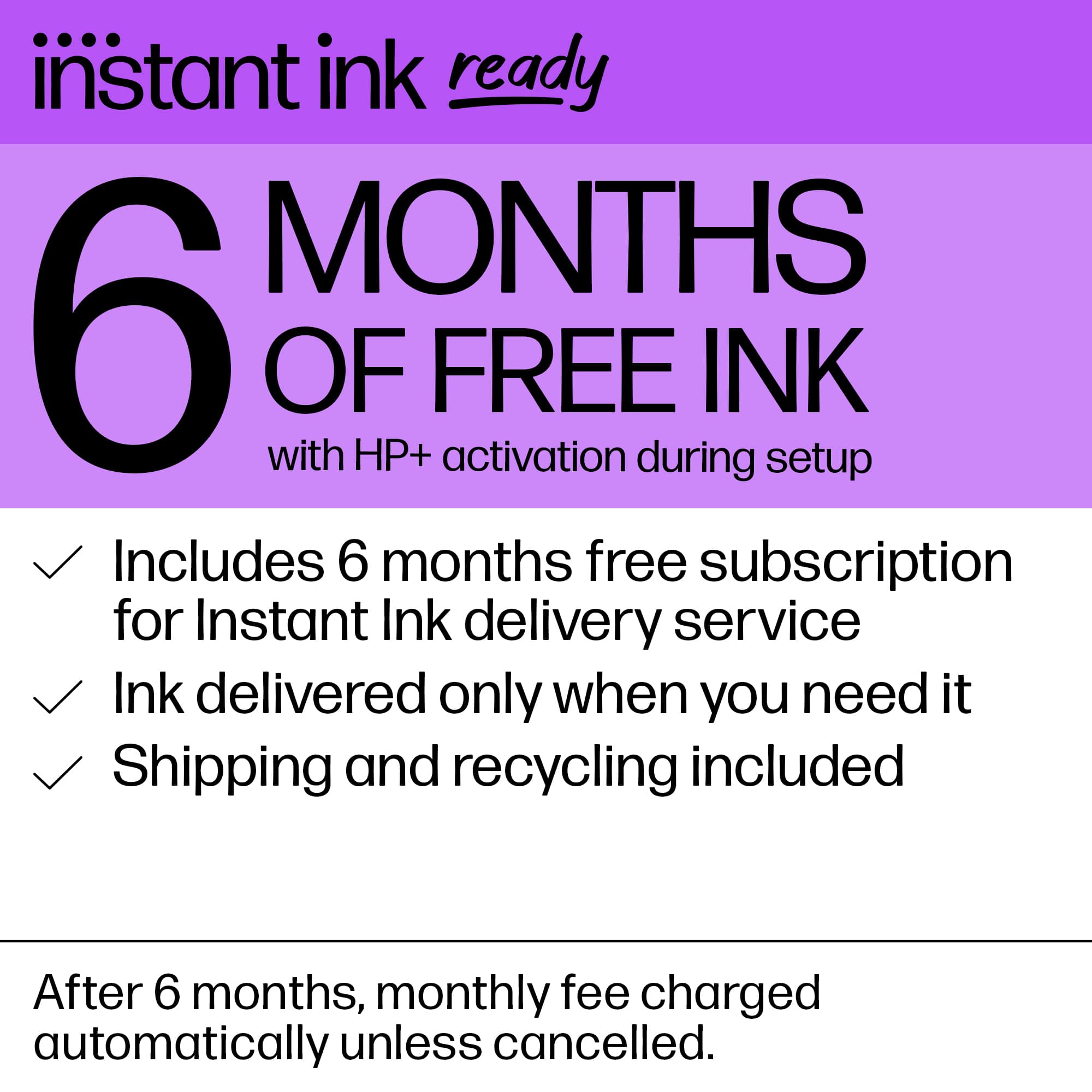
A:AnswerI signed up for the HP ink club and you save a lot of money on ink. Plus it gets delivered right to your door. If you buy it outright, I think it's like $21-$30 bucks if I remmeber correctly.
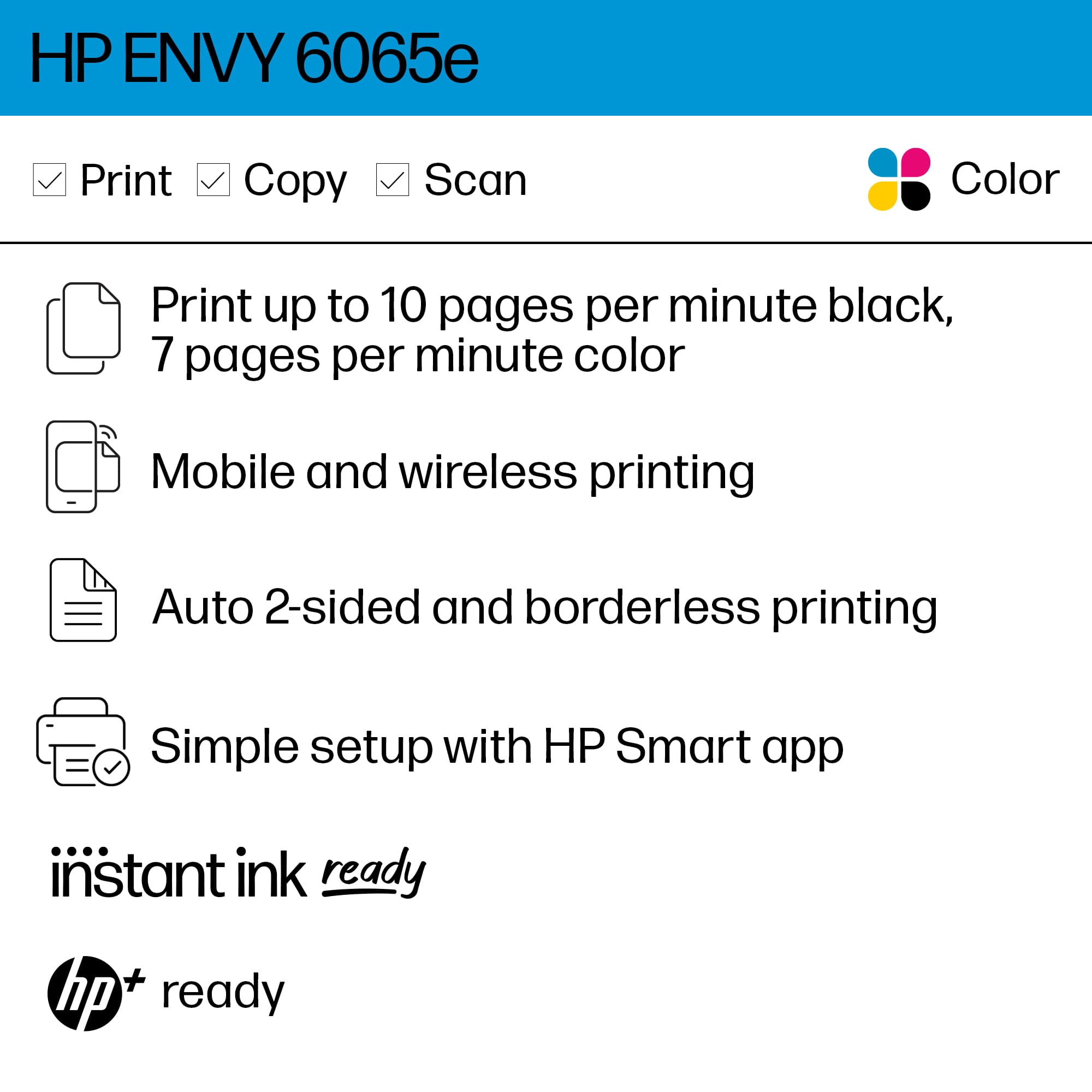
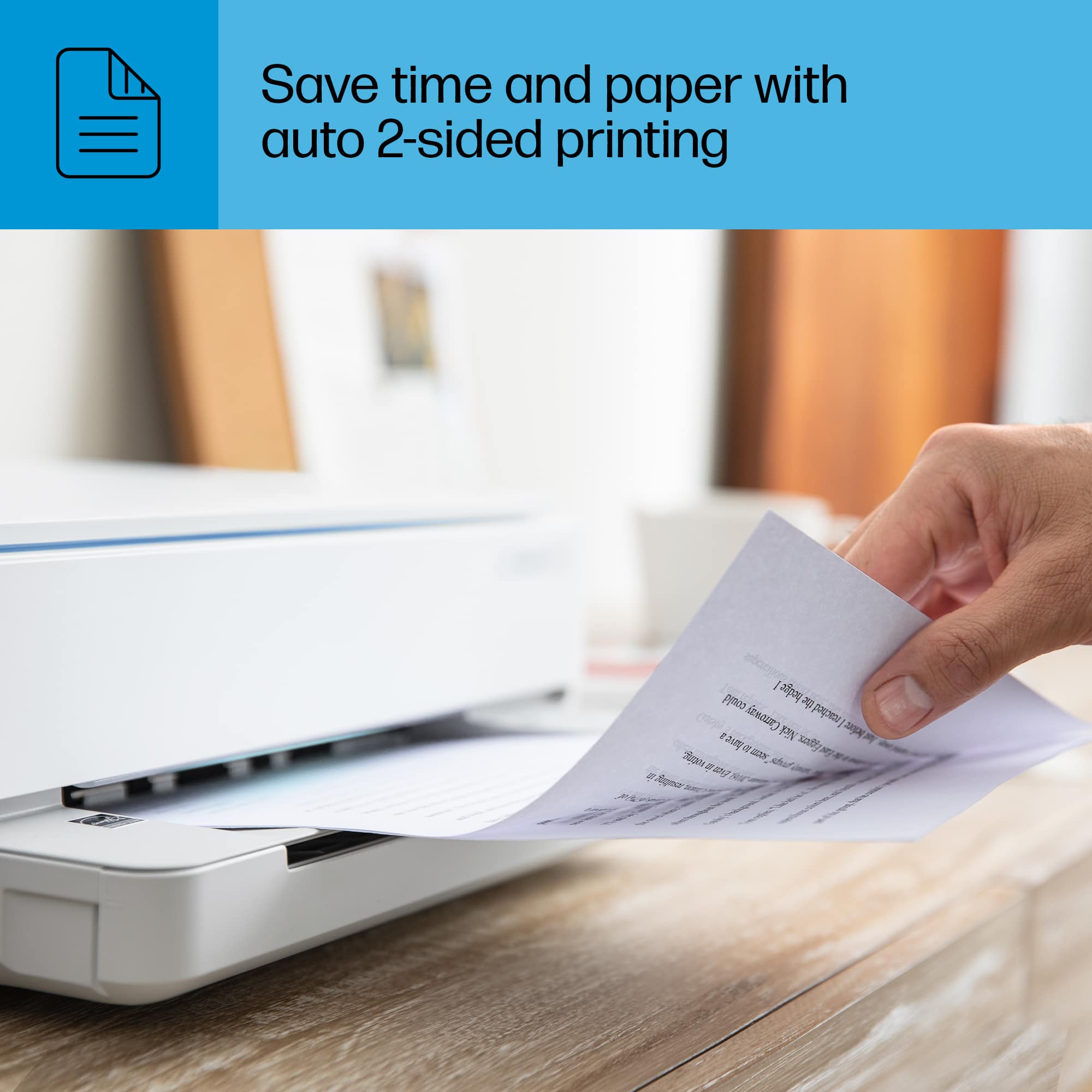
A:AnswerIf you are talking about the copying capability; yes the Envy 6065e has a flatbed only so it can only copy 1 page at a time. If you want to copy up to 35 pages at a time, you will need a printer with an auto document feeder. If you are talking about sending a print job to it, it will print more than one page at a time. It does have a 100-page paper tray.