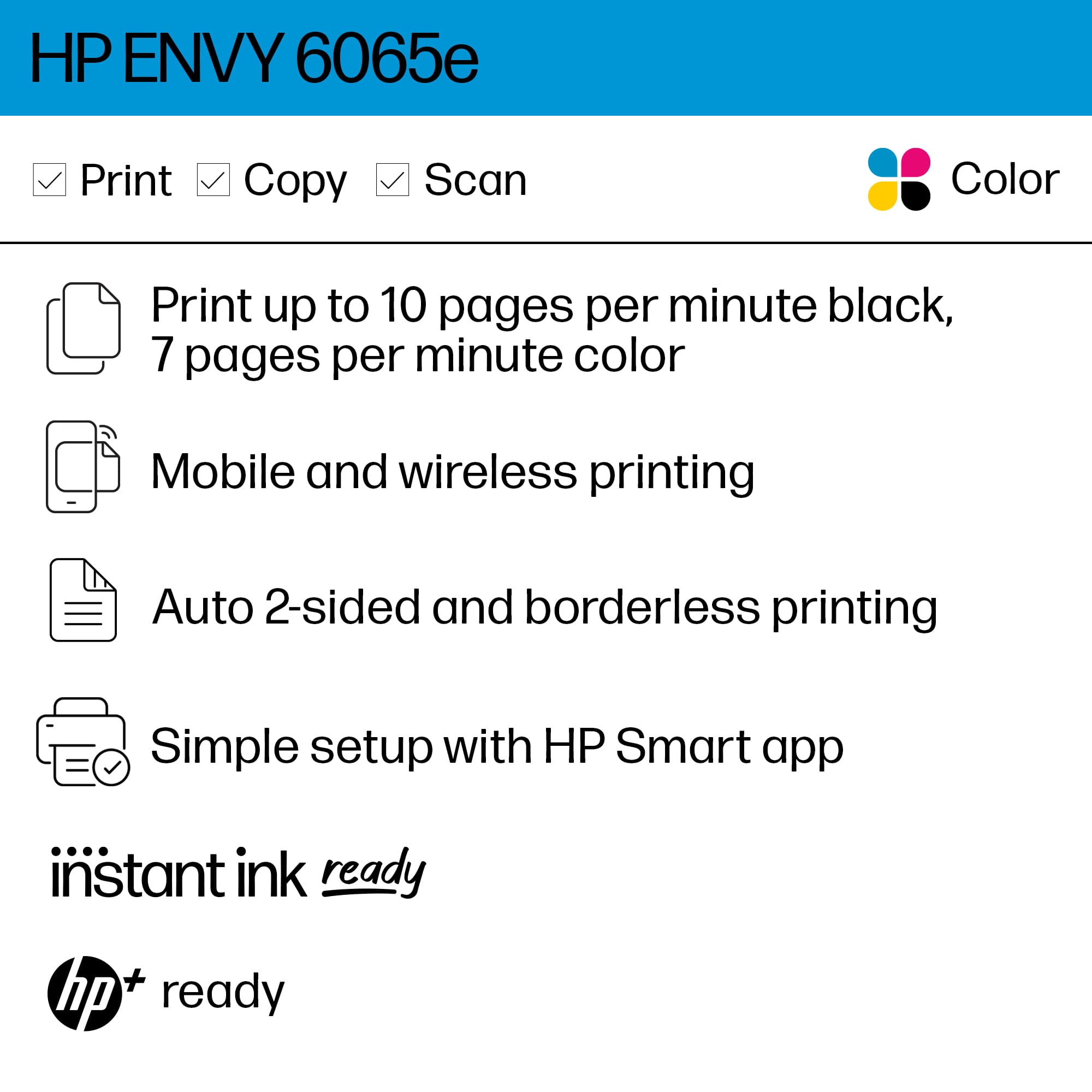
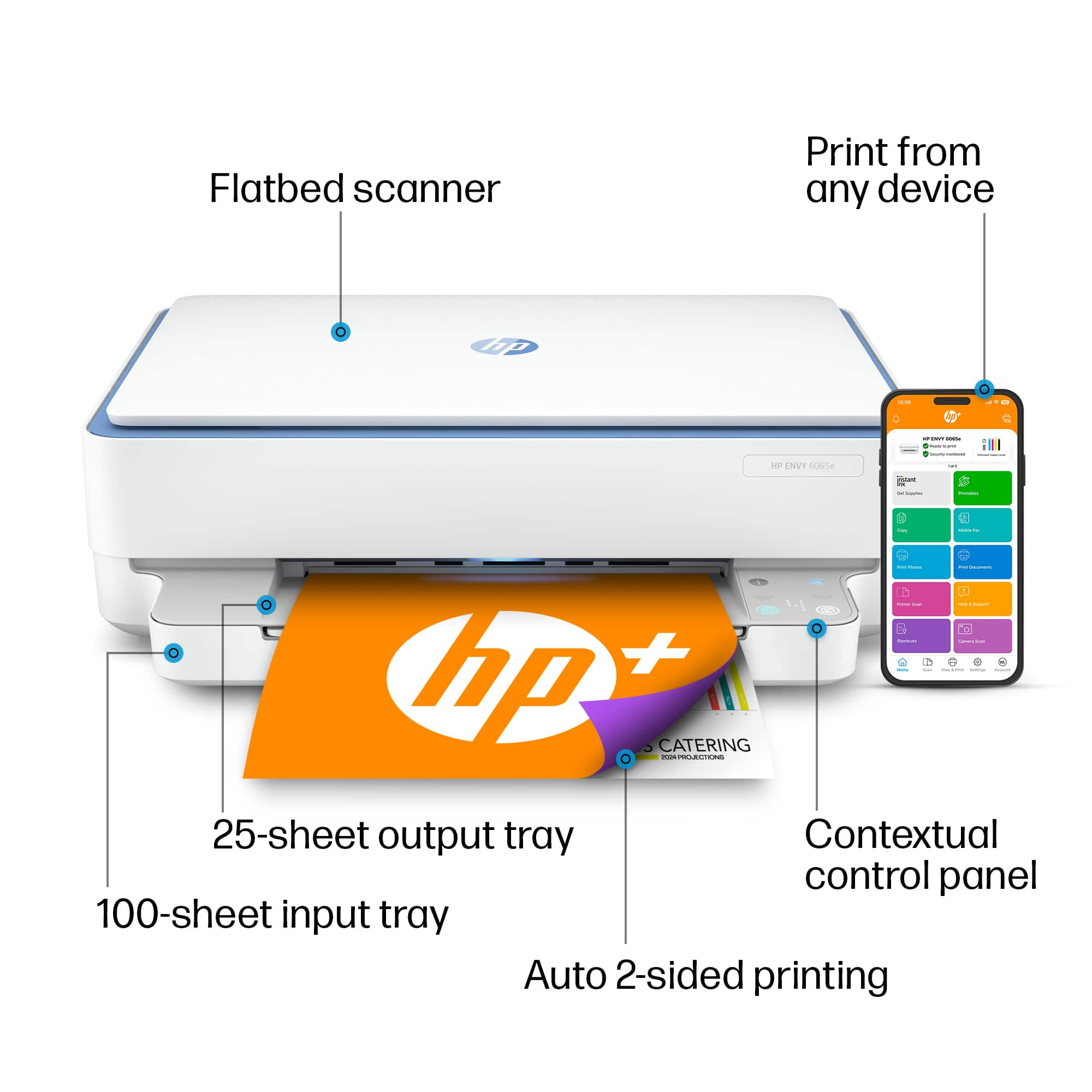
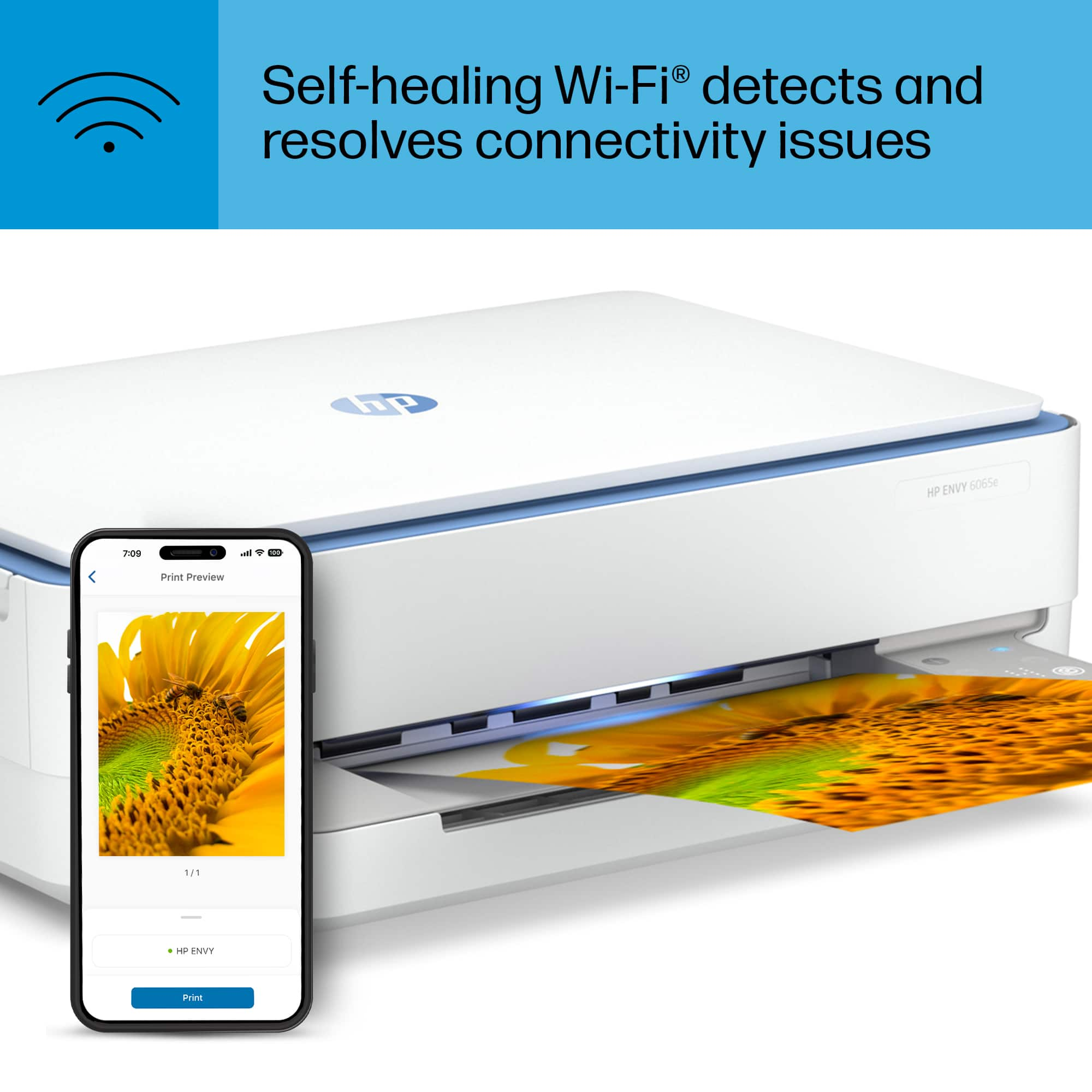
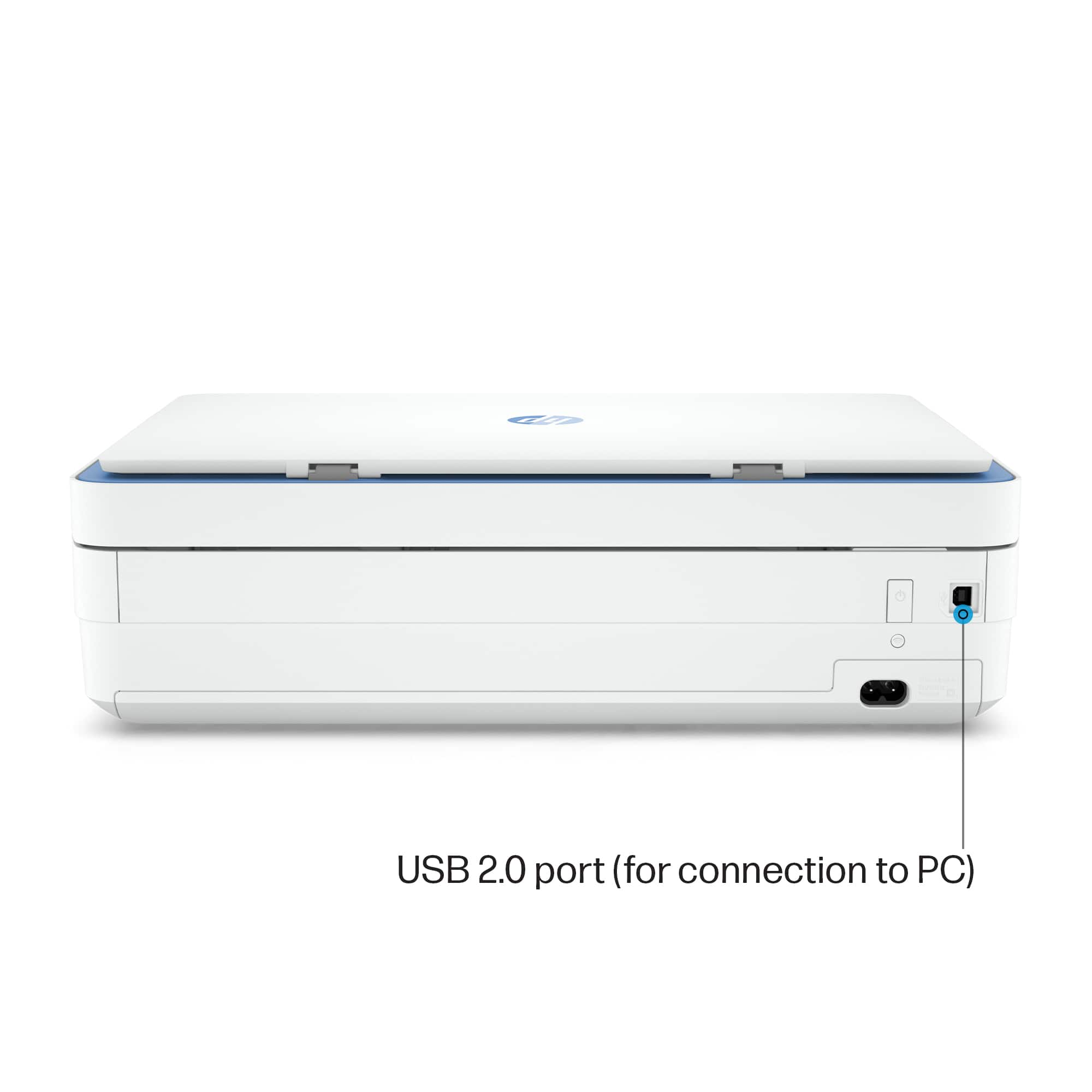
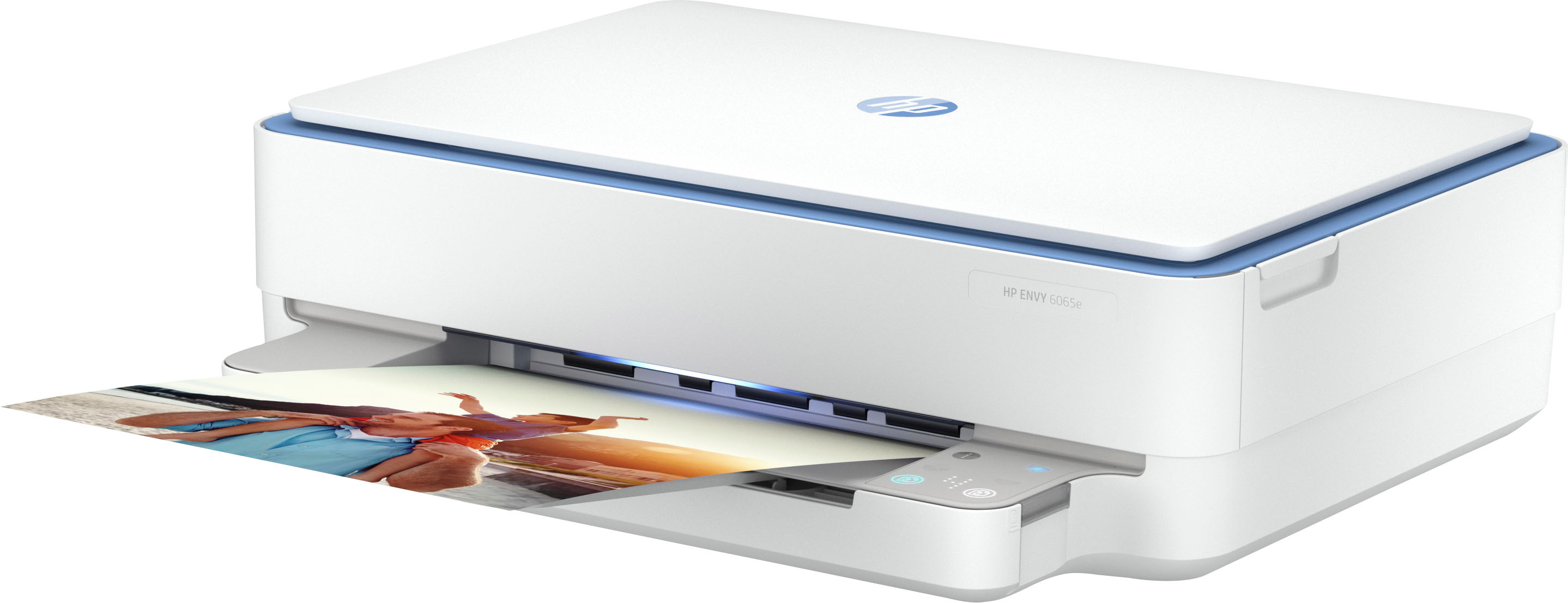
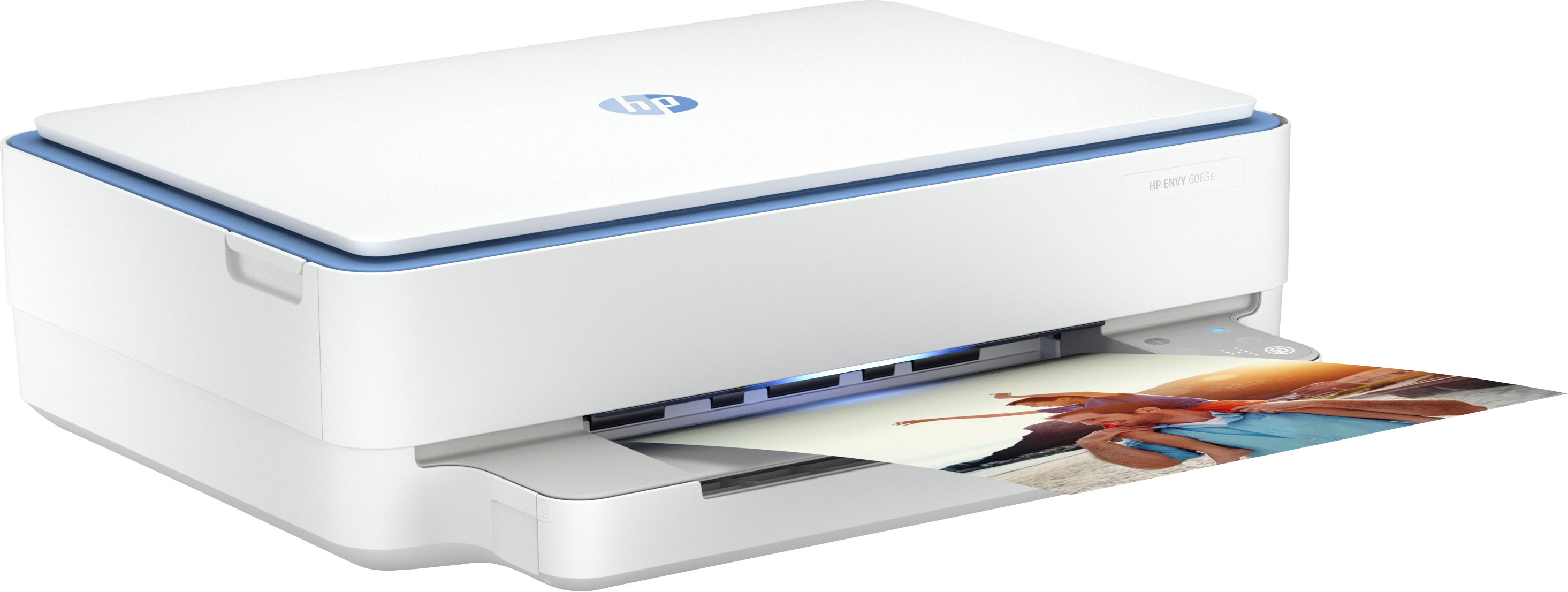
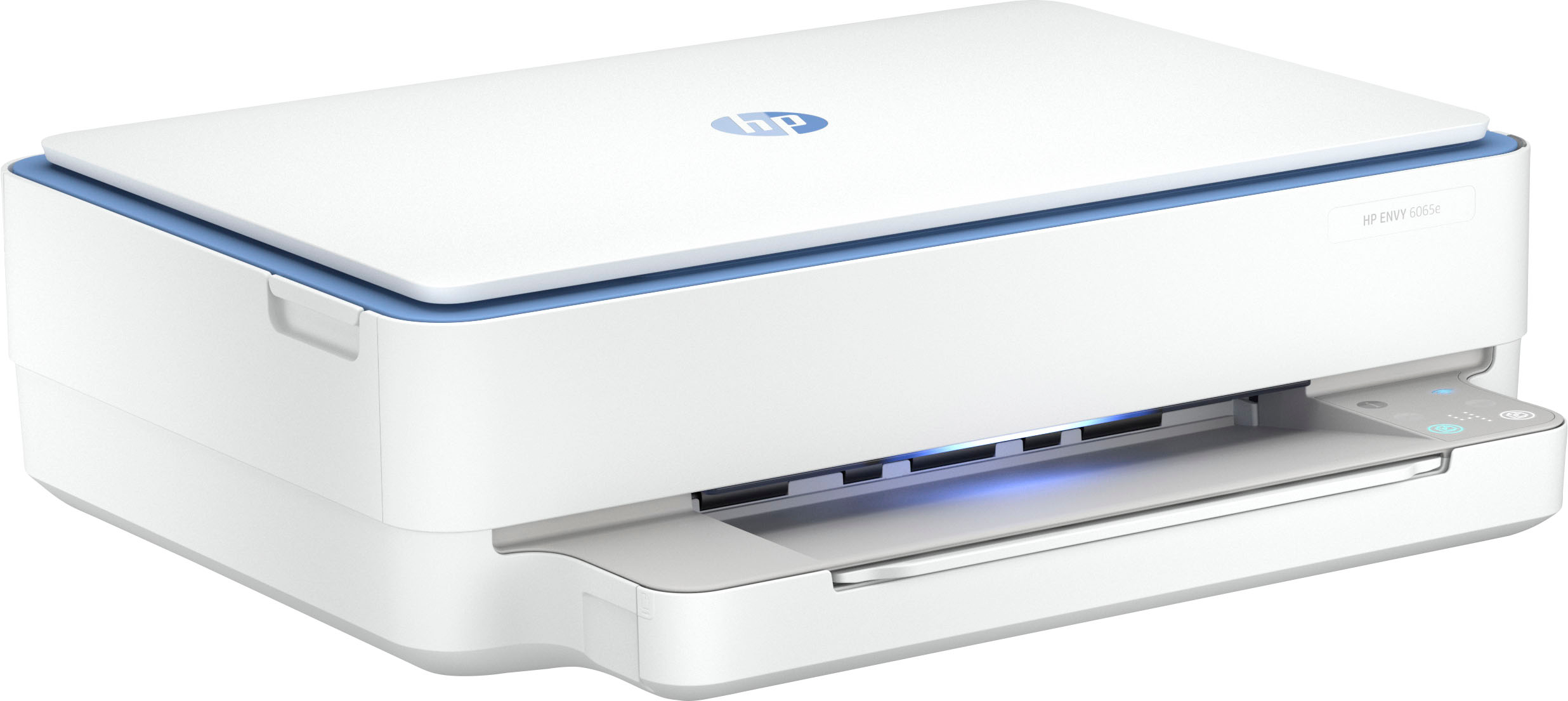
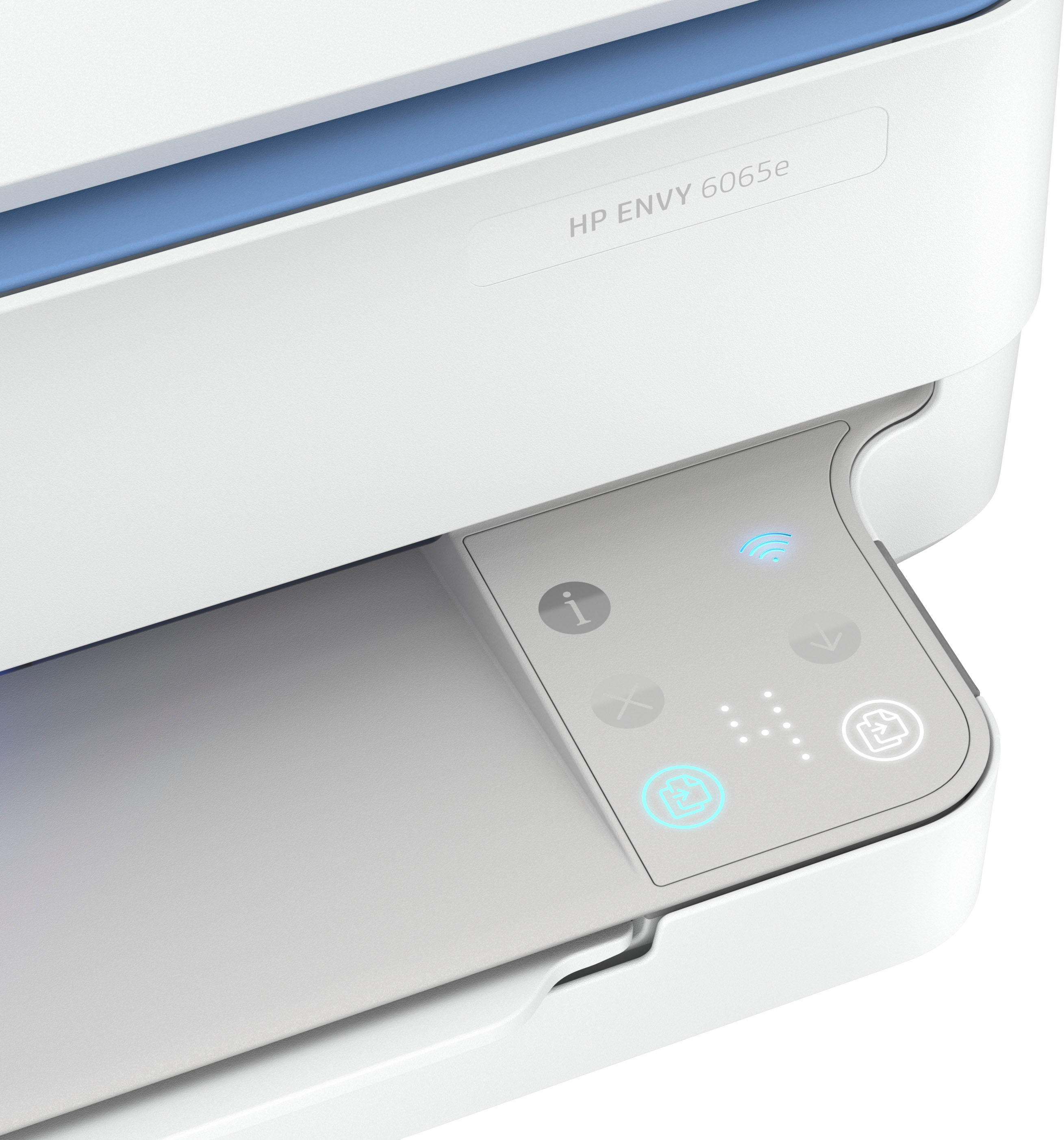
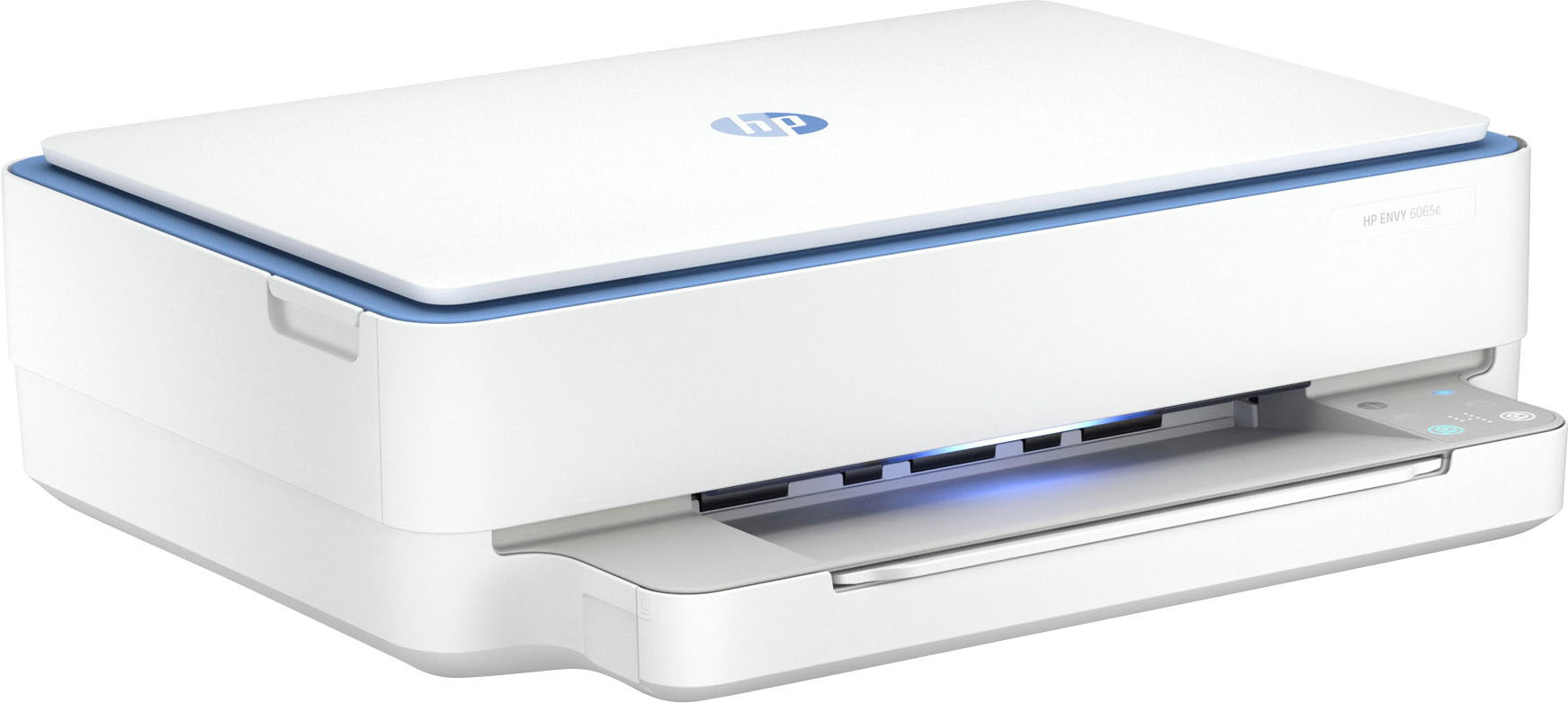
A:AnswerThe Envy 6065e printer is wireless so you can print to it from your laptop as long as both the computer and the printer are on the same WiFi network. You can also connect the printer to your laptop with a USB printer cable (not included) as well.
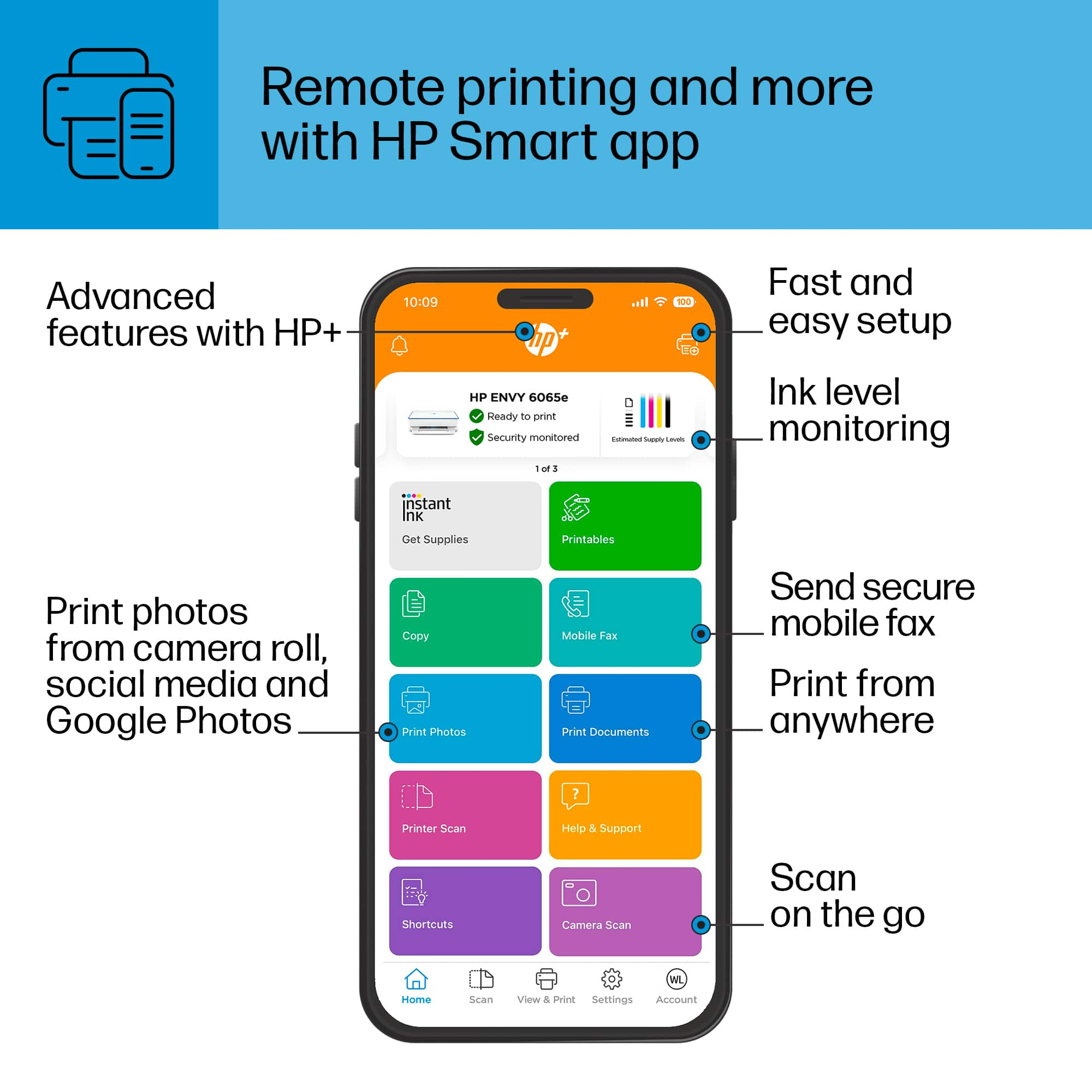
A:AnswerHello. Thanks for your question. Yes, you can use this HP Envy 6055e printer with an Apple computer and iPad. We recommend using the HP Smart app to set up the printer on your devices. Here is more information on the HP Smart app: https://support.hp.com/rs-en/document/ish_1716406-1413451-16
A:AnswerHello. Thanks for your question. This HP Envy 6055e printer does not have a fax function. You can use Mobile Fax. Mobile fax is where you can send faxes through the mobile fax option on the HP Smart app on your smartphone, tablet, or computer. If you need to send or receive faxes, you can use a service like eFax. Here are more details about the mobile fax: https://www.hpsmart.com/us/en/mobile-fax Here is a video: https://www.youtube.com/watch?v=NvDAYa1nZzw
A:AnswerGigi, thank you for your question about HP Support! Yes, HP does have a phone number for troubleshooting. Additionally, Geek Squad also offers support via phone.
A:AnswerThank you for your question on connectivity! All of the HP Envy model can be connected without wi-fi by using USB. However, none of the Envy or Envy Inspire models are equipped with ethernet. All of the OfficeJet Pro models are equipped with ethernet and are more cost-effective per page than the Envy models.
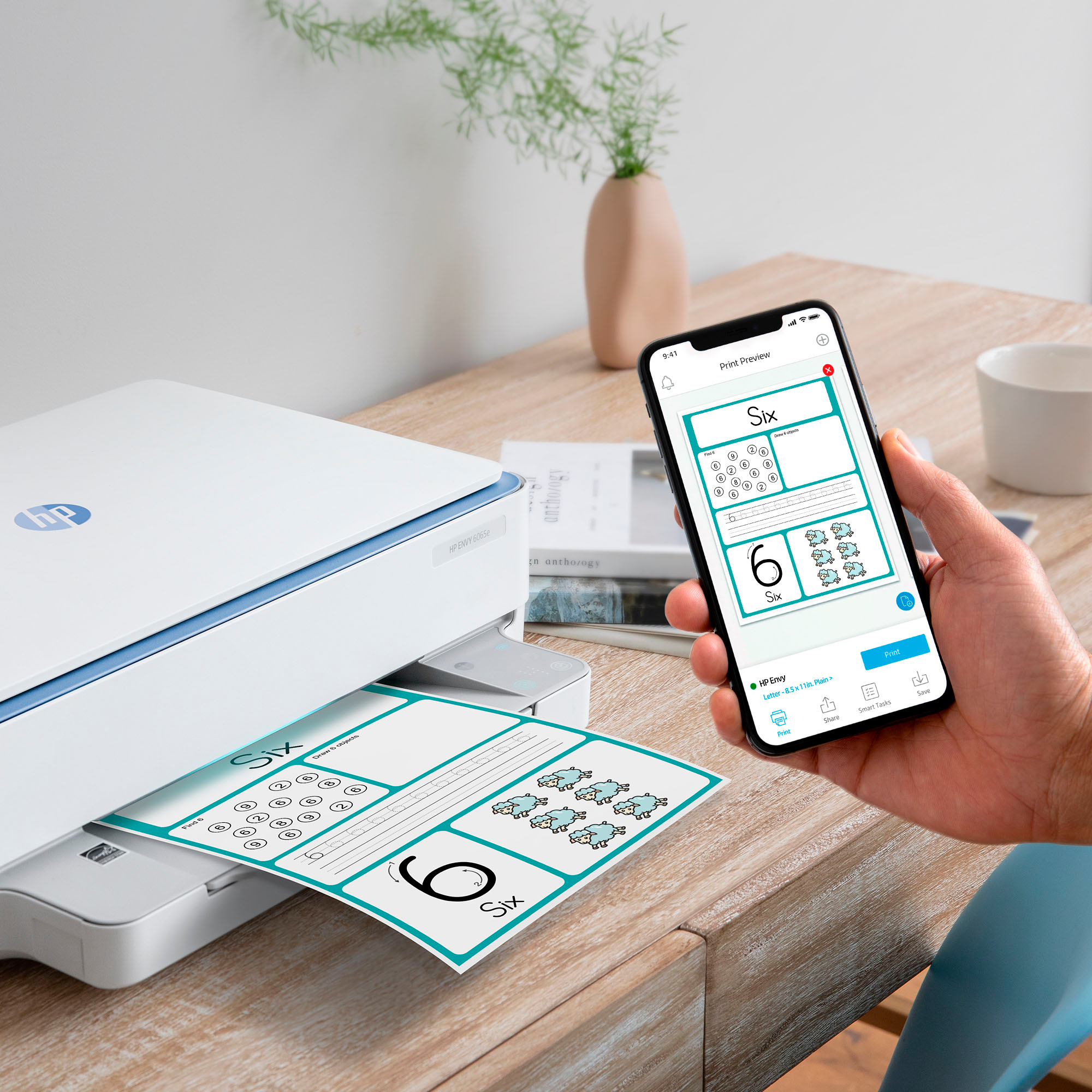
A:AnswerHi, thanks for your question! You can use and set up the HP ENVY 6065e using any compatible computer, tablet, or phone, using the HP Smart App, as well as through the manual that comes in the box.
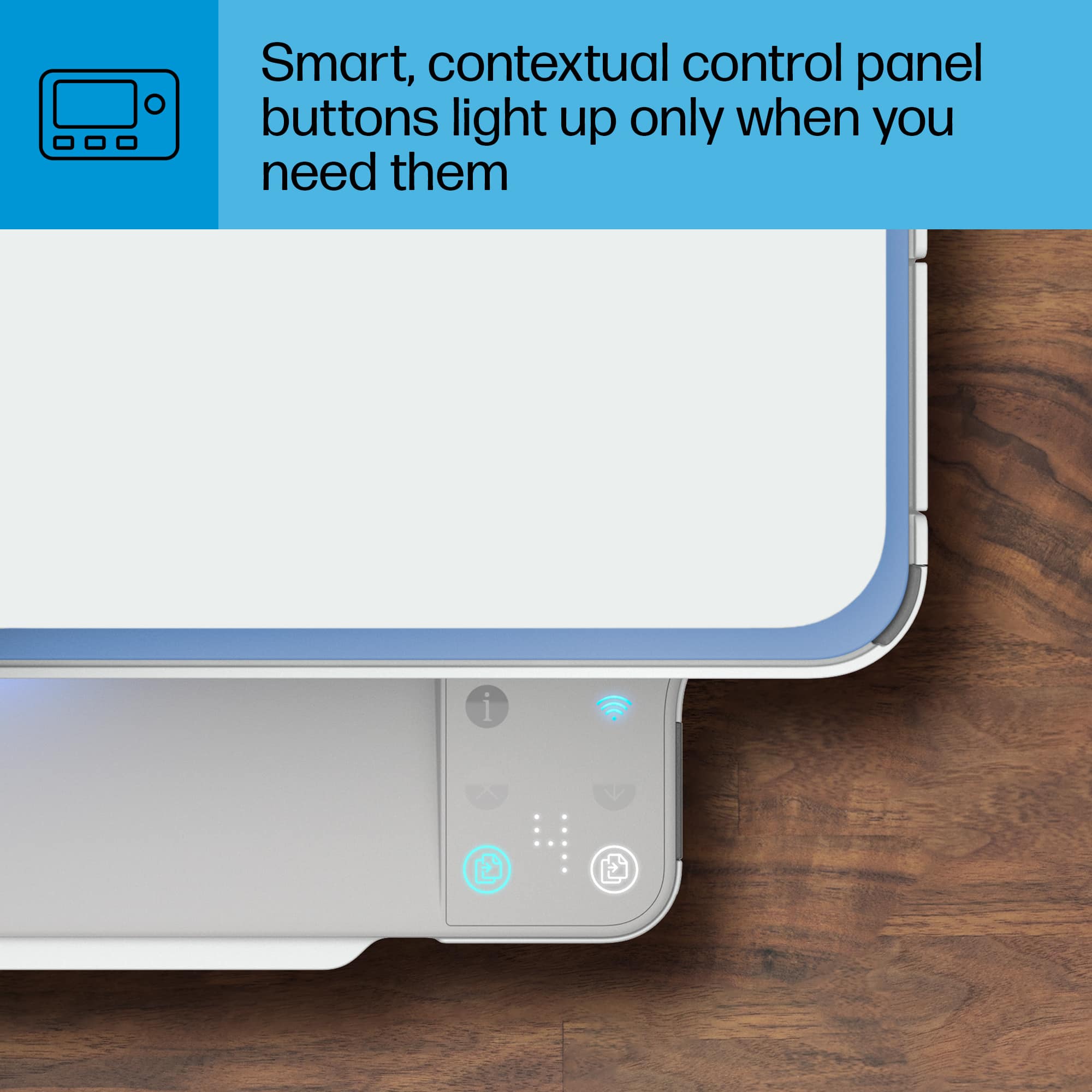
A:AnswerThank you for the question. Most HP printers (with command screens) will reduce/enlarge within a range of 25 to 400%.from the printer. Printers without a command screen (with buttons only) can reduce or enlarge within the same range using the HP Smart App.from your PC or smartphone. An example of a command screen printer would be the Envy Inspire 7955e, here: https://www.bestbuy.com/site/hp-envy-inspire-7955e-wireless-all-in-one-inkjet-photo-printer-with-3-months-of-instant-ink-included-with-hp-white-sandstone/6478251.p?skuId=6478251.
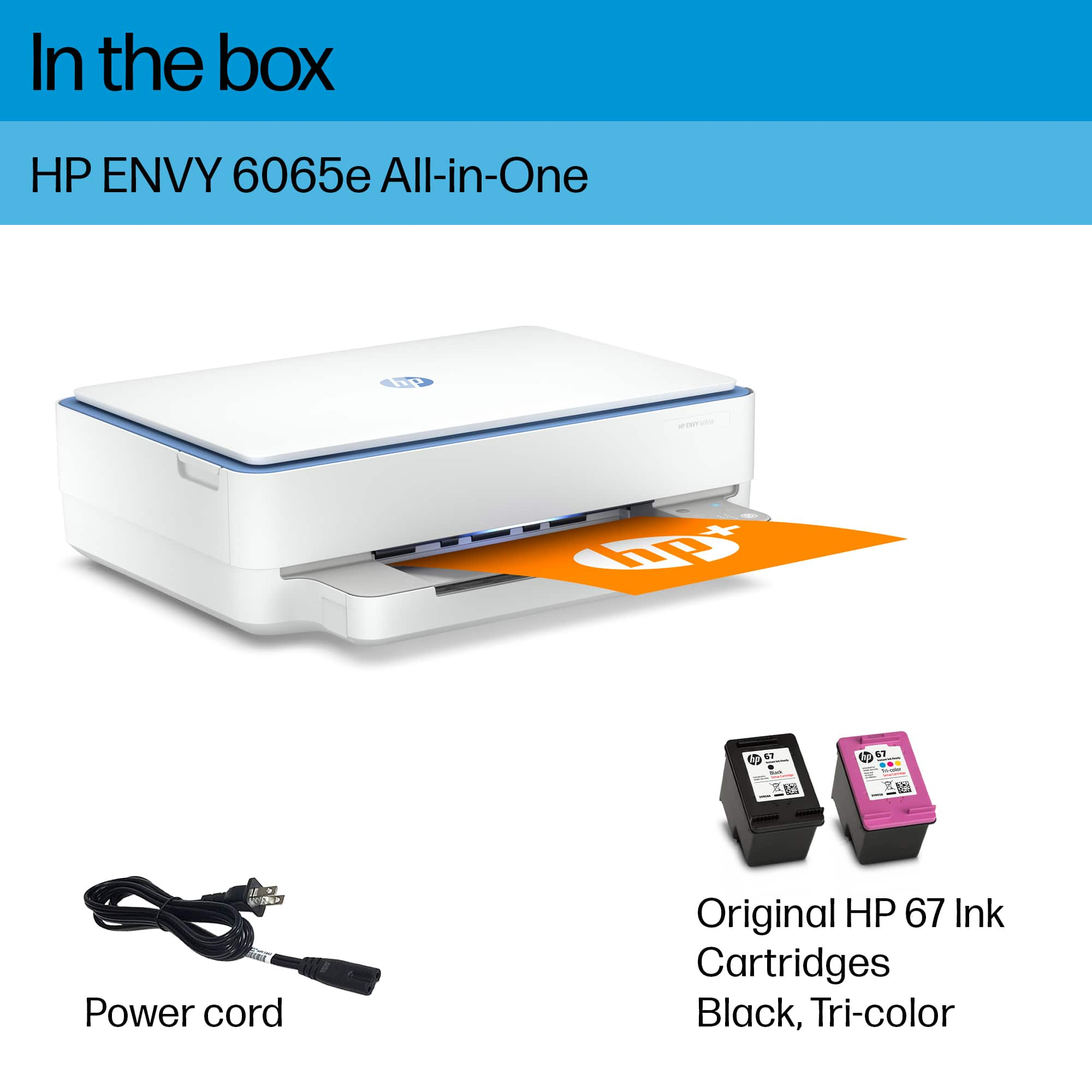
A:AnswerThe Envy 6065e printer uses the 67 inks. The standard black and tri-color inks are $35 as an average. The high yield 67XL black and tri-color inks are $59 as an average.