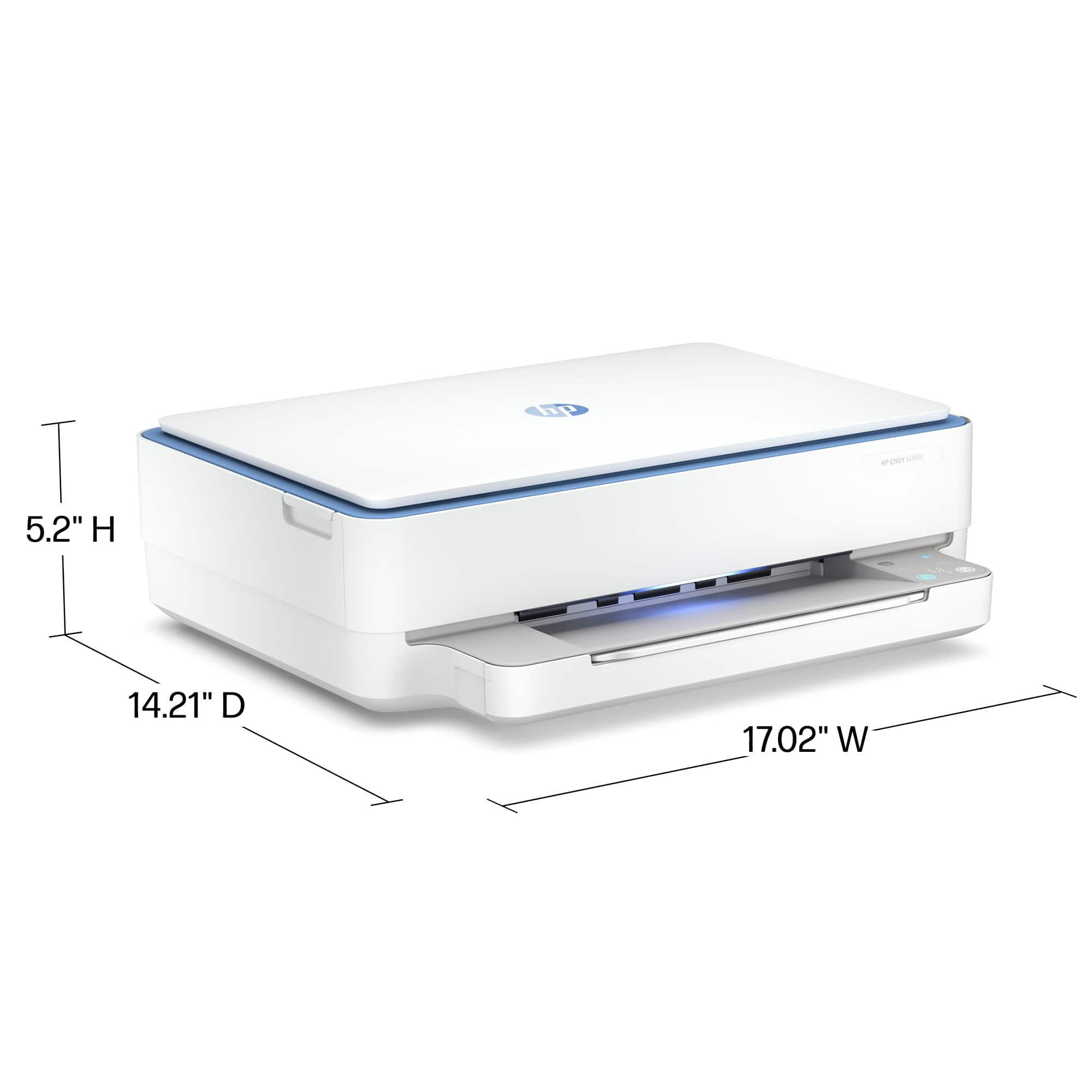
A:Answer53 pounds. Whatever you chose to print on will be fed through the paper drawer; there is no auxiliary feeder, which is not a happy thing.
It is a home office/family printer, but lacks the features to do much creative printing.
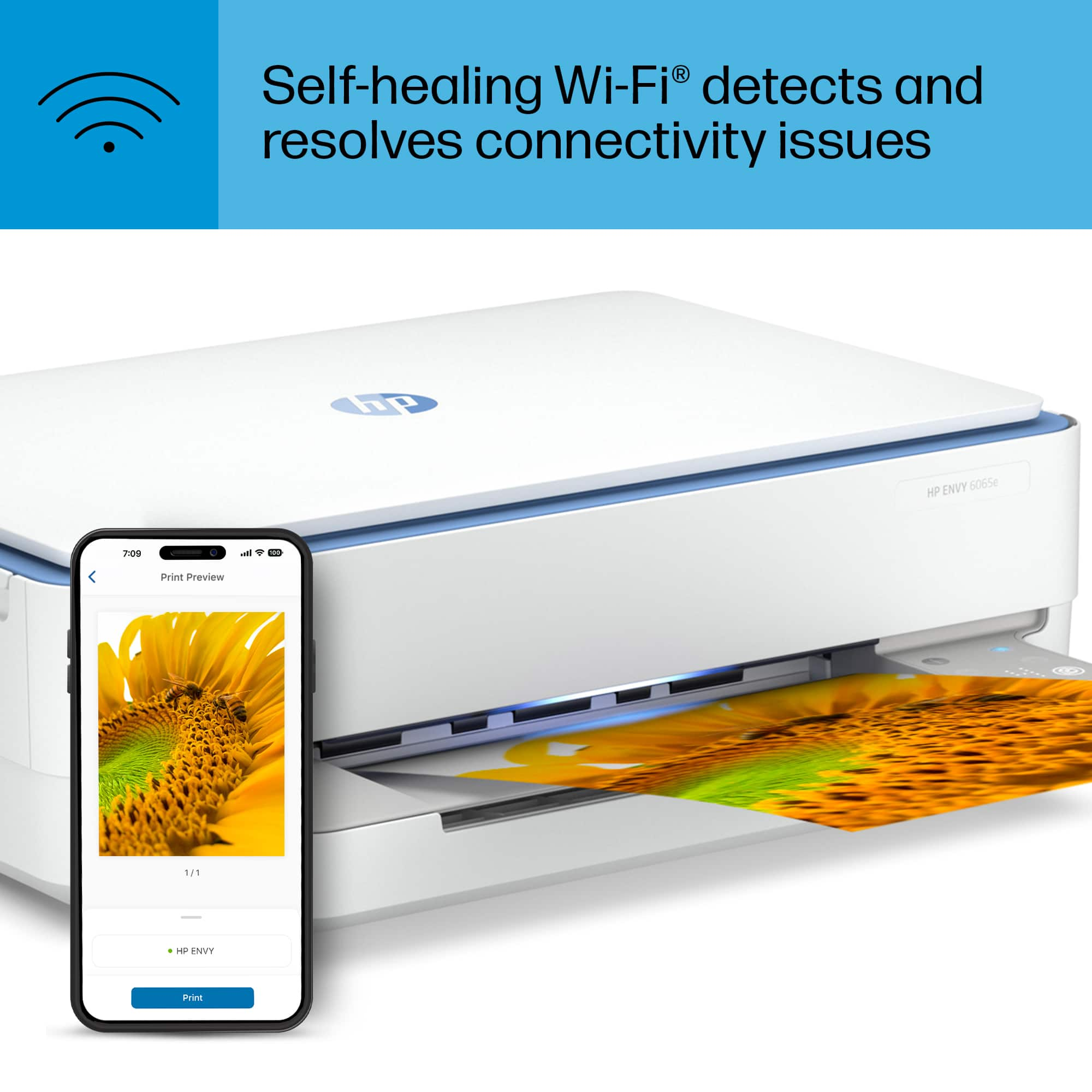
A:AnswerThank you for the question. The Envy 6065e connects to Wi-Fi 802.11b/g/n, and the Envy 6155e connects to Wi-Fi 802.11 b/g/n/ac, with ac being faster - Wi-Fi 5. The Envy 6065e accepts HP 67 inks, and the Envy 6155e accepts HP 68 inks.
A:AnswerHoly smokes! You've managed to keep a Windows OS that came from 2013 alive? That one is going to stump a lot of people, including me. Not knowing what I am talking about has never stopped me from giving an answer.
First of all, get Google's antivirus software! Your computer is wide open for all sorts of nasty things! Sending a email, chatting and surfing are not good for you or to anyone you might send a file to.
I know I wouldn't want to have that happen if somebody sent me a file exposed that has been exposed out there in computer-land!
It really like sex--always wear your protection.
I'm going to assume that you have modded your PC, if it is that old. Speed can be your friend or not.
I'd suggest getting Google's office suite. It's free and it works to print.
Next, go to HP and look in the drivers to see if they have something compatible to print. You might have to ultimately get on the help desk at HP and see how you can be helped.
But to answer your question concisely: "Will this printer work with Operation system 8.1?"
The answer is, maybe.
Good luck!
A:AnswerThank you for your question about this HP Envy printer! None of HP's home, office, or tank inkjet printers support sublimation printing. However, you can use iron-on transfer papers in this printer: Make sure that it is for inkjet printers first.
A:AnswerYes, if you go to your MacBook settings under system preferences, you can access where it says “Printers and scanners.” You should be able to connect your computer to the printer wirelessly.
A:AnswerThank you for your question about this HP Envy printer! HP discontinued the eprint service in favor of remote printing. Additionally, this printer does not have scan to e-mail built into it. The OfficeJet Pro series have that feature.
A:AnswerNo, this printer isn't designed to work with 110lb card stock. It will handle 80lb, but the 110lb is just too thick. But thank you for asking the question!
A:AnswerThank you for your question about this HP Envy printer! You can use any paper between 65 and 90gsm (16 to 24lb bond paper) that is made for inkjet printers or is multipurpose. When you purchase the vellum paper to use with this printer, make sure that the paper is inkjet printer-compatible first: The packaging will tell you.
A:AnswerHello Riley and thank you for your question. The two printers that are currently available and compatible with HP 64 and HP 64XL inks here on Best Buy are the HP Envy Inspire 7955e and the HP Envy Inspire 7255e.