A:AnswerHello Riley and thank you for your question. The two printers that are currently available and compatible with HP 64 and HP 64XL inks here on Best Buy are the HP Envy Inspire 7955e and the HP Envy Inspire 7255e.
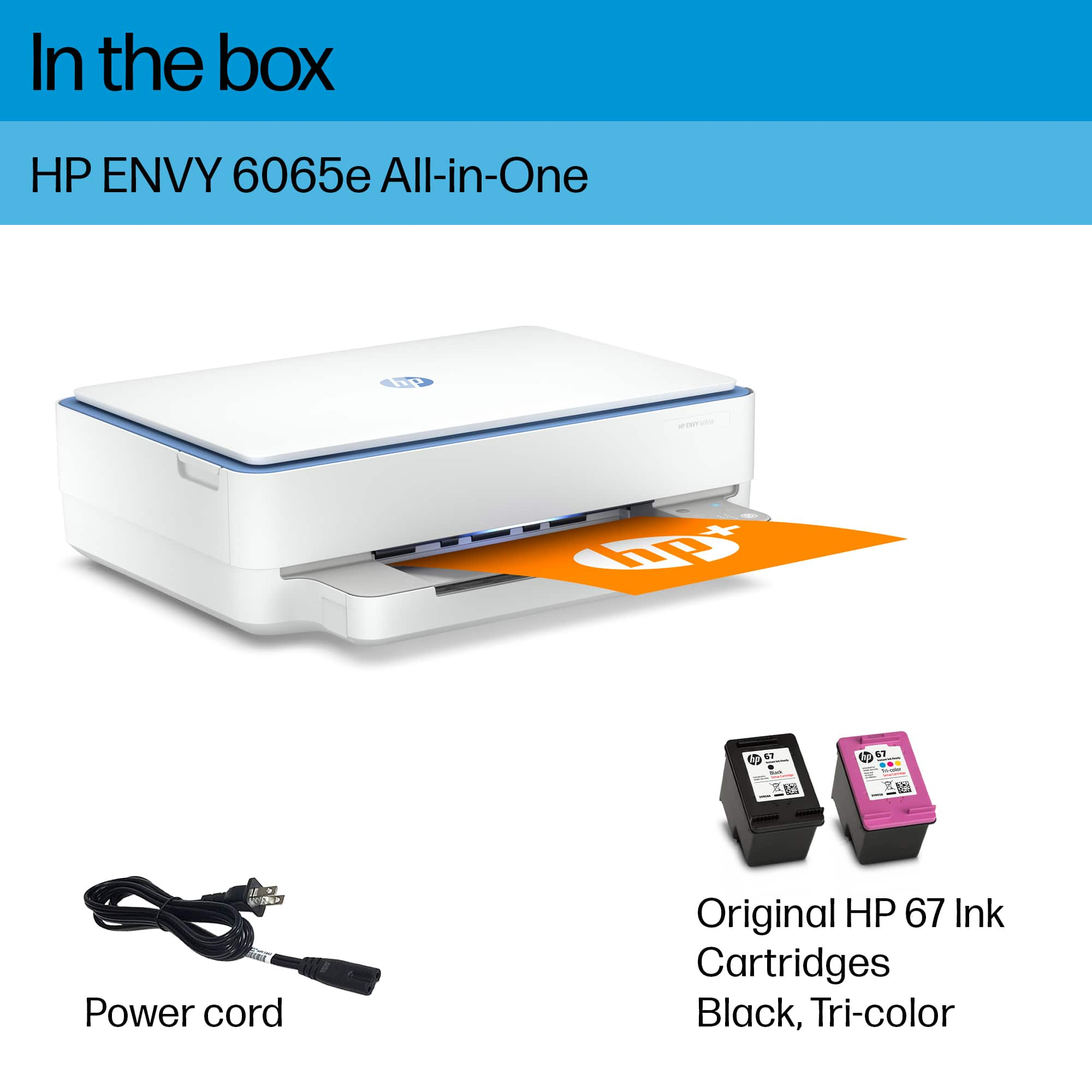
A:AnswerRose, thank you fo ryour question about the inks for this HP Envy! This printer uses the 67 and the 67XL black cartridges. Both of the cartridges share the same number. The 67XL series inks give you the best value for your money in regards to print costs.
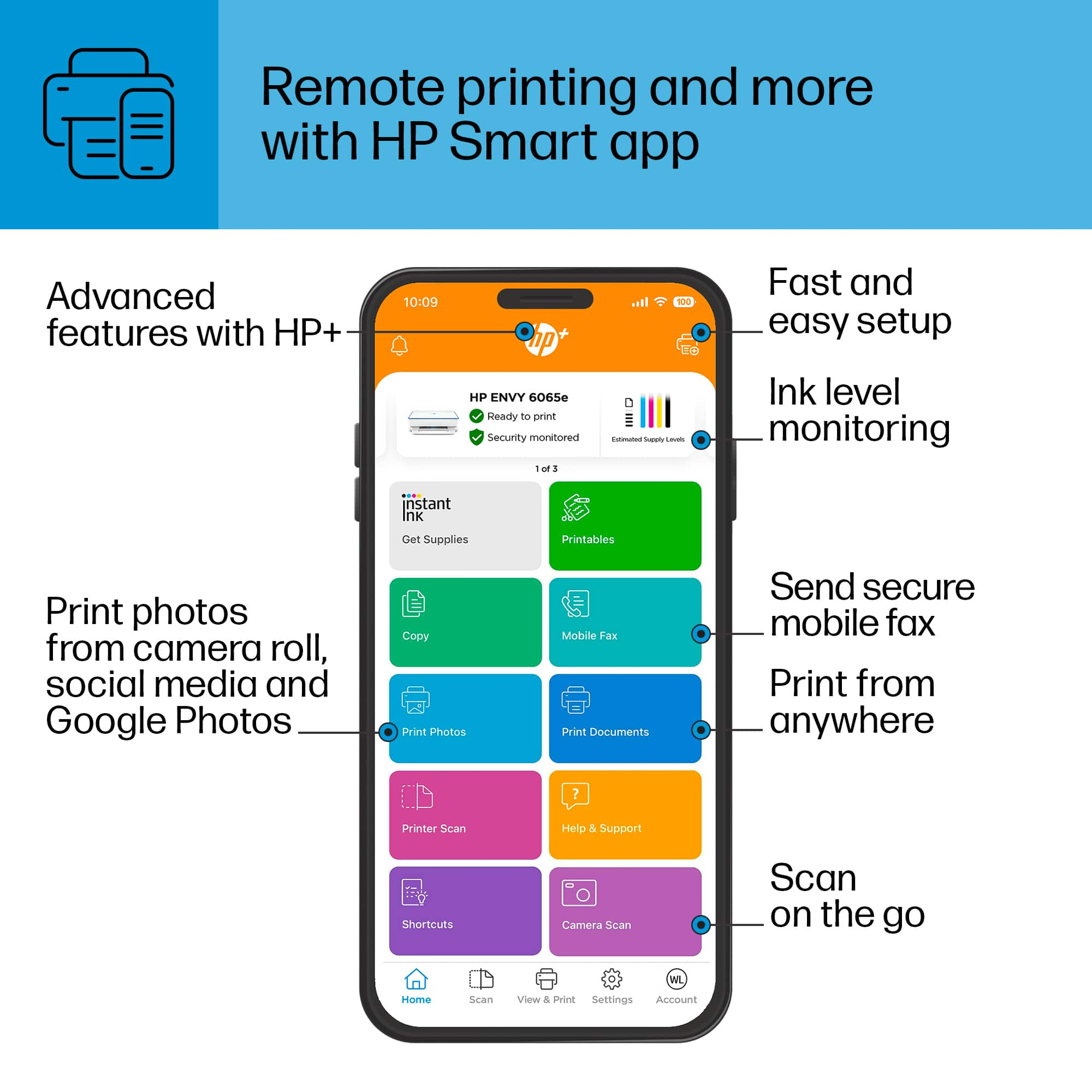
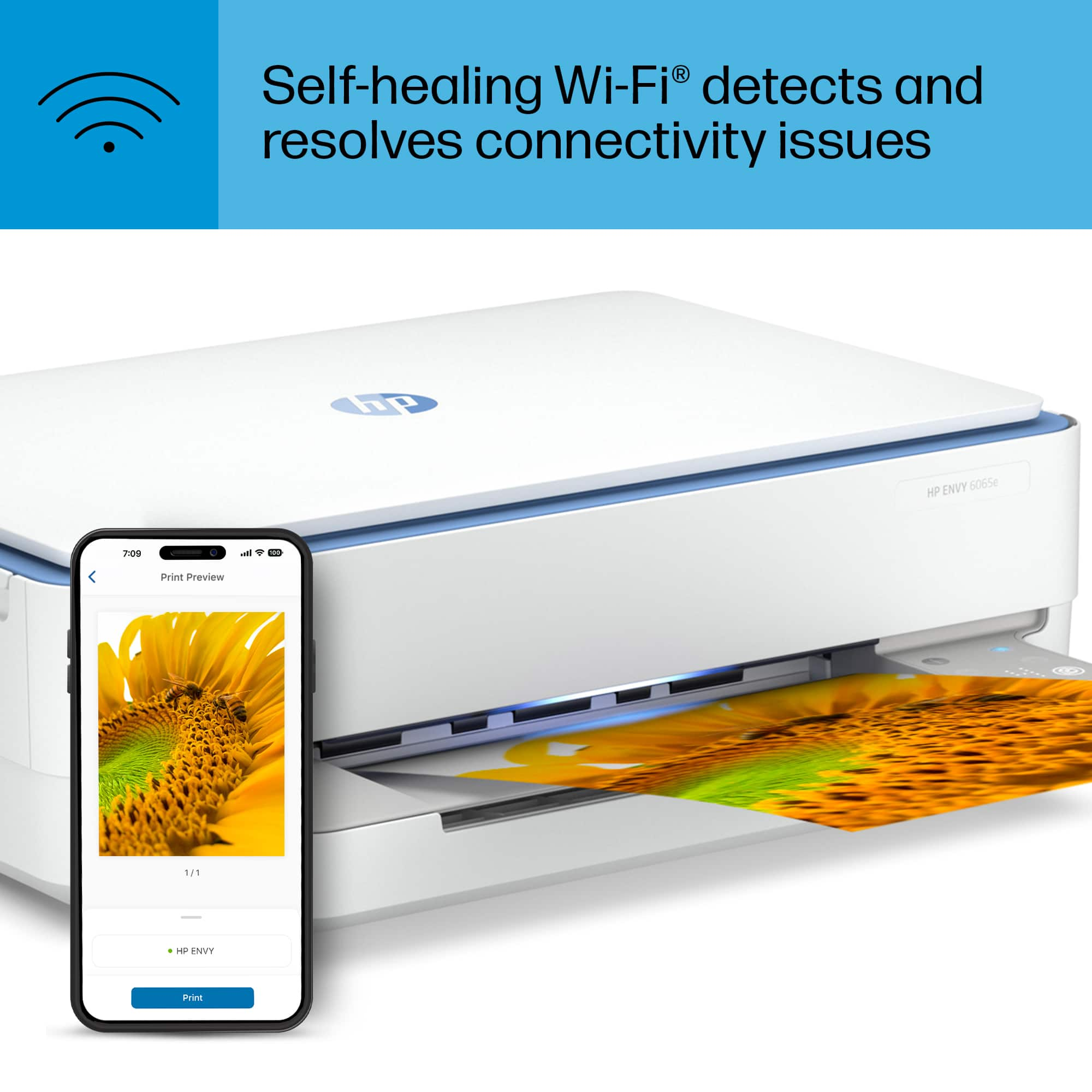
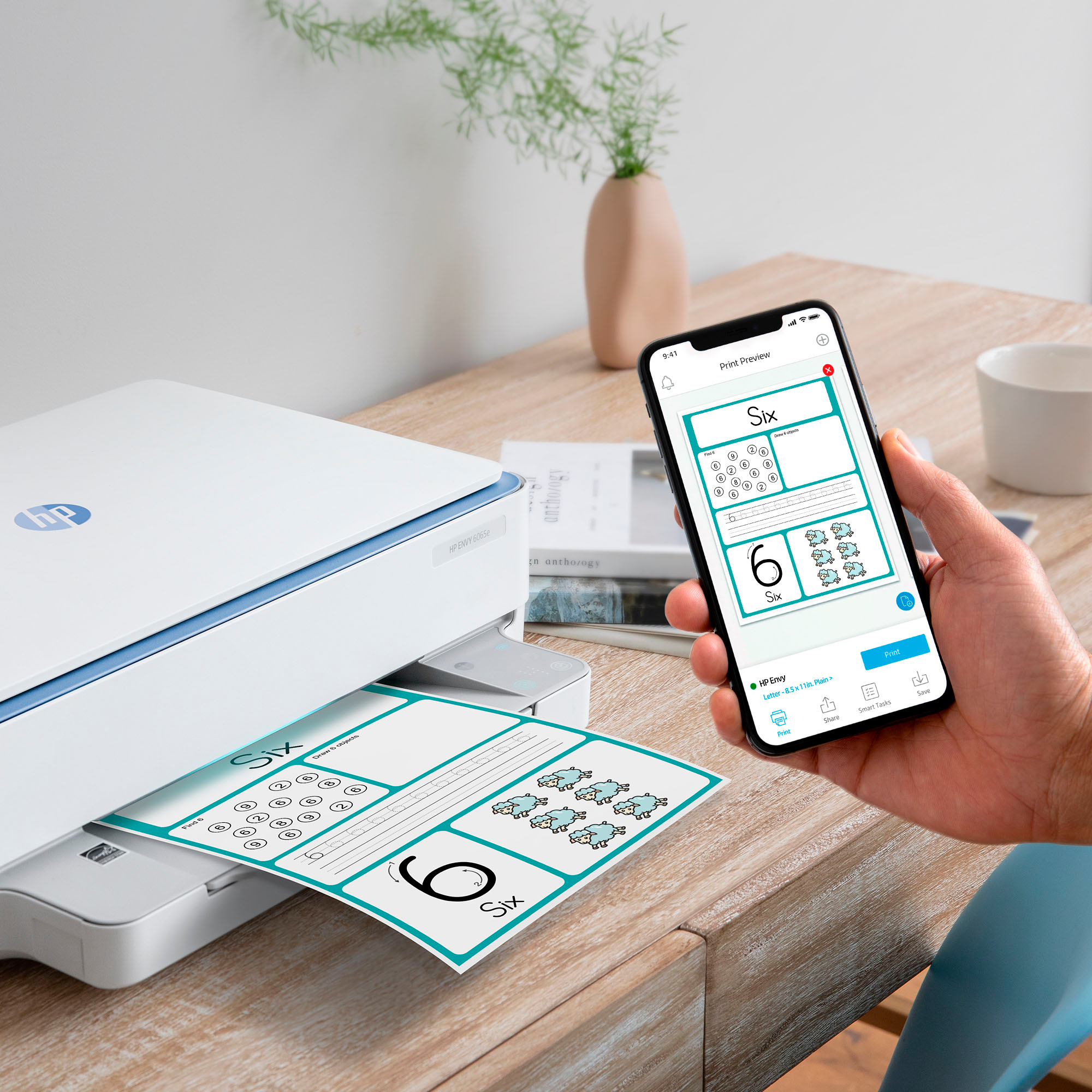
A:AnswerHello Edward and thank you for your question! You can use the free HP Smart app to set up the HP Envy 6055e printer. You can set it up via WiFi through your internet provider or WiFi Direct.
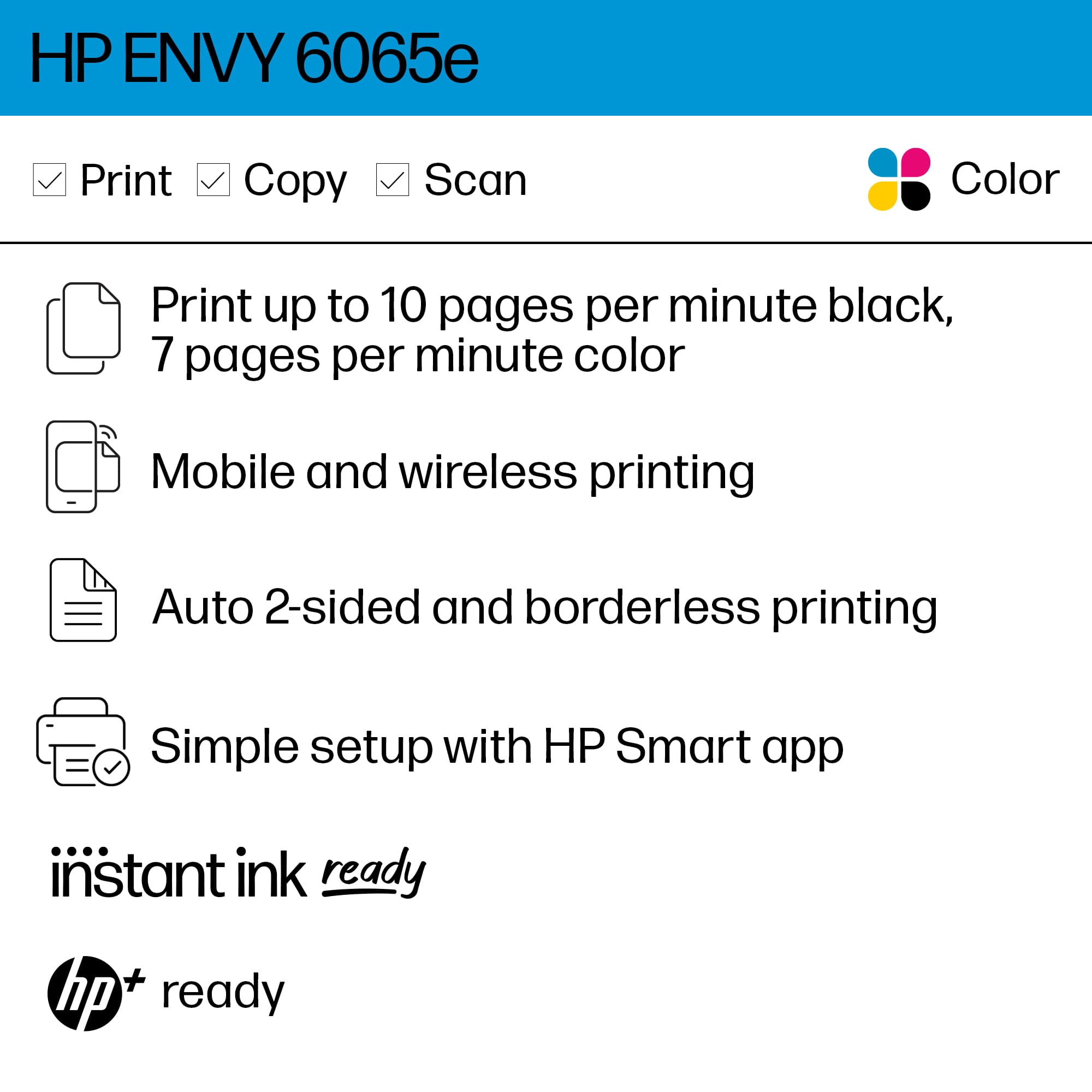
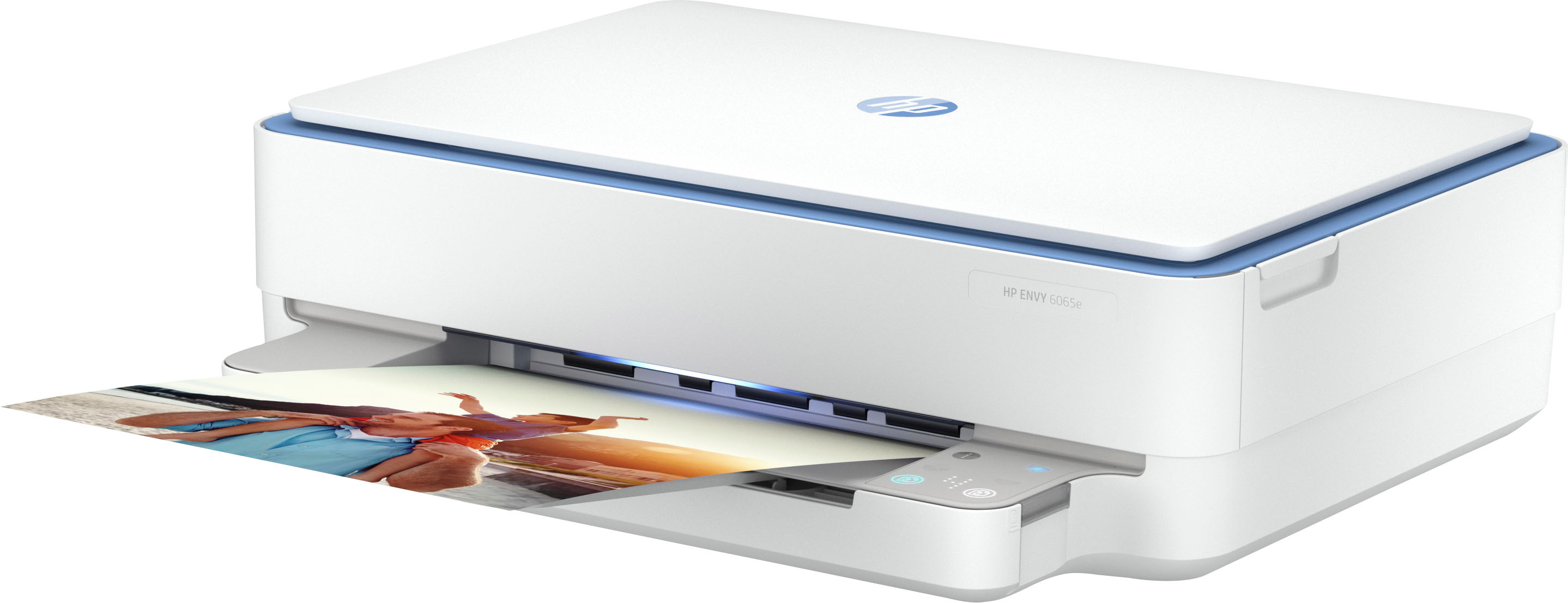
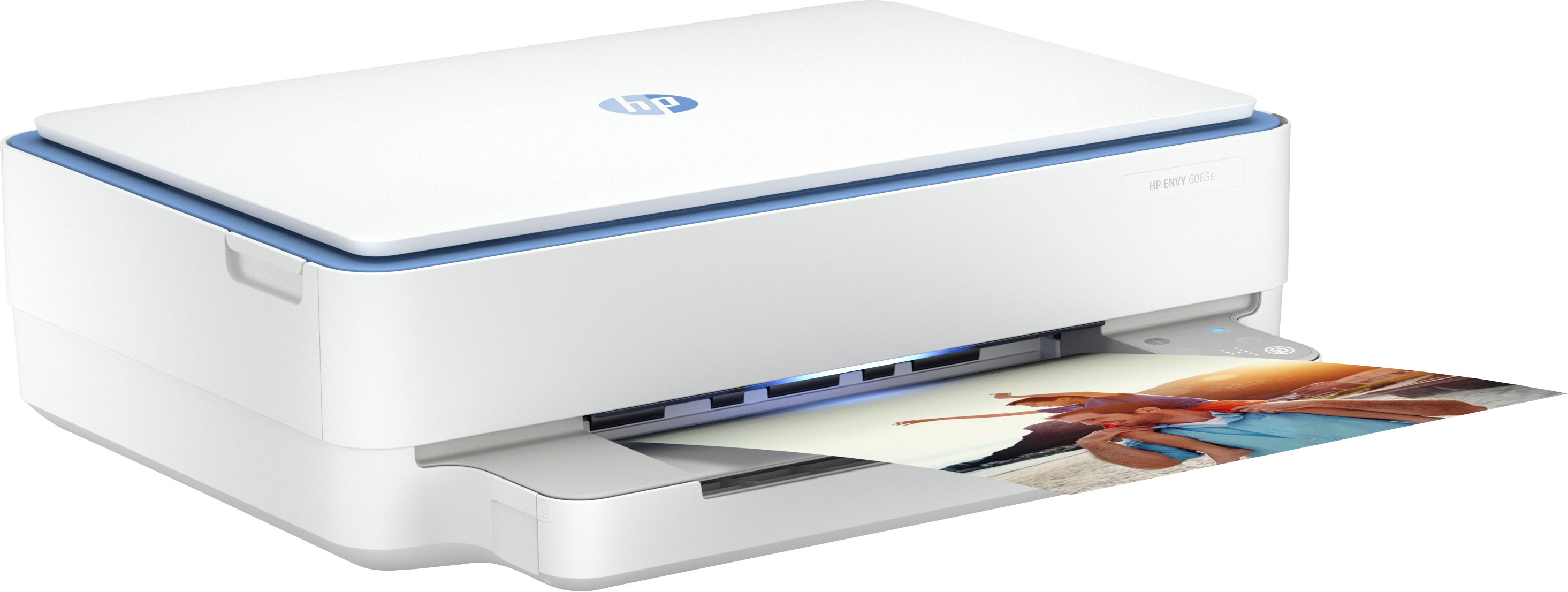
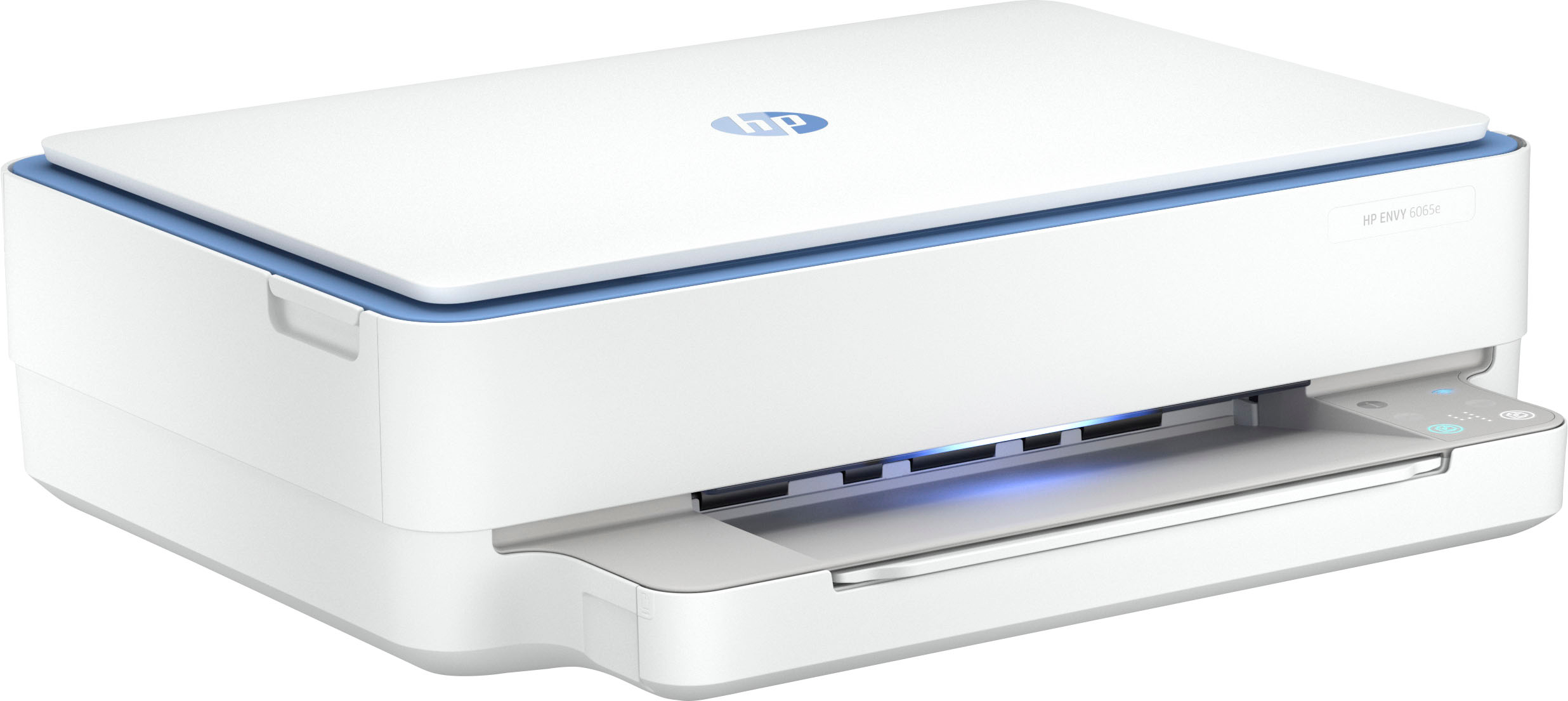
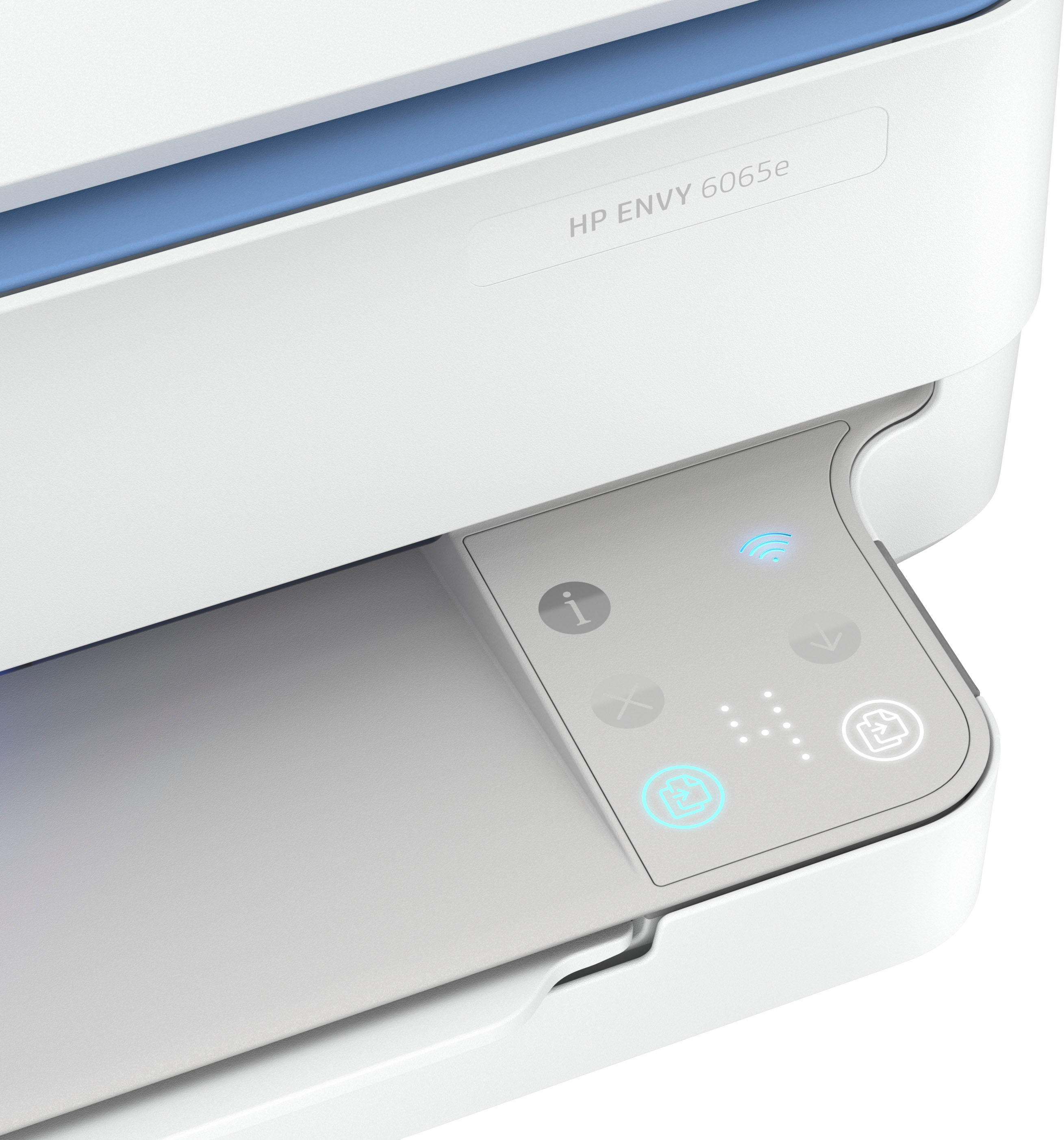
A:AnswerHello and thank you for asking. The HP Envy 6065e printer does not have the ability to send and receive faxes. You can send faxes only (not receive) using the HP Smart app. To send and receive, please consider an HP OfficeJet Pro printer instead.
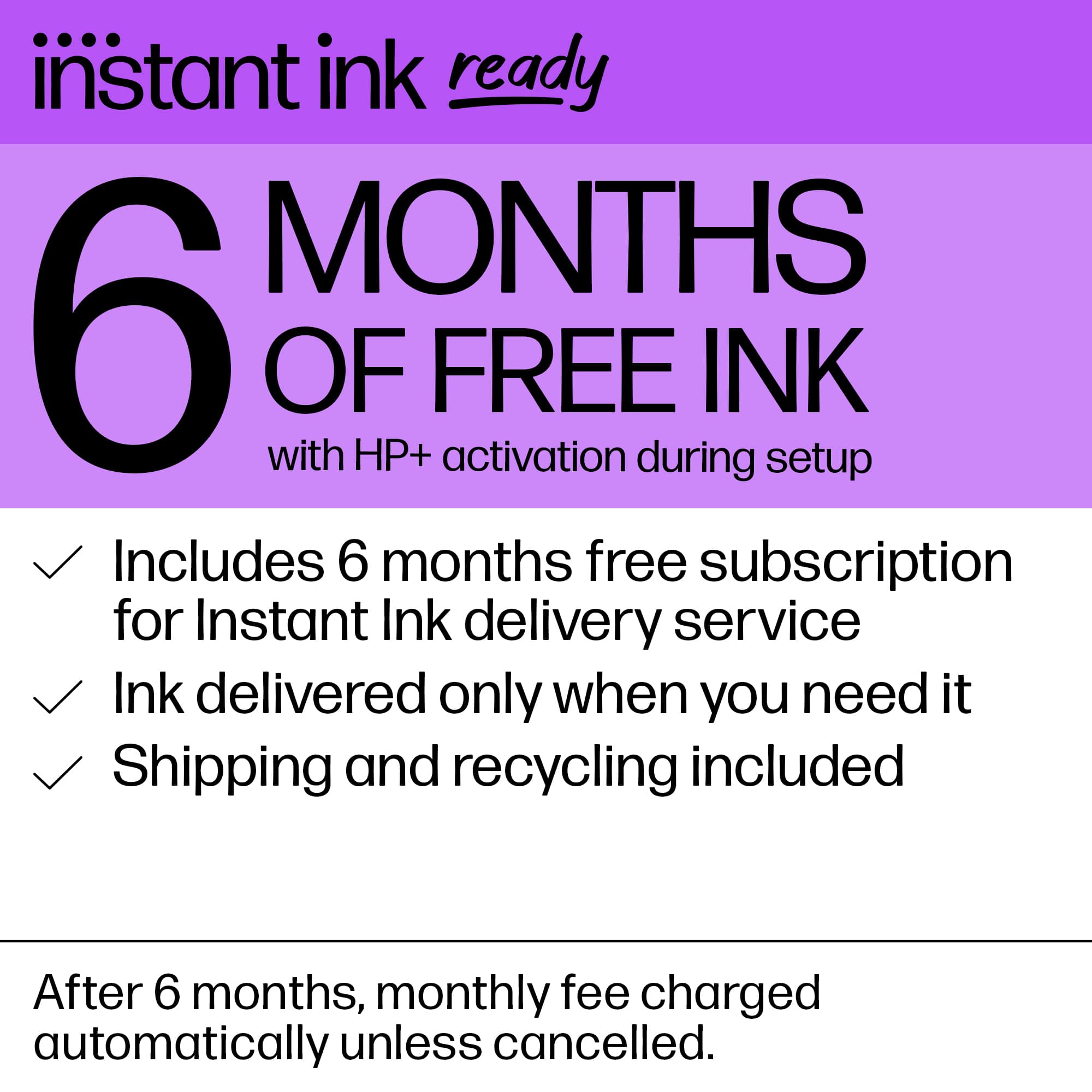
A:AnswerThank you for your question on the inks for this HP Envy printer! The inks range in price from $17.99 to $34.99 depending on the ink cartridge capacity. HP also offers the Instant Ink program, which saves you money on your ink!
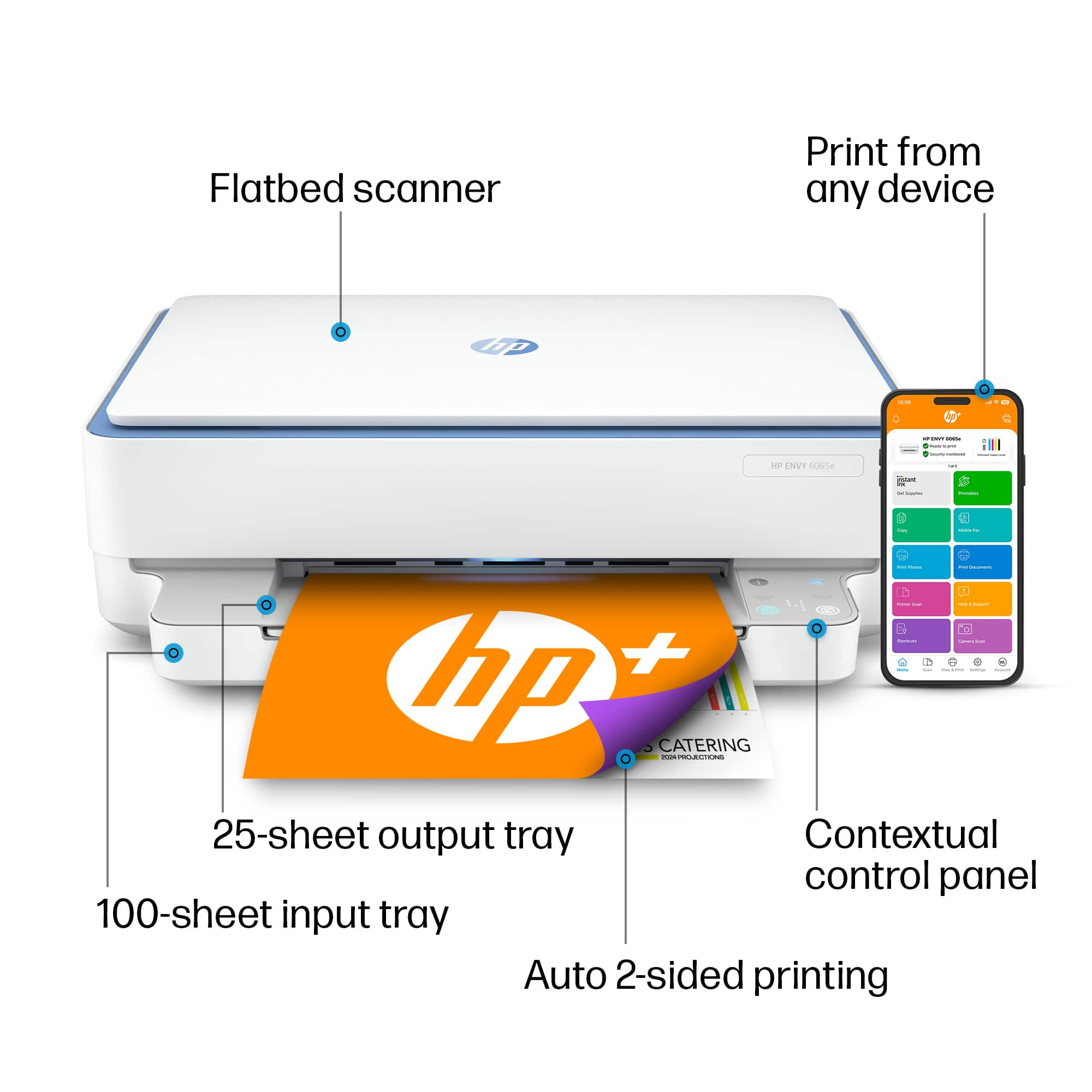
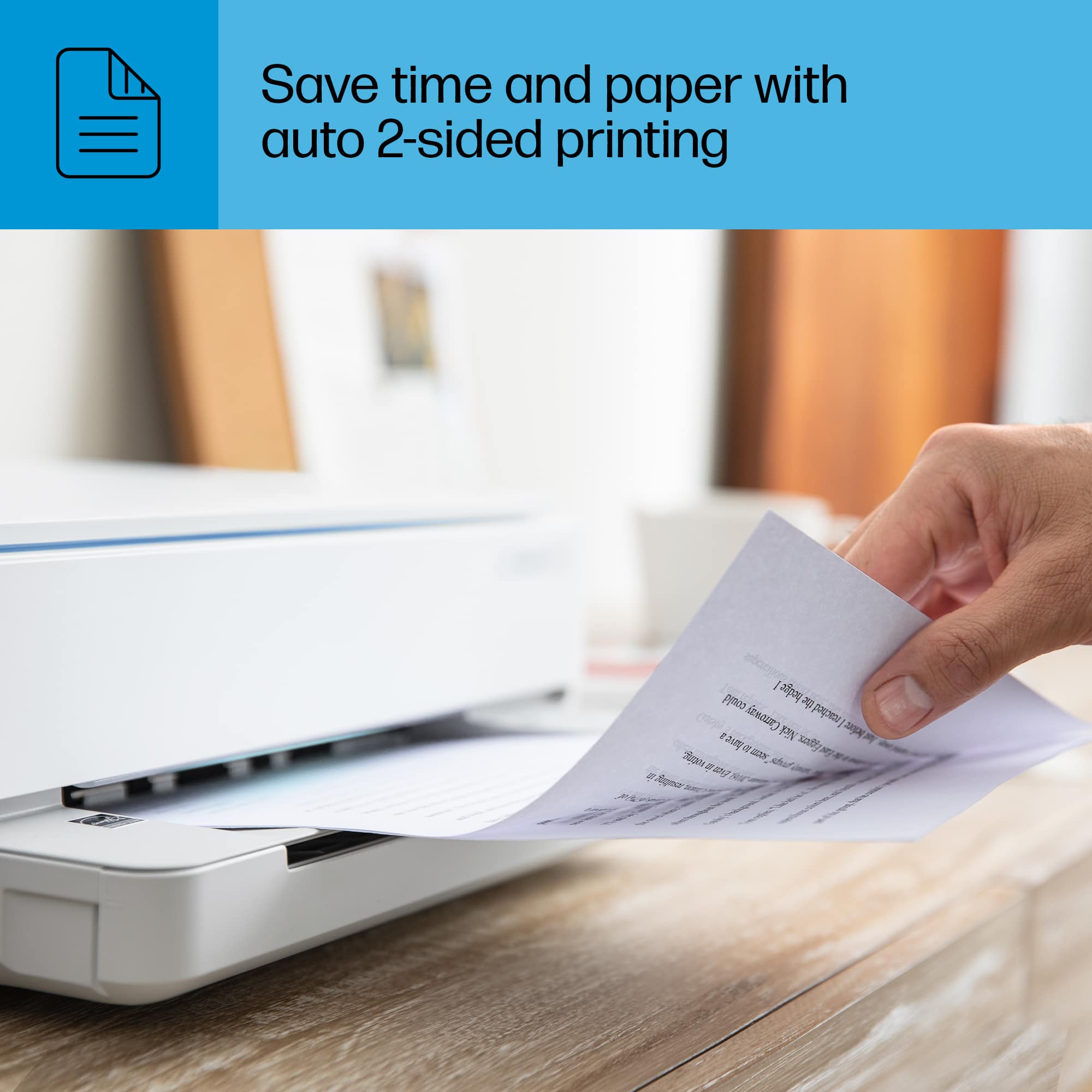
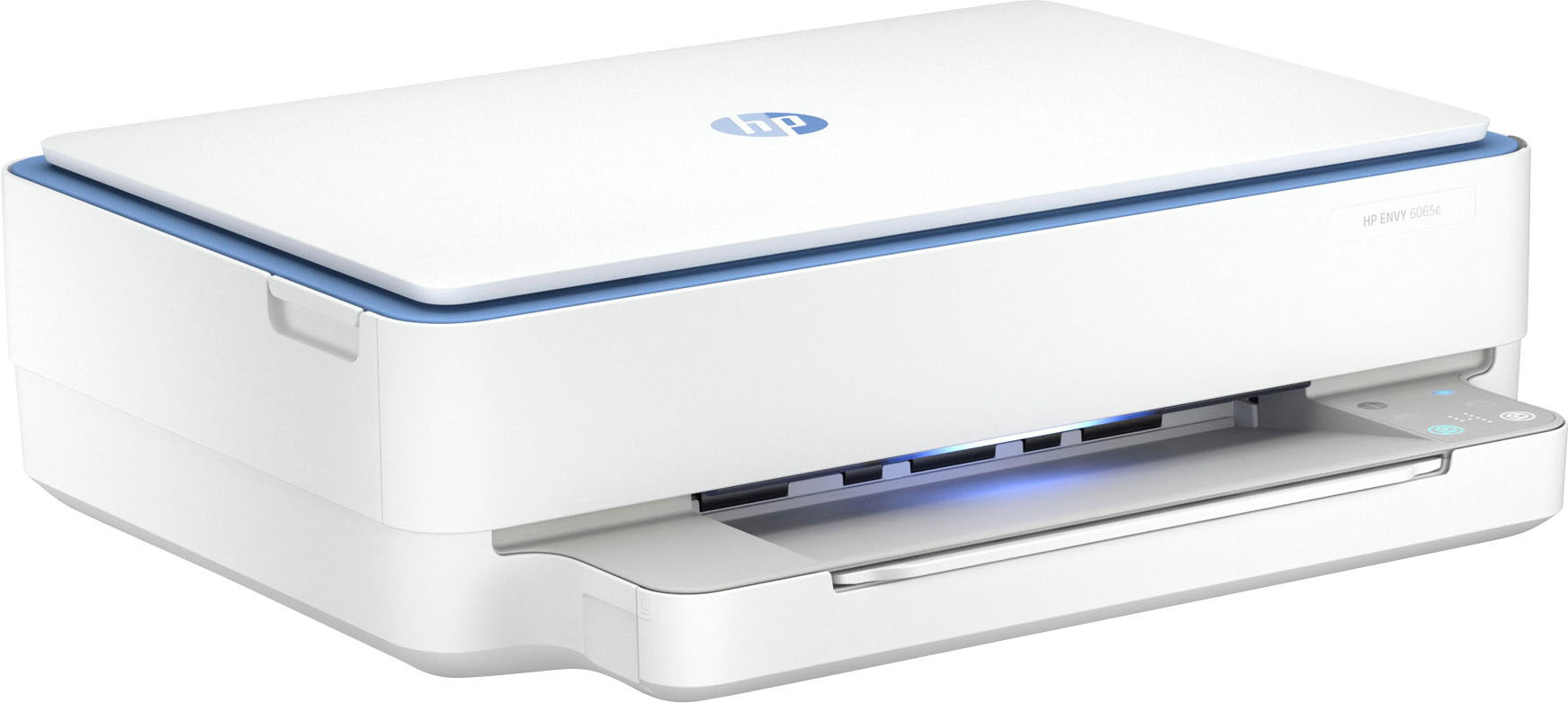
A:AnswerThank you for your question about the HP Envy 6065e printer! This model has the same functions as your HP Photosmart C6280, except it does not include card readers or an automatic document feeder (ADF). However, the HP Envy 6065e printer can print double-sided documents and also features a flatbed scanner and copier.
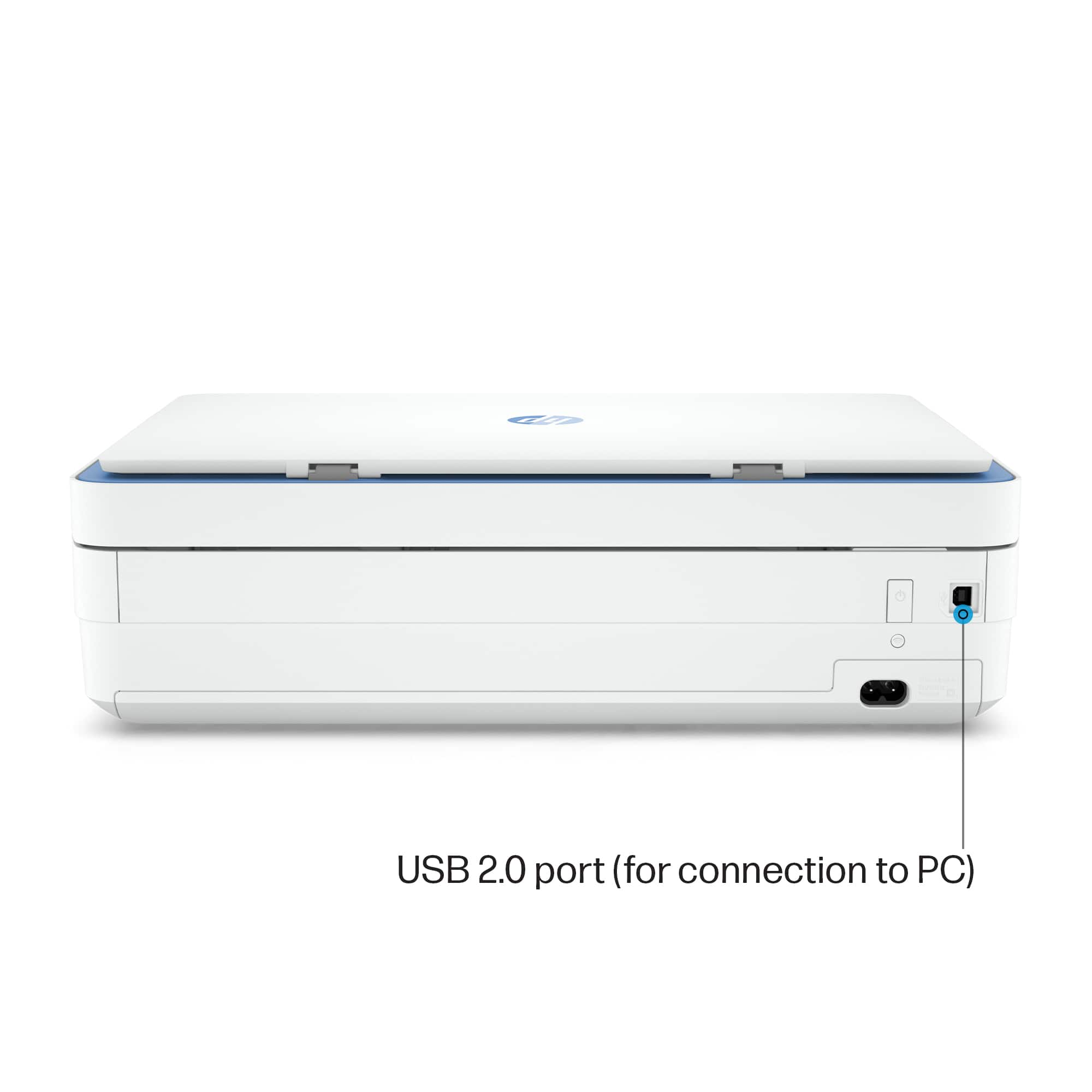
A:AnswerHello and thank you for the question! This HP Envy 6065e Wireless printer is compatible with Windows 7. This printer uses PCL 3 GUI, and does not have post script capabilities.