Questions & Answers
- Model:
- ENVY Photo 7858
- |
- SKU:
- 6484529
Q: QuestionDose the black still print when the color ink runs out
Asked by Chad.
- A:Answer Hello, Chad. Thanks for your question. Yes, you can print in single-cartridge mode with this HP Envy Photo 7858 printer. That means you can take out the tricolor ink cartridge. And the printer will go into single cartridge mode automatically so you can print with the black ink cartridge.
Answered by HP Team

Q: Questionwhat features does this model printer have.
Asked by Anonymous.
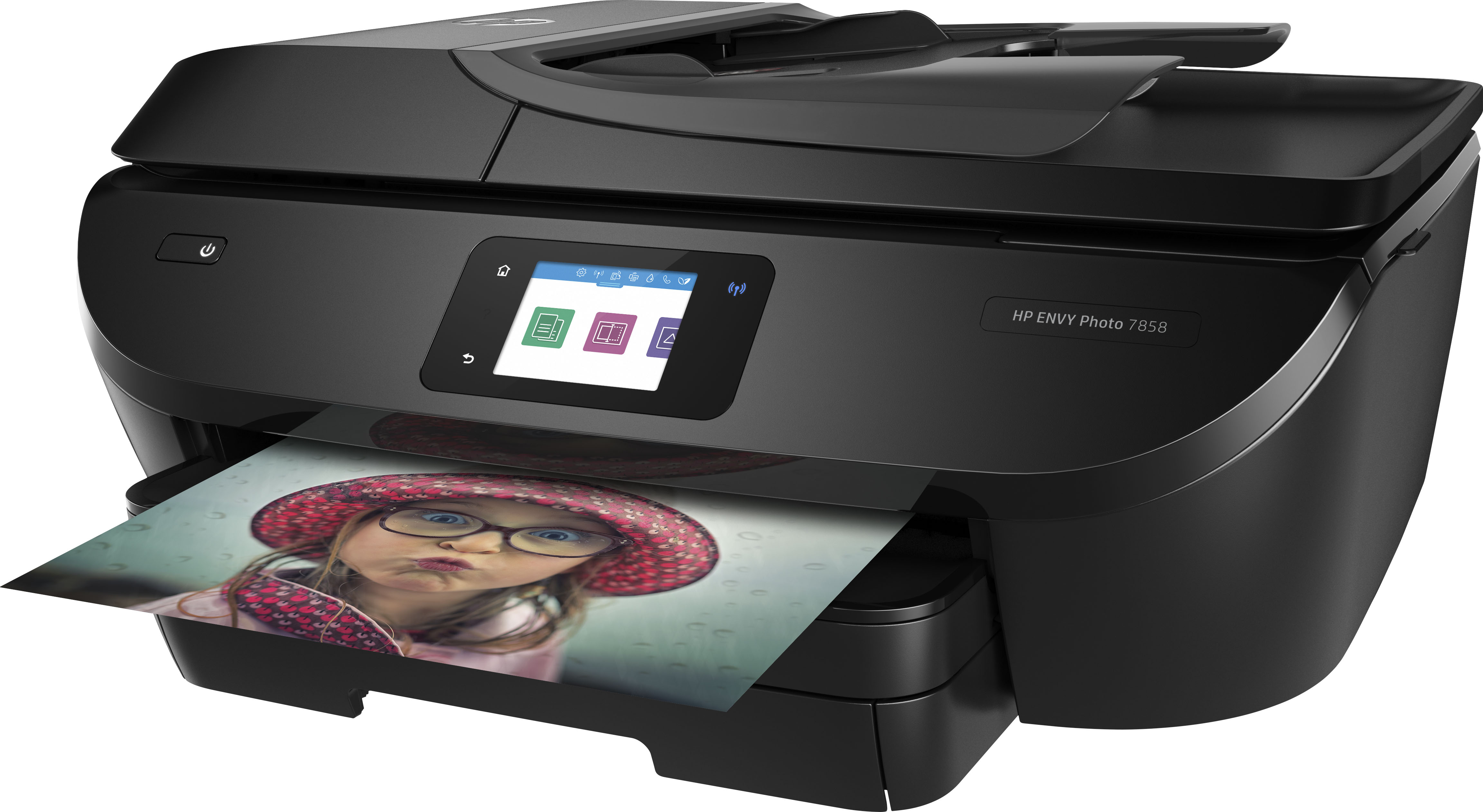
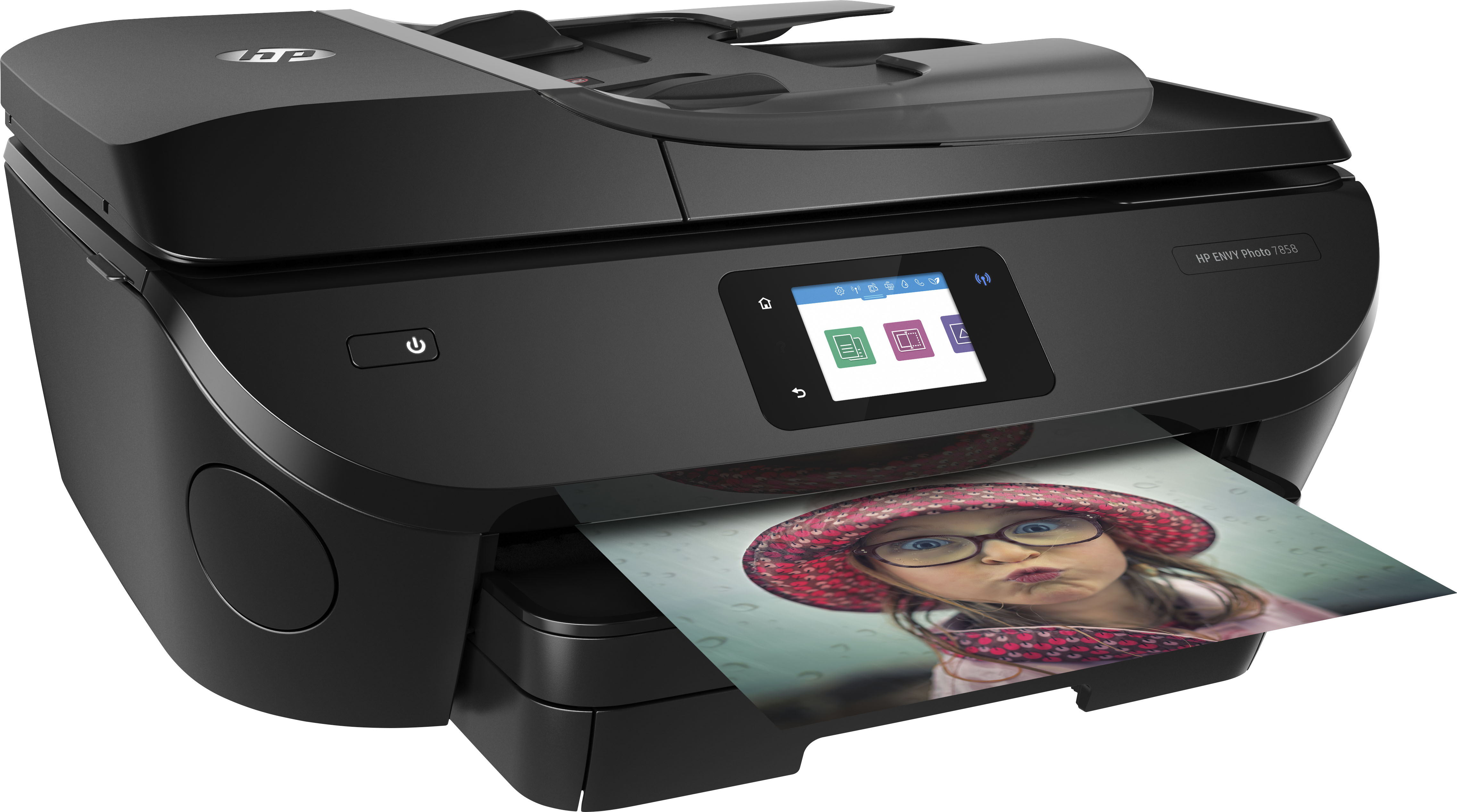
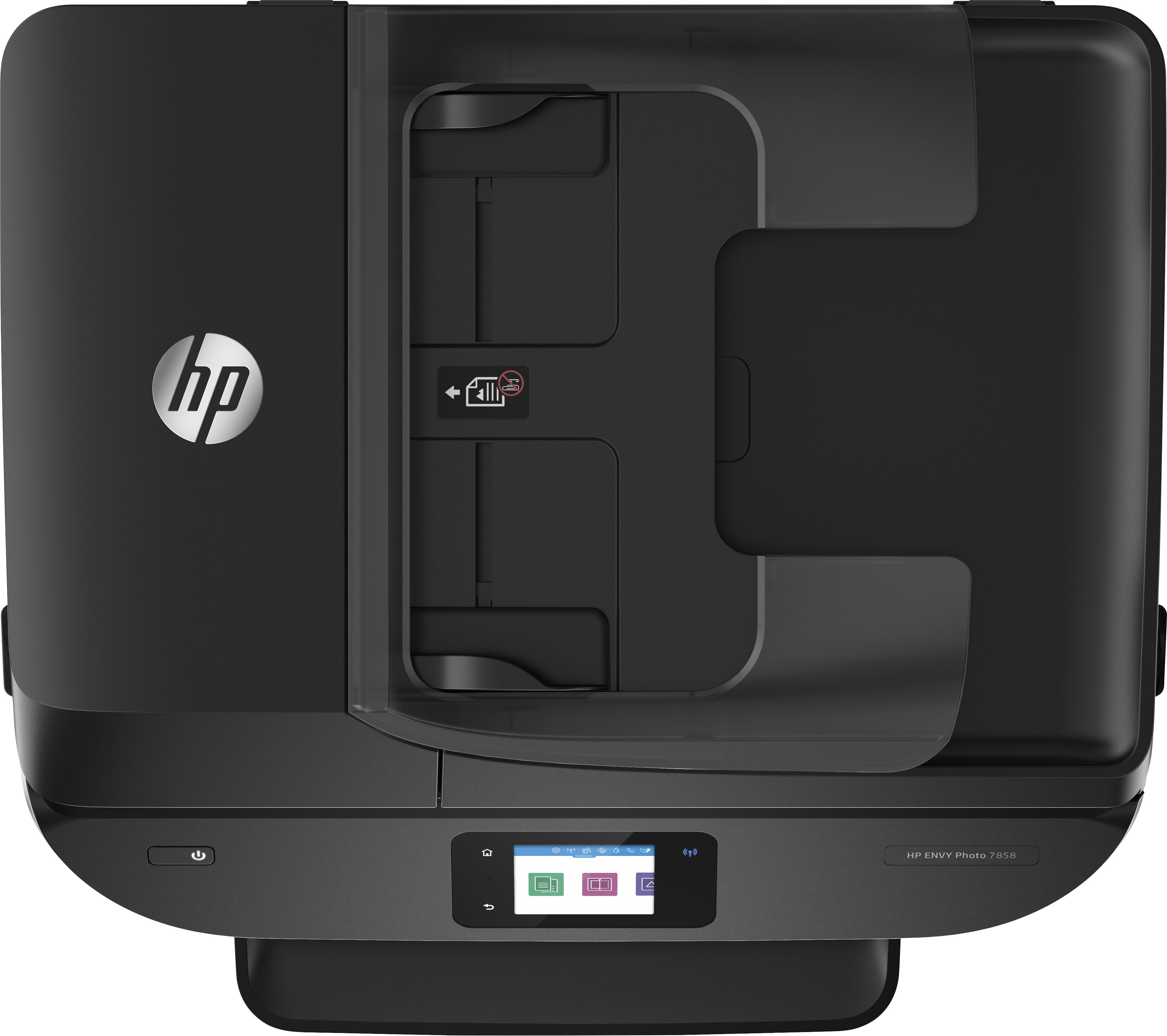
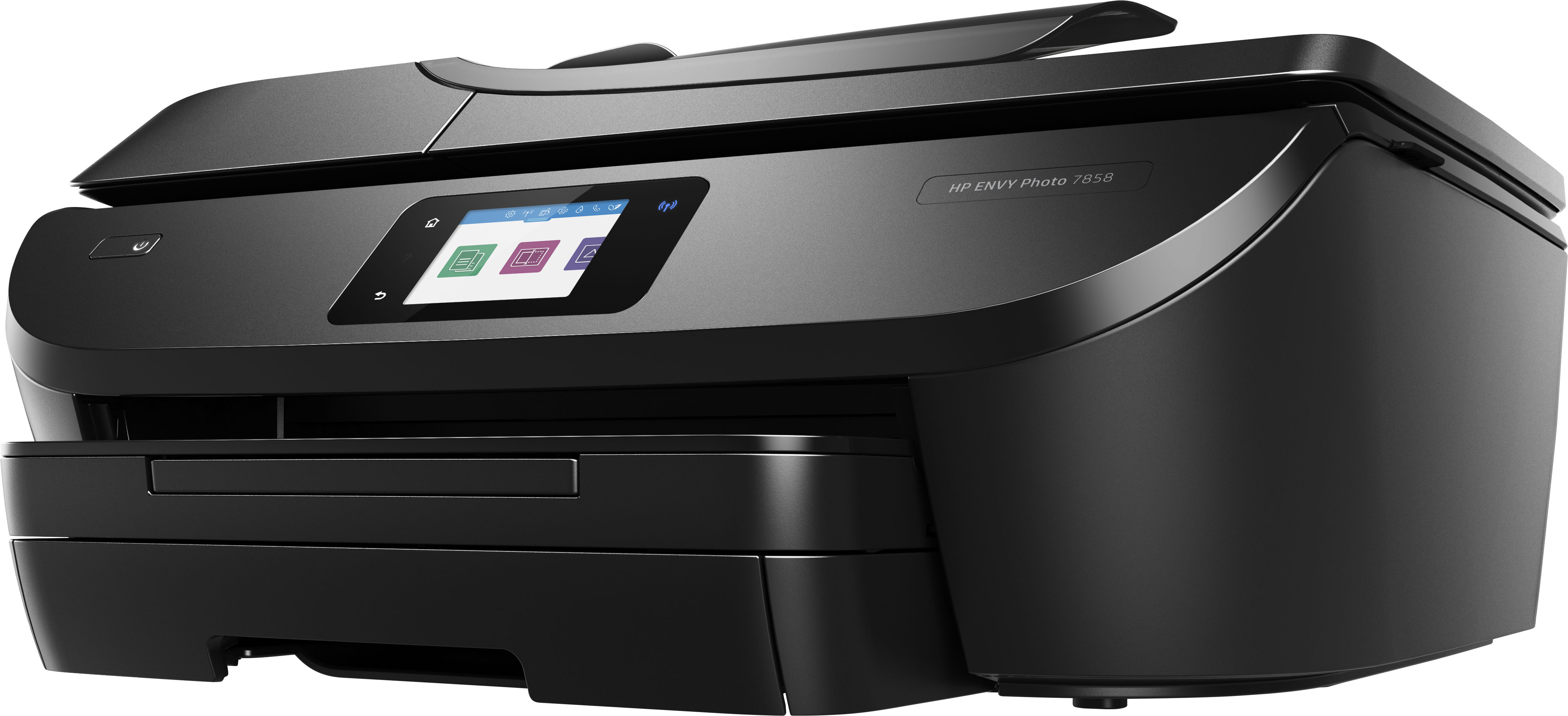
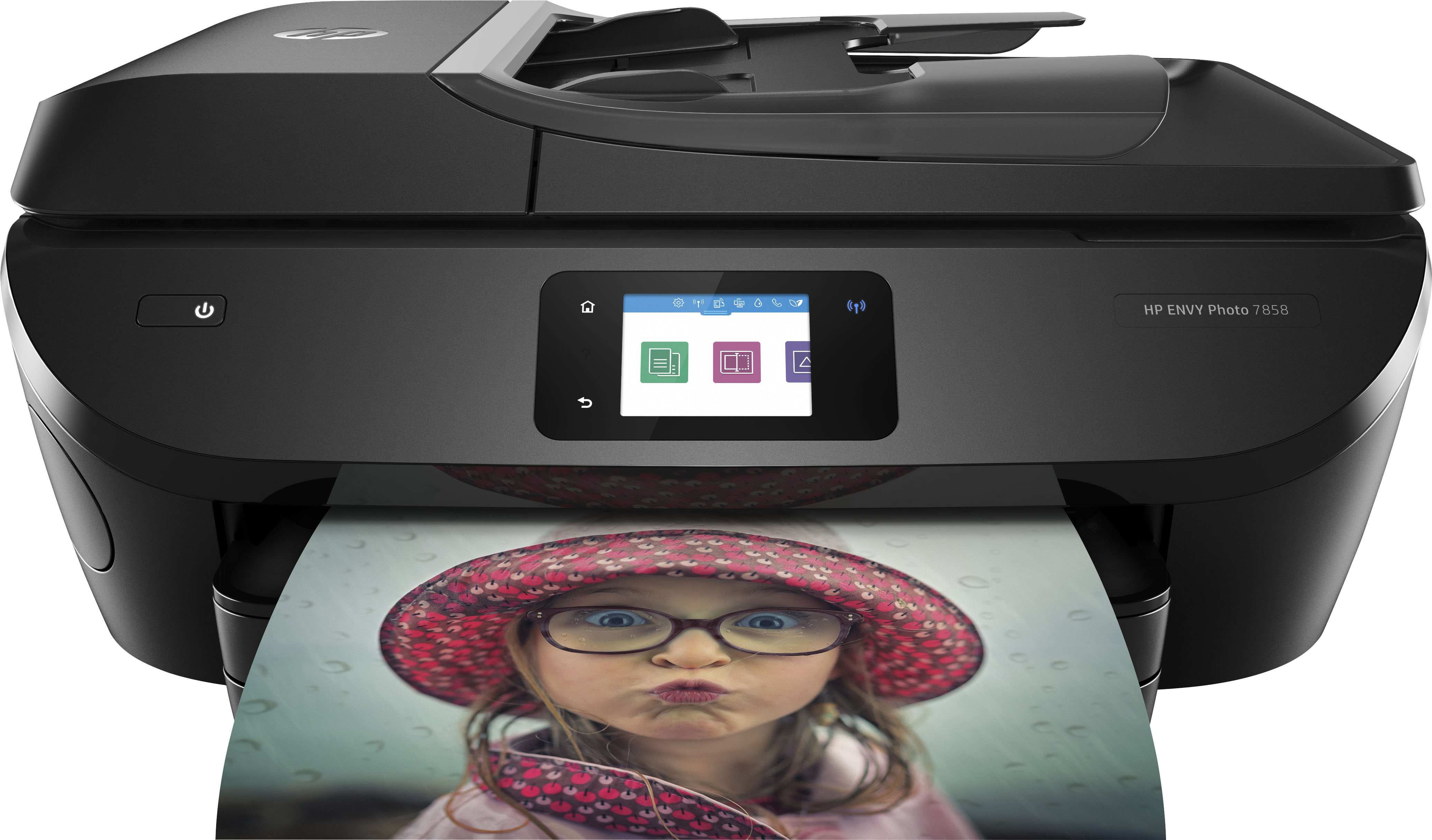
- A:Answer The Envy 7858 printer can print, copy (35-page auto document feeder), scan, and fax.
Answered by HP Team

Q: QuestionCompatible with ipad?
Asked by Muzzy.
- A:Answer Yes, the Envy 7858 printer is compatible with the iPad.
Answered by HP Team

Q: Questionwhat color ink cartridges does the 7858 use?
Asked by ColorCartridges.
- A:Answer Thank you for your question! The HP ENVY Photo 7858 All-in-One Printer uses HP 64 or 64XL ink cartridges. It is also eligible for HP Instant Ink which is designed to save you money and time by shipping you ink when you're running low, and you pay only for the pages you print. It’s the most economical and the easiest way to have the ink delivered right to your door, you save up to 50% and you’ll never run out of ink! For service details, see http://hpinstantink.com
Answered by HP Team

Q: QuestionCan I fax on this printer
Asked by LaMesa100.
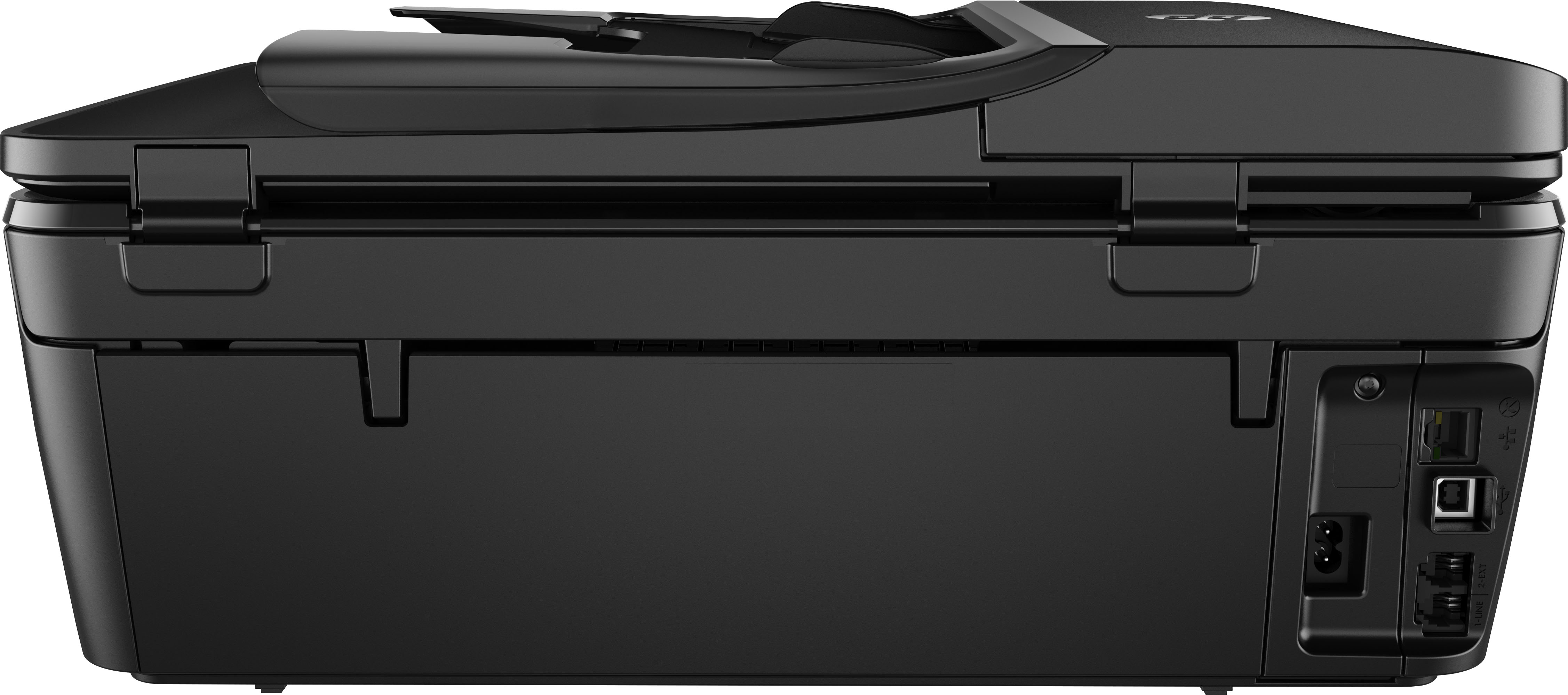
- A:Answer Thank you for asking. Yes, the Envy 7858 has a port for connecting your landline for faxing.
Answered by HP Team

Q: QuestionHow is this printer different than the HP Envy 7855? Does the printer 7855 have faxing capability and print in color? Thansk.
Asked by Luika8126.
- A:Answer They are actually the same printer, just with a different model number. And yes, the 7855 has fax capability and can print in color.
Answered by HP Team

Q: QuestionWill the hp 7858 print card stock that is much thicker than typewriter paper?
Asked by Arnold.
- A:Answer Thank you for the question. The Envy Photo 7858 supports media weights as follows: A4: 75 to 90 g/m²; HP envelopes: 75 to 90 g/m²; HP Photo Paper: up to 300 g/m²; HP 10 x 15 cm photo paper: up to 300 g/m².
Answered by HP Team

Q: QuestionIs the HP #7858 compatible to set up with an Acer Chromebook with Chrome OS ?
Asked by JS0349.
- A:Answer Thank you for the question. Yes, the Envy 7858 is compatible with Chrome OS.
Answered by HP Team

Q: QuestionHow does the faxing work? Are there any that can be done just using a smart phone without connection to an actual phone line?
Asked by Rica.
- A:Answer On this printer, you can fax with a conventional phone line, or you can use the free HP Smart app on your phone or other device to send a mobile fax without a phone line.
Answered by HP Team

Q: QuestionCan I print double sided
Asked by Anonymous.
- A:Answer Hello. Thanks for your question. Yes, you can print double sided with this HP Envy Photo 7858 printer.
Answered by HP Team

Q: QuestionDoes this printer enlarge and reduce
Asked by Mike.
- A:Answer Yes, it can scale the size of the document from 25-400% of the size of the original.
Answered by HP Team

Q: QuestionCan it print on cardstock? Can it print on both sides of one paper?
Asked by Likay17.
- A:Answer Thank you for asking. The specification does not indicate that card stock is supported, however, it accepts a variety of photo papers up to 300 g/m². Yes, this printer features automatic 2-sided printing.
Answered by HP Team

Q: QuestionDoes it also print photos?
Asked by B123Sor.
- A:Answer yes. and they turn out very nice
Answered by TimandJane
Q: QuestionDo I need printer cable?
Asked by Sybil.
- A:Answer The Envy 7858 printer is wireless so no printer cable is needed.
Answered by HP Team

Q: QuestionDoes this printer have a number pad to fax from?
Asked by Diane.
- A:Answer The Envy 7858 printer does have fax capabilities with the numeric keys accessible from the LCD screen.
Answered by HP Team

Q: QuestionWhere is located USB type A?
Asked by Stano.
- A:Answer The Envy 7858 printer has a USB port (along with an SD card slot) on the front left. These ports are used for scanning to or printing from a thumb drive or SD card. This printer also has the capability to connect a USB printer cable from the printer (port located on the rear of the unit) to a computer.
Answered by HP Team
Q: Questionis this printer compatible with windows 11?
Asked by Nese95.
- A:Answer Hello. Thanks for your question. This HP Envy Photo 7858 printer is compatible with Windows 11.
Answered by HP Team

Q: Questioncan i use this with my hp inspiron 15 3000 computer?
Asked by Anonymous.
- A:Answer Hello. Thanks for your question. Hello. Thanks for your question. If your computer has Windows 7, 8, 10, or 11, you can use this HP Envy Photo 7858 printer.
Answered by HP Team

Q: QuestionDoes this printer have two-sided scanning?
Asked by Anonymous.
- A:Answer Hello. Thanks for your question. No, you can scan one side at a time with this HP Envy Photo 7858 printer.
Answered by HP Team

Q: QuestionCan I photo copy pictures from my phone
Asked by wills.
- A:Answer Thank you for asking. Yes. Send photos from your phone to the printer using the free HP Smart App for Android or IOS.
Answered by HP Team

Best-selling Best Buy
- $299.99$299.99The price was $349.99
- $59.99$59.99The price was $99.00
- $199.99$199.99The price was $349.99
- $14.99$14.99The price was $19.00
- $24.99$24.99The price was $29.99
- $14.99$14.99The price was $19.00
- $139.99$139.99The price was $149.99