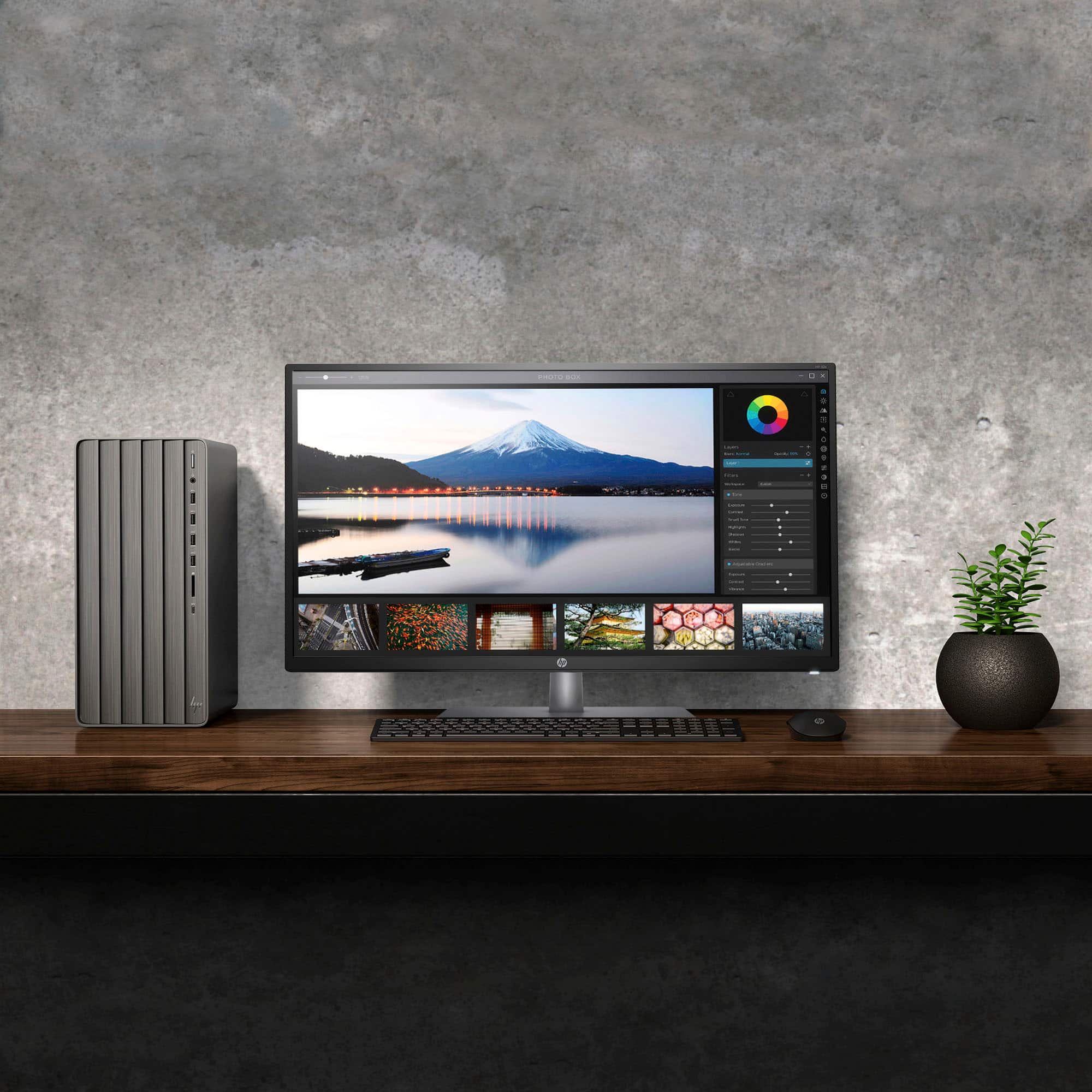
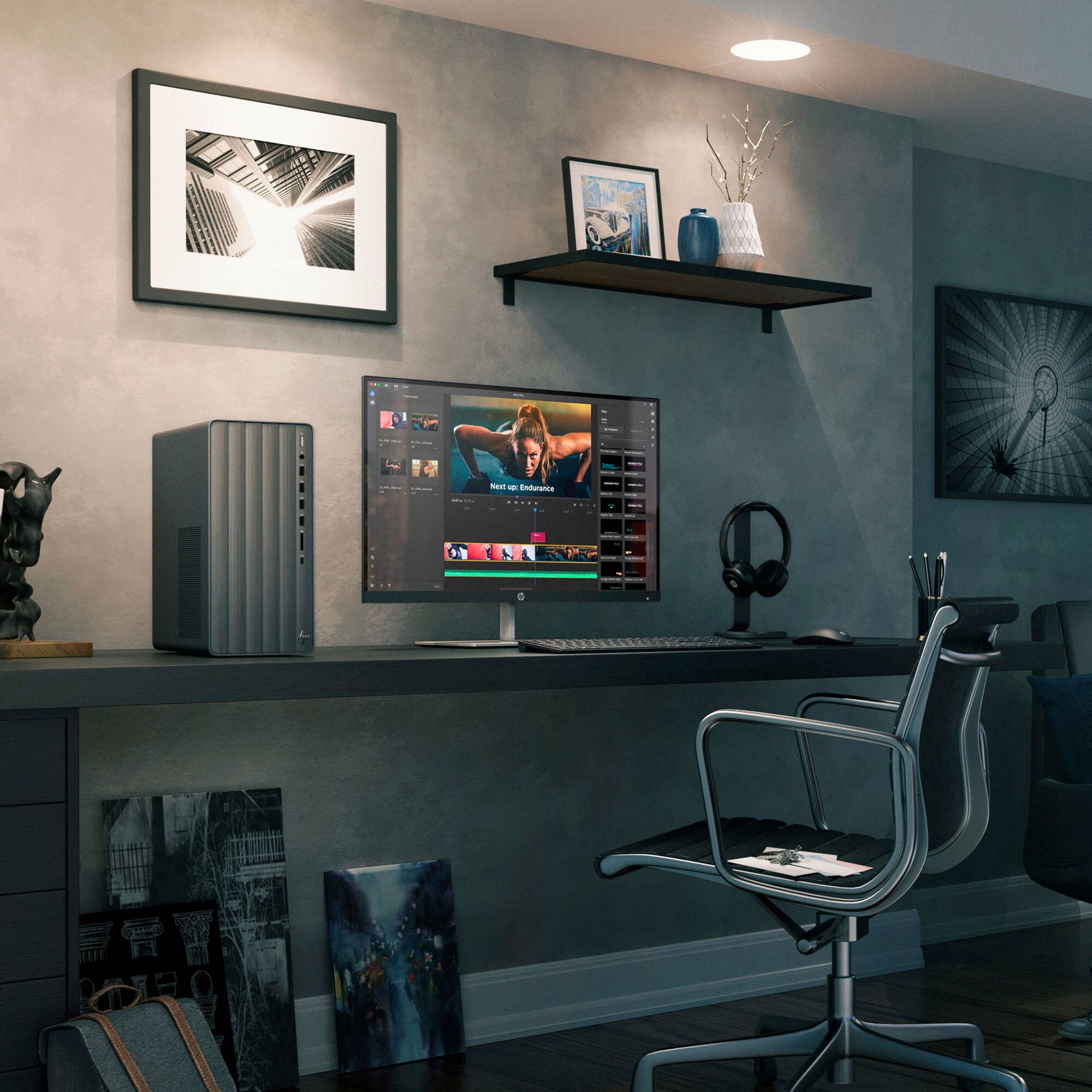
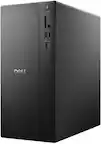
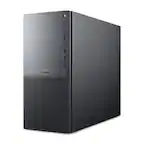
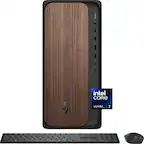
A:AnswerThank you for your question. No, the Envy TE01-5364 Desktop does not have an optical (DVD) drive, however it is compatible with an external optical drive.
A:AnswerHello Steve, and thank you for the question! Yes, it is possible to swap out the Power Supply Unit (PSU) on this HP Envy Desktop Model:TE01-5364 for another PSU aftermarket. While it is possible to perform this swap yourself, we recommend upgrades be performed by the IT professionals at your local Best Buy's Geek Squad to avoid installation complications.
A:AnswerThank you for your question on cross-platform compatibility. Windows and Mac are two separate platforms but share some file formats. You can have any type of media play on both of them along with being able to read PDFs, HTML documents, and Microsoft Office files. However, you will not be able to load Mac apps onto this nor will you be able to load Windows apps onto a Mac.
A:AnswerYes. You can operate dual monitors on this HP Envy Desktop. The NVIDIA RTX 4060 video card supports three (3) Display Port connections and one (1) HDMI connection (four connections total). I am currently running three (3) Display Port connected monitors on each of my two HP Envy Desktops.
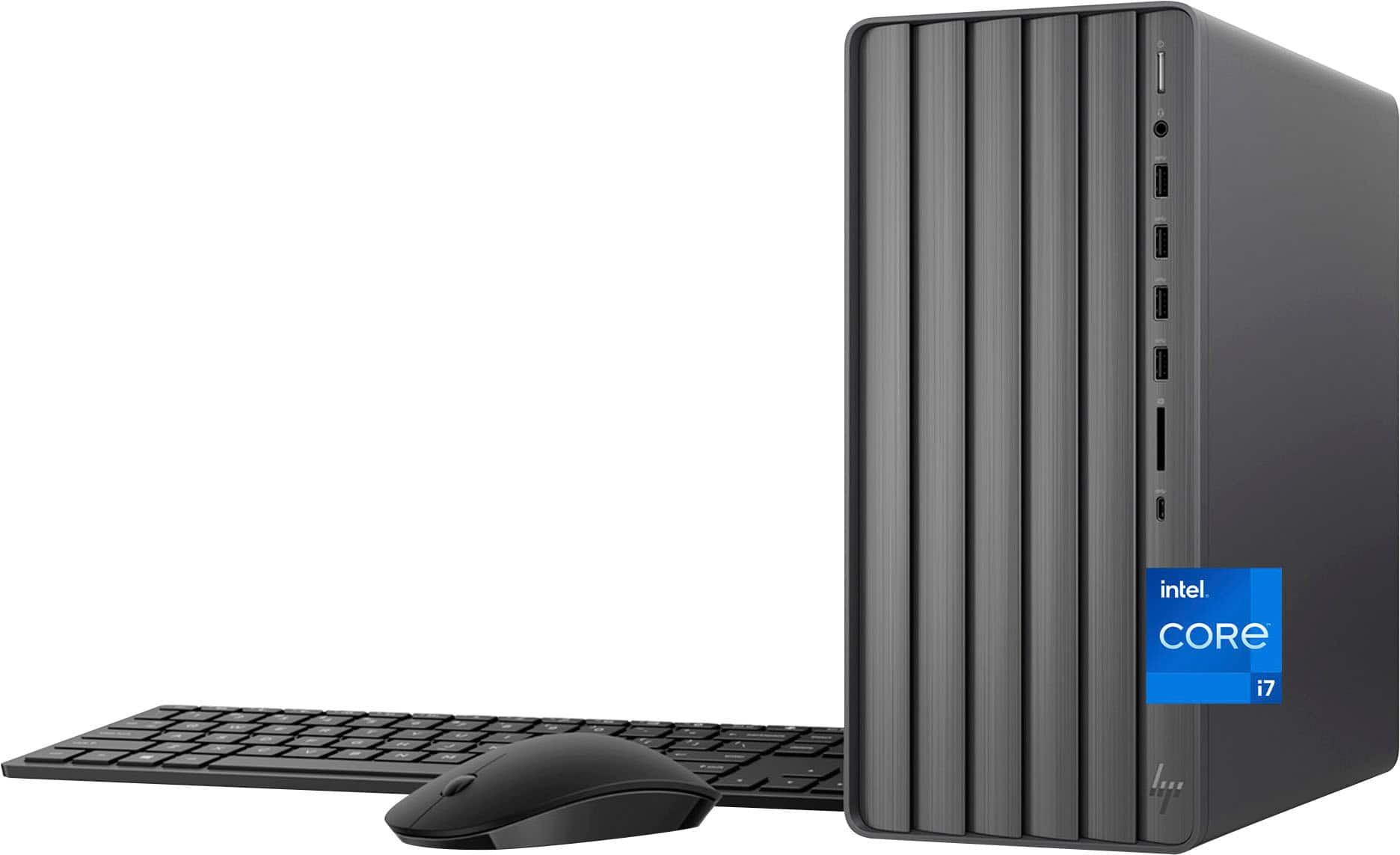
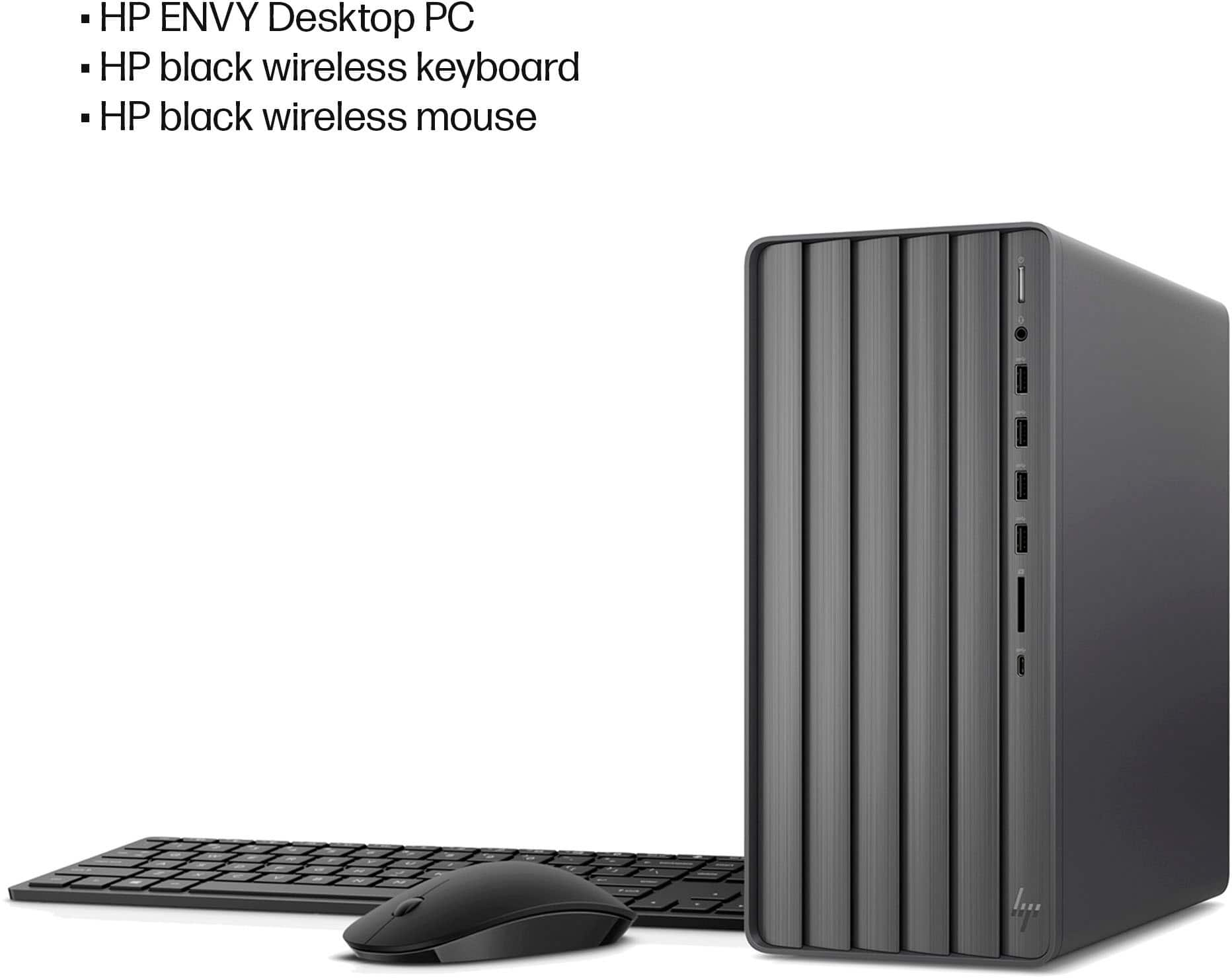
A:AnswerThis HP Envy Desktop does not use a dongle for the mouse and keyboard connection. This HP Envy Desktop includes the HP 710 wireless keyboard and mouse combo that is BlueTooth connected to the computer.
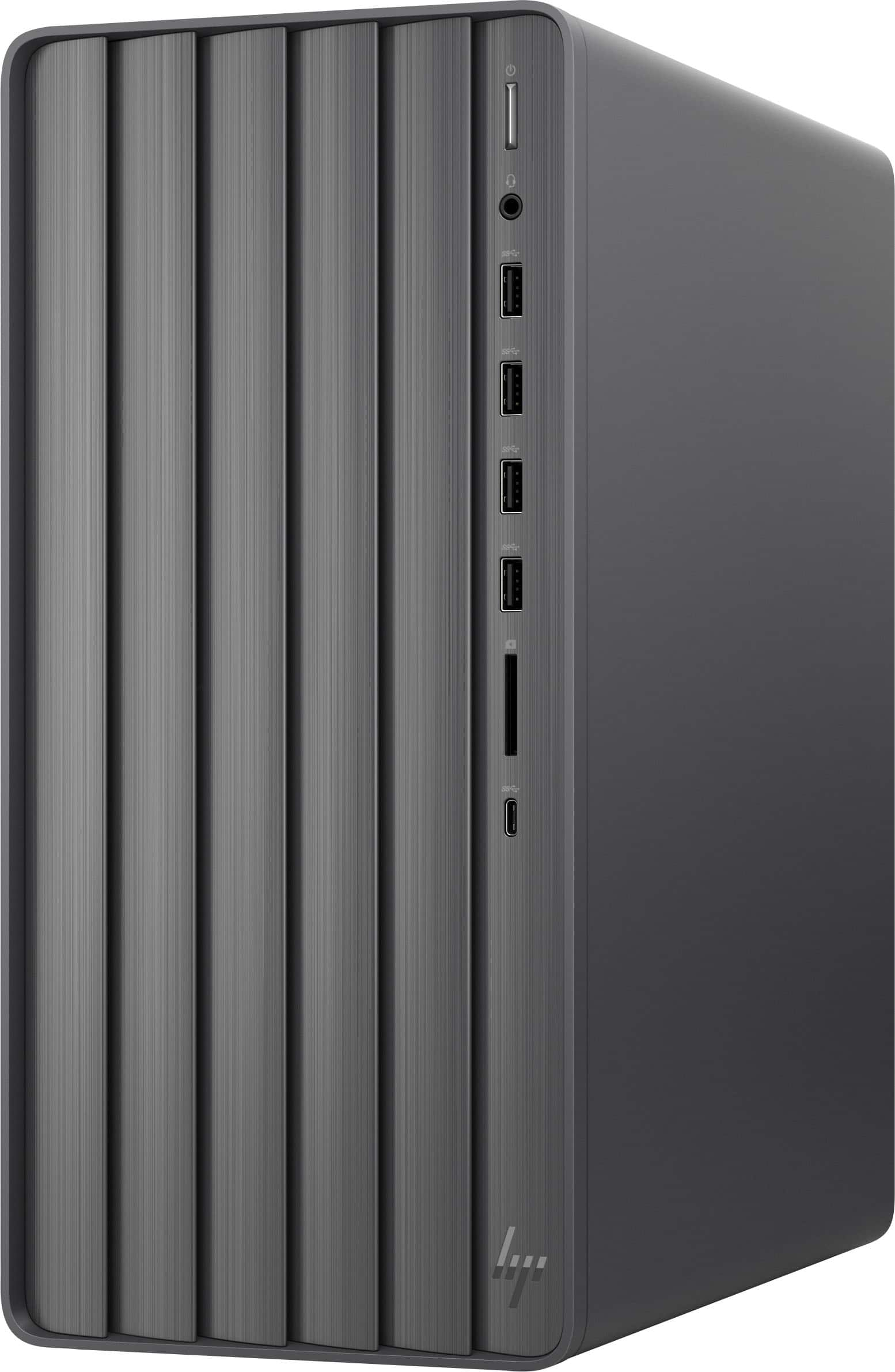
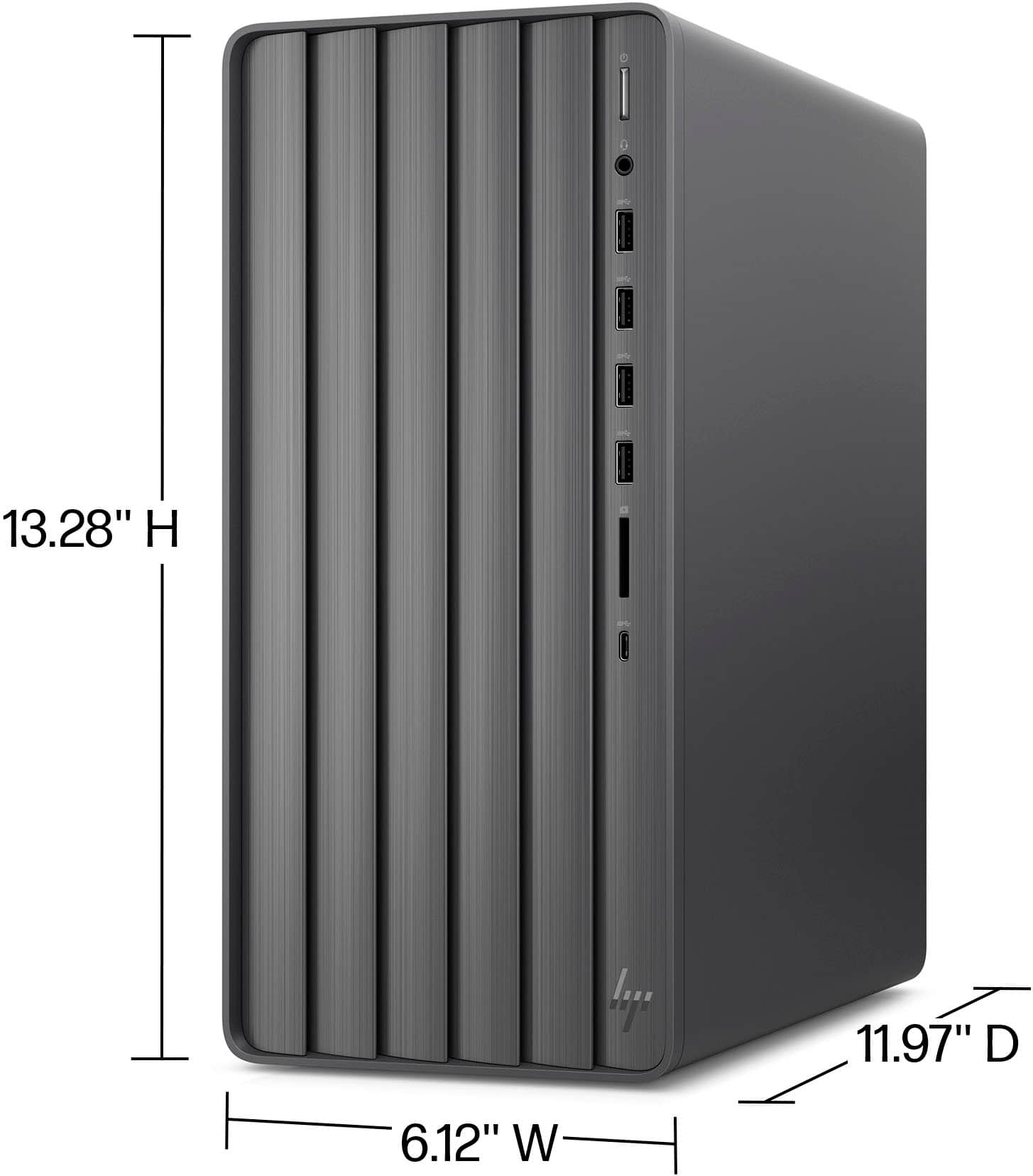
A:AnswerHey there, thanks for your interest in this HP Envy Desktop (model TE01-5364)! This tower weighs 13.14 lbs and uses a fan-based cooling system with a 95W heatsink.
A:AnswerHello there, Joe! Thanks for your question on this HP Envy Desktop (model TE01-5364). This model comes with the Windows 11 Home operating system ready to go!
A:AnswerThank you for the question. We can't make an unbiased recommendation, but a Best Buy associate will be happy to assist you in selecting an external CD/DVD drive. They should also have tax-free holiday information.
A:AnswerBill, thank you for your question on this HP Envy desktop computer! This HP Envy desktop computer will not be able to handle 128 GB (gigabytes) of memory. The maximum amount of memory that this can support is 32 GB DDR4-3200 RAM in a 2x16 GB configuration. Additionally, memory manufacturers stopped making memory modules in the megabyte (MB) range about two decades ago.
A:AnswerTo cut cost, I assume.
But that aside, just try to use/make a secondary bootable SATA drive in this computer and tell me how you like it. :)
Hint: I described a way around it in my review of the product.