A:Answer Yes you can replace the hard drive. In order to access and replace the 1TB drive you will need a torx T5 I believe, and phillips head screwdriver. You have to do the following
1: Remove all Torx T5 screws from the bottom panel, the torx screws are all of the visible screws on the bottom.
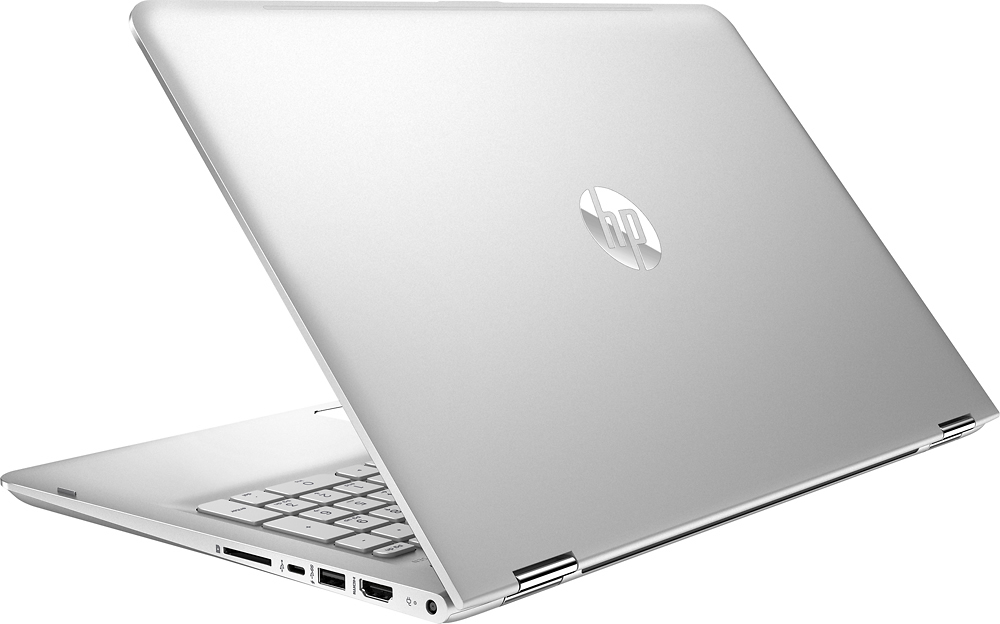
2: There are 2 hidden screws under the rear feet on the bottom, peel up the rear feet (only half of the foot) on the bottom of the laptop (you can just peel half the foot off to access the PHILLIPS head screw), make sure the two screws that are located under the padded feet are backed out all the way. NOTE: THE SCREWS UNDER/INSIDE THE REAR FEET WILL NOT COME ALL THE WAY OUT, THEY JUST BACK OUT FAR ENOUGH TO RELEASE THE BOTTOM PANEL.
3: DO NOT REMOVE THE PADDED FRONT FEET ON THE BOTTOM OF THE LAPTOP, THERE ARE NO SCREWS UNDER THERE.
4: After all screws are released/removed, start with the laptop in your lap upside down where the bottom cover is facing up, and begin pulling the bottom of the laptop off from the back, work your way toward the front. I start around the hinges on each side, once each side pops off around the hinge, you can typically work your way forward. Use a credit card or guitar pick to pop the tabs if you are not wanting to just use your fingers/nails. You will hear the plastic tabs snapping/releasing, this is normal but somewhat alarming if you haven't done it before.
Attached is what it looks like when off.