Questions & Answers
- Model:
- M406dn
- |
- SKU:
- 6449129
$529.99Your price for this item is $529.99
Page Showing 1-8 of 8 questions
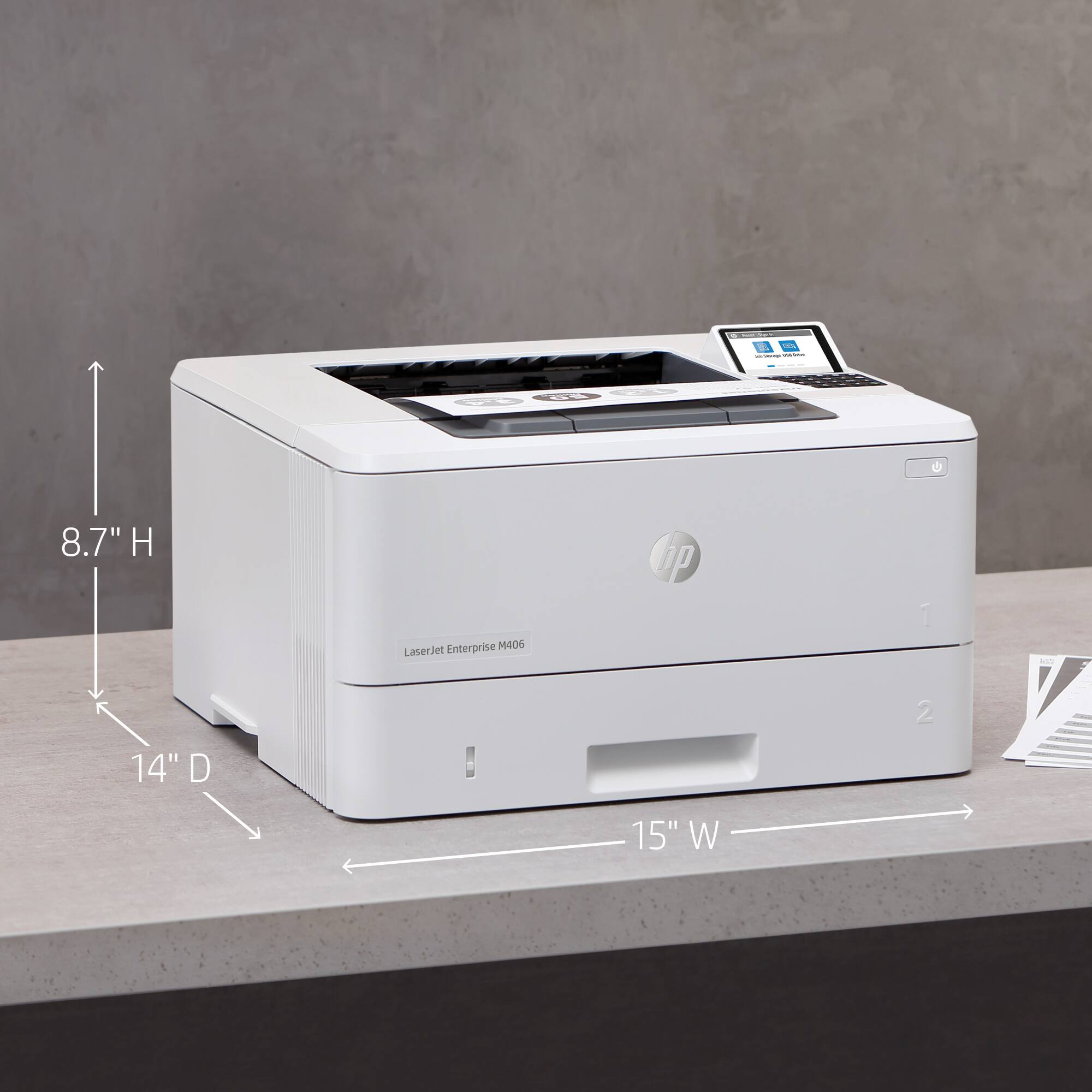
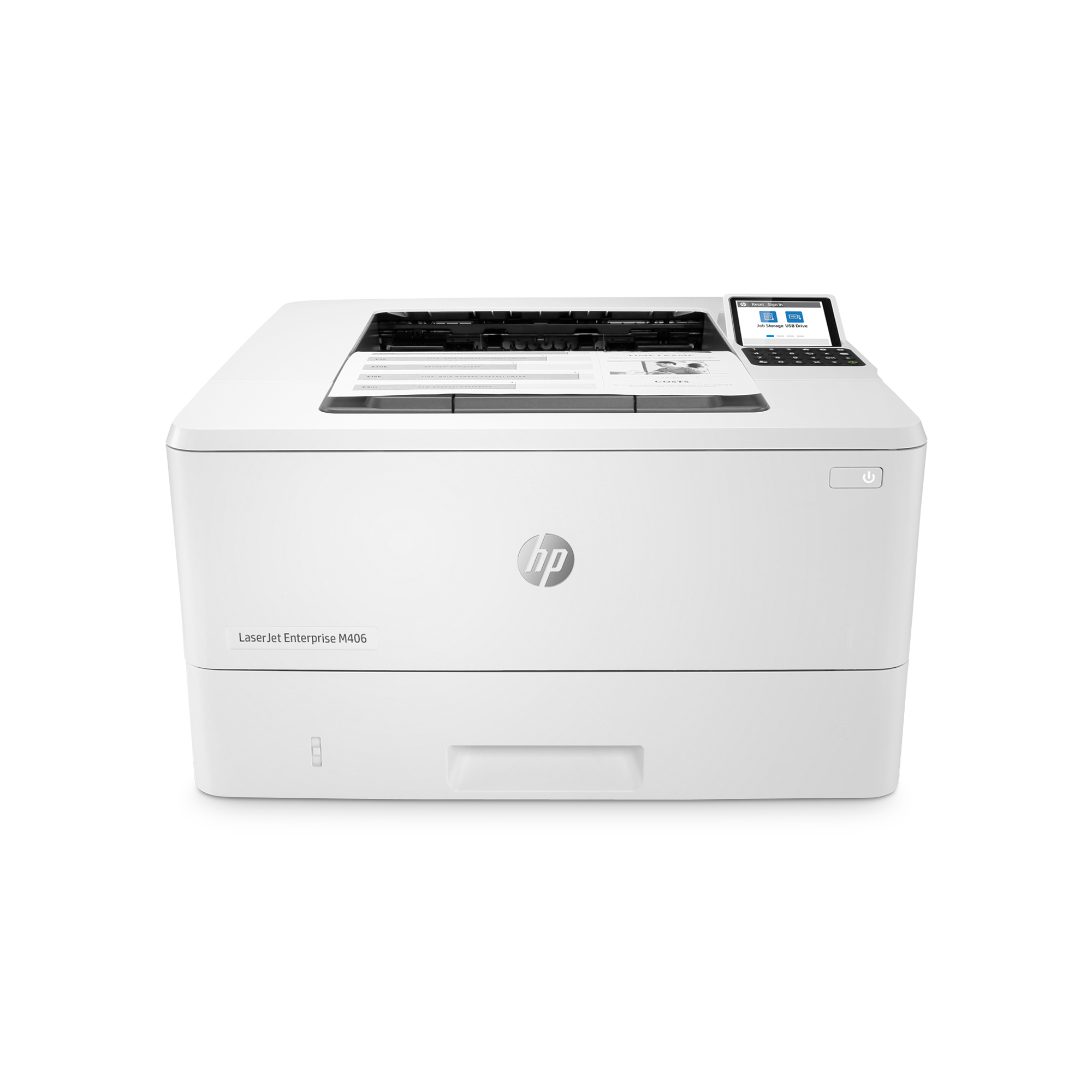
Q: QuestionDoes this printer allow printing of envelopes? If so, what is the max capacity of the tray? Can an envelope feeder be added to this printer?
Asked by Sue.
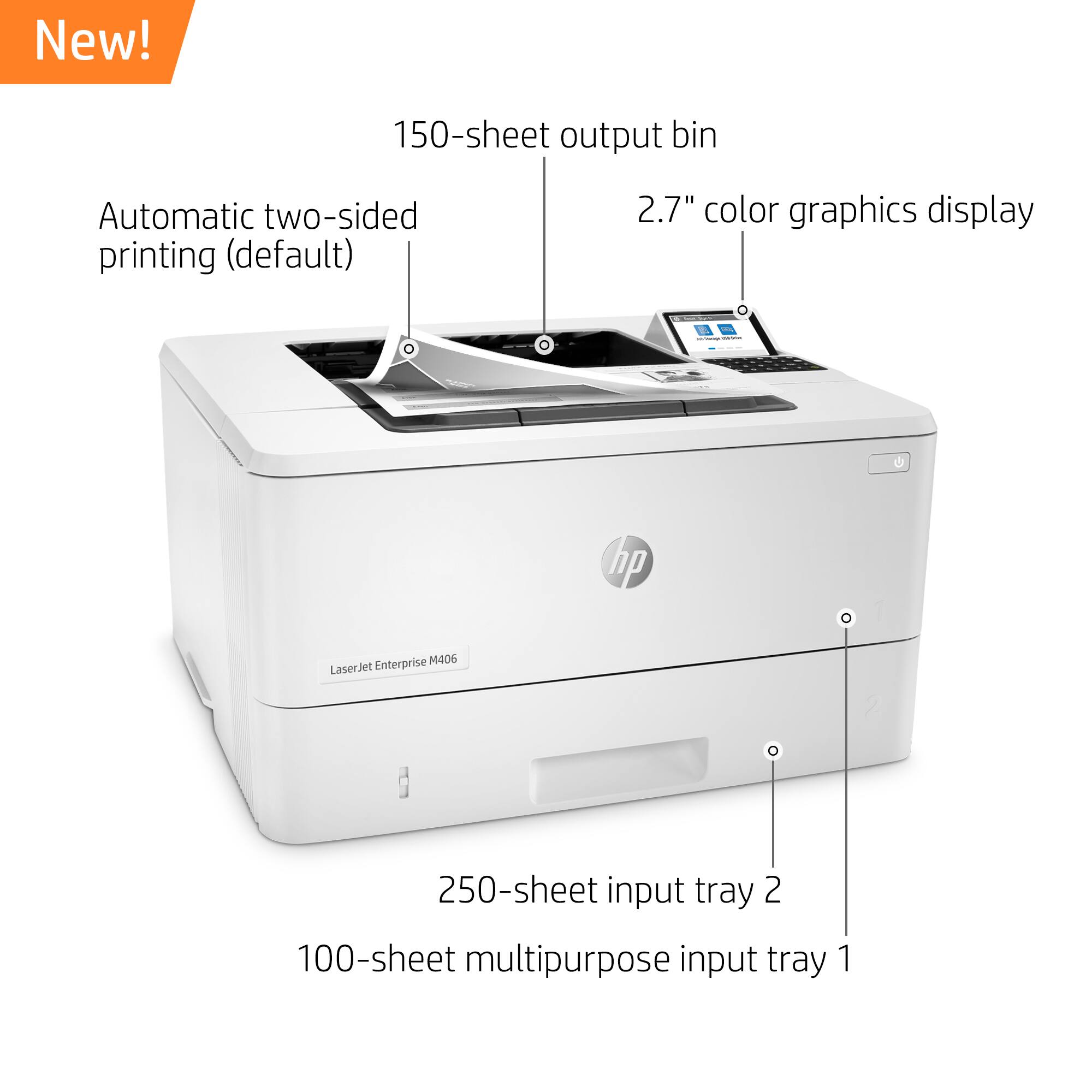
- A:Answer Hello, Sue. This HP LaserJet Enterprise M406dn printer can hold up to 10 envelopes at a time. An envelope feeder is not available for this printer.
Answered by HP Team

Q: QuestionDoes this printer use micr ink so that we can print Quick Book checks?
Asked by Janie.
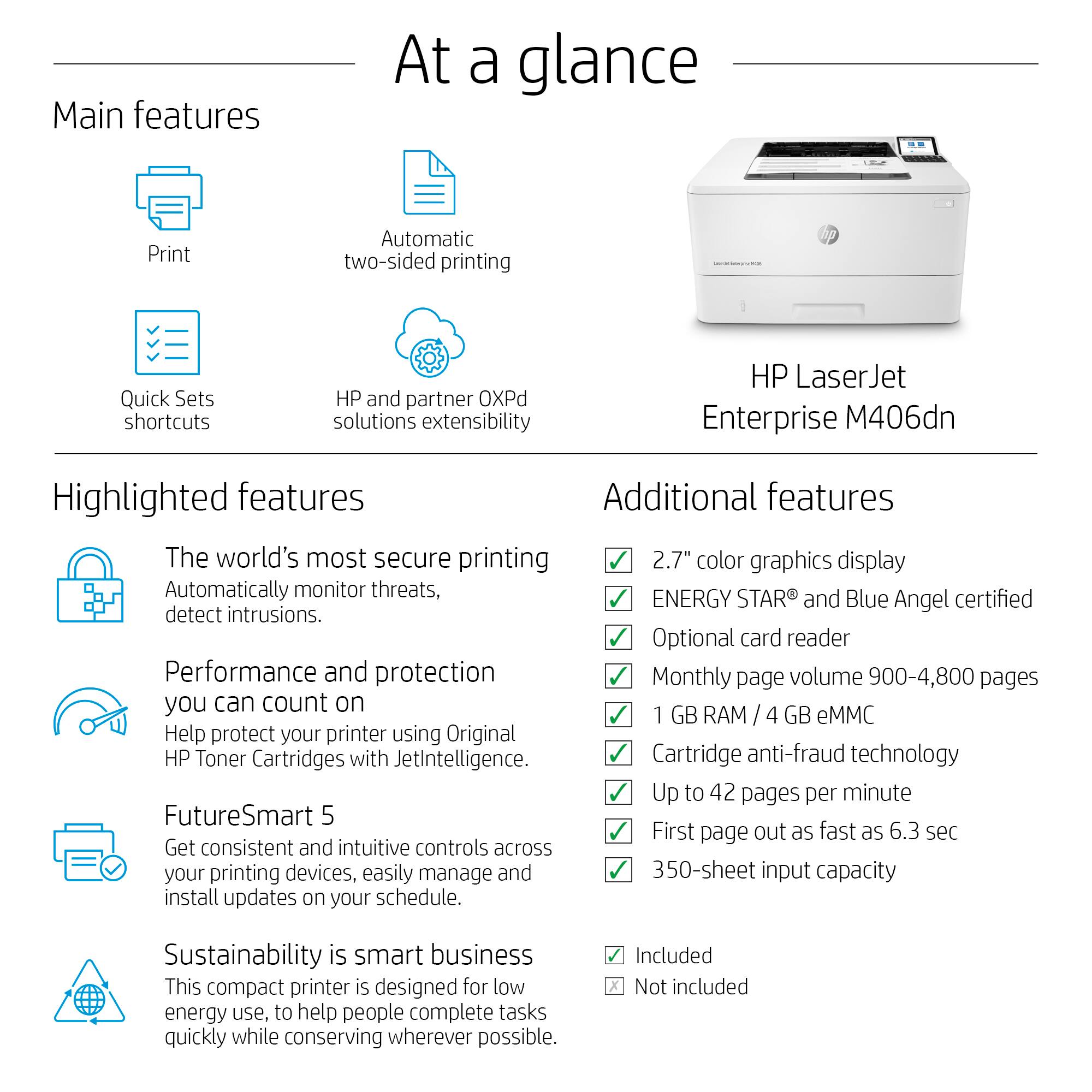
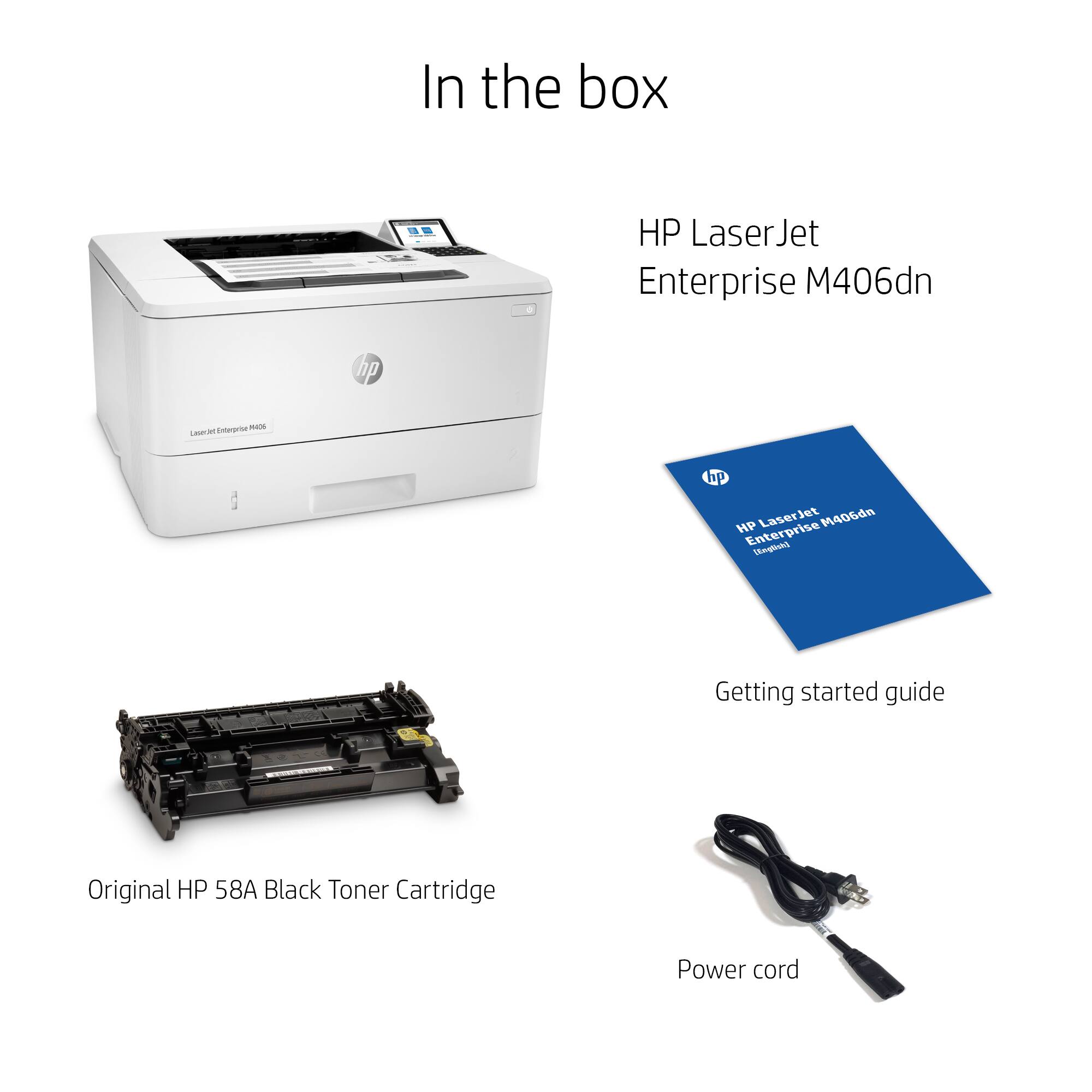
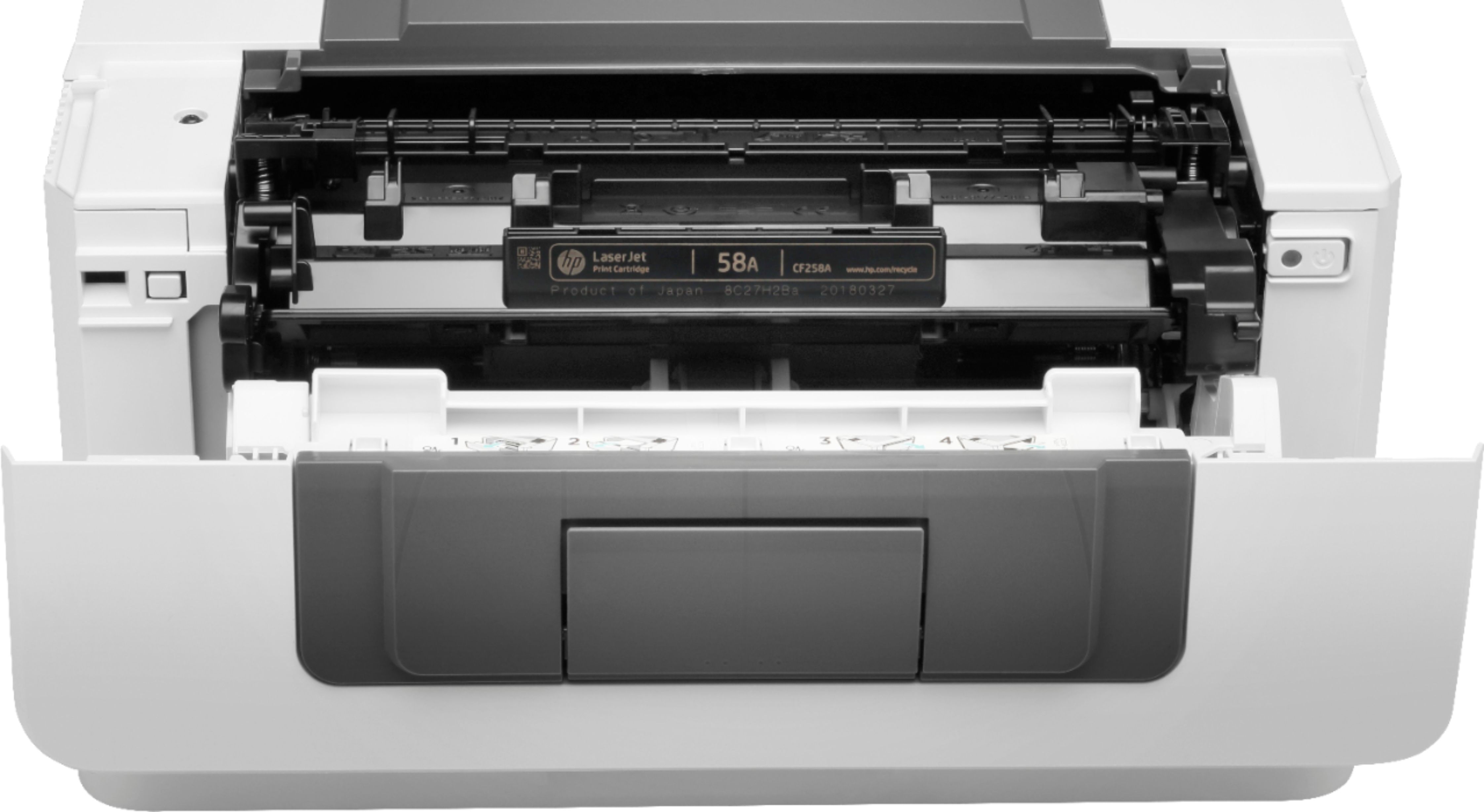
- A:Answer Yes. The printer can use either the 58A or high-capacty 58X toner, and there are MICR toners availble.
Answered by HP Team

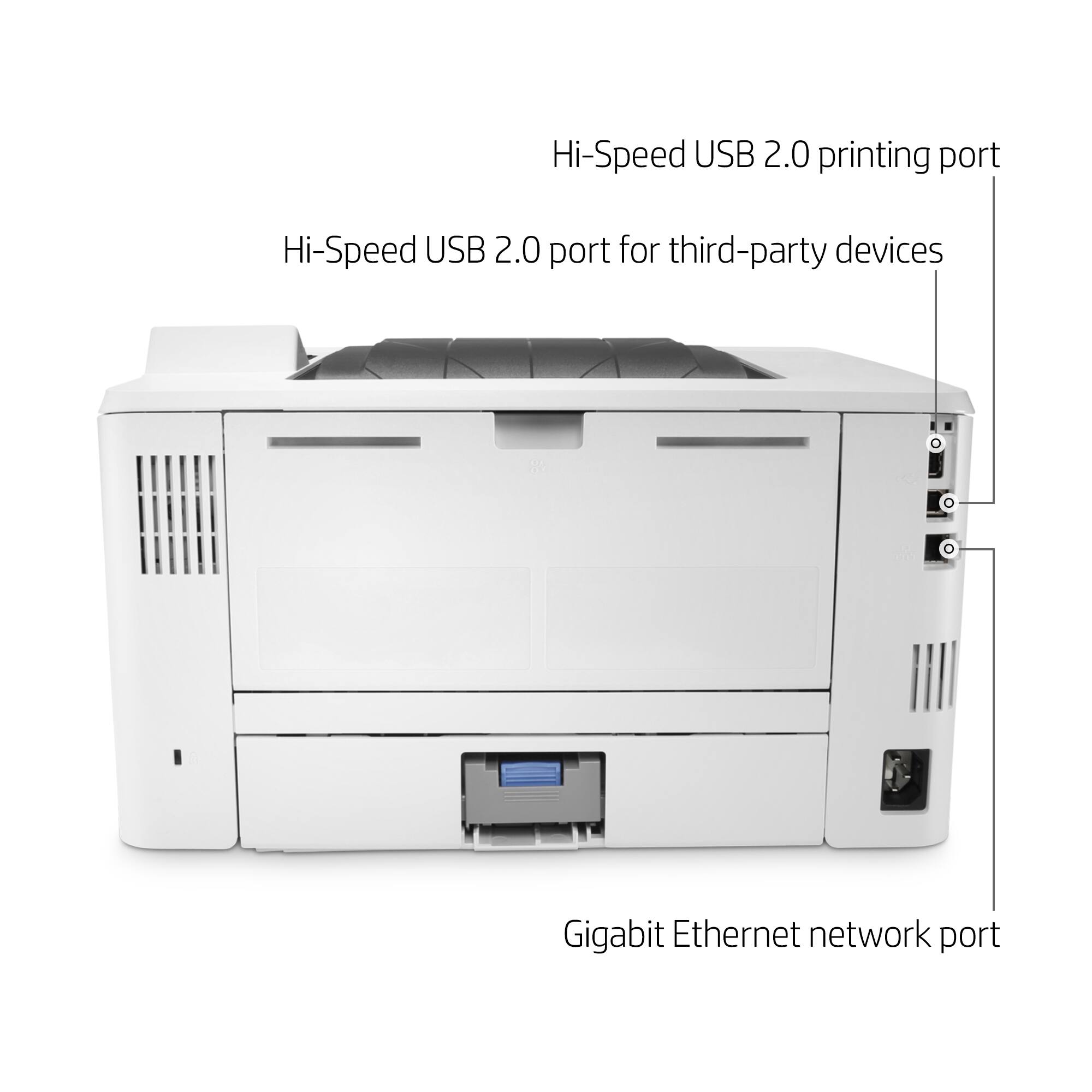
Q: QuestionIs the HP Jet Enterprise M406dn B & W Laser Printer wireless or do you use a USB cord to connect to computer
Asked by Bill.
- A:Answer Unfortuantely, it is not wireless, so you'll need a USB cable to connect to a computer. Alternatively, it has a Ethernet port on the back and you can connect it to that so it's available on your network if you have one.
Answered by HP Team

Q: QuestionIs this printer WiFi enabled
Asked by Wifi.
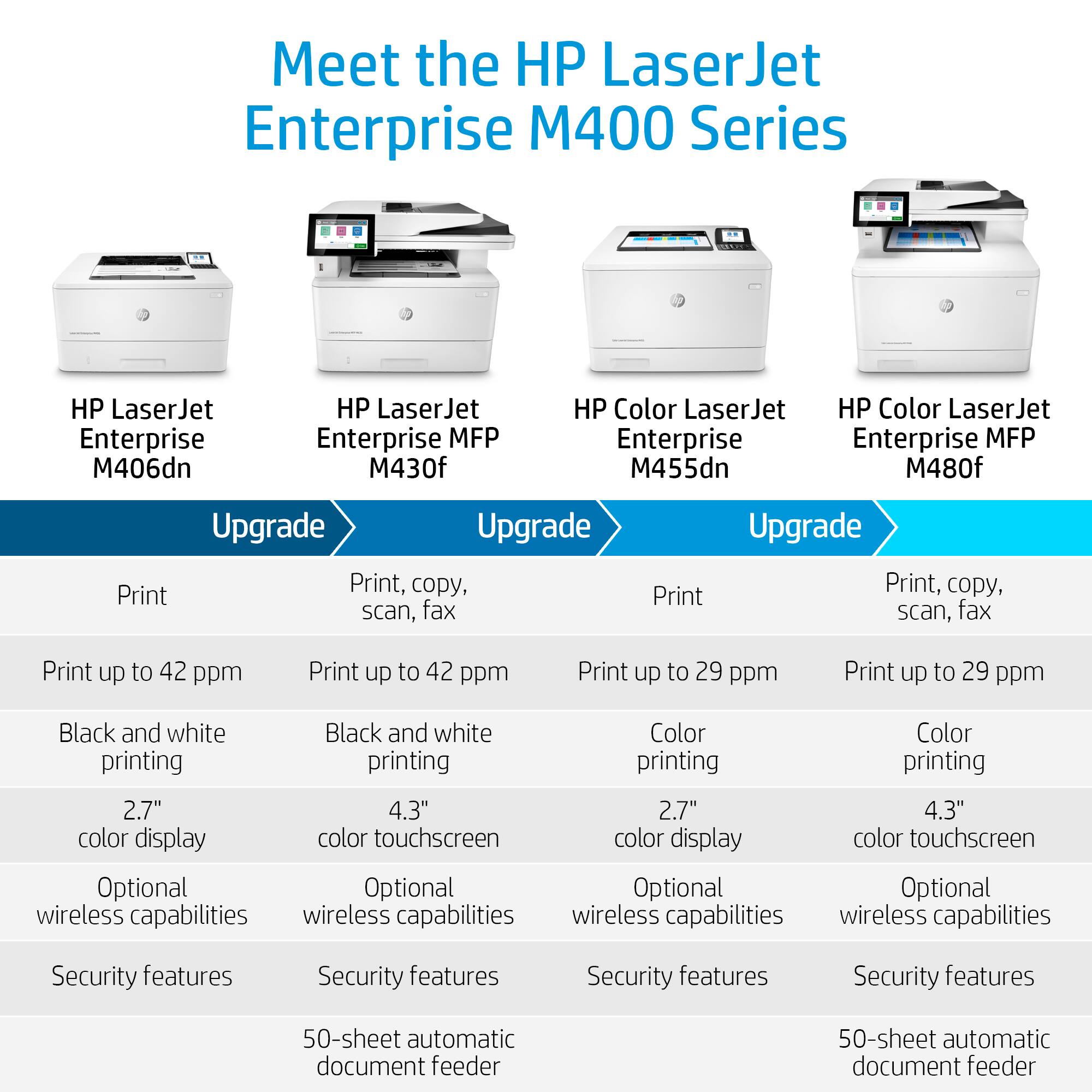
- A:Answer It doesn't ship with wireless capability. However, there is an accessory that you can buy that will let you add WiFi to the printer.
Answered by HP Team

Q: QuestionDoes this printer scan documents?
Asked by Frank.
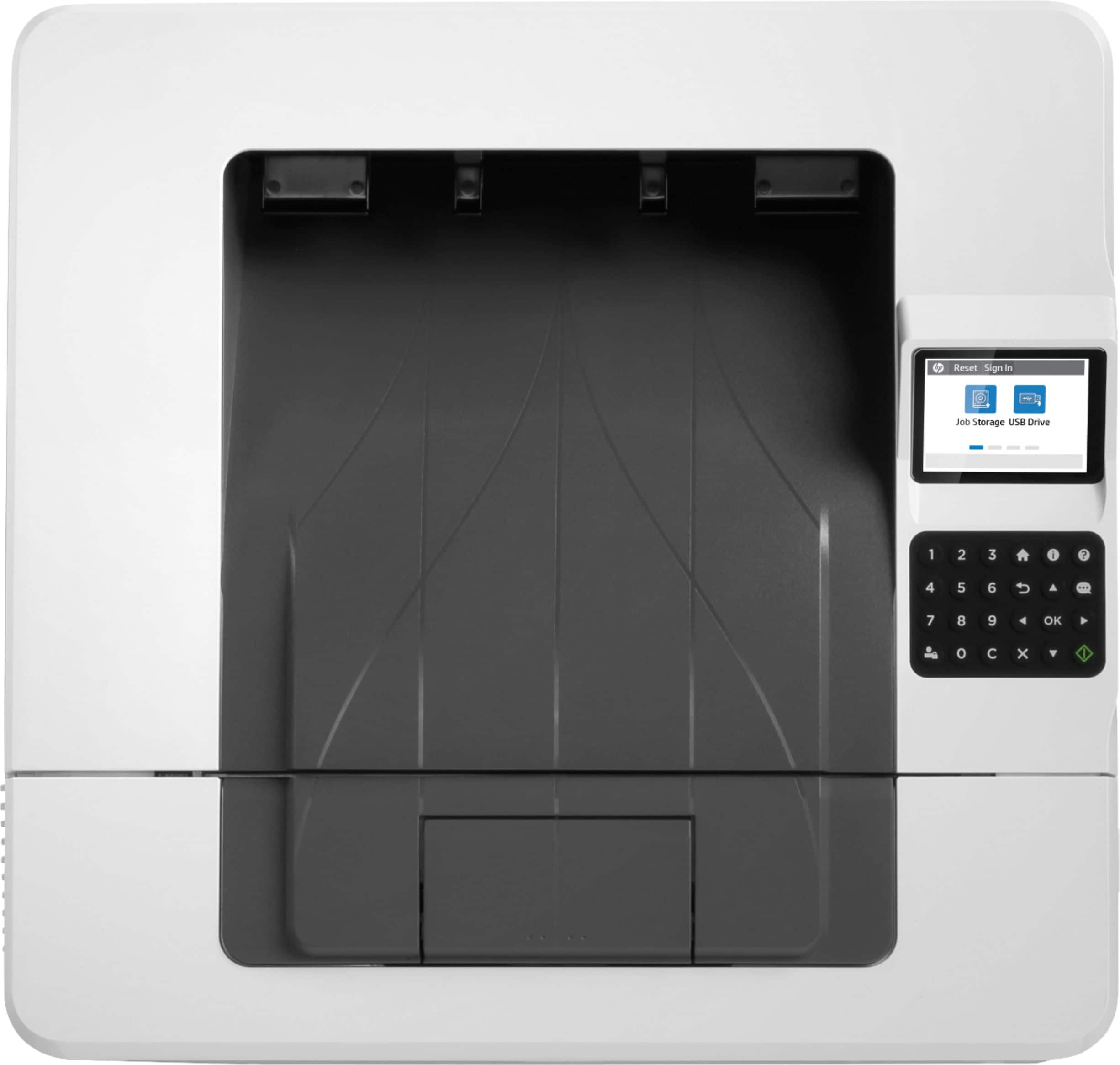
- A:Answer Unfortunately, it does not have a built-in scanner.
Answered by HP Team

Q: QuestionDoes it auto select paper, i need to print loan documents with legal and letter size paper combined or do i need to print all letter size first then legal
Asked by Ana.
- A:Answer Thanks for your question. Yes, if your software supports it the printer can do this. You would need to load the letter and legal papers in different trays, and set the paper type to letter or legal as required. When you print, you would have the printer auto select the tray(by paper size).
Answered by HP Team

Q: QuestionDoes this product include and come with software driver? I bought M404n and ask me to download the software driver from HP website, after download the software, the product took several minutes to print the first page and I finally return the product.
Asked by Jamin.
- A:Answer Hi Jamin, thank you for the question. You would use HP smart application to install the drivers for the HP LaserJet Enterprise M406dn printer.
Answered by HP Team

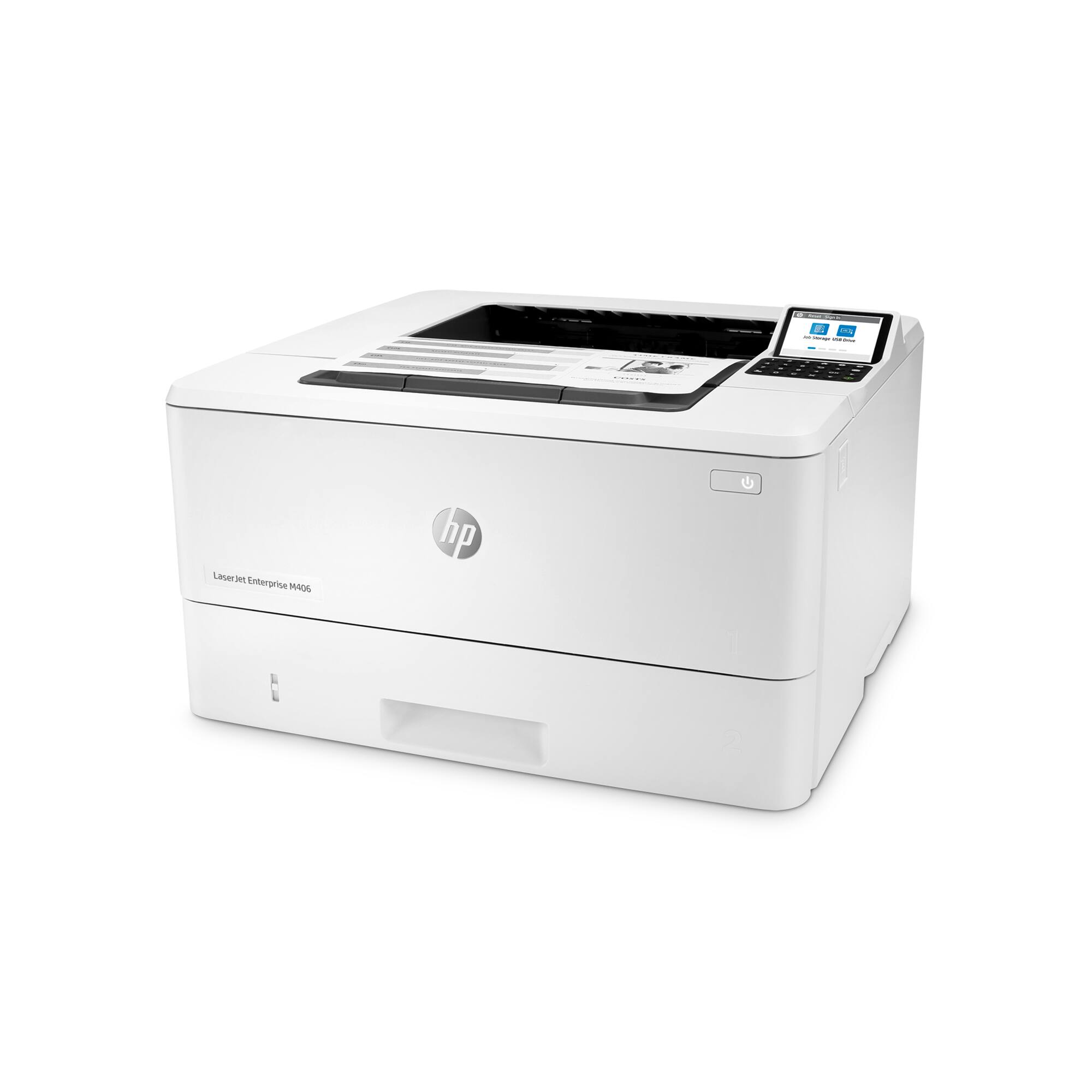
Q: QuestionCan you add a second paper tray?
Asked by Nancy.
- A:Answer Hi Nancy, thank you for the question. Unfortunately. HP LaserJet Enterprise M406dn does not support a second paper tray.
Answered by HP Team

Page 1, Showing 1-8 of 8 questions
Best-selling black & white laser printers
- $129.99Your price for this item is $129.99$215.00The comparable value for this item is $215.00
- $149.00Your price for this item is $149.00$209.00The comparable value for this item is $209.00
- $179.98Your price for this item is $179.98
- $134.98Your price for this item is $134.98
- $189.00Your price for this item is $189.00$279.00The comparable value for this item is $279.00
- $459.00Your price for this item is $459.00$659.00The comparable value for this item is $659.00
- $119.99Your price for this item is $119.99$169.99The comparable value for this item is $169.99
- $279.99Your price for this item is $279.99$379.99The comparable value for this item is $379.99
- $202.53Your price for this item is $202.53
- $179.99Your price for this item is $179.99$239.99The comparable value for this item is $239.99
- $289.99Your price for this item is $289.99$379.99The comparable value for this item is $379.99
- $249.99Your price for this item is $249.99
- $399.99Your price for this item is $399.99$499.99The comparable value for this item is $499.99
- $149.99Your price for this item is $149.99$199.99The comparable value for this item is $199.99
- $339.99Your price for this item is $339.99$449.99The comparable value for this item is $449.99