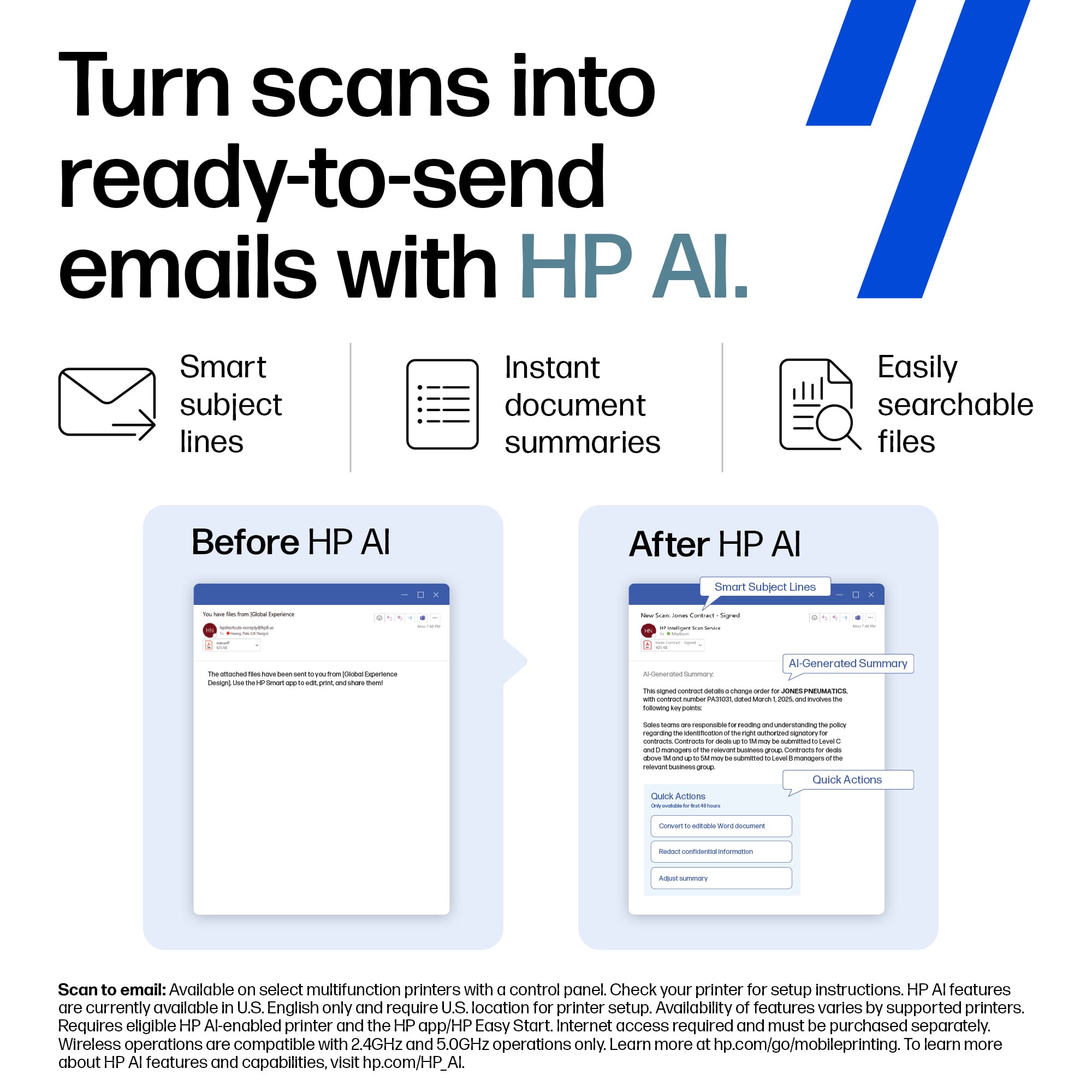
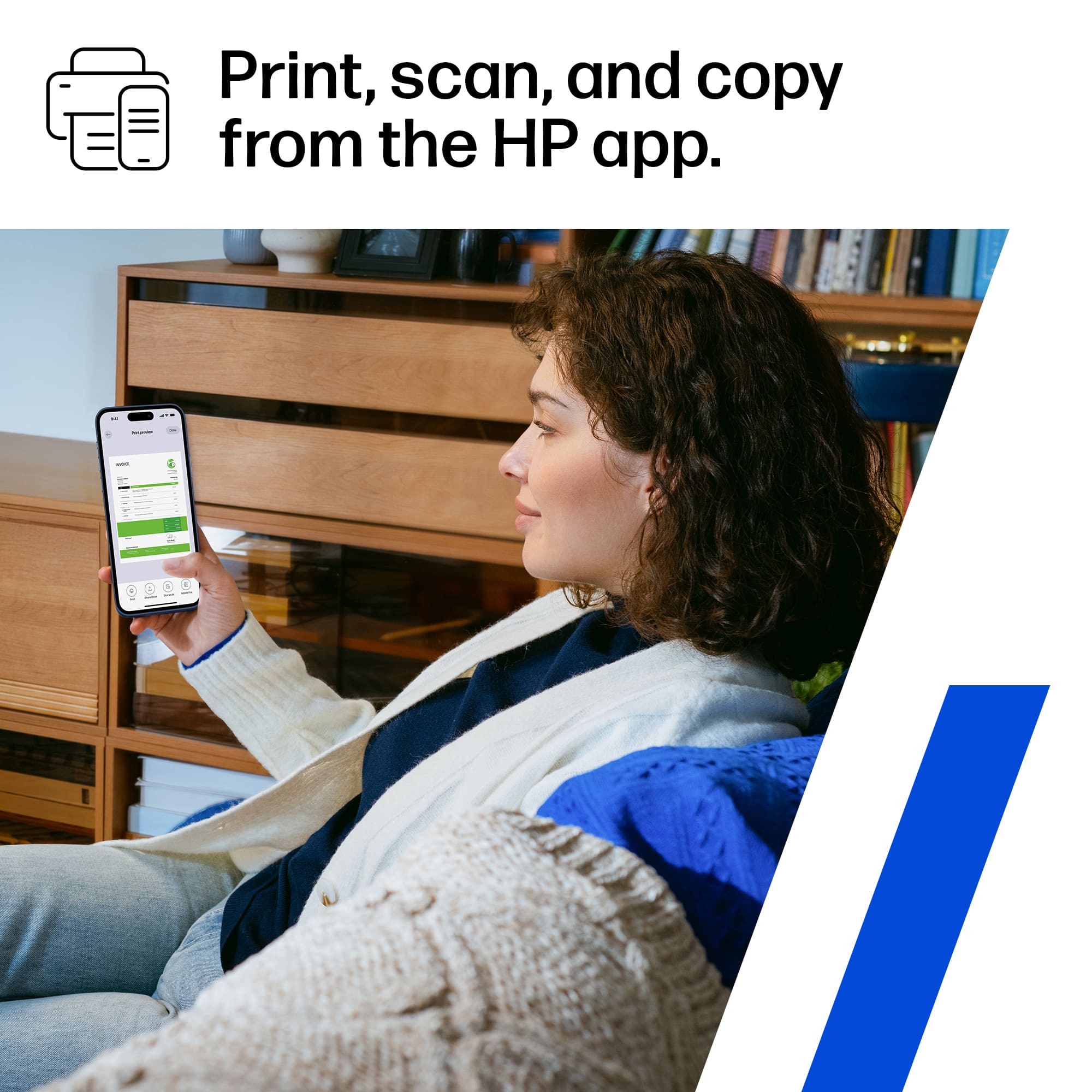
A:AnswerHello. Thanks for your question. You can use the scan option on the HP Smart app. Here is more information on the HP Smart app: https://support.hp.com/us-en/document/c03561640
A:AnswerYes I’ve printed 100# no issues I imagine you can go even heavier than that. I’m doing business cards on those so it’s dimensionally accurate so not getting messed up in the rollers
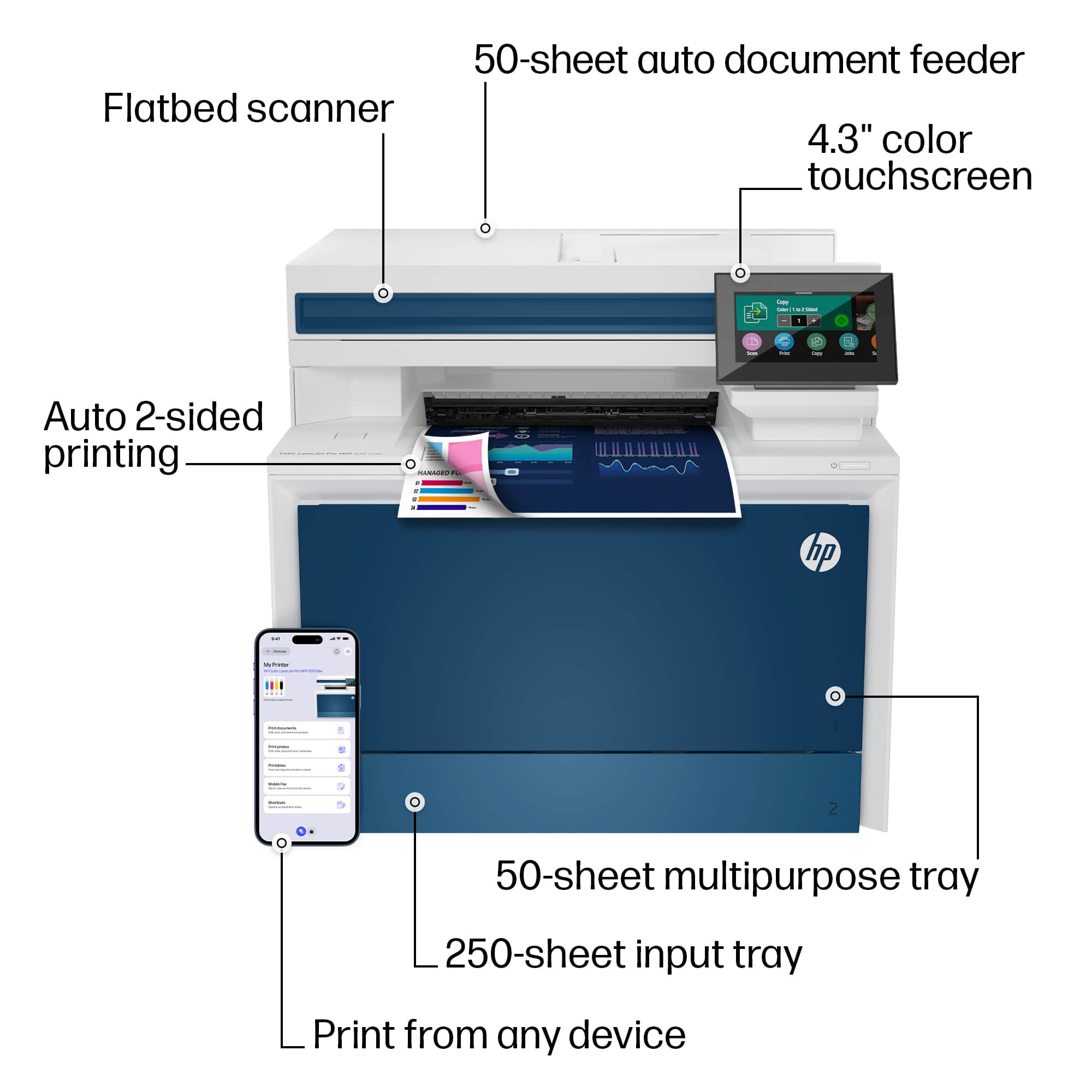
A:AnswerThe trays on this machine can print different sized envelopes depending on the software you're using. The following sizes fit the print specifications of this model: Tray 1: 3x5 to 8.5x14 in; Tray 2, optional; Tray 3: 3.93x5.82 to 8.5x14 in; Duplex (all trays): 5.82x5.82 in to 8.5x14 in.
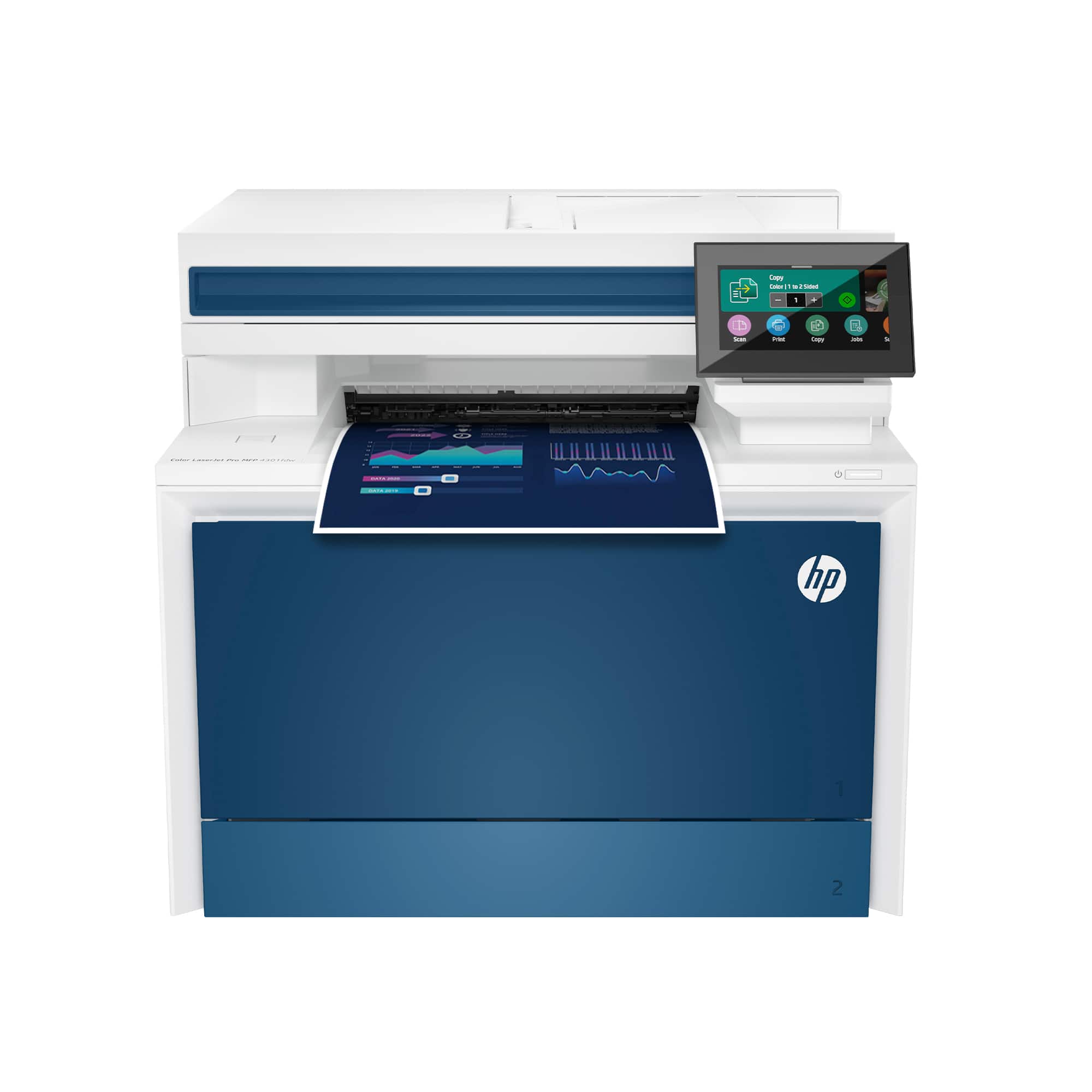
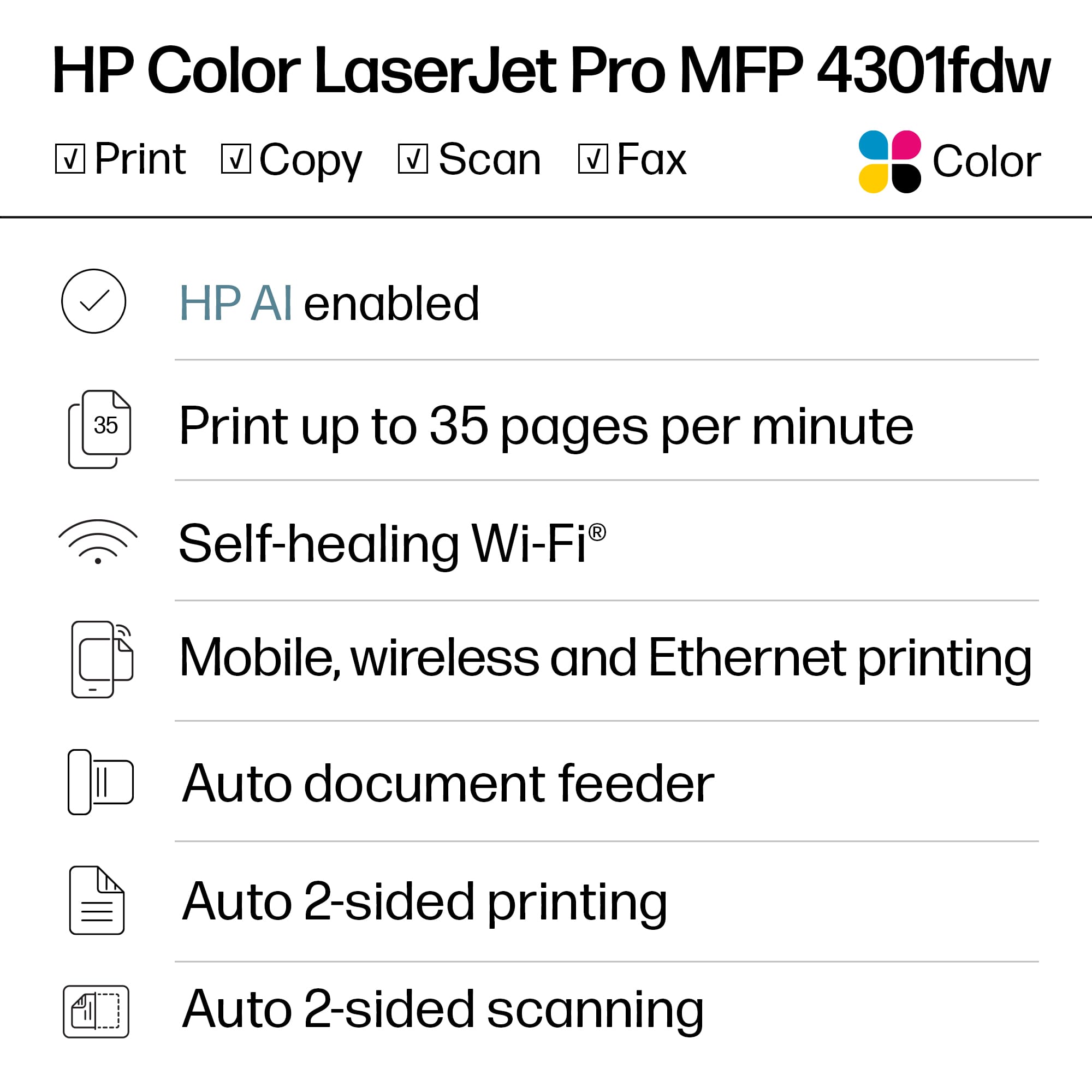
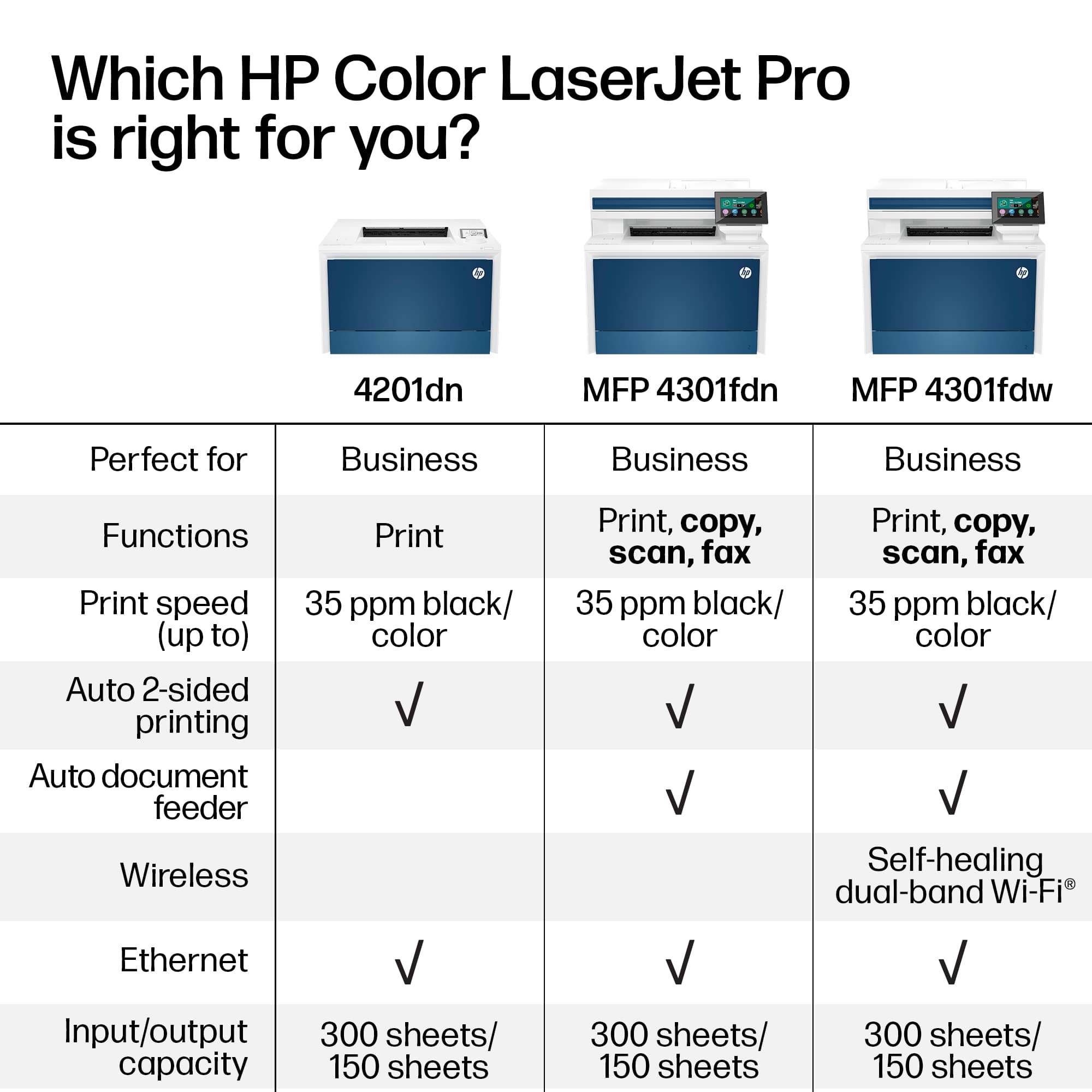
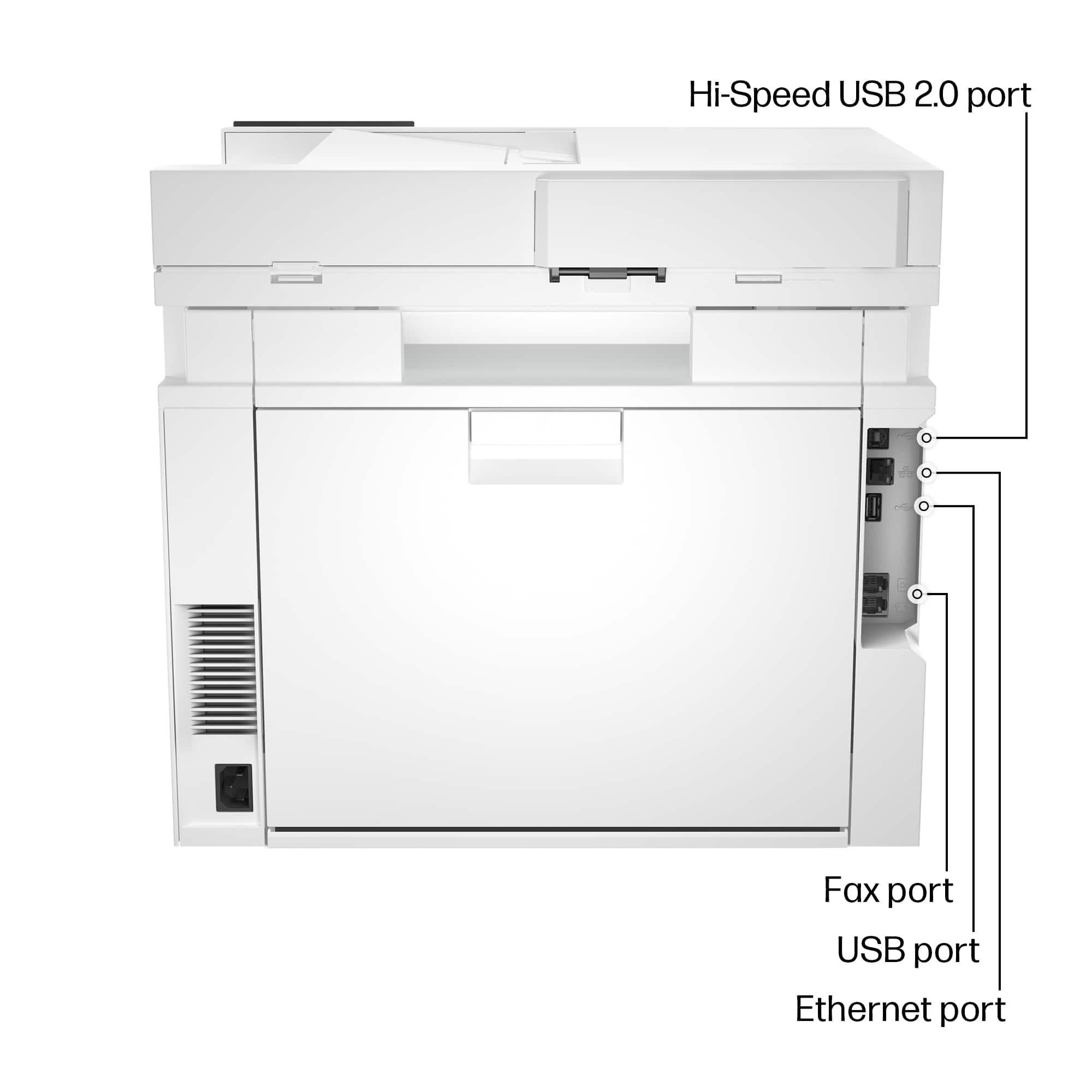
A:AnswerThank you for your question! This HP - LaserJet Pro 4301fdw Wireless Color All-in-One Laser Printer has a built-in fax modem you can directly connect via phone line. This will be compatible with distinctive ring ready. Distinctive ring ready is a service via your phone provider.
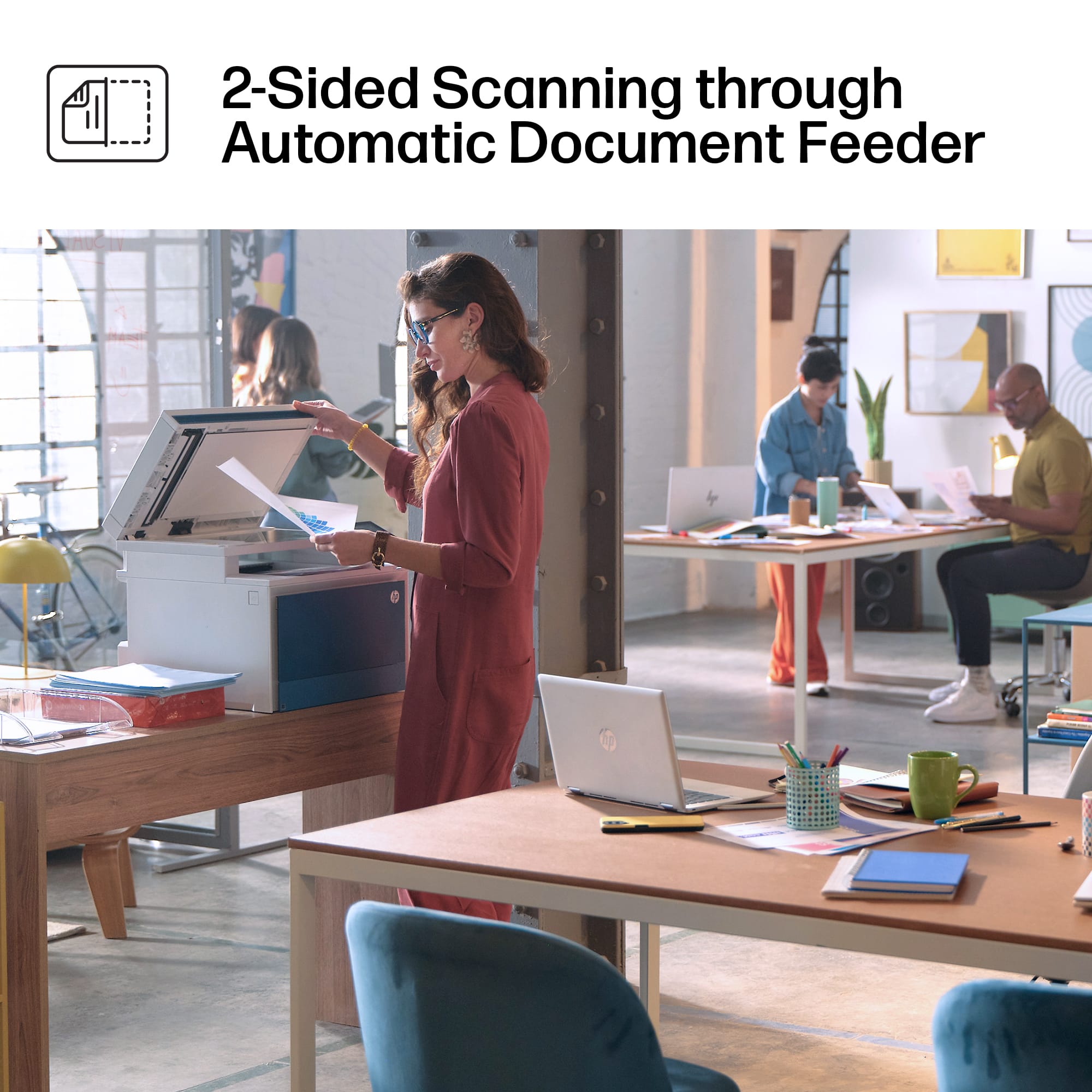
A:AnswerHello, Reggie. Thanks for your question. You can scan up to 8.5 x 14 inches through the ADF (Auto Document Feeder) on top of this HP Laserjet Pro 4301fdw printer.
A:AnswerThank you for asking. The LaserJet Pro 4301fdw has a recommended monthly volume of up to 4000 pages. The duty cycle (absolute monthly maximum) is 50,000 pages.
A:AnswerThank you for reaching out. You can print using the HP Smart App for ios, AirPrint, or WiFi Direct. Please see page 48 of the User Guide, here: https://kaas.hpcloud.hp.com/pdf-public/pdf_2963110_en-US-1.pdf.