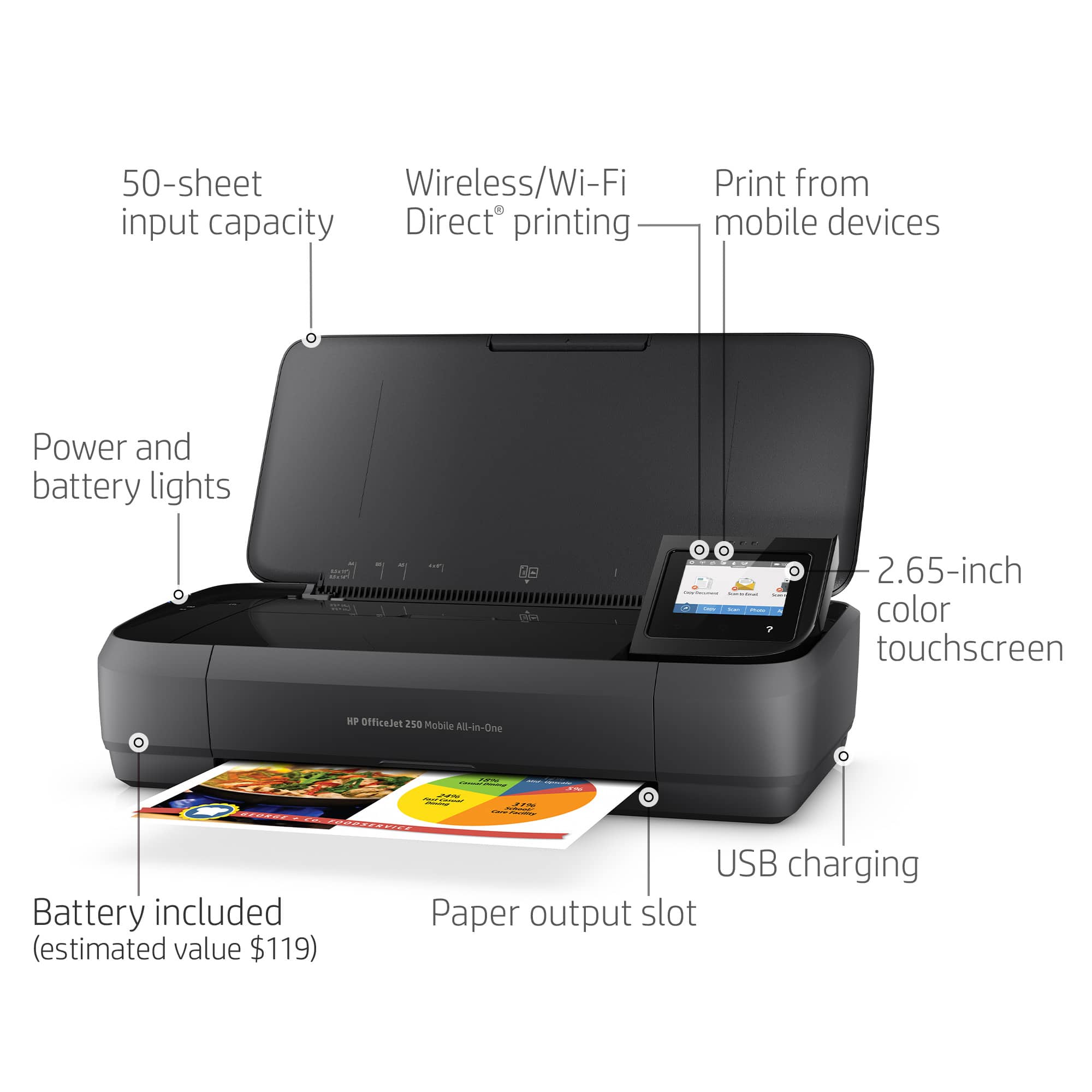
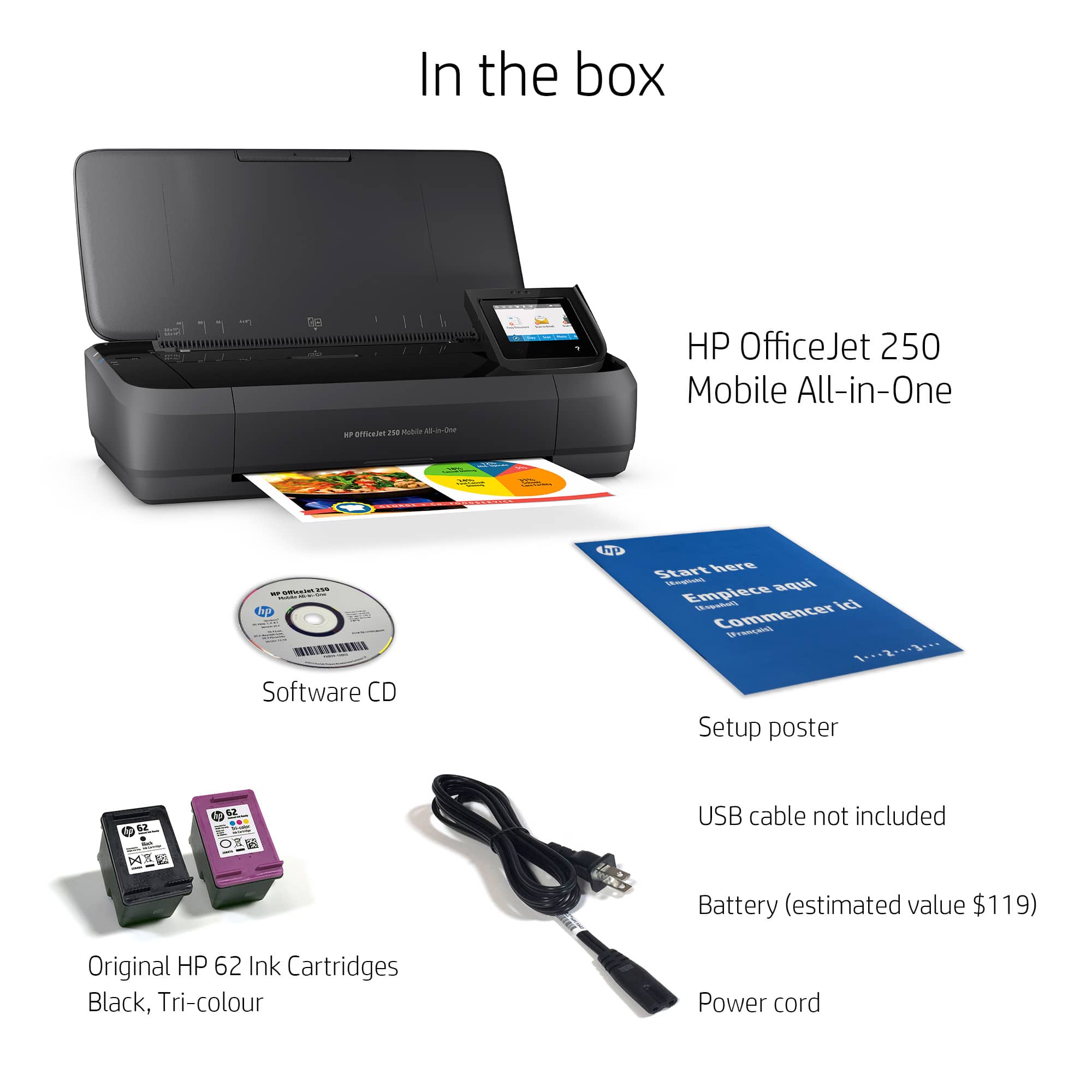
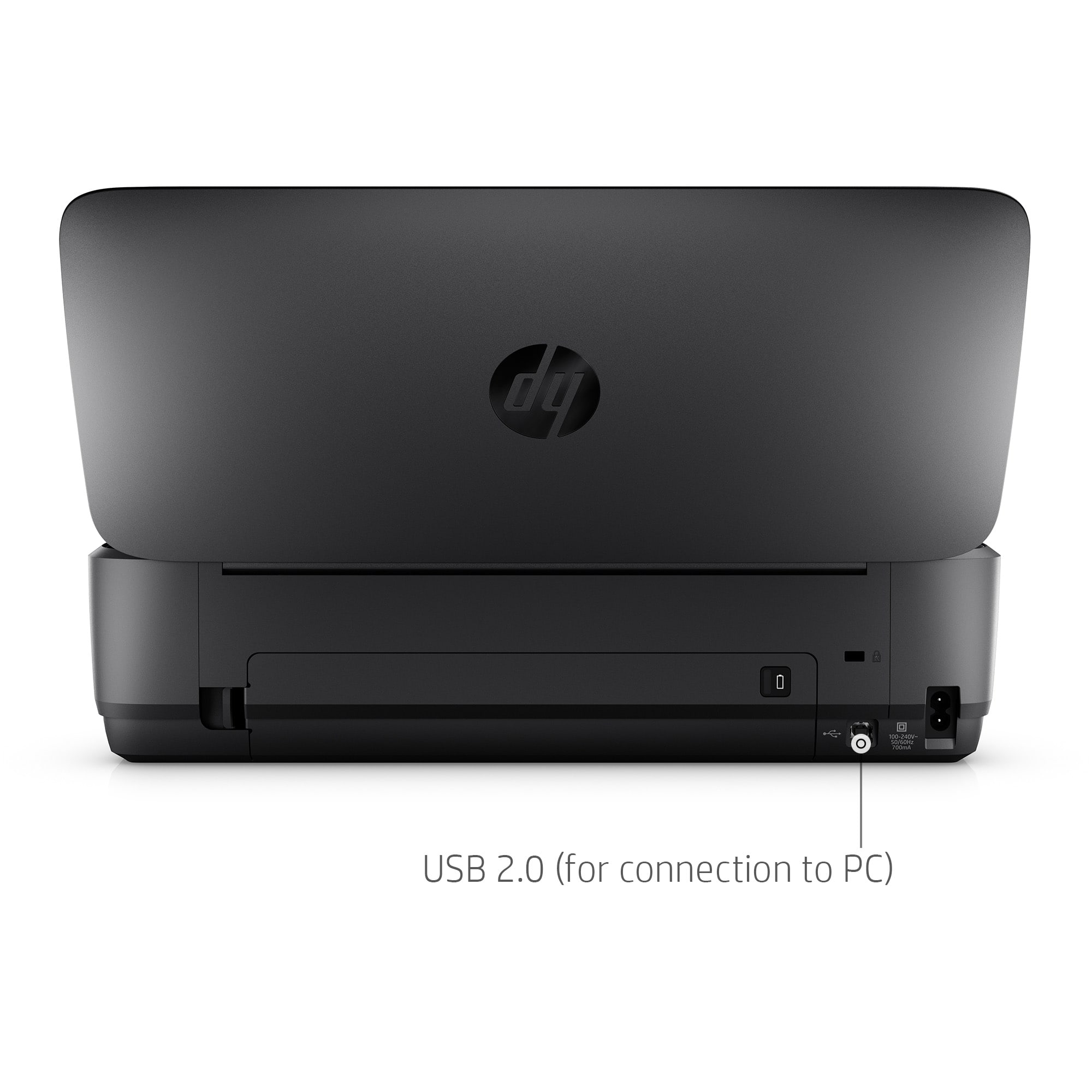
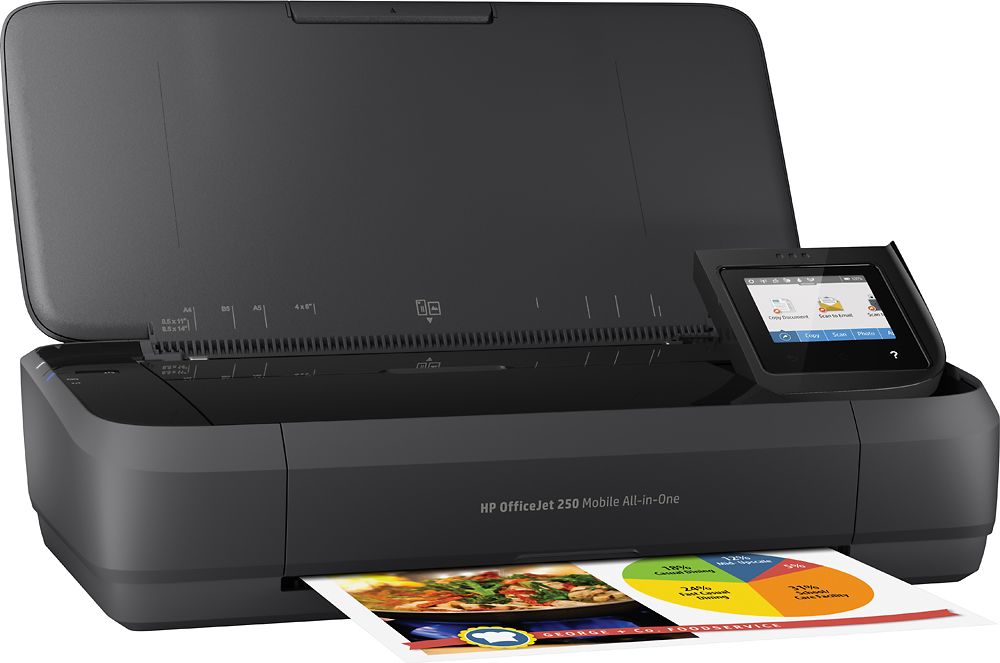
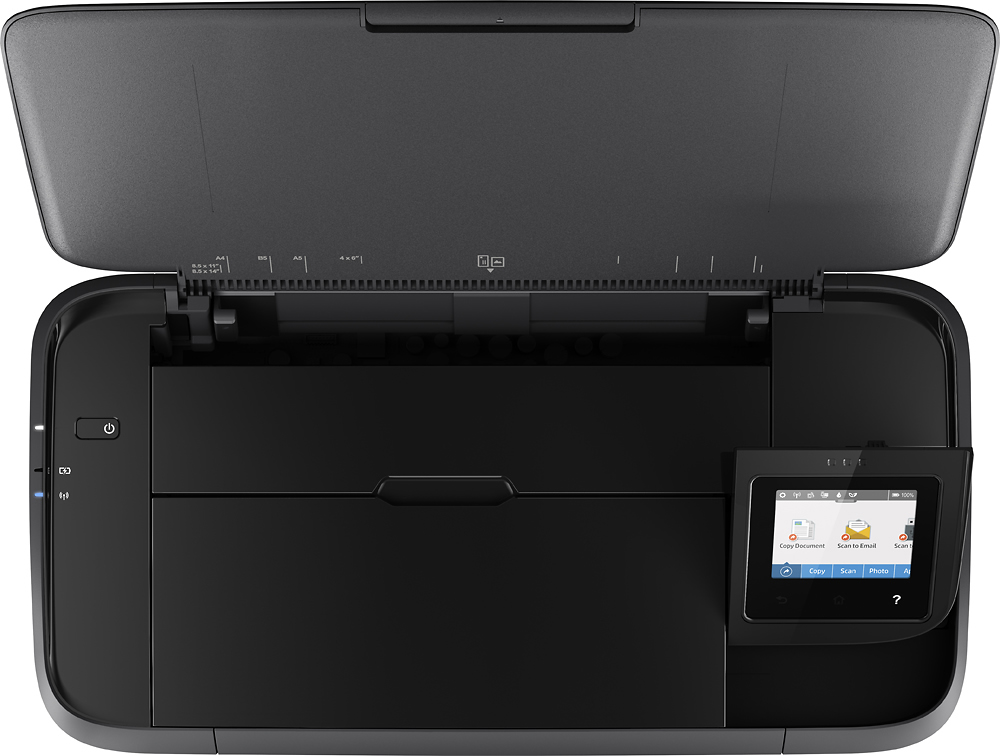
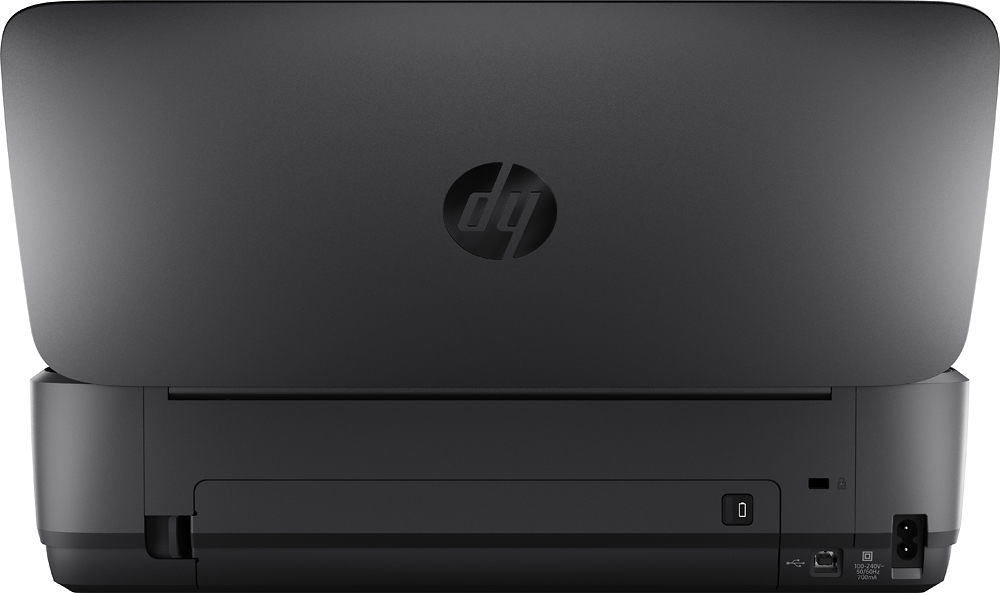
A:AnswerHello and thank you for your question. Yes, this HP OfficeJet 250 Mobile does have a USB port for connecting to a device with a standard 'USB Printer Cable' or also known as a 'USB A-to-B' cable.
A:AnswerHi Josy! Thanks for your question. This is the current model mobile printer series which was introduced about 5 years ago. There is not a high demand for this type of printer, and so this model still fills the customer's needs. Have a great day!
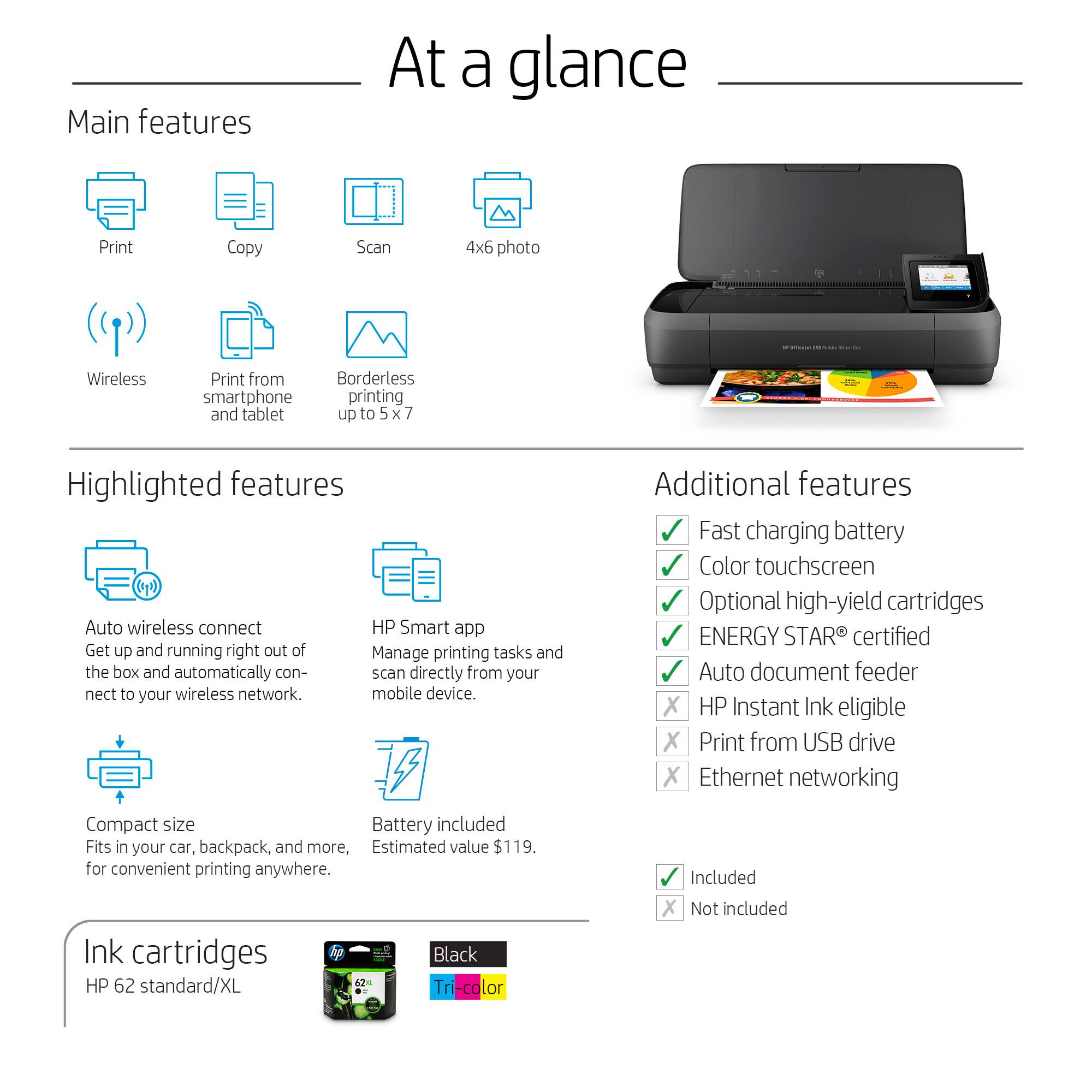
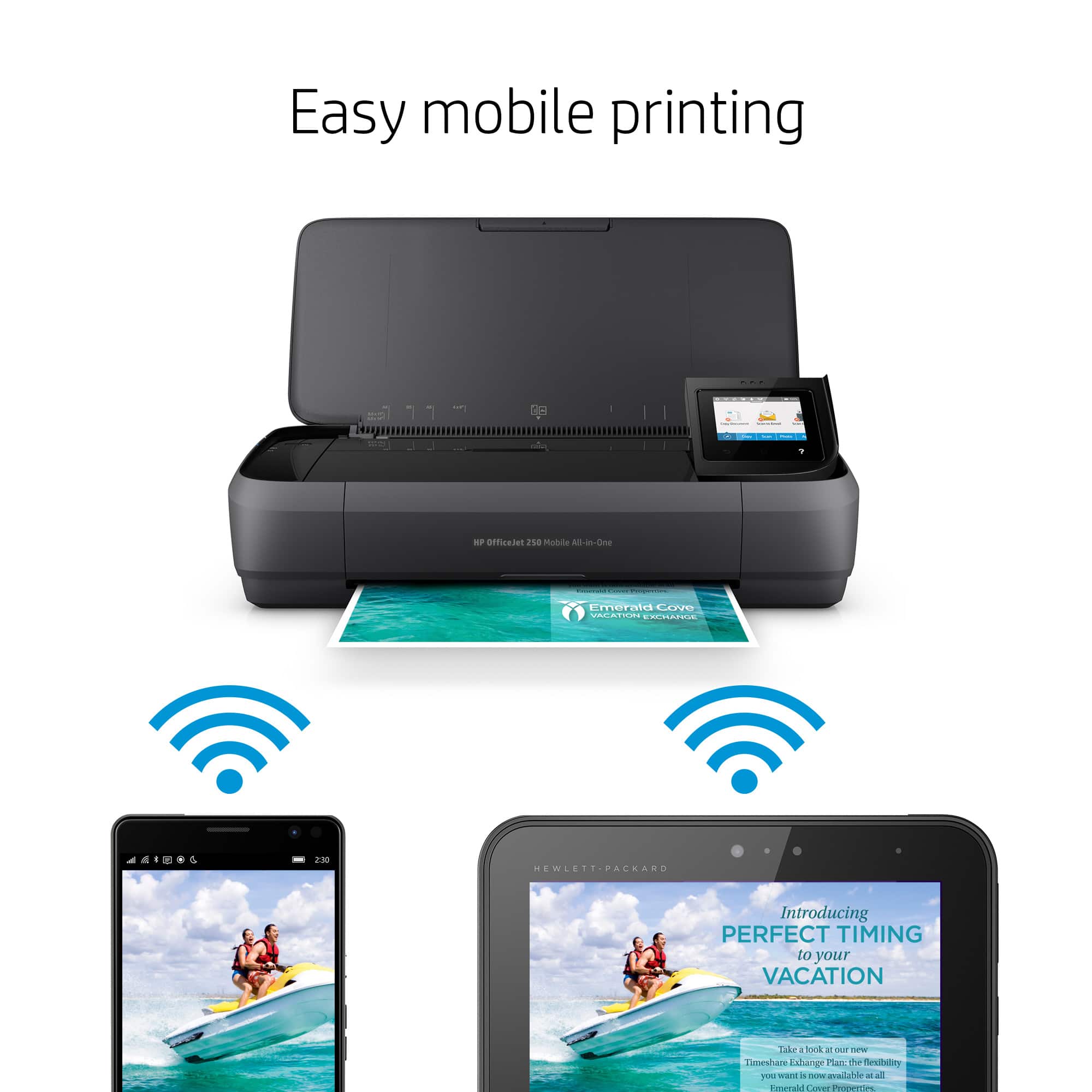
A:AnswerBluetooth printing is generally less reliable, so HP uses WiFi Direct, which allows the printer to broadcast it's own WiFi network that your devices can connect to. Most HP Tangos in store are not set up to connect over WiFi Direct, so that might have been the issue. The OfficeJet 250 prints over WiFi, WiFi Direct or using a USB cable.
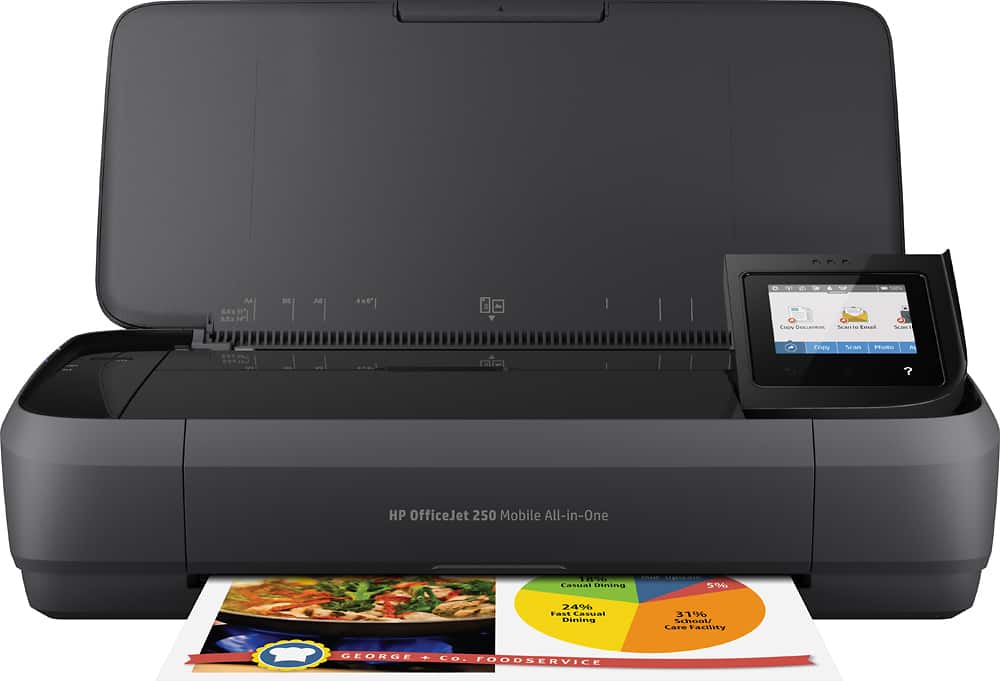
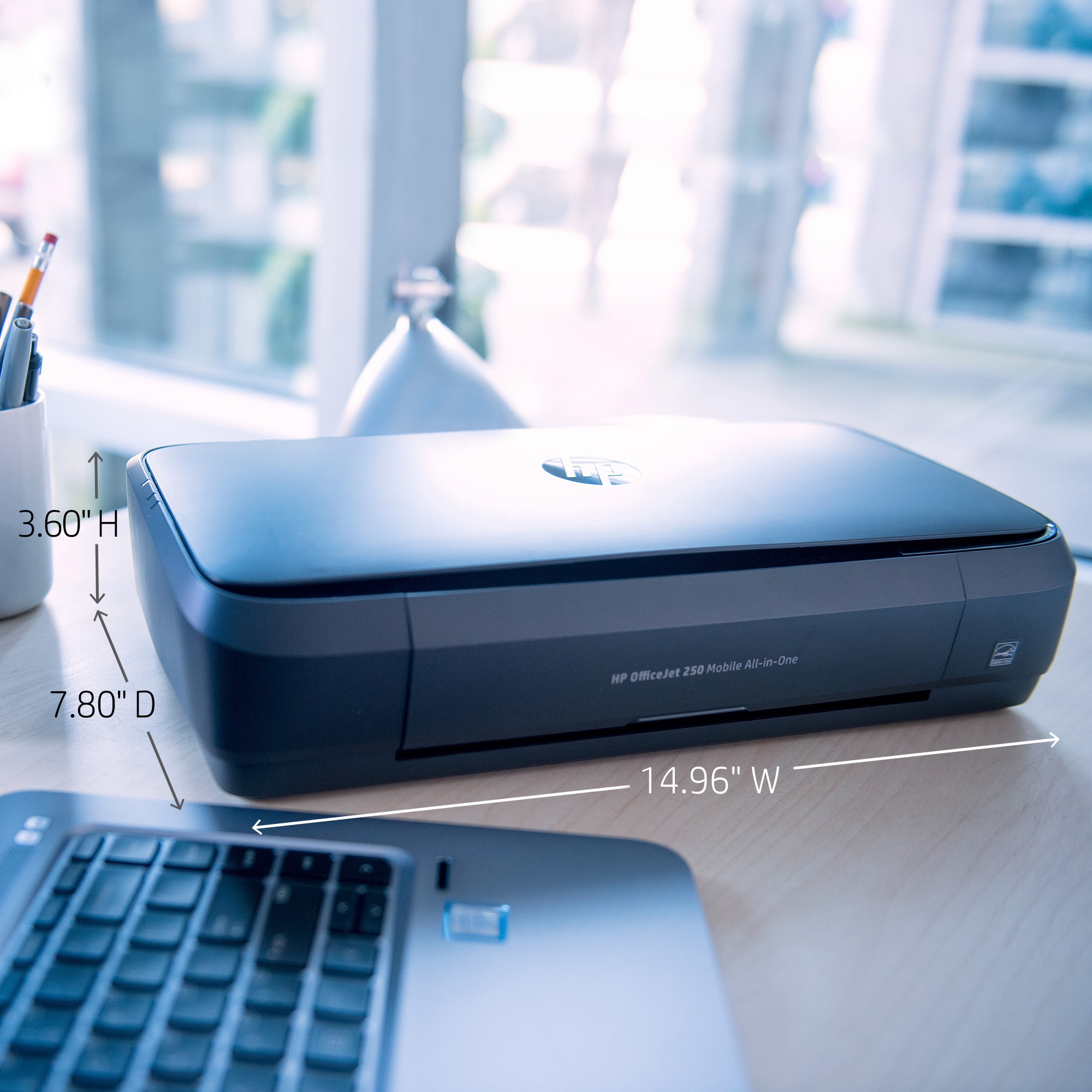
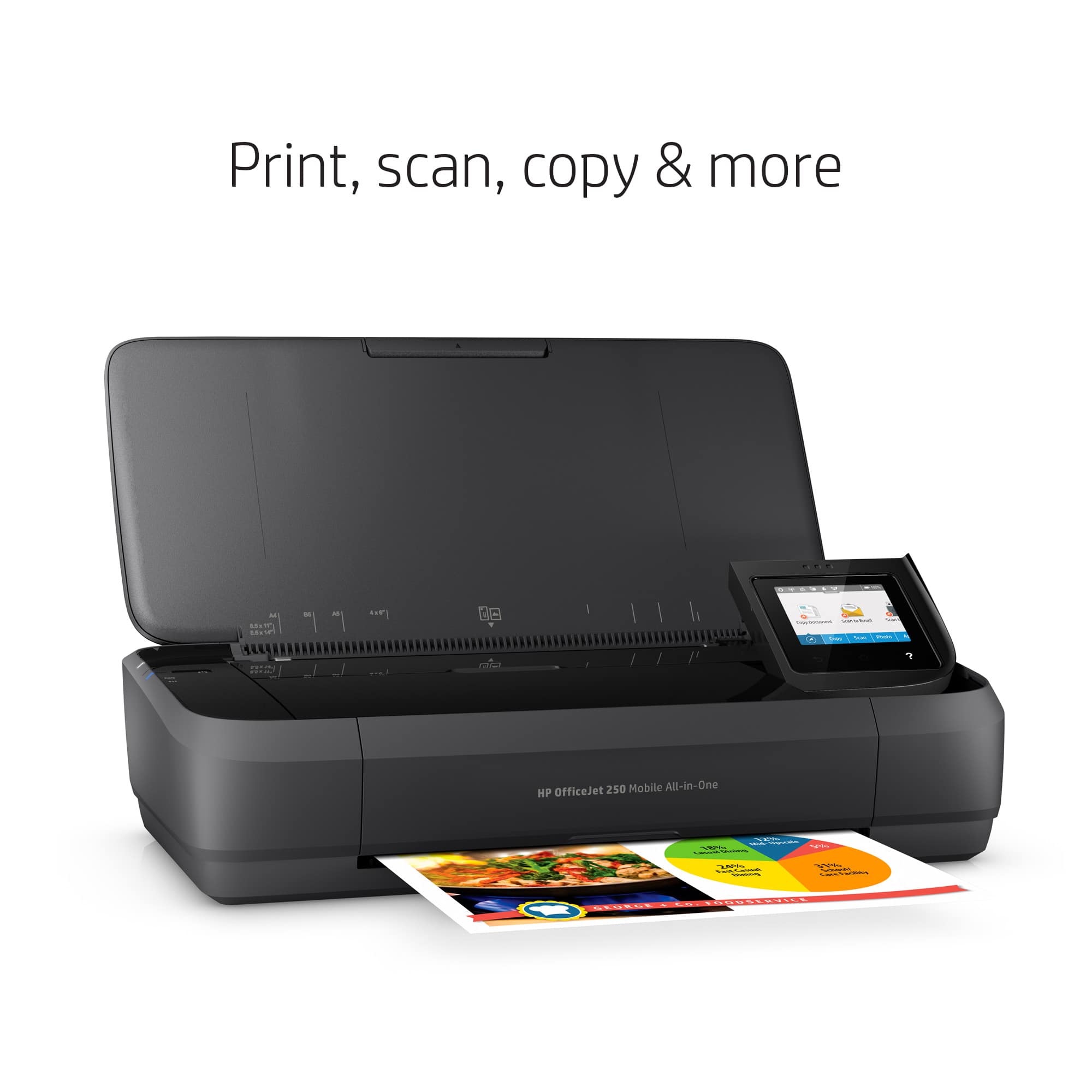
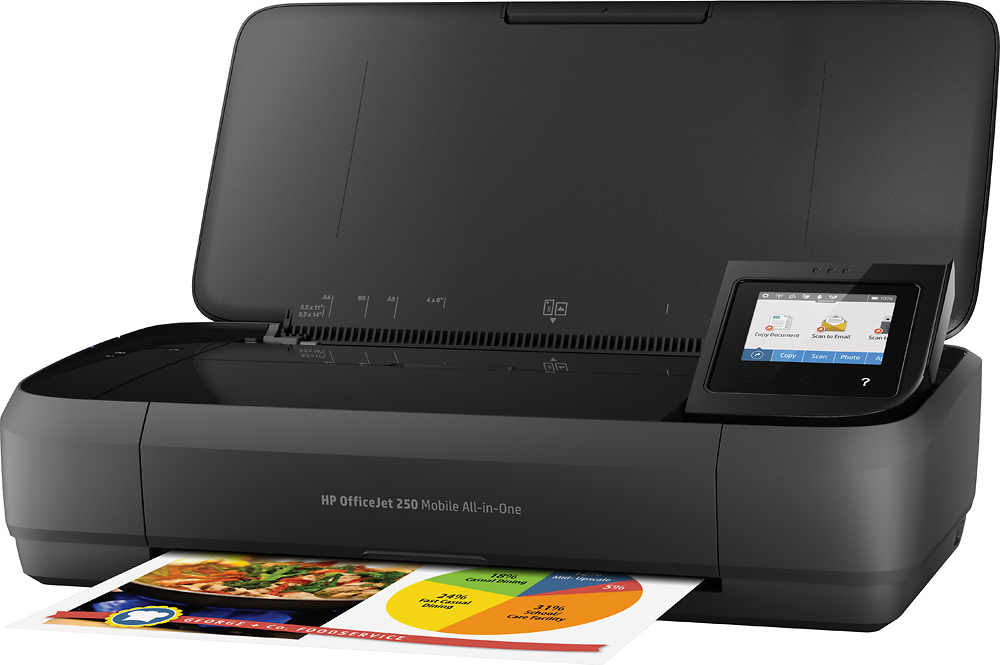
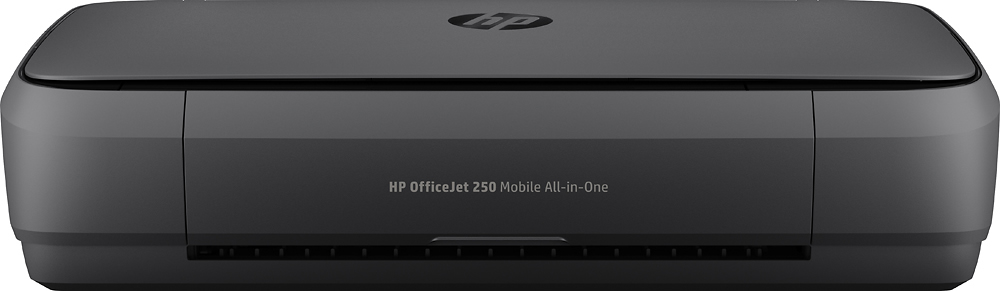
A:AnswerThe Maximum dimensions are (W x D x H, U.S. standard) 14.97 x 15.8 x 10.6 in (Scan + Print Tray opened, its smaller with all the doors closed for transport). I am not aware of any cases that also hold paper and ink but I am sure you can find one.
A:AnswerThere are no current inkjet models that only use black ink, though many of our inkjets that use a two-cartridge system (black and tricolor) can function on what is called Single Cartridge Mode. This means the printer can continue printing even if a cartridge is empty or has been removed. Hope this helps!
A:AnswerNo the ink won't. When I brought mines it was a few months before I even started using it. I also don't use it very often and the ink cartridges are fine.
A:AnswerThank you for your question about the warranty on this HP mobile printer! It has a one-year factory warranty. Best Buy offers Geek Squad protection plans for this that go beyond the scope and the length of the warranty.