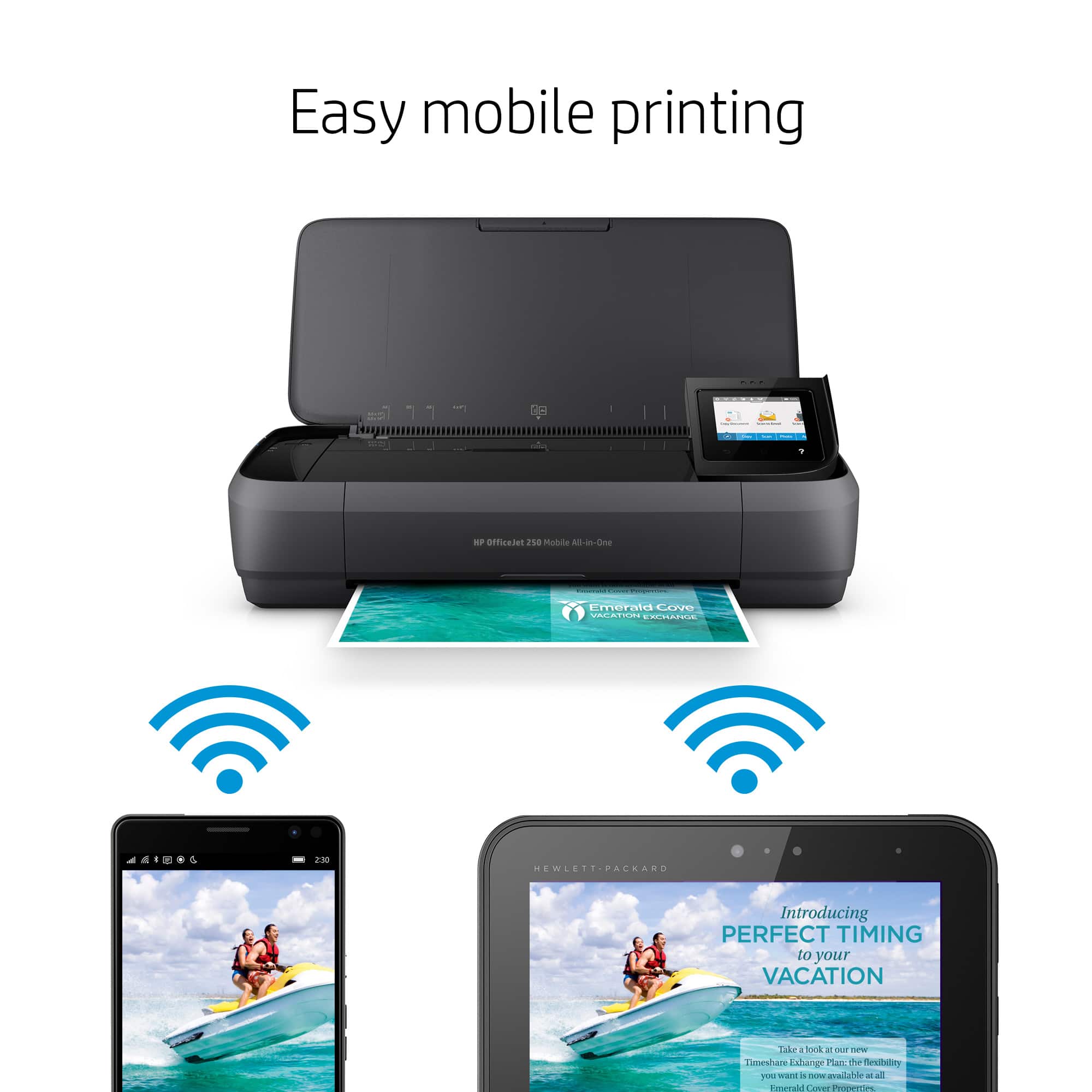
A:AnswerThank you for the question. You can connect a printer via Wi-Fi using the free HP Smart App - quick and efficient setup. This forum does not have access to your order history, please reach out to Best Buy directly to help.
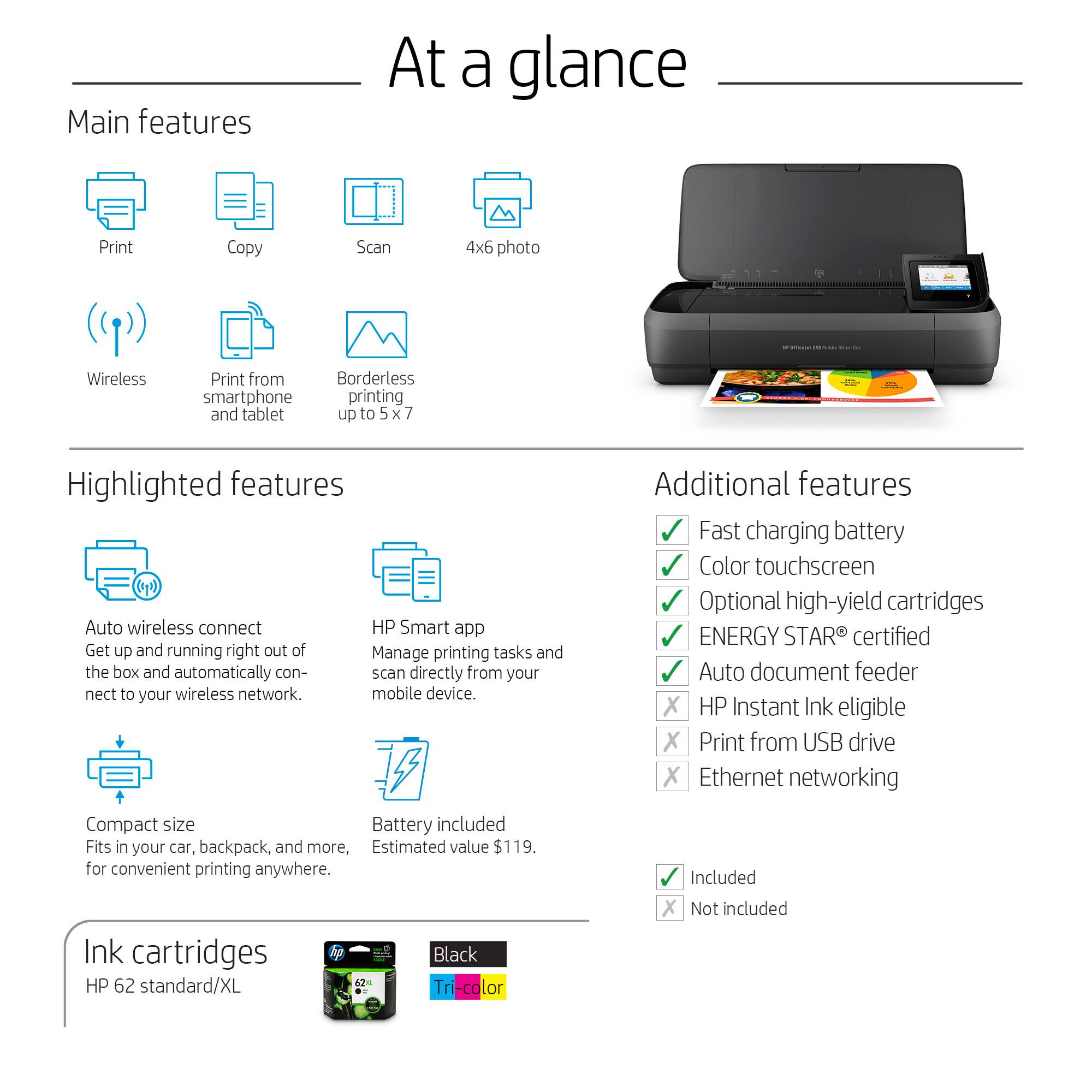
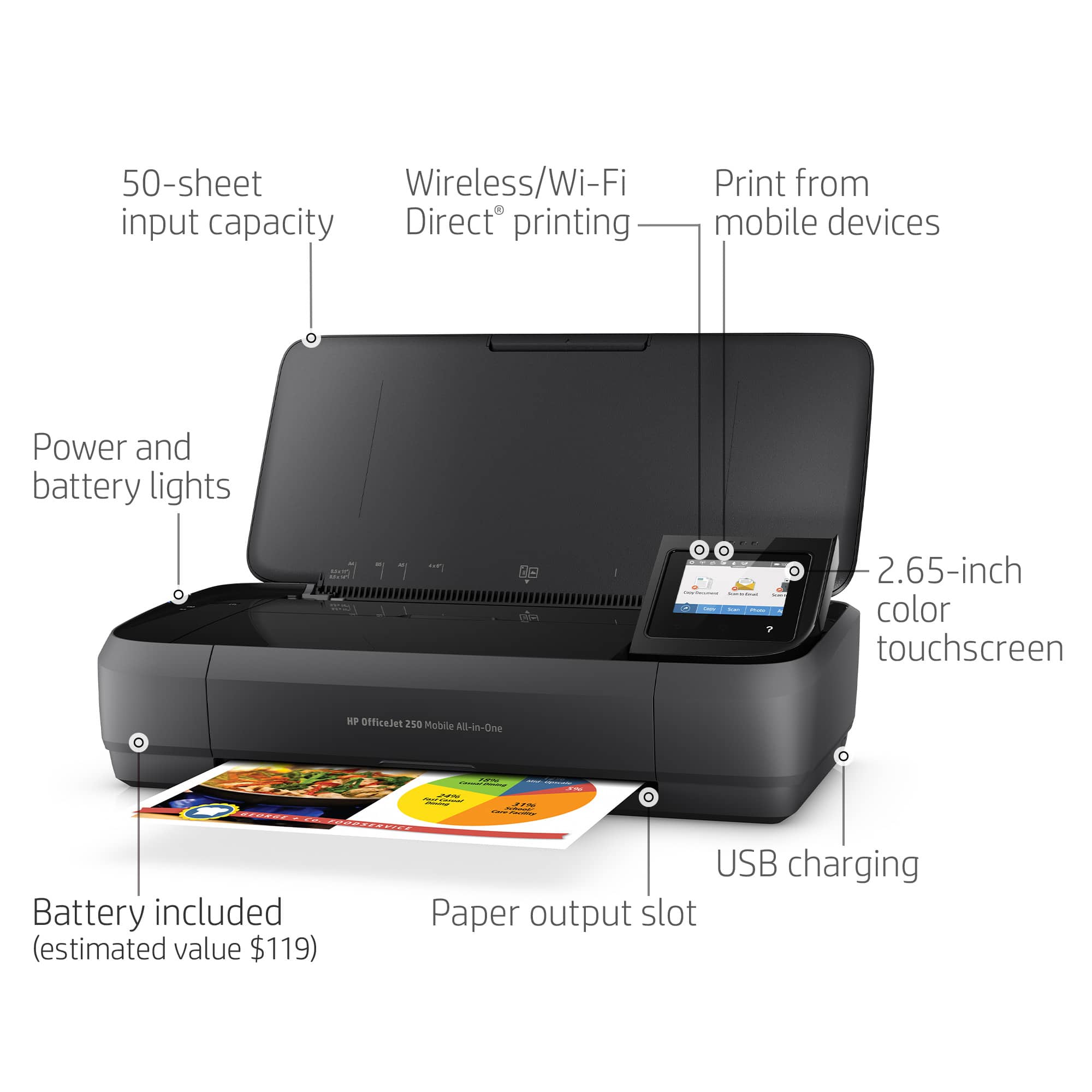
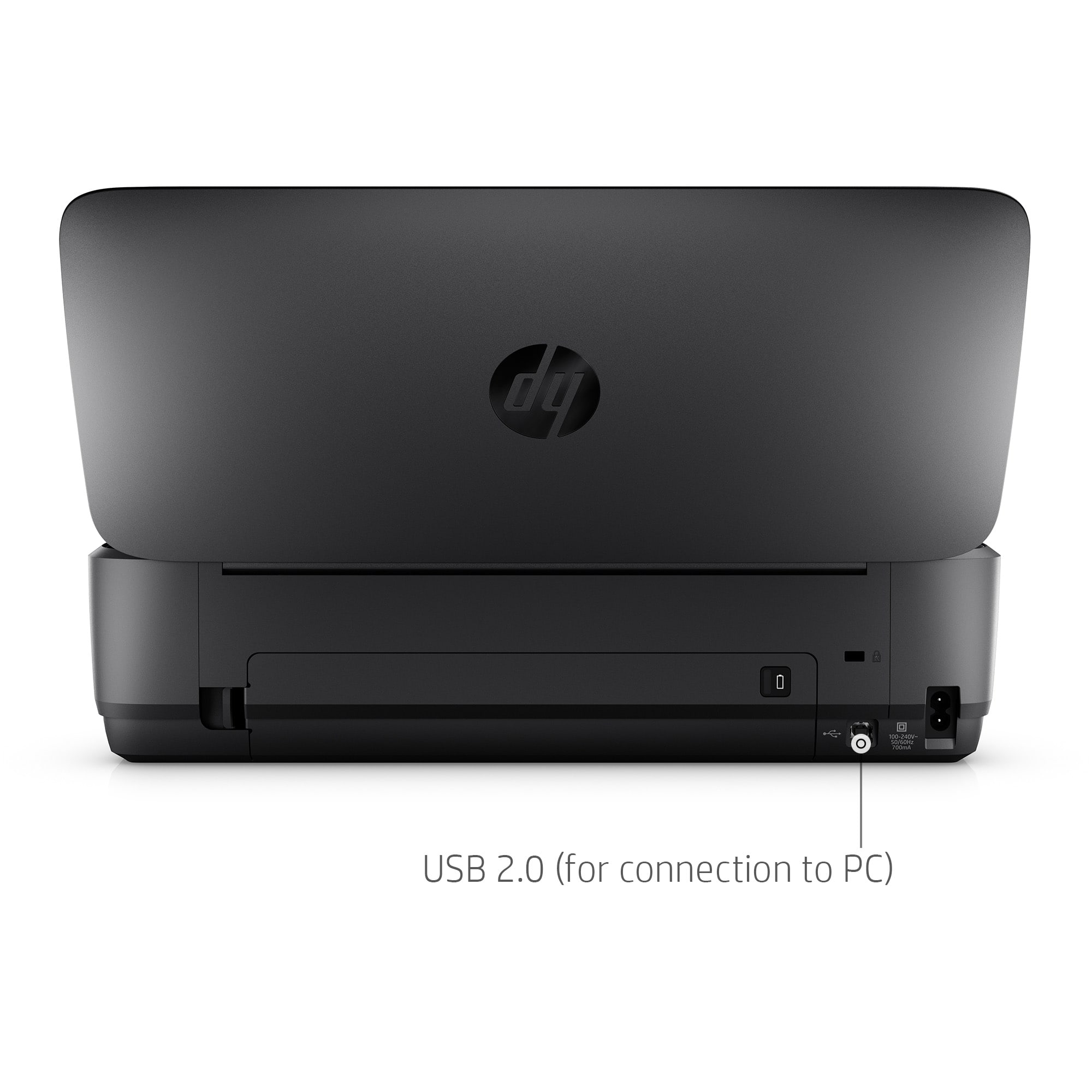
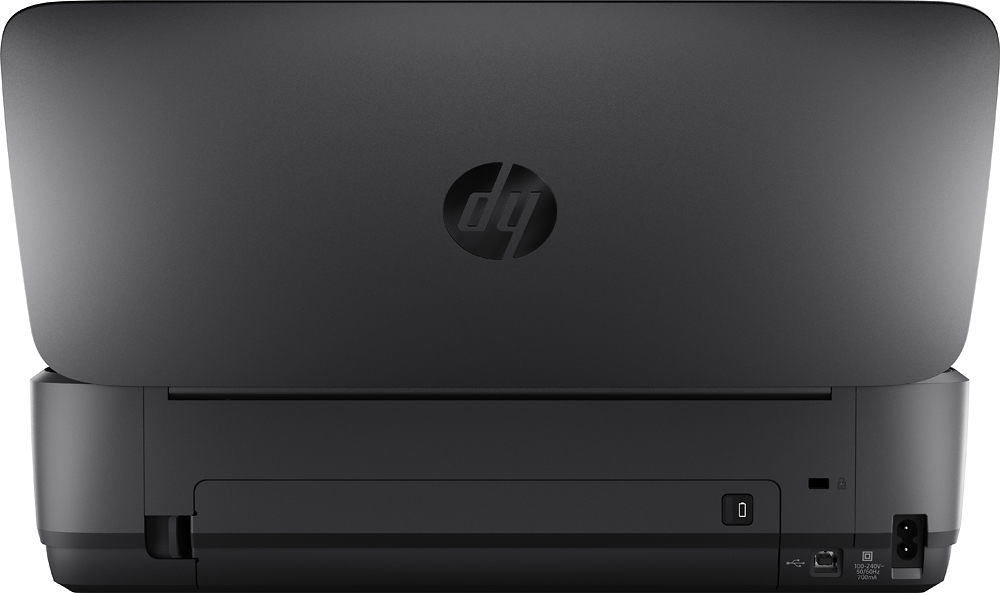
A:AnswerThanks for your question. The HP OfficeJet 250 mobile printer will work with both 110v and 220v power. The printer also has a built-in rechargeable battery that works without an outlet.
A:AnswerHonestly, someone familiar with repairing them would need to examine the printer to tell for sure. Your best bet would be to take it to the Geek Squad at your local Best Buy and have them examine it.
A:AnswerNorm, thank you for your question about this HP mobile printer! This will work with any device that has Windows, Mac, iOS, or Android as its operating system. If your camera does not have either those, you will not be able to print directly from it to this printer.
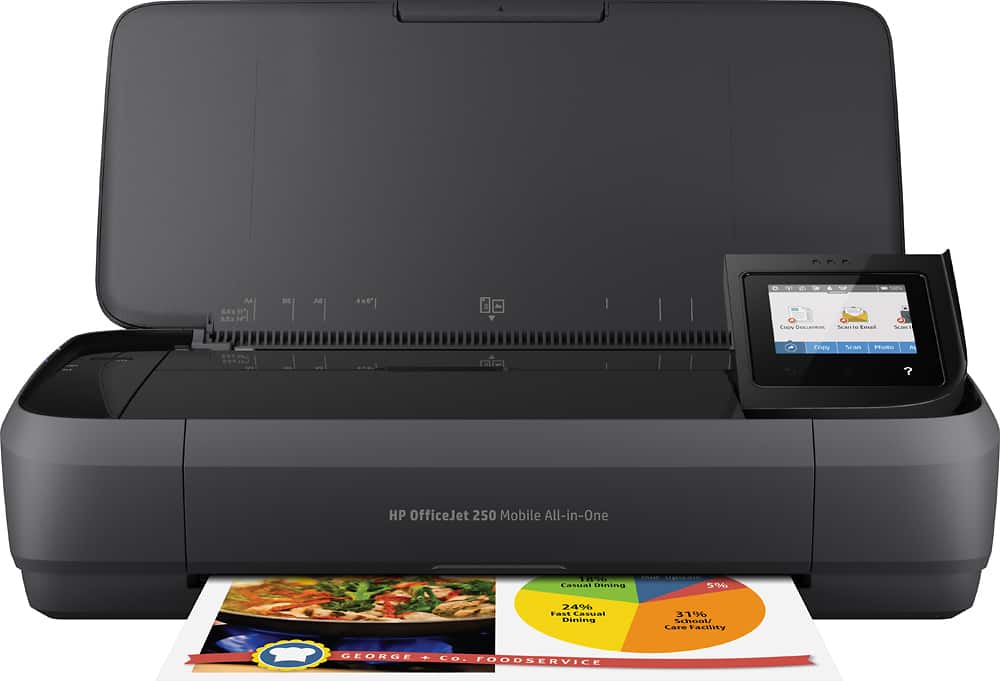
A:AnswerHello Dave and thank you for the question. The HP OfficeJet 250 Mobile Wireless All-In-One InkJet Printer has not been discontinued yet, as of September 16th, 2024.
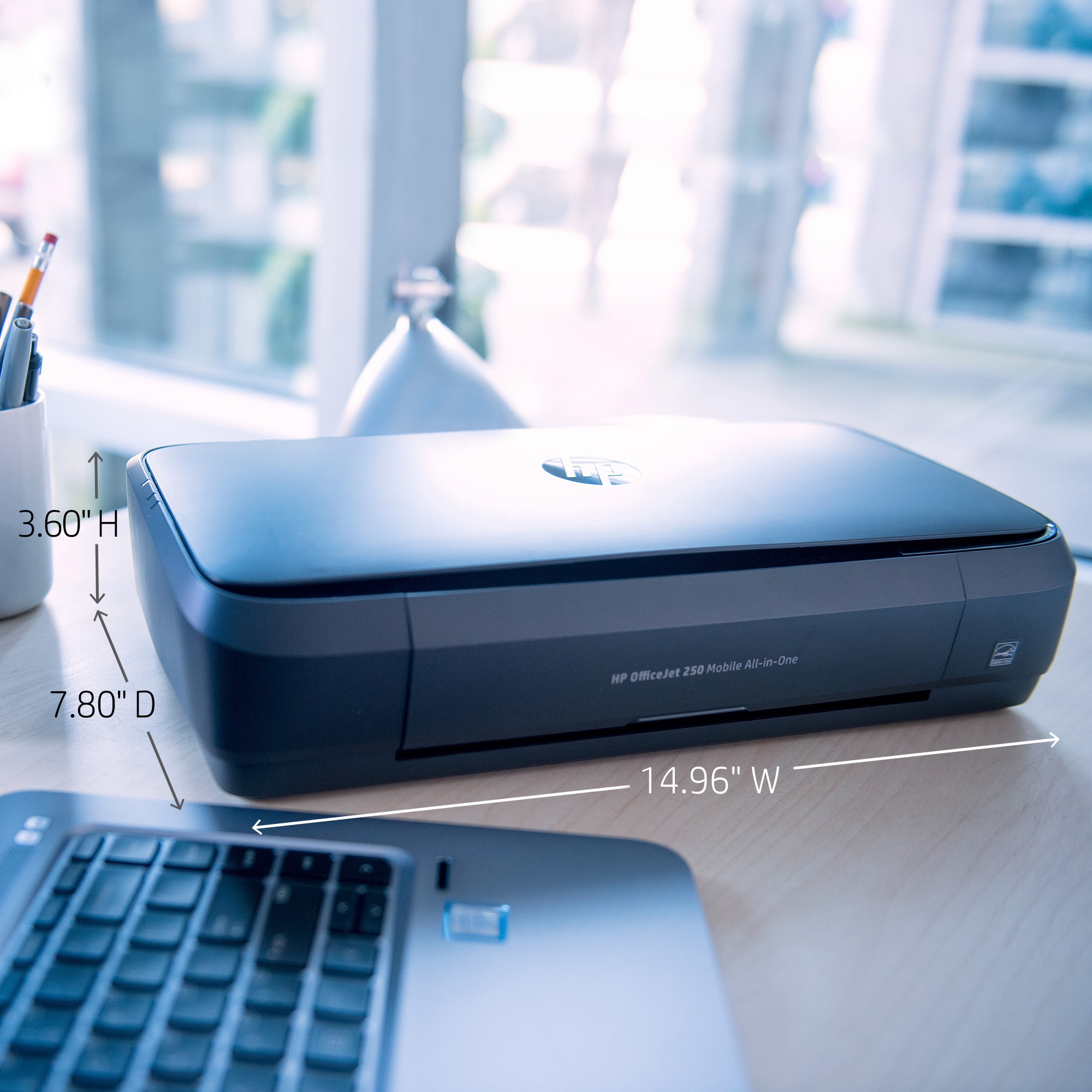
A:AnswerGary, thank you for your question on this HP OfficeJet Mobile printer! HP designed the HP Officejet 250 mobile wireless printer with mobility in mind in both the size and its physical build. This is used in all kinds of site-based job requirements, even construction.
A:AnswerHello and thank you for asking. The HP OfficeJet Mobile 250 multifunction printer will work with Macs running macOS 11 or higher, including macOS 14 Sonoma.
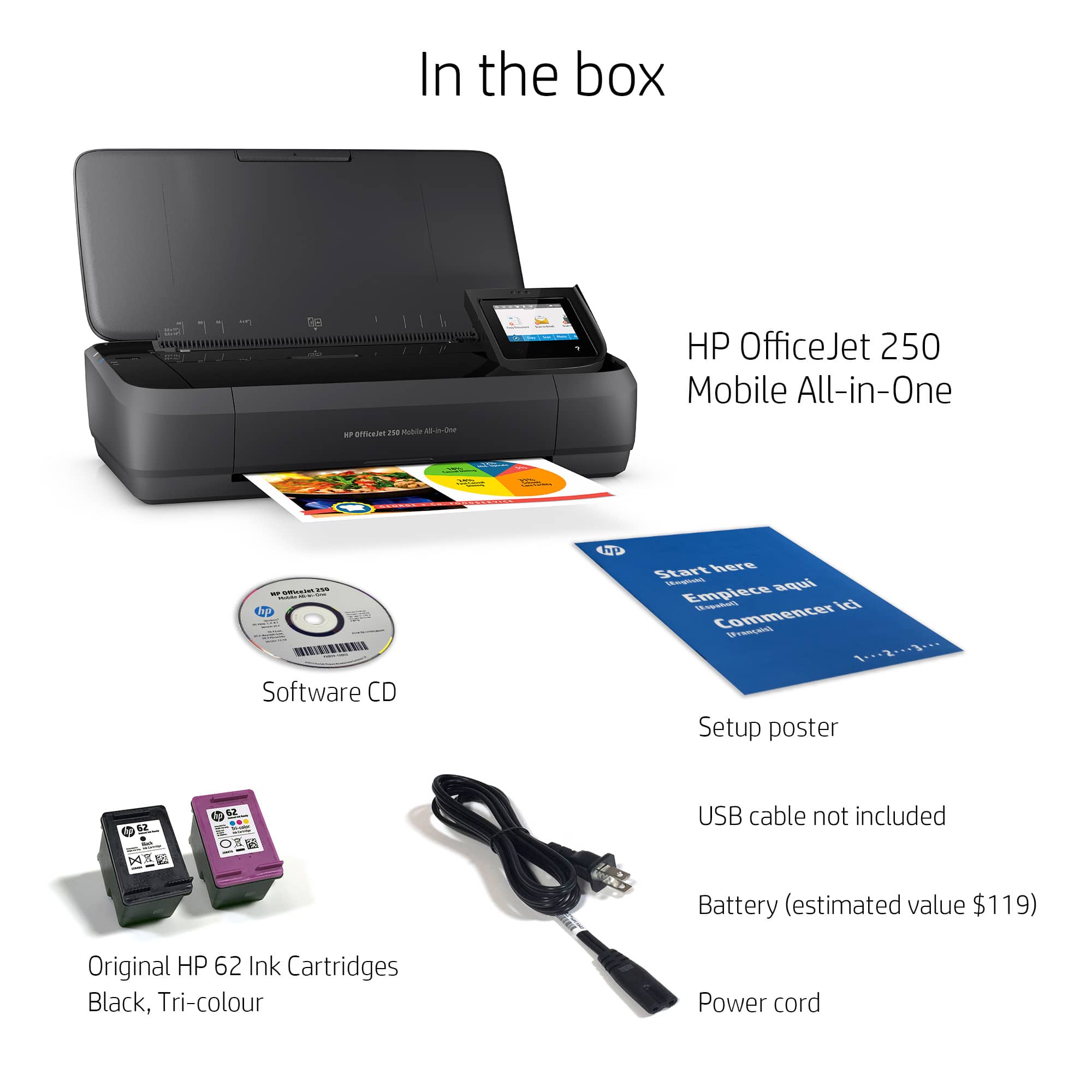
A:AnswerThank you for the question. You can print in black only, by removing the tri-color cartridge to invoke single-cartridge mode. When printing is completed, place the color cartridge back into the cartridge bay (to avoid damage or exposure to the elements) or you'll get a message to replace it. When the color cartridge is present, the printer will check the ink levels and if empty, advise you to replace it.
A:AnswerHello there. Thank you for your question! This printer does not support automatic two-sided printing. You would be able to do manual two-sided printing however (you would need to manually flip the page over and put it back in the paper tray to print onto the other side).
A:AnswerThank you for the question. Yes, the OfficeJet 250 mobile printer is compatible with Windows 11; Windows 10; Windows 8.1; Windows 8; Windows 7; Windows Vista; Linux; OS X 10.11 El Capitan; macOS 10.12 Sierra; Chrome operating systems. We suggest that you review the QuickBooks printer guidelines before purchasing.
A:AnswerThe OfficeJet 250 printer supports the following sizes: Letter, legal, statement, executive, envelopes (No. 10, Monarch, 6 3/4 in), cards (3 x 5 in, 4 x 6 in, 5 x 8 in), photo (8 x 10 in, 5 x 7 in, 4 x 6 in, 3.5 x 5 in). It does not support 16x20".