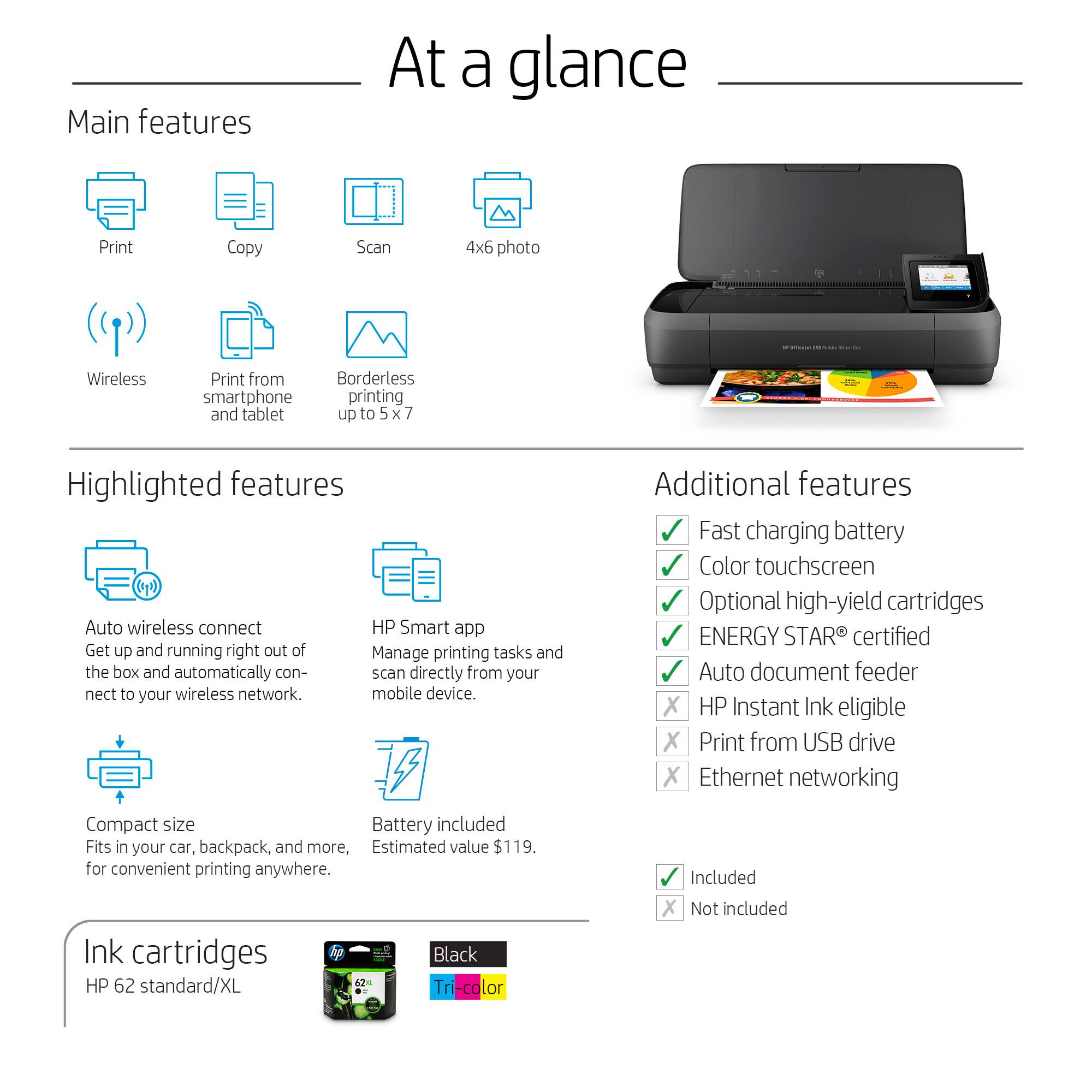
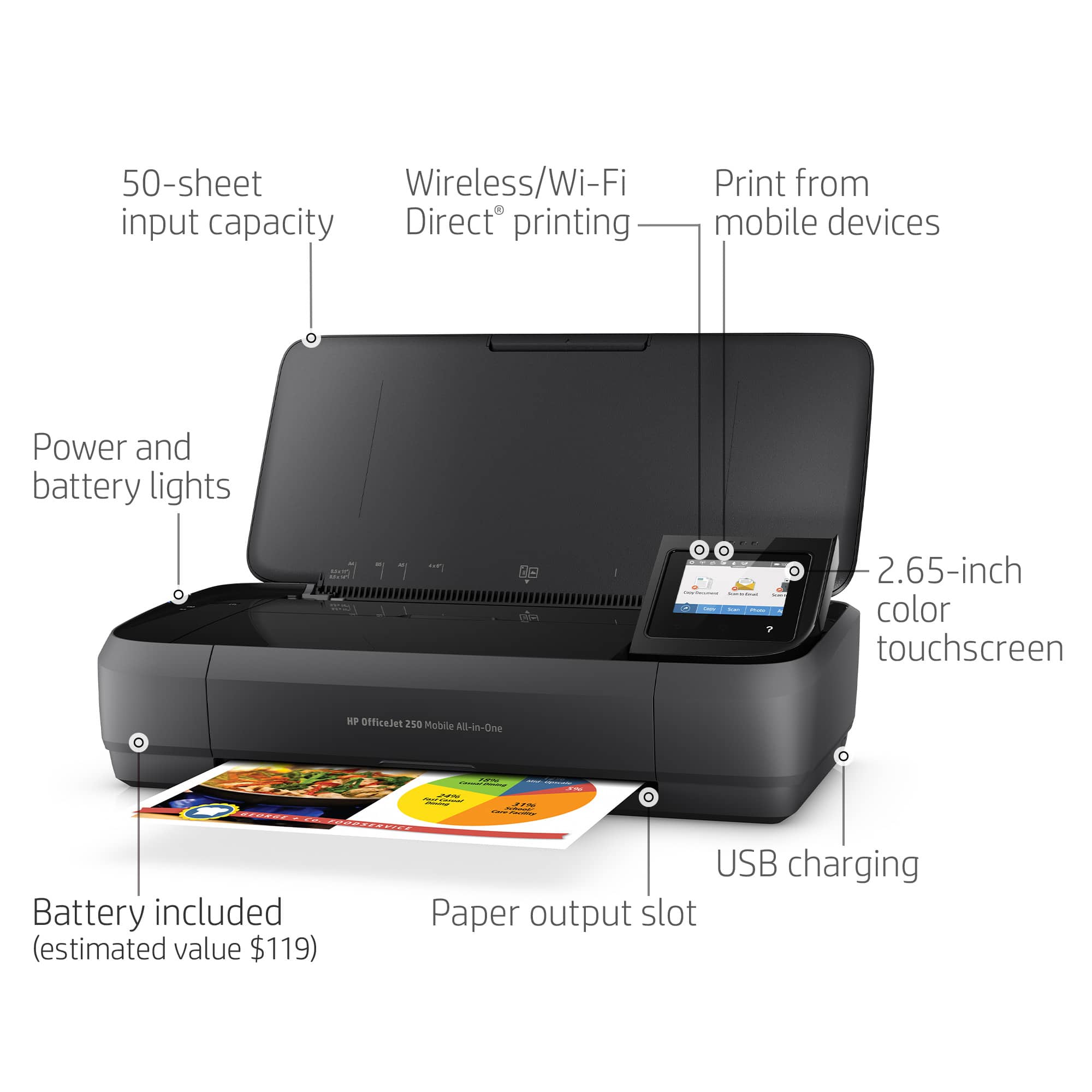
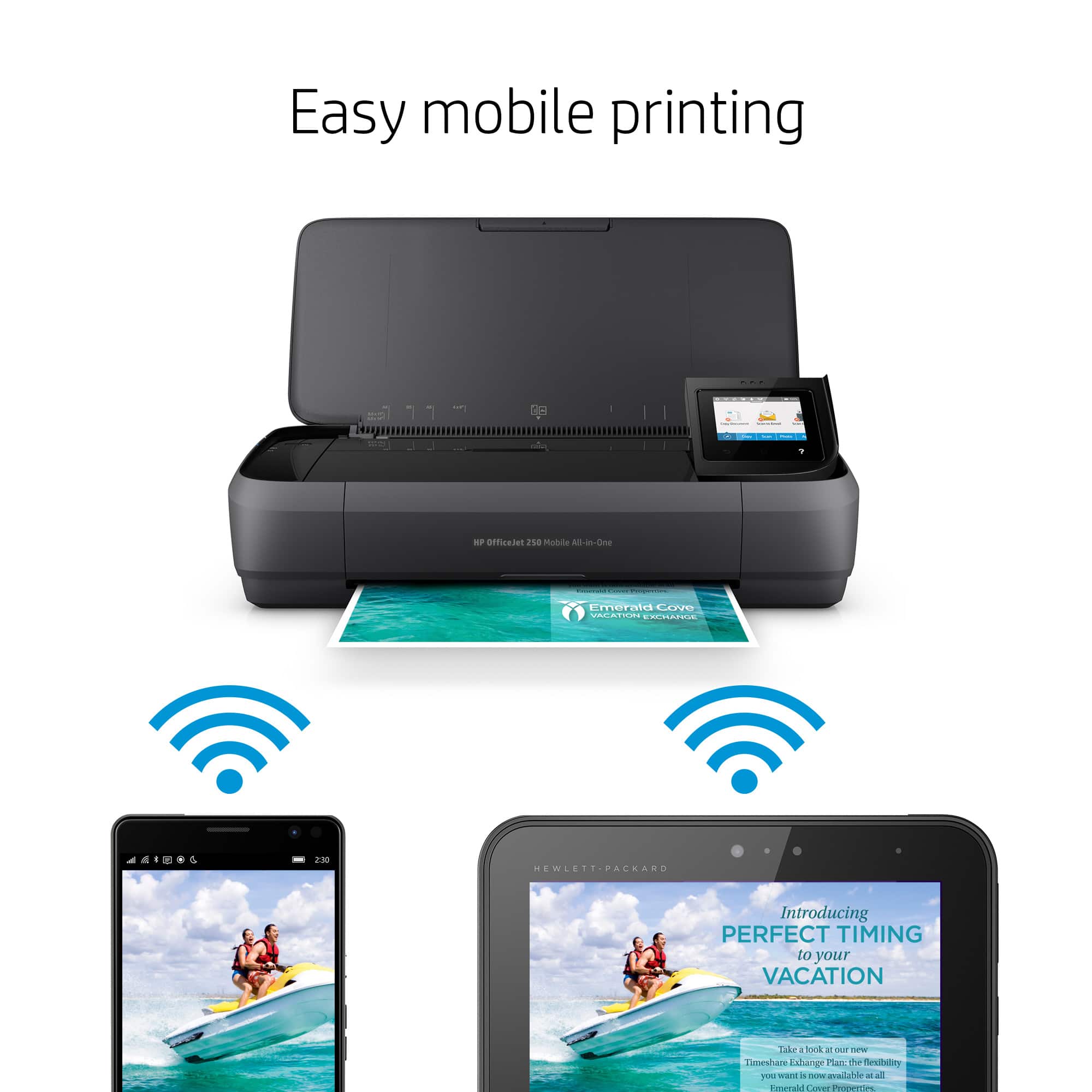
A:AnswerYes, you can connect the printer to your hotspot on your phone. If you are trying to print from your cell phone, you may want to use WiFi Direct. It does not require any data. It just connects you directly to the printer from a mobile device or computer without the need for internet access or a wireless network. You would connect to the printer’s wireless direct signal just like you would connect to a wireless network. The printer would have a unique name in your wireless connections, i.e. Direct-04-Printer. For more information, you can go to: https://www8.hp.com/us/en/campaigns/wireless-printing-center/wireless-direct.html
A:AnswerNo, the Officejet 250 printer does not have bluetooth. It uses WiFi technology. If you are trying to connect your device directly to the printer to print. We would recommend using WiFi Direct. Wireless Direct (WiFi Direct) allows you to directly connect to printer from a mobile device or computer without the need for internet access or a wireless network. You would connect to the printer’s wireless direct signal just like you would connect to a wireless network. The printer would have a unique name in your wireless connections, i.e. Direct-04-Printer. For more information, you can go to: https://www8.hp.com/us/en/campaigns/wireless-printing-center/wireless-direct.html
A:AnswerI wish I could. I bought it about a month ago. I am a Pilot Car Driver and escort Oversize loads all over the country. I have not been home in a month! I bought to print out permits and make copies of other documents. I bought a cheap $50 printer. The printer part worked great but the copier stopped working. When I took the $50 printer back to the store the manager explained that the $50 printer was not made to be mobile. Hence the purchase of this new one. It better work!! He said and in the instructions it said it is mobile!
Sorry I could not be of more help.
A:AnswerThis printer does not use HP 564 Cartridges. Unfortunately, HP no longer manufactures printers that use that cartridge. I could provide a list of the compatible printers, but they will be difficult, if not impossible, to find for sale, and those that you do will largely be refurbished models (which I don't recommend for printers), or they'll be significantly overpriced compared to what you've paid previously.
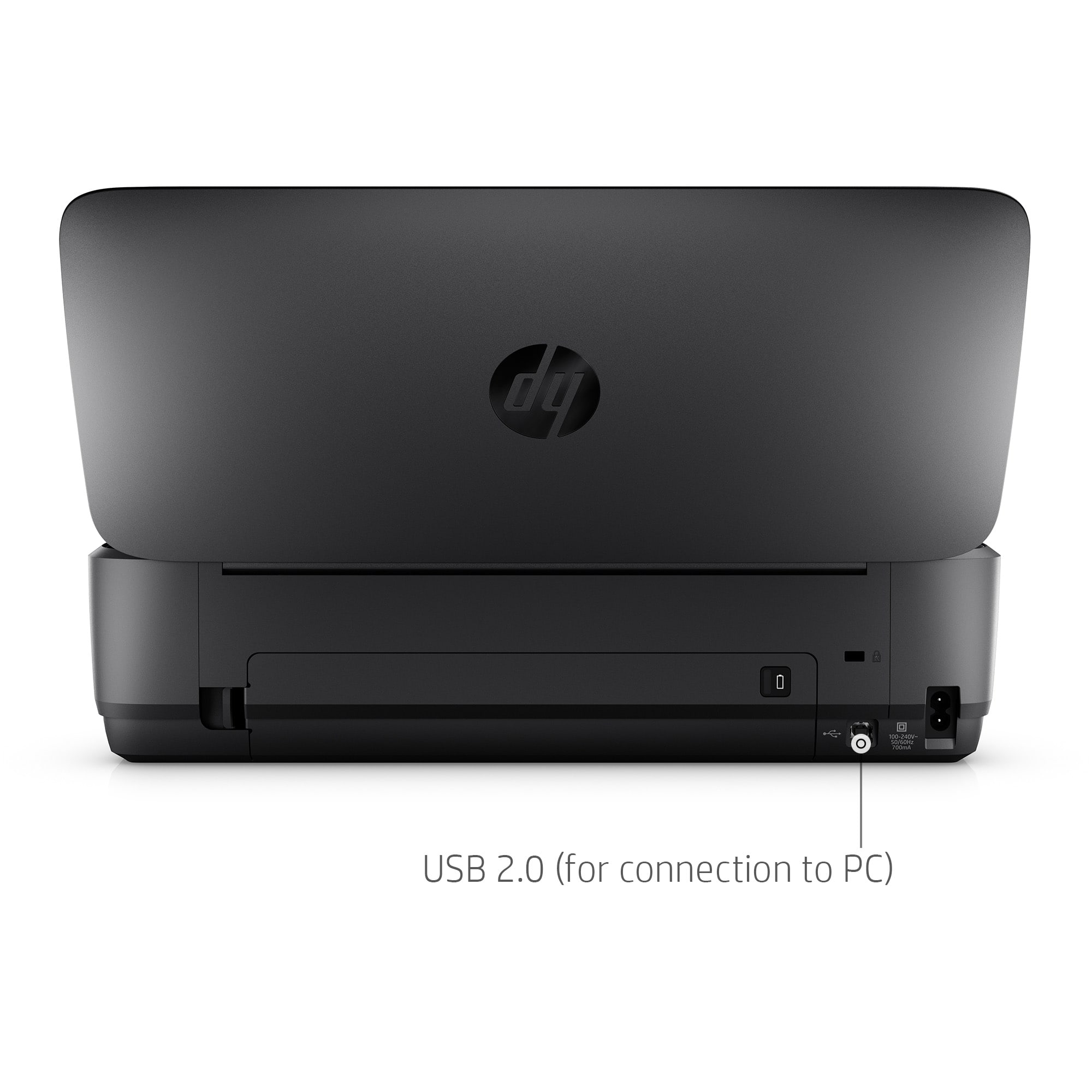
A:AnswerIt works great downloading all the software from HPs website and if you are on your WI-FI connection, but if you are on the field you have to use an USB cable. I was hoping for a wireless connection at home and on the field.
A:AnswerI'm not aware of any travel cases designed for the OfficeJet Mobile printers. However, if you're also carrying a laptop with a travel case, one that has a second compartment will be able to carry it.