Questions & Answers
- Model:
- OJ 8015e/228F5A#B1H
- |
- SKU:
- 10187361
Highly rated by customers for: Overall Performance, Print Quality, Ease of Use
$179.99Your price for this item is $179.99
Page Showing 121-140 of 260 questions
Q: QuestionDoes this printer scan to emails?
Asked by Carlos.
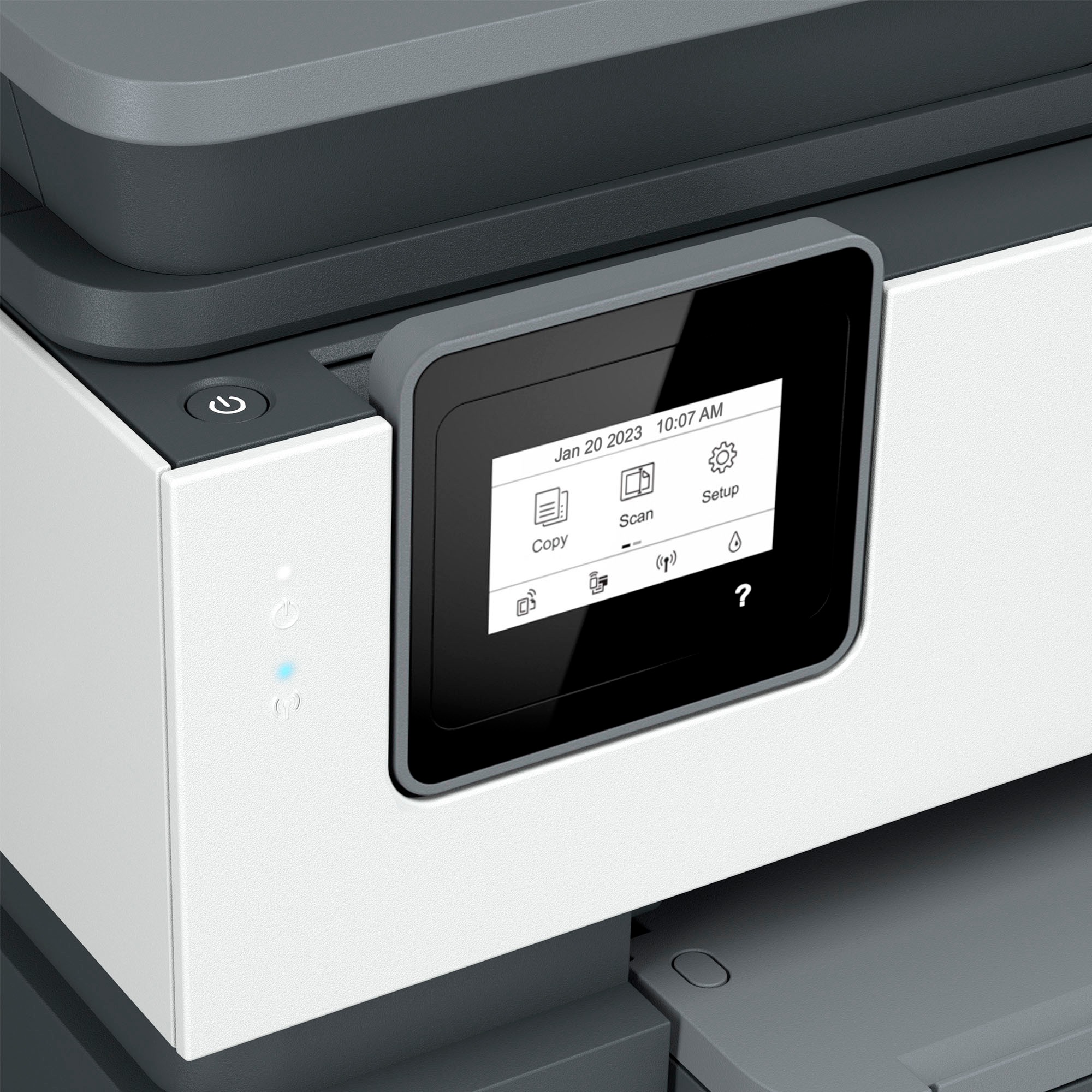
- A:Answer Hello, Carlos! Thank you for your question. The HP Officejet 8015e printer cannot scan directly to email. However, it can scan to your PC in the following formats: PDF, TIFF, and JPEG. You can use the HP Smart app to scan and share via email. To make it easier next time, you can set up shortcuts in the HP Smart app.
Answered by HP Team

Q: QuestionCan I can several pages rather than one at the t ime
Asked by Didi.
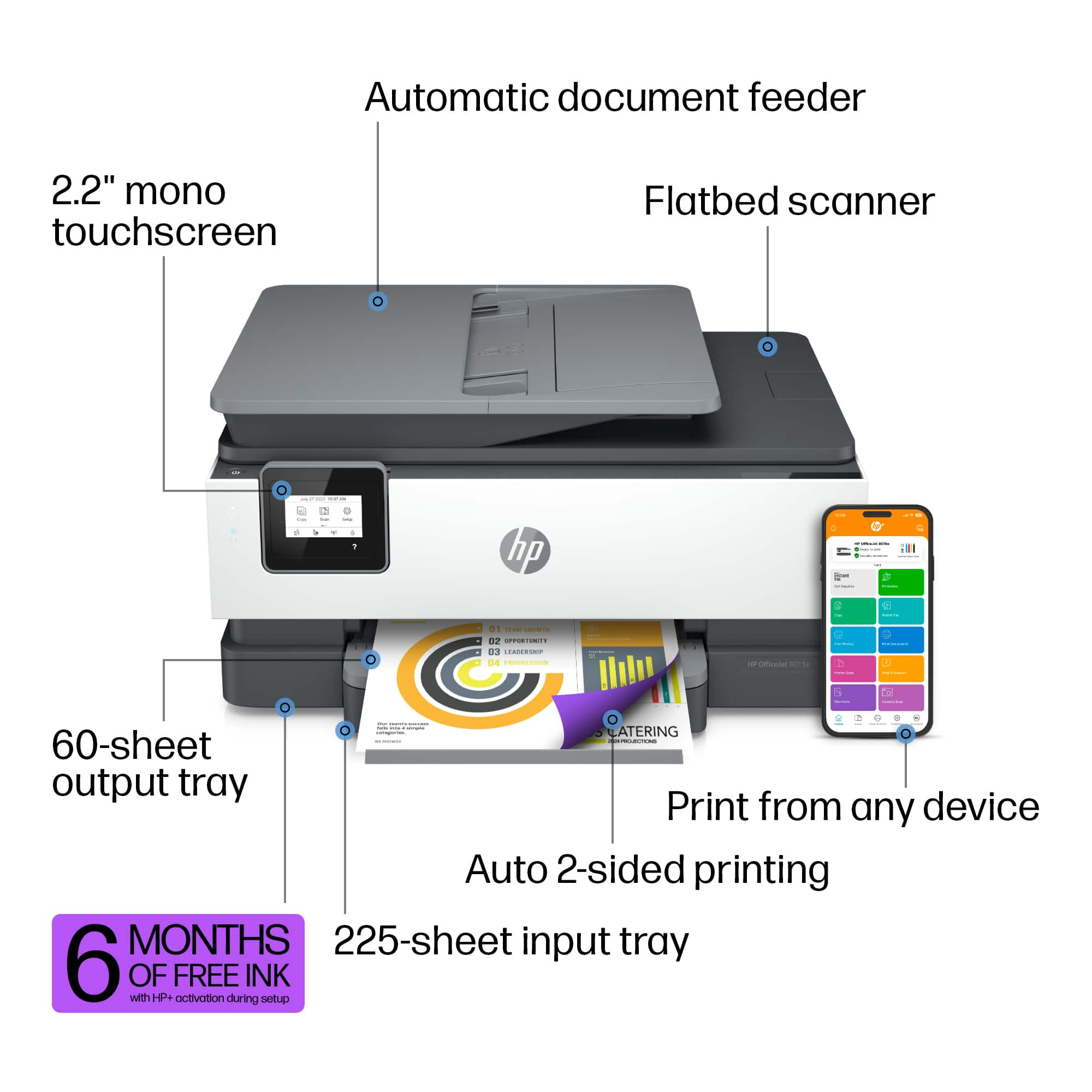
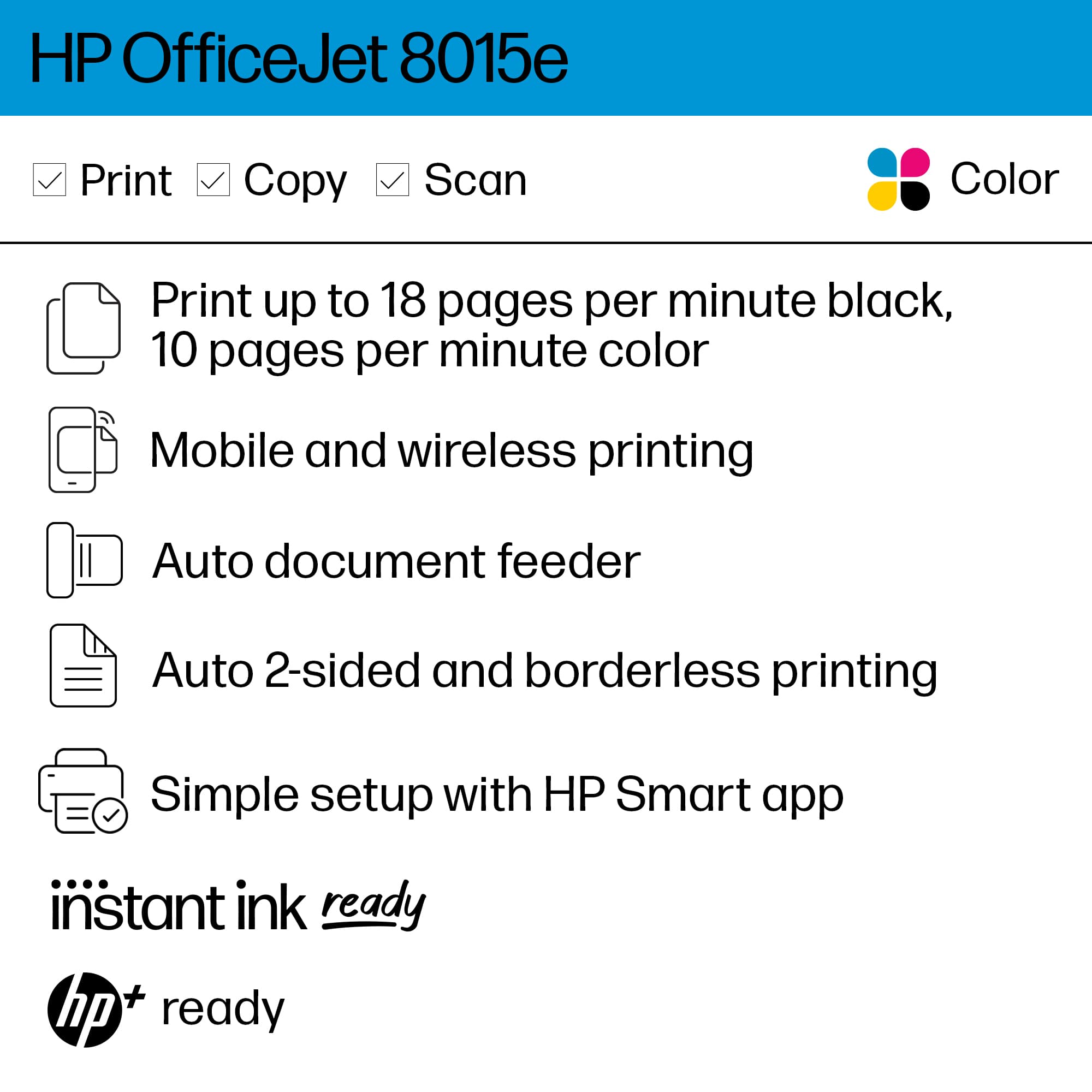
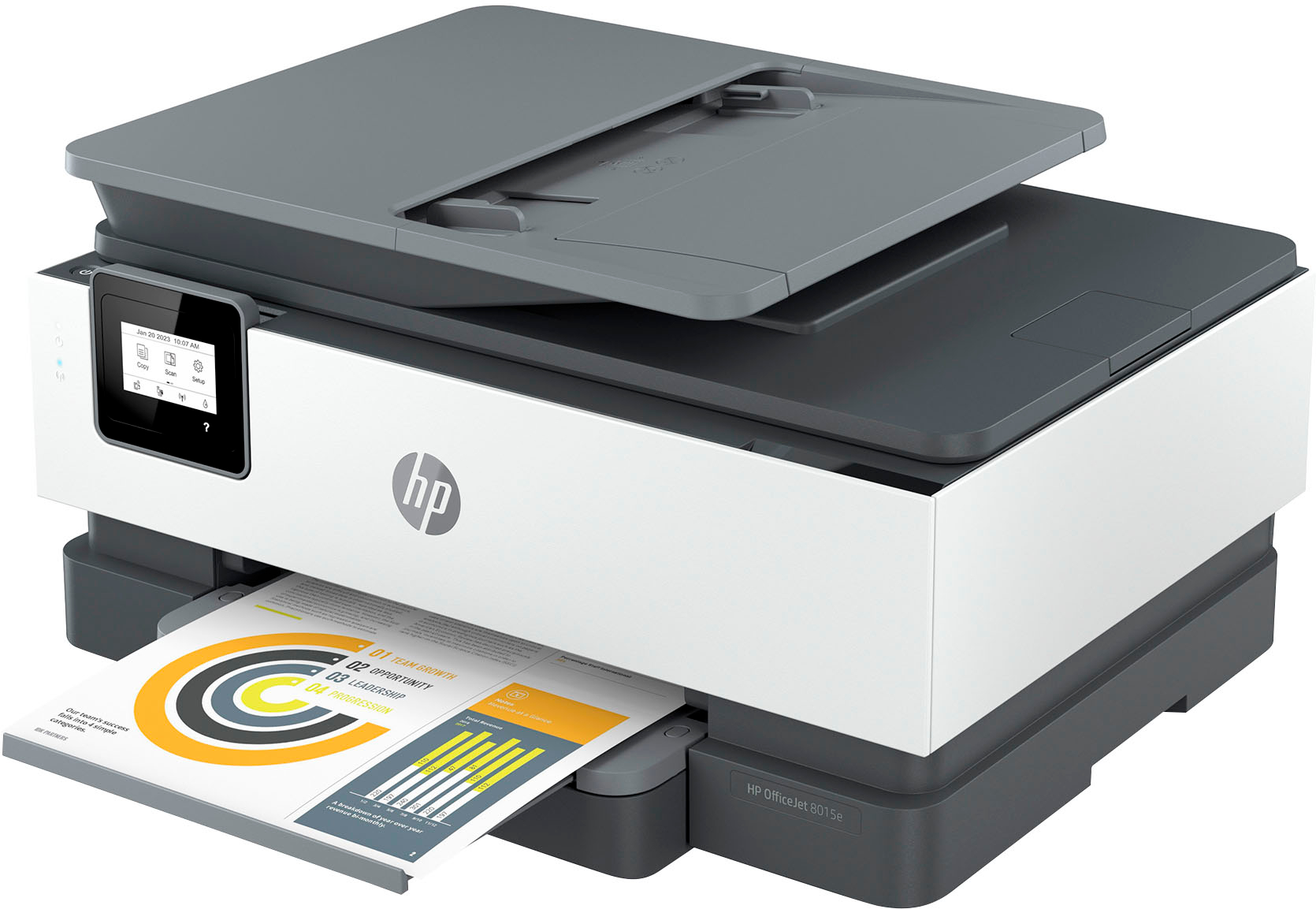
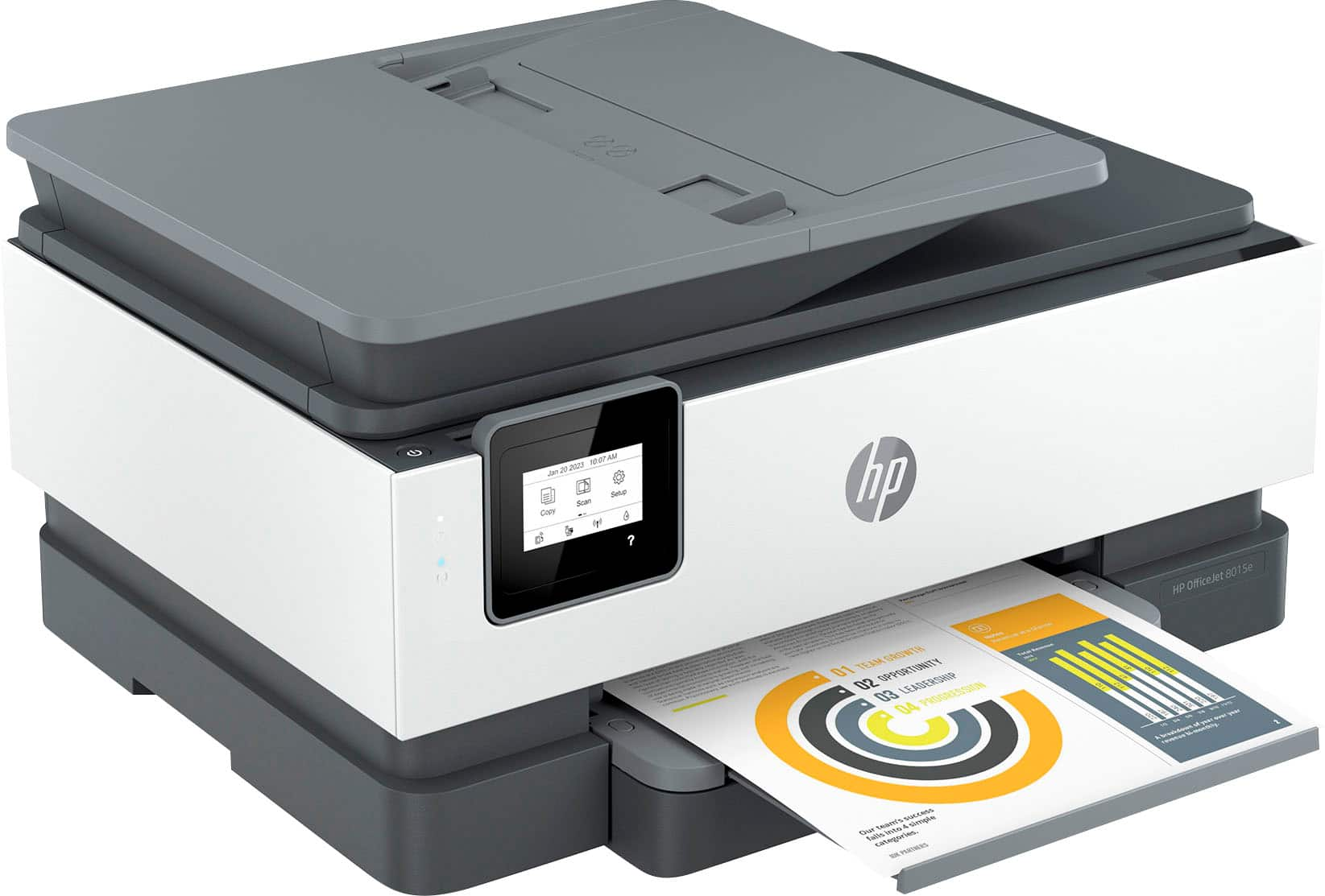
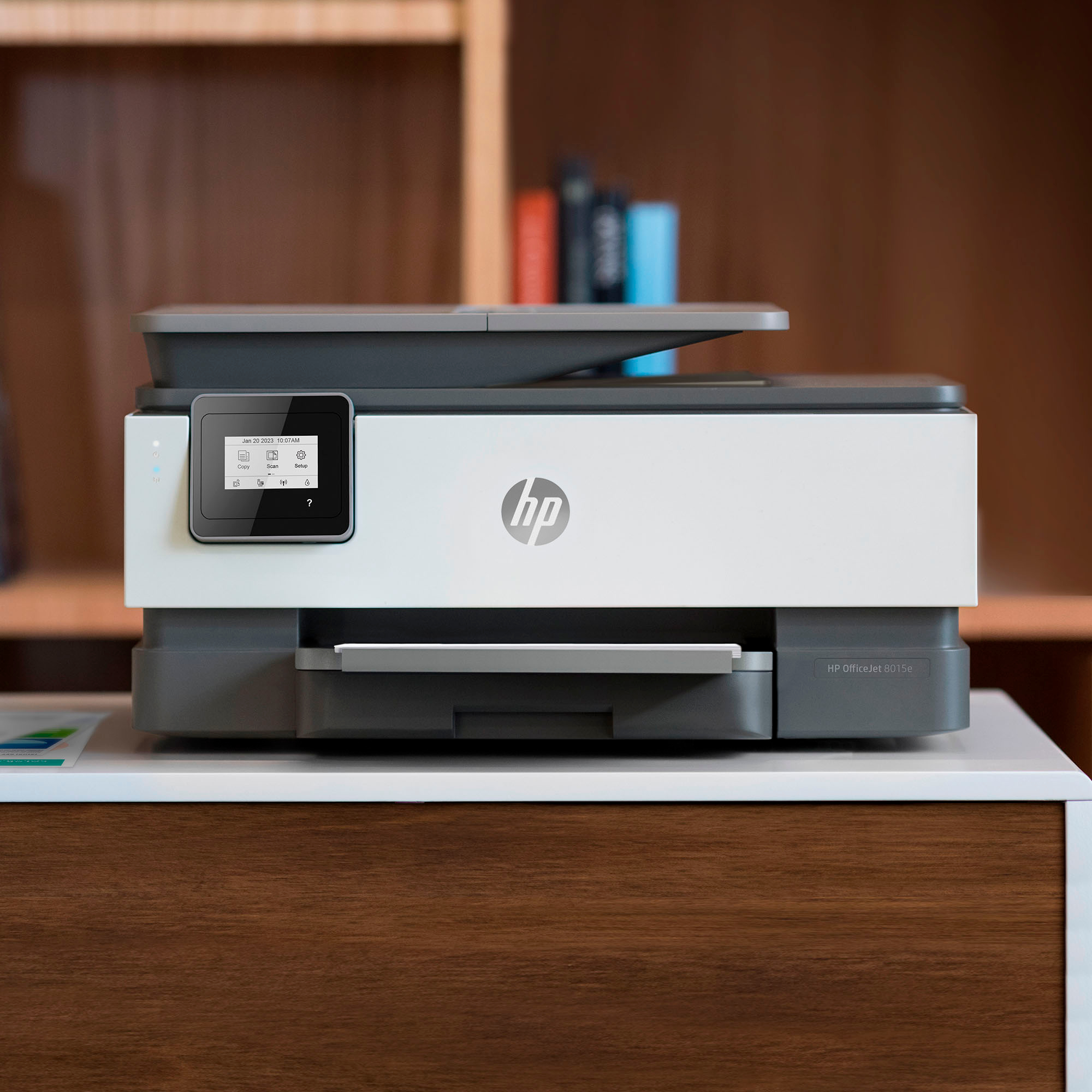
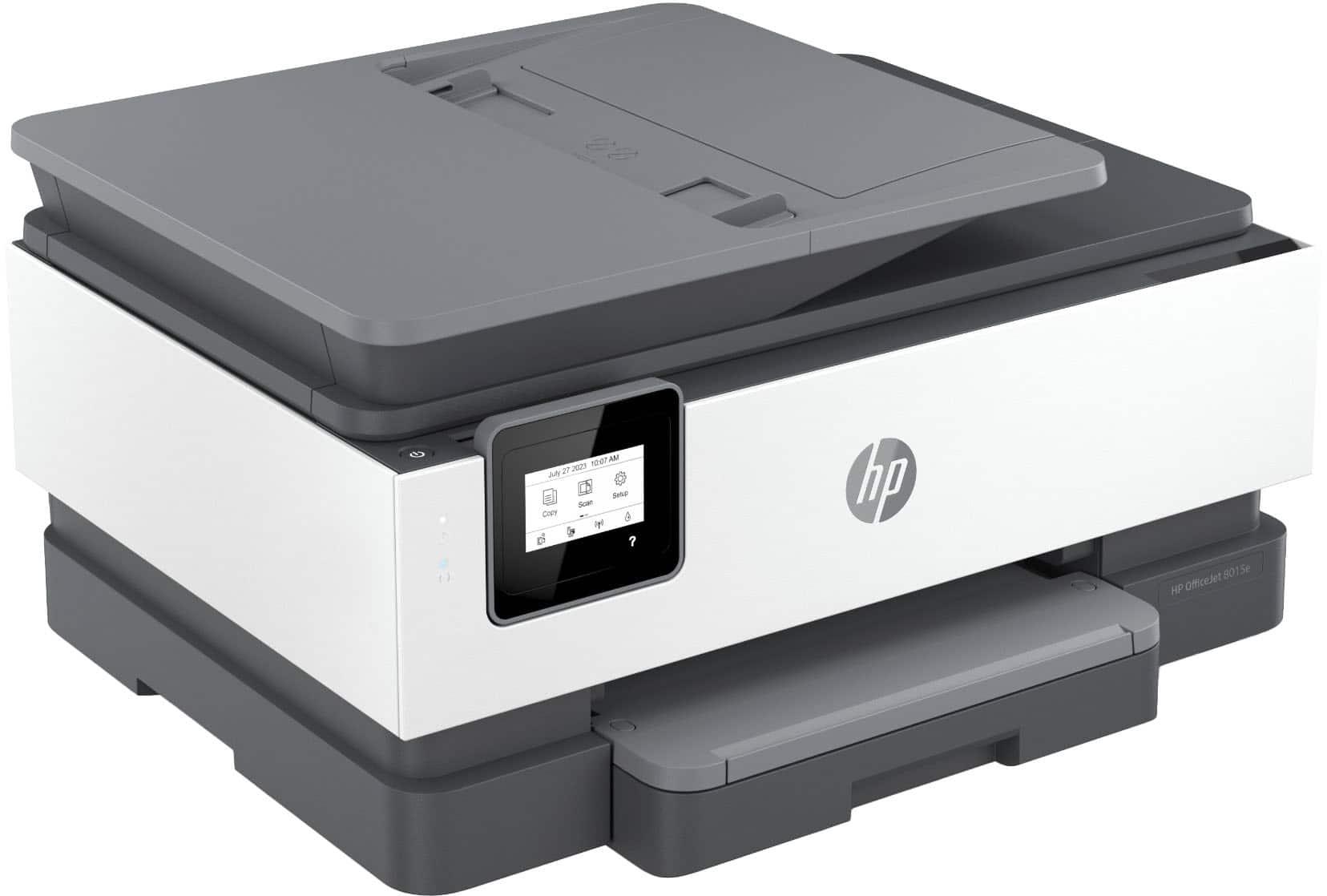
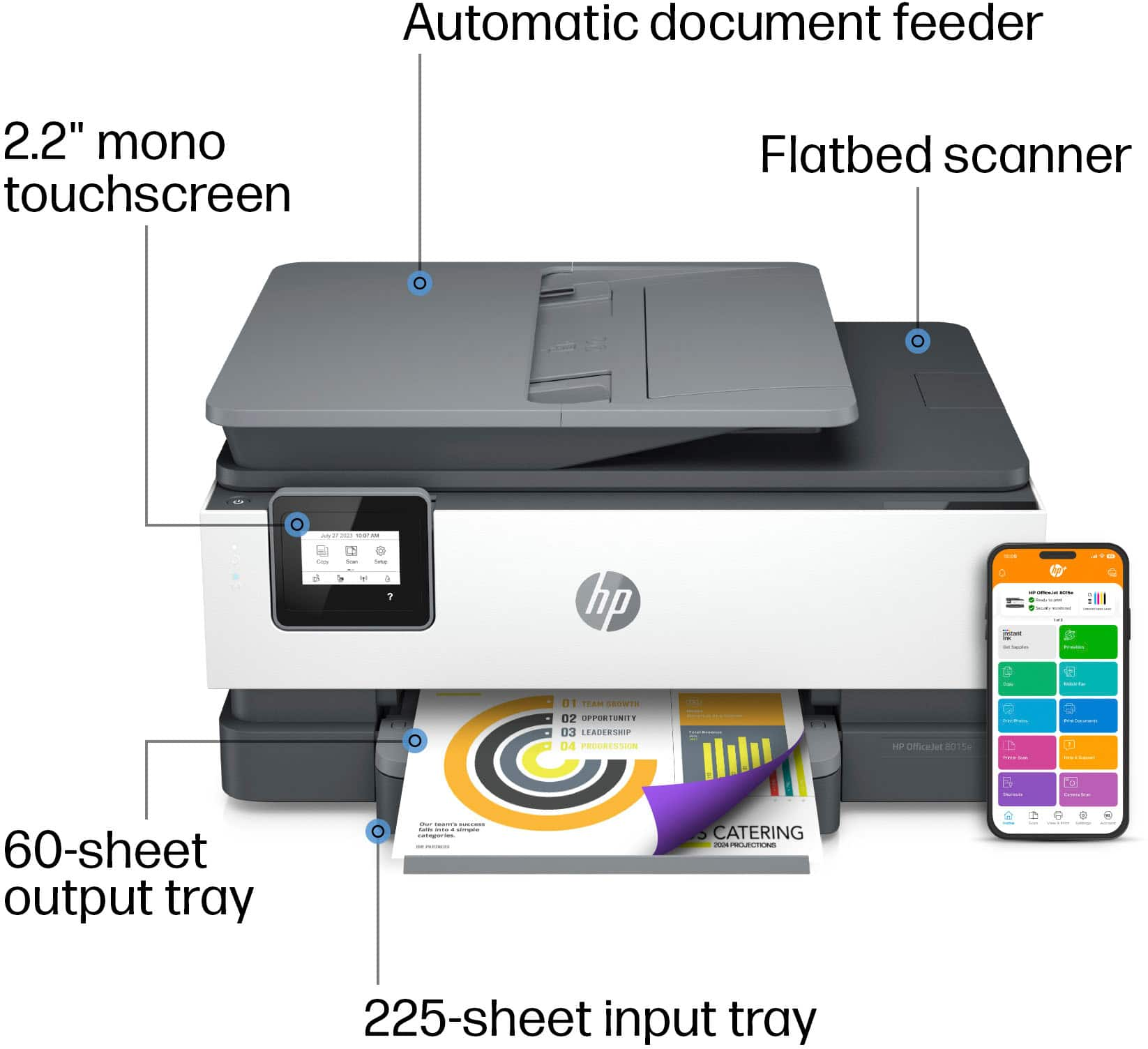
- A:Answer You can insert several pages to be copied at a time (if that's what your question was) as there is a document feeder on top.
Answered by JennyT
Q: QuestionMy 8025 is not printing black after I installed a new hp 910 cartridge. What can I do to fix it? Brent
Asked by BDBR.
- A:Answer Hello Brent and thank you for asking. I am unable to assist you with this. Please contact HP Support. They can help you with your question.
Answered by HP Team

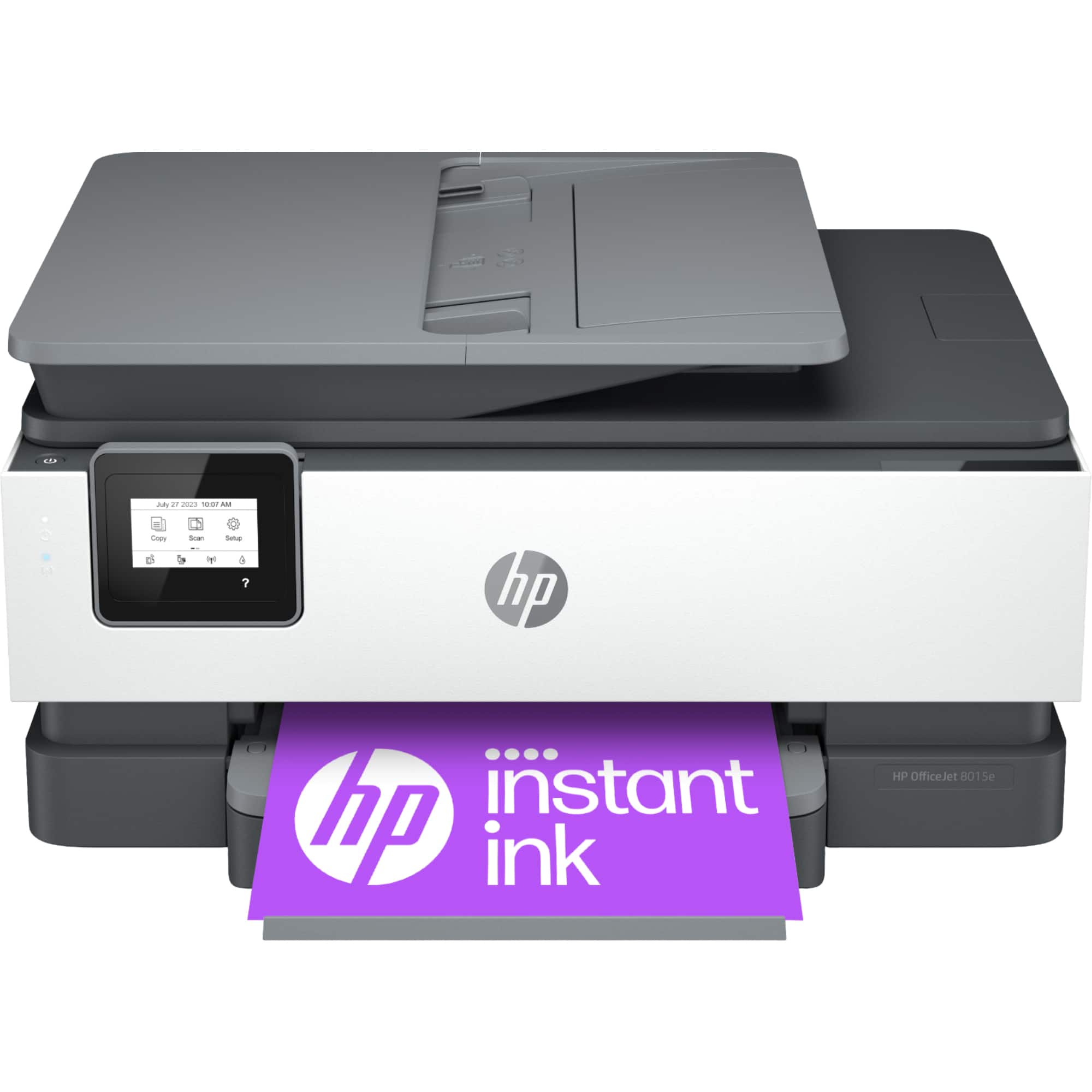
Q: QuestionWhich hp cartridge number does this 8015e use?
Asked by BDBR.
- A:Answer Hello and thank you for asking. The HP OfficeJet 8015e uses HP 910 ink cartridges.
Answered by HP Team

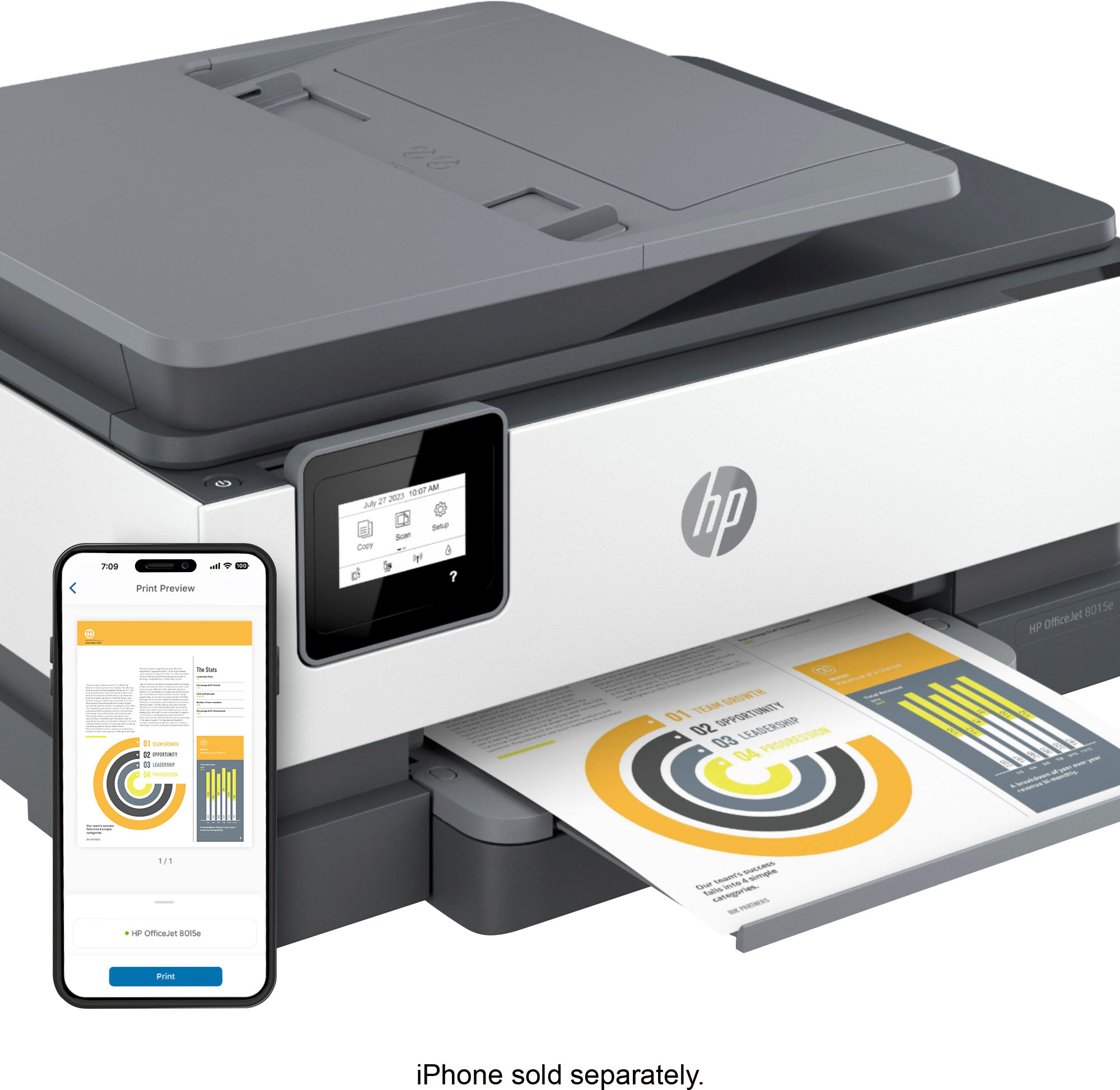
Q: QuestionDoes this model print pictures from mobile phones
Asked by Opie.
- A:Answer The HP OfficeJet 8015e does support printing photos from a mobile phone. Both Android and iOS are supported. Thanks for your question.
Answered by HP Team

Q: QuestionCan this printer connect to a guest wifi. I have another printer i bought my daughter for college and it says it can’t connect to a guest wifi.
Asked by Jessie.
- A:Answer Jessie, thank you for your question on this HP OfficeJet Pro printer! Most guest and public Wi-Fi networks block the protocols and ports needed for printing. Guest Wi-Fi access depends on the site’s router settings. However, your daughter can use Wi-Fi Direct mode on this printer or her existing one if it’s an HP printer. Wi-Fi Direct allows the printer to connect directly to a device without needing a Wi-Fi network, making it a convenient alternative.
Answered by HP Team

Q: QuestionDoes this printer enlarge and decrease
Asked by Mar.
- A:Answer Hello and thank you for your question! The HP OfficeJet 8015e All-In-One printer copier can reduce/enlarge from 25% to 400%.
Answered by HP Team

Q: QuestionAre any of your printers compatable with Windows xp?
Asked by Clint.
- A:Answer Honestly, it's going to be hard to find a printer that's compatible with that old an operating system. I checked the ones that Best Buy carries, and none of them are listed as working with XP, which actually makes some sense. XP was first released in 2001. Even Microsoft stopped supporting it over 10 years ago.
Answered by HP Team

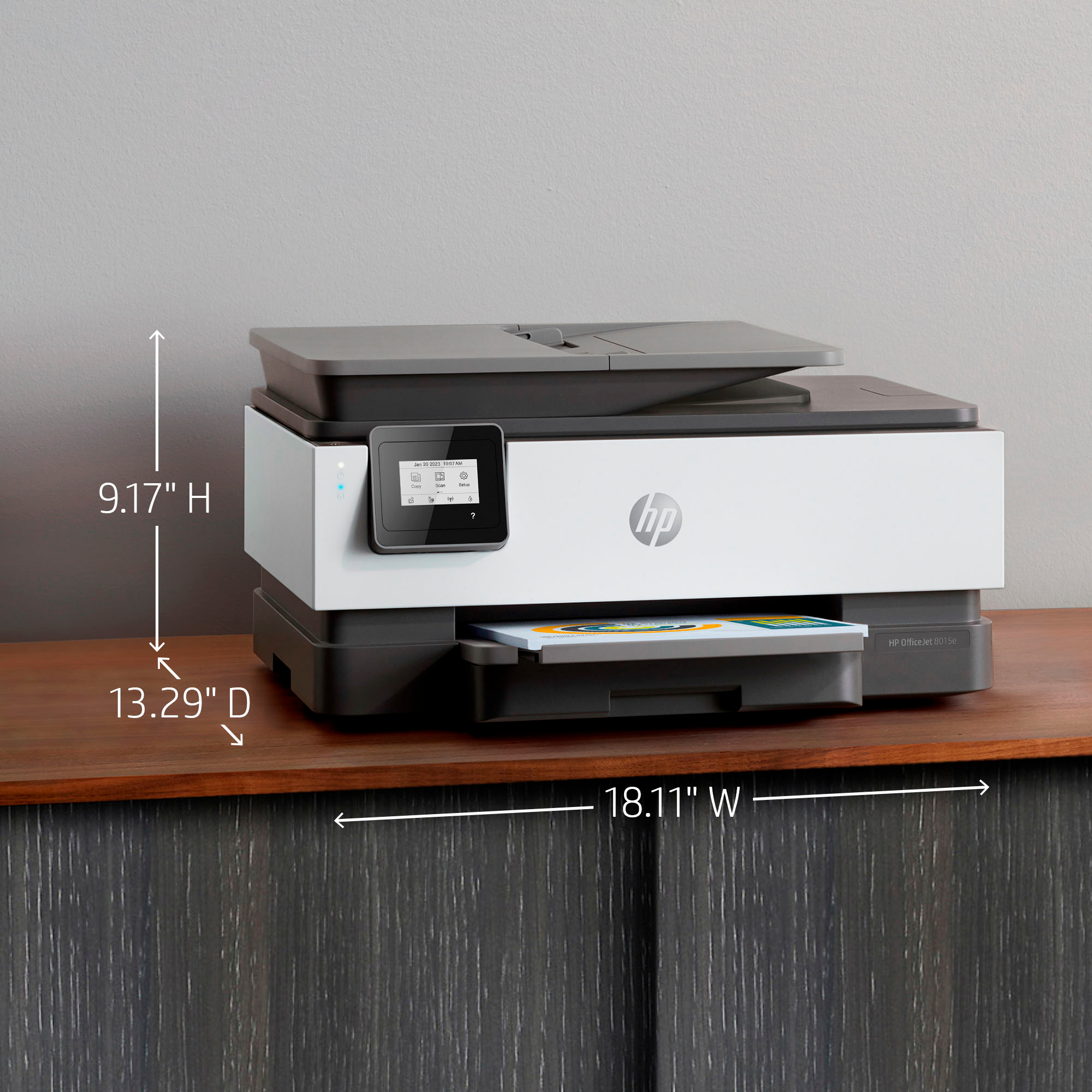
Q: QuestionHi, how many pounds does the office Jet 8015e printer weigh?
Asked by Sony.
- A:Answer Weight?
Answered by MoeSadusk
Q: QuestionIs this printer compatible with a MacBook , iPad, Apple phones
Asked by Tunisia.
- A:Answer Thank you for the question. Yes, the HP OfficeJet 8015e printer is compatible with macOS 11 or higher for the MacBook; and iOS 15.0 or later for the iPhones and iPads. We recommend using the HP Smart app.
Answered by HP Team

Q: QuestionCan this printer print onto cardstock?
Asked by KariM.
- A:Answer Thanks for your question Kari! The HP OfficeJet 8015e printer can support paper up to 200 g/m2.
Answered by HP Team

Q: QuestionCan I reduce or enlarge when I copy
Asked by Moe.
- A:Answer Hi there, Moe. Thank you for your question! The HP Officejet 8015e printer is able to reduce copies down to 25% and enlarge them up to 400%.
Answered by HP Team

Q: QuestionCan this printer print on 11x17 size paper?
Asked by 11x17.
- A:Answer Thank you for your question on this OfficeJet Pro printer! This only prints up to legal size. The HP OfficeJet Pro 9730e is the only HP inkjet model that prints on 11x17 paper and it is sold through Best Buy.
Answered by HP Team

Q: QuestionDoes this model scan multiple pages through the feeder on the top Or just one at a time on the glass? Thanks in advance for your response… Mark
Asked by Peyton18.
- A:Answer Thank you for your question, the HP OfficeJet 8015e can scan up to 35 pages with the automatic document feeder.
Answered by HP Team

Q: QuestionCan you print on PVC business size cards? Or does it have or can you get a PVC print tray for it to use for such printing?
Asked by Drew.
- A:Answer Hello drew and thank you for your question. The OfficeJet 8015e cannot print on PVC business cards. It will print on the following media types: Plain Paper, HP Photo Papers, HP Matte Brochure or Professional Paper, HP Matte Presentation Paper, HP Glossy Brochure or Professional Paper, Other Photo Inkjet Papers, Other Matte Inkjet Papers, Other Glossy Inkjet Papers, Thick Plain Paper, Light/Recycled Plain Paper, HP Tri-fold Brochure Paper, Glossy.
Answered by HP Team

Q: QuestionCan I get a extended warranty on this printer?
Asked by Benetres.
- A:Answer Hello and thank you for asking. You may purchase a Geed Squad Product Replacement plan from Best Buy for the hP OfficeJet 8015e. Please contact Geek Squad at your local Best Buy for more information.
Answered by HP Team

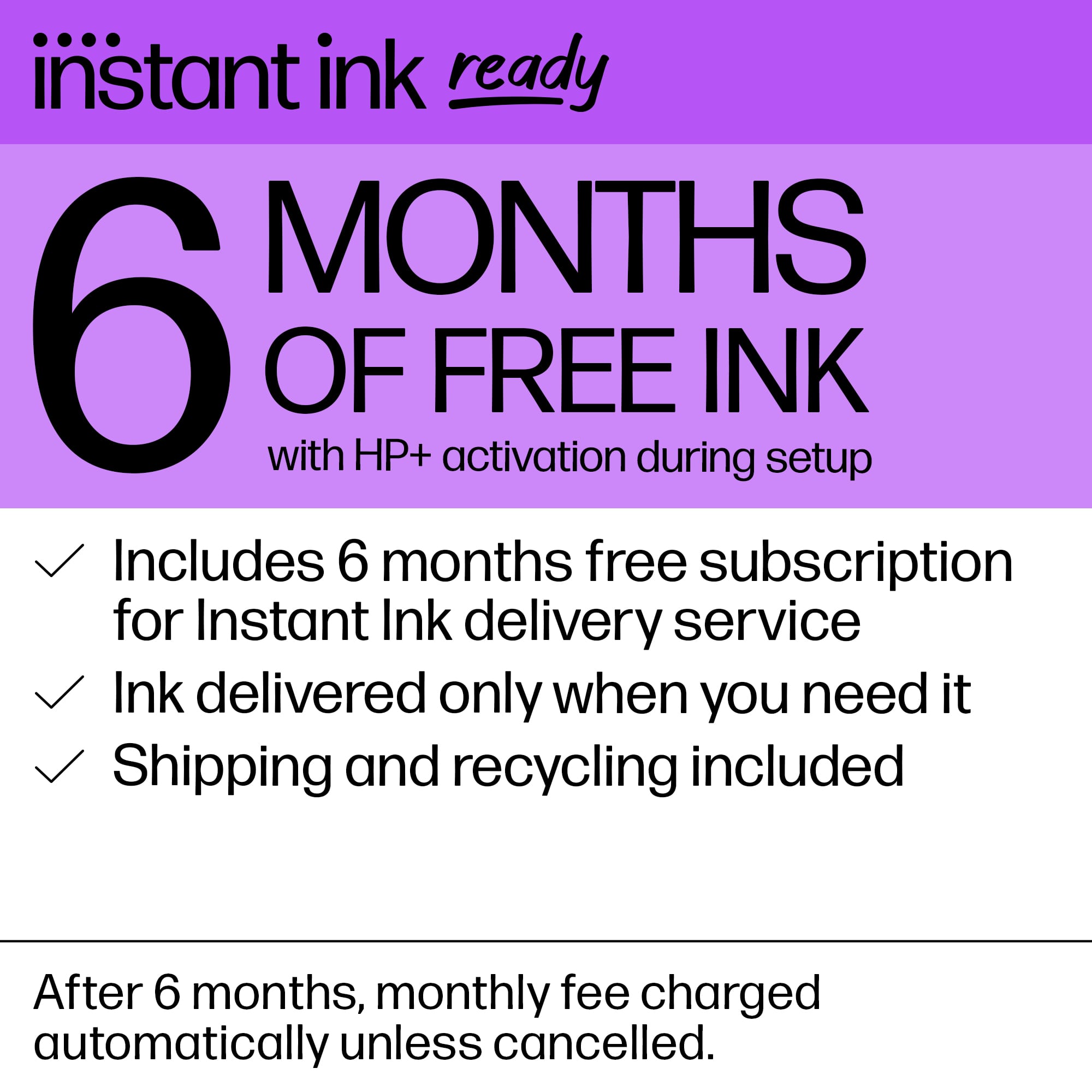
Q: Questiondoes this unit come with a full size set of ink cartridges or a teaser set?? How many full size cartridges can one expect during the 6 month trial period. What is the lowest price point on the Instant Ink program??
Asked by BUSYBEE.
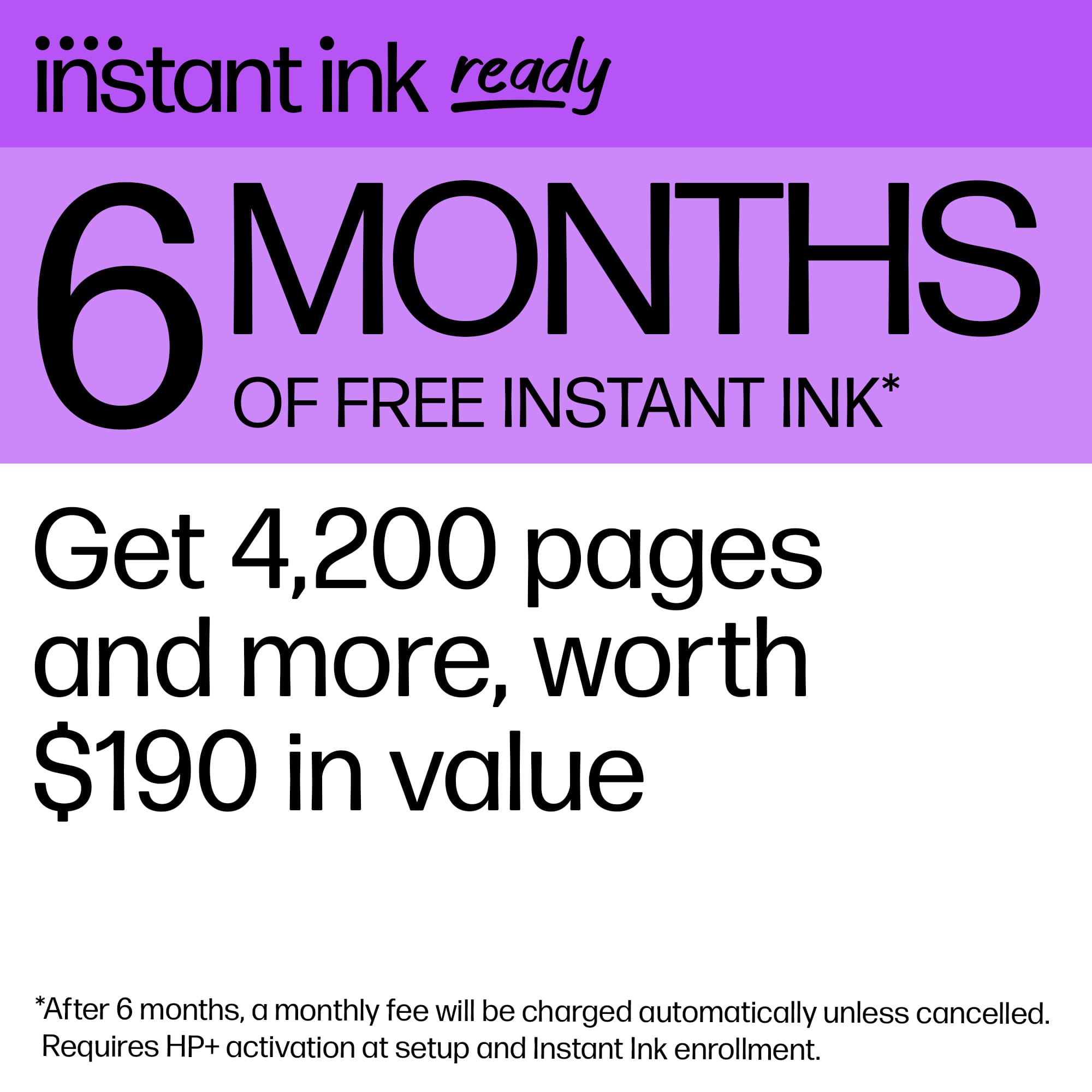
- A:Answer Hi, Busy, and thanks for asking about the ink that comes with the printer. They're not really "teaser" cartridges. The inks that come with the printer are about 2/3 of the fill of the standard cartridges. It's impossible to say how many ink cartridges you'll get in the 6 month trial period because it's based on the number of pages you plan on printing each month. So, if you set up the plan to print 300 pages per month, you're obviously going to get shipped more ink than if you plan on printing 20 pages per month. The least expensive plan is $1.49/month, but that is only good for 10 pages per month. The best deal for home printing is the 100 page a month plan, which runs $6.99 per month.
Answered by HP Team

Top Rated
- $79.89Your price for this item is $79.89$149.89The comparable value for this item is $149.89
- $39.89Your price for this item is $39.89$89.89The comparable value for this item is $89.89
- $129.99Your price for this item is $129.99$249.99The comparable value for this item is $249.99
- $149.89Your price for this item is $149.89$219.89The comparable value for this item is $219.89
- $140.00Your price for this item is $140.00
- $99.89Your price for this item is $99.89$159.89The comparable value for this item is $159.89
- $159.89Your price for this item is $159.89$239.89The comparable value for this item is $239.89
- $129.89Your price for this item is $129.89$179.89The comparable value for this item is $179.89
- $119.00Your price for this item is $119.00$161.00The comparable value for this item is $161.00
- $429.99Your price for this item is $429.99
- $229.00Your price for this item is $229.00$323.00The comparable value for this item is $323.00
- $199.99Your price for this item is $199.99$349.99The comparable value for this item is $349.99
- $59.00Your price for this item is $59.00$107.00The comparable value for this item is $107.00
- $232.81Your price for this item is $232.81$248.99The comparable value for this item is $248.99
- $86.99Your price for this item is $86.99
- $429.99Your price for this item is $429.99$519.99The comparable value for this item is $519.99
- $79.99Your price for this item is $79.99$149.99The comparable value for this item is $149.99