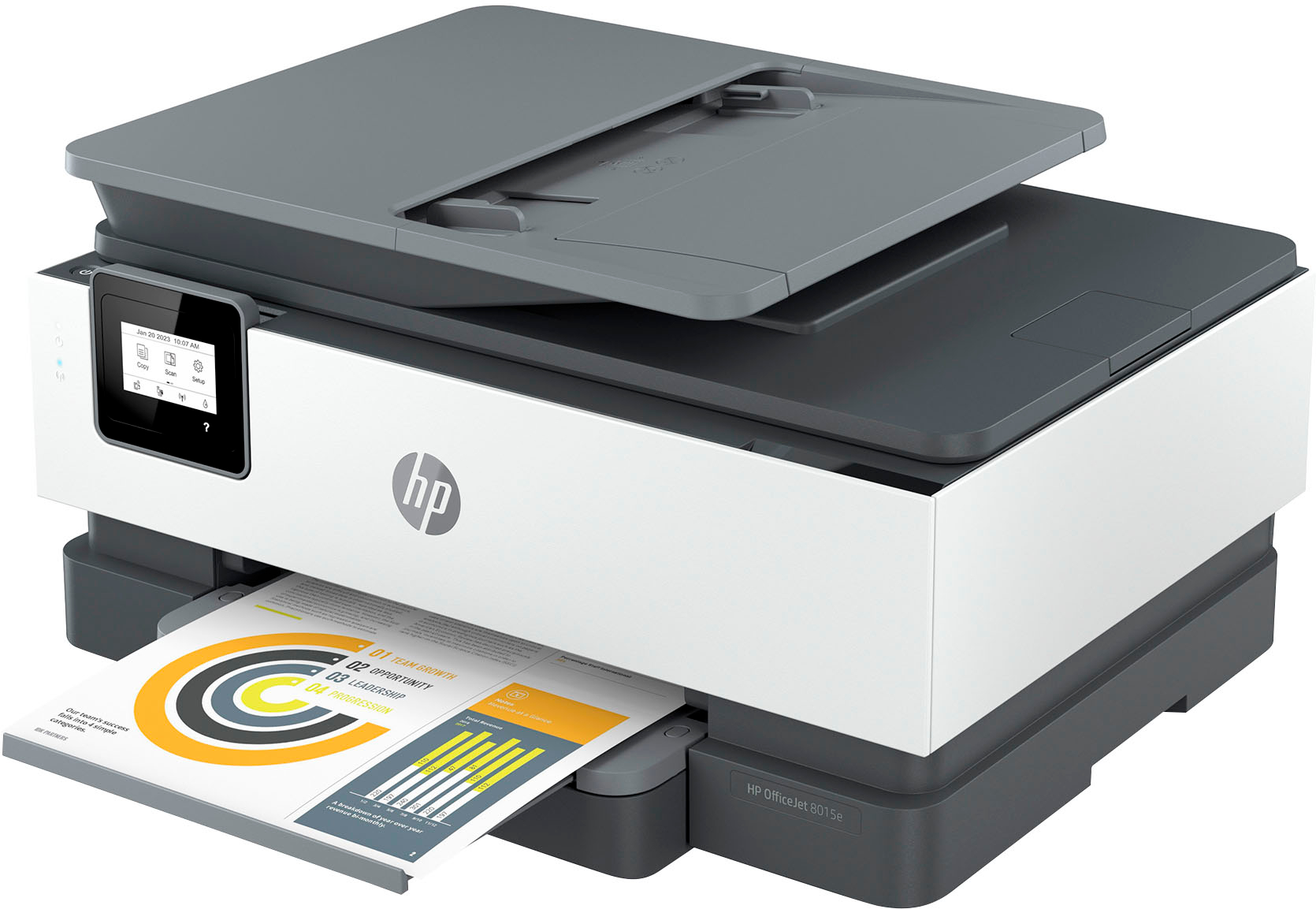
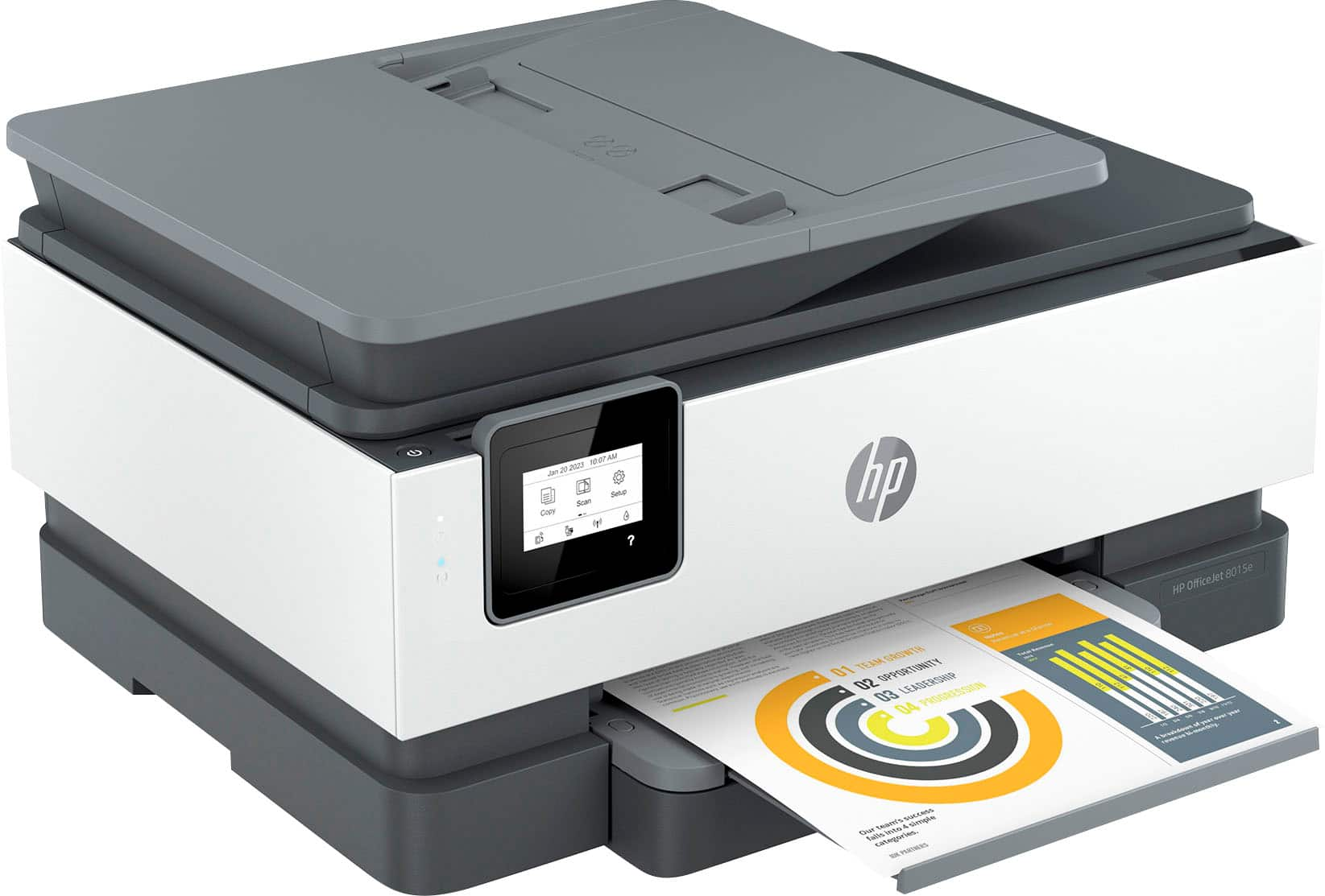
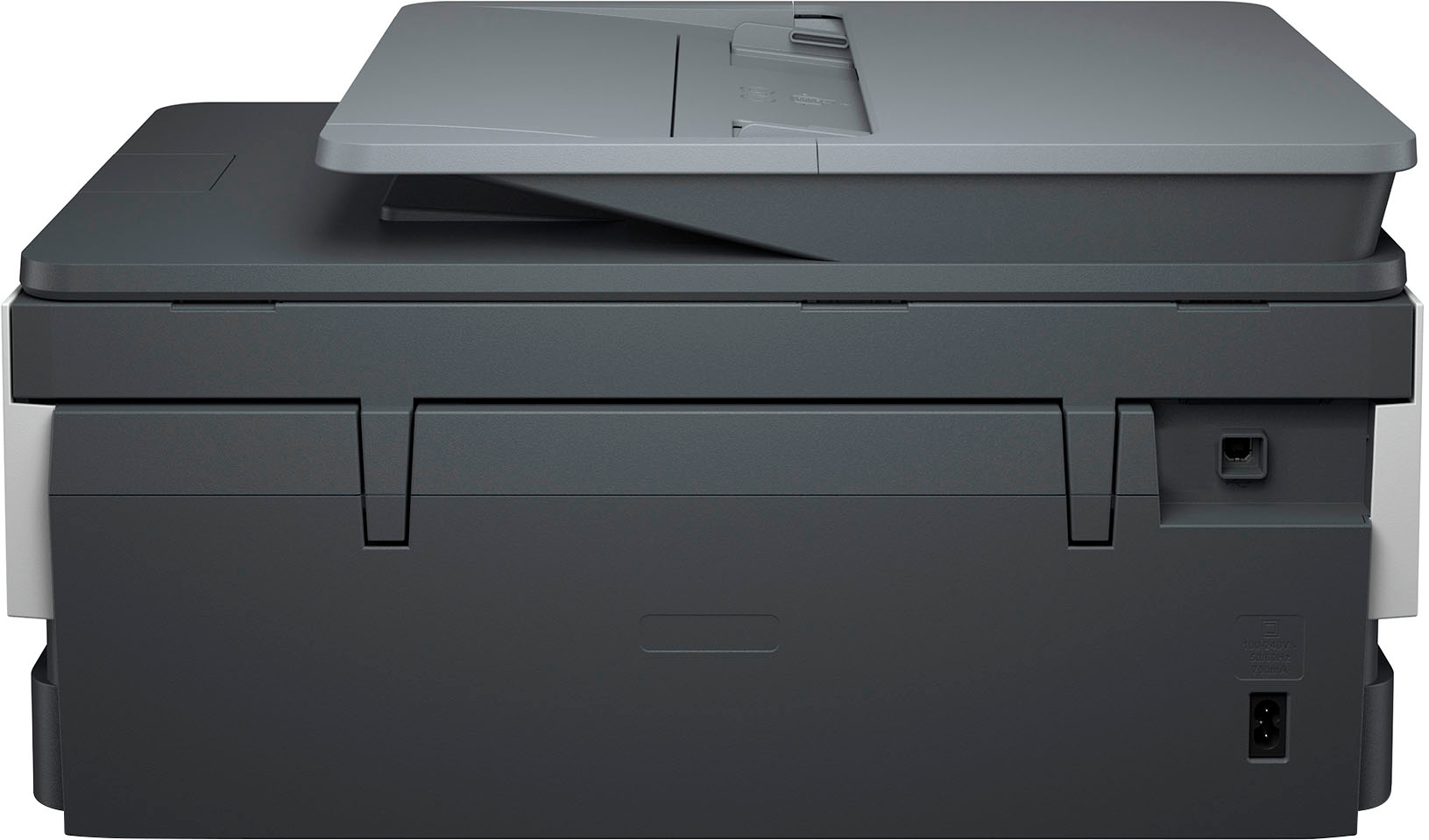
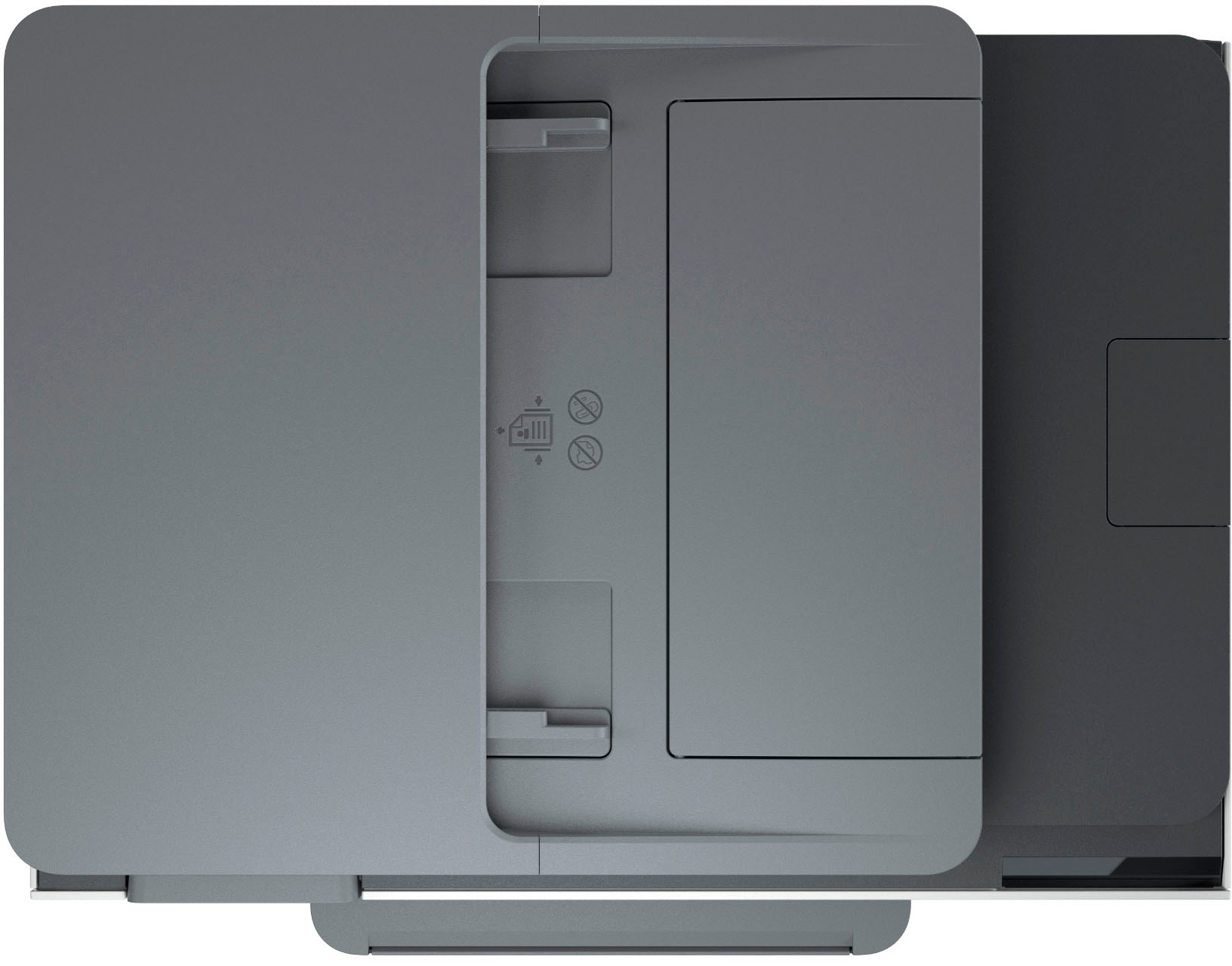
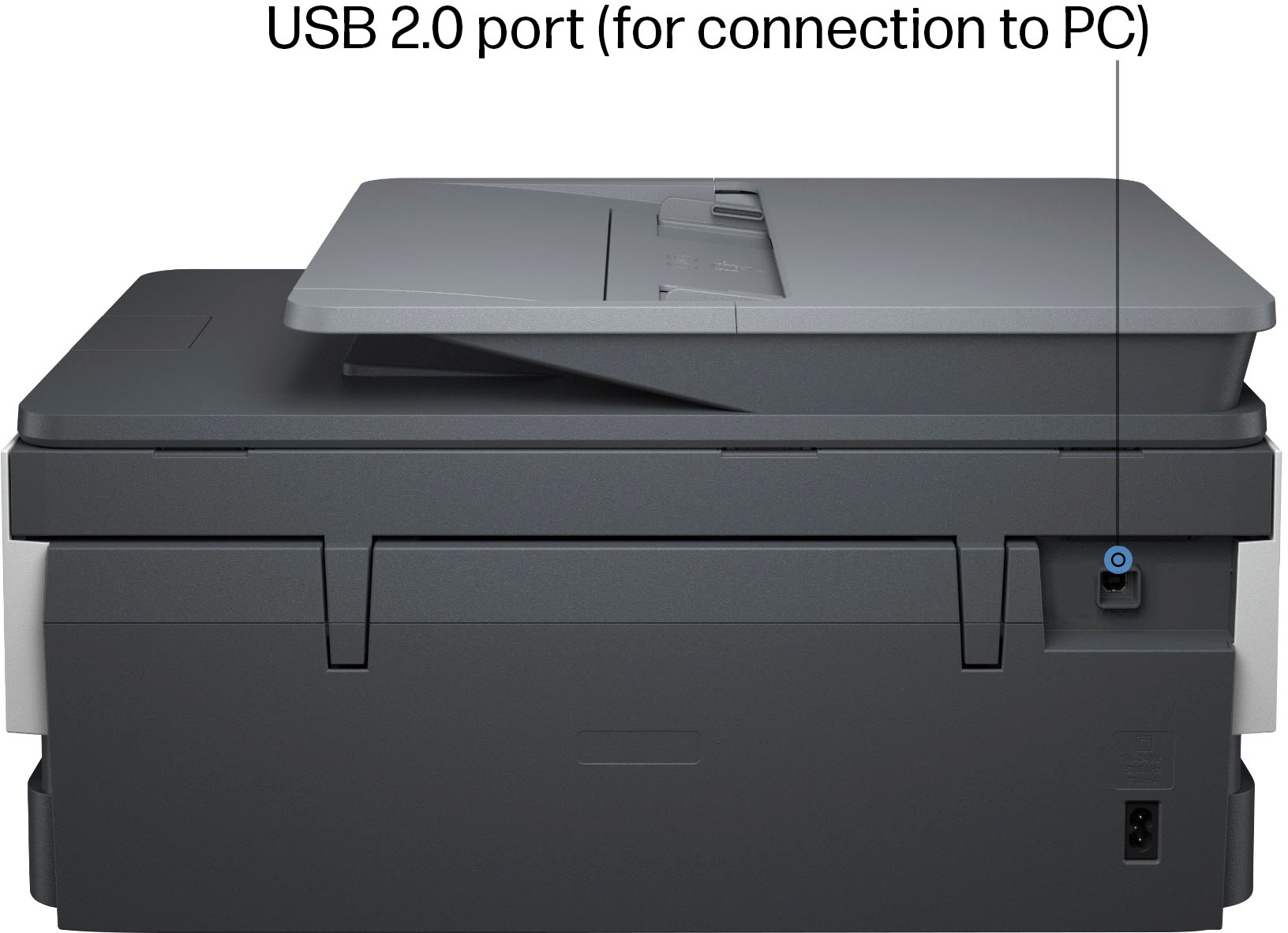
A:AnswerJessie, thank you for your question on this HP OfficeJet Pro printer! Most guest and public Wi-Fi networks block the protocols and ports needed for printing. Guest Wi-Fi access depends on the site’s router settings. However, your daughter can use Wi-Fi Direct mode on this printer or her existing one if it’s an HP printer. Wi-Fi Direct allows the printer to connect directly to a device without needing a Wi-Fi network, making it a convenient alternative.
A:AnswerHonestly, it's going to be hard to find a printer that's compatible with that old an operating system. I checked the ones that Best Buy carries, and none of them are listed as working with XP, which actually makes some sense. XP was first released in 2001. Even Microsoft stopped supporting it over 10 years ago.
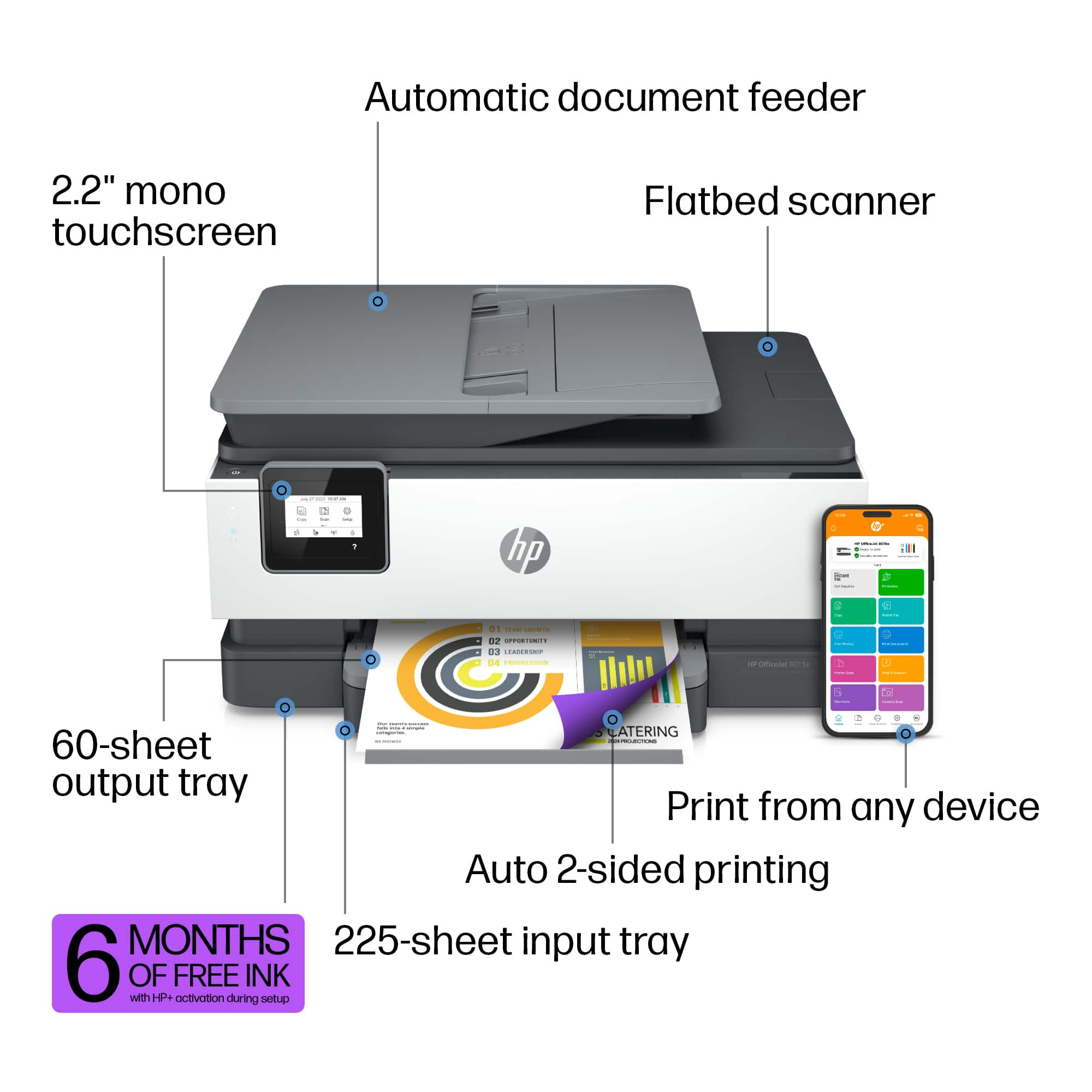
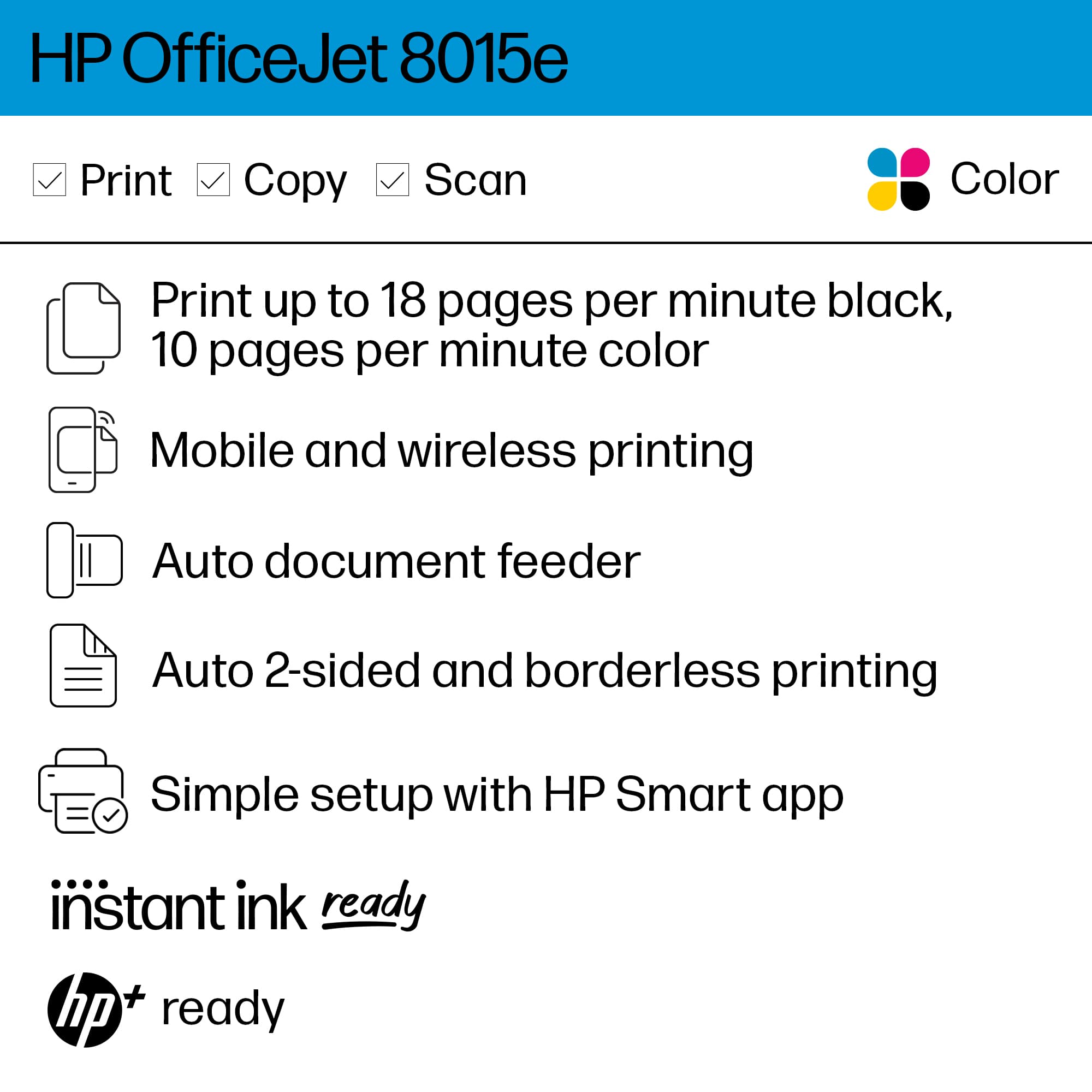
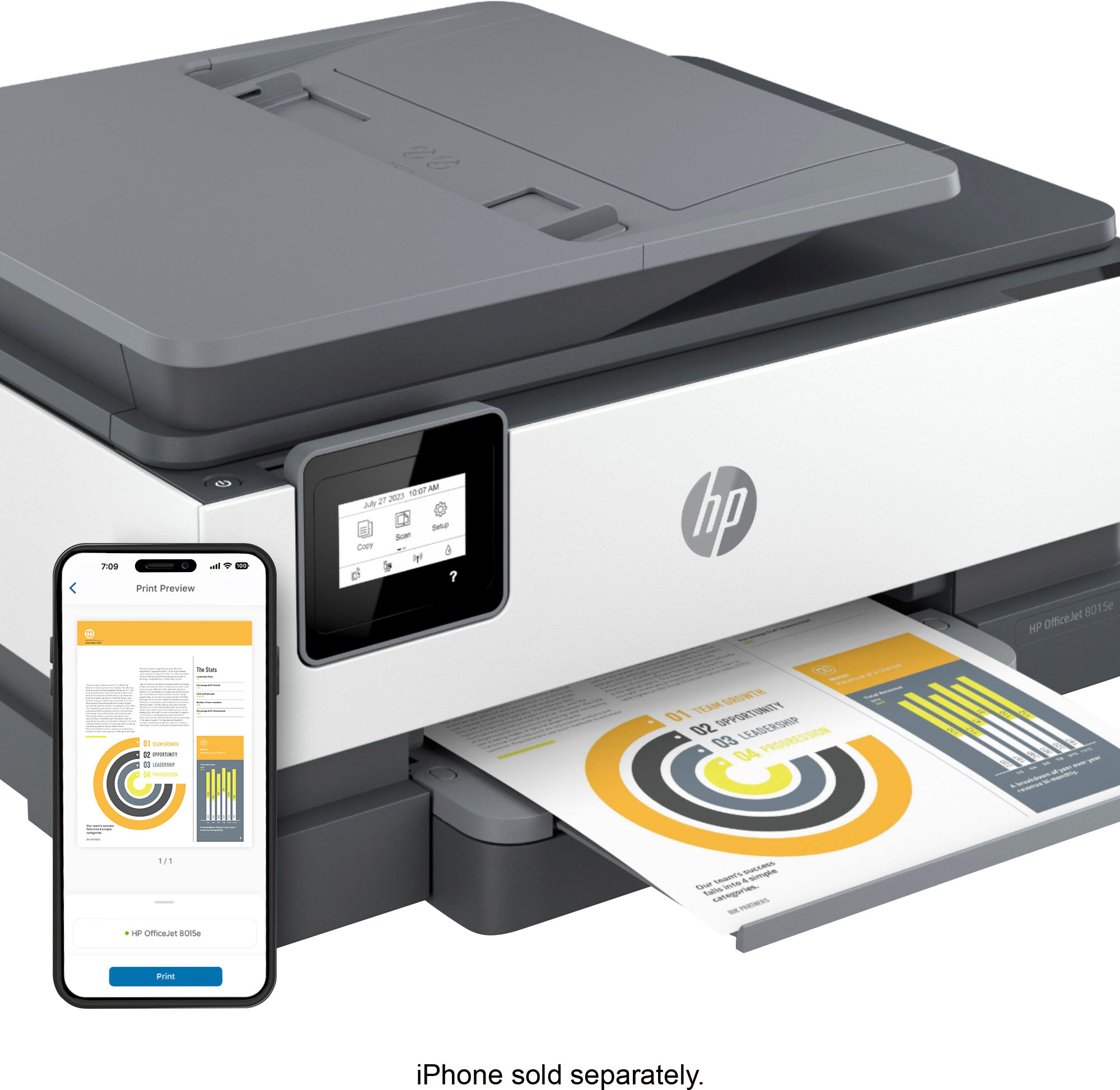
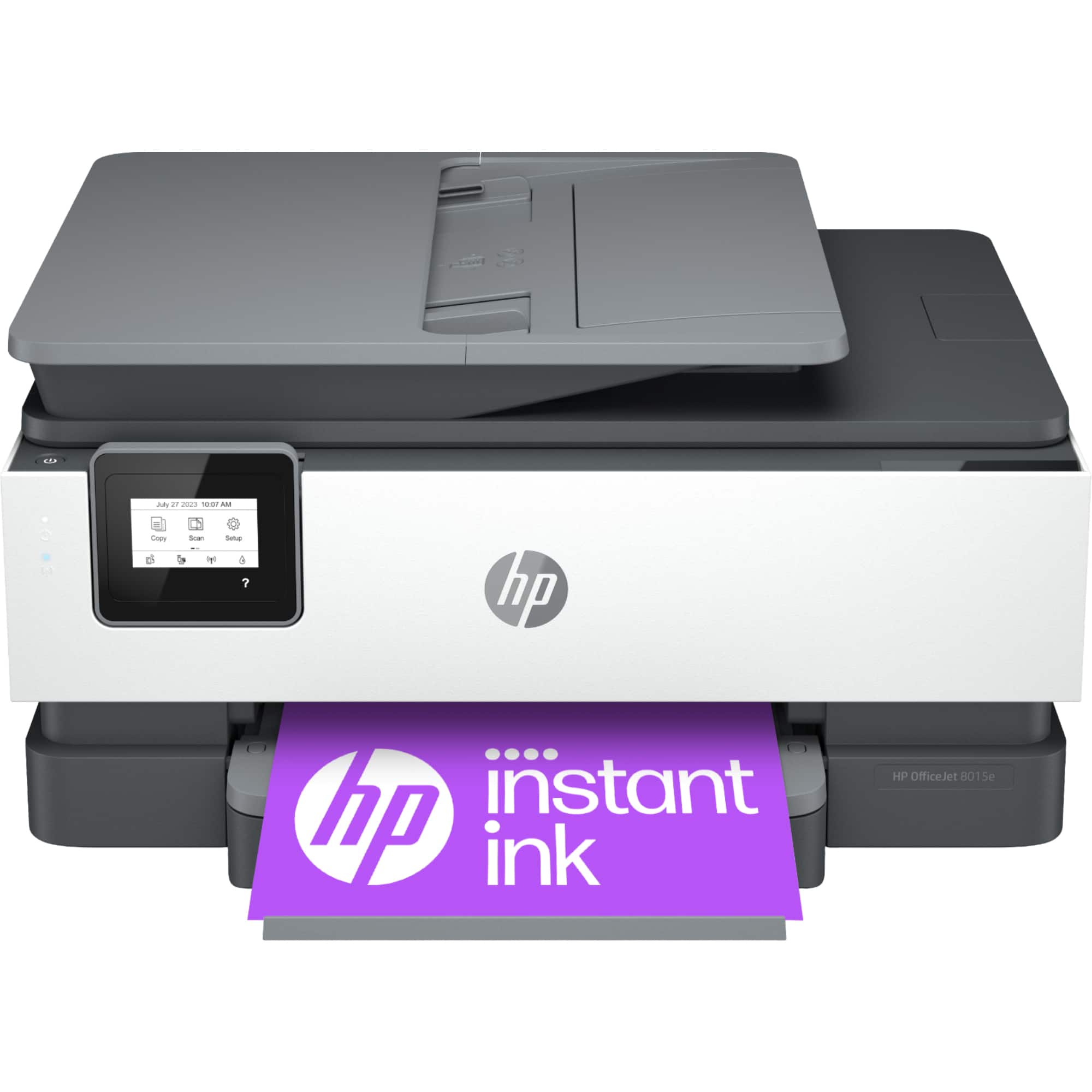
A:AnswerThank you for the question. Yes, the HP OfficeJet 8015e printer is compatible with macOS 11 or higher for the MacBook; and iOS 15.0 or later for the iPhones and iPads. We recommend using the HP Smart app.
A:AnswerThank you for your question on this OfficeJet Pro printer! This only prints up to legal size. The HP OfficeJet Pro 9730e is the only HP inkjet model that prints on 11x17 paper and it is sold through Best Buy.
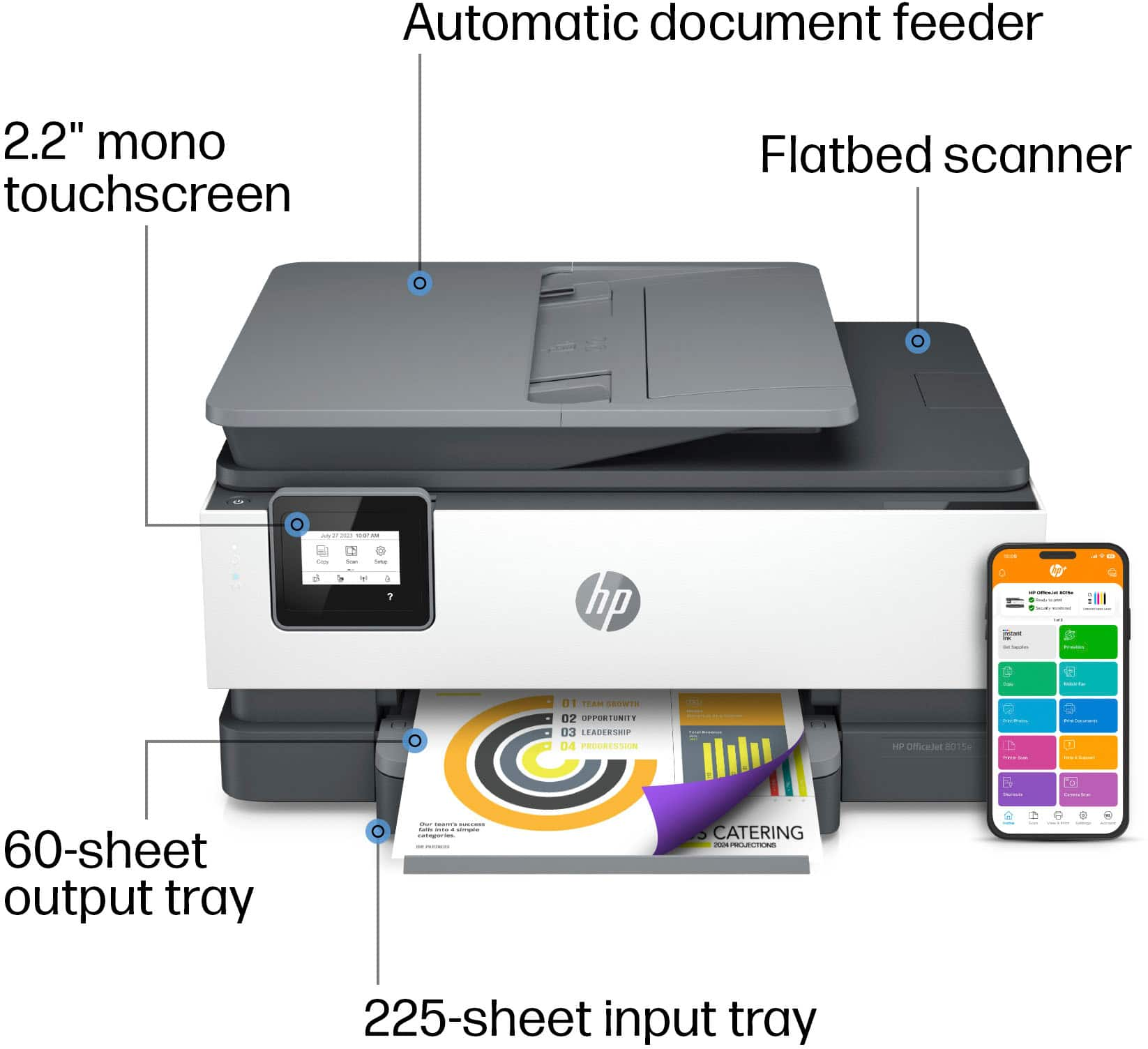
A:AnswerHello drew and thank you for your question. The OfficeJet 8015e cannot print on PVC business cards. It will print on the following media types: Plain Paper, HP Photo Papers, HP Matte Brochure or Professional Paper, HP Matte Presentation Paper, HP Glossy Brochure or Professional Paper, Other Photo Inkjet Papers, Other Matte Inkjet Papers, Other Glossy Inkjet Papers, Thick Plain Paper, Light/Recycled Plain Paper, HP Tri-fold Brochure Paper, Glossy.
A:AnswerHello and thank you for asking. You may purchase a Geed Squad Product Replacement plan from Best Buy for the hP OfficeJet 8015e. Please contact Geek Squad at your local Best Buy for more information.

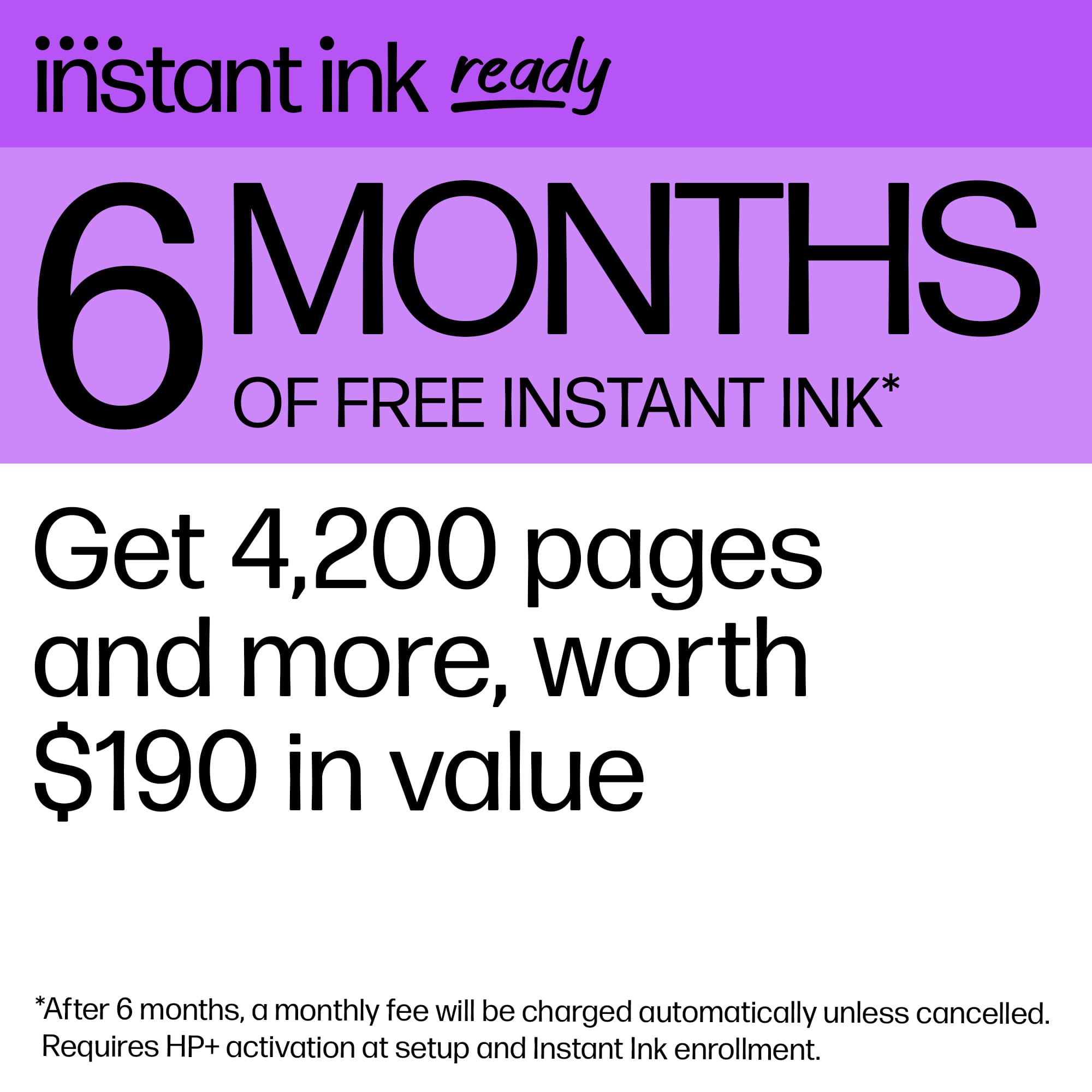
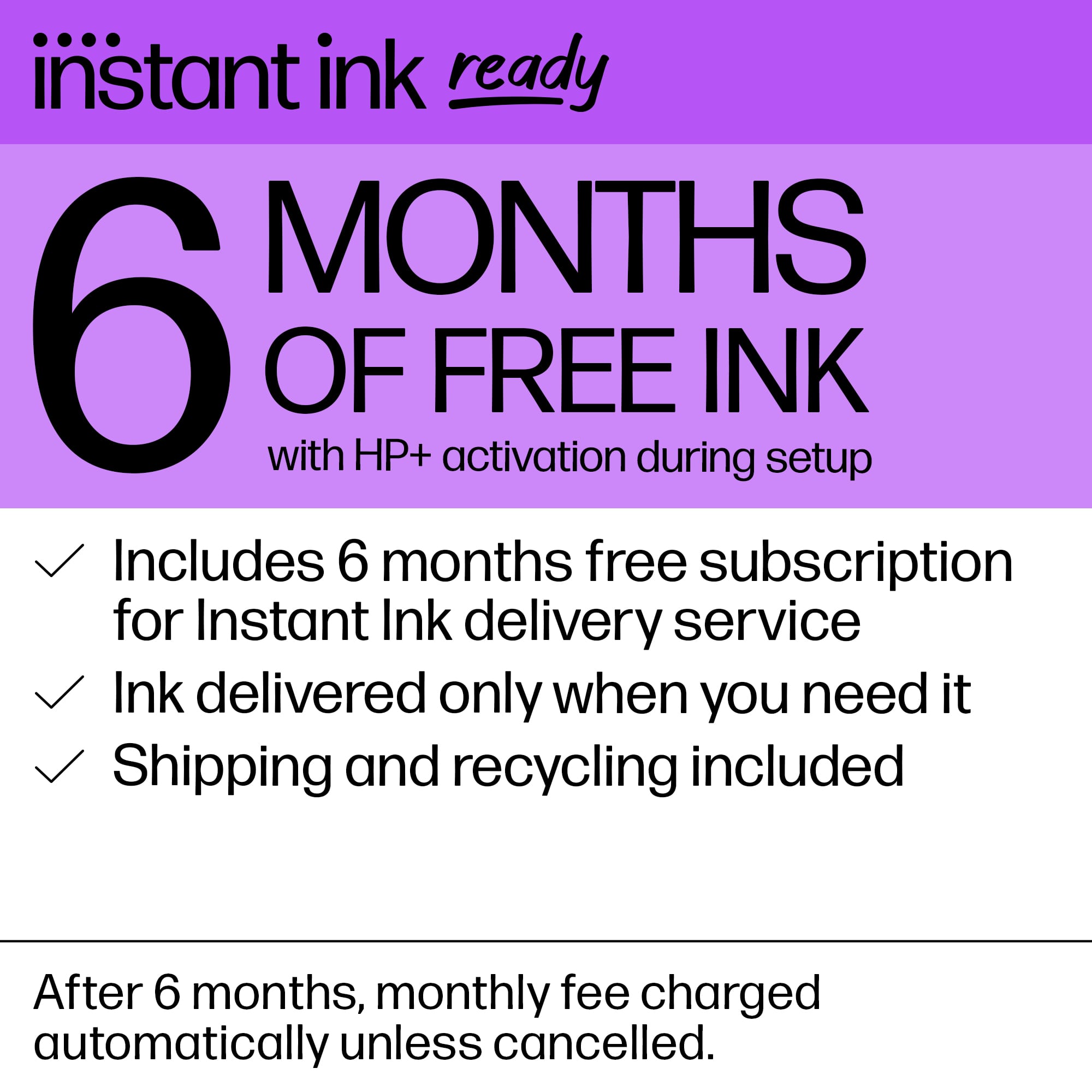
A:AnswerHi, Busy, and thanks for asking about the ink that comes with the printer. They're not really "teaser" cartridges. The inks that come with the printer are about 2/3 of the fill of the standard cartridges. It's impossible to say how many ink cartridges you'll get in the 6 month trial period because it's based on the number of pages you plan on printing each month. So, if you set up the plan to print 300 pages per month, you're obviously going to get shipped more ink than if you plan on printing 20 pages per month. The least expensive plan is $1.49/month, but that is only good for 10 pages per month. The best deal for home printing is the 100 page a month plan, which runs $6.99 per month.
A:AnswerThank you for your question. Yes, this Officejet 8015e can print business cards and also on the following media types. Plain Paper, HP Photo Papers, HP Matte Brochure or Professional Paper, HP Matte Presentation Paper, HP Glossy Brochure or Professional Paper, Other Photo Inkjet Papers, Other Matte Inkjet Papers, Other Glossy Inkjet Papers, Thick Plain Paper, Light/Recycled Plain Paper, HP Tri-fold Brochure Paper, Glossy.