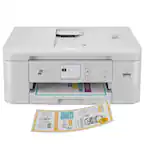
A:AnswerThanks for asking the question. No, you don't need Windows 11 to use this printer. Your Windows 10 computer will work perfectly fine with this printer.
A:AnswerHello and thanks for asking. The HP OfficeJet Pro 8135e can resize copies from 25 to 400%. The user guide for that model is available online from HP Support, or you may contact them directly.
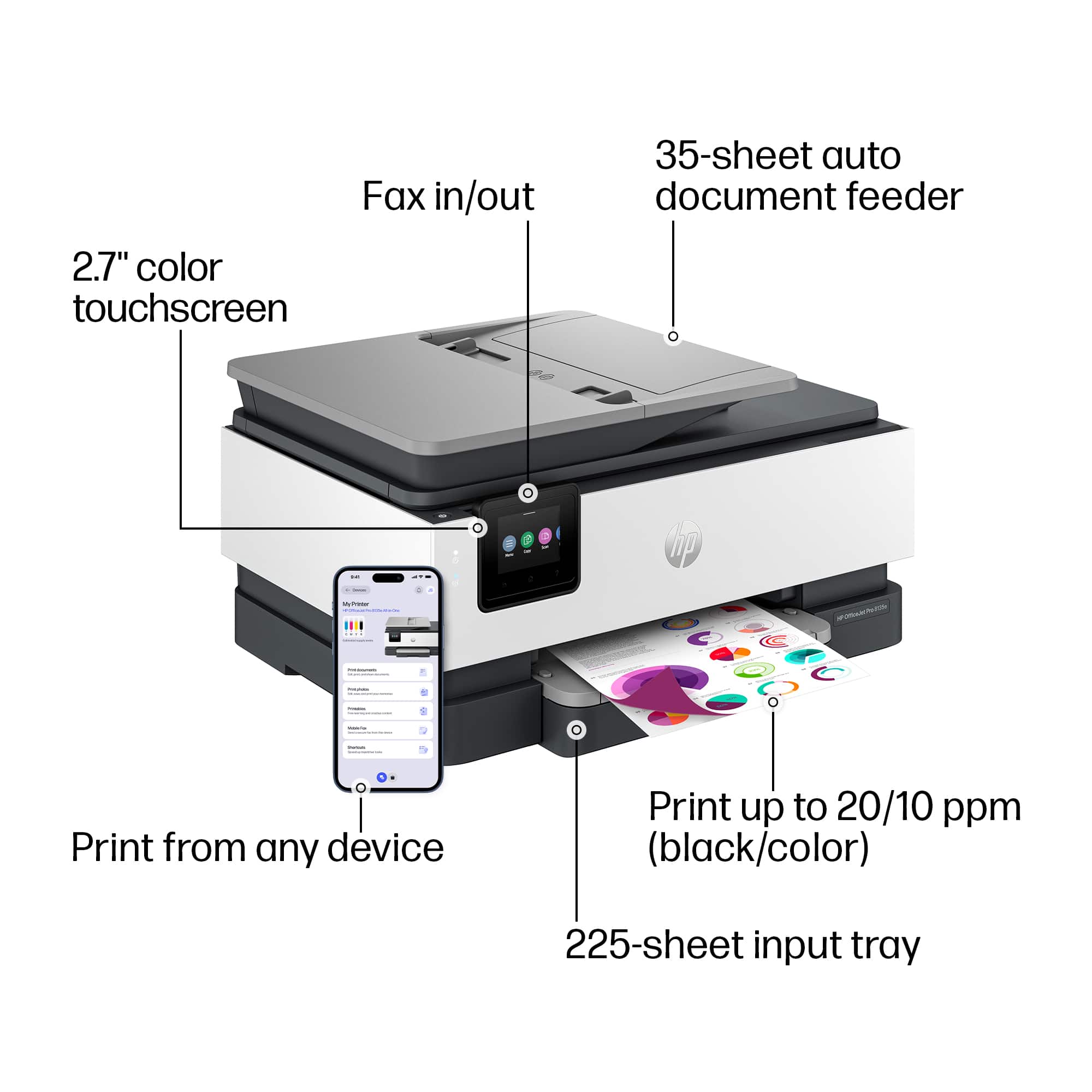
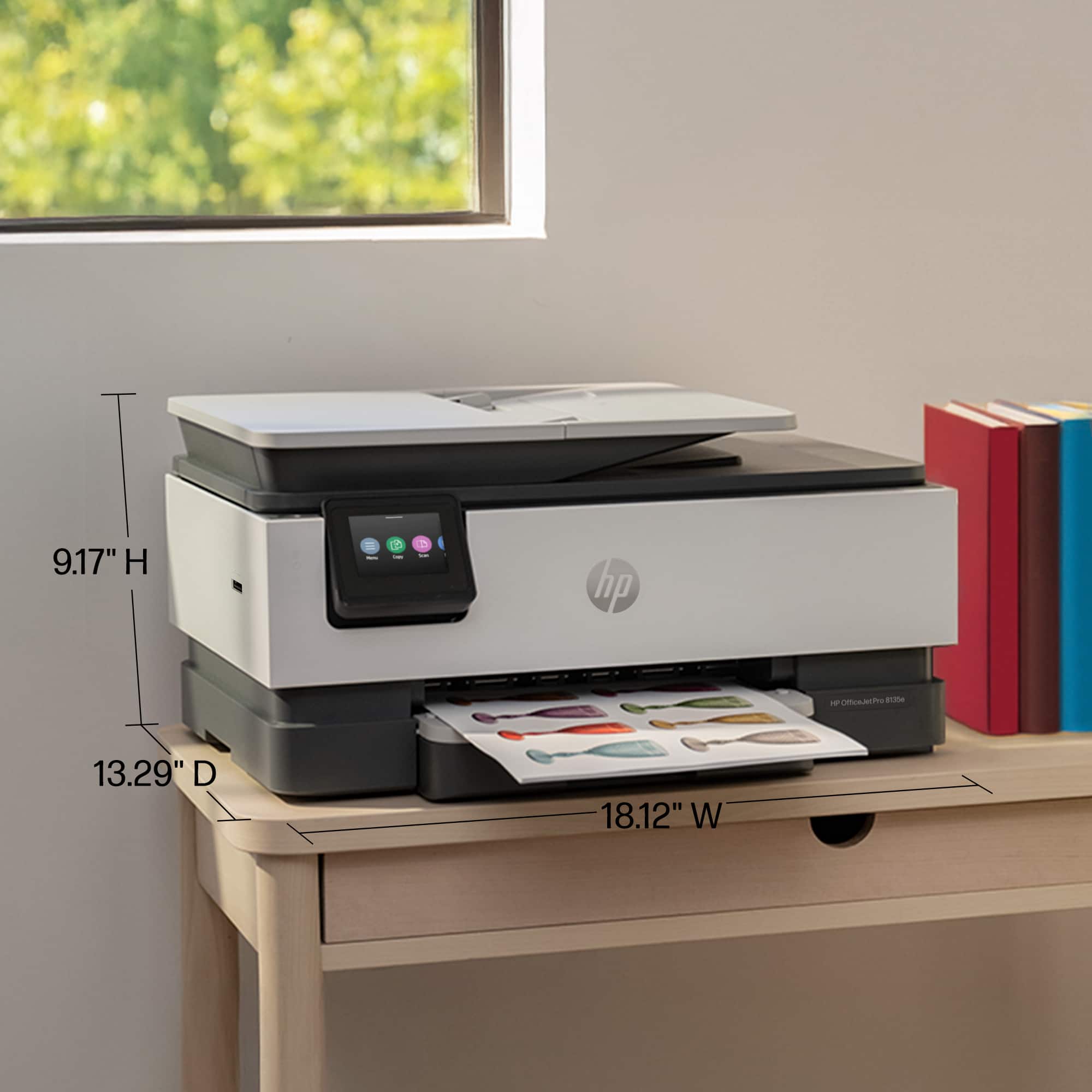
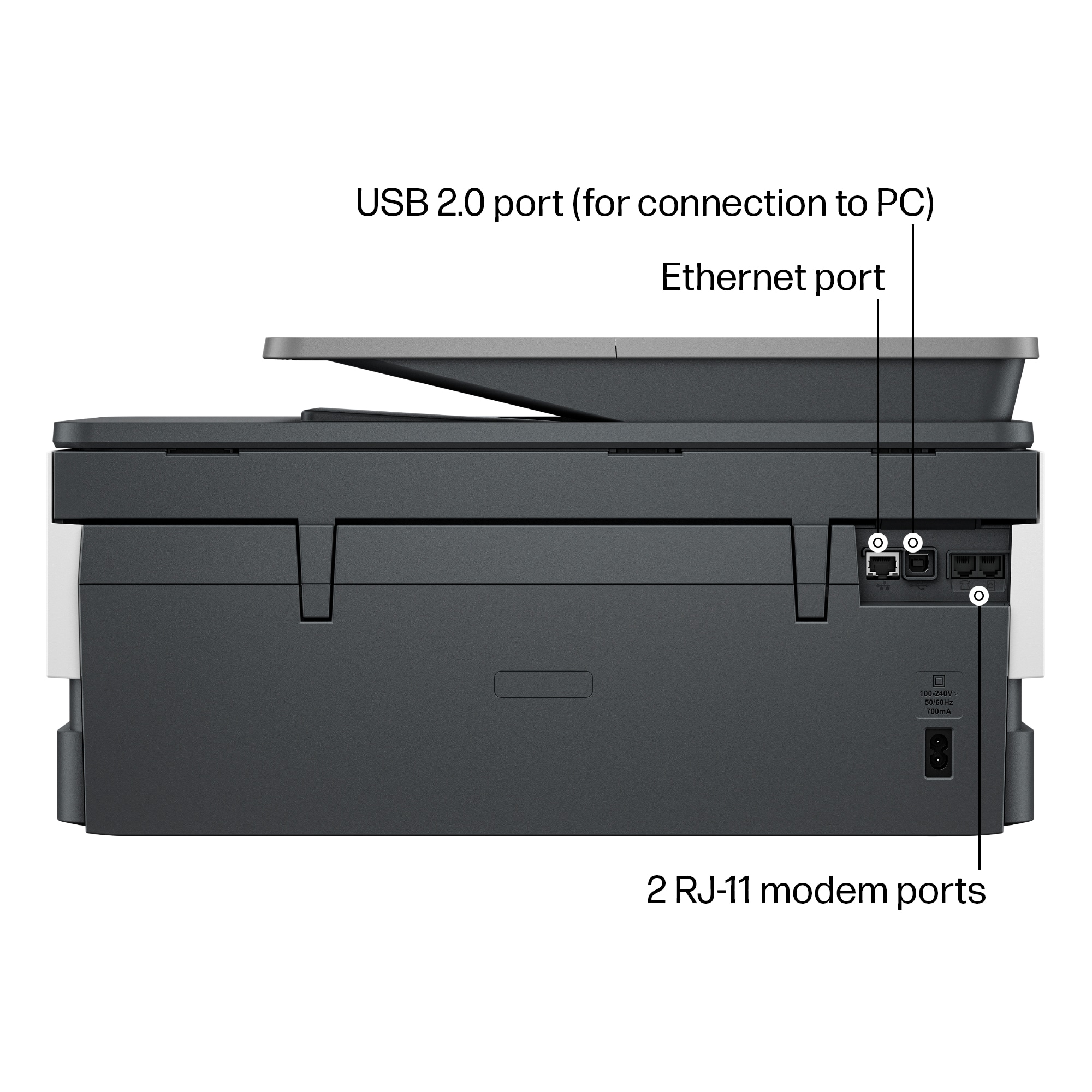
A:AnswerThank you for your question. The Officejet Pro 8135e printer is wireless and does not need a cable to connect to your computer. However, you can use a USB printer cable if you would like which is not included in the purchase of this printer.
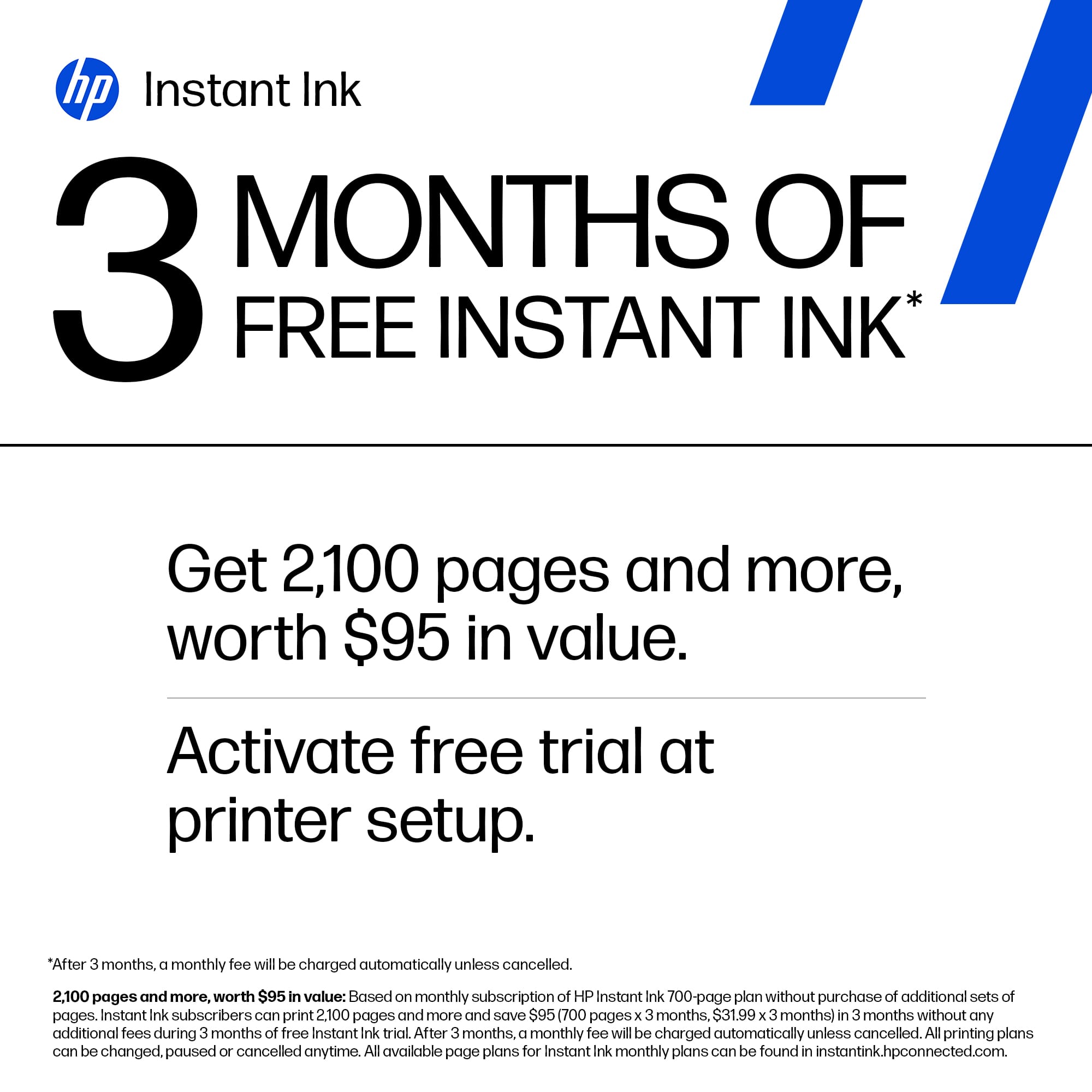
A:AnswerThank you for asking about that. No, you can connect to the printer with a USB cable if you want, but you'll need to periodically connect to the wireless network to take advantage of the Instant Ink promotion.
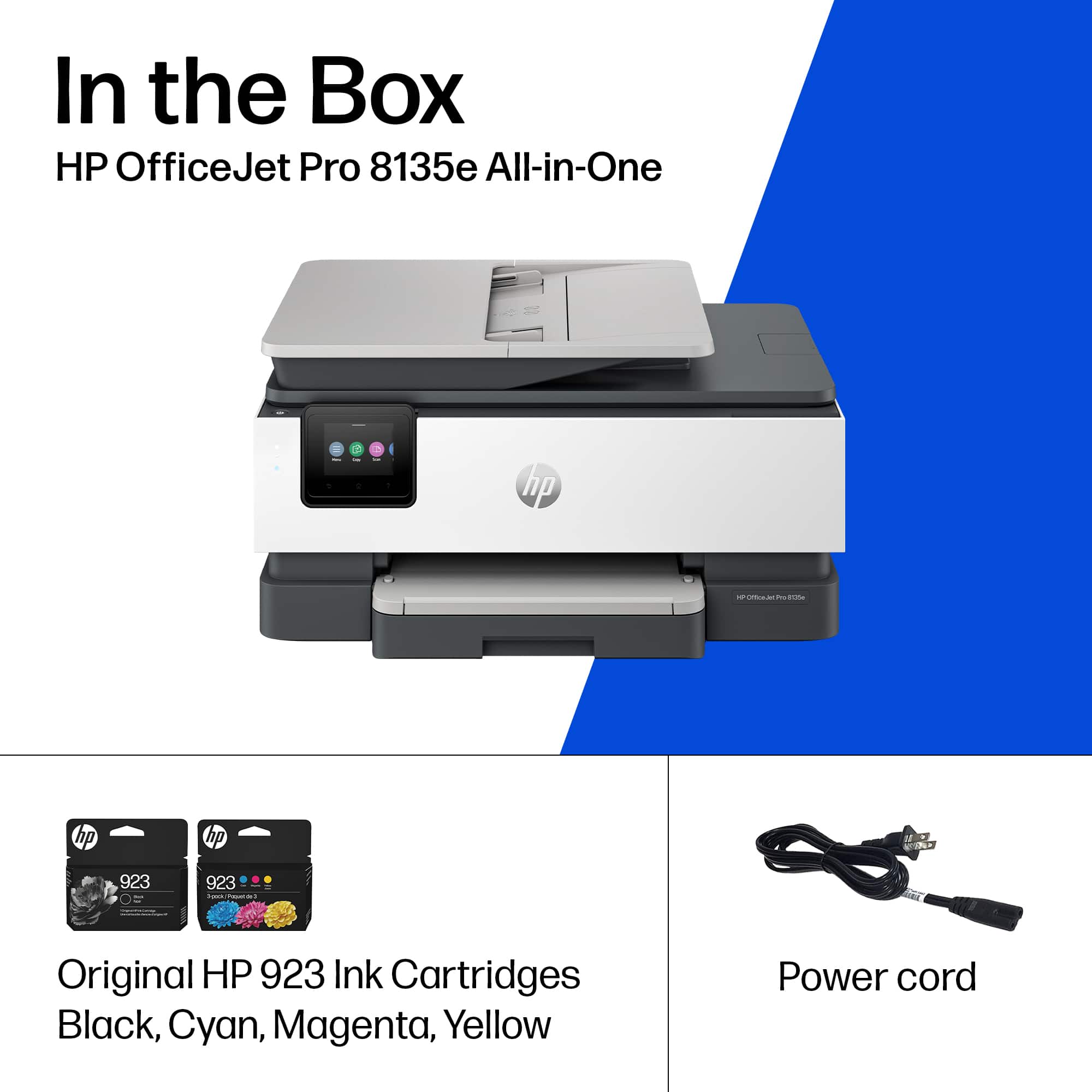
A:AnswerHello and thank you for asking. No current HP printer, including the OfficeJet Pro 8135e, are able to use HP 950/951 ink cartridges as printers that did were discontinued about 10 years ago.
A:Answer1. Remove existing paper from paper feed tray.
2. Place the envelope(s) face down, top to the left, into the paper tray.
3. Change paper type to "Plain paper, thick" and the paper size to the envelope size you're using.
4. Print your envelope(s).
A:AnswerThey won't allow me to comment on the HP reply, so I will add the information here. I am not talking about the paper width. It is the paper length that has the problem. The paper tray is missing a lock to allow for 11" long paper.
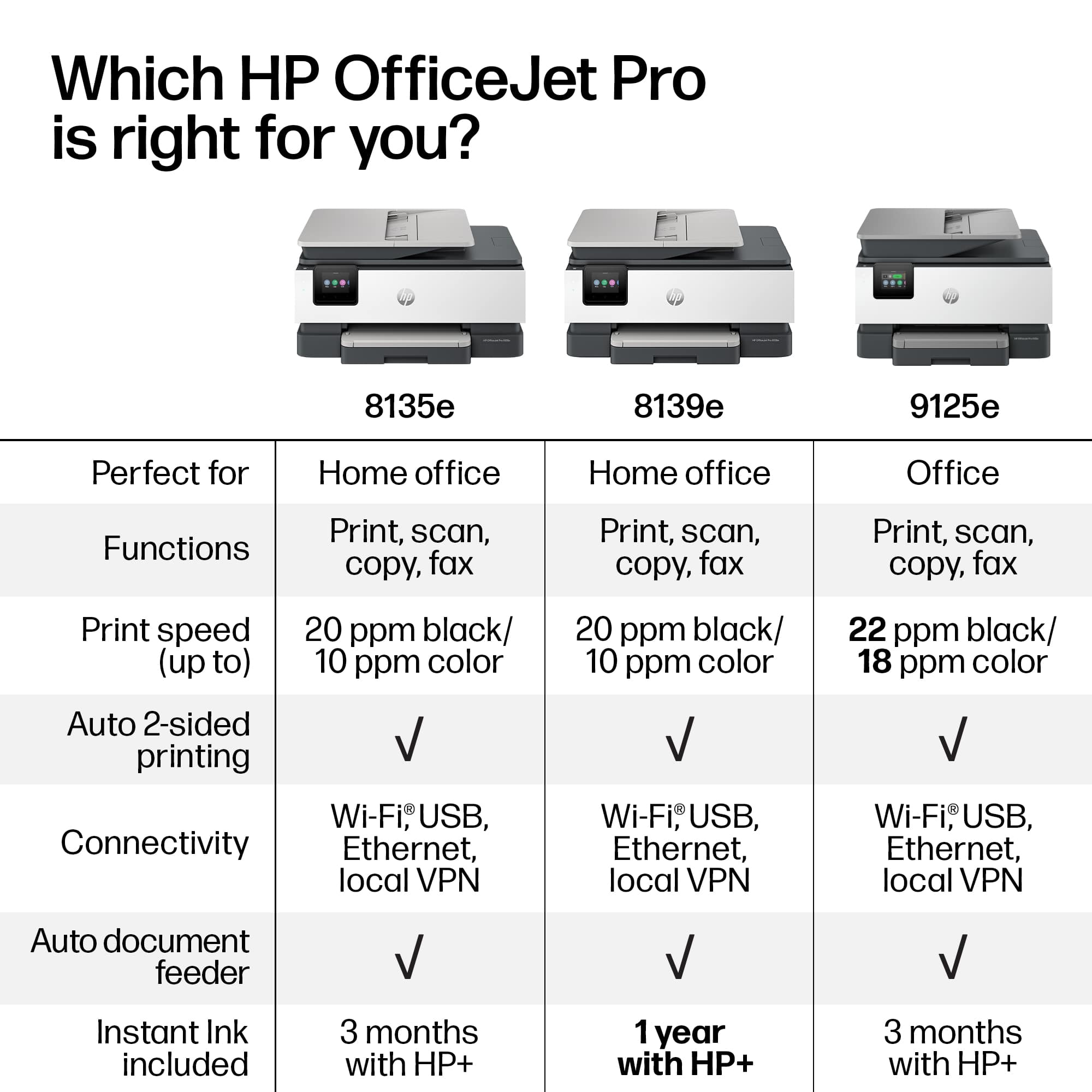
A:AnswerHello, and thank you for your question! The HP OfficeJet Pro 8135e comes with 3 free months of HP Instant Ink included with HP+. The HP OfficeJet Pro 8139e comes with 12 free months of HP Instant Ink instead.