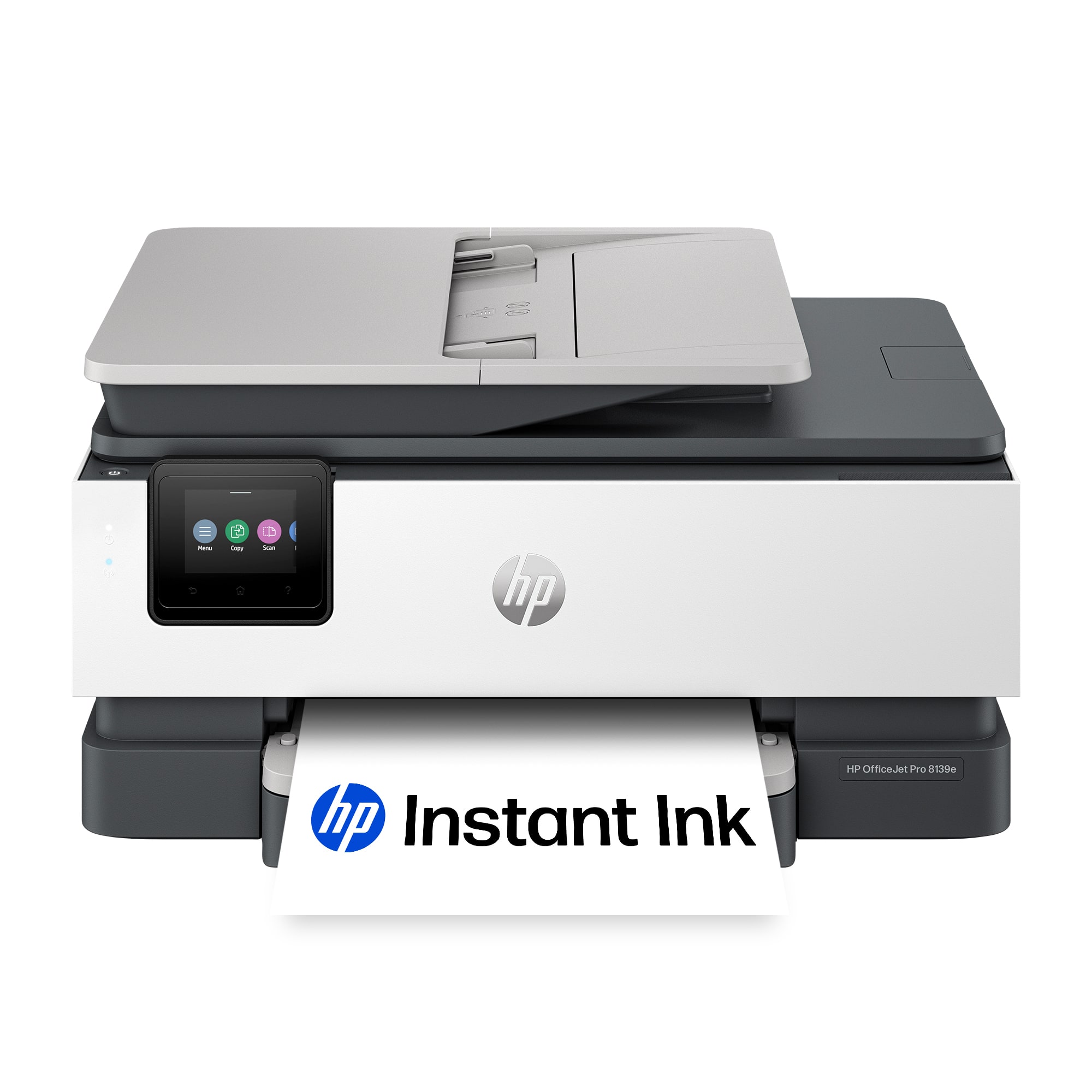
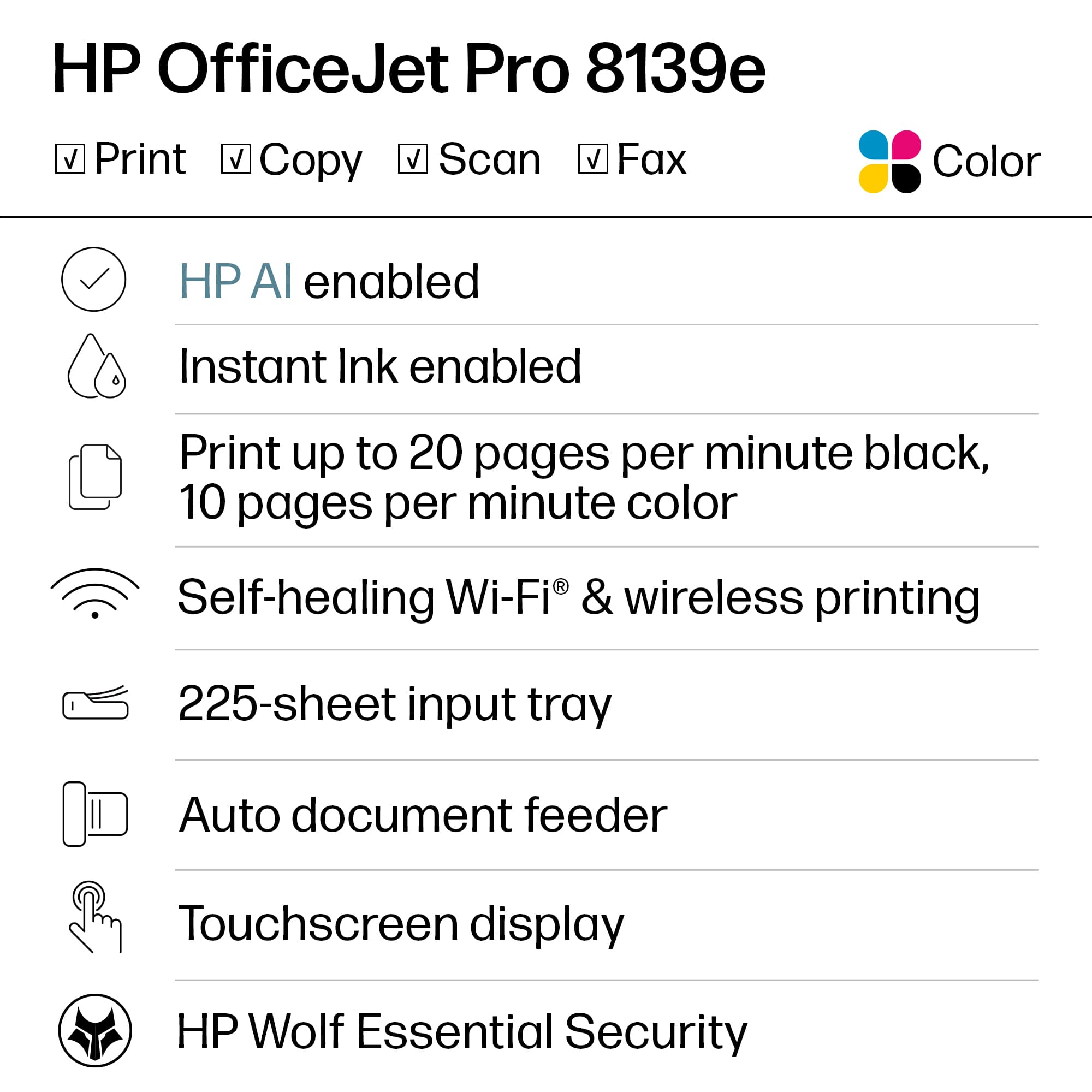
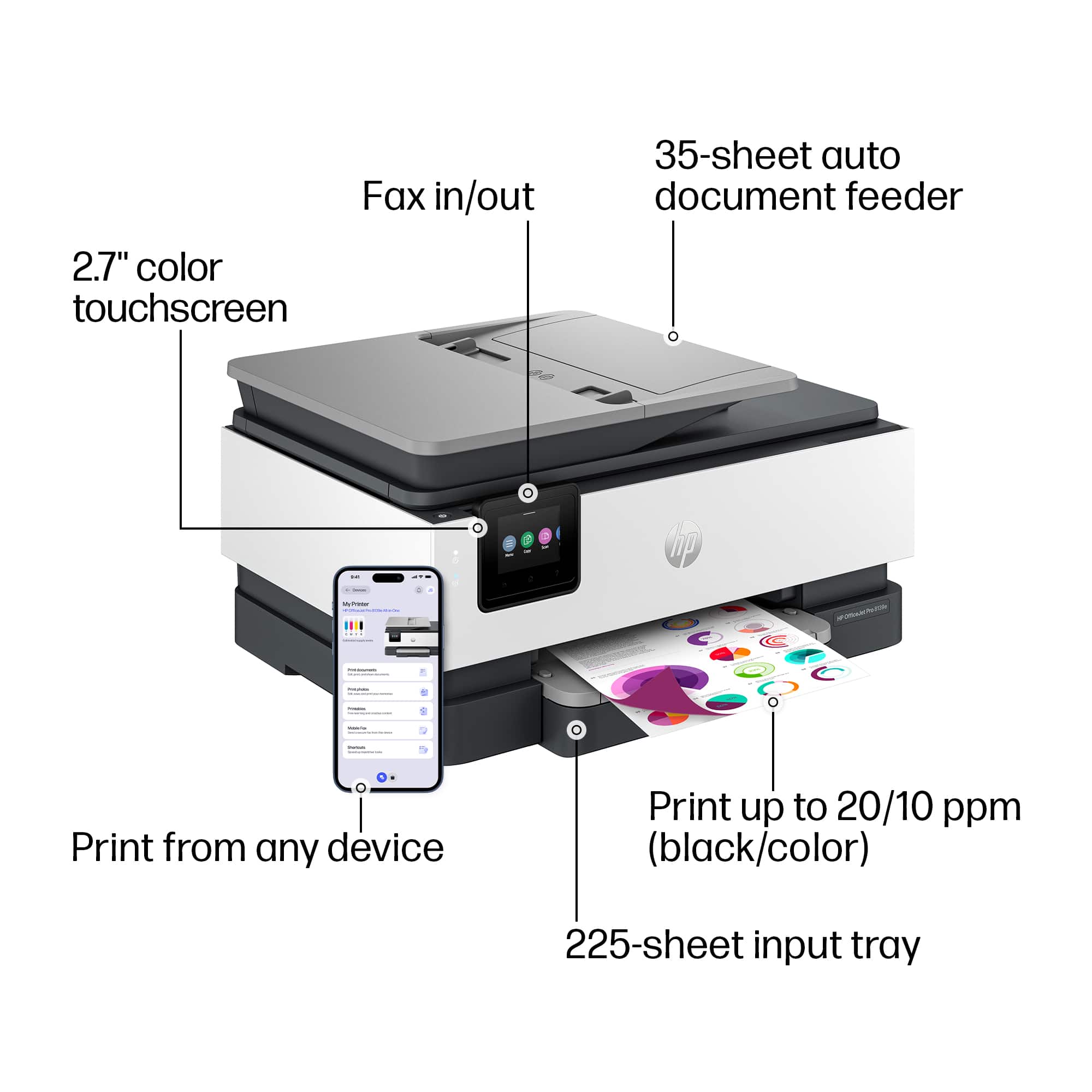
A:AnswerHello Cyndi, thanks for your question! Although there is no limit to how many devices can be connected to this HP OfficeJet Pro 8139e printer, there is a limit of up to 5 print jobs being actively sent, from any connected device, for the best user experience with the printer.
A:AnswerThank you for the question. The recommended paper weights for the OfficeJet Pro 8139e are: 16 to 28 lb (plain paper); 60 to 75 lb (photo); 20 to 24 lb (envelope); 90 to 110 lb (card)
A:AnswerI have mine connected to my 5g network. But my 5g has the option to switch between 5g and 2.5g I have mine set so that it chooses winch one to connect to.
A:AnswerHello and thank you for asking. The HP OfficeJet 8139e printer, along with all current HP printers, are compatible with Macs running macOS 11 and higher, including macOS 14 Sonoma.
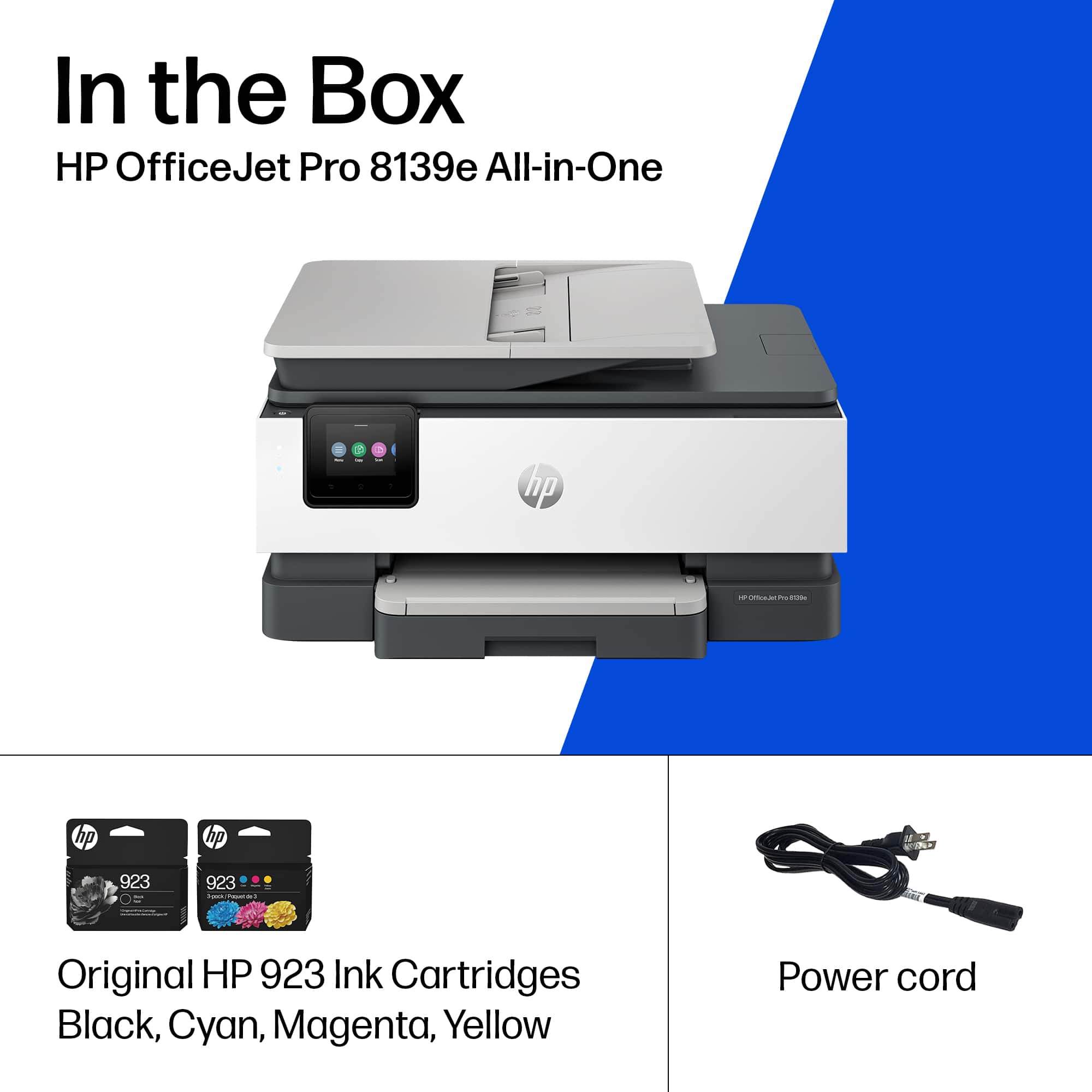
A:AnswerI'm not seeing anything that indicates that it will, but the 8139e comes with its own power cord that I know will work with it. Thanks for asking the question.
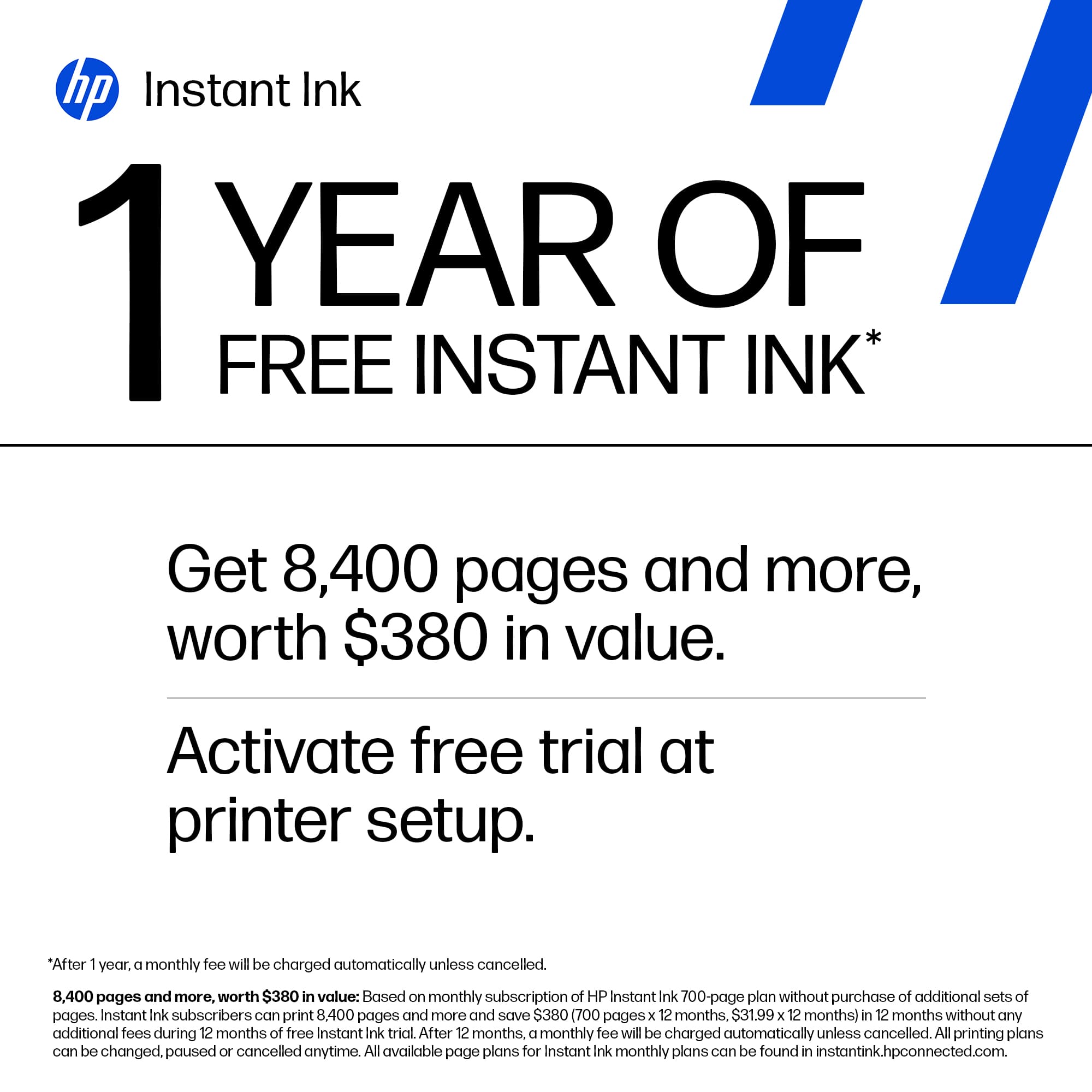
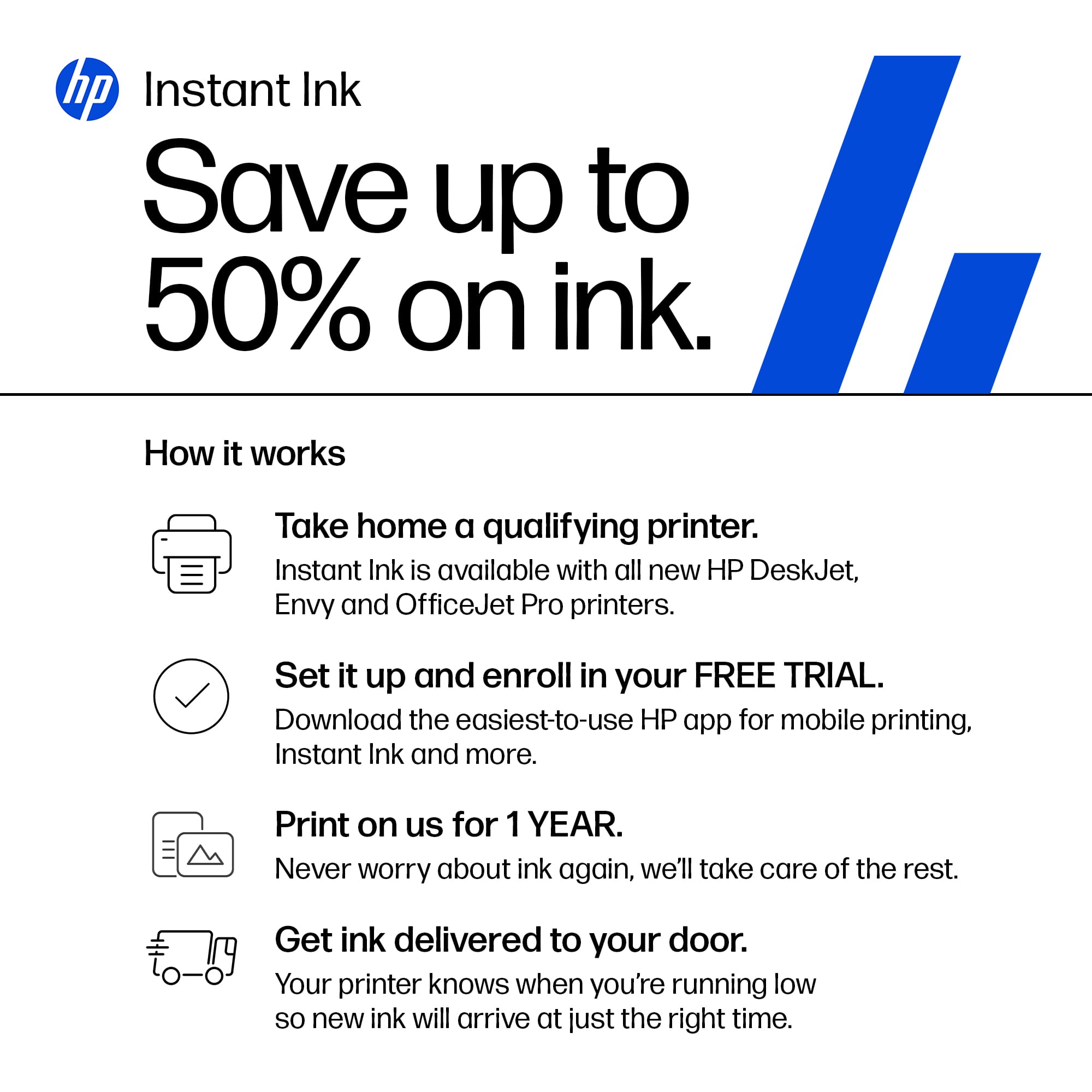
A:AnswerThank you for your question. After the free year of HP Instant Ink, you can subscribe to a plan that suits your needs. HP will notify you via email. You can also check pricing and plans by searching for HP Instant Ink here on Best Buy's website. Additionally, you can purchase the HP 923 or 923e ink cartridges in stores. HP+ is free and offers an additional year of warranty when you use only Genuine HP ink in the printer. You also get advanced scanning features in the HP Smart app.