Questions & Answers
- Model:
- OFFICEJET PRO 8139E/40Q51A#B1H
- |
- SKU:
- 6565474
Q: QuestionWill this printer airprint from and apple mobile device
Asked by Anonymous.
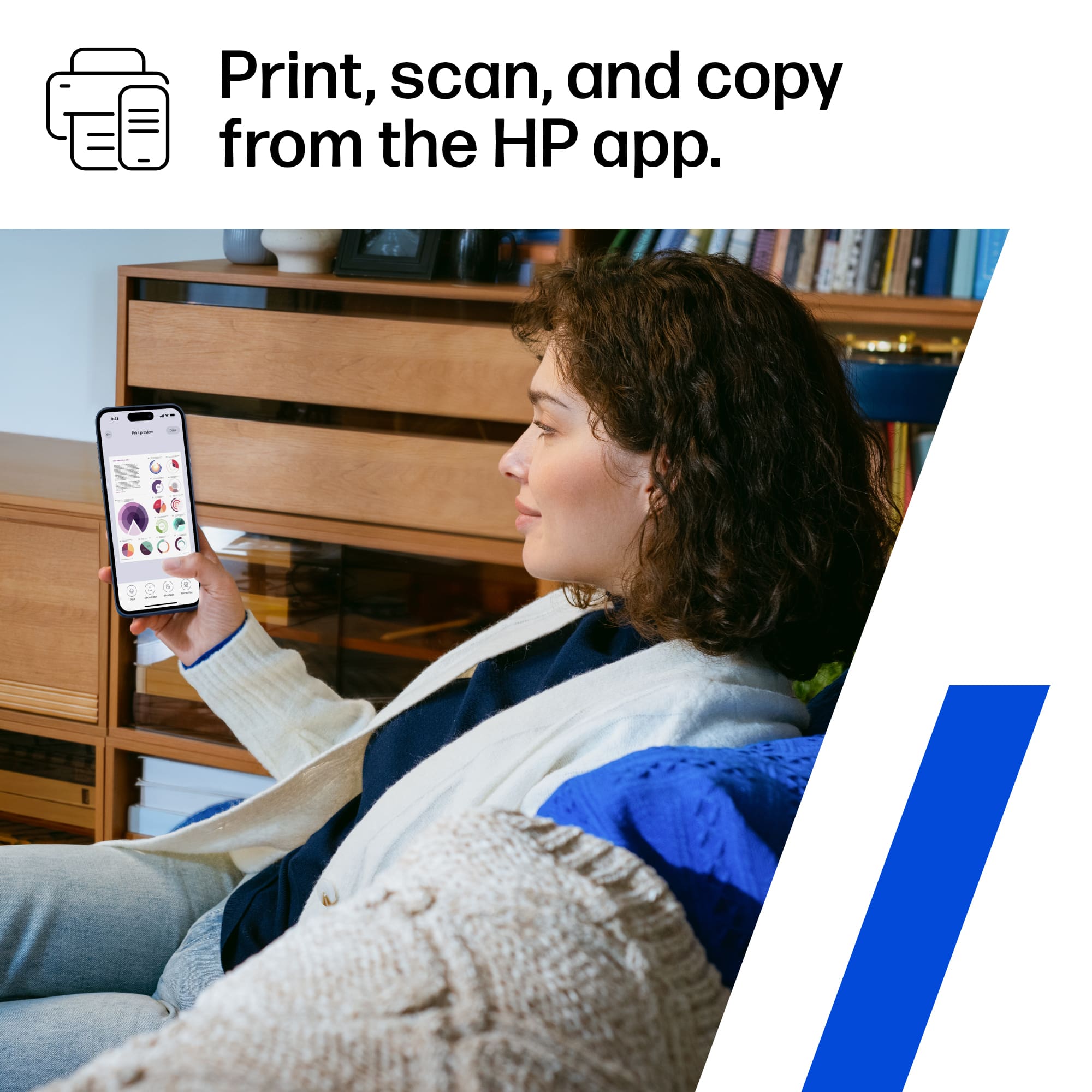
- A:Answer Hello and thank you for your question. The OfficeJet Pro 8139e will work with Apple AirPrint and Print from your iPhone.
Answered by HP Team

Q: QuestionI use an older Mac computer with Catalina ver 10.15.7 operating system. Is the HP 8139e printer compatible with the operating system on my Mac computer? If not, which all in one HP printer is compatible
Asked by Anonymous.
- A:Answer Thank you for your question on this HP OfficeJet Pro printer and your question on its compatability! This is not compatible with Mac OS Catalina. The models remaining that will work with Catalina are the Envy and Envy Inspire series printers.
Answered by HP Team

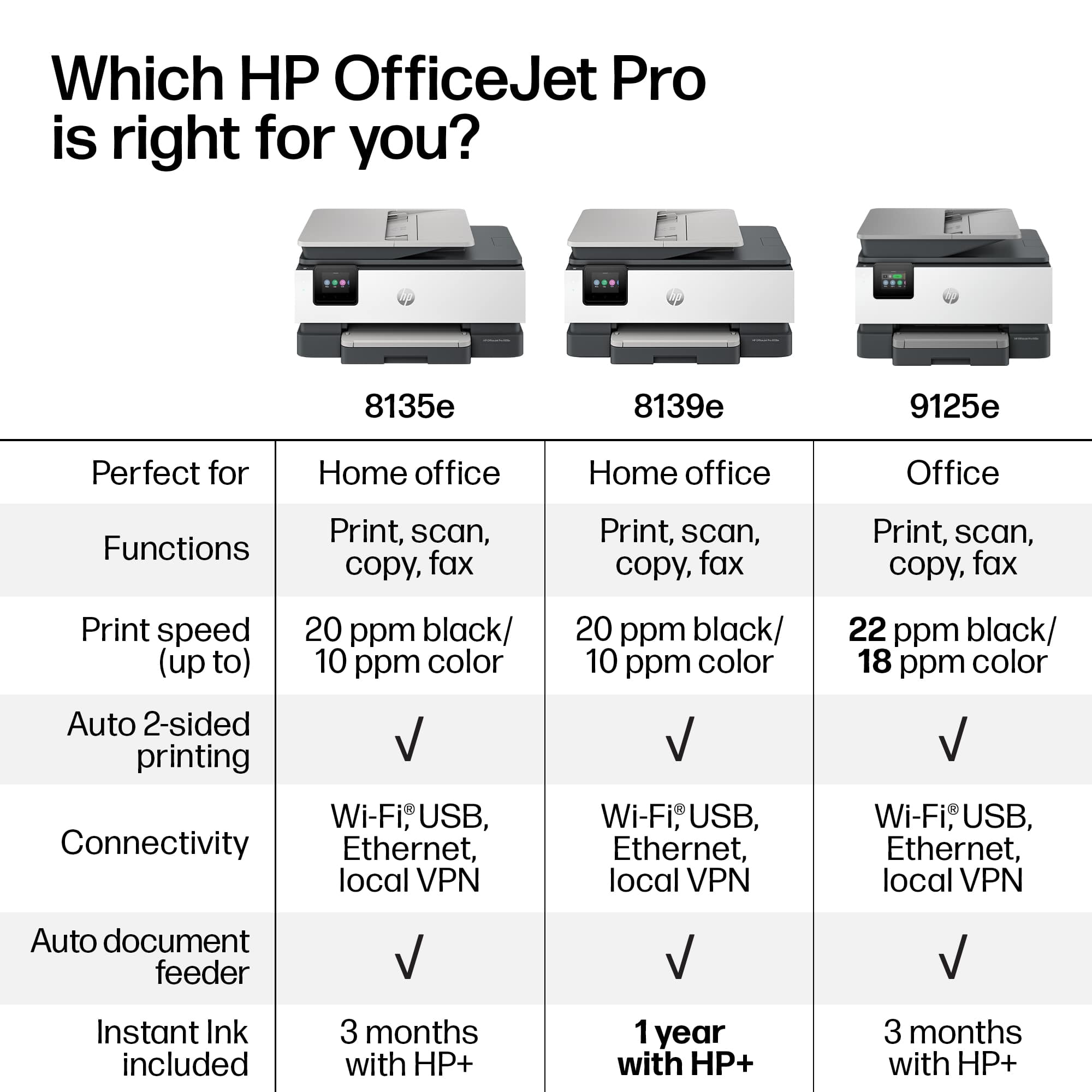
Q: QuestionDoes this print double sided?
Asked by Anonymous.
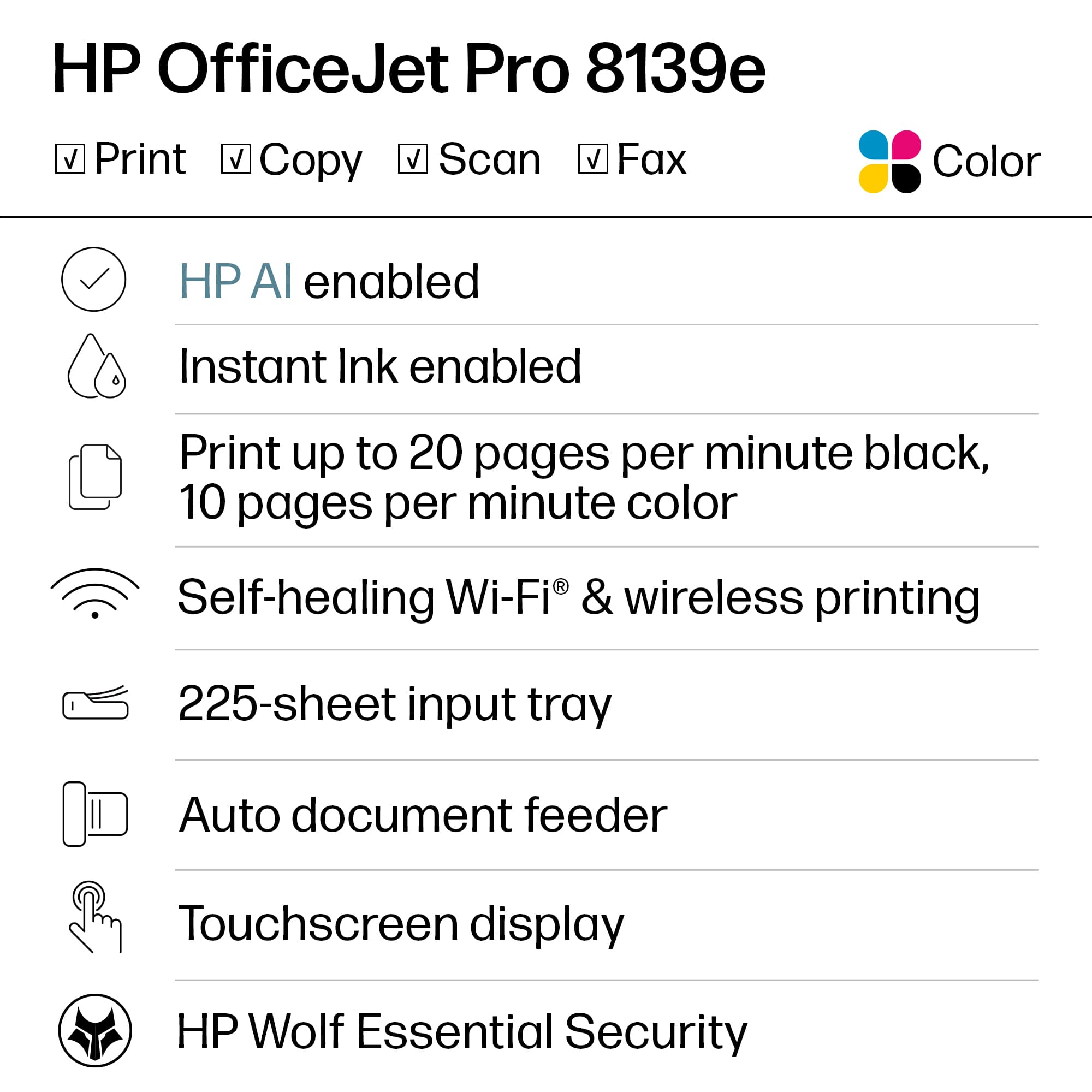
- A:Answer Thank you for your question about this HP OfficeJet Pro printer! Yes, this printer will print both sides automatically!
Answered by HP Team

Q: QuestionWhat HO Printers will work with the MS Surface Pro X tablet?
Asked by Buddy.
- A:Answer n/a
Answered by user461629
Q: Questionhow do I delete the information from the internal memory storage?
Asked by kwokcyoung.
- A:Answer Thank you for your concern about printer security! The OfficeJet Pro 8139e is equipped with a small amount of volatile memory that clears when a print job is finished. This is similar to the memory of a computer, which clears when you close a program, turn it off, or unplug it.
Answered by HP Team

Q: Questiondoes this work Smith MacBook air M-2
Asked by booboo.
- A:Answer Thank you for your question. Yes, the OfficeJet Pro 8139e printer is compatible with the MacBook Air M-2.
Answered by HP Team

Q: Questiondoes HP offer recycling discounts
Asked by gale.
- A:Answer Thank you for asking. Occasionally, Best Buy offers trade-in discounts for select HP models, and this promotion has a start and end date. Please reach out to Best Buy directly for more information.
Answered by HP Team

Q: QuestionHow loud is the printing and does it make other sounds.
Asked by Jg.
- A:Answer It's very quiet.
Answered by MichaelB
Q: QuestionIs this printer compatible with windows 8
Asked by Anonymous.
- A:Answer Thank you for your question. No, the Officejet Pro 8139e printer is not compatible with Windows 8. This printer requires the Windows 10 or 11 operating system.
Answered by HP Team

Q: QuestionWhen you mention HP+ along with HP Instant Ink what does HP+ refer to?
Asked by Scott.
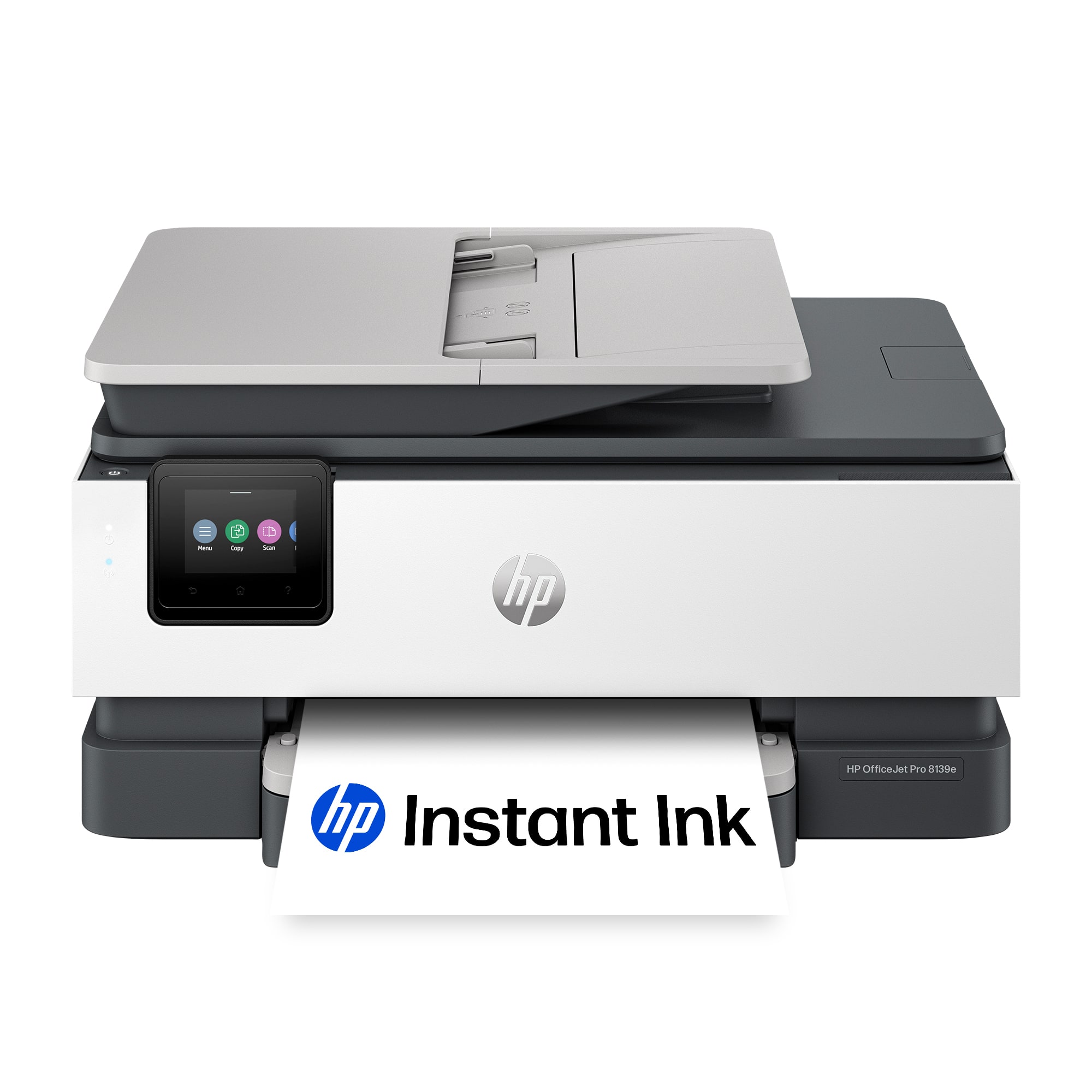
- A:Answer Thank you for the question. HP+ offers many benefits, including: automatically keeping the printer up to date, identifying and fixes connection issues by itself, printing from any device, any app, anywhere, sending mobile faxes from wherever you are, pro-grade phone scanner with the Smart App, enhanced security, never run out of ink with Instant Ink, and an extra year of warranty when you use Genuine HP Ink. HP plants, protects, or restores forests for every page you print - no matter what brand of paper you use.
Answered by HP Team

Q: QuestionWhat color is pack do you purchase for this printer
Asked by StephanieP.
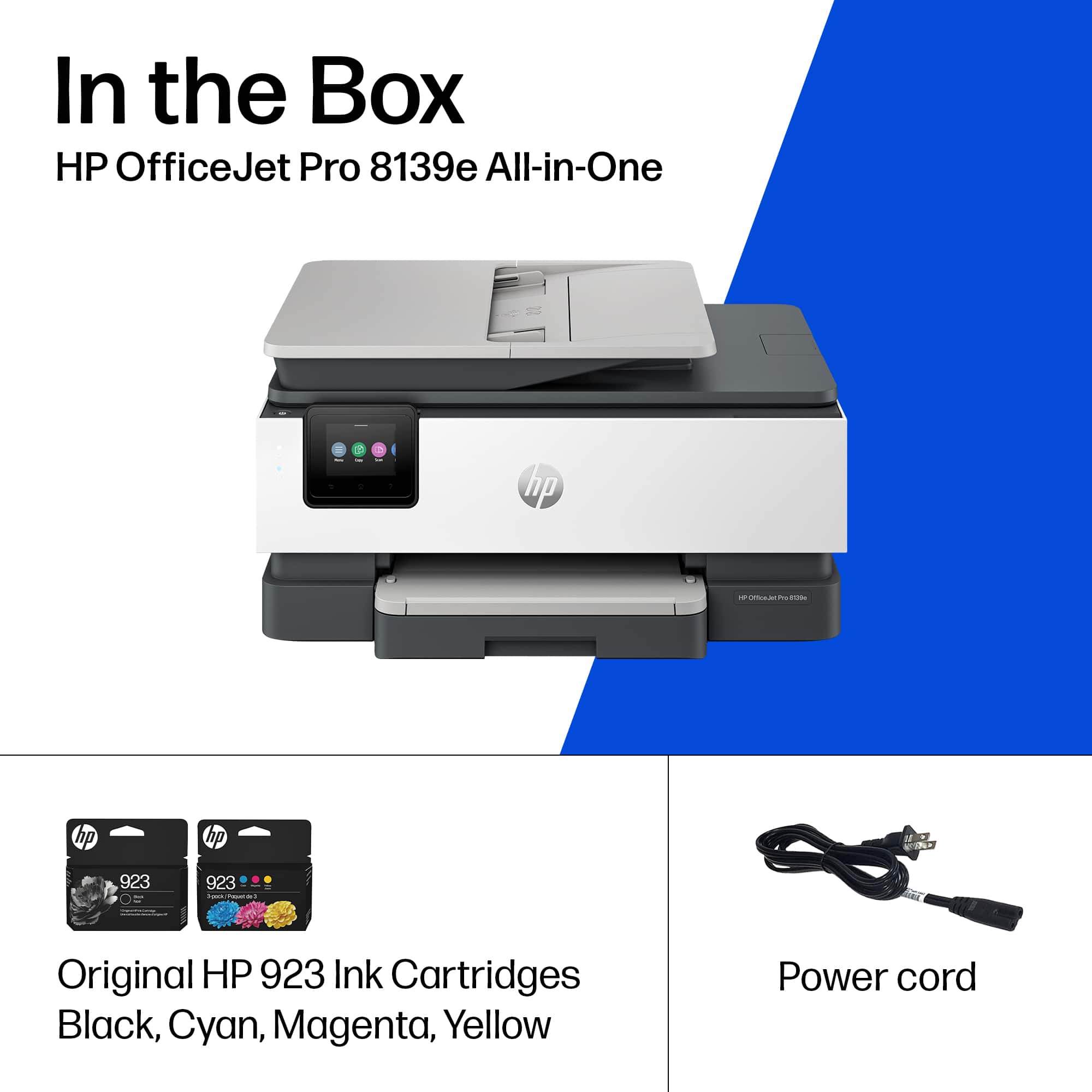
- A:Answer Thank you for the question. The OfficeJet Pro 8139e accepts HP 923 standard yield black and color cartridges, and HP 923e Evomore high-yield black and color cartridges.
Answered by HP Team

Q: QuestionI have VOIP with OOMA, will I be able to send and receive faxes
Asked by Mike.

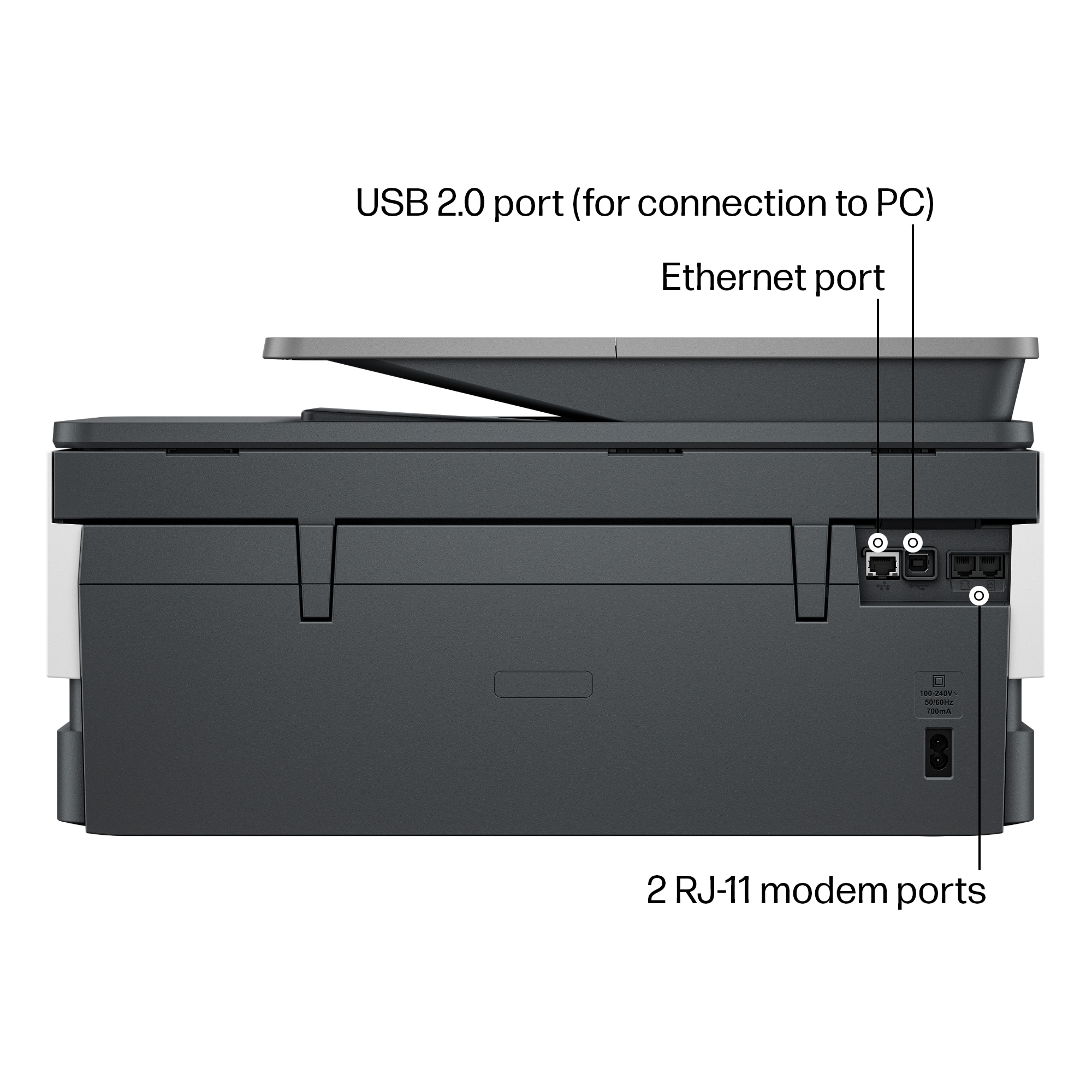
- A:Answer Mike, thank you for your question about faxing via Ooma VOIP. Ooma does support traditional and virtual faxing through its service. A traditional fax would be through this machine's phone jack. You can contact Ooma support for more details about faxing through their service.
Answered by HP Team

Q: QuestionCan you send and receive a fax using wifi?
Asked by Troop.
- A:Answer Yes
Answered by MichaelB
Q: QuestionDoes this printer have the same footprint as the HP Office Jet Pro 2028?
Asked by Falashan.
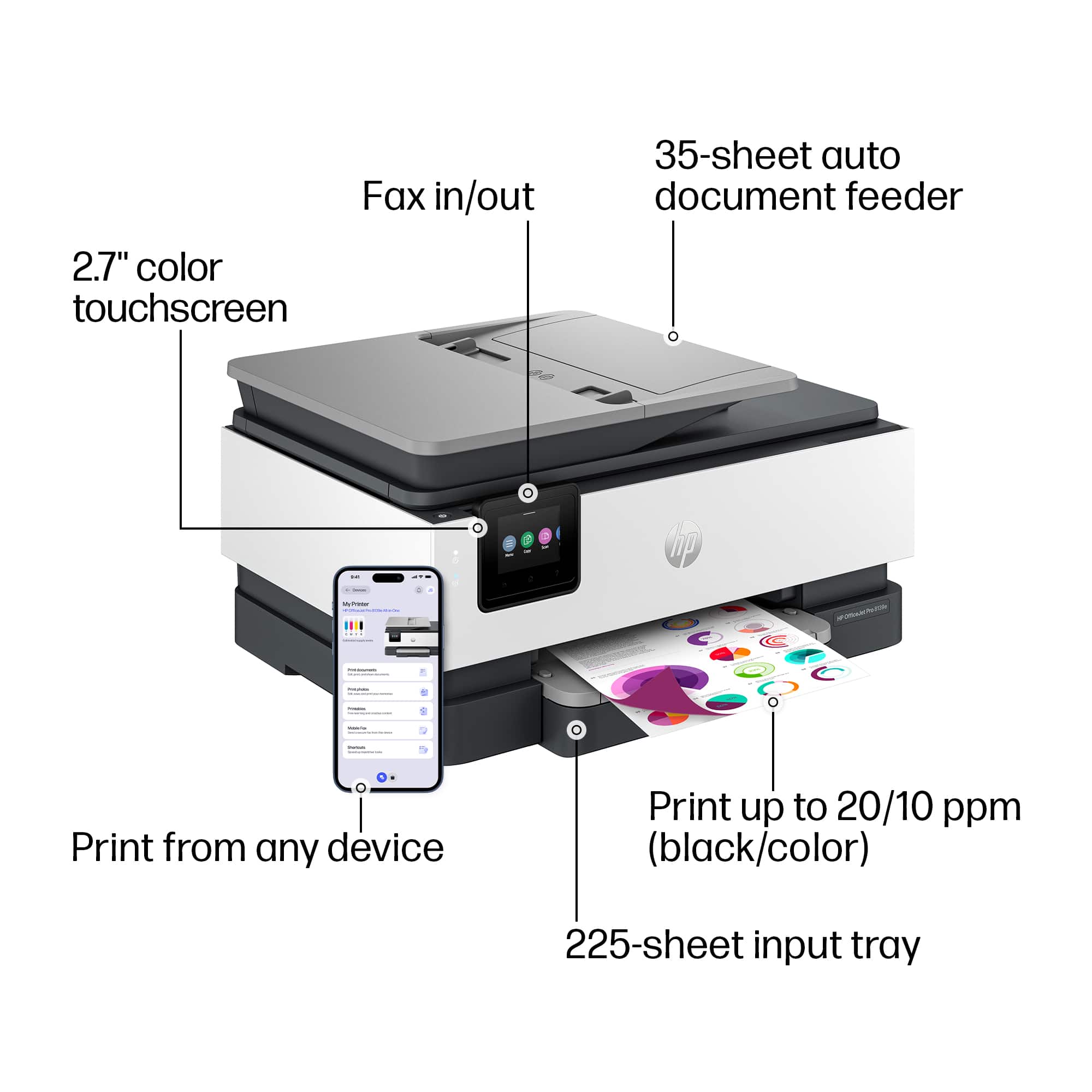
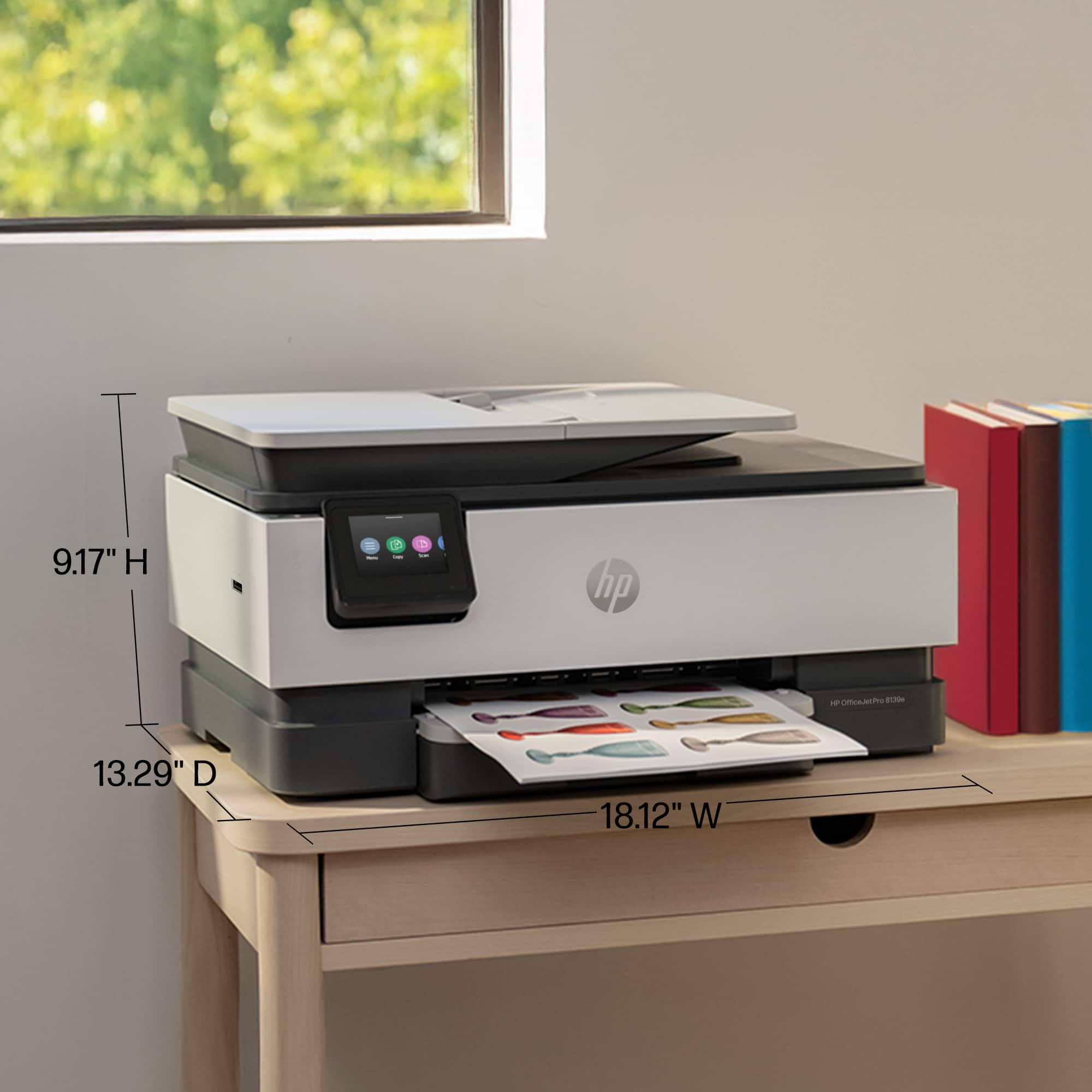
- A:Answer Thank you for the question. Did you mean OfficeJet Pro 8028? The footprint is almost identical. The 8135e measures 18.12 x 13.29 x 9.17 inches, and the 8028 measures 18.11 x 13.43 x 9.21 inches.
Answered by HP Team

Q: Questionwhat year was the 8139 introduced
Asked by chuck.
- A:Answer Thank you for the question. The OfficeJet Pro 8139e was introduced for selective availability on approximately November 30, 2023, and for general availability on approximately February 18, 2024.
Answered by HP Team

Q: QuestionIs it compatible with MacBook Pro?
Asked by Jesusgirl.
- A:Answer Sure is!
Answered by IdahoPodunk
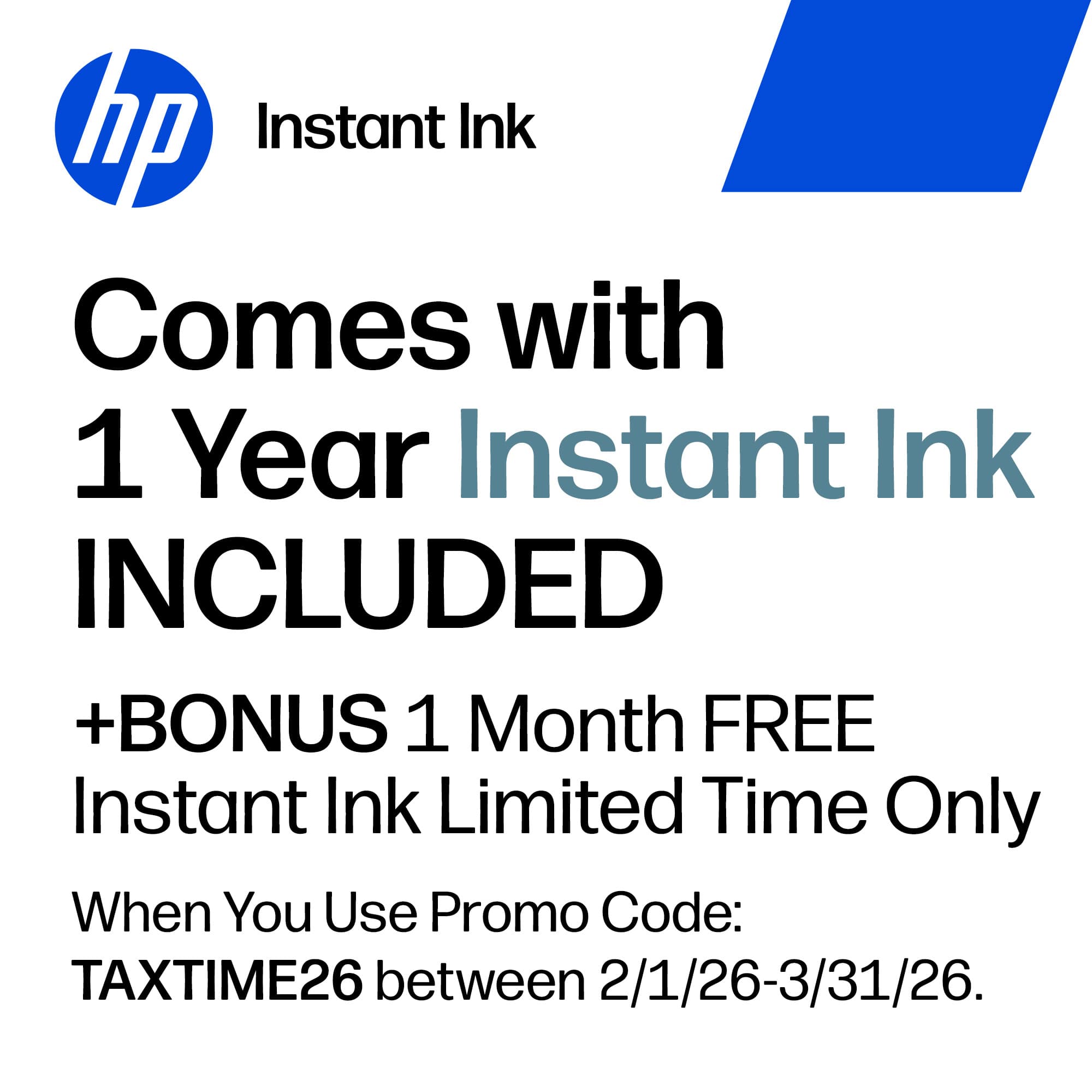
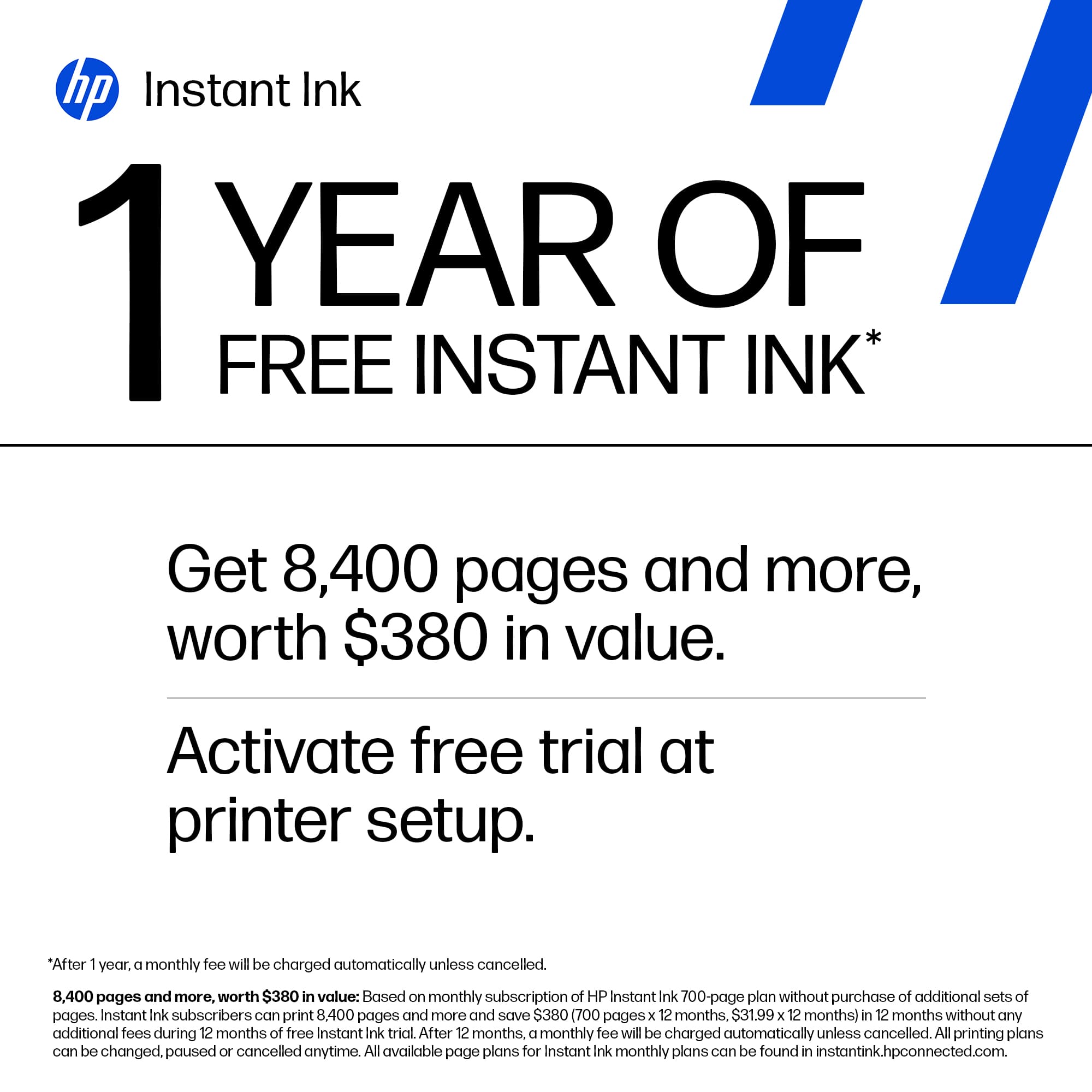
Q: QuestionWhat instaink plan is the 12 month free promotion for? For example, the 10 page per month or 50 page, 100 or 300 per pages per month????
Asked by rdmtx.
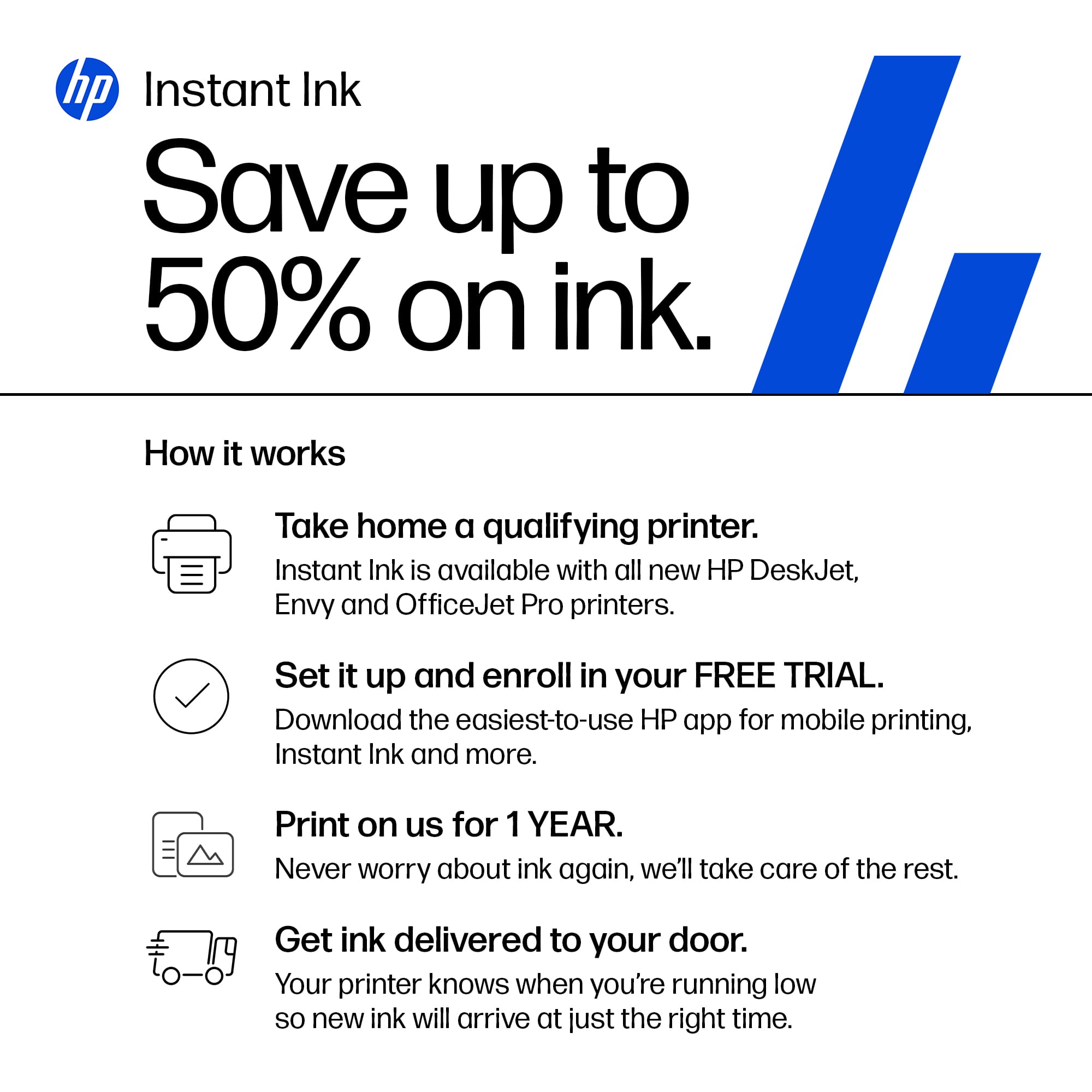
- A:Answer Thank you for the question. The 12-month free ink offer is subject to a monthly page limit of 700. Users must complete the HP Instant Ink signup within 7 days of setting up the printer with the HP-recommended setup process as indicated in the instructions that came with your printer. Use of in-box ink cartridges is included in the period of the offer. (The set-up cartridges are required to initiate the printer).
Answered by HP Team

Q: Questionwas given wrong printer scanner copier; how do I exchange
Asked by Derek.
- A:Answer Thank you for the question. Please reach out to Best Buy directly to assist with your exchange.
Answered by HP Team

Q: QuestionIs the cost of the 12-months of instant ink included with the purchase price of the printer or do I have to pay extra for the ink cartridges?
Asked by joe.
- A:Answer Yes but remember after a year you'll be charged to continue the service.
Answered by MichaelB
Q: QuestionMust I set up an HP account to use any part of this printer ie. the scan feature?
Asked by Potentialbuyer.
- A:Answer Thank you for the question. You can print and scan without using HP Smart. Install the Full Feature Software -- and use HP Scan (part of the software). However, with an HP account, you can access your HP product information from My Dashboard or the HP Smart app: HP Customer Support My Dashboard: Add all your HP products to the HP Customer Support website account dashboard to access product information and status, support options, warranty information, and more.
Answered by HP Team

Best-selling inkjet printers
- $79.99Your price for this item is $79.99$149.99The comparable value for this item is $149.99
- $159.99Your price for this item is $159.99$239.99The comparable value for this item is $239.99
- $139.99Your price for this item is $139.99$179.99The comparable value for this item is $179.99
- $69.99Your price for this item is $69.99$140.99The comparable value for this item is $140.99
- $49.99Your price for this item is $49.99$89.99The comparable value for this item is $89.99
- $99.99Your price for this item is $99.99
- $69.99Your price for this item is $69.99$107.99The comparable value for this item is $107.99
- $209.99Your price for this item is $209.99$309.99The comparable value for this item is $309.99
- $129.99Your price for this item is $129.99$159.99The comparable value for this item is $159.99
- $149.99Your price for this item is $149.99$249.99The comparable value for this item is $249.99
- $189.99Your price for this item is $189.99$239.99The comparable value for this item is $239.99
- $59.99Your price for this item is $59.99$89.99The comparable value for this item is $89.99
- $329.99Your price for this item is $329.99$429.99The comparable value for this item is $429.99
- $129.99Your price for this item is $129.99$249.99The comparable value for this item is $249.99
- $229.99Your price for this item is $229.99$379.99The comparable value for this item is $379.99
- $149.99Your price for this item is $149.99$215.99The comparable value for this item is $215.99
- $129.99Your price for this item is $129.99$199.99The comparable value for this item is $199.99