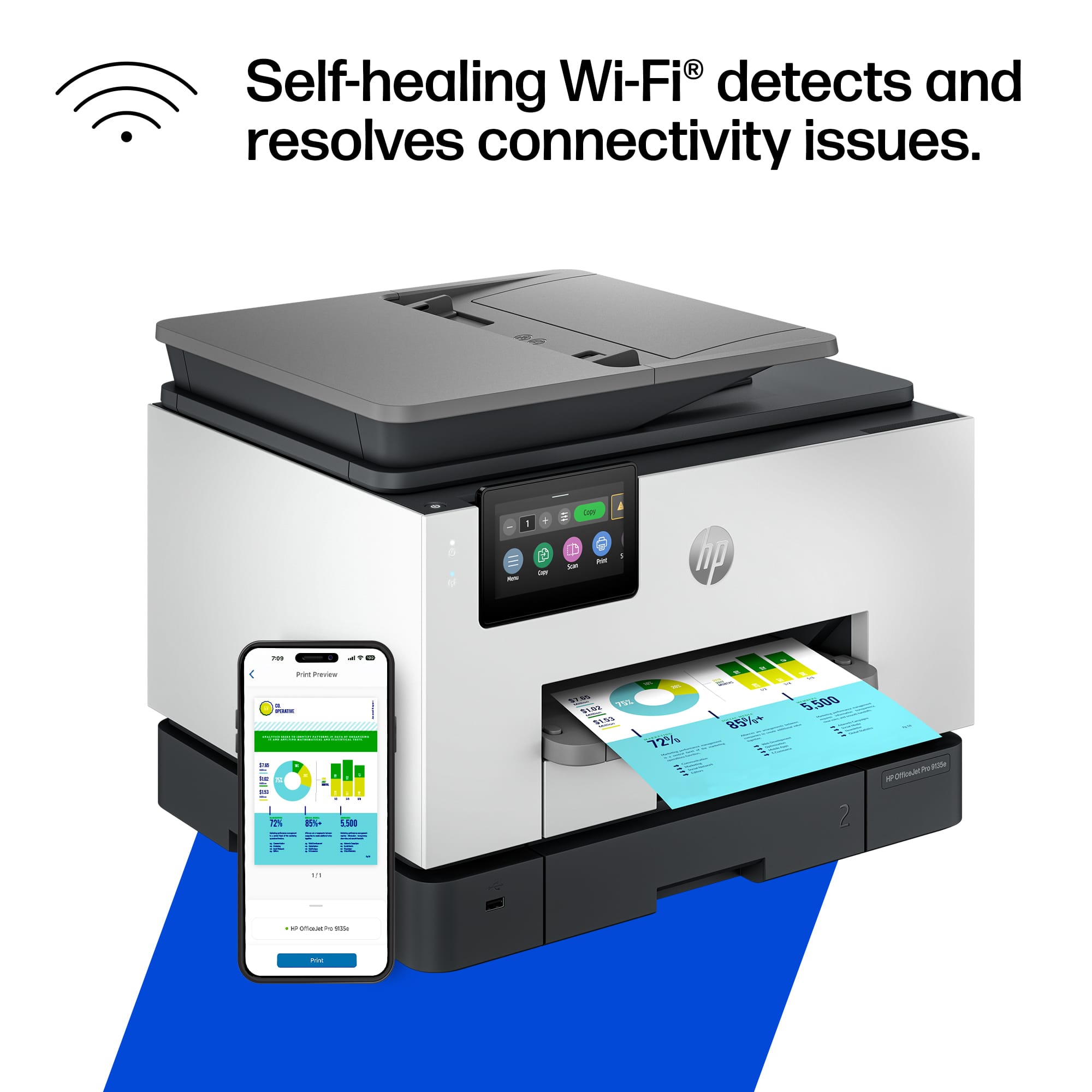
A:AnswerI have this problem with the 9125E--- I don't think these printers like dual band wifi, not one little bit. I got a very complicated answer about using static IP but was required to set it on the router... not the printer. Oy. done with it.
A:AnswerYes. I've used it to do a few items but very low volume. For high volume you would probably want a dedicated printer specifically designed for it, if for no other reason than the ink cost.
A:AnswerThe HP OfficeJet Pro 9135e is not built for screen-printing but you can use heat transfers for fabric. Just make sure the package says that it is made for inkjet printers!
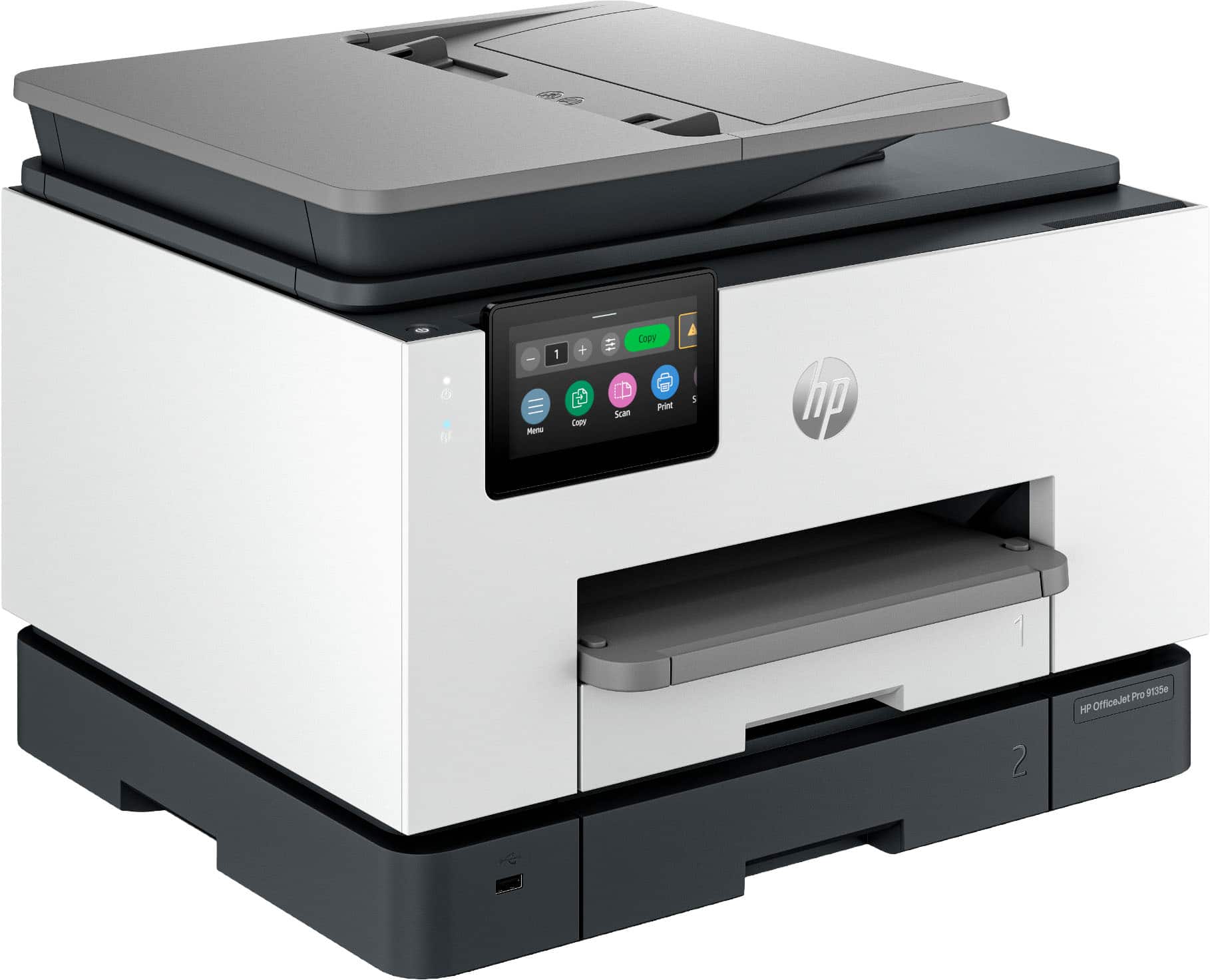
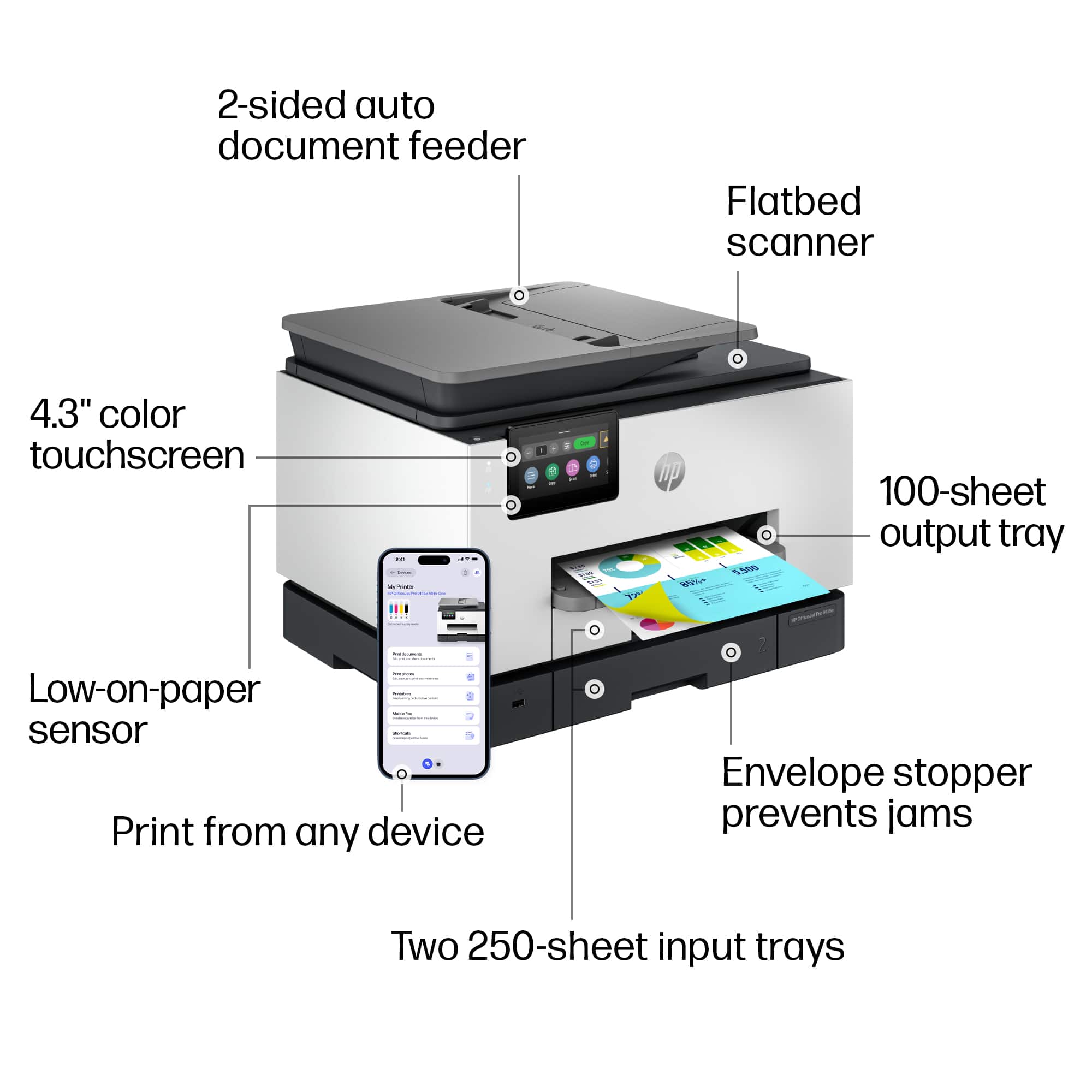
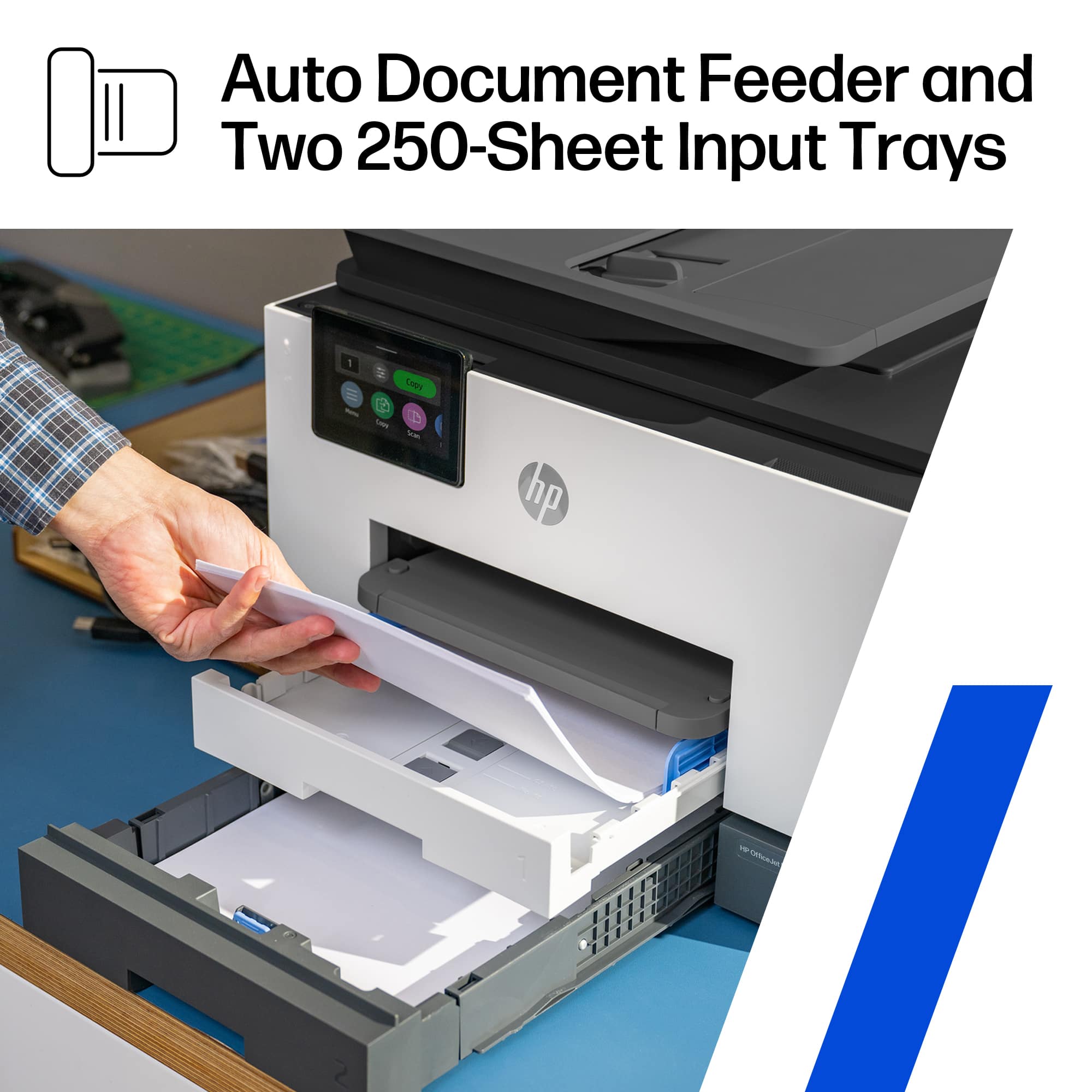
A:AnswerHello and thank you for asking. The HP OfficeJet Pro printers have a slot for a USB flash or thumb drive. Also select HP AiO LaserJet Pro 3000 and 4000 models have that feature. No current HP printers have an SD slot, but there are adapters for SD cards to USB ports that can be used in the USB thumb drive slot.
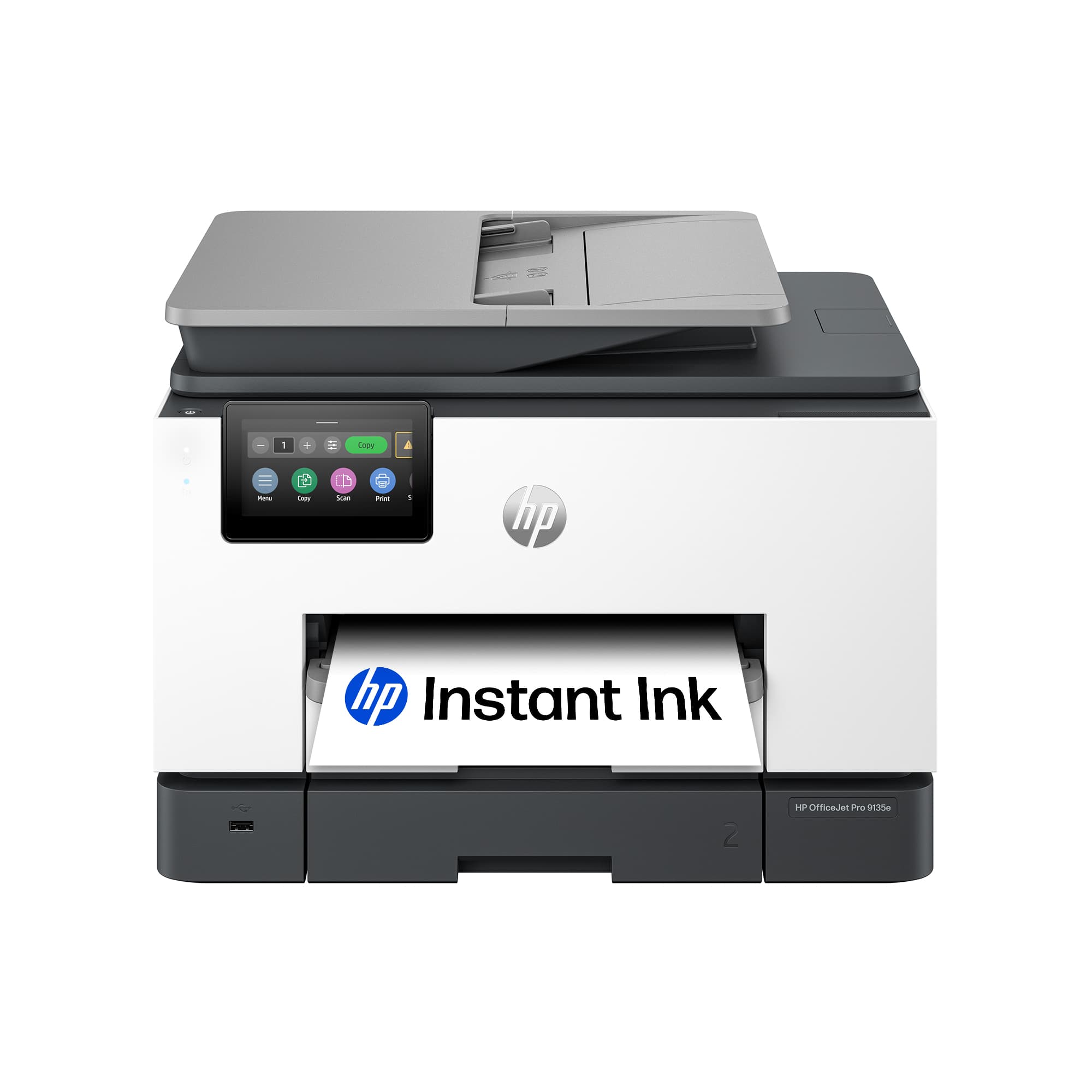
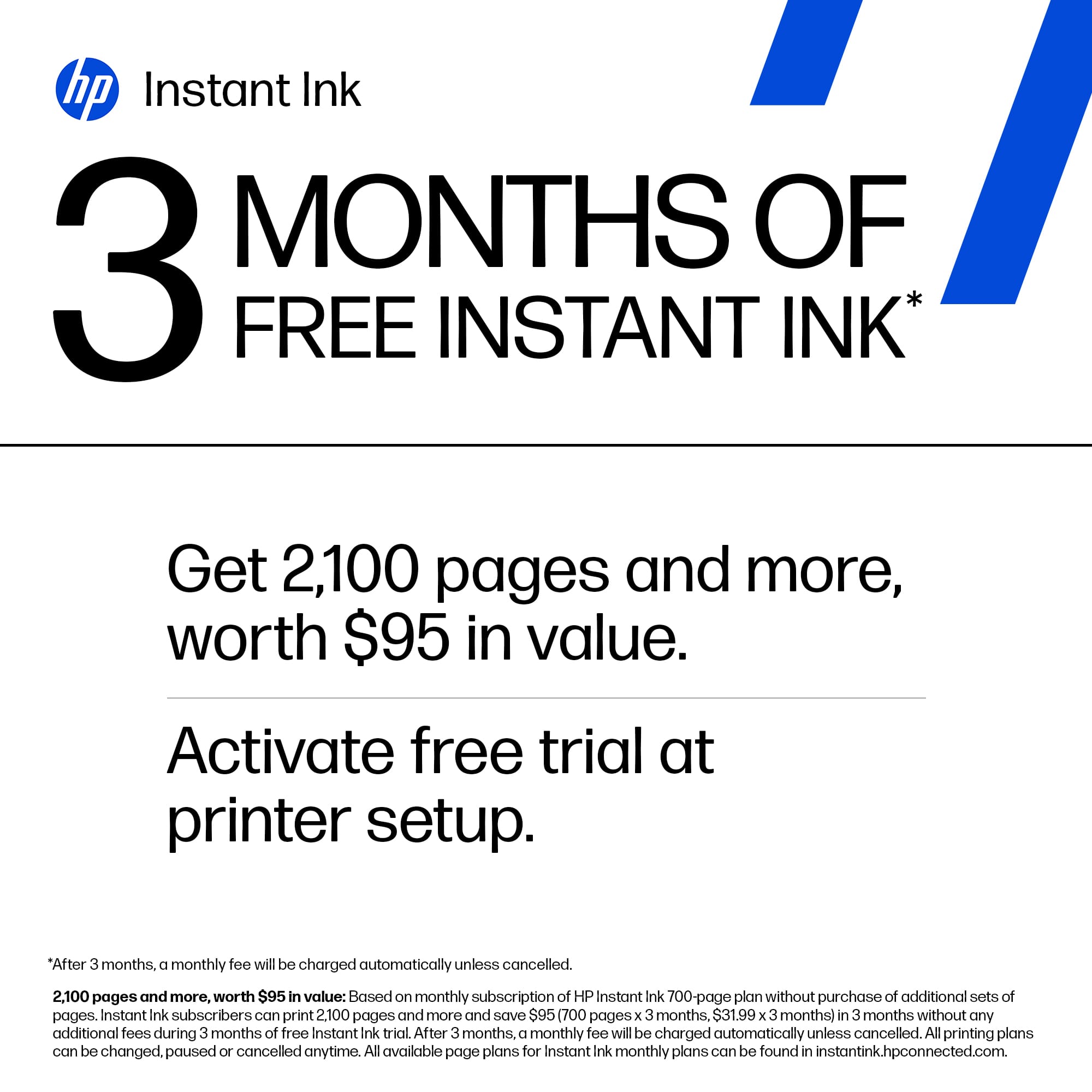
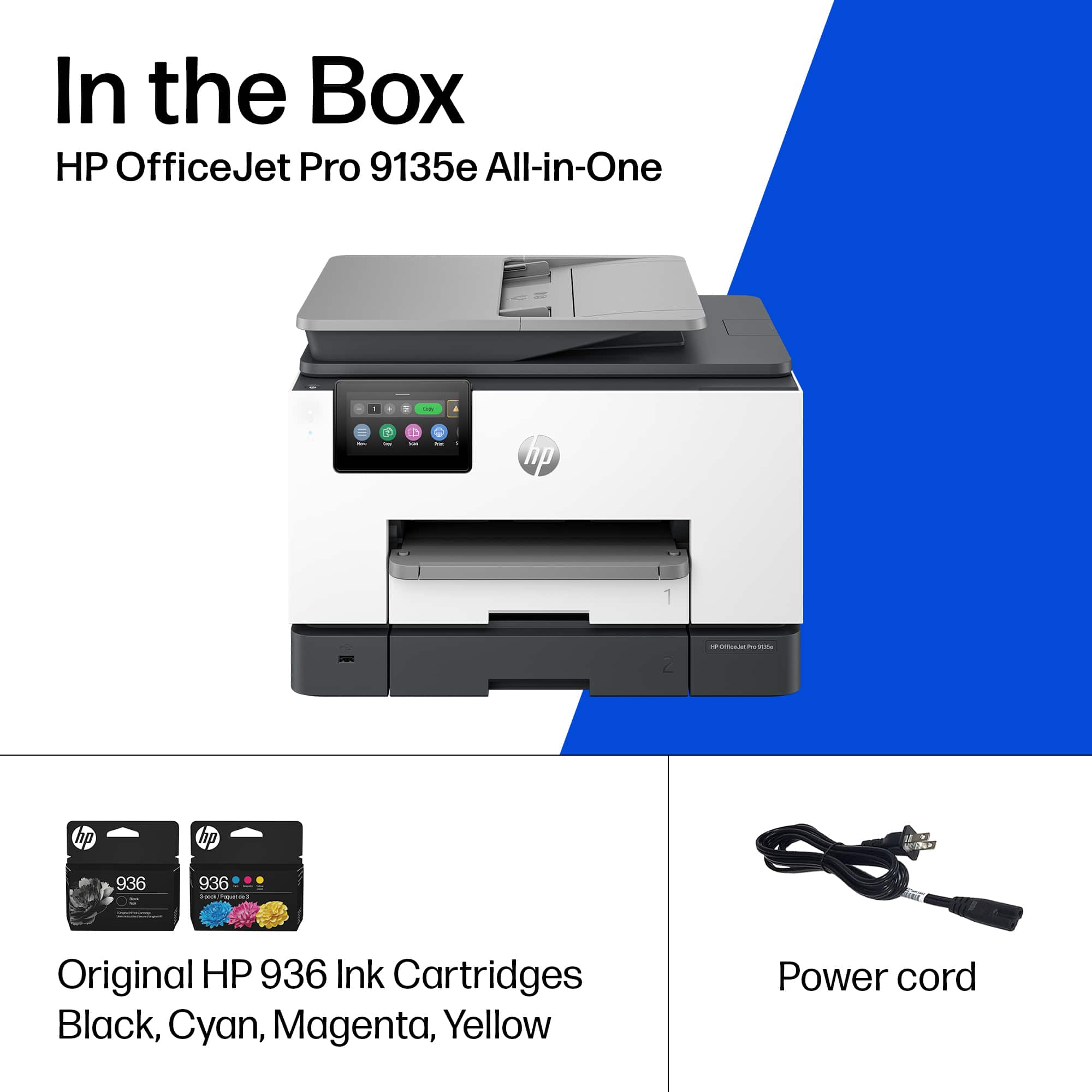
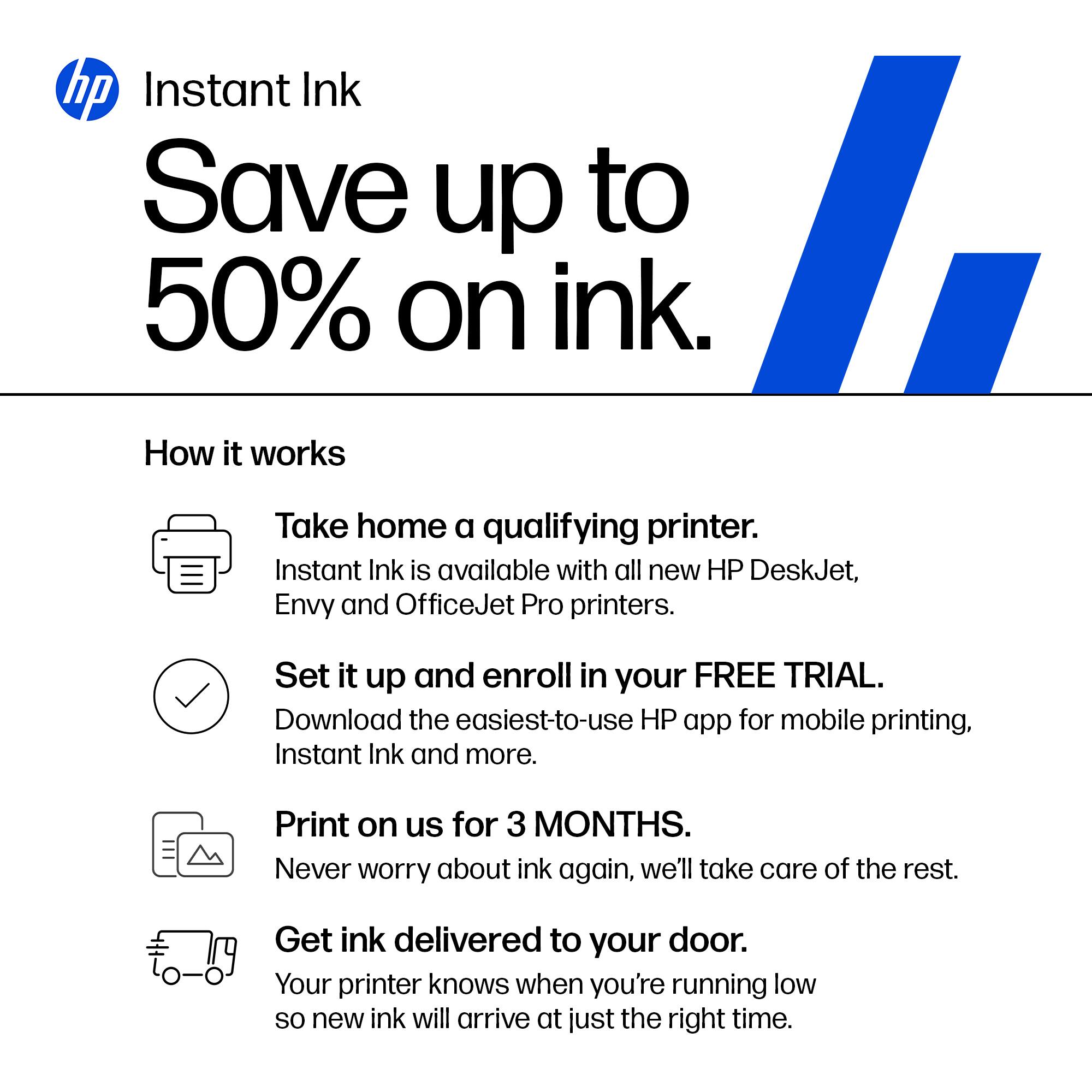
A:AnswerHello and thank you for asking. The HP OfficeJet Pro 9135e uses either HP 936 or 936e ink cartridges. If the printer has an internet connection, either wireless or Ethernet, it is eligible for a subscription to HP Instant Ink, where you can save up to 50% on ink and never run out.