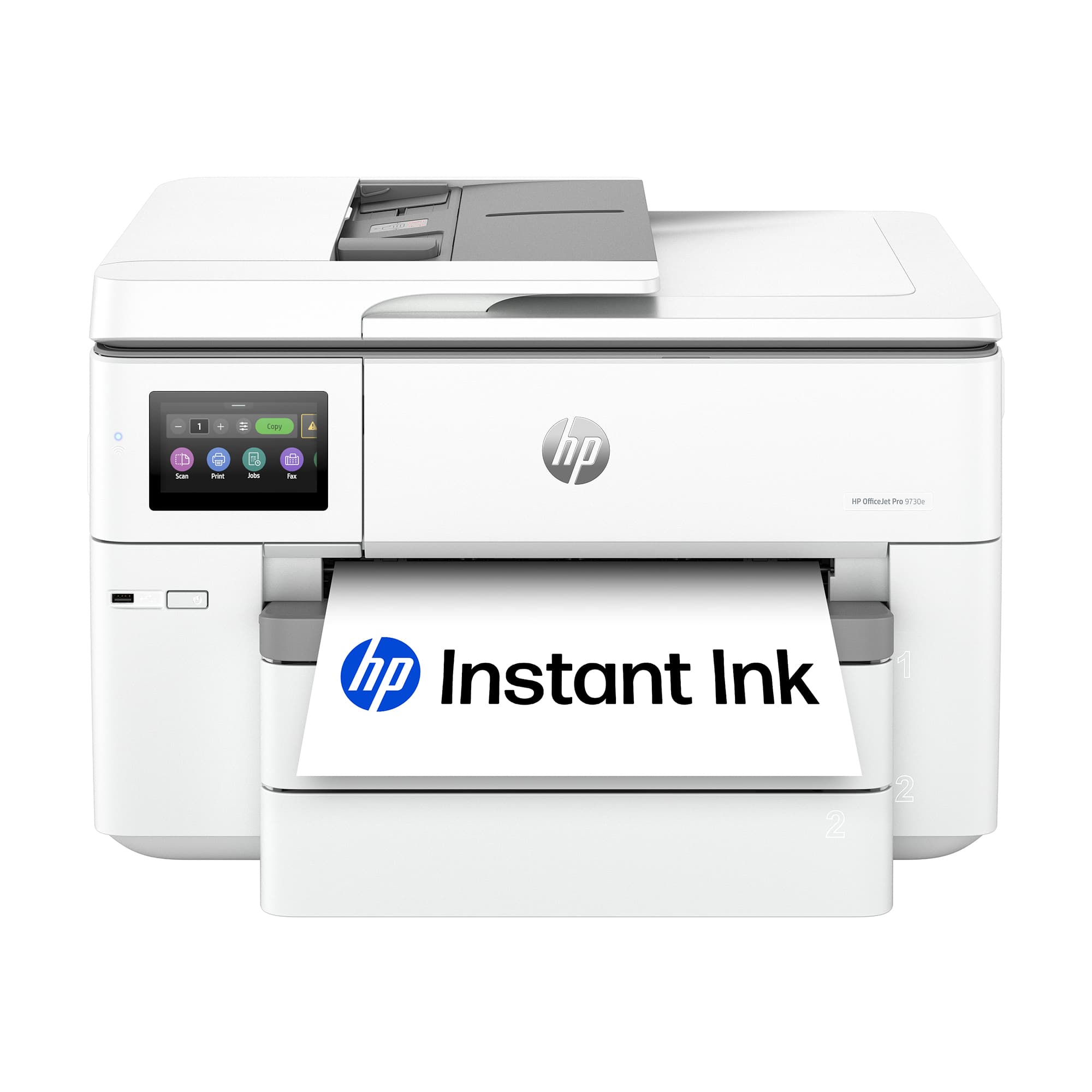
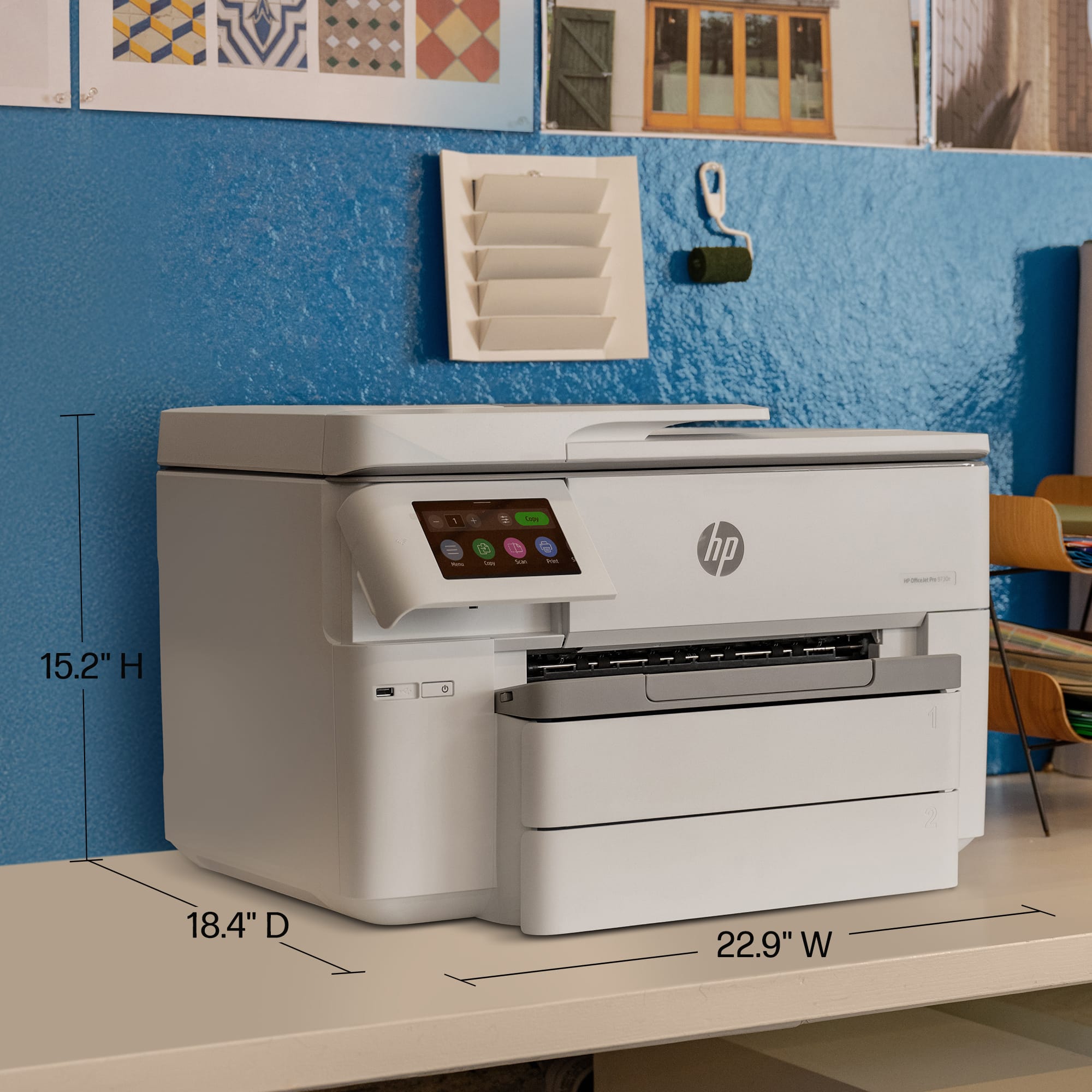
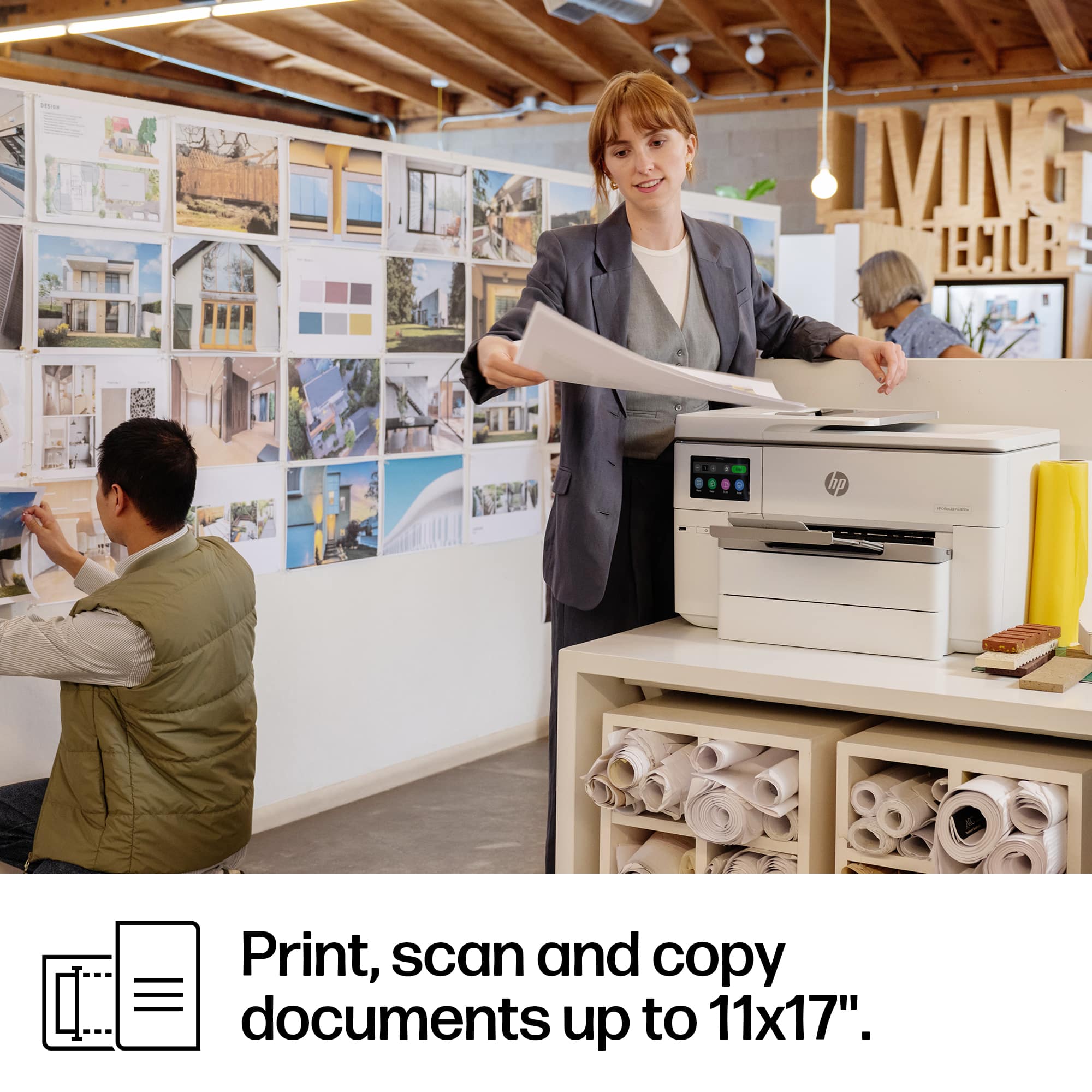
A:AnswerKlein, thank you for your question about this HP OfficeJet printer! Yes, it will print onto 11x17 paper, which is what it is designed for. This will also print onto inkjet transparency paper.
A:AnswerThank you for your question. The OfficeJet Pro 9730e printer does not have a dedicated envelope tray. However, it can accommodate envelopes ( #10 and Monarch) in the paper trays.
A:AnswerErin, thank you for your question about this OfficeJet Pro wide-format printer! The OfficeJet Pro 9730e will print on A5 paper as a custom size of 5.83 in x 8.27 in (148 mm x 210 mm).
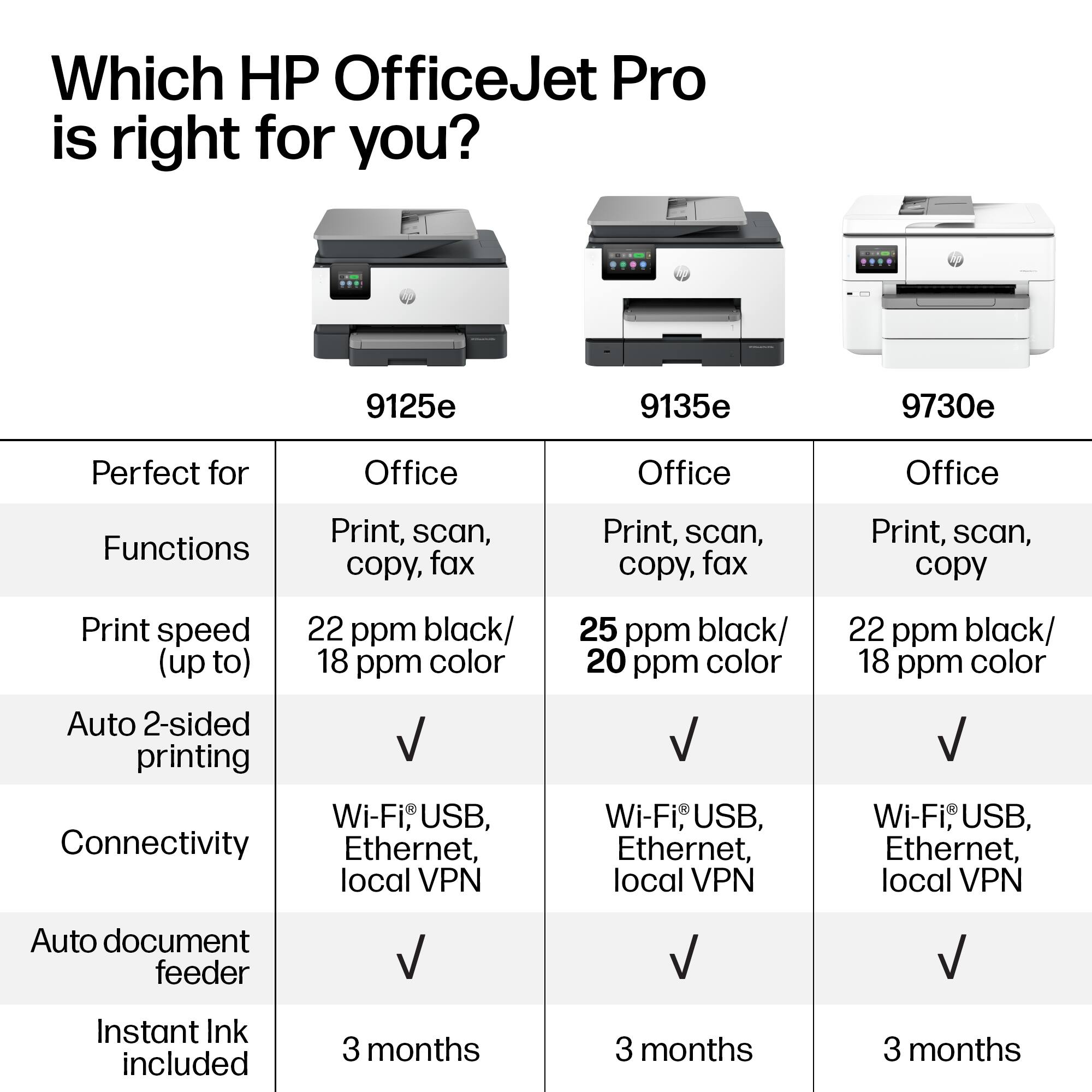
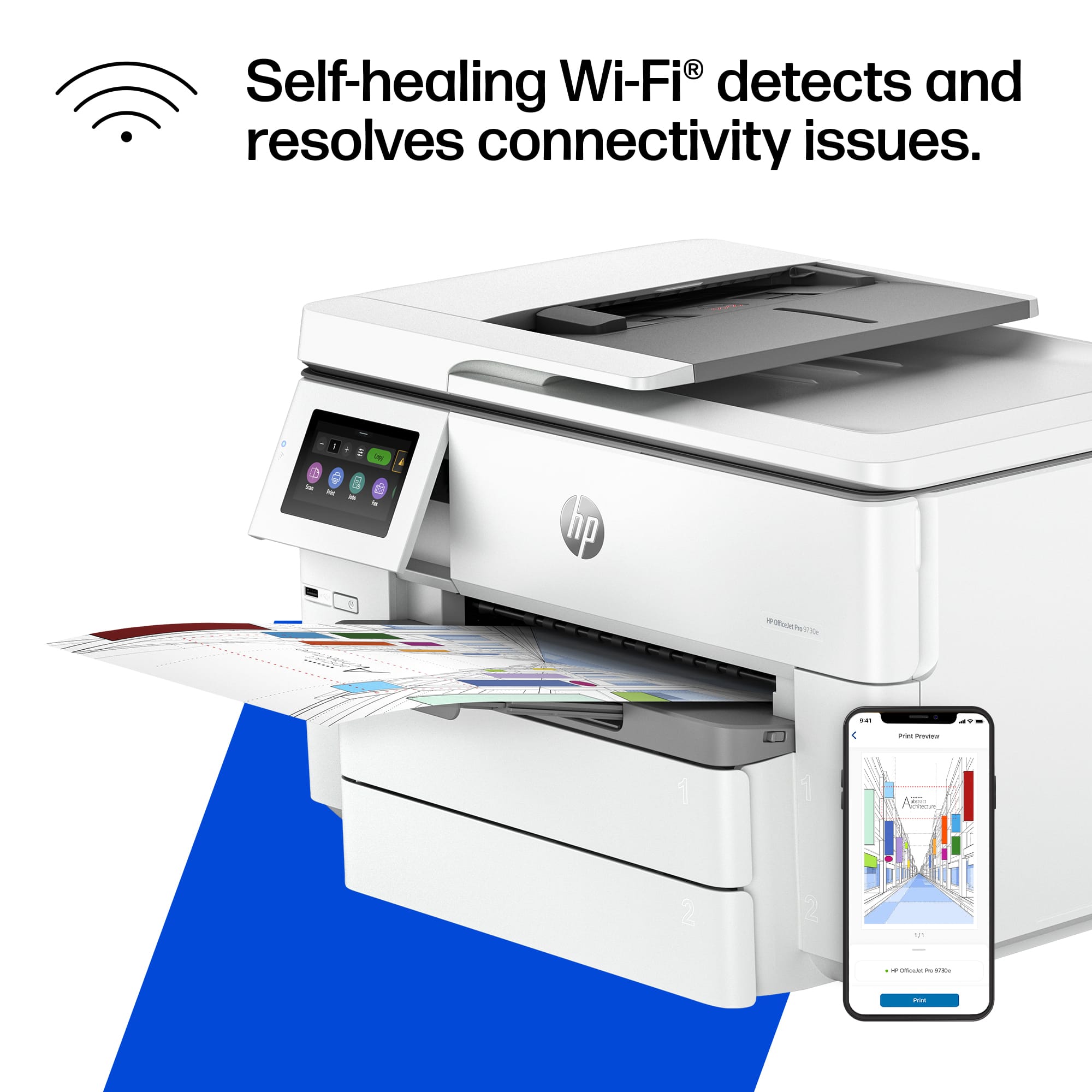
A:AnswerThanks for your question. The HP OfficeJet Pro 9730e does not support a fax line. You would want to look at the HP OfficeJet Pro 9125e or HP OfficeJet Pro 9135e models. Both of those printers will support a fax line.
A:AnswerThank you for the question. Certain carbonless form paper will work in inkjet printers, The paper needs to be labeled for use in inkjet printers.
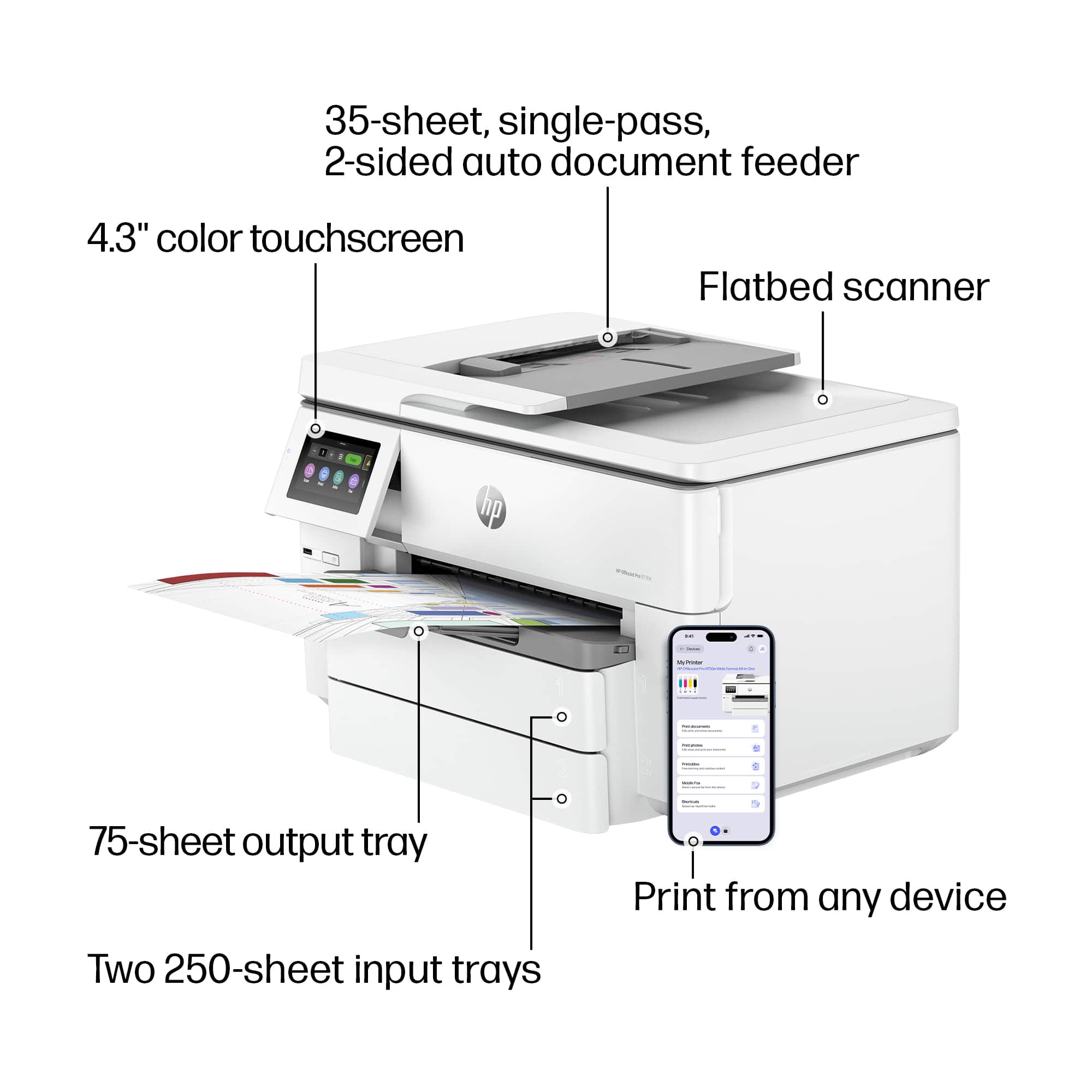
A:AnswerThank you for the question. The OfficeJet Pro 9730e will scan sizes up to 11.69 x 17 inches from the flatbed and 8.5 x 14 inches from the automatic document feeder.
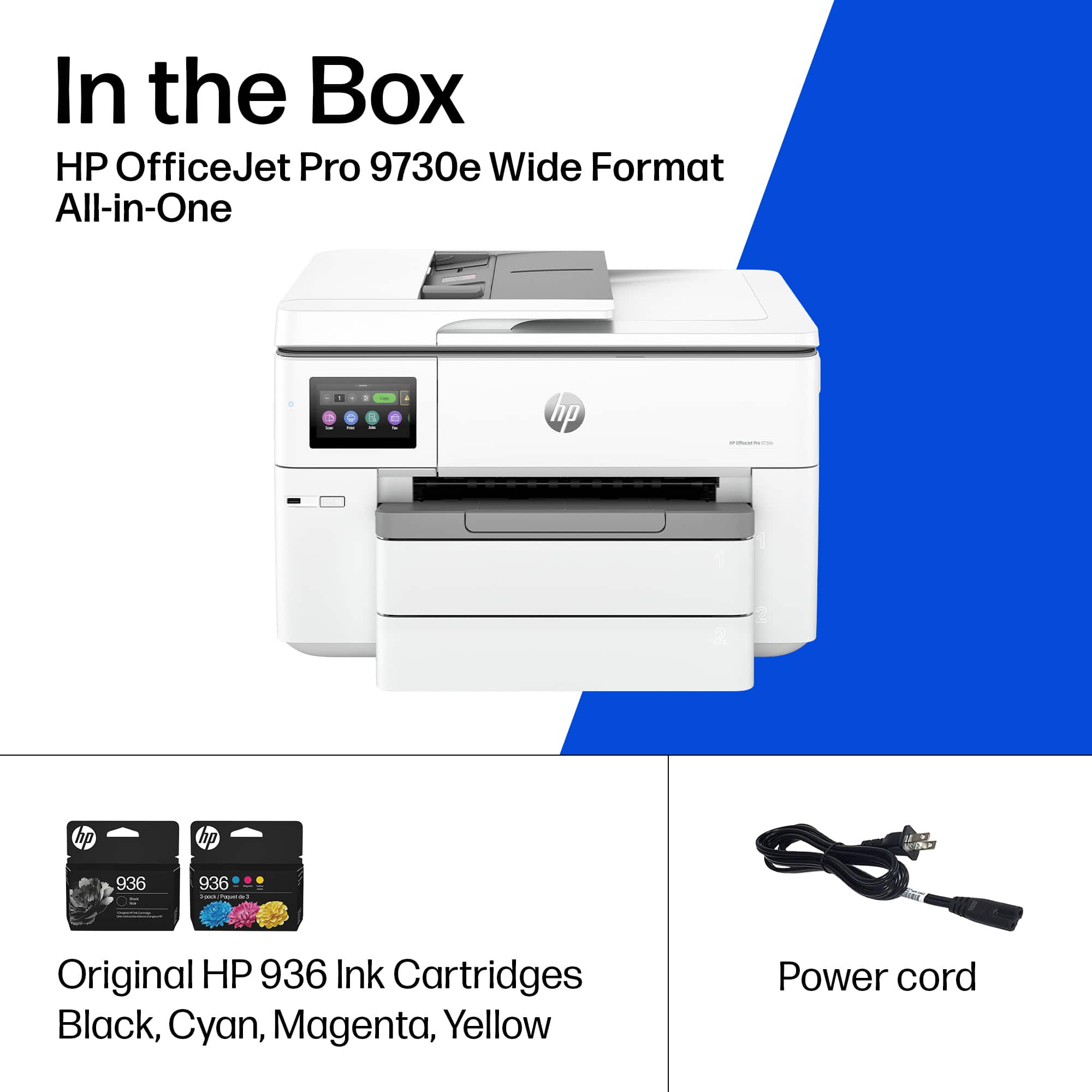
A:AnswerThank you for your question. The Officejet Pro 9730e is an all-in-one printer that has copy and scan capabilities and can print in black and white as well as color.
A:AnswerHi, Dave, and thank you for asking about printing on card stock with the 9730e printer. No, it won't print on cardstock. The printer can handle paper weights between 16 and 28 pound.
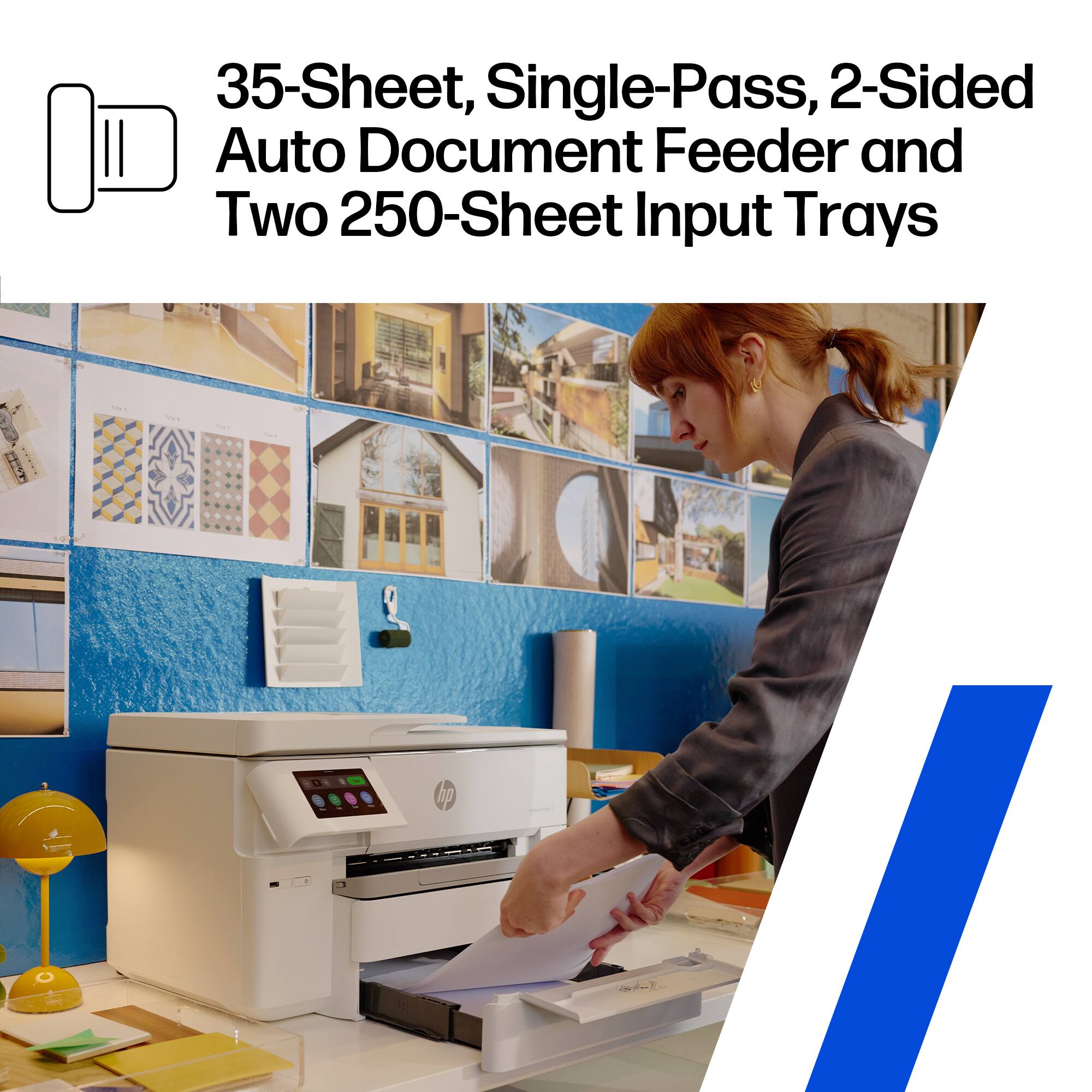
A:AnswerHi, Multiple, and thank you for asking about printing different papers. Yes, you can specify which of the two trays the printer pulls the paper come from.
A:AnswerHello, and thank you for your question! The HP OfficeJet Pro 9730e Wireless All-In-One Wide Format InkJet Printer supports up to 5 users simultaneously, with up to 512MB of onboard storage for saving email addresses to send and receive.