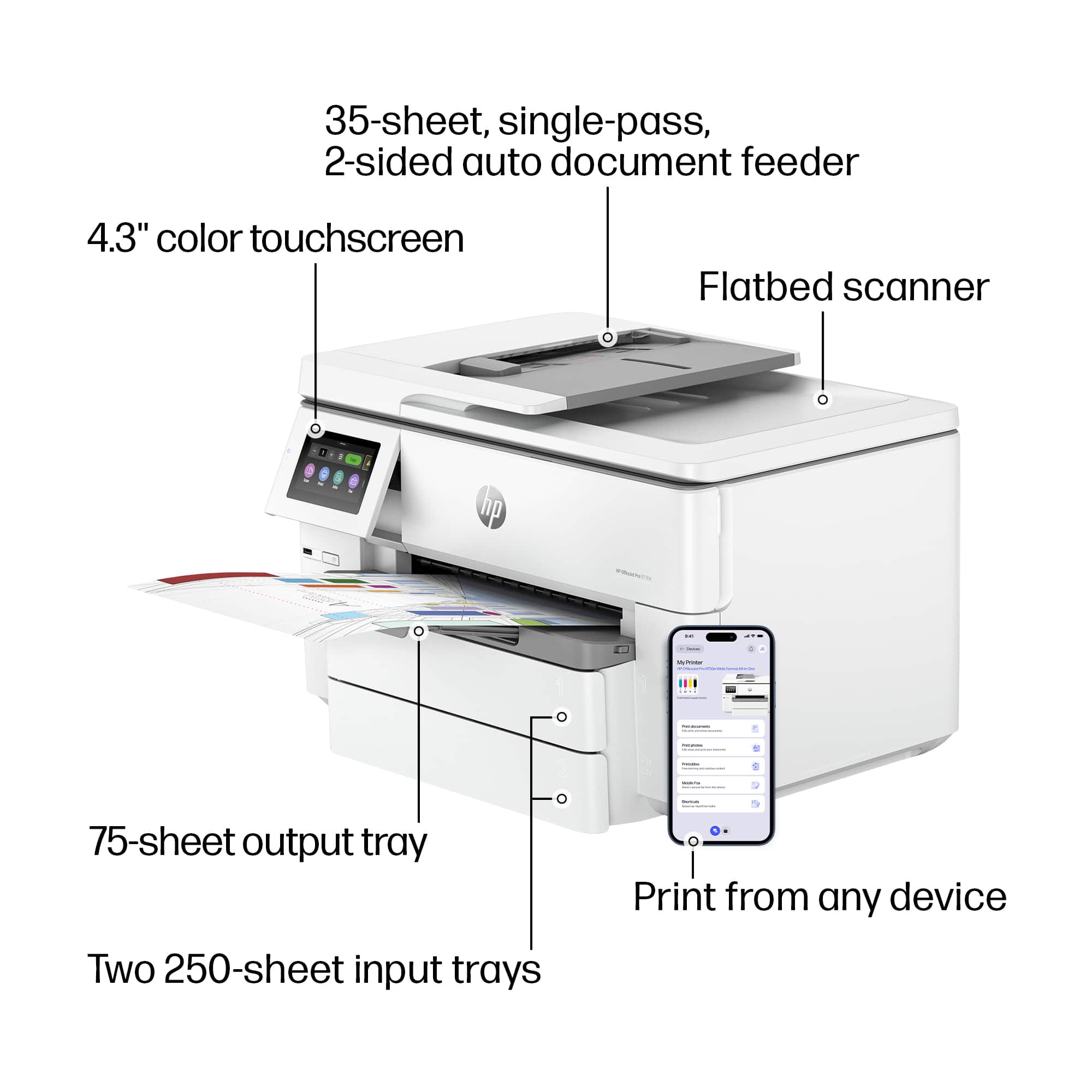
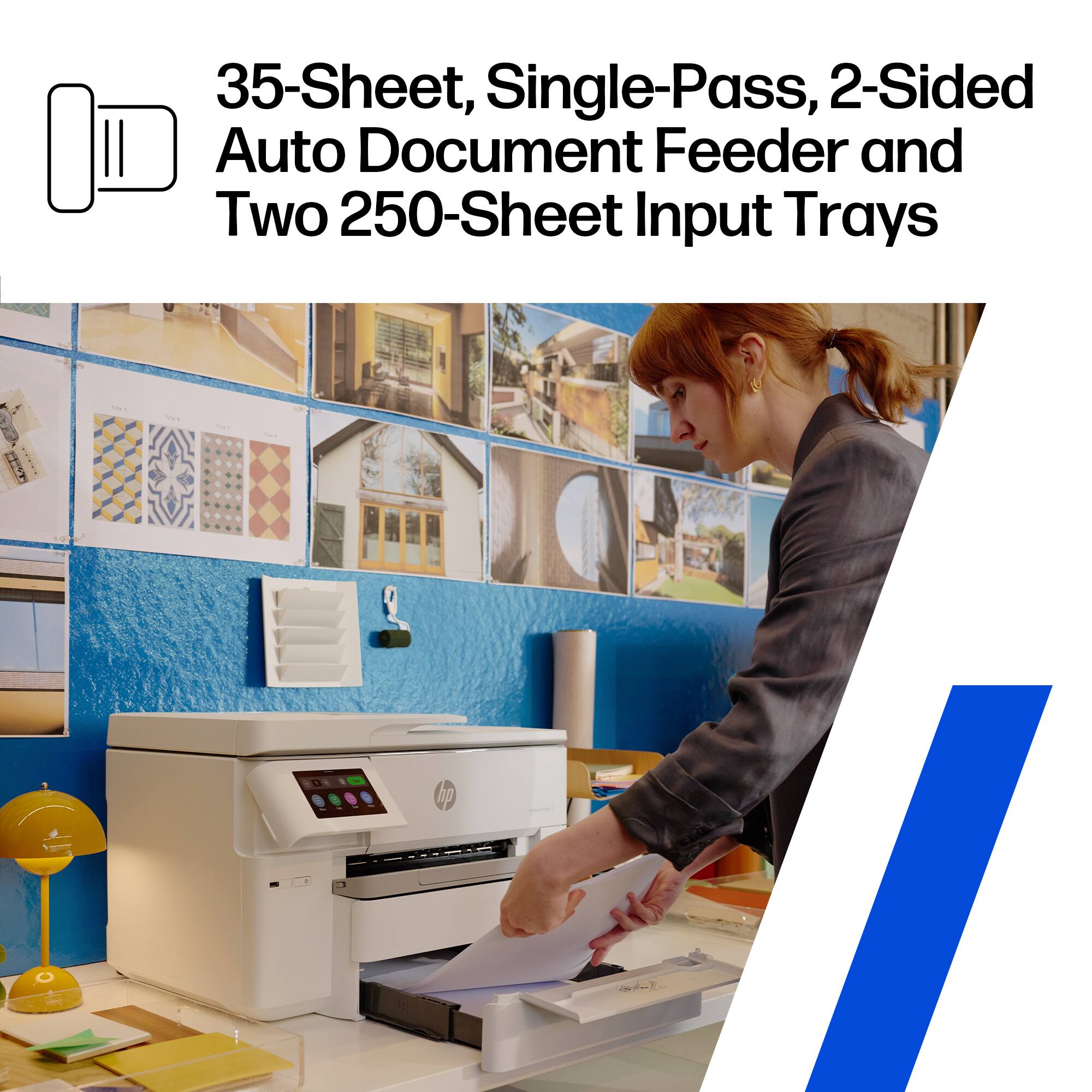
A:AnswerThank you for the question. Yes, depending on the thickness of the envelope, the OfficeJet Pro 9730e will accept up to 30 envelopes in the input tray, Insert the envelope(s) in the paper tray with the side to be printed facing down. Adjust the paper guides until they touch the edges of the envelope(s). Make sure the stack of envelopes is aligned with the appropriate paper-size indicators and does not exceed the stack-height marking in the tray.
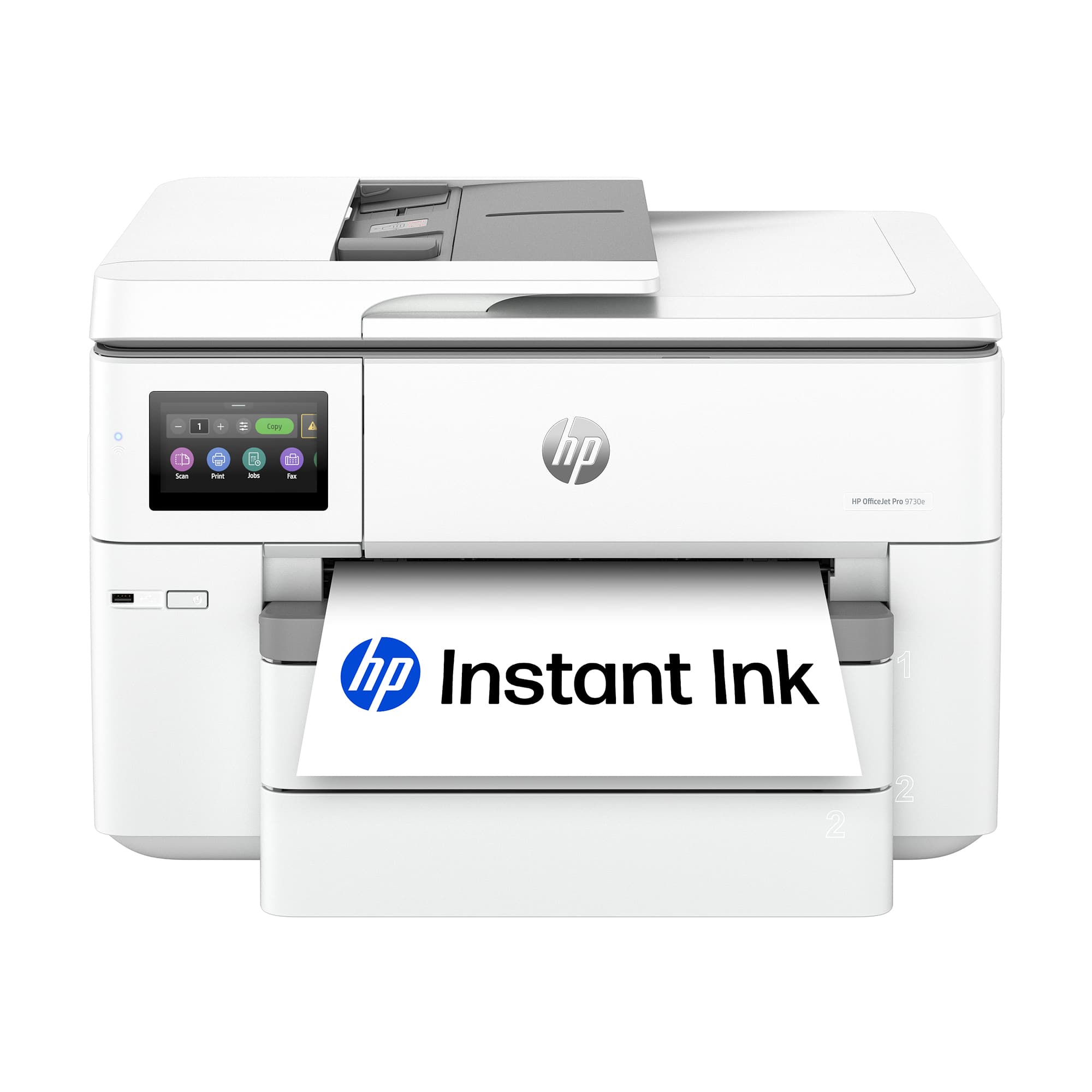
A:AnswerHello Gigi and thank you for asking. The HP OfficeJet 9730e has a USB port for a USB flash drive. and you can scan items to the USB flash drive. While you can also print photos from the USB flash drive, you cannot print documents from the USB flash drive.
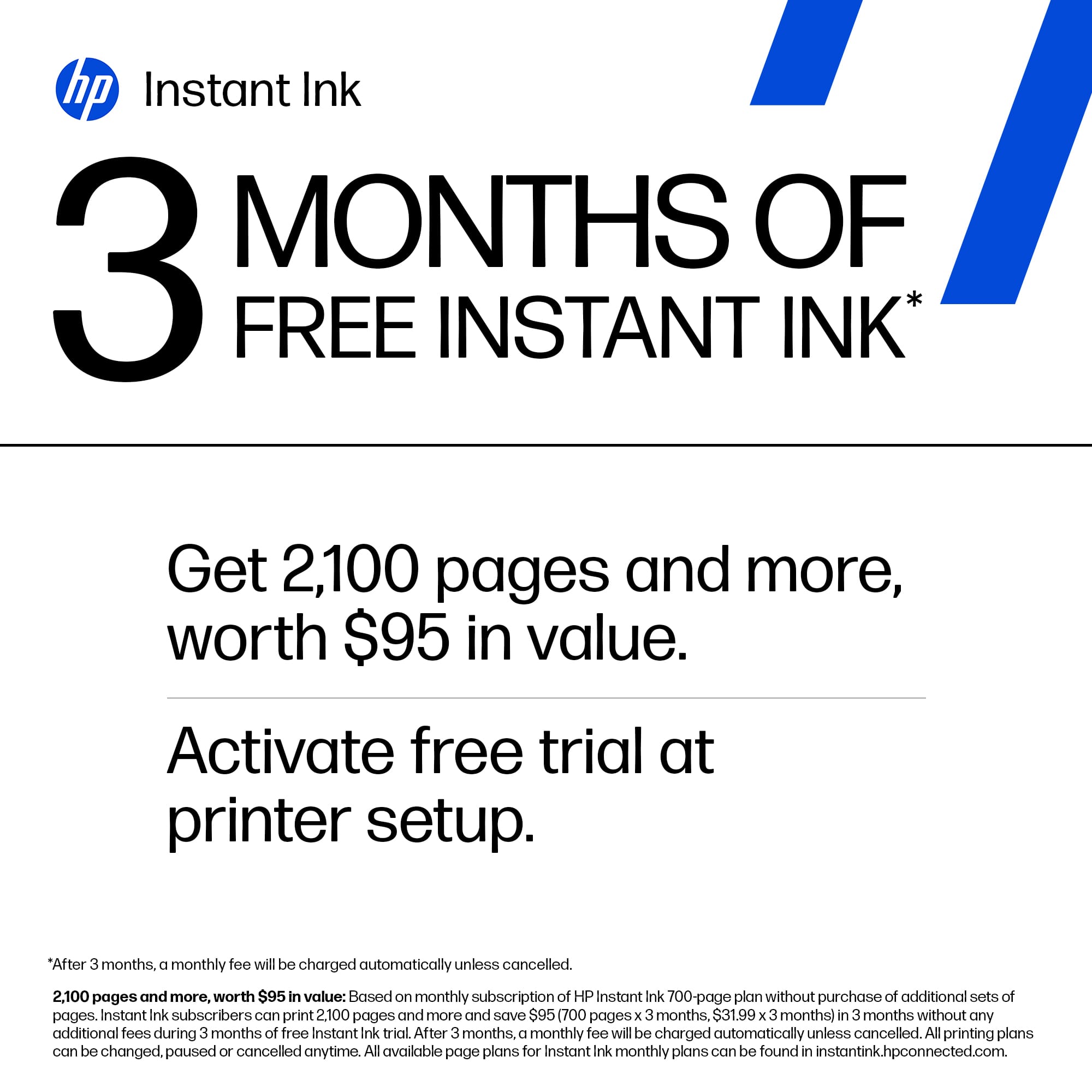
A:AnswerThank you for the question. If you avail yourself of Instant Ink and the HP+ features, the printer needs to be on and connected to the internet. HP Instant Ink cartridges will not work after the end of the current billing cycle in which you cancel. To continue printing after your billing cycle ends, make sure you have standard replacement ink cartridges ready to use in your printer.
A:AnswerThank you for your question. The Officejet Pro 9730e printer can handle the following media types/weights: Plain; HP EcoFFICIENT; HP Premium Presentation Matte 120g; HP Tri-fold Brochure Glossy 180g; HP Brochure Matte 180g; HP Brochure Glossy 180g; HP Advanced Photo Papers;
Light 60-74g.