A:AnswerFor any software, you would want to check the system requirements from the publisher's website and make sure the device you want to run it on meets the requirements for the setting you would like to use. Updates can change the requirements which can impact what settings you run it on or if you can run it at all. For software that always require online or for sections that are online, your connection type and speed can also affect how well it runs.
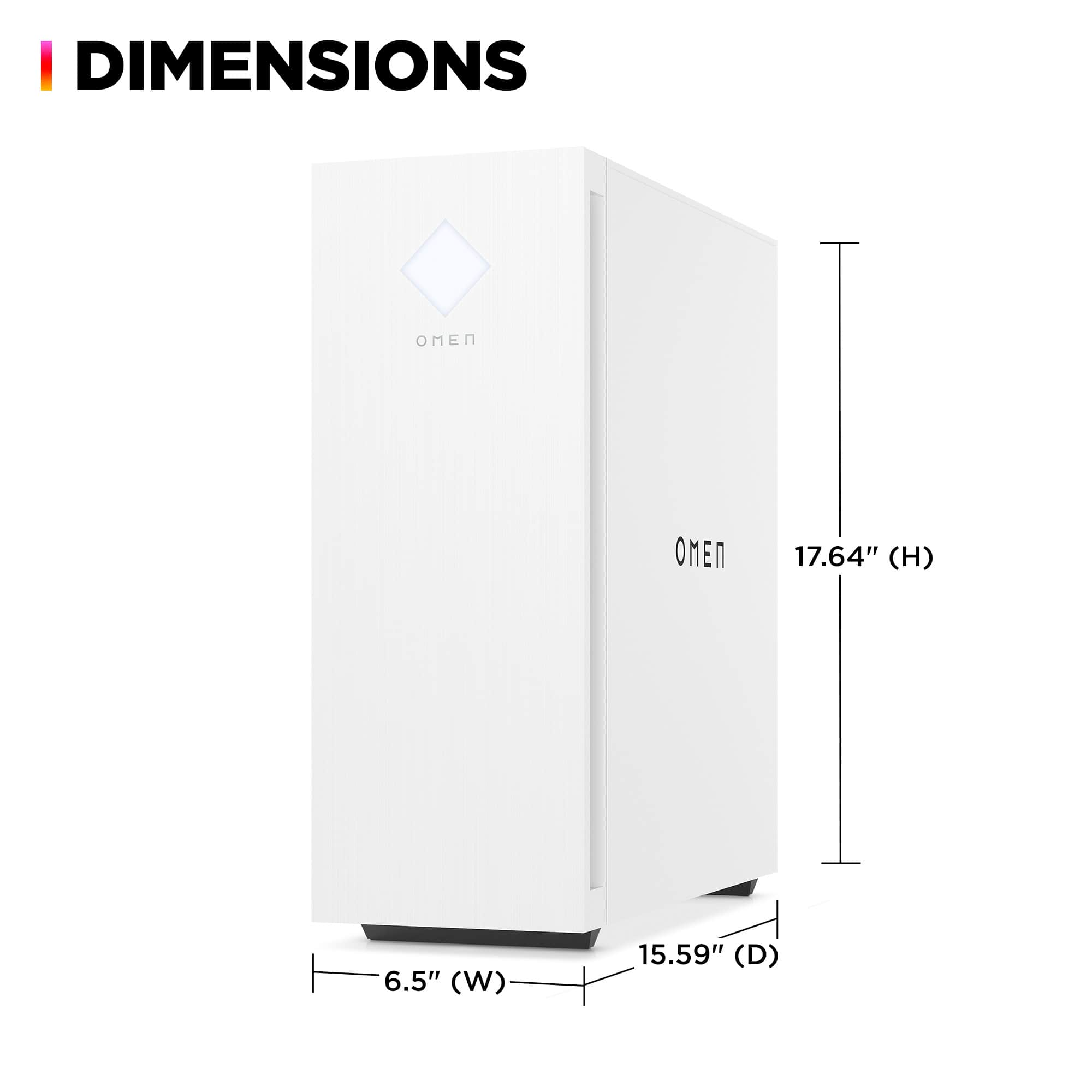
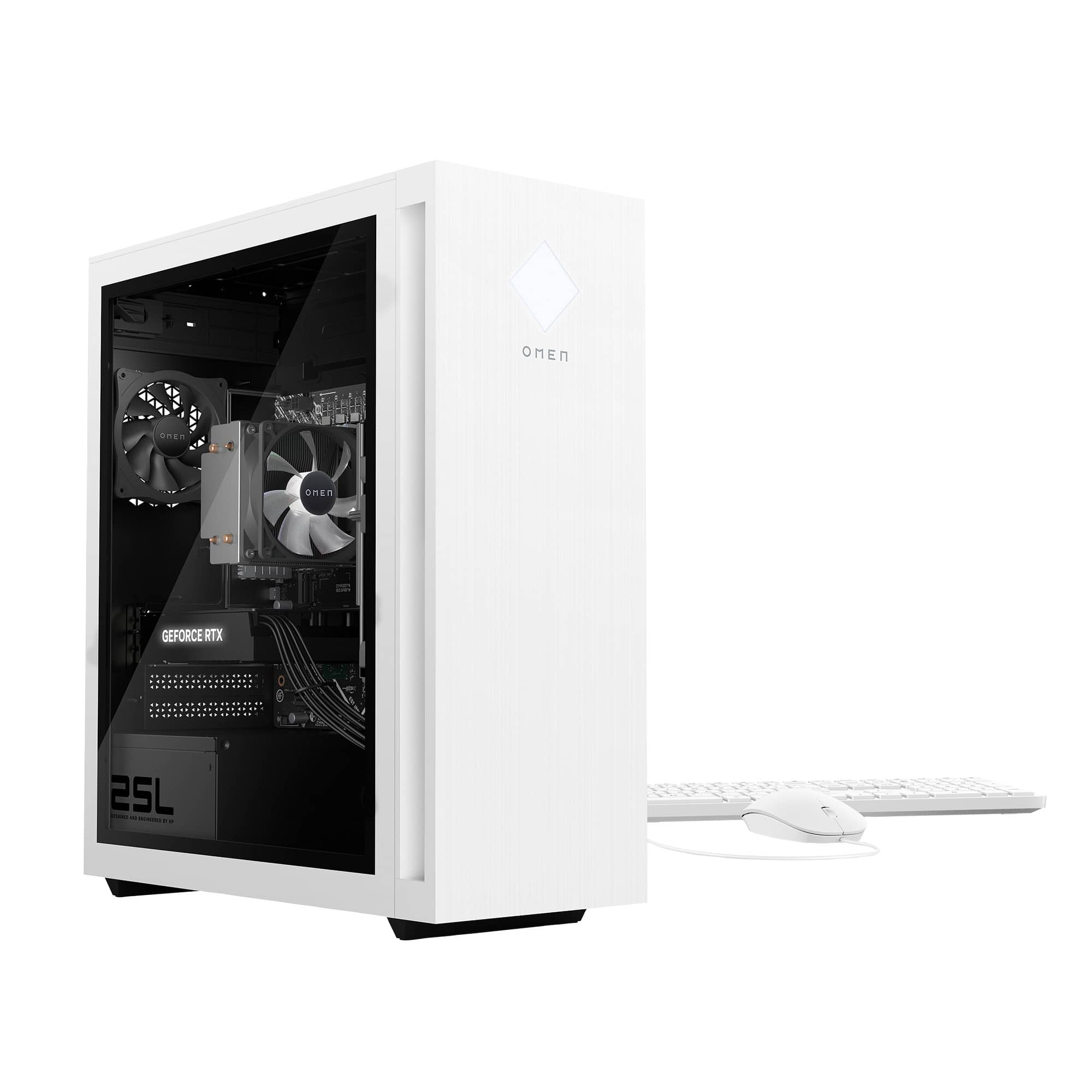
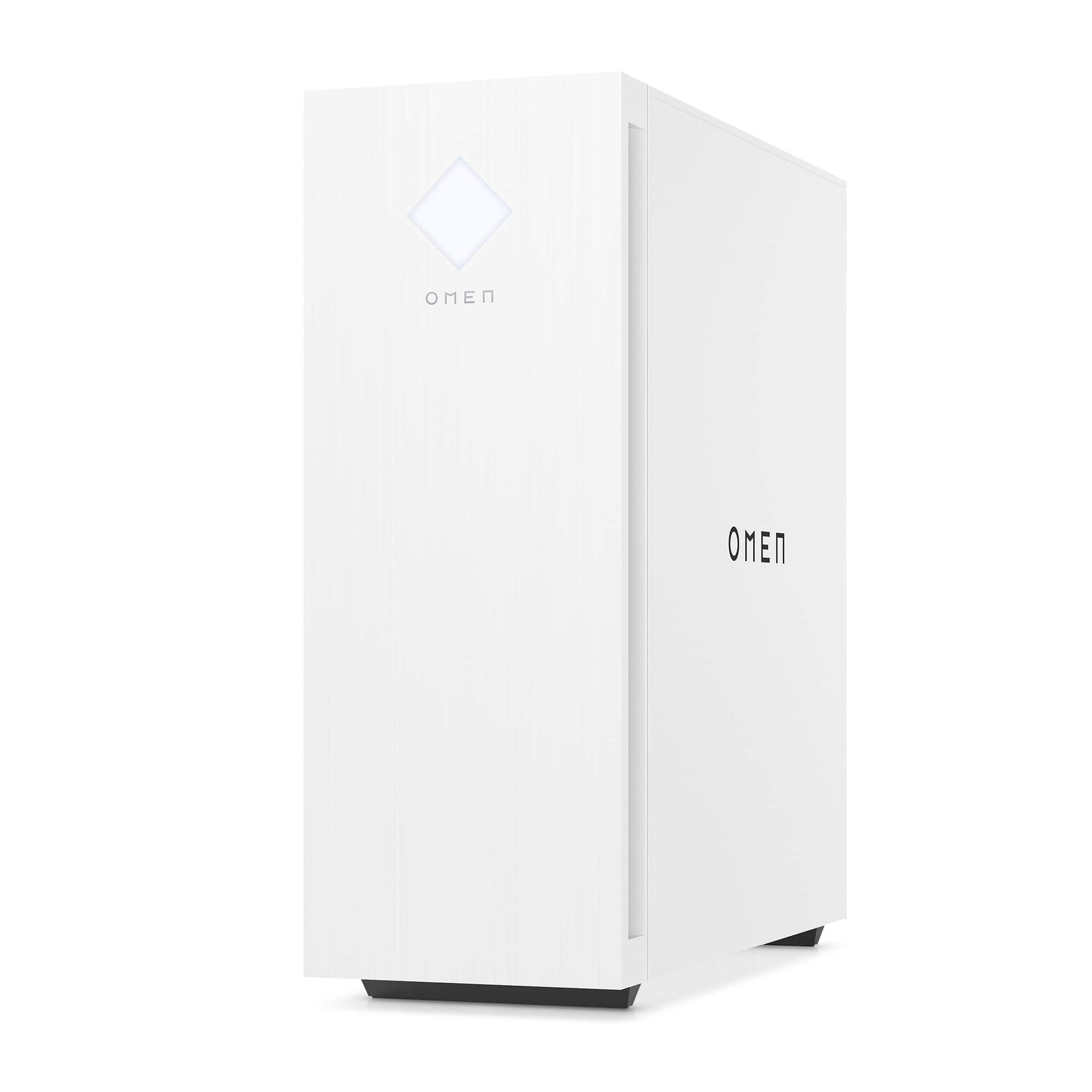
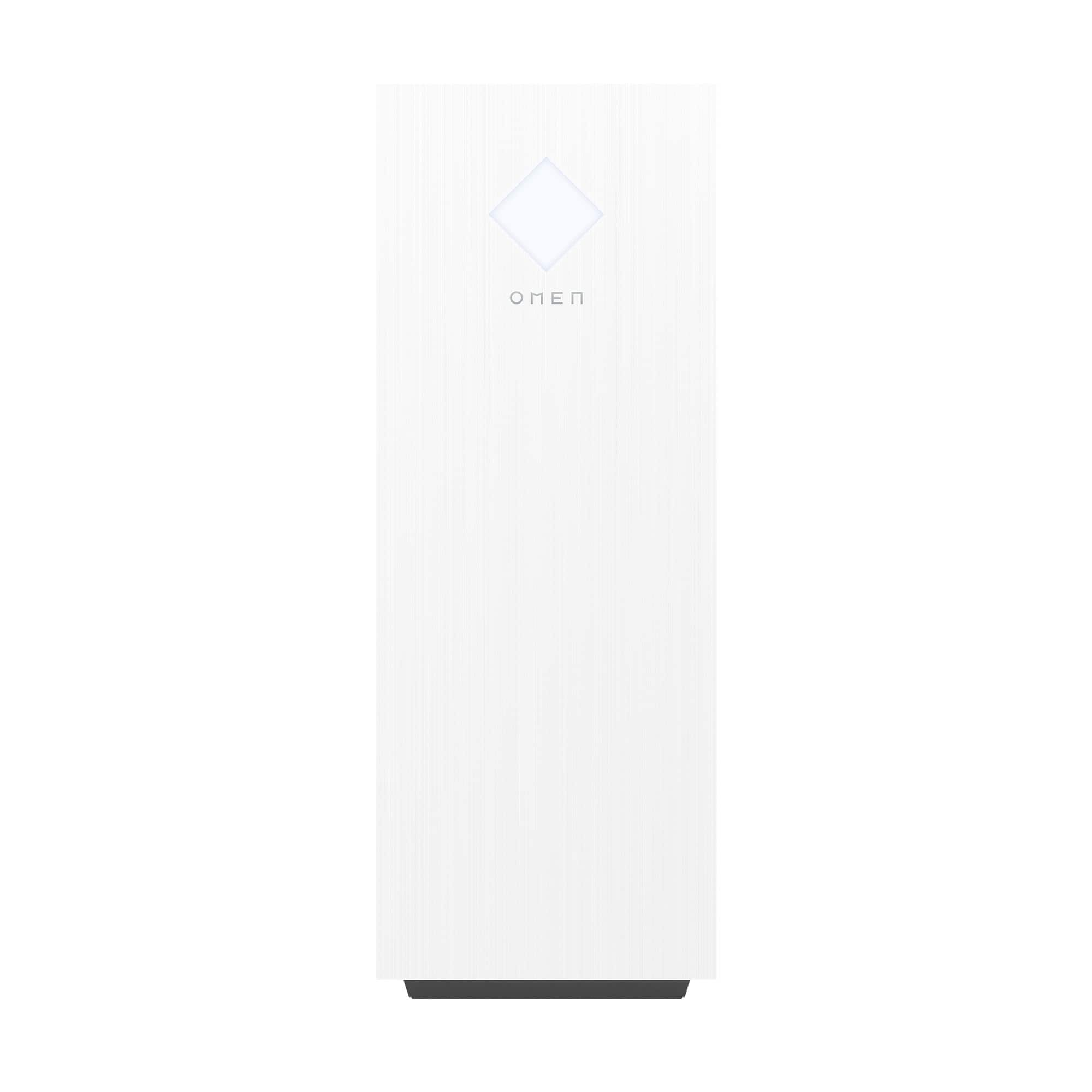
A:Answer"This Specific" OMEN 25 L Model:GT15-2194 comes in a snow white case. At one time the 25L was also readily available in a black case... but lately both Best Buy and the HP website seems to only be offering it white.
A:AnswerThank you for your question about this HP Omen gaming desktop! The cooling system is stock and is both designed and made to dissipate the heat to prevent the processor from overheating.
A:AnswerGreetings from the Intel team. Thank you for your question.
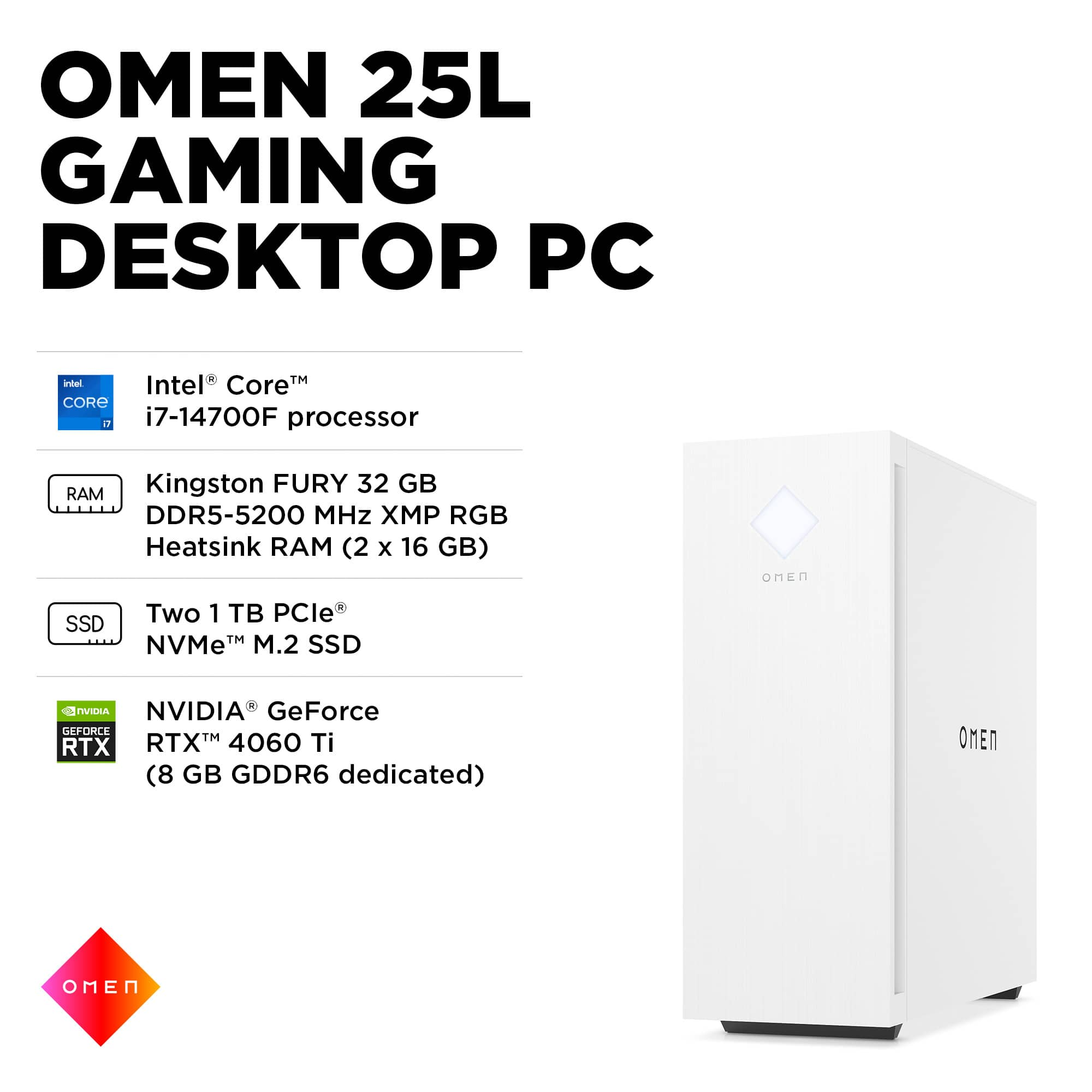
The Intel® Core™ i7 processor 14700F has an Efficient-Core Base Frequency of 1.5 GHz and a Performance-Core Base Frequency of 2.1 GHz; the processor has a Max Turbo Frequency of 5.4 GHz.
CPUs do not always need to run at their maximum frequency. Some programs depend more on memory to run smoothly, while others are CPU-intensive. Intel® Turbo Boost Technology is an energy-efficient solution to this imbalance: it lets the CPU run at its base clock speed when handling light workloads and at a higher clock speed for heavy workloads.
For detailed information about the Intel® Core™ i7 processor 14700F, visit:
https://www.intel.com/content/www/us/en/products/sku/236854/intel-core-i7-processor-14700f-33m-cache-up-to-5-40-ghz/specifications.html
Thank you for choosing Intel! Emilio_Intel
A:AnswerHello and thank you for asking. The HP Omen GT15-2194 desktop gaming computer comes with two 1 TB PCIe NVMe M.2 Solid State Drives for a total of 2 TB.
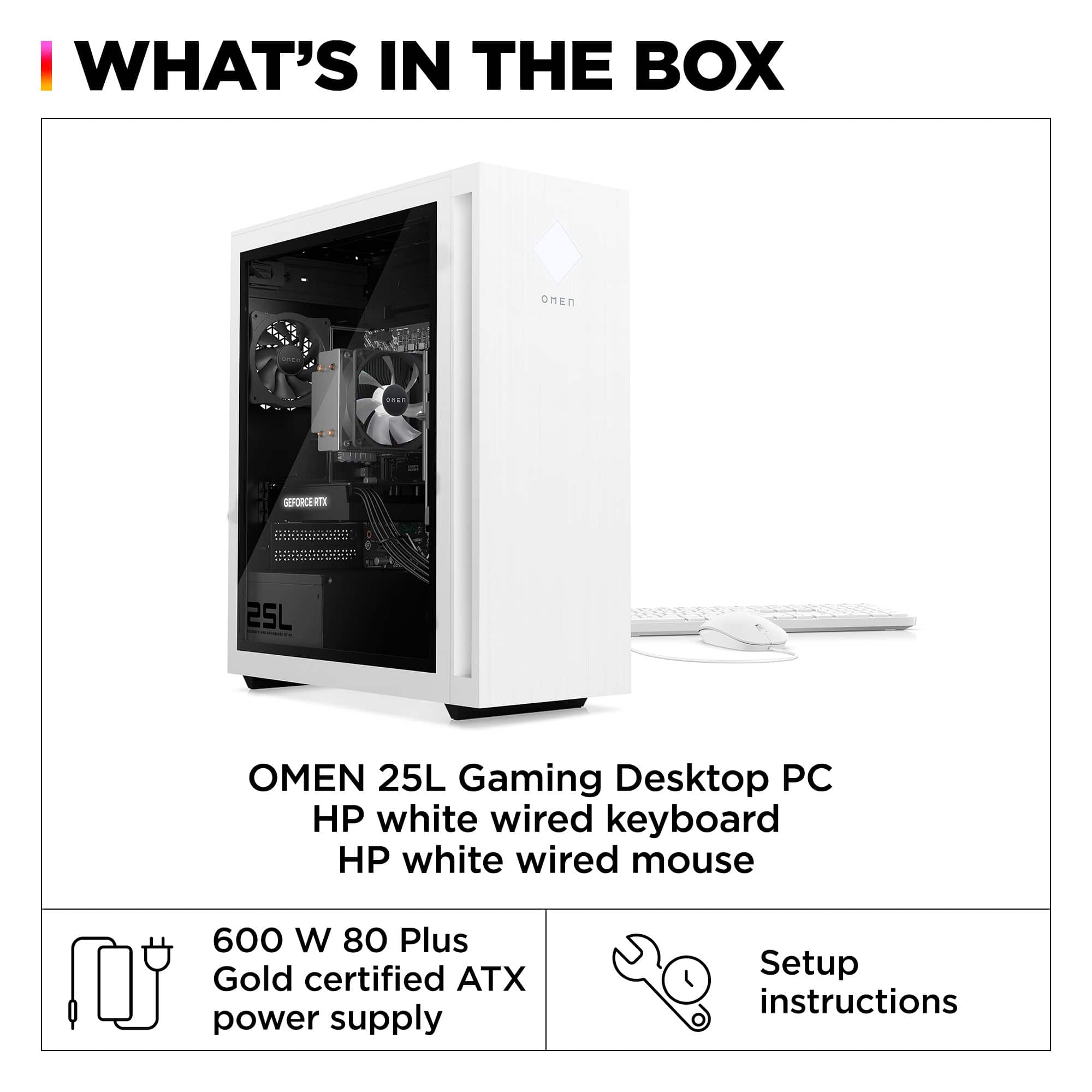
A:AnswerSeven fans in total... one internal power supply fan, two fans on the graphics card, one cooling fan on the CPU and three case fans... one at the front of the case, one at the rear and one at the top of the case.
A:AnswerThis unit comes with cabling to support two additional physical drives. The is 3.5" open HDD bay, with a removable sliding tray, is located at the front of the case just above the front case cooling fan. Personally... rather than a clunky heat generating HDD I used the drive bay space to mount two Samsung 980 Pro SSD drives.
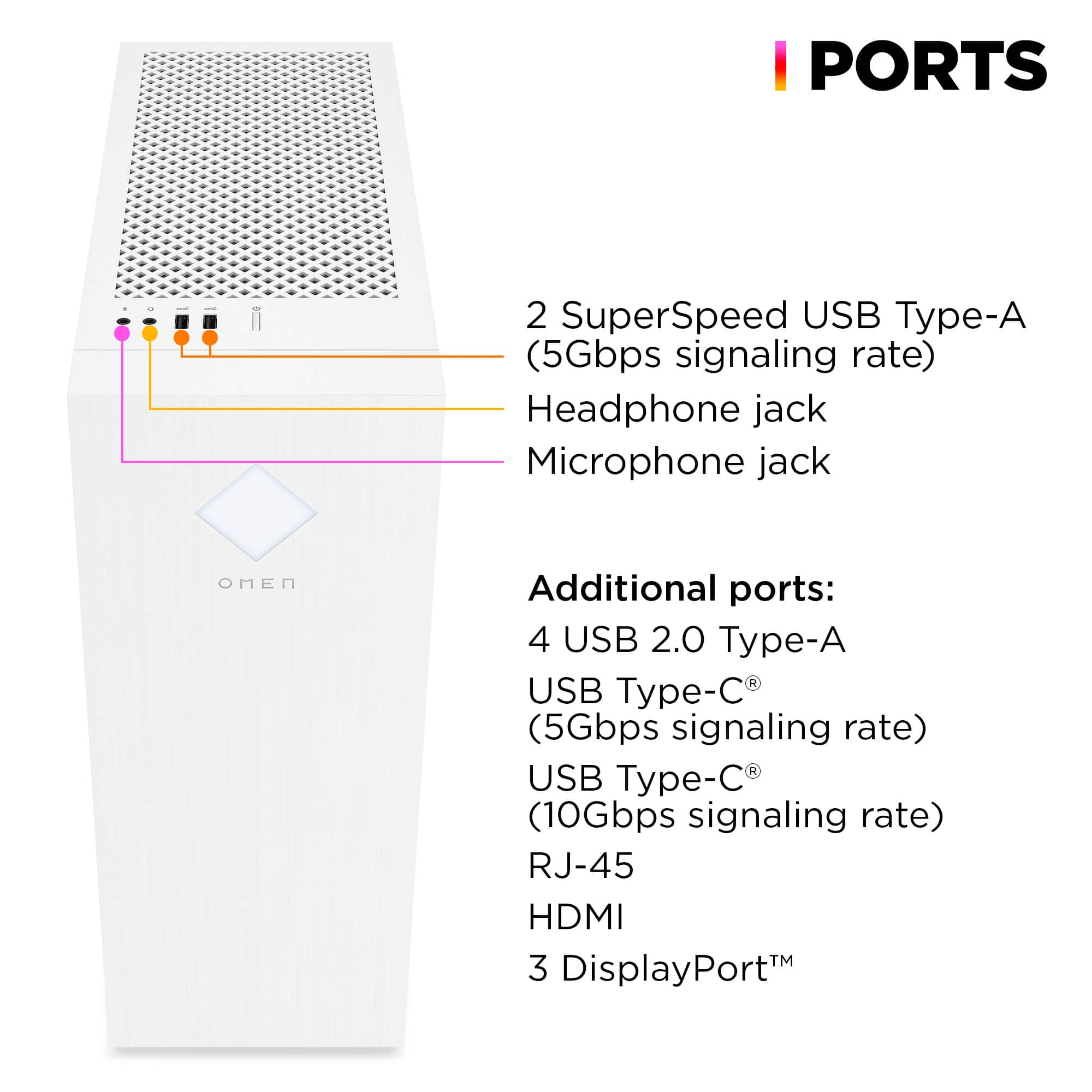
A:AnswerSeth, thank you for your question on about USB versions on this HP Omen desktop! Ports on any system board are not upgradable as they are built to that specification.
A:AnswerJoey, thank you for your question on this HP Omen 25L! Since this is computer is equipped with a wi-fi receiver, you will be able to connect to a wi-fi network right out of the box and start playing your favorite games online!
A:AnswerThank you for your question. This HP Omen desktop computer supports 5200 MHz RAM, which means you will not be able to use faster RAM with this.