A:AnswerFirstt - make sure the volume is up on the taskbar next to the clock and also in whatever app you are using.
Are you sure sound is actually playng? It may be that the sound drivers are not installed properly or defective. If you go to youtube, does the video play as if the sound were working? If it does - the drivers are installed and the computer thinks the sound is playiing.
Try headphones to see if it is the speakers.
I'm pretty sure the computer is warrantied by HP for a year so the Geek Squad may fix it for free. Most of the geeks like to prove they know more than you - use that to your advantage.
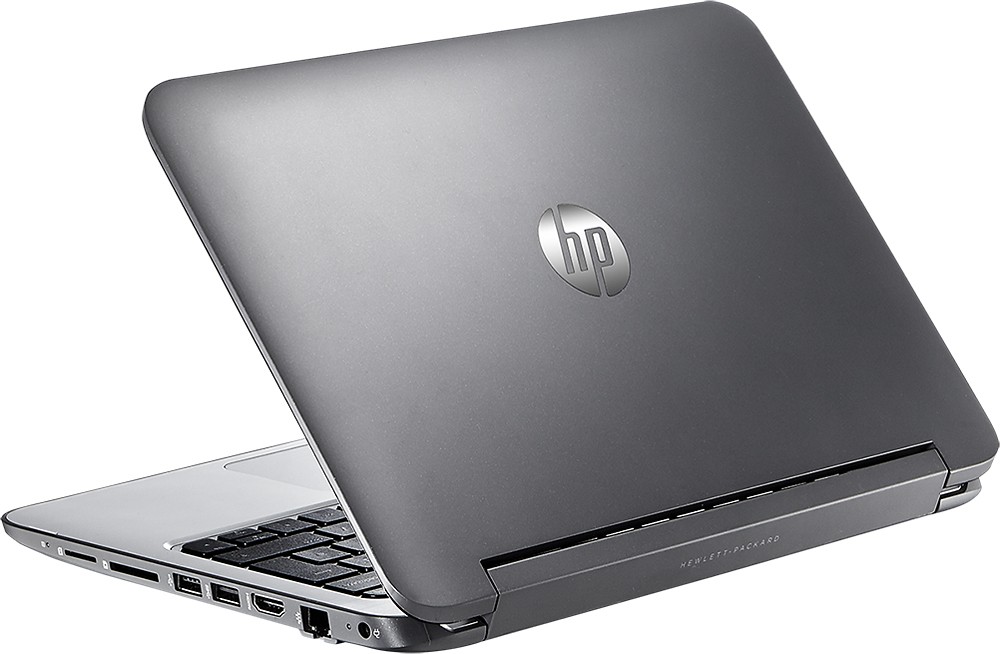
A:AnswerI have not used it, but there is a feature to project to another connected screen. I would guess that might require an adapter to one of existing ports.
A:AnswerWe bought the Dell Active Stylus for Dell Tablets (750-AAGN) and LOVE it! We researched a lot of pen options before going with the Dell and are really happy with it.
A:AnswerWhen you are on the screen that has the tiles, click on the downward arrow to bring up all of the apps. Microsoft Office is in the first grouping of apps, listed in alphabetical order. Click on the icon and accept the terms and conditions.
A:AnswerI'm not sure what your question is. You can download multimedia. There is onscreen Microsoft software installed for playing it. There is no DVD player, but it is easy to get a DVD that attaches to the USB port. Let me know If I can answer anything further.
A:AnswerThe beats audio system is great and i usually only have it turned to 10 and can hear it just fine. With some different streaming websites like Hulu it is a little soft depending on the show you are watching (for me it is Grey's Anatomy)
A:AnswerNo video editing software is included aside from Windows Movie Maker. Its okay for basic video editing, nothing to be produced for commercial use.