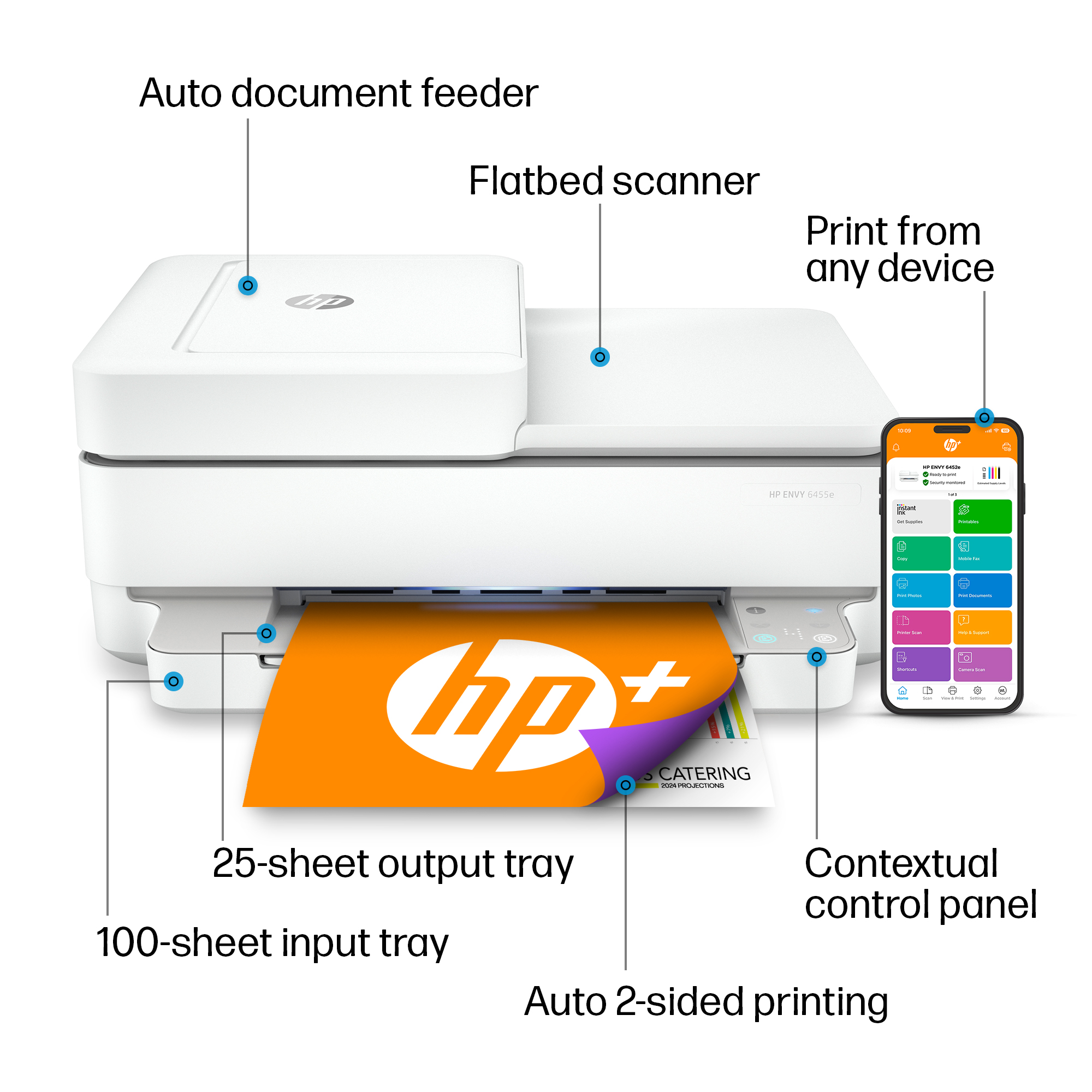
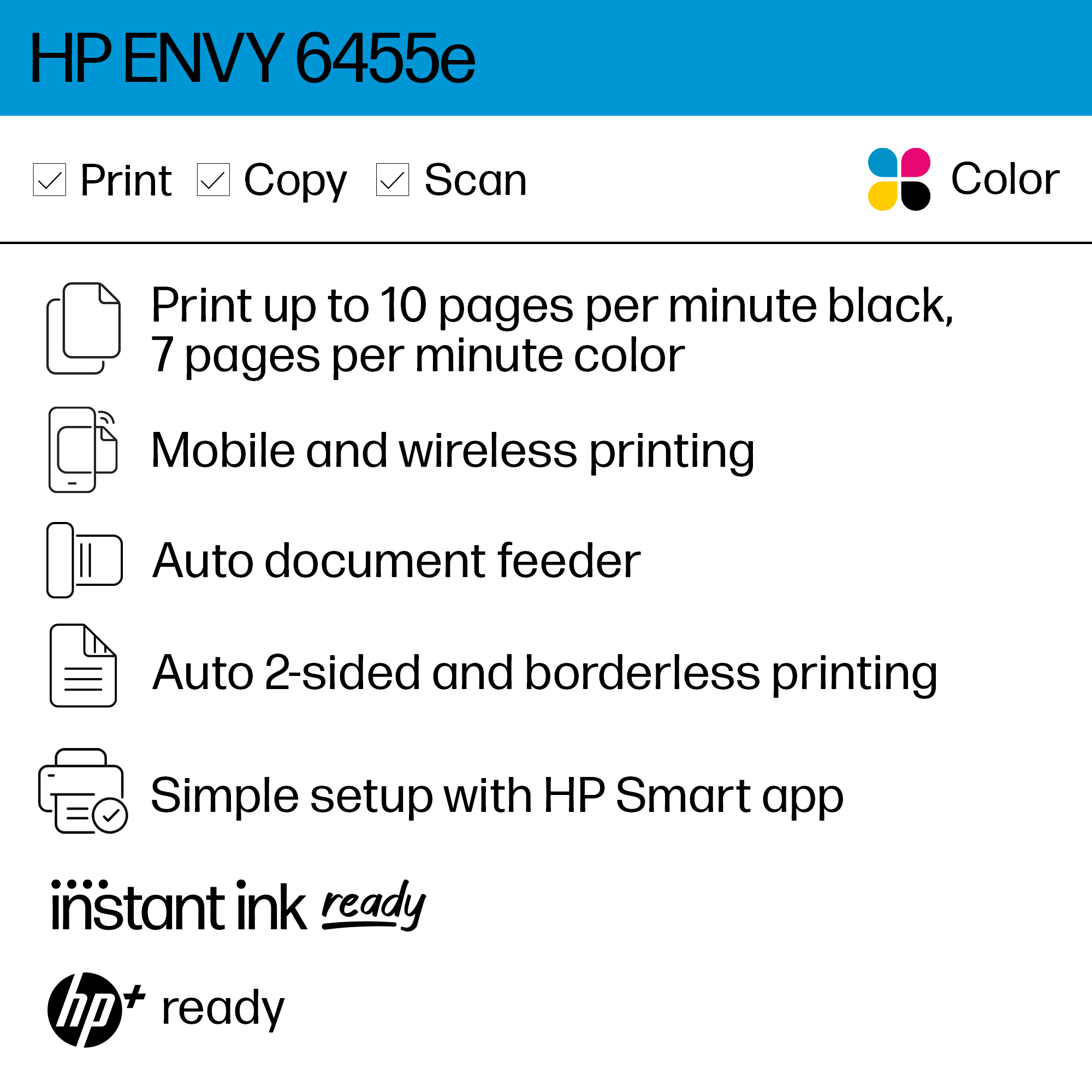
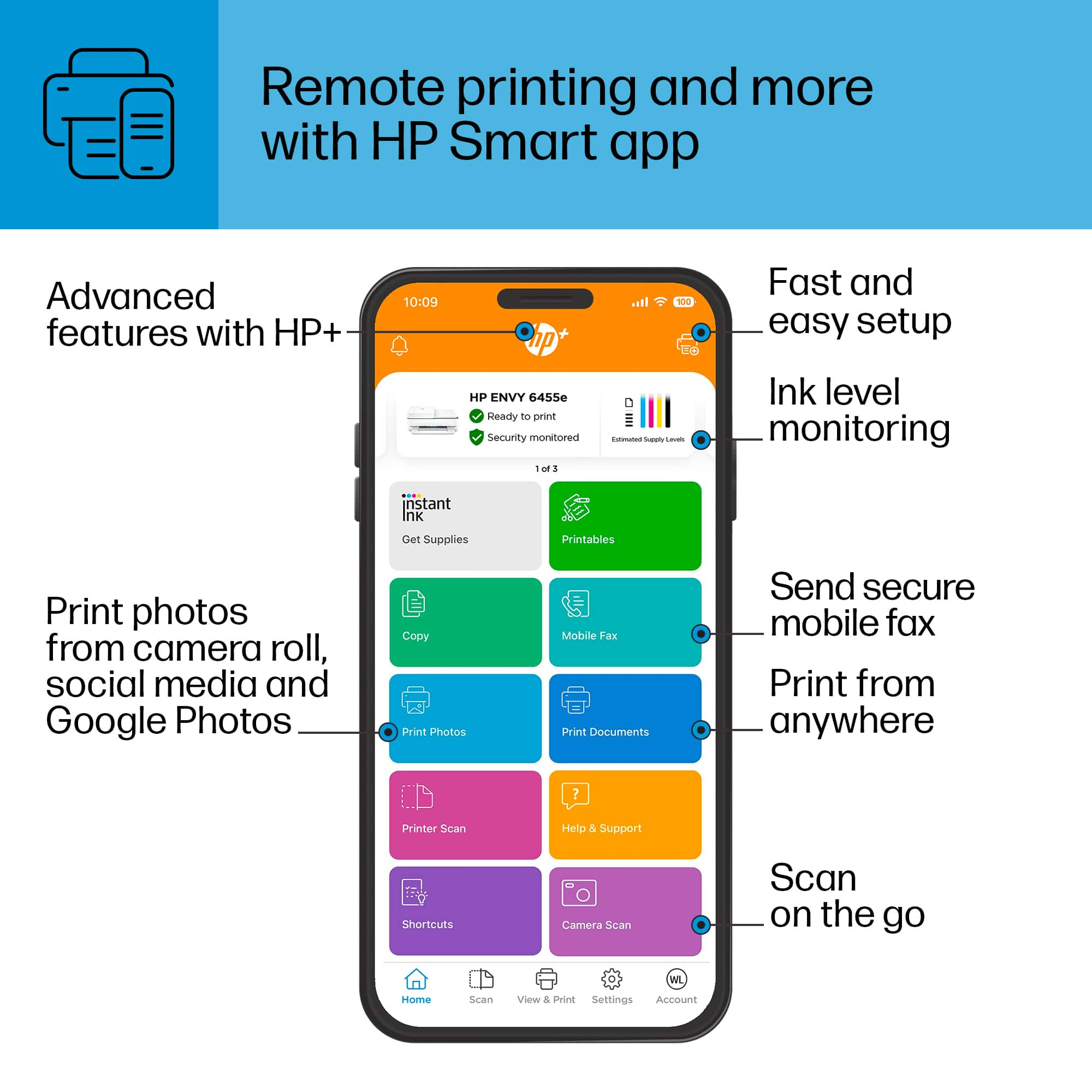
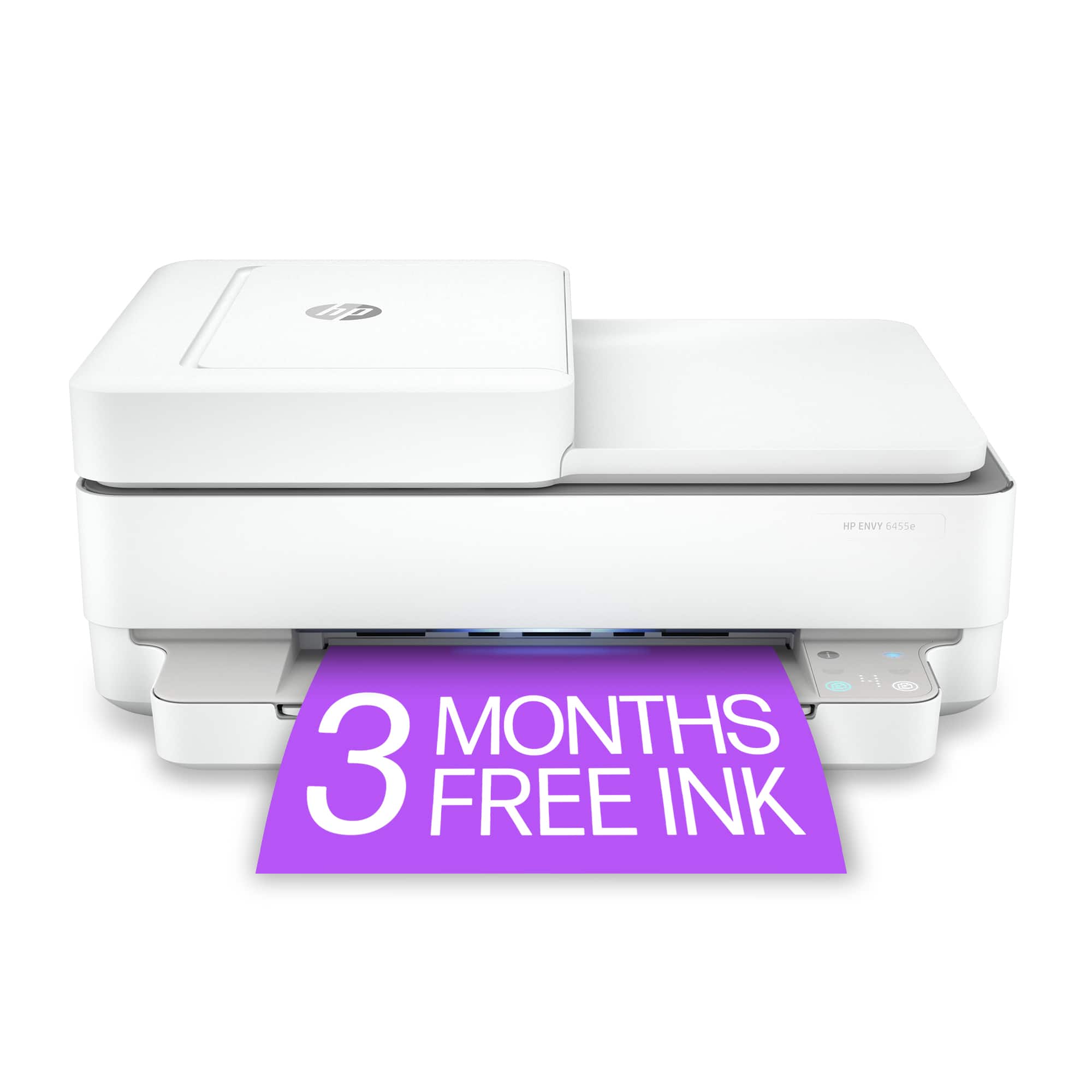
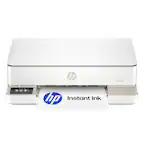
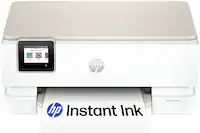
A:AnswerHello. Thanks for your question. This HP Envy 6455e printer does have the capability to scan. We recommend using the HP Smart app. Here are some instructions: https://support.hp.com/us-en/document/ish_1716406-1413451-16 If you need further assistance, we recommend reaching out to HP Support: https://support.hp.com
A:AnswerHello, MaryAnn. Thanks for your question. You can download a User Guide under the manuals tab on this webpage: https://support.hp.com/us-en/product/hp-envy-6400e-all-in-one-printer-series/2100178605/model/2100187520 If you need further assistance, we recommend reaching out to HP Support: https://support.hp.com
A:AnswerHello. Thanks for your question. The HP Envy 6455e printer does not have the capability to enlarge or reduce copies. If you are printing, you can adjust the scaling to make an image bigger or smaller.
Asked by Question4uregardingHPENVY6455eandcompatibilitywithWindowsVista.
A:AnswerIt's iffy. We have several laptops. We're using a Windows 10 as the "main" laptop for the printer. We can print to the printer with a Vista laptop, but when we were setting it up we got messages about limited compatibility. I would select a different printer.
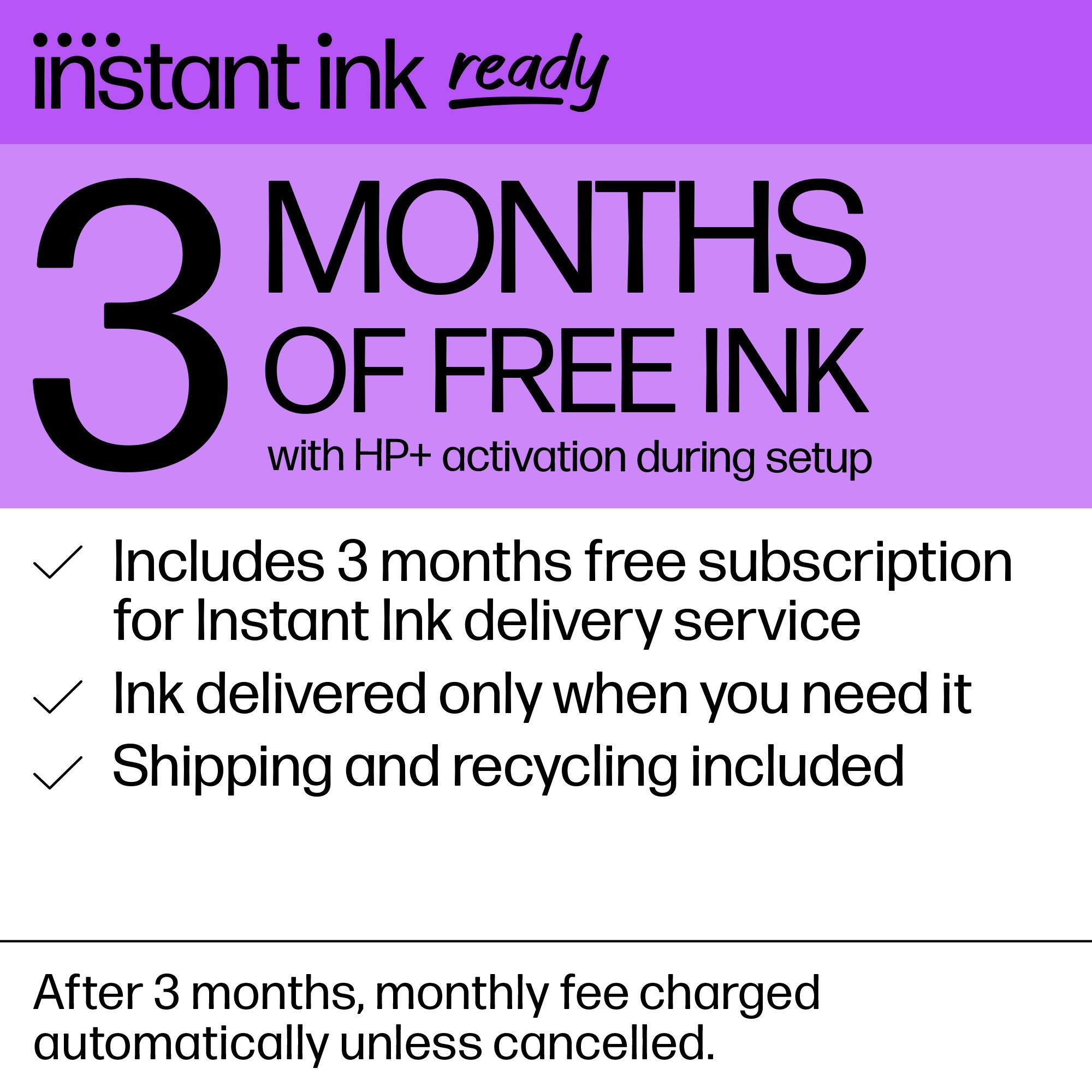
A:AnswerHello. Thanks for your question. Yes, this HP Envy 6455e printer is compatible with the Mac computer. You would enroll in HP Instant Ink during the printer setup. Or you can register by visiting https://www.hpinstantink.com after you get the printer.