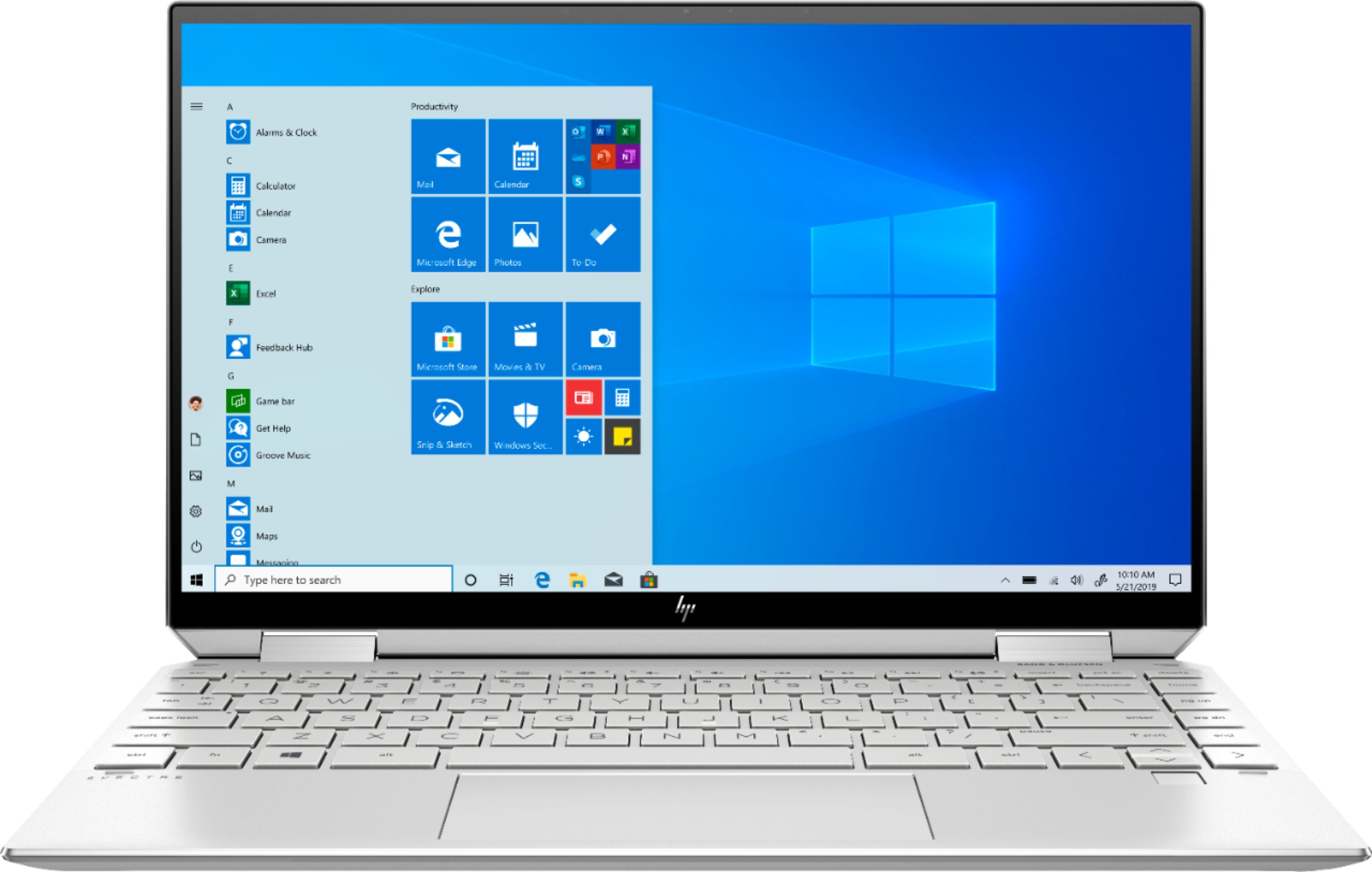
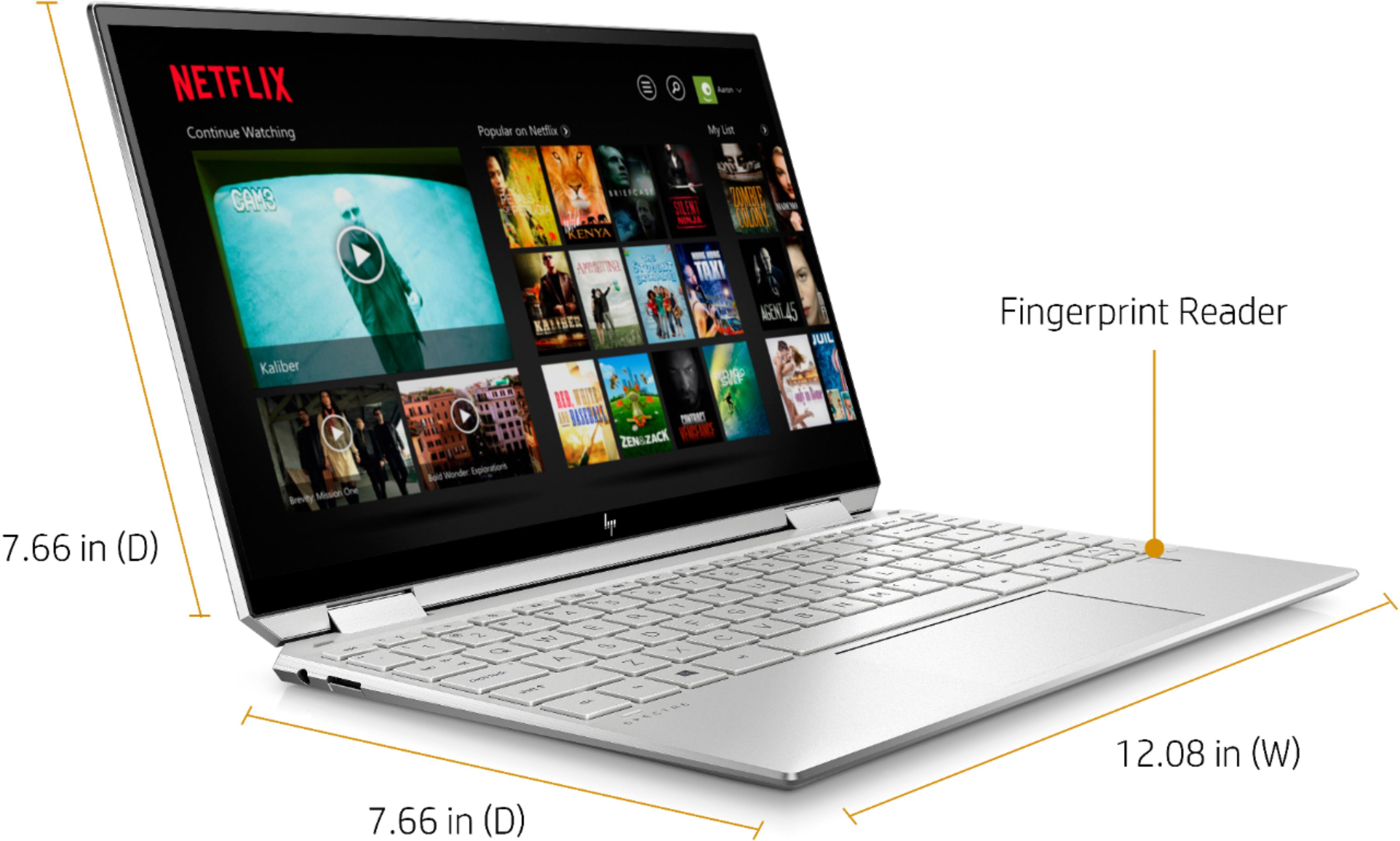
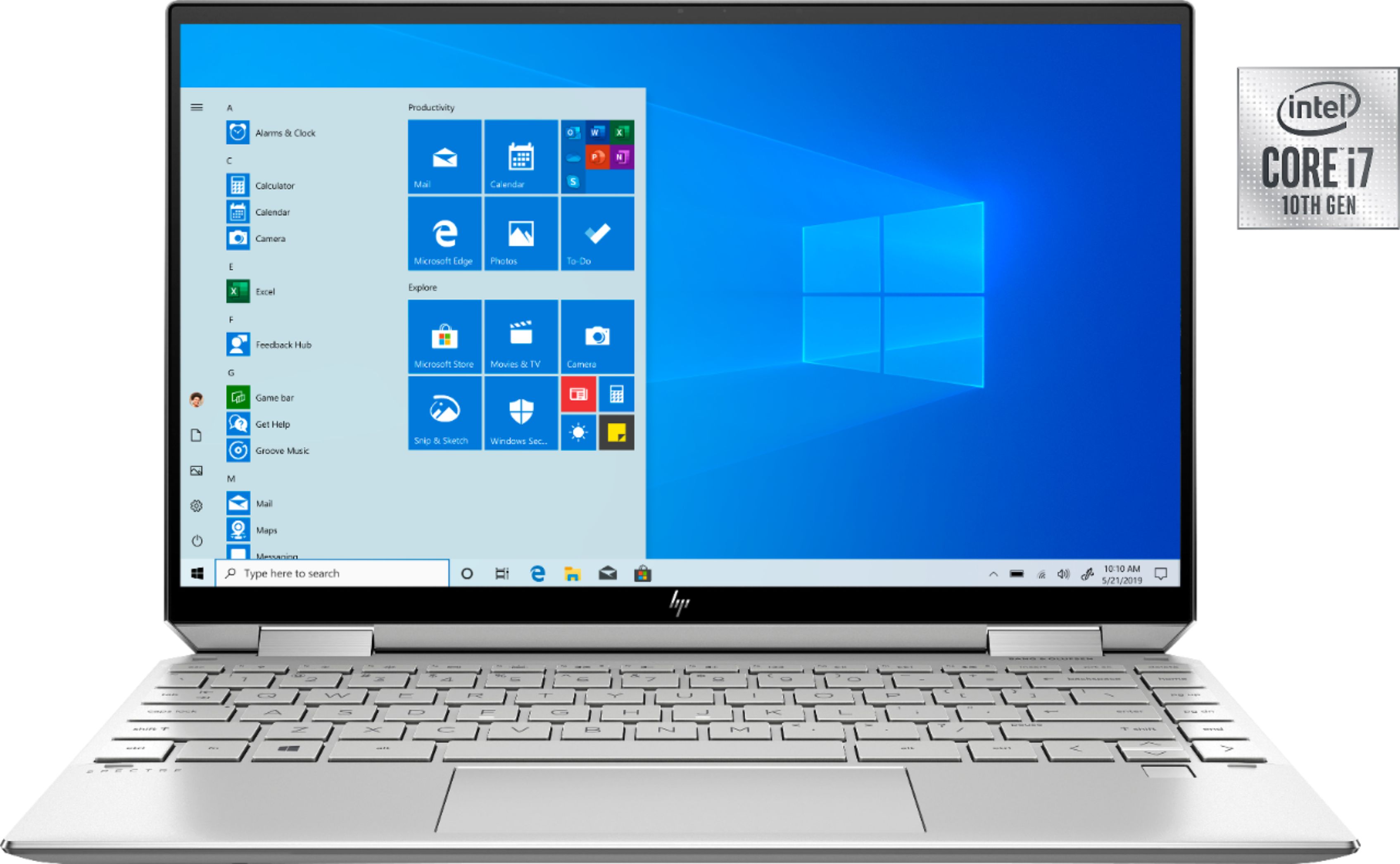
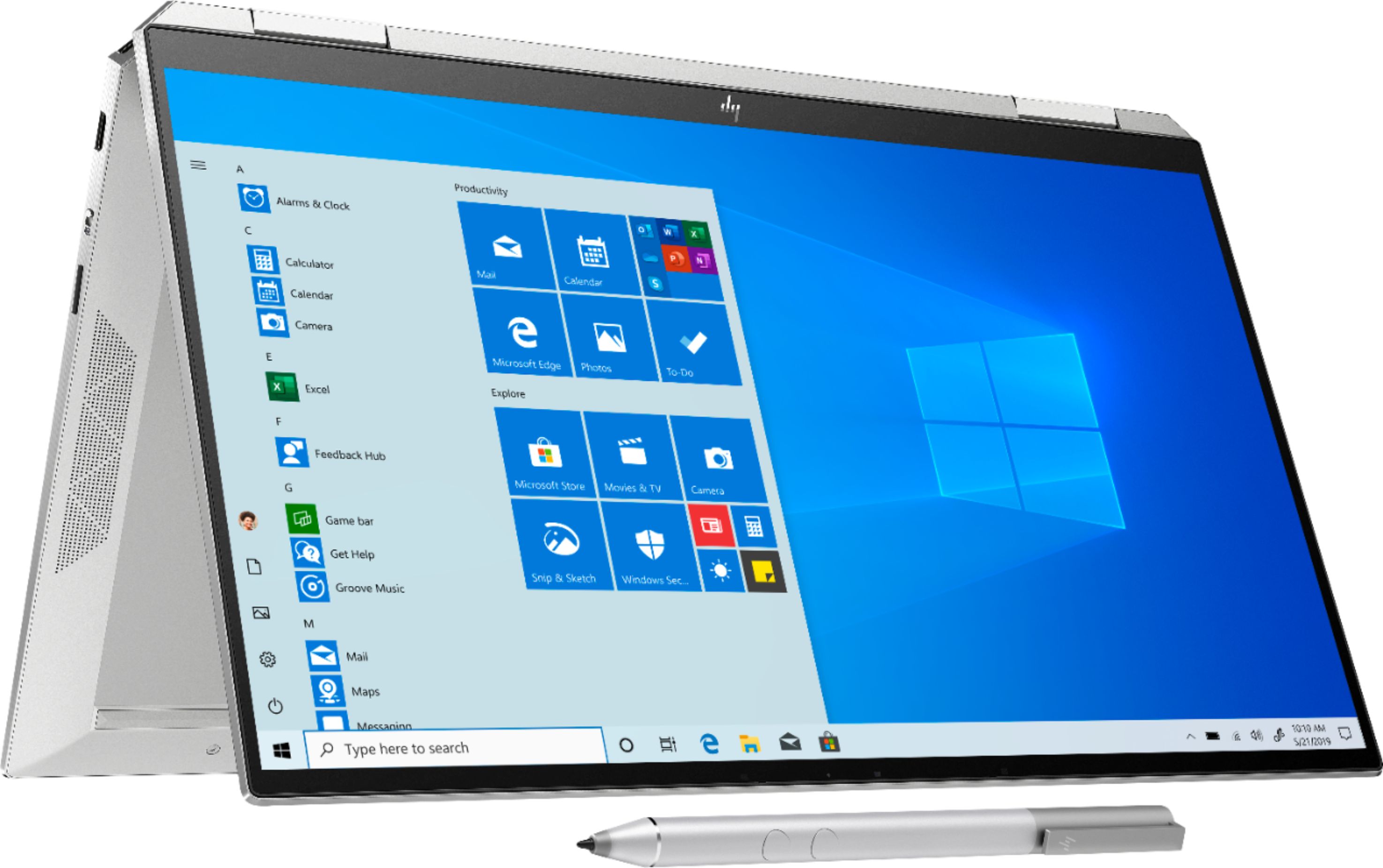
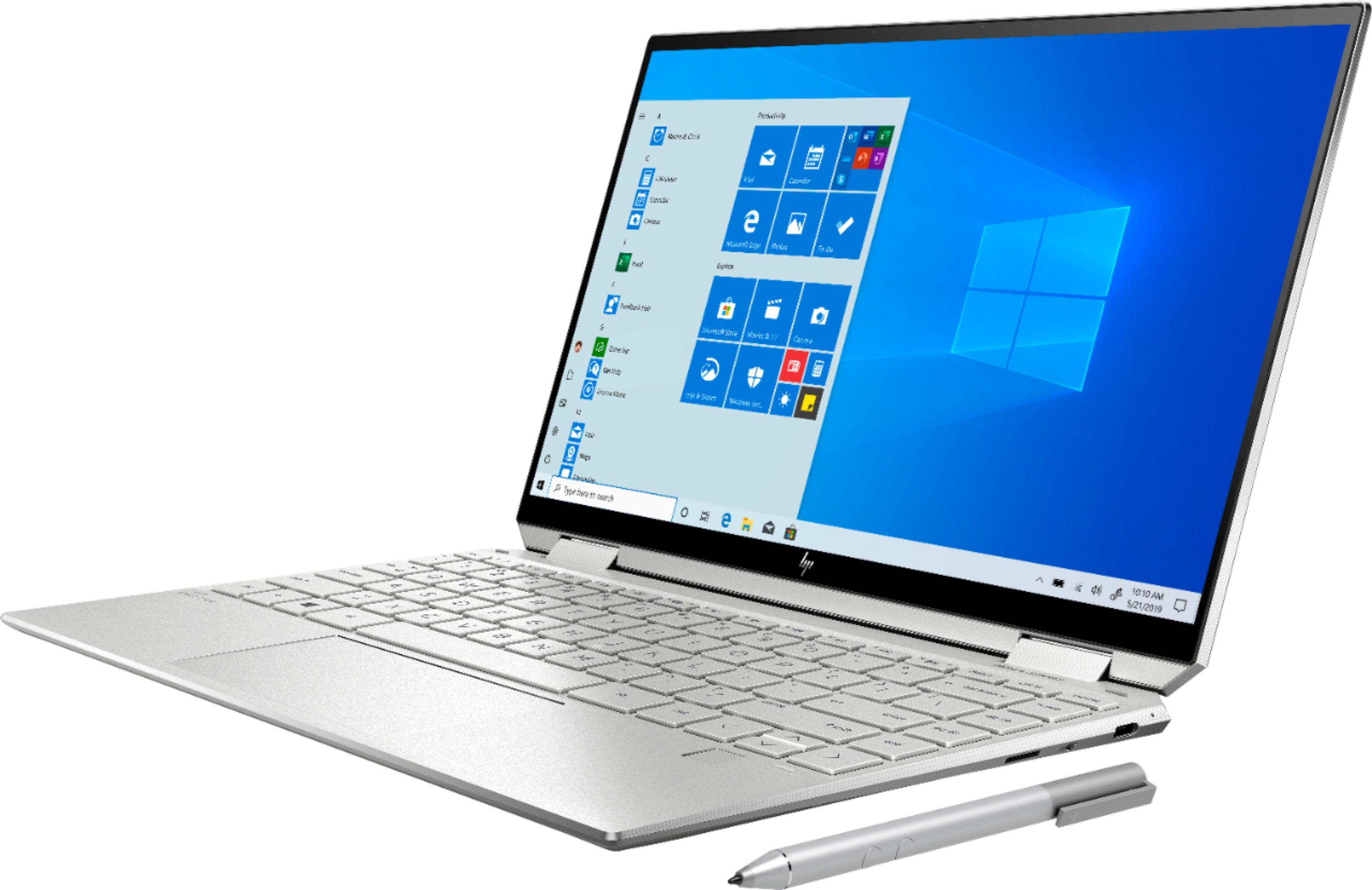
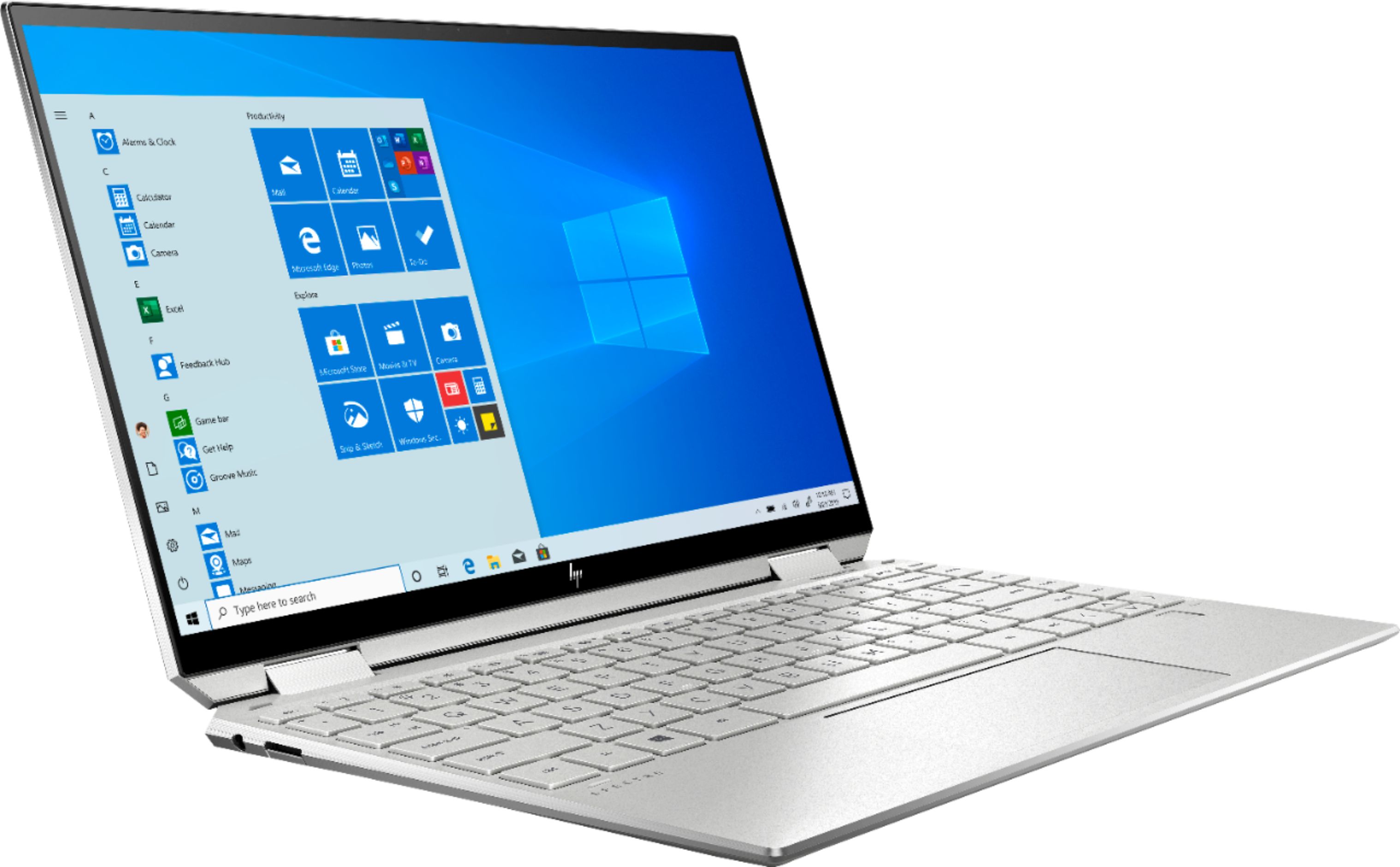
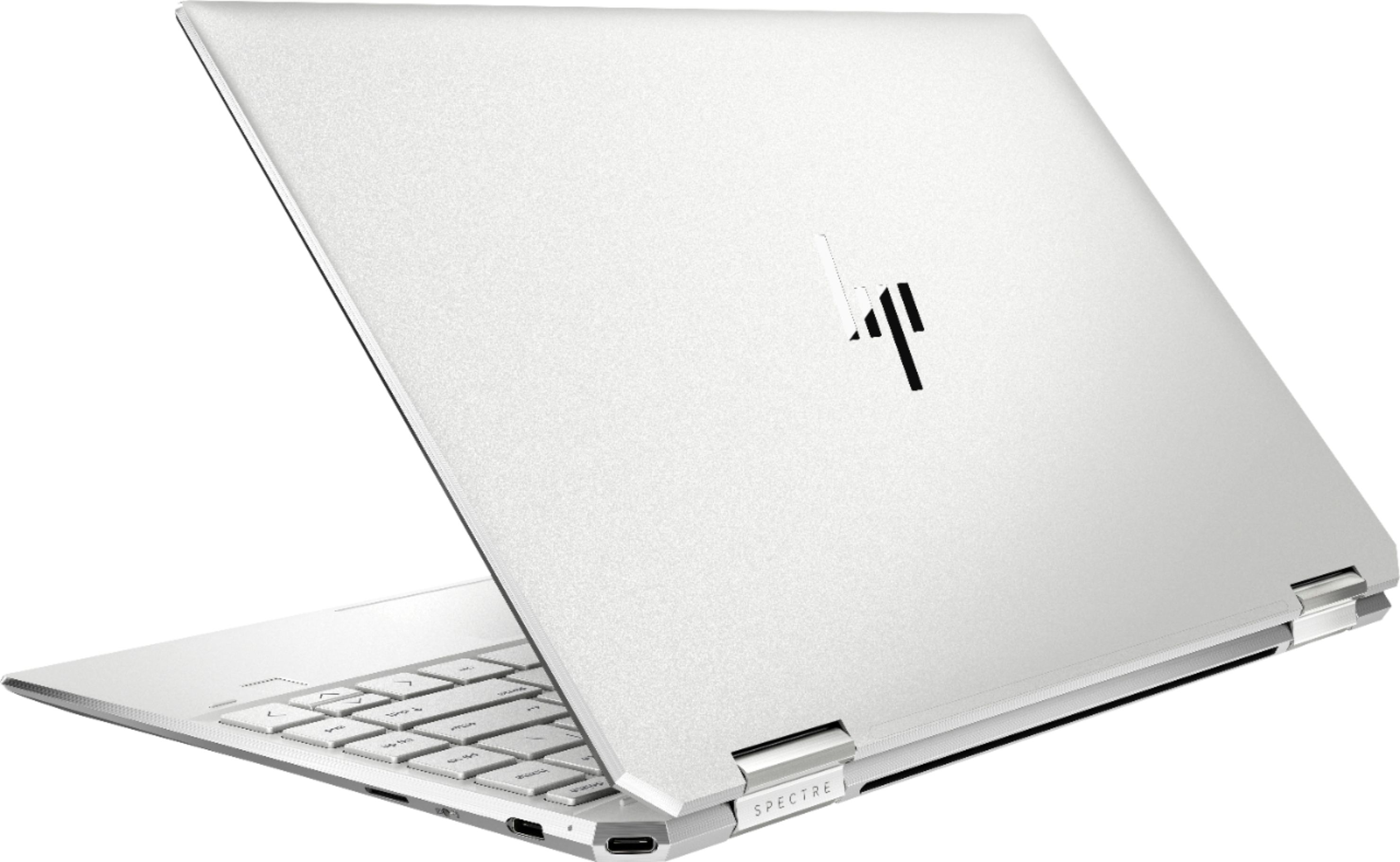
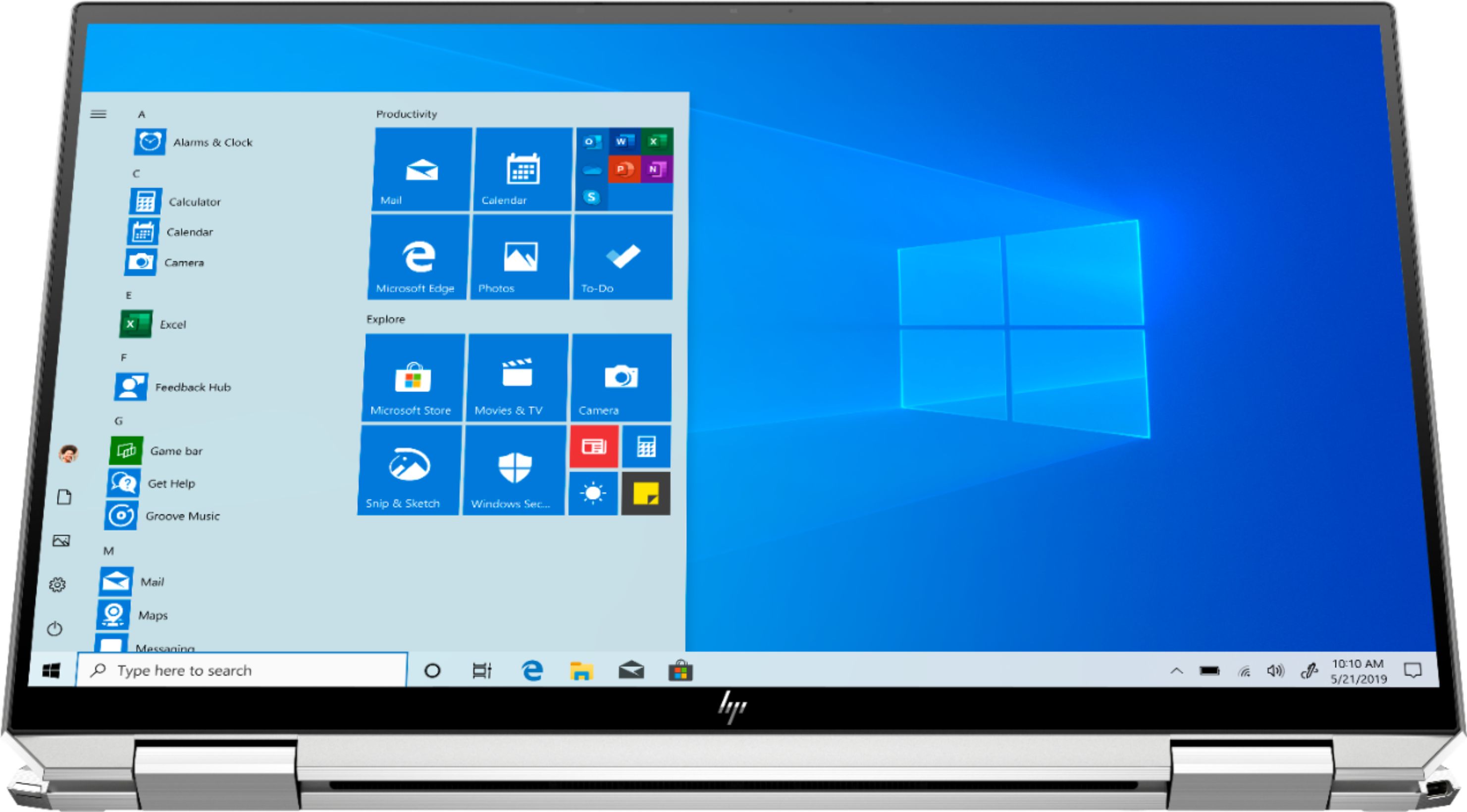
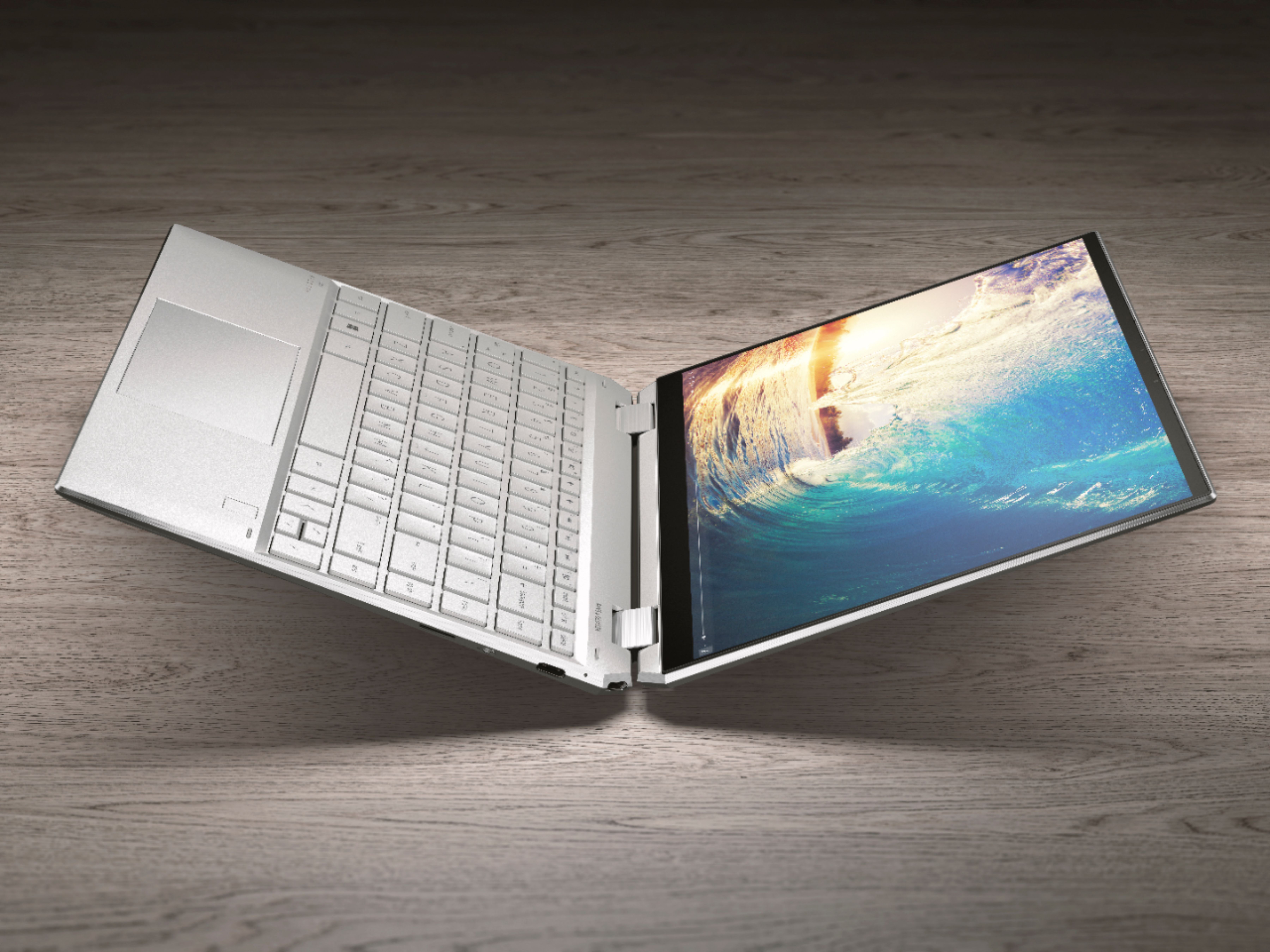
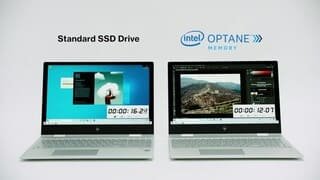
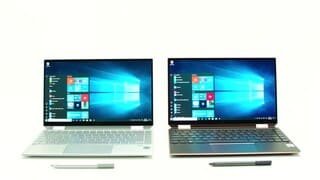
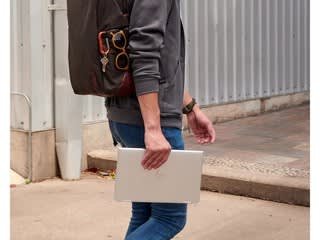
A:AnswerThis gives you a larger screen than the Surface without much additional physical size. It also features a fingerprint reader near the keyboard. The HP is one of the first with a 10th generation Intel processor which will help extend battery life compared with the other two models.
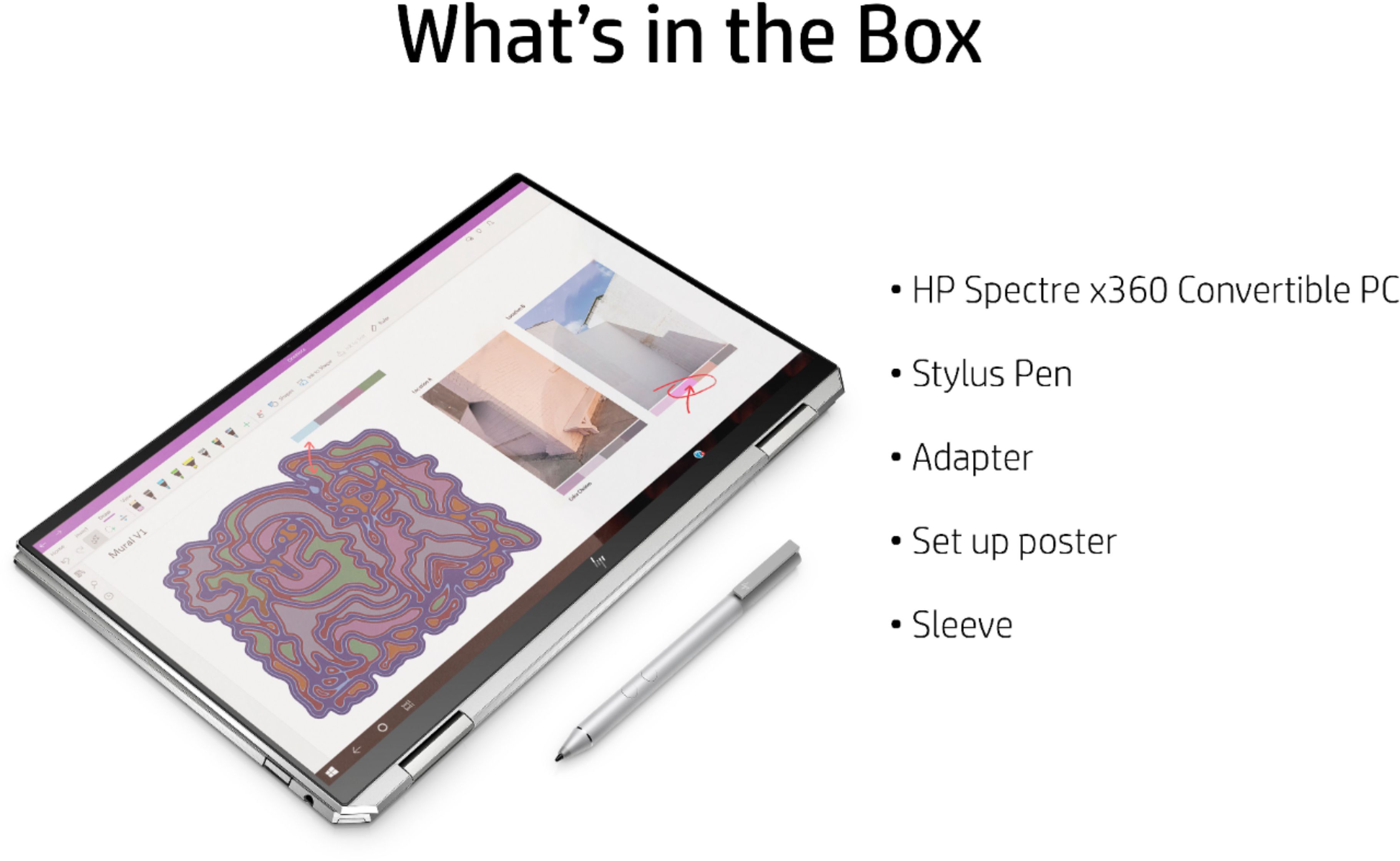
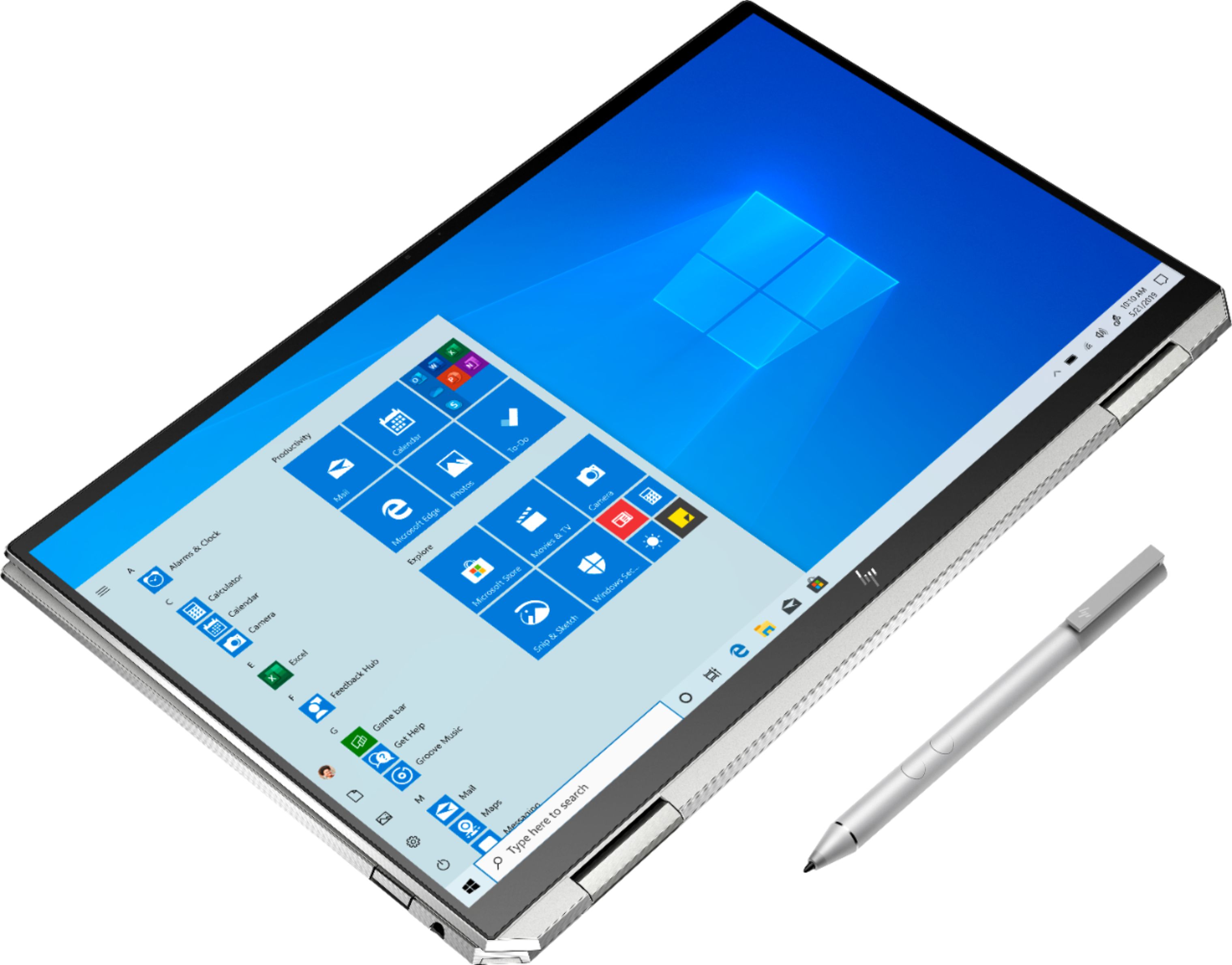
A:AnswerYes it comes with both. I dont like the Stylus and the sleeve is decent but wont fit anything else. I have upgraded to an HP Tilt pen and a sleeve with a front pouch for charger and mouse.
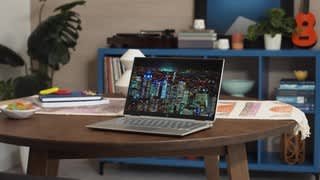
A:AnswerI cannot tell you directly but I'm typing on it. It's very great at handling reflections in doors if that's what your asking. If your in a car with bright sunlight, it's harder to see and you'll notice all the finger prints. But for most uses, no... i don't have issues with the screen.
A:AnswerThis model does not have the privacy screen. The name of the privacy screen is Sure View. There were a couple of models that Best Buy carried that had the Sure View. There is only one model available as an open box: https://www.bestbuy.com/site/hp-spectre-x360-2-in-1-13-3-privacy-touch-screen-laptop-intel-core-i7-16gb-memory-512gb-solid-state-drive-hp-finish-in-natural-silver/6080202.p?skuId=6080202
A:AnswerWe would recommend reaching out to Best Buy's customer service team or a blue shirt member of the computer department for current student deals.
A:AnswerI would recommend reaching out to HP Support or Best Buy's Geek Squad for further assistance. They have access to more tools to assist you. Here's the link to HP Support: http://support.hp.com/us-en . Click "Contact HP" at the bottom left of the page. Alternatively, you can reach them by phone at 1-800-474-6836. And for the Geek Squad: call 1-800-433-5778 or https://www.bestbuy.com/site/services/geek-squad/pcmcat138100050018.c?id=pcmcat138100050018