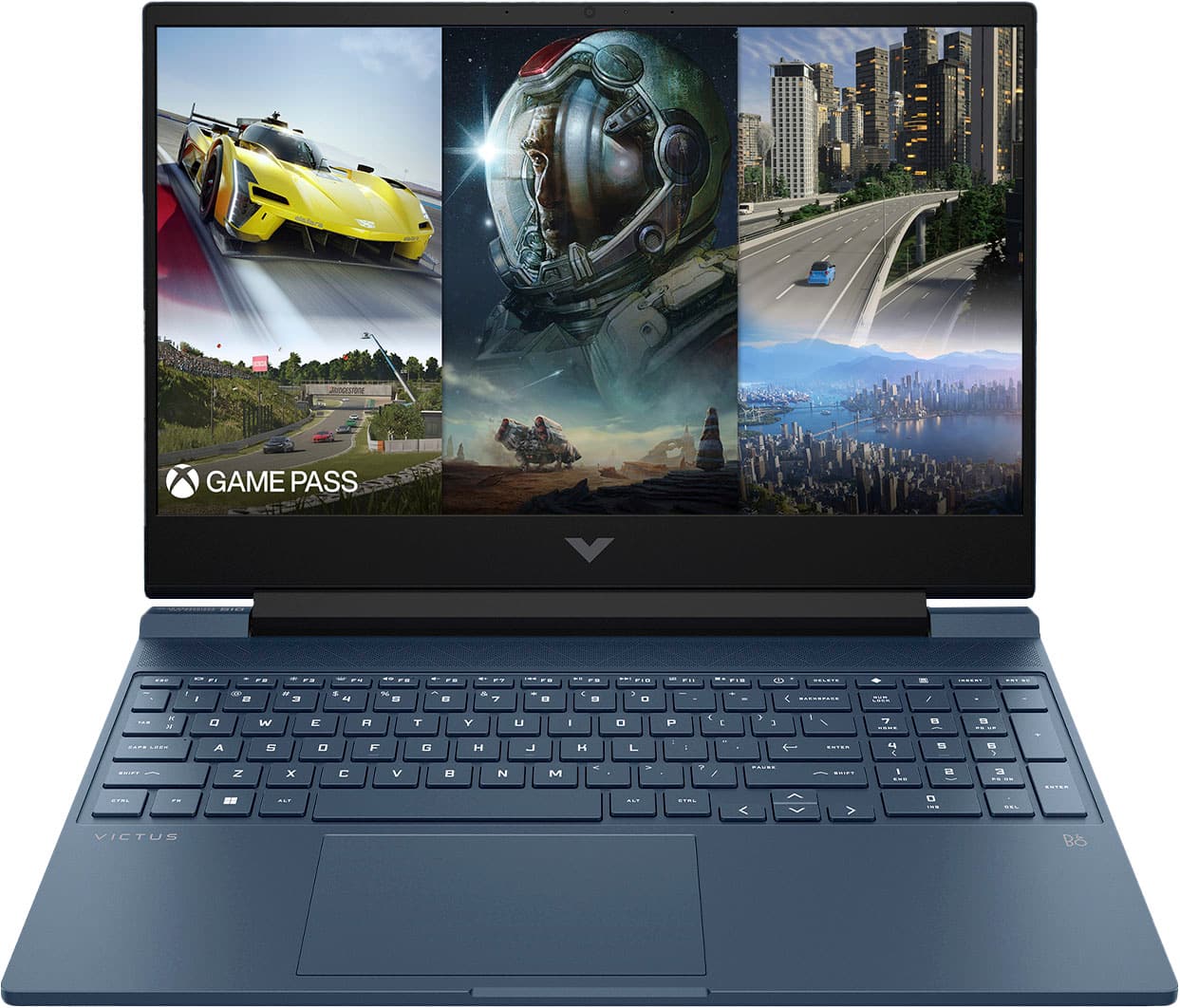
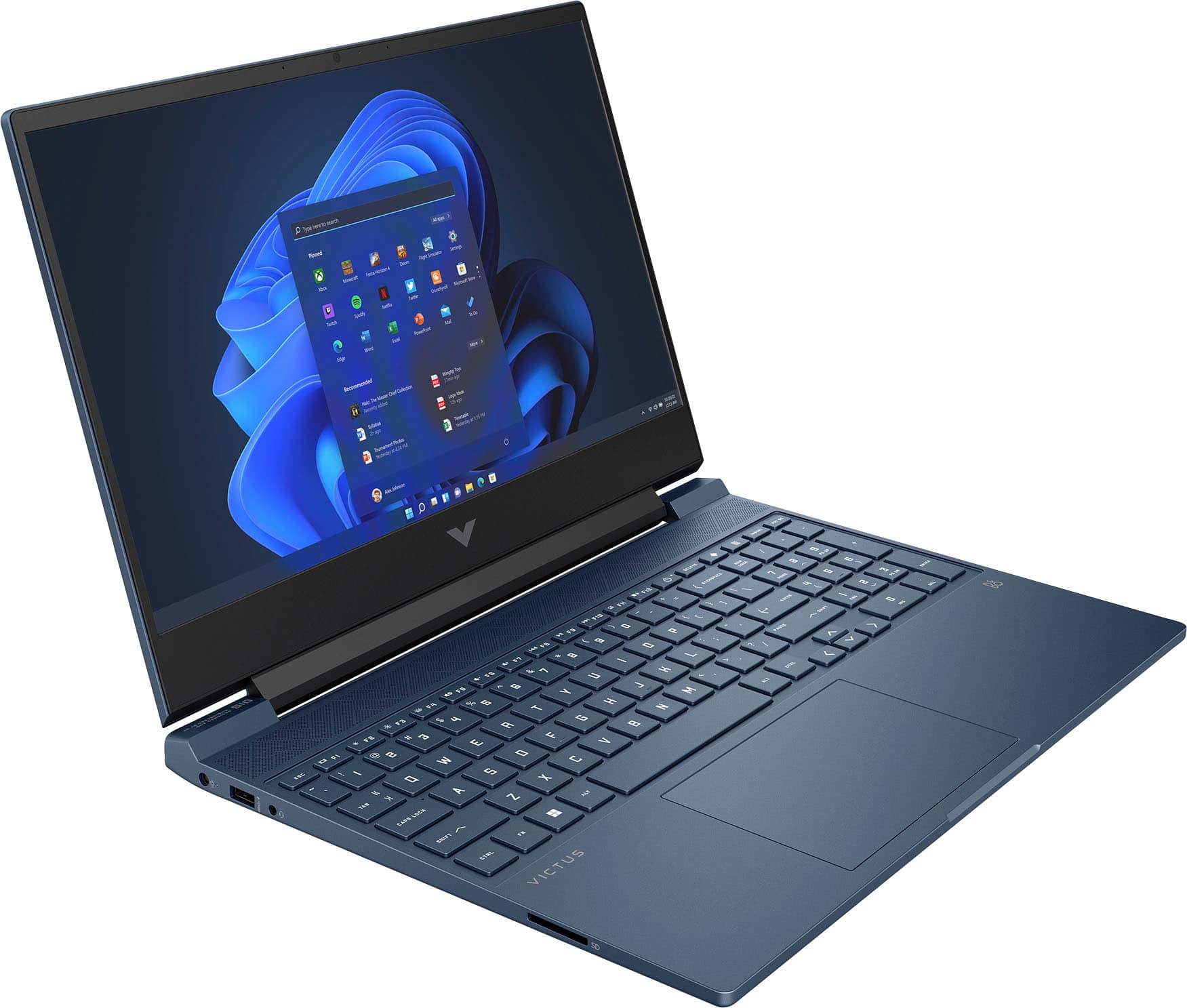
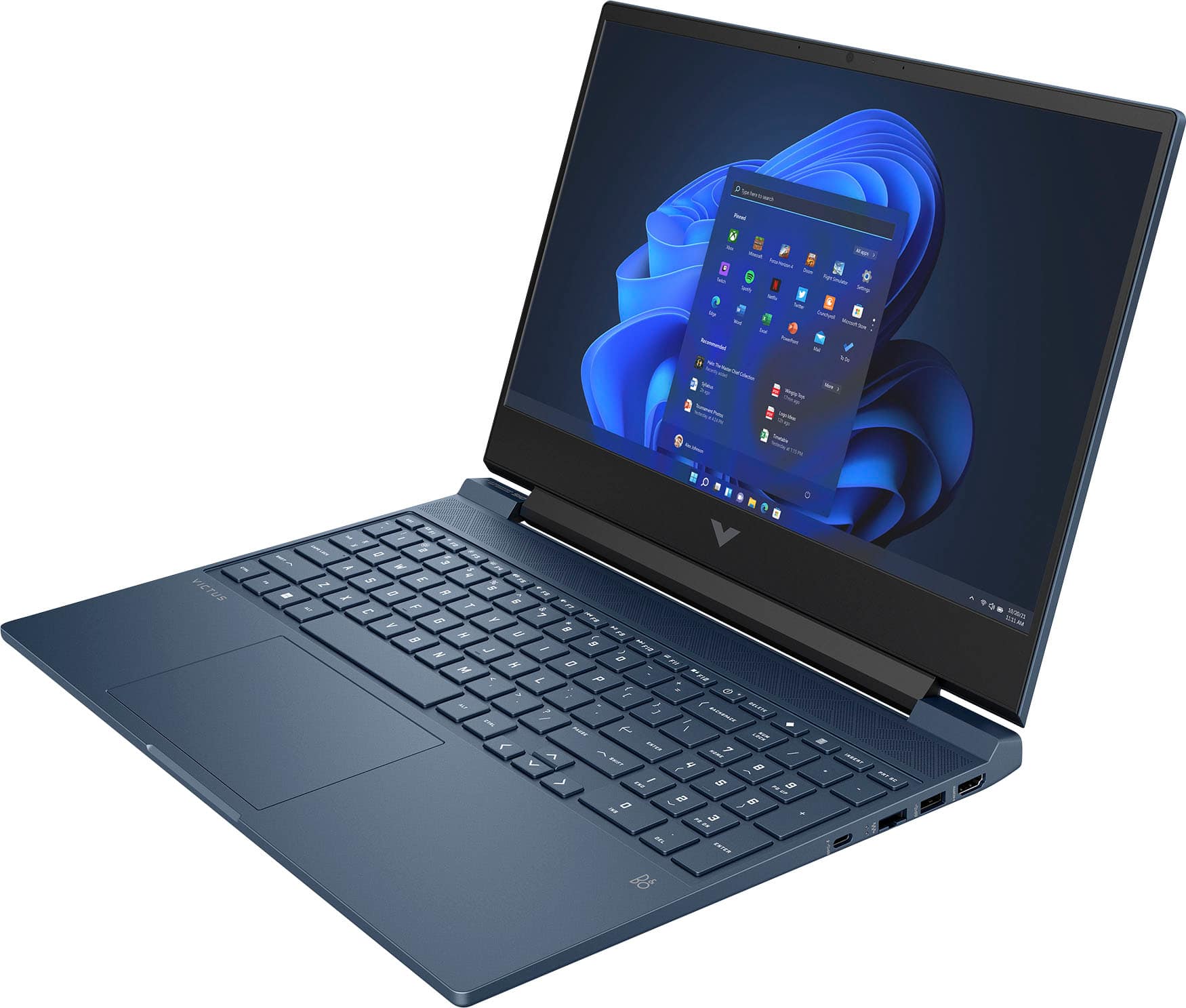
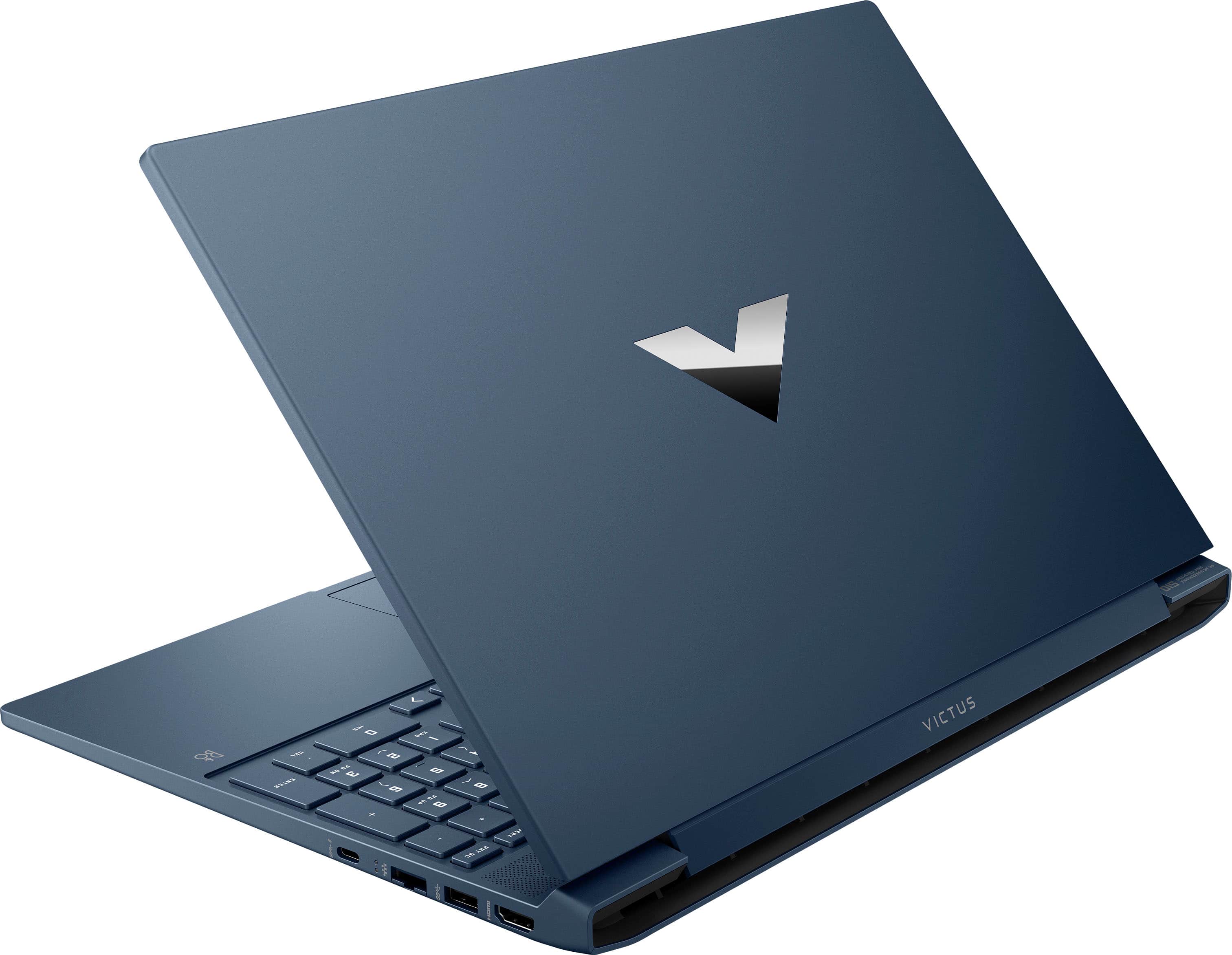
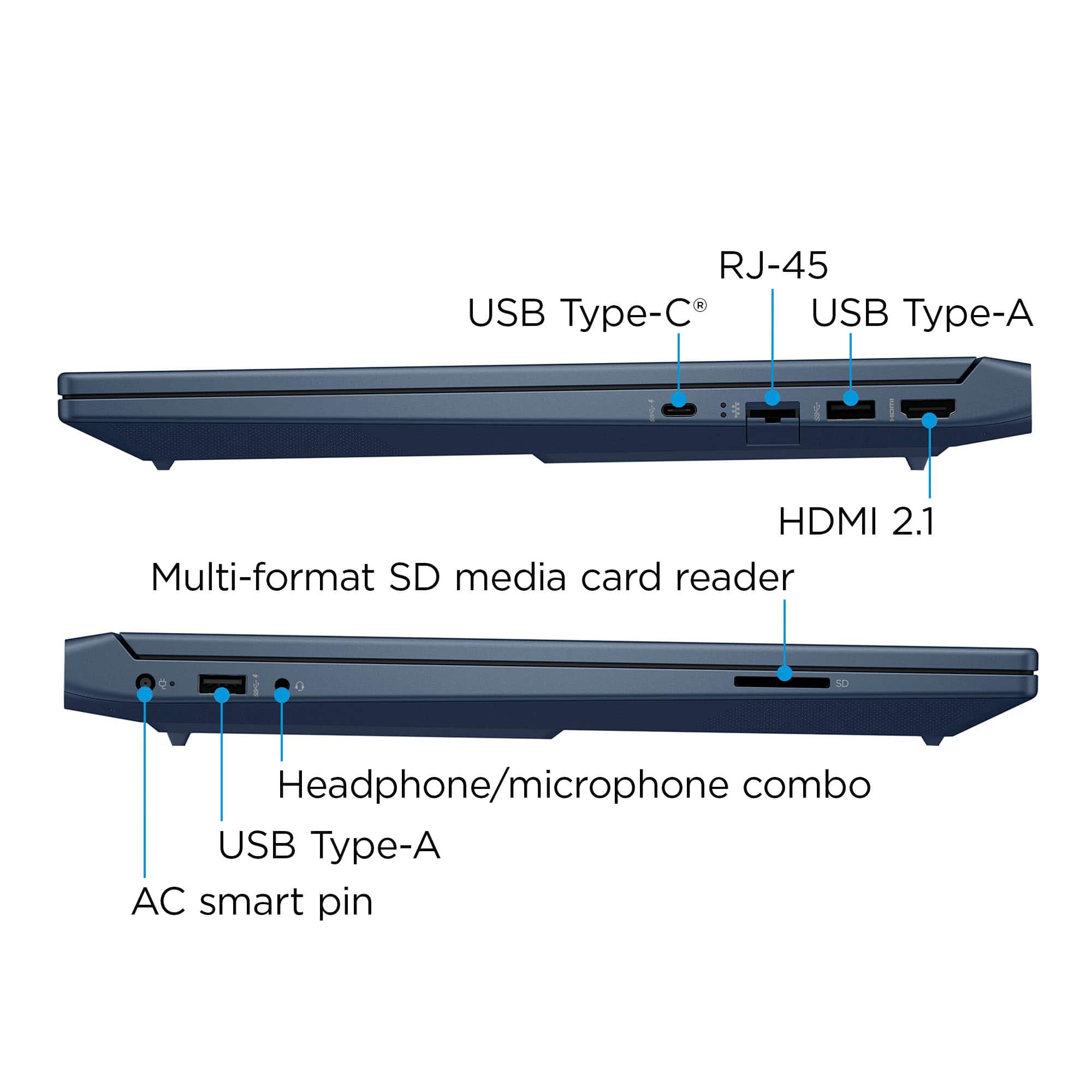
A:AnswerThe laptop has a single HDMI port on it.
You can add additional ones w a USB adapter, but not sure how well that would be for gaming.
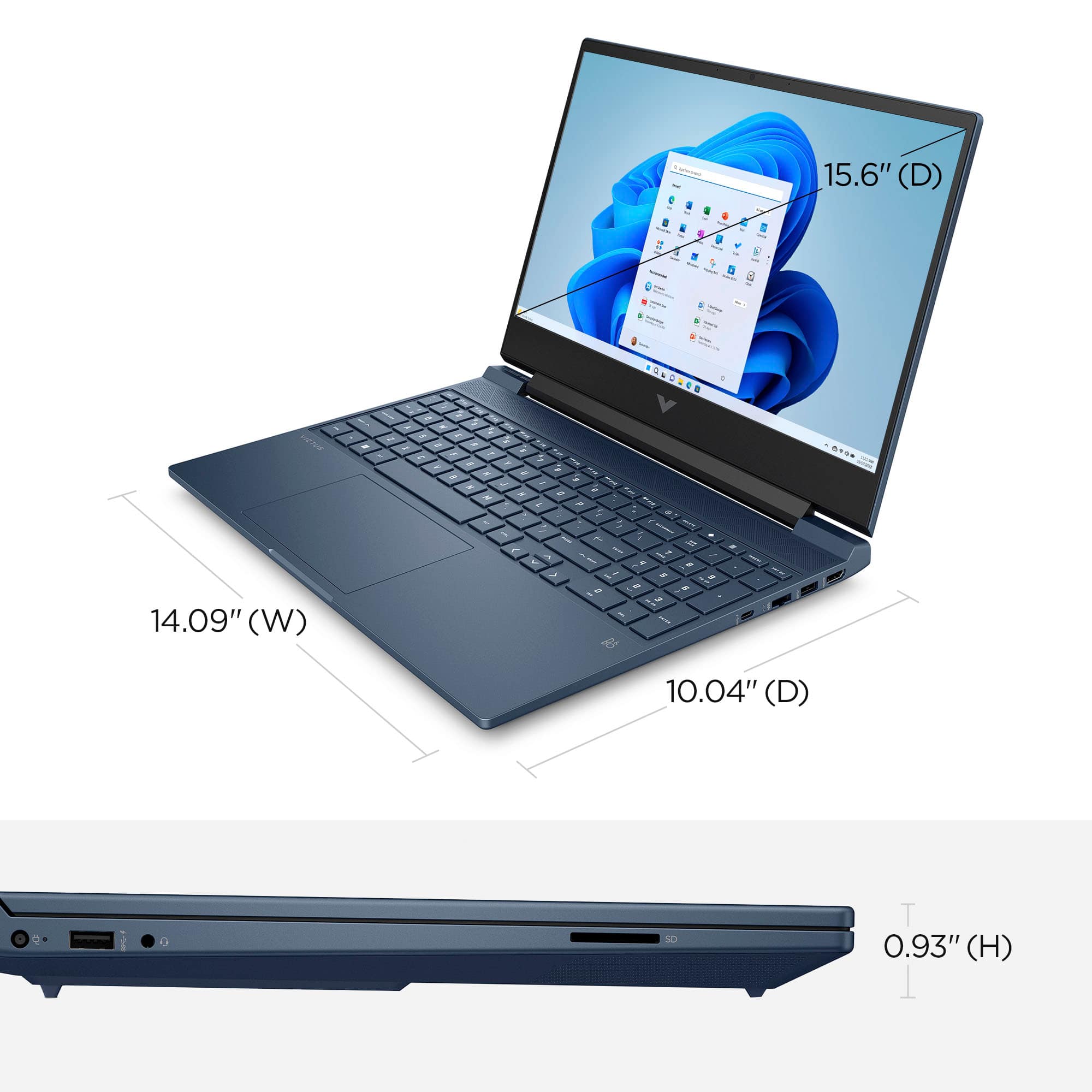
The included screen is 144hz. If you add an external monitor, the refresh rate is dependent on that monitor
A:AnswerHonestly, the fans aren’t bad at all. It’s real quiet, but I always buy a cooling pad for my laptops anyways. It’s just an extra precaution for them.
A:AnswerIt can AT LEAST support 1 other screen, as it has an HDMI port on the side. If you can hookup even more screens through some sort of USB-C, HDMI adaptor etc, it shouldn't have any issues with multiple other screens/monitors imo
A:AnswerThis laptop will support quest 2 by using the link cable. Airlink is choppy and very had to run without the link cable. Further you will want to have your laptop plugged in the entire time you run vr to support power from your laptop to the quest. The cable method needs this to run or the experience become choppy. If you run VR get a cooling deck or you’ll burn up your computer. I play Skyrim VR with several graphic upgrade mods and it works great. Happy gaming.
A:AnswerYes, it's actually connected to both. There is a setting for the "mux switch" in the settings for the computer that will allow you to use the Nvidia card to send signals to the Display Port. Thank you for asking.
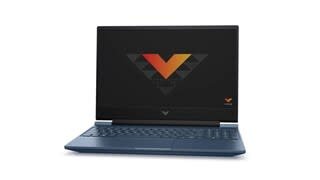
A:AnswerThank you for your question regarding this Victus model. The NVIDIA GeForce RTX 3050 comes with 8GB of GDDR6 RAM. The memory in this laptop can be upgraded up to 16GB of DDR4-3200 RAM.