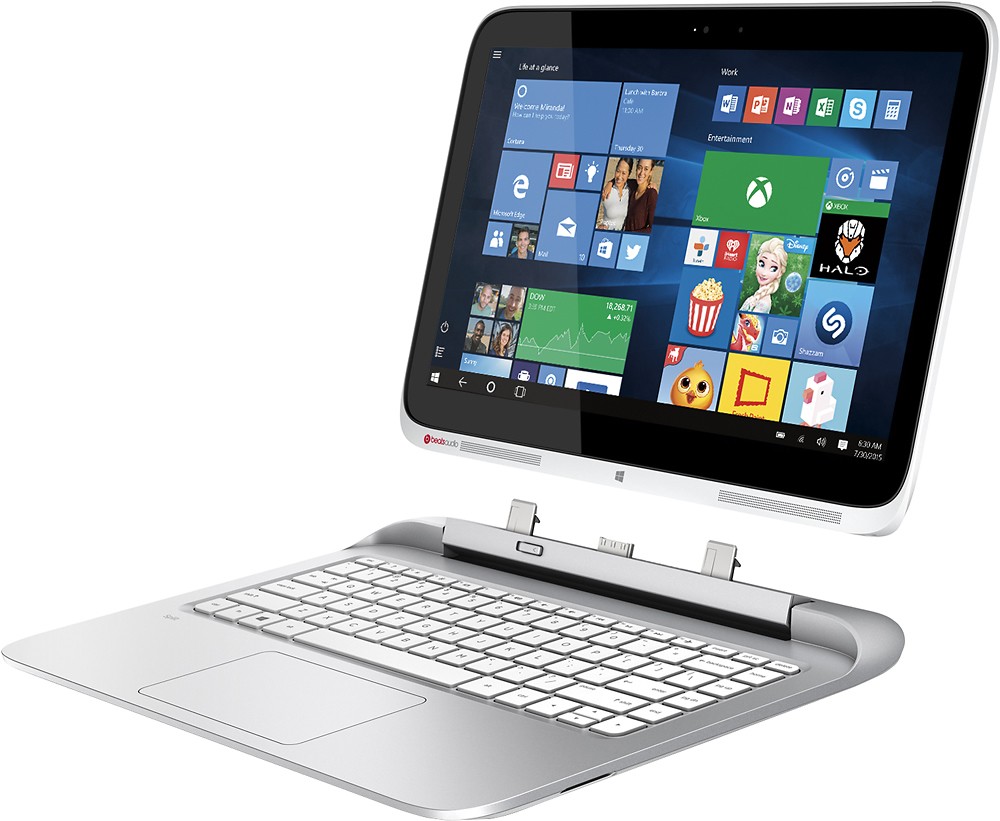
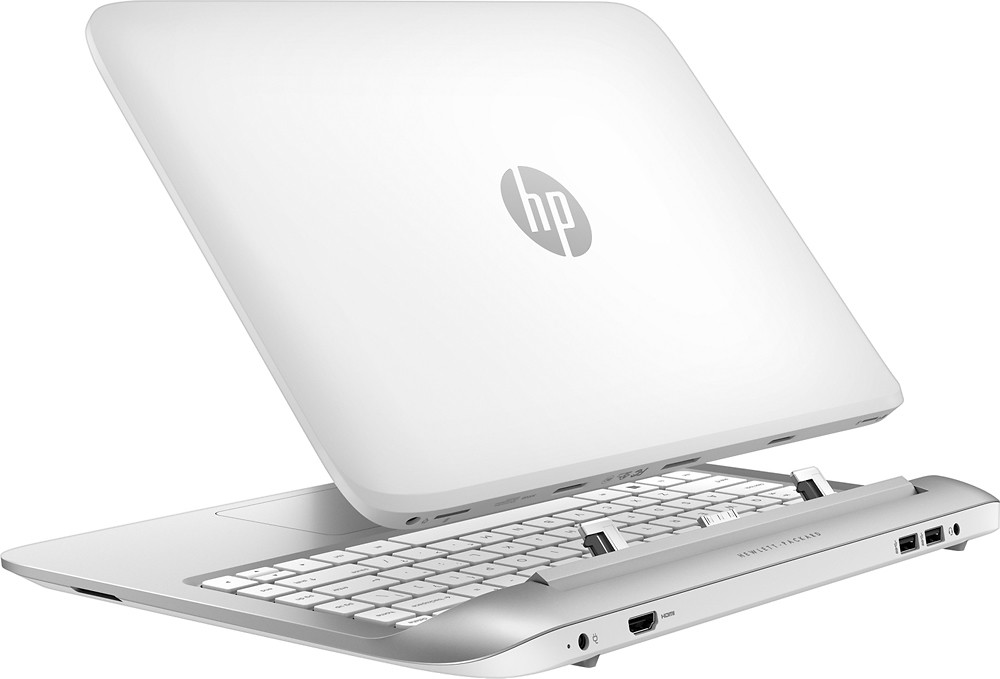
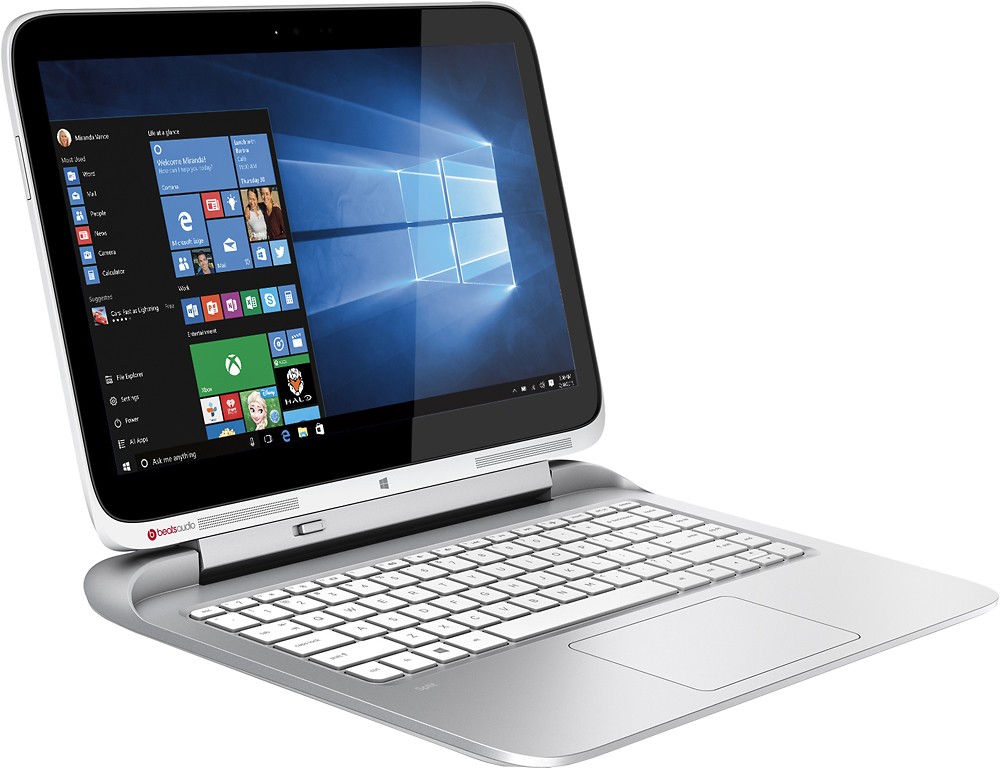
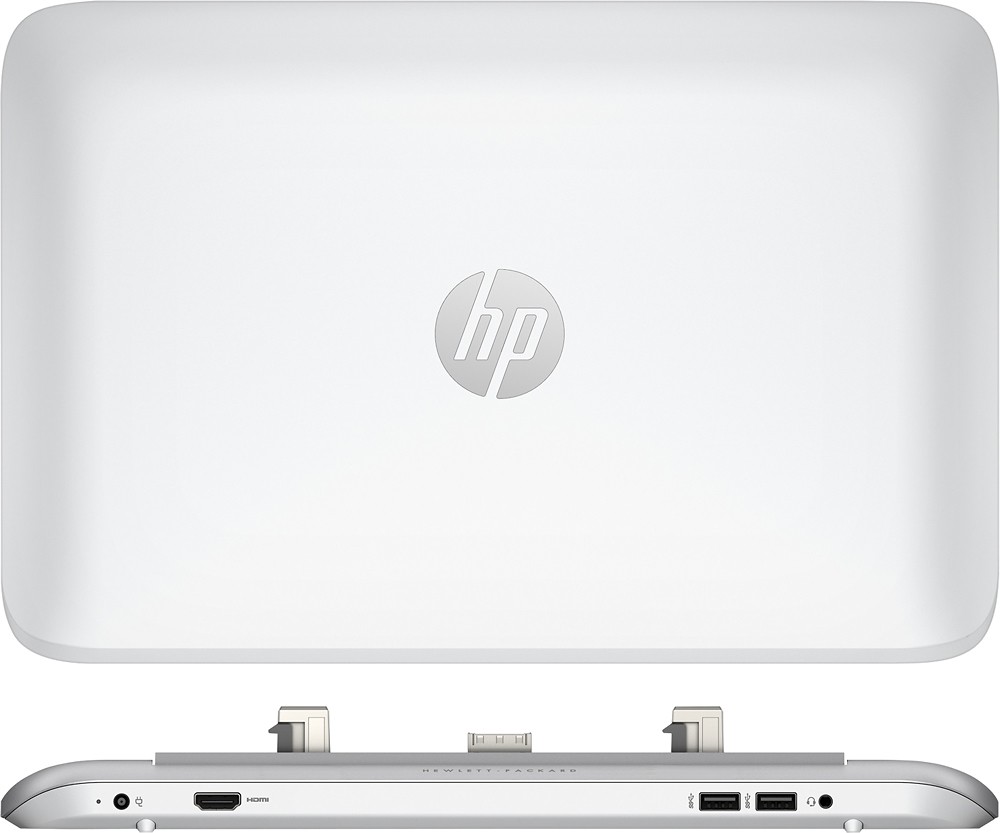
A:Answer Where does it show that it is installed? You need to remove that first, try right clicking on where it is installed to uninstall or removing it from your control panel. Then, click on the HP icon at the bottom in your taskbar. Then click on Hp support assistant, it should show your tablet and next to that it says Add a Device where you can add it. Or go to your settings and click on devices, this will pull up a screen. Then on the left of that screen it says printers and scanners. Scroll all the way down to the bottom of the page and click on Devices and Printers. This will bring up another web page. At the top, under the address bar it says Add a Device, then click on that.