A:AnswerYea it plays well on high setting, I can get a solid 60 fps. When it is on ultra it runs smoothly outdoor but it gets laggy when you go inside a house
A:AnswerI would say that this would depend mainly on your network speed. Everything that i have thrown at it runs smoothly. I run Guild Wars 2 with all settings on high and get around 80 FPS even in crowded areas easily. Streaming anything else, youtube, netflix etc should be super easy and smooth as long as you have a fast connection.
A:AnswerHas to be your monitor man.. I played Fallout 4 at 180 FPS on ultra.. Maybe check the game settings or something because this system does games really well.
A:AnswerMy best guess would be no. That's a ton of pixels for a computer to be pushing. A smaller 4k monitor would be fine though, but you still probably wouldn't get ultra high settings. You will need to look in a higher price range for a computer that can do that.
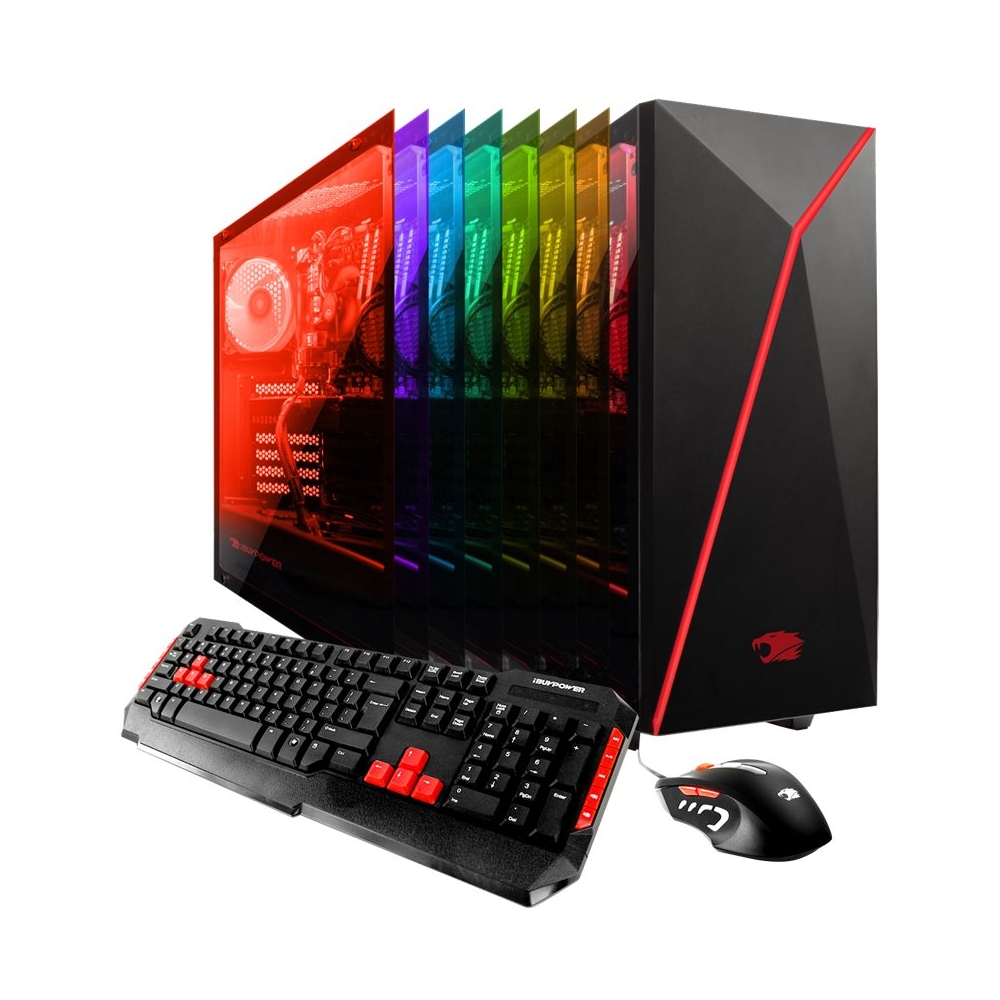
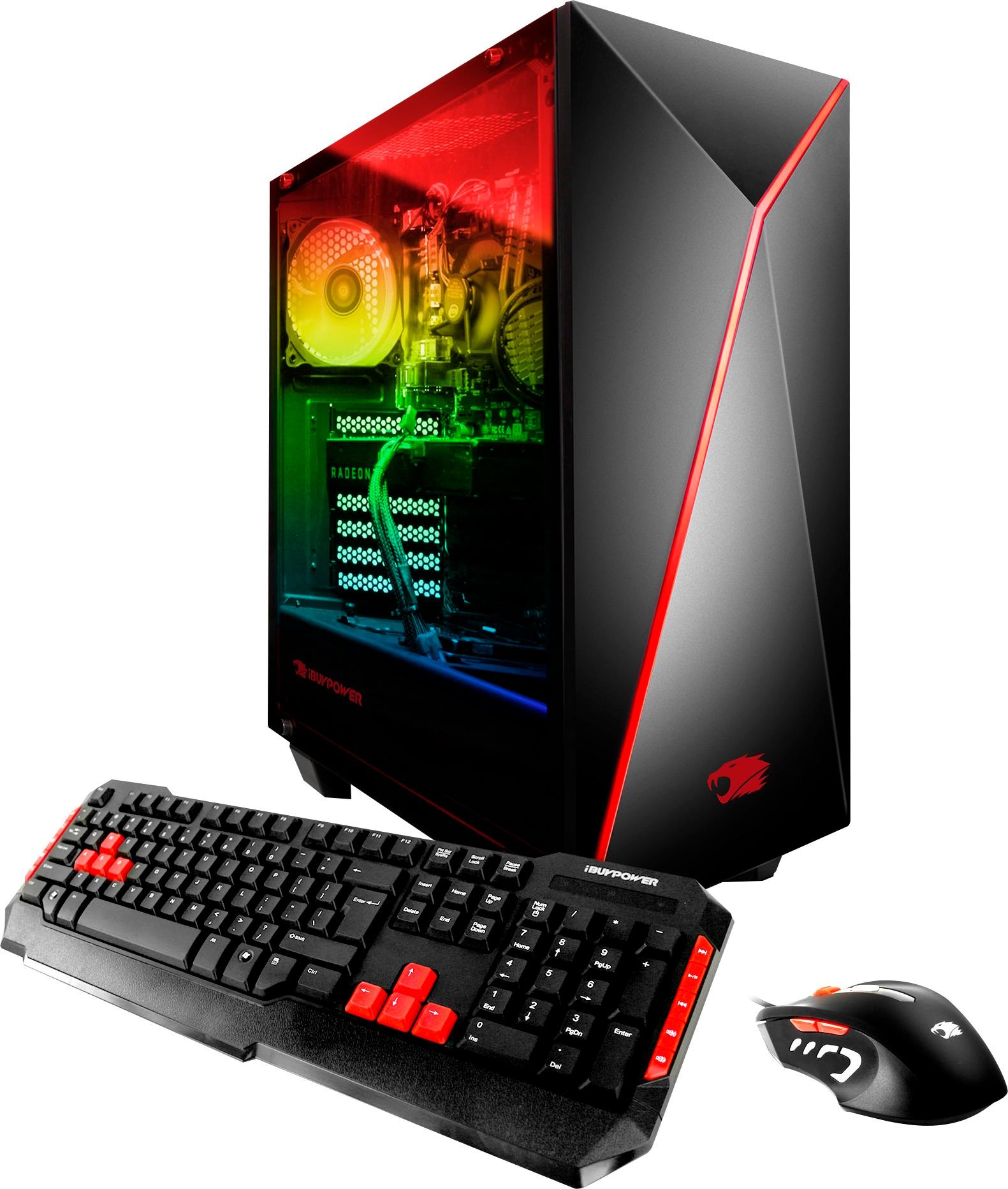
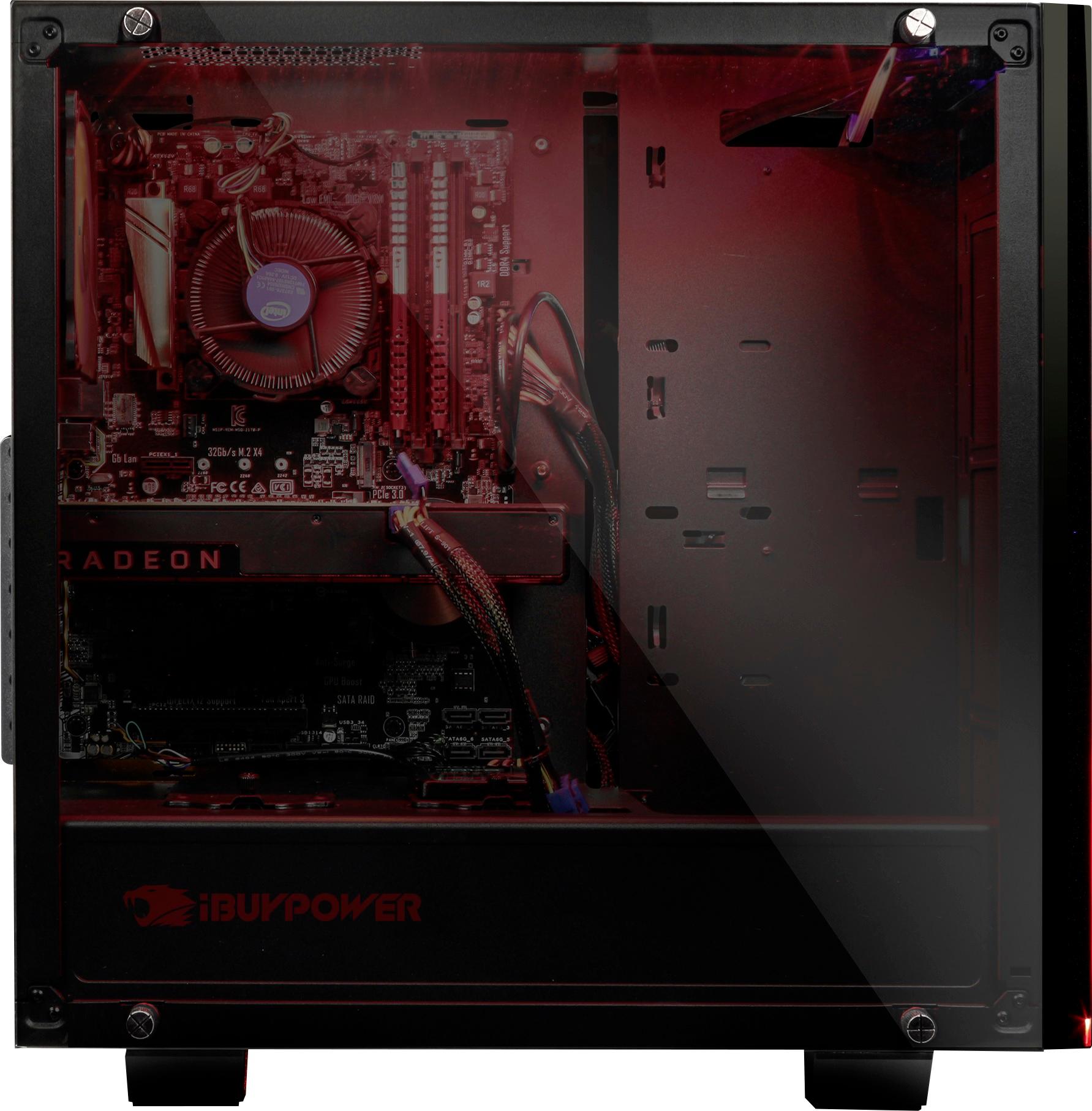
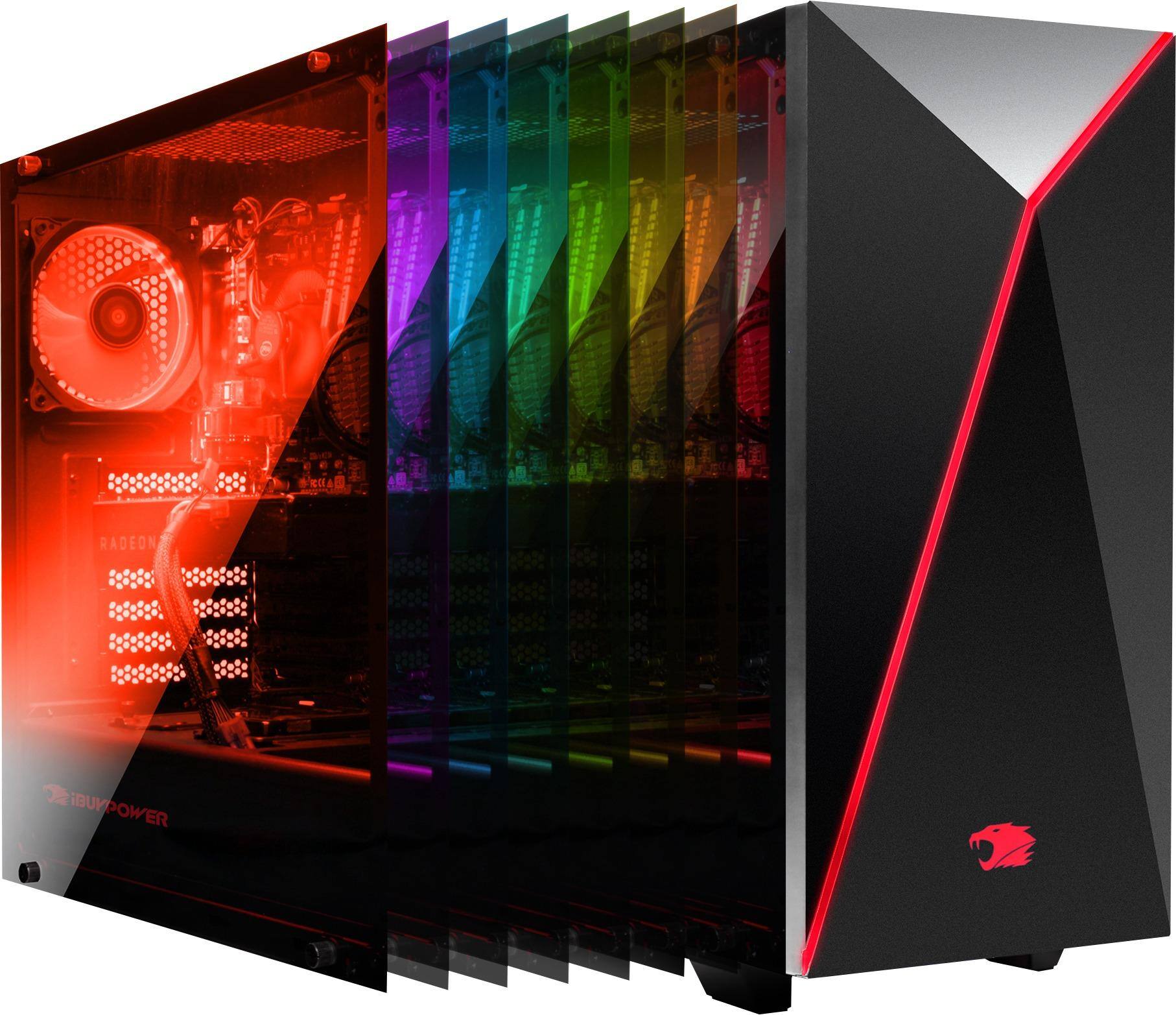
A:AnswerThere a 3 cooling fans (Including the fan on the gpu) Cooling is not really a problem though so you will be good. The cooling on this system is superior. Now whether the pc allows you to add more fans that is a question I do not know the answer to. But I can assure you that you will not need to install any more fans. :)
A:AnswerIf you are referring to the red LED case fan located in the back of the case, it is a standard 120mm case fan. The case itself can hold 3 front, 1 bottom, and 2 on top and of course the one that is already installed. The motherboard itself has only 3 case fan headers total.
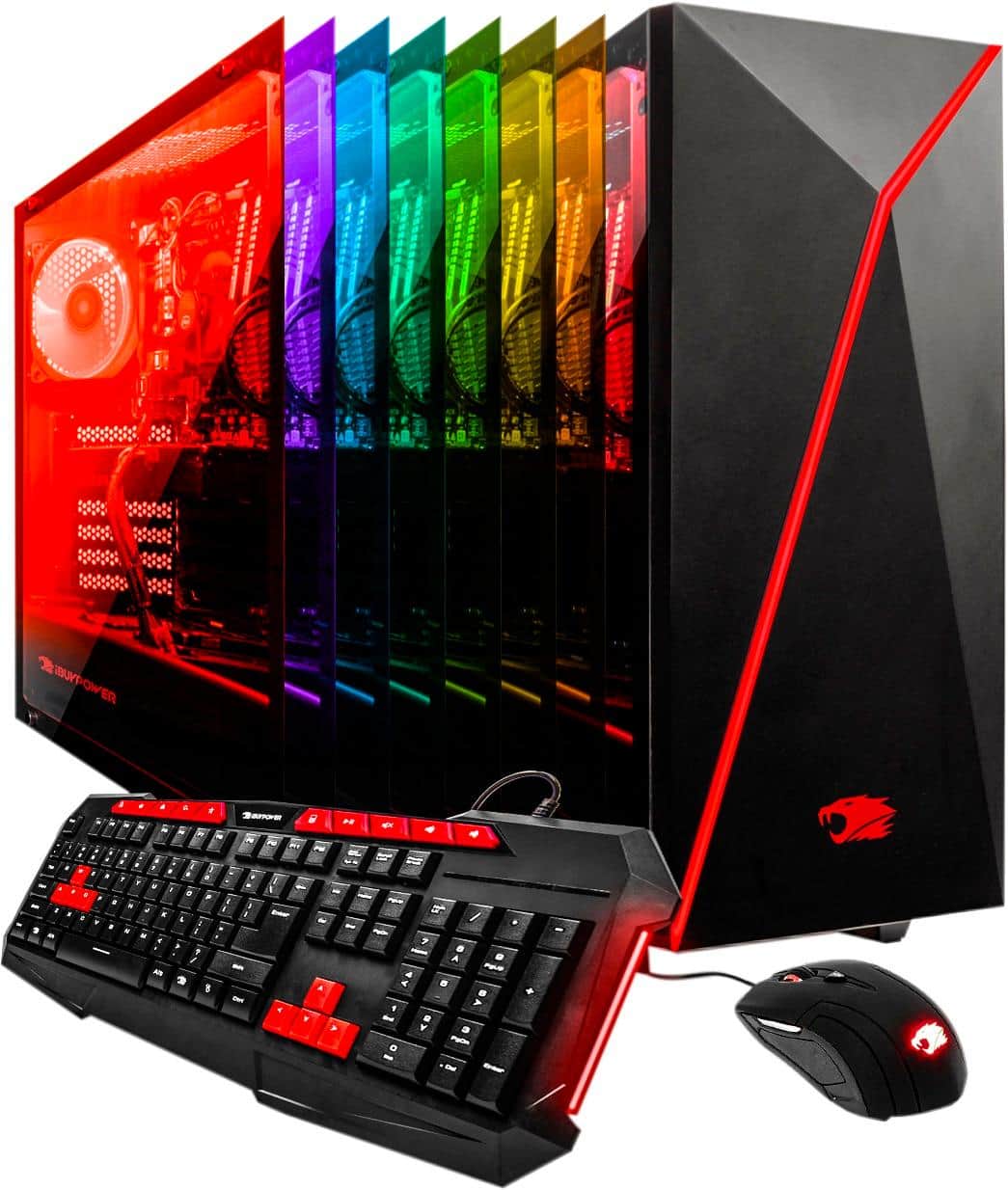
A:AnswerIt can deffinitly run player unknown battlegrounds at ultra with no problems. Considering h1z1 is older than battlegrounds i see no reason why it cant.
A:AnswerYa I figured out that if I point it thru the empty fan vent on top it works. I can't get mine to work thru glass but not a big deal. At least I got them to stop flashing.