A:AnswerYes. I use a USB drive. No problem there.
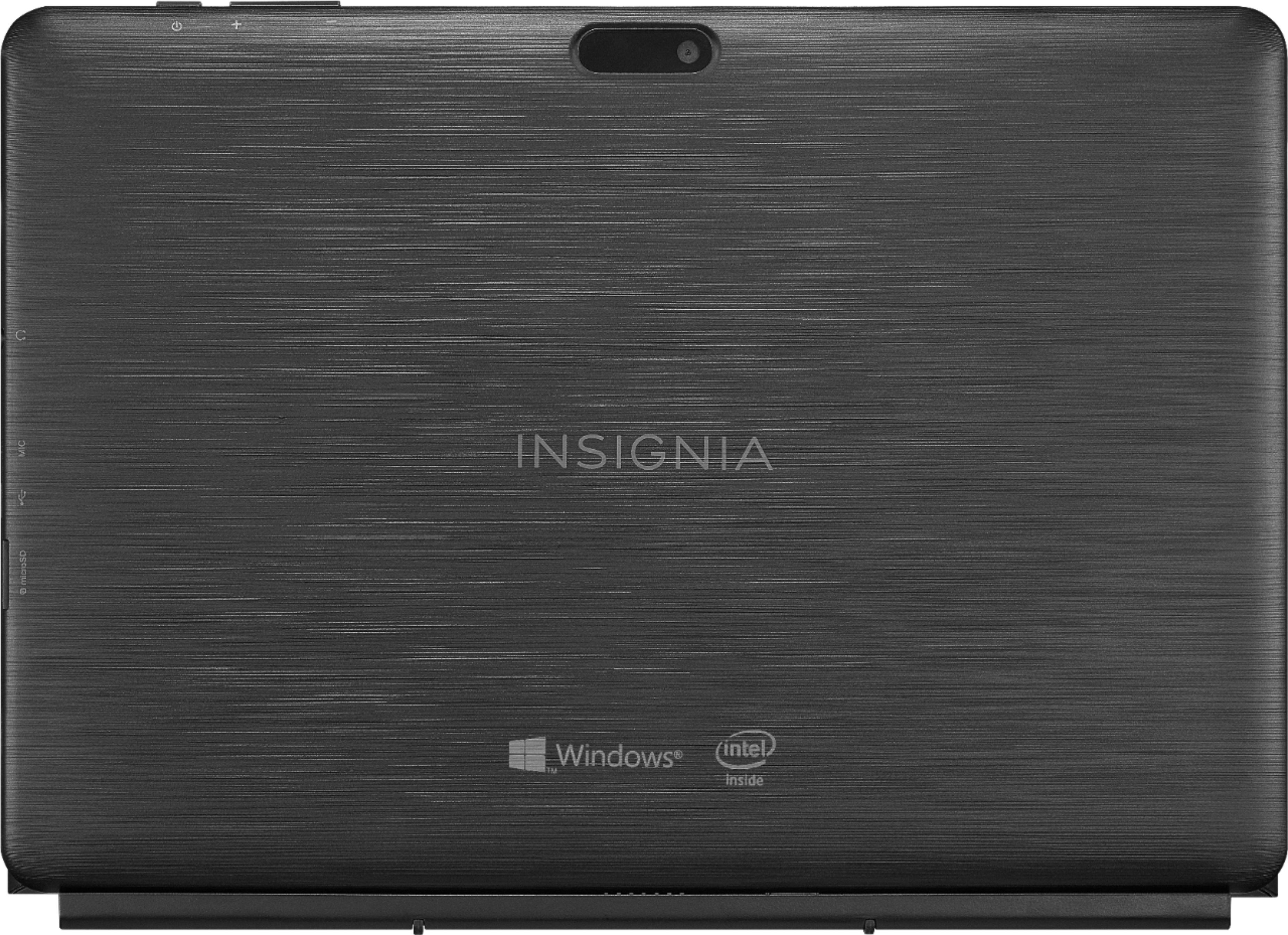
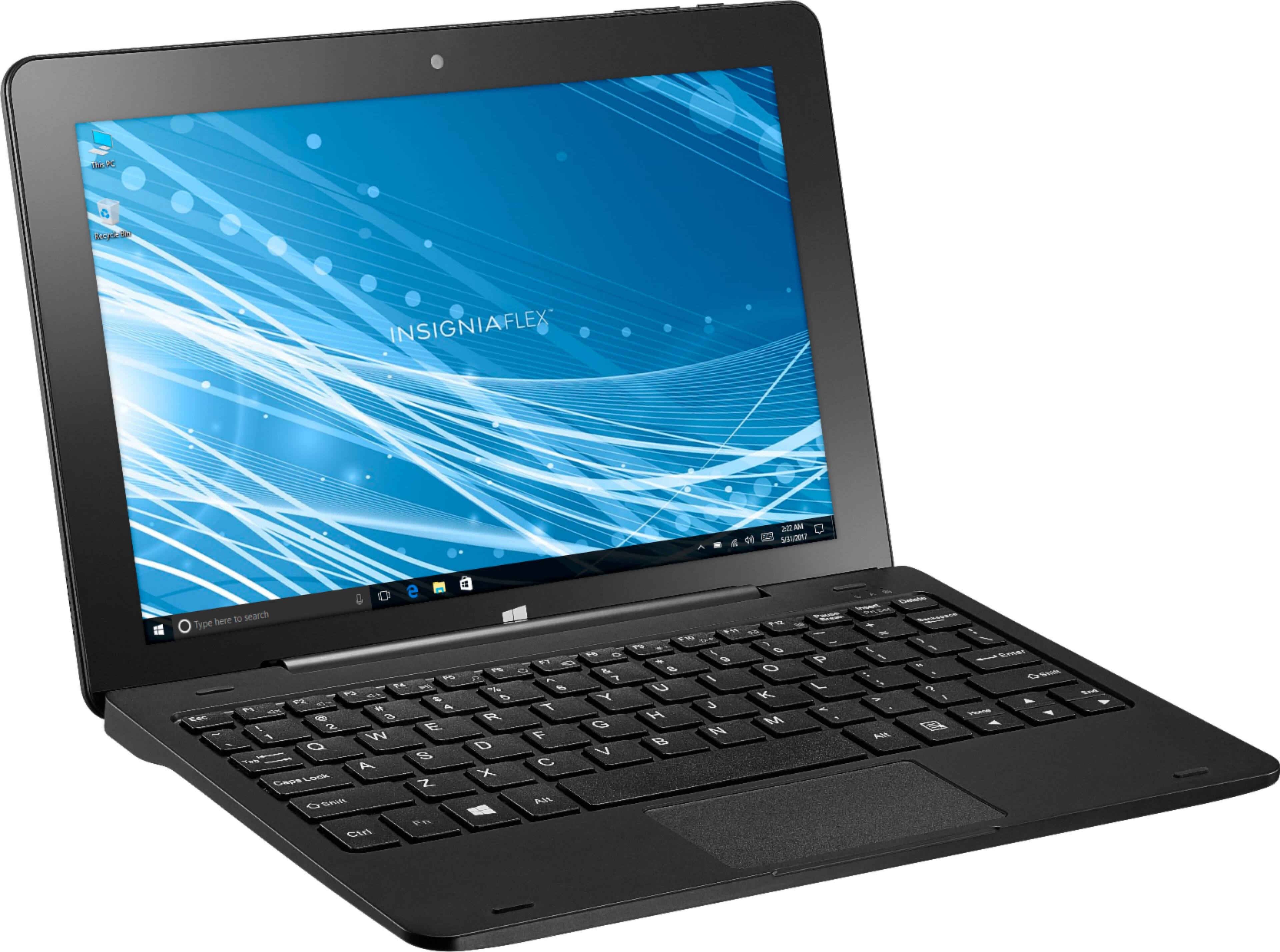
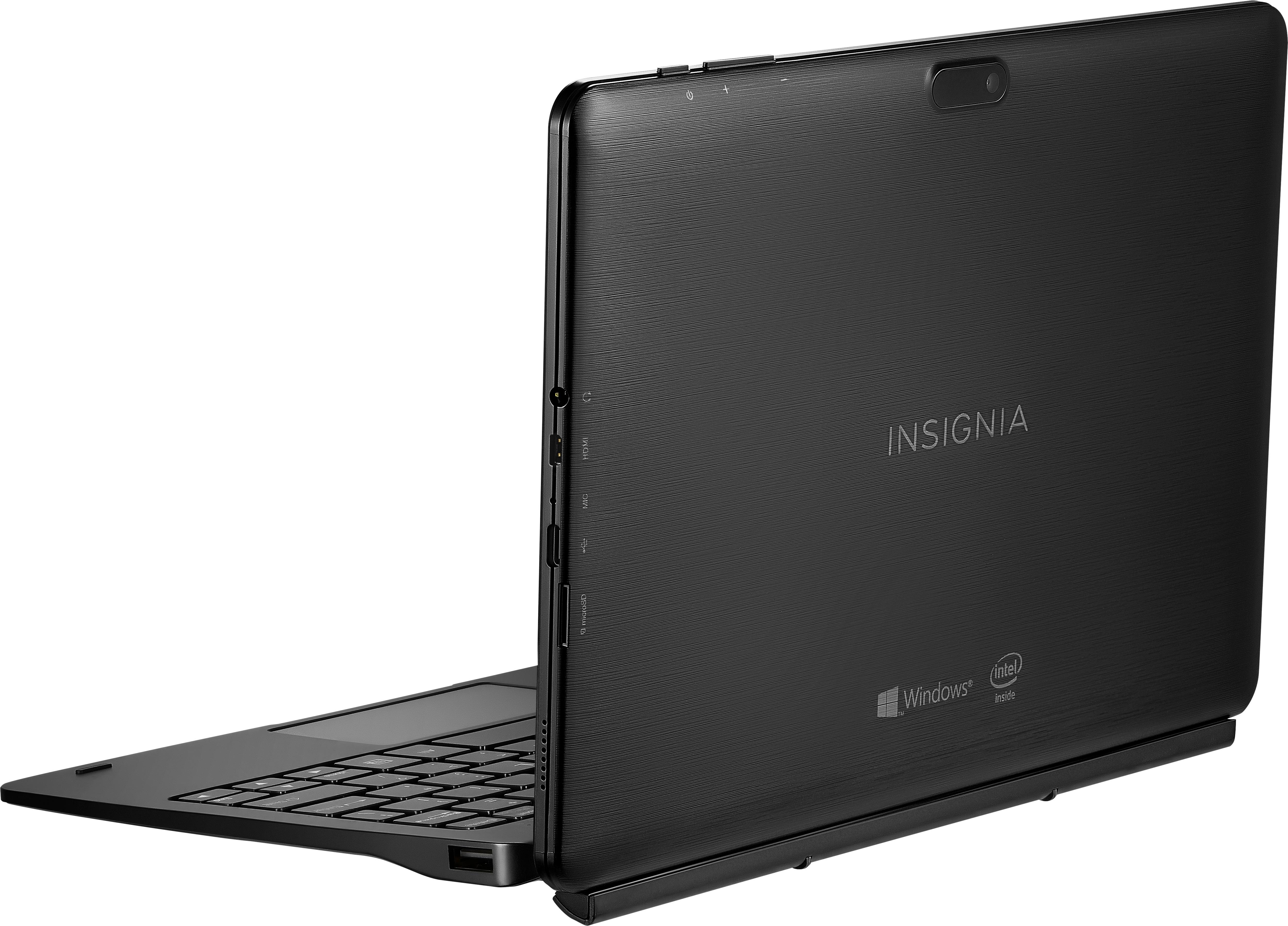
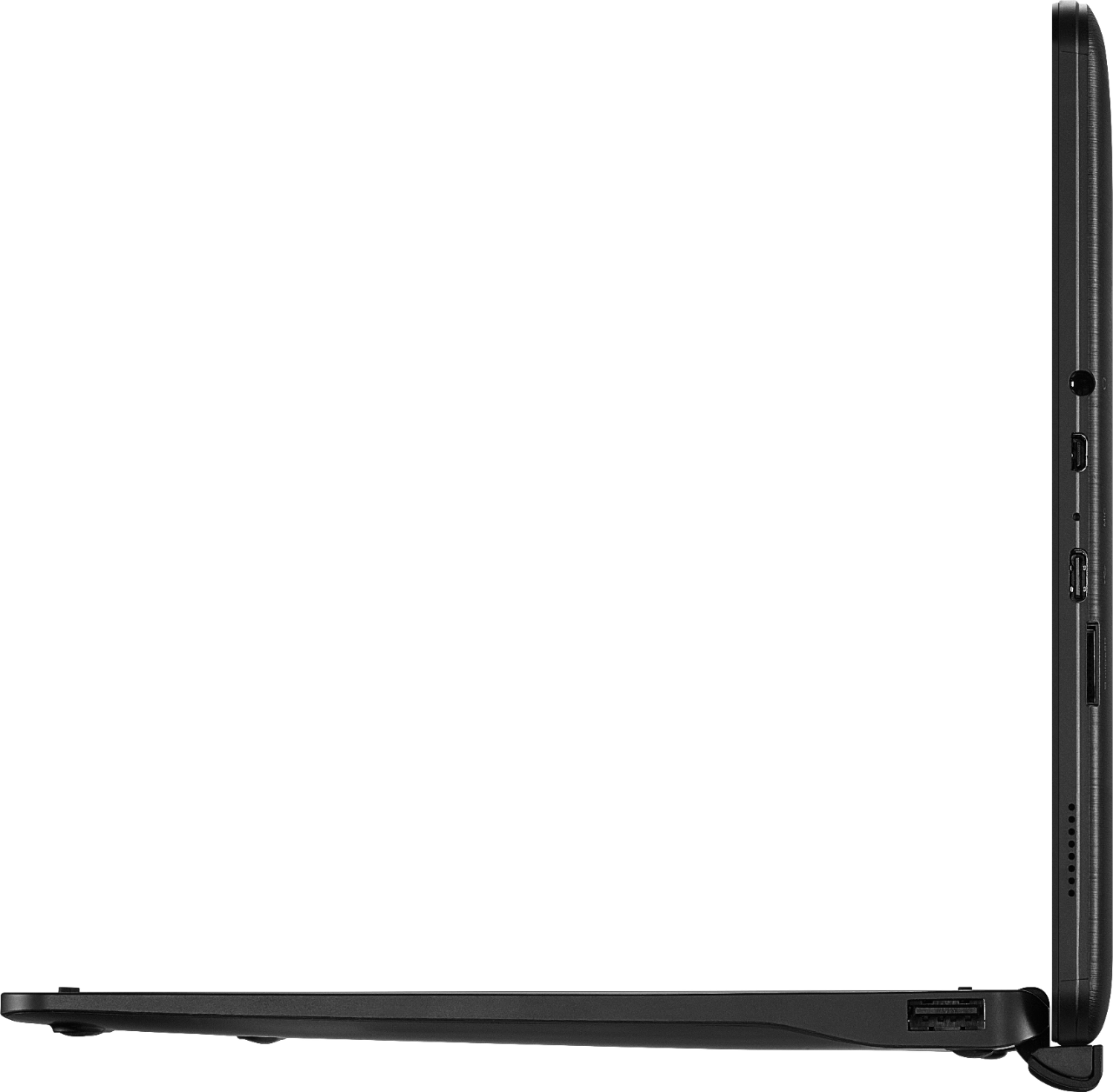
There is only 1 USB port, so I added a USB hub that gives me 4 USB ports. With that I can use a wireless keyboard, mouse and USB drive simultaneously.
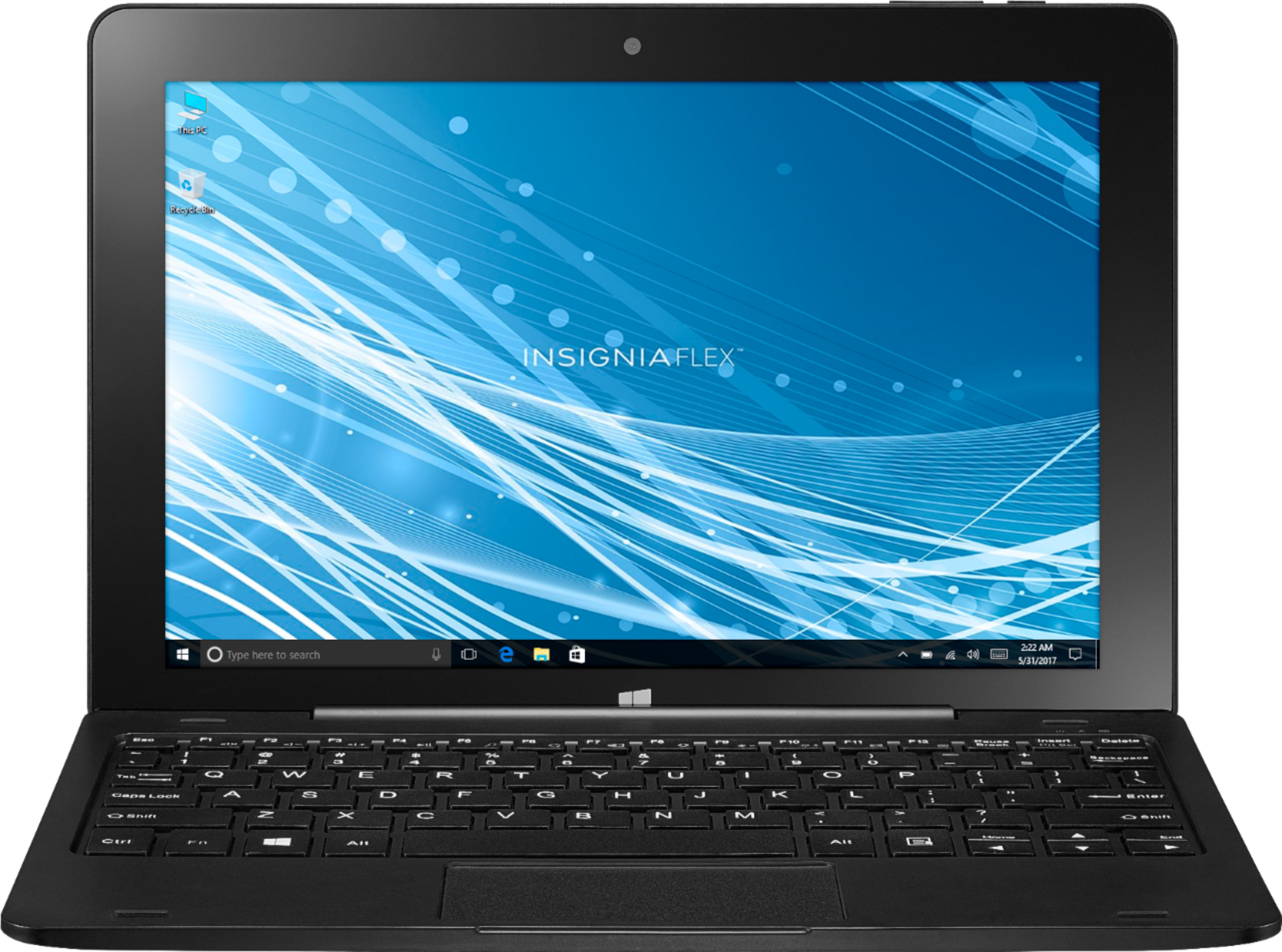
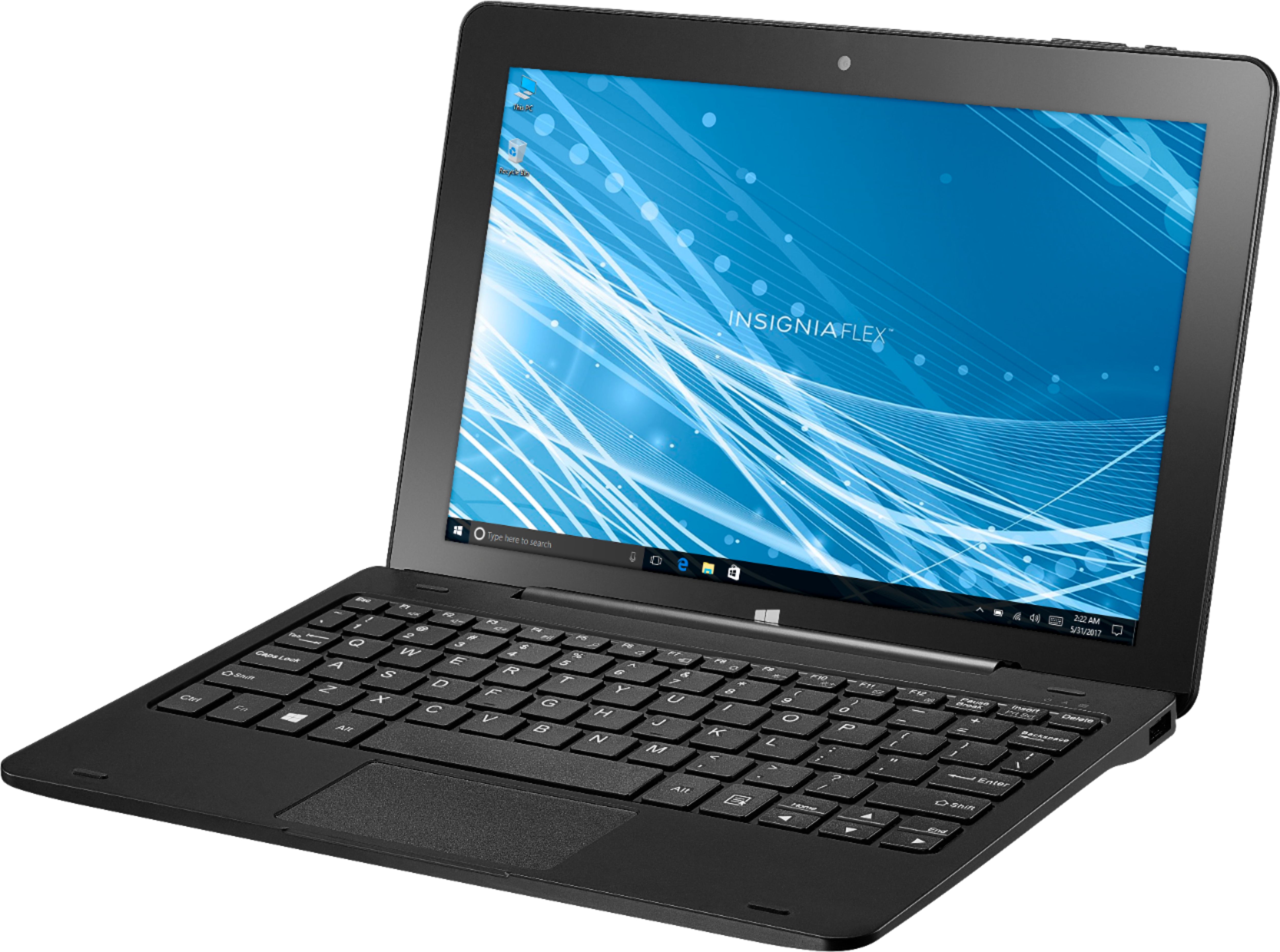
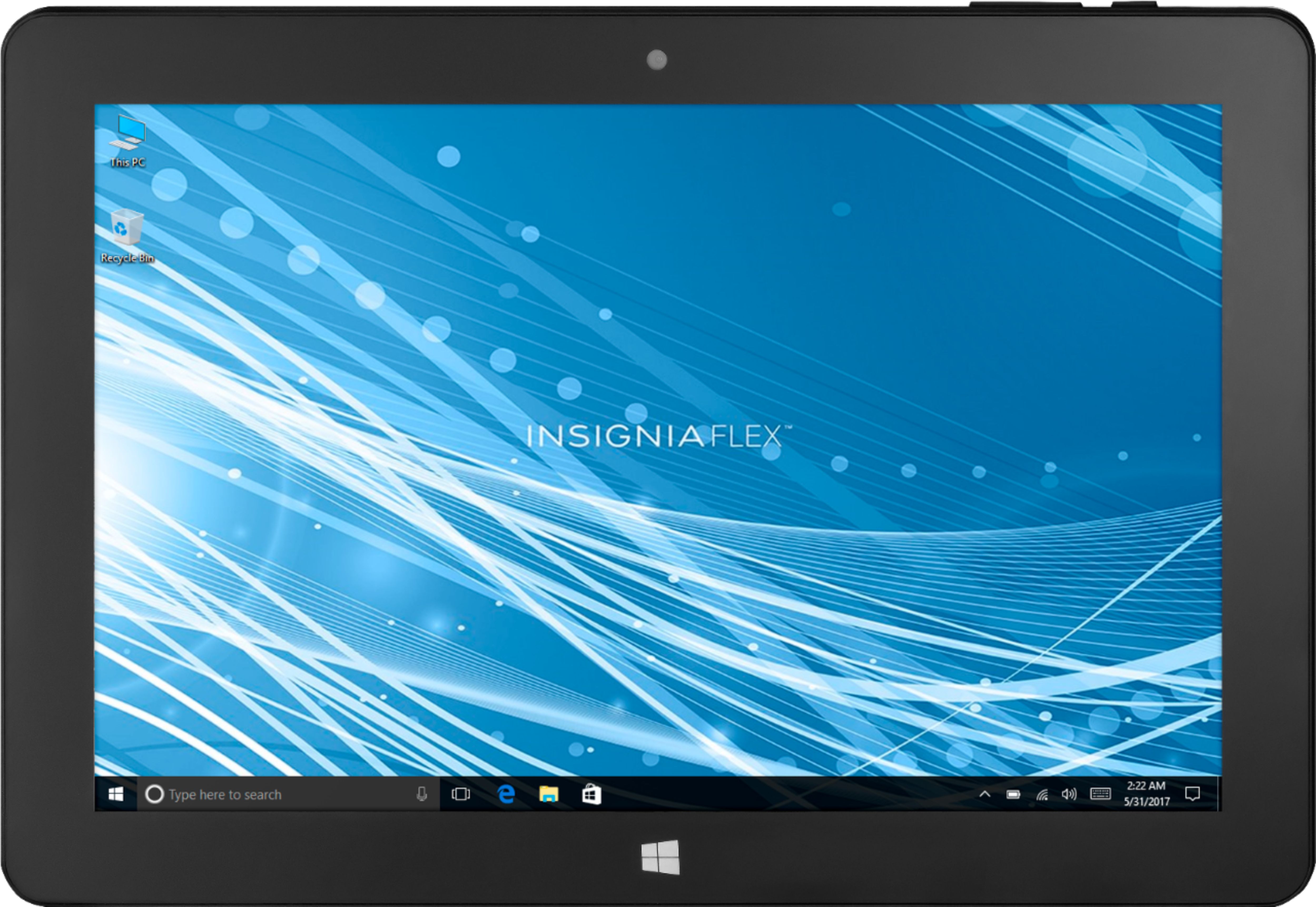
A:AnswerIt is running the Windows as it's operating system so you can use Microsoft Excel and all other Microsoft Office programs. This is just like a normal windows PC except smaller and touchscreen.
A:AnswerI have a HP Desktop with a HP printer hooked up to a cable modem/router and a network. This morning I tried printing a document to the printer from the tablet and it did indeed print the document. I had a computer geek set the tablet up with my system. Hope this answers your question.
A:AnswerYes, in Windows 10 under the "Storage" settings you select the location where Windows Store apps are installed. You can select the SD card drive to be the default location.
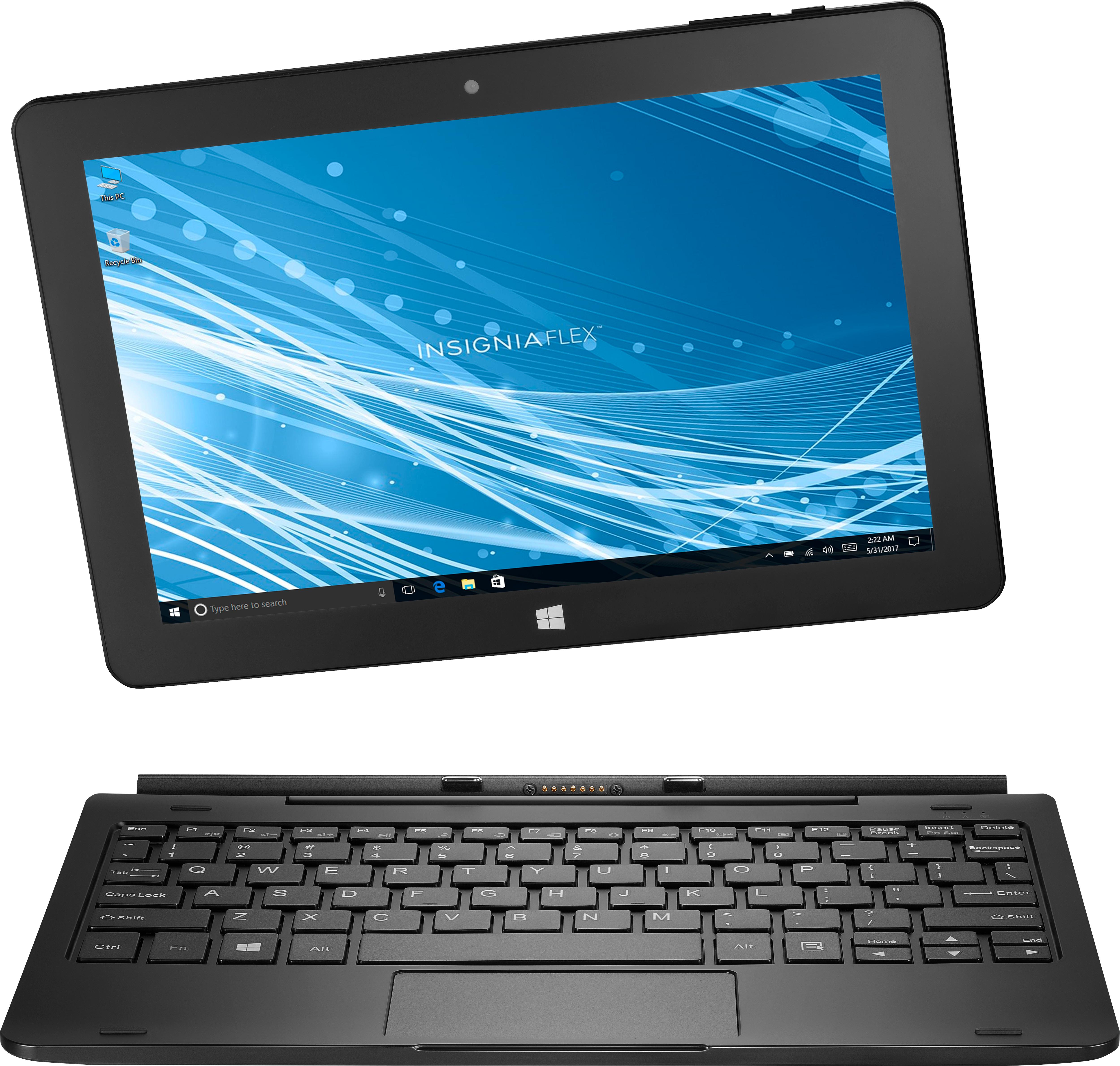
A:AnswerThis Tablet is the best money we ever spent on a Tablet ... yes, it does stay open with no issues. It is just like having a small laptop that you could take the keyboard off of, mine is in my lap 99% of the time. I have 3 my husband does all his work on his and My Daughters is used for school work. I hope this helps you out.
A:AnswerThe 11.6" AFAIK has 1080p quality resolution compared to the 1280 x 800 resolution of the 10.1" and is $20 more based on the regular price. But at $79.99 this was a no brainer for me.
A:AnswerNewer versions of Windows are generally better. My tablet automatically updated to build 1709 immediately upon setup and then auto-updated to build 1803 with no problems. Given that this device only has 32gb, deleting previous installations is recommended.