A:AnswerYou could as the series x can do 720p but honestly it's kind of a waste as the tv doesn't have 4k compatibility or HDMI 2.1 so you won't get any next gen benefits.
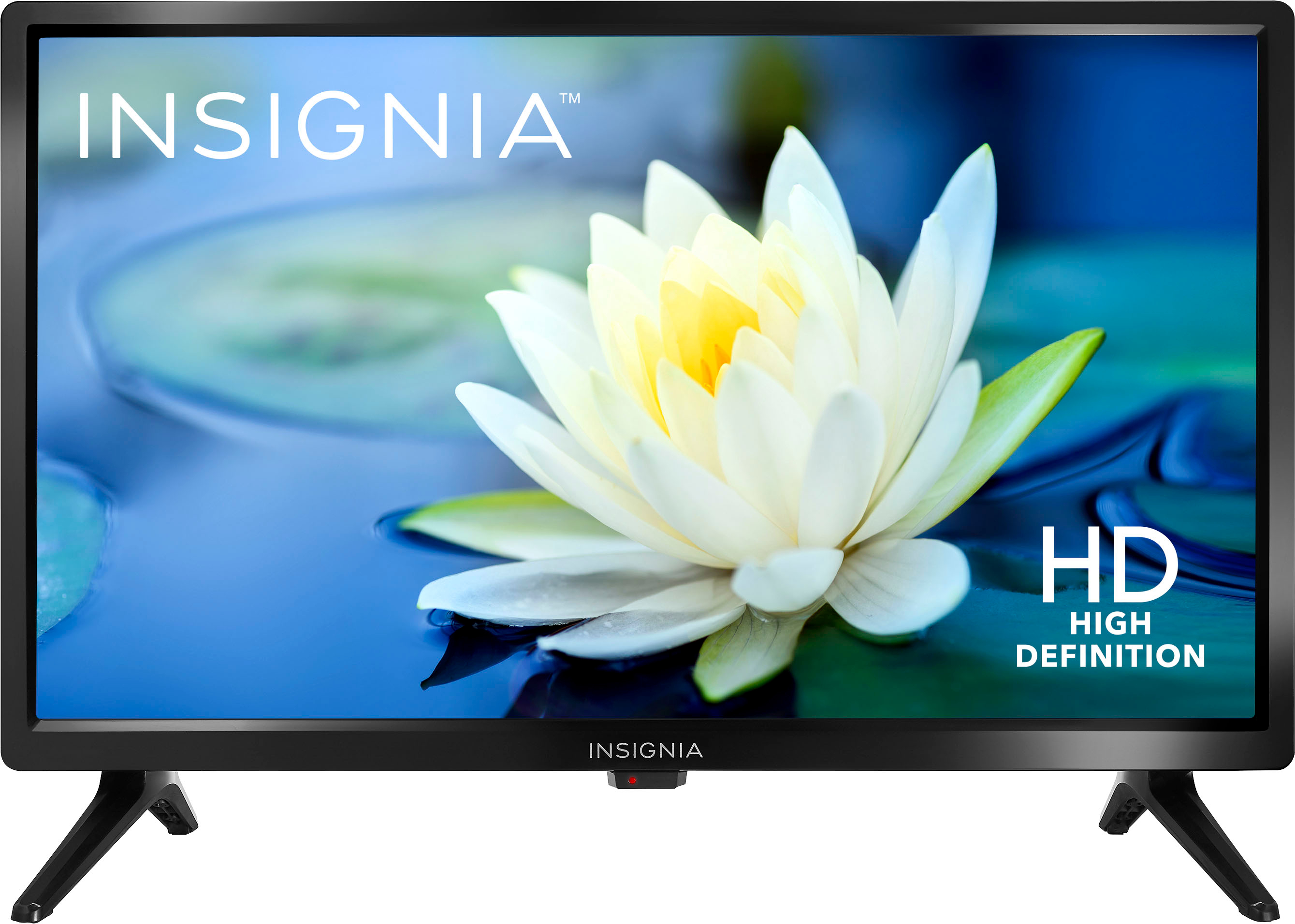
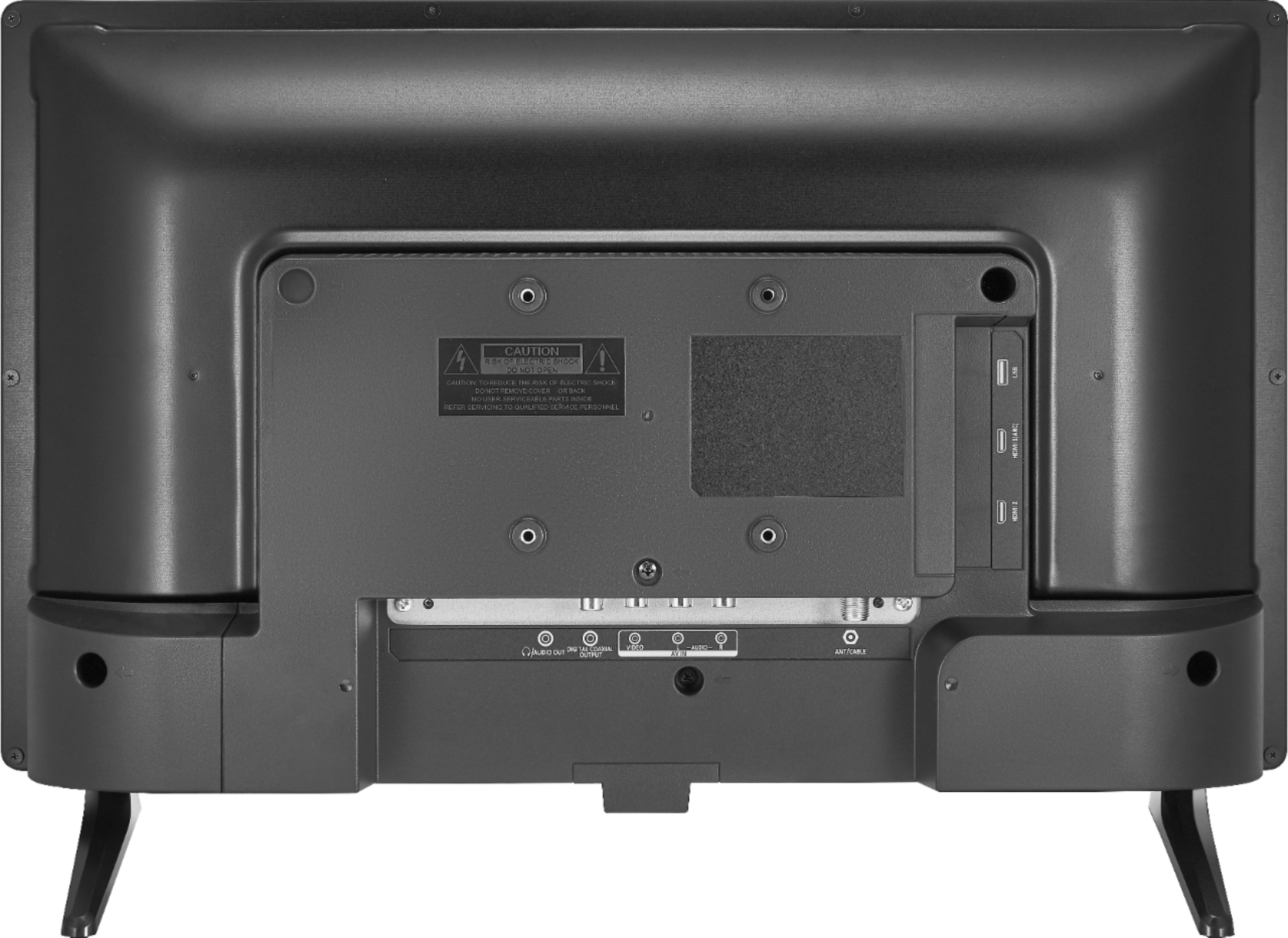
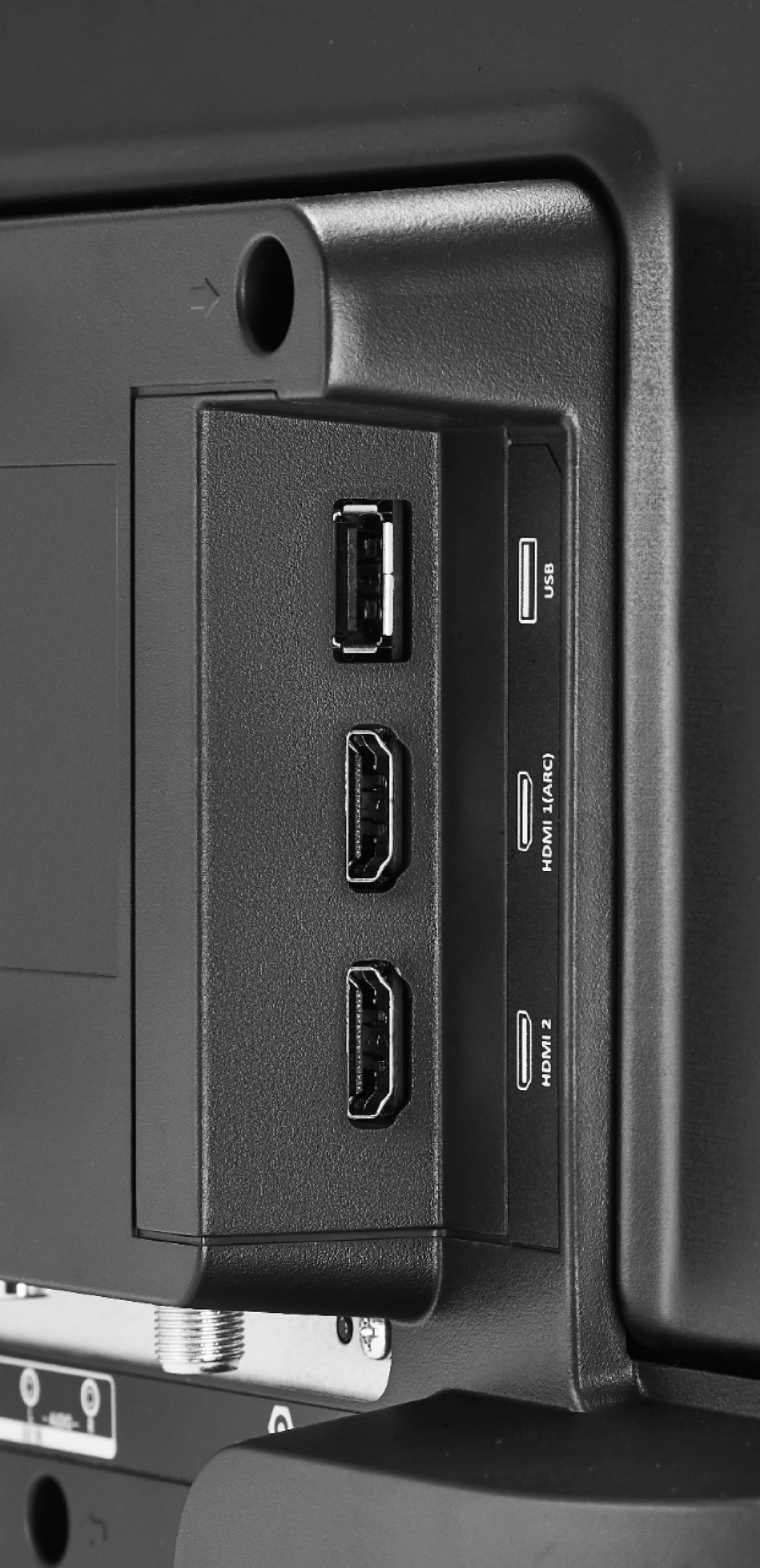
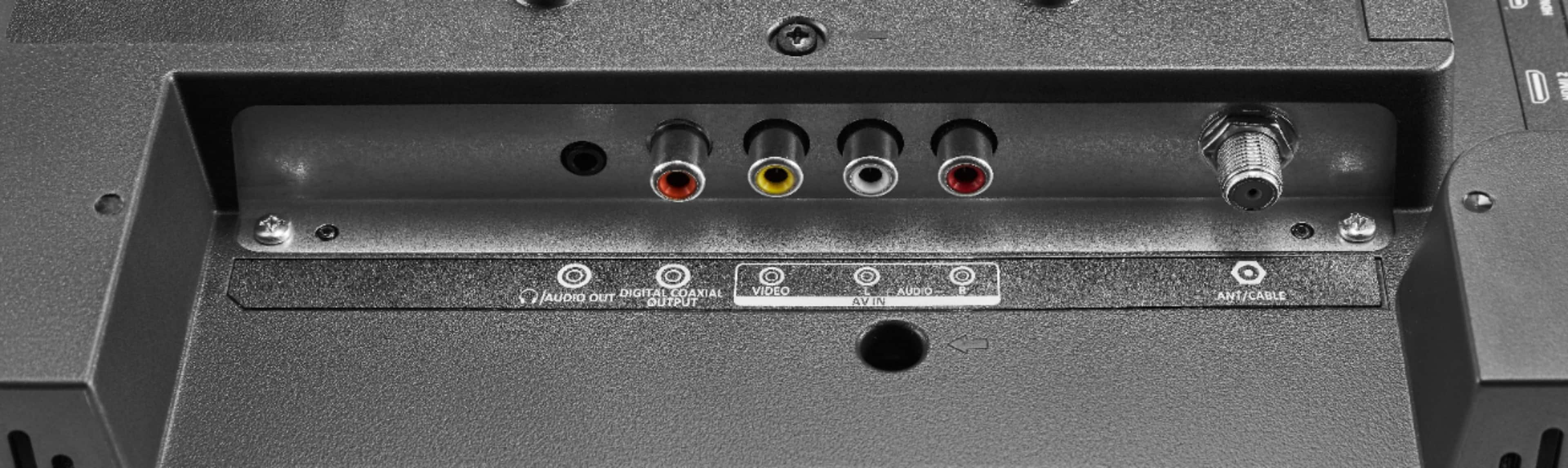
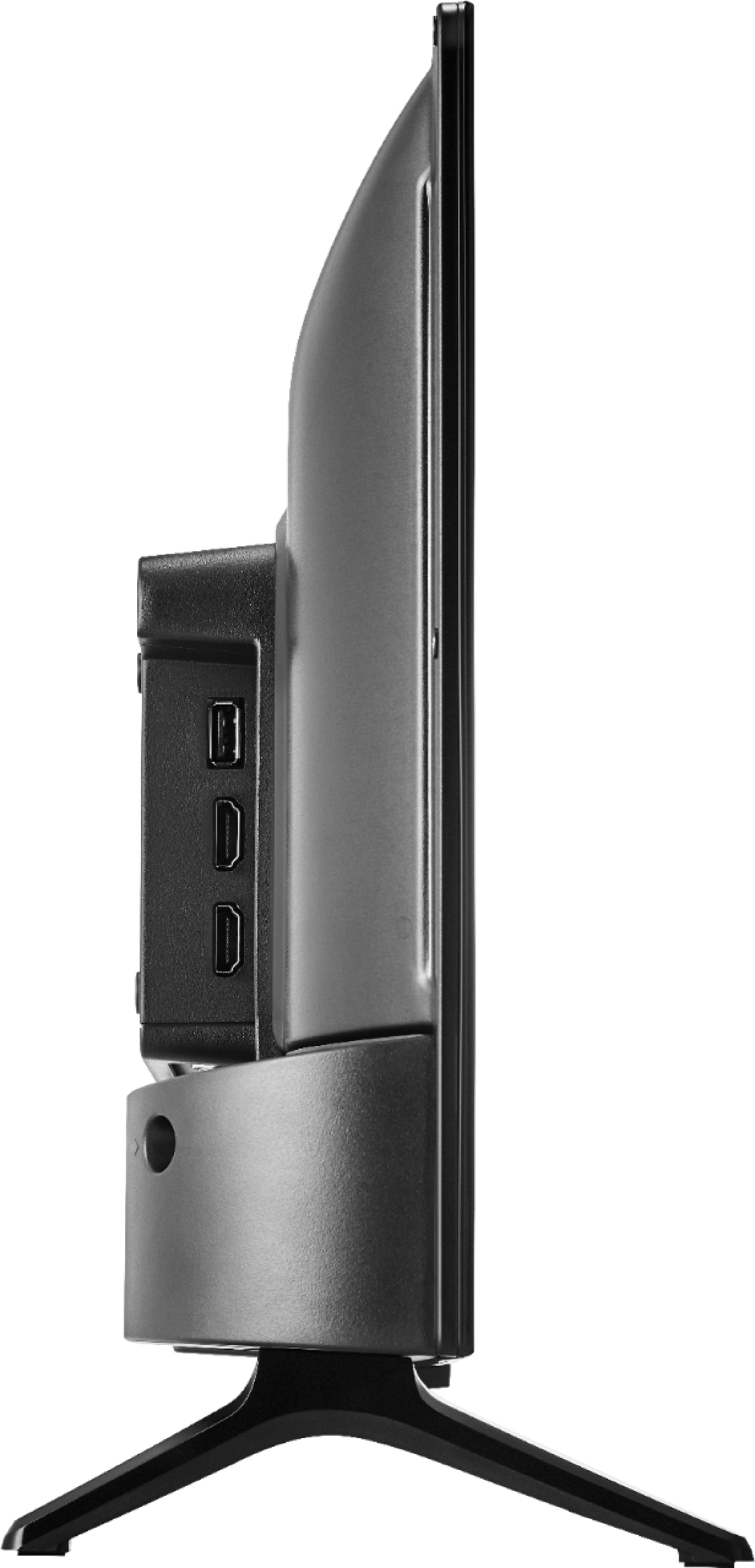
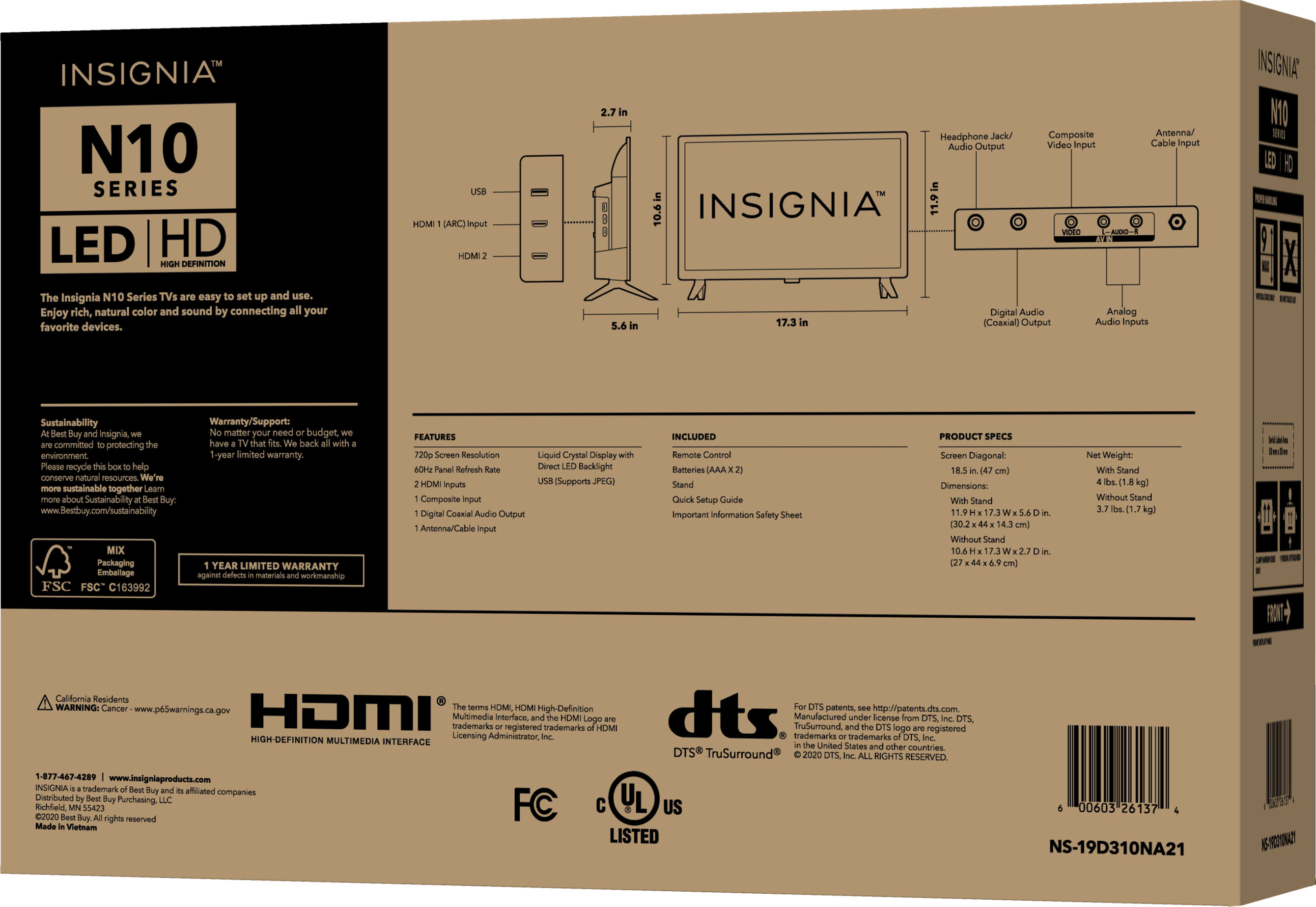
A:AnswerYou will use zero, one, or two HDMI cables with this TV depending upon what sort of other devices you want to connect to it. If you using the TV only to watch over-the-air broadcast TV or composite video from a video device like a VCR or video camera then you just need a TV antenna or RCA cable and no HDMI cables. If you want to connect devices such as a computer, video game system, or DVD player that have HDMI output then you would need one HDMI cable per device that you want connected to the TV at once, with a maximum of two as the TV has only two HDMI ports.
A:AnswerYes. There are HDMI ports to plug in a fire stick. This is how we are using it. We also have a small over the air antenna hooked up to use local channels rather than going through Hulu Live. This also works great.
A:AnswerNo, you cannot connect this TV to Wi-Fi, this is not a Smart TV.
You need to hook up an external streaming device into one of the HDMI inputs on the TV.
Try the Roku - Express HD Streaming Media Player with High Speed HDMI Cable and Simple Remote - Black - Model: 3930R SKU: 6367480
A:AnswerIt depends on the cable box. If your box will provide a normal cable signal output (via a coax cable), then no you wouldn't. If your cable box ONLY provides an HDMI out, then yes you will. If your box provides both, I would recommend the HDMI output as you'll get a better picture.