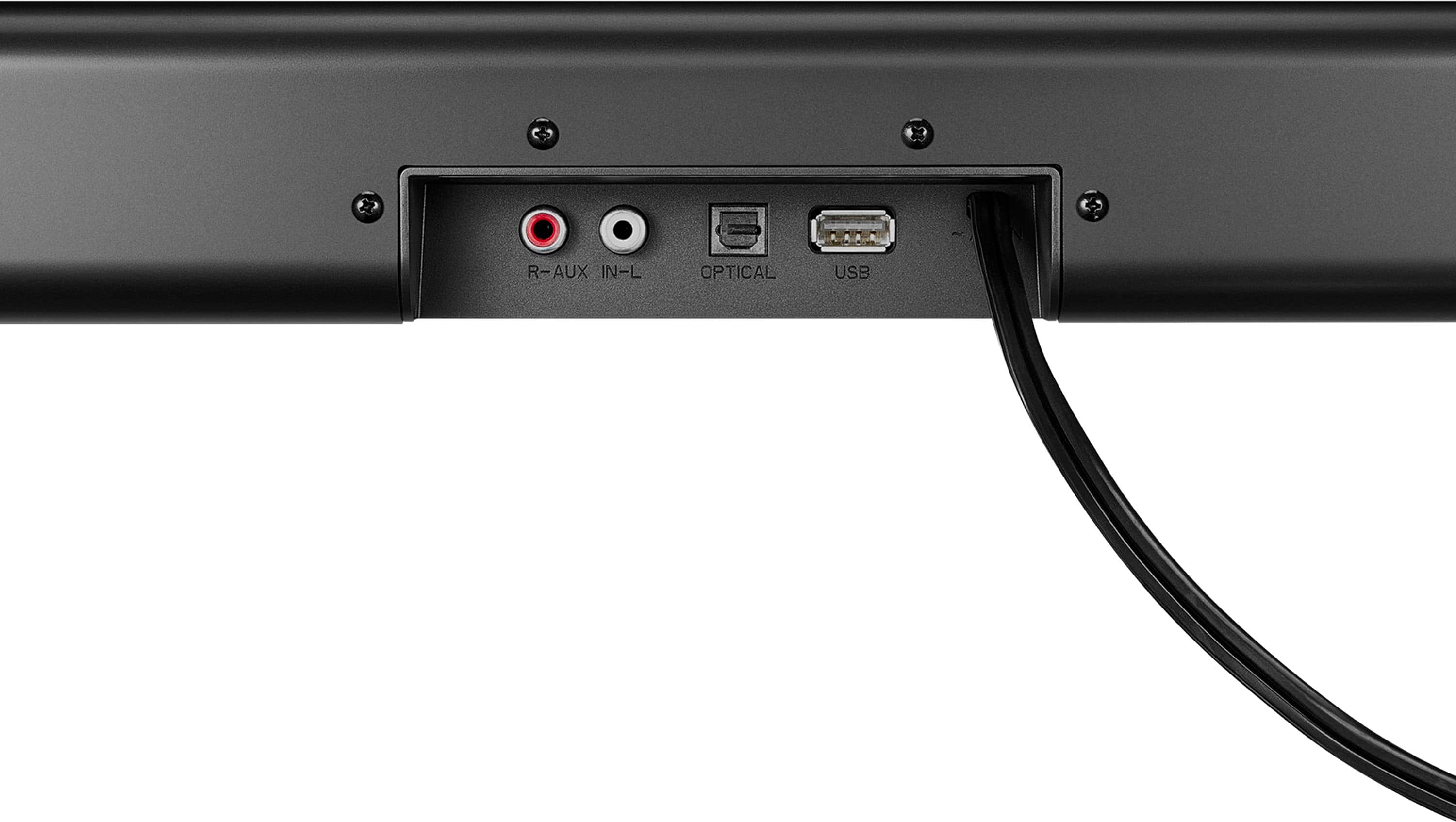
A:Answer • Make sure that you are connected to an audio OUT jack on your sound source. The jack does not send audio out if it is an INPUT jack.
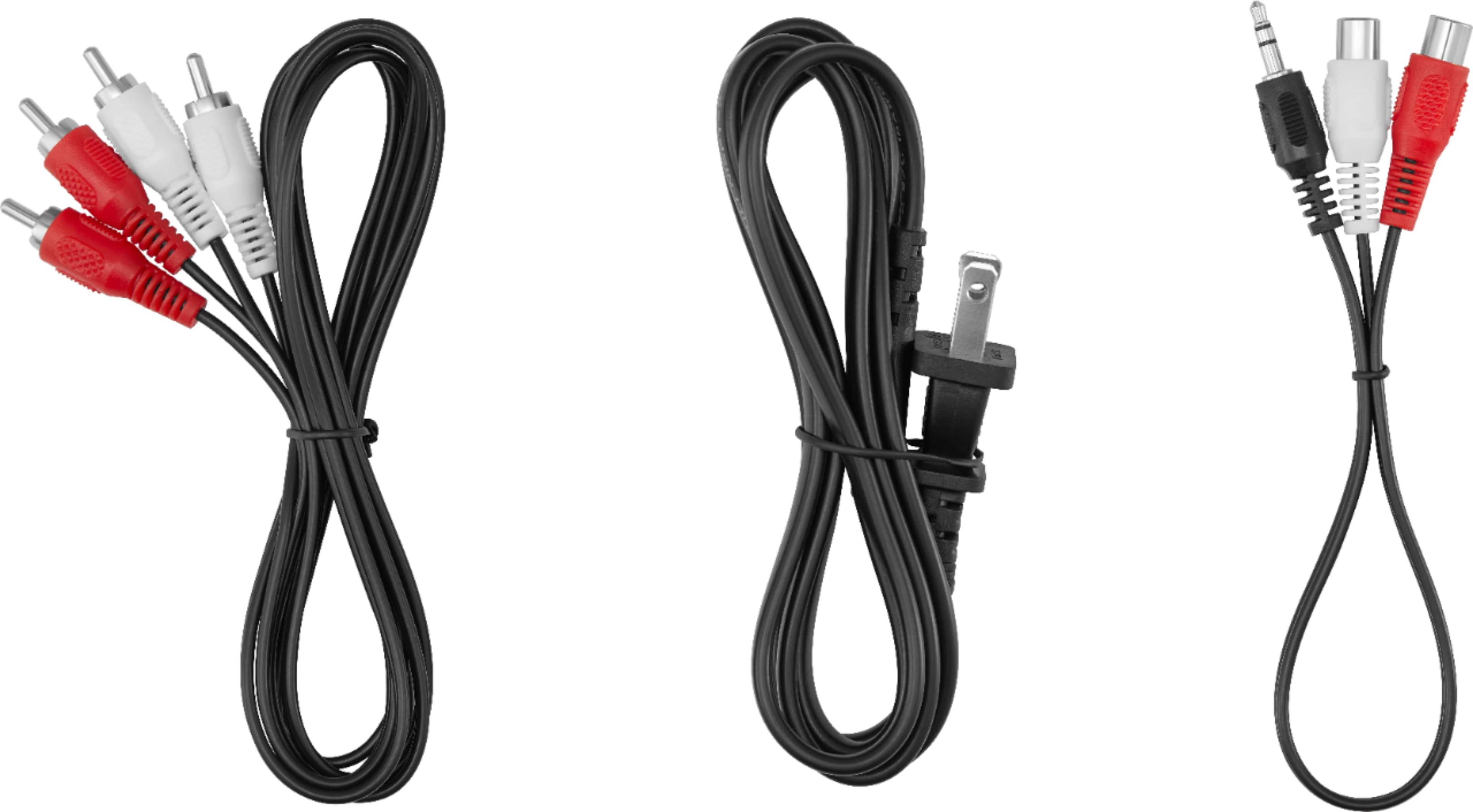
• Make sure that all connections are secure and cables are not broken or damaged.
• If you are using the OPTICAL connection, make sure that the source device’s audio source is set to “PCM” format.
Refer to the documentation you received with the audio
source device (such as a TV or DVD/Blu-ray player, etc.) for additional information.
• Connect to a different source device (such as a TV or DVD/Blu-ray player) to see if the buzzing still occurs. If it does not, this may indicate an issue with the originalsource device.
• Use a different connection method (for example, try Optical instead of AUX IN) between your soundbar and the source device to make sure the jacks on both devices are still working.
• Make sure that the audio cable you are using is not damaged or broken. Try using another one.
Rudson S.| Insignia Support. https://www.insigniaproducts.com/contact-us