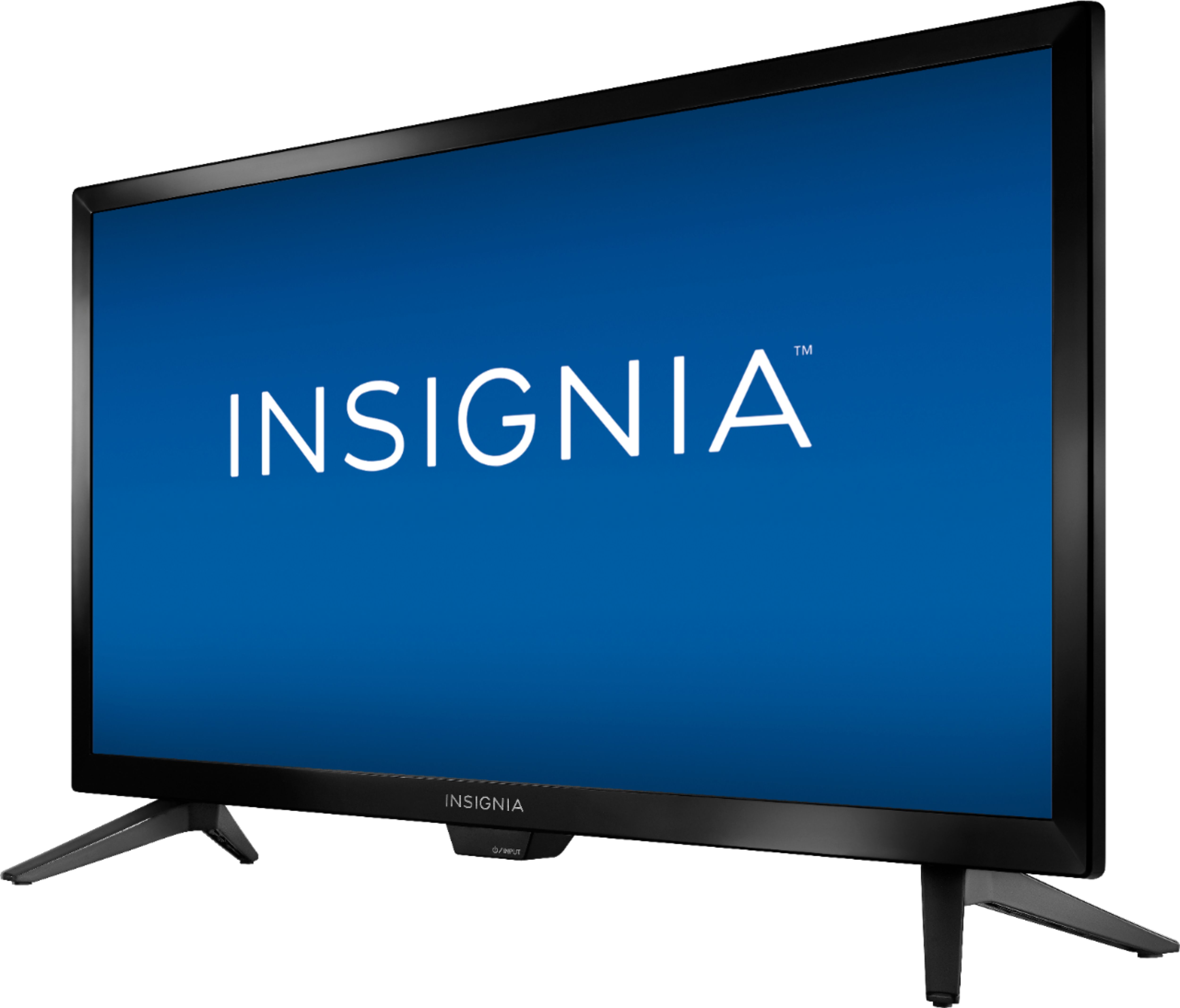
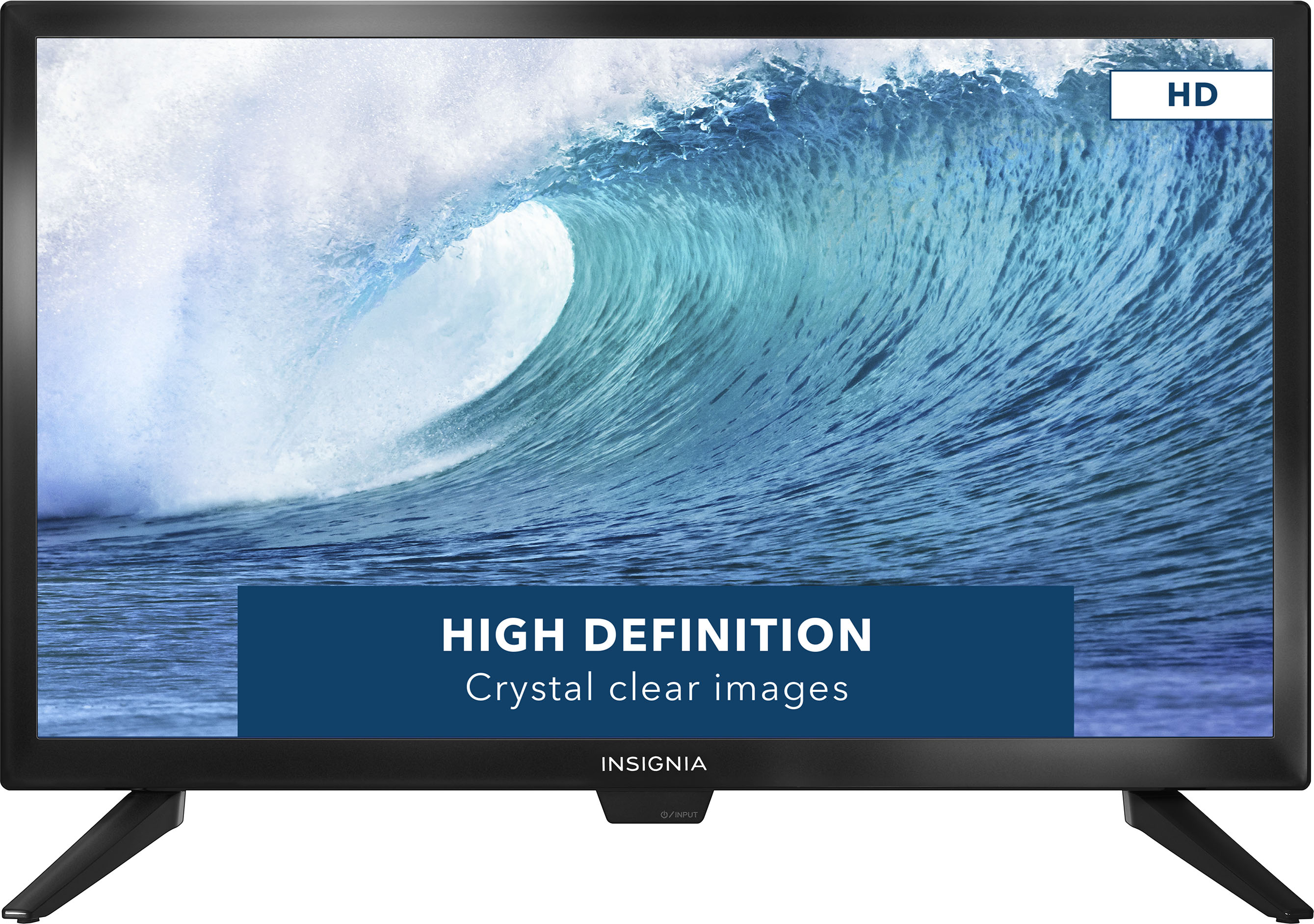
A:AnswerI just installed this TV in a Volvo VNL 780 truck and according to the inverter it draws what is claimed. Yes a 60 watts should work just fine. This TV works great in a vehicle, highest res for its size and picture quality is very nice. Hope that helps.
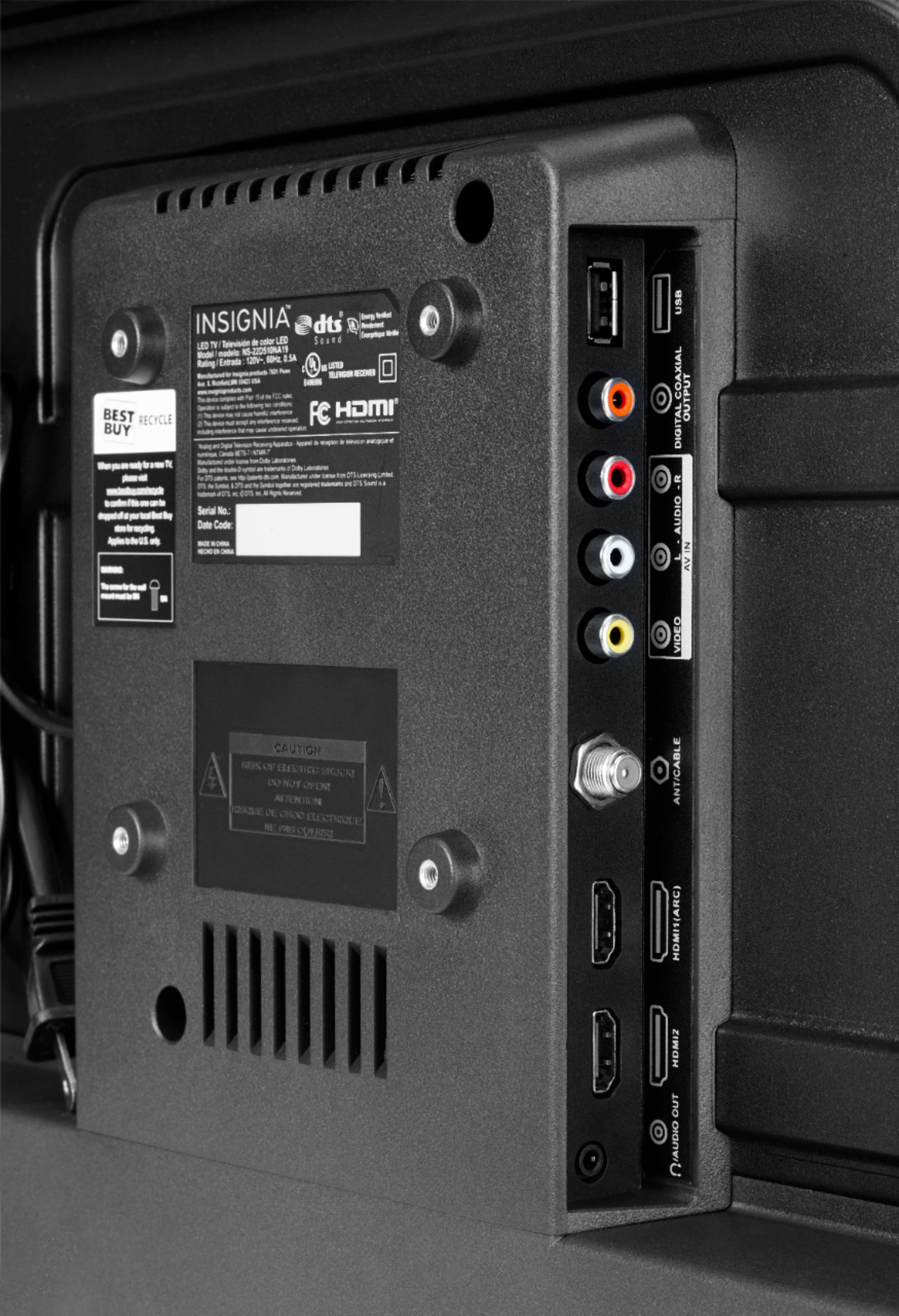
A:AnswerYes this TV can be used as a monitor. I use it as a second monitor for my desktop computer. My computer is connected through DVI but we have a 19" Insignia TV connected to a laptop via HDMI.
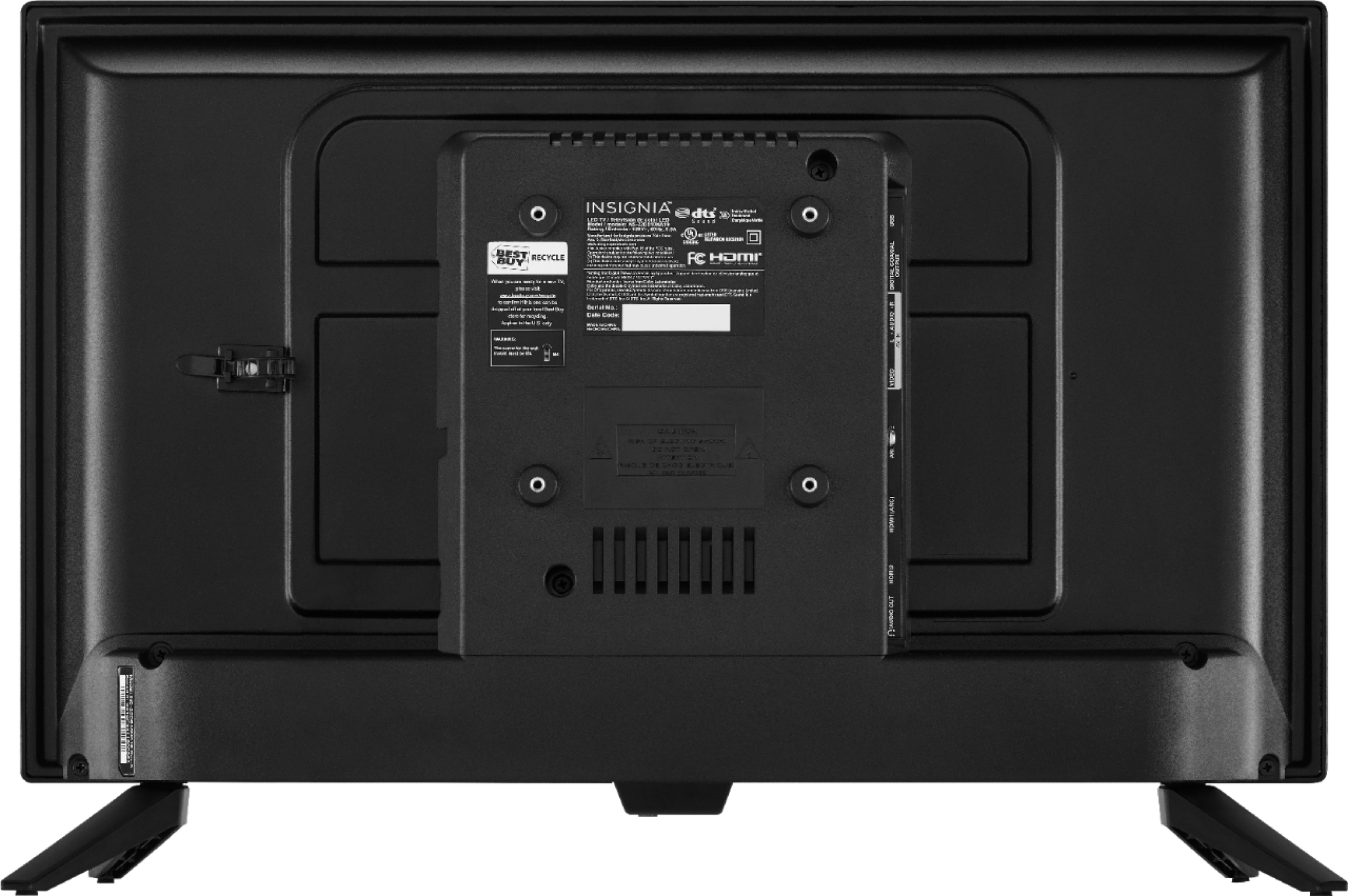
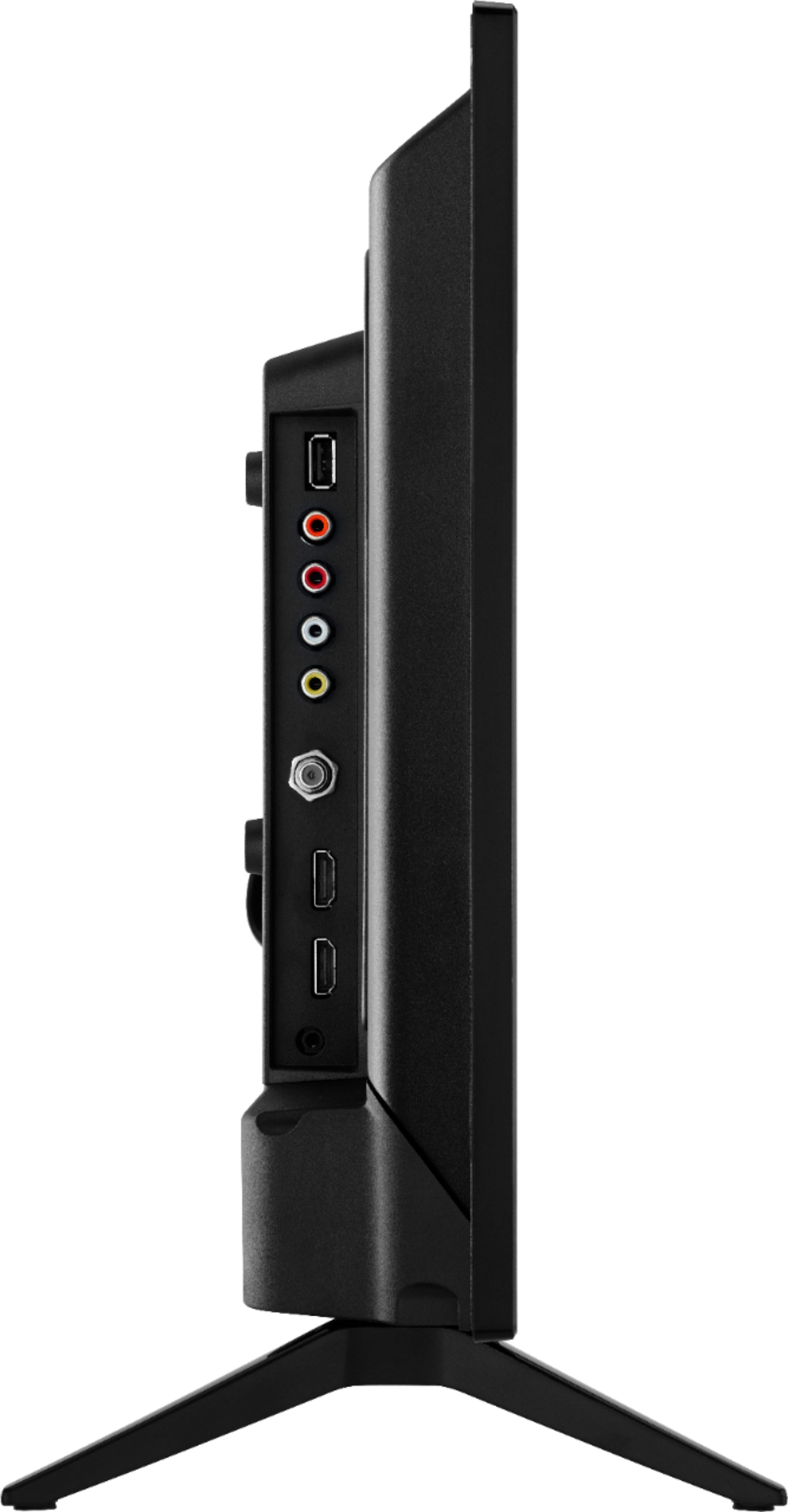
A:AnswerWhen I tried hooking up speakers to the USB port the TV kept thinking it was a usb flash drive and opening the interface to view photos. Of course, it wasn't a flash drive but it would not recognize it as anything else. I was able to provide power to a small USB speaker and use the auxiliary jack to pass the audio from the TV to the speaker. But as for operating and passing audio to a USB speaker, based on my experience, no can. I ended up using the port to provide power to the Roku stick instead.
A:AnswerHello, LadyB,
This TV model is not Wi-Fi capable, however, you can connect a streaming stick so you can connect to your network and stream the available content.
Eduardo L - Insignia Support
https://www.insigniaproducts.com/contact-us
A:AnswerI'm using it to power my Chromecast. No issues so far. One thing to consider is when the TV is off, the device is not getting any power. You'll need to wait for it to start up when turning on the TV.
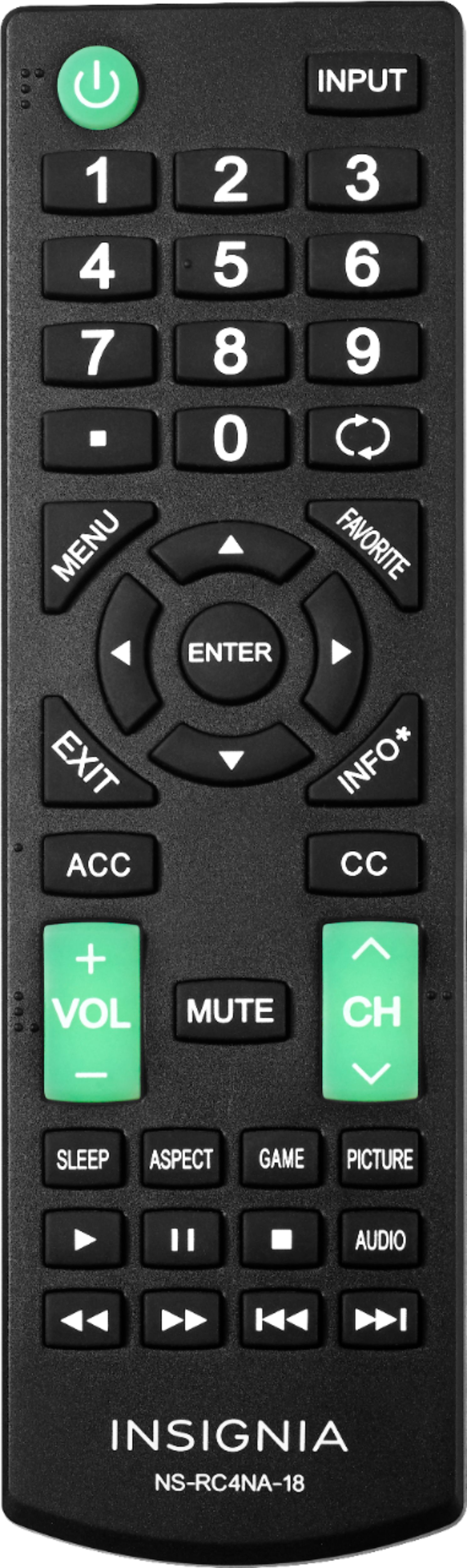
A:AnswerMy remote worked fine out of the box. I programmed my Dish TV remote and it works fine with this TV also. If Insignia won't honor thier warranty and replace the remote, any universal TV remote should work if you enter the codes for Insignia TV. See instructions that came with the TV or the universal remote for codes that work with Insignia TVs