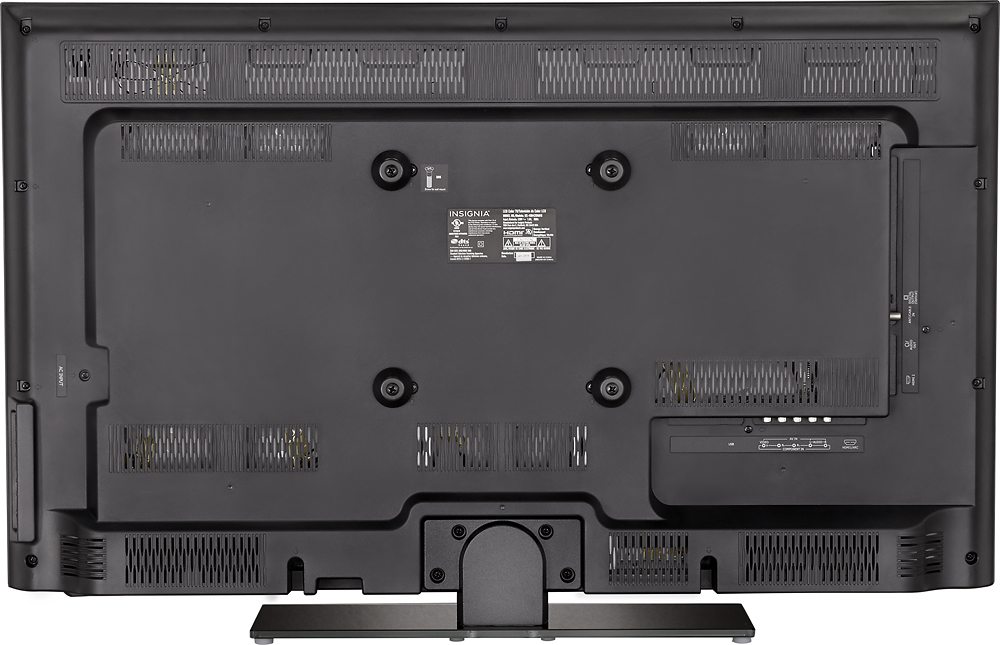
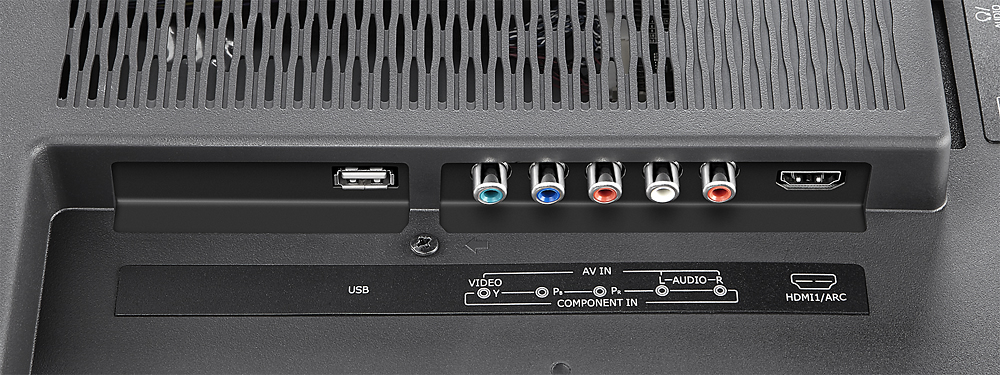
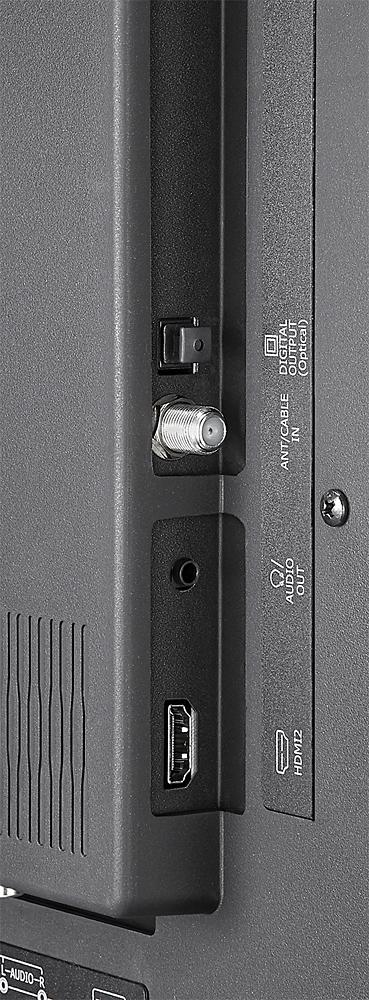
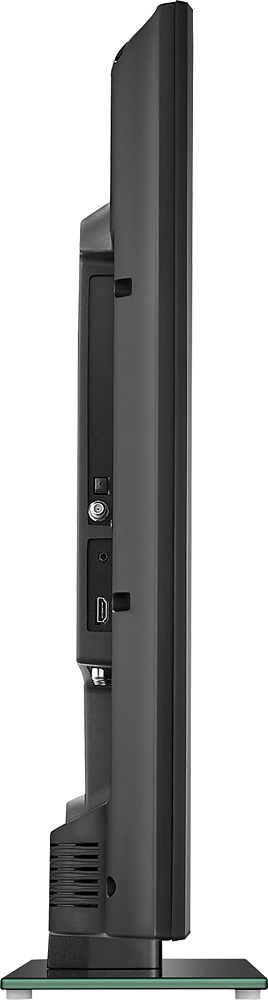
A:AnswerI'm not exactly sure what you're asking, but this TV does have a coaxial port and tuner built in, so you should be able to hook it up to local broadcast sources if they are available.
A:AnswerI have been told these are assembled by LG for Insignia. I have also read that they are done by Hisense in China. I'm not sure which is true, but I can say from my experience with a few dozen Insignia NS-40D420NA16 model TVs that these are some very well engineered televisions. The internal build quality and thought that went into the design has far outstripped even the Samsung units I've taken apart. Someone's doing something right here.
A:AnswerI don't recognize the model you listed, the model number should begin with NS- or IS-. Once you have the model number you should be able to search for it on our site, Insigniaproducts.com, and then view the manual.
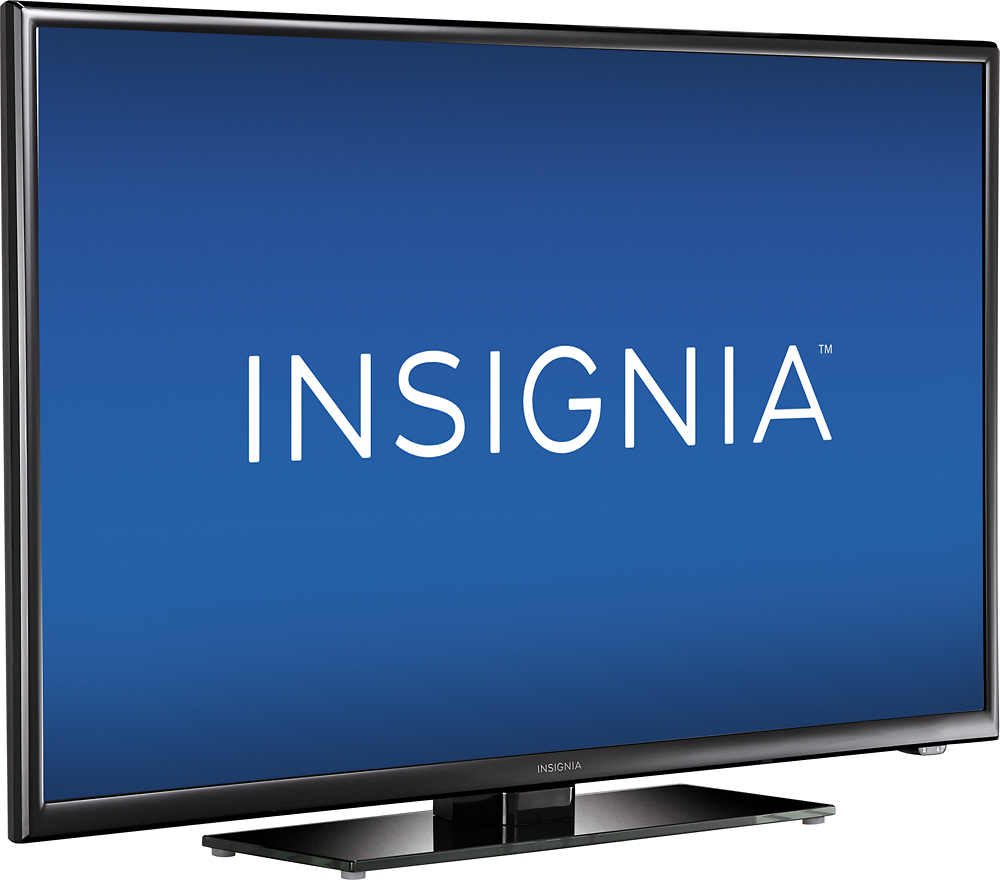
A:AnswerThe TV without its stand is 21.3" (540.8mm) high, 36.3" (921.4mm) wide, and 3.35" (85mm) deep. The stand adds 1.6" (41mm) to the height, making it 22.9" (581.8mm) high with stand.
A:AnswerThis model also will detect when an appropriate HDMI device has shut off and will turn the TV off as well. You must enable this in the settings section of the menu. It also has auto power on. It is extremely useful!
A:AnswerI connected my Samsung Blu-ray to watch the new Star Wars dvd and it was awsome!!! It would look better on my 73" but I left in California, HD movies on HD cable look great, You won't get a oomplaint from me. Hope you enjoy your TV.
A:AnswerYou could try but, I'd recommend returning it to Best Buy first. If that's not possible be prepared to purchase a Universal Remote if your tinkering fails!
A:AnswerThe TV is capable of handling SD and HD inputs up to 1080p, but you need to supply an HD input if you want HD. Meaning if you want HD from your cable TV provider, then yes, you need to use an HD cable box. Also, it does not take cable cards.
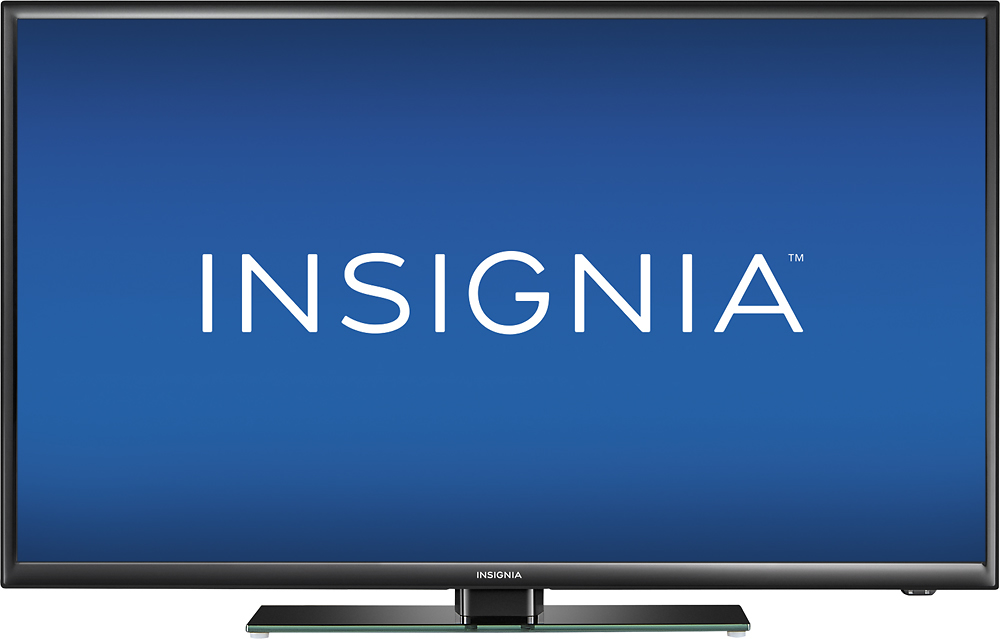
A:AnswerYes, It has 2 HDMI jacks, one USB port and regular video RCA jacks. if your computer has the interface jack will do. Or you can buy the interface module can convert the signal to one of these jacks.
A:Answerthe answer is both no and yes. No you won't be able to connect via Bluetooth. However, this TV has optical out so connecting this TV to any sound-bar with optical cable should be no problem
A:AnswerThat is one way to connect to sound bars. Another method is to connect to a sound bar with a digital optical cable. The optical cable method is recommended because it will give you better audio quality when compared to the analog method.