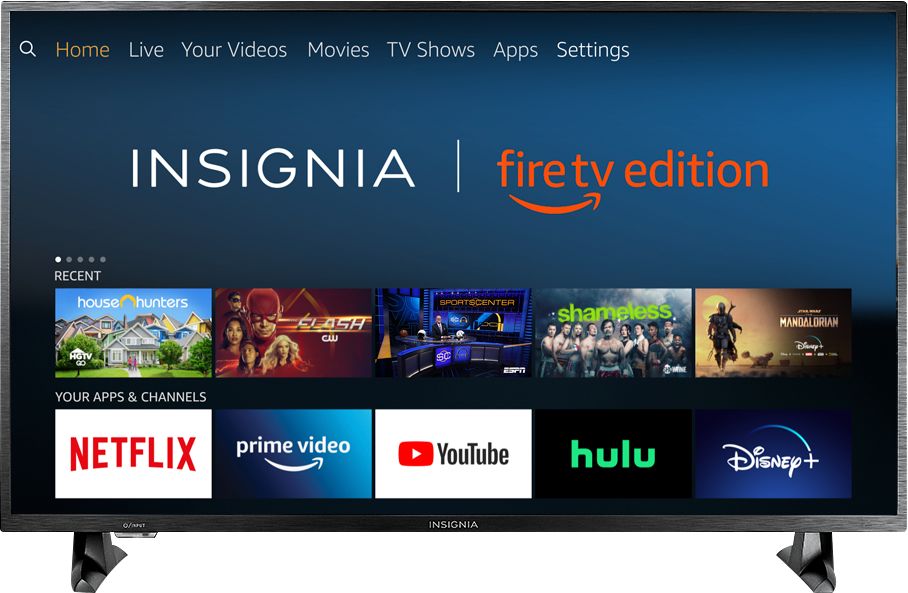
A:AnswerTry the Power On feature, when enabled, the TV turns on displaying the last used input.
Go Home > Settings > Display & Sounds > Power On and select Last Input.
David M. - Insignia Support
A:AnswerActually if you have a cable subscription there are apps from the channels itself, most popular channels have apps on the Amazon store but some might not and you still have to get it confirmed with your Xfinity account or other service
A:AnswerHello.- To have the TV turn on in the last input used you will need to change the power on settings. I will provide you with our phone number so you can give us a call, one of our agents will help you with those settings. Please give us a call at 1-877-467-4289 we open every day from 8am to 9pm CT. Carlos O. Insignia support.
A:AnswerThis TV has a refresh rate of 60Hz so it doesn't have that "soap opera" effect. It will appear normal to most people. That effect is usually only on TV's with a higher refresh rate.
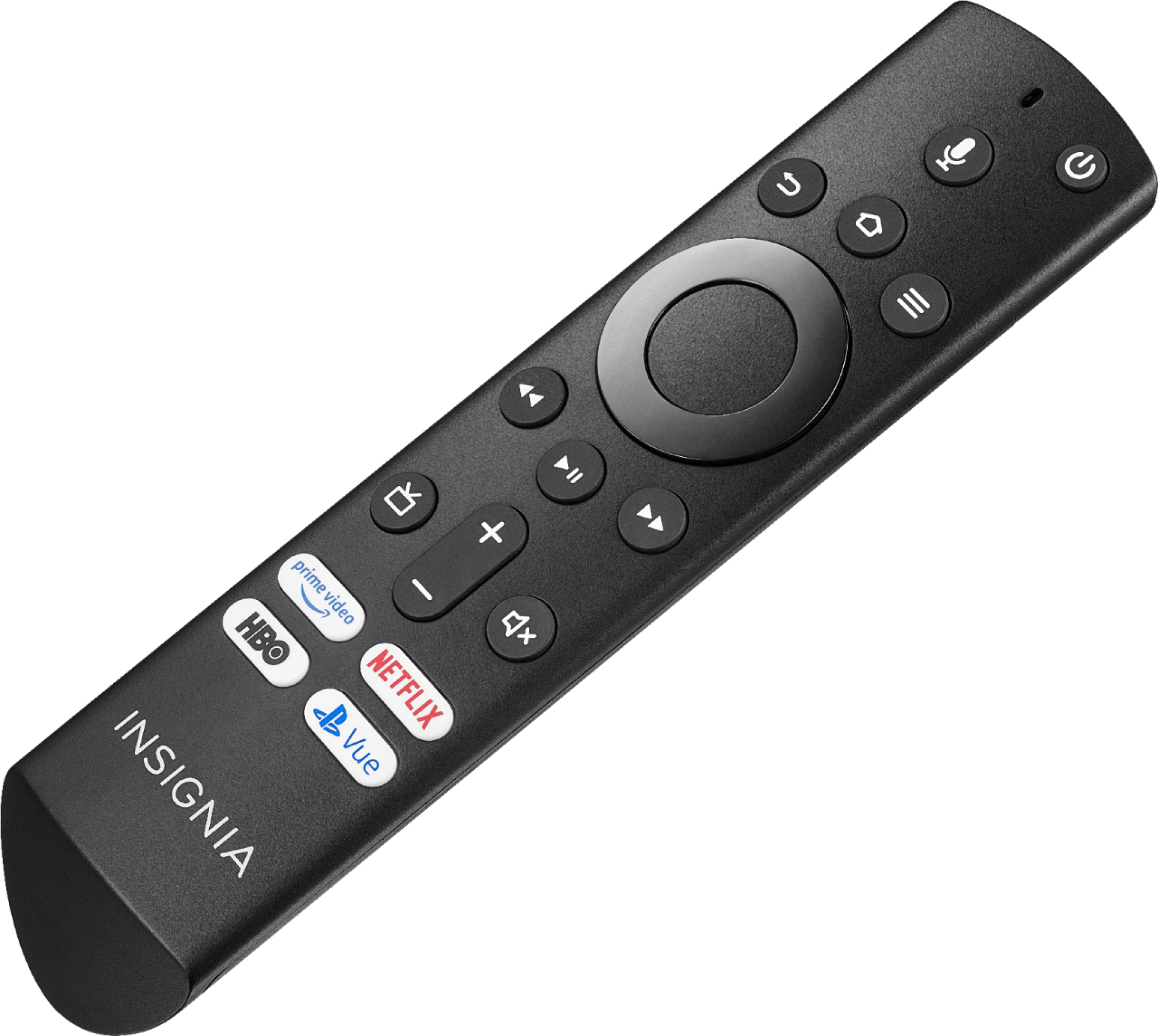
A:AnswerAt the top of the remote is a button in the middle that looks like a microphone. Push the button and hold it down. A line will scroll at the top of the screen. You know you are connected to Alexa. Then, say: Channel 5. Alexa will say: Changing to Channel 5. And BOOM! You will be on Channel 5! I have found it works with your local channel numbers. It's fun! Try it!
A:AnswerYes, you have your choice of web browsers with this TV, Firefox for Fire TV and the Amazon Silk browser are two popular browsers preloaded and ready to download. With Fire TV you also have the ability to download third party software by unlocking applications from unknown sources in the settings menu. Then you can install any web browser you like.
A:AnswerHi Nick.
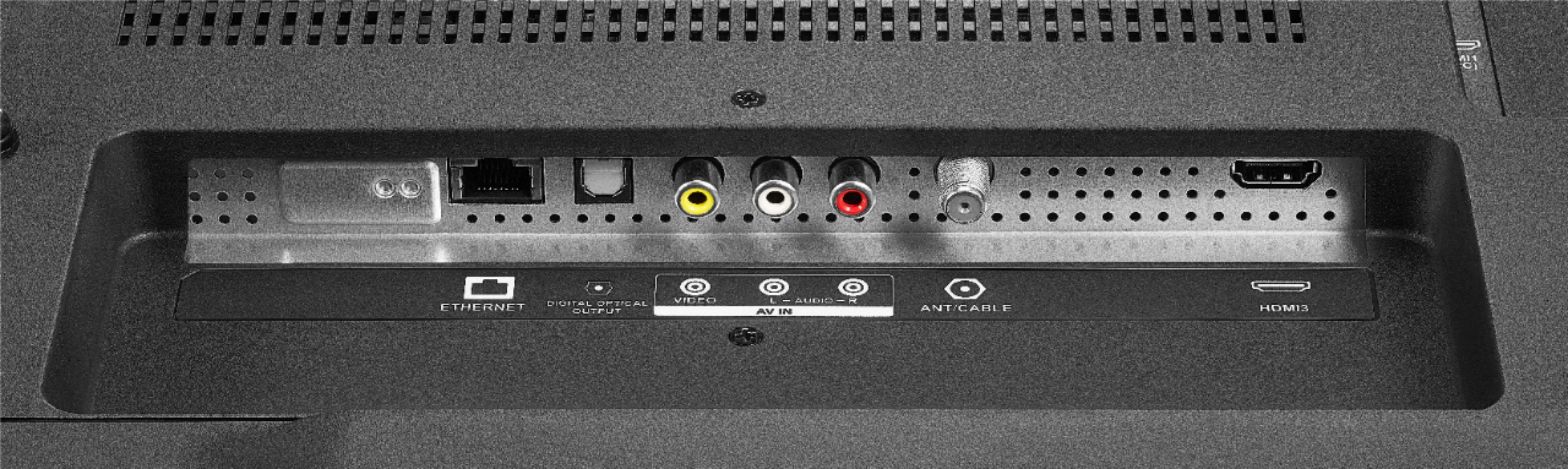
You can use a "Google Cast" type function to cast within certain apps (like Netflix, Youtube, etc...) as long as the phone and TV are under the same WiFi network. It is more a command to play something than casting the actual screen of the phone on the TV. For screen mirror of a phone you will need a HDMI adapter.
Charles V. - Insignia Support
https://www.insigniaproducts.com/contact-us
A:AnswerHi.
I appreciate your trust in that we will answer your question accurately. Facebook and Instagram apps are yet to be launched on the TV. However, Firefox and Amazon's Silk allow web browsing and using the web portals of the requested providers (Instagram and Facebook).
Charles V. - Insignia Support
https://www.insigniaproducts.com/contact-us
A:AnswerThe Fire TV Edition television supports HDR10.
You can try this, while watching your PlayStation hold the Home button for 3 seconds to display the Quick Access menu then select Picture > Advanced Settings > HDMI Input Mode > and try Mode 2 (2.0).
David M. - Insignia Support