
Early Black Friday DealsNew Doorbusters through SundayShop now

Main Content

Questions & Answers

Your price for this item is $169.99
The comparable value price is $299.99
Page Showing 1-20 of 122 questions
  • QuestionCan I control this TV with my voice?

    • Answer Yes, you can control this TV with your voice using the Alexa Voice Remote.
    This question and answer was generated by AI based on customer and product data.

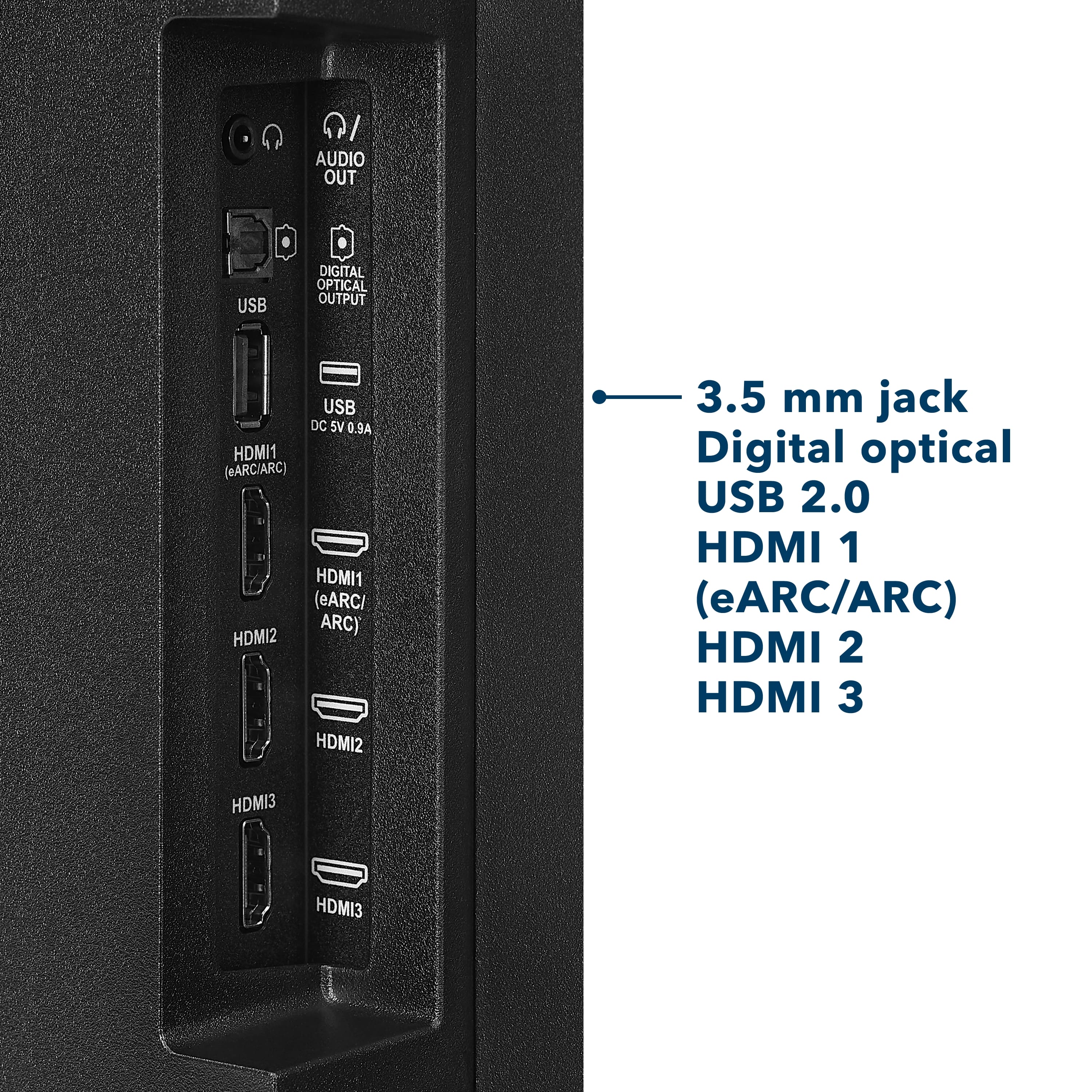
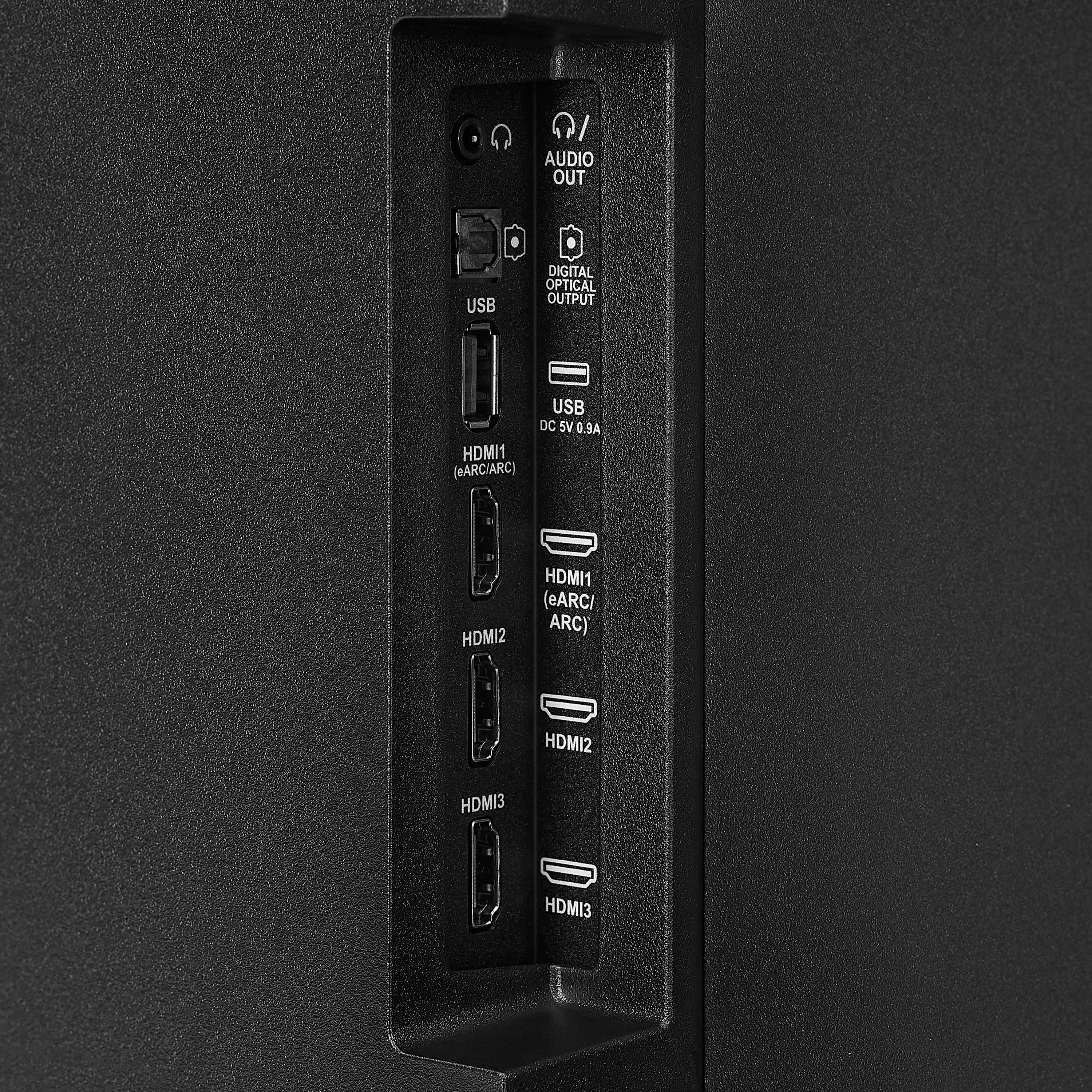
  • QuestionHow many HDMI ports does the TV have?

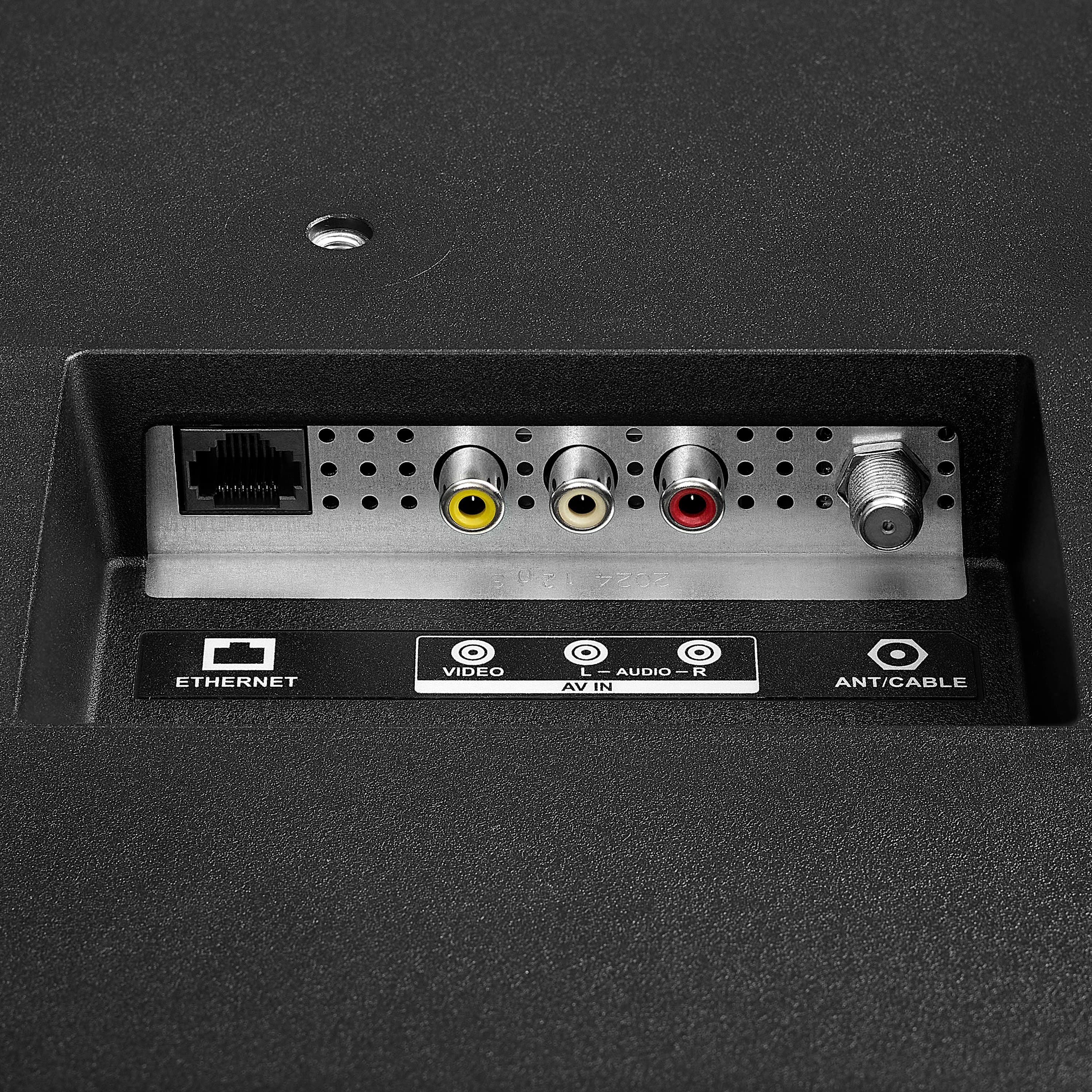
    • Answer The TV has 3 HDMI ports.
    This question and answer was generated by AI based on customer and product data.

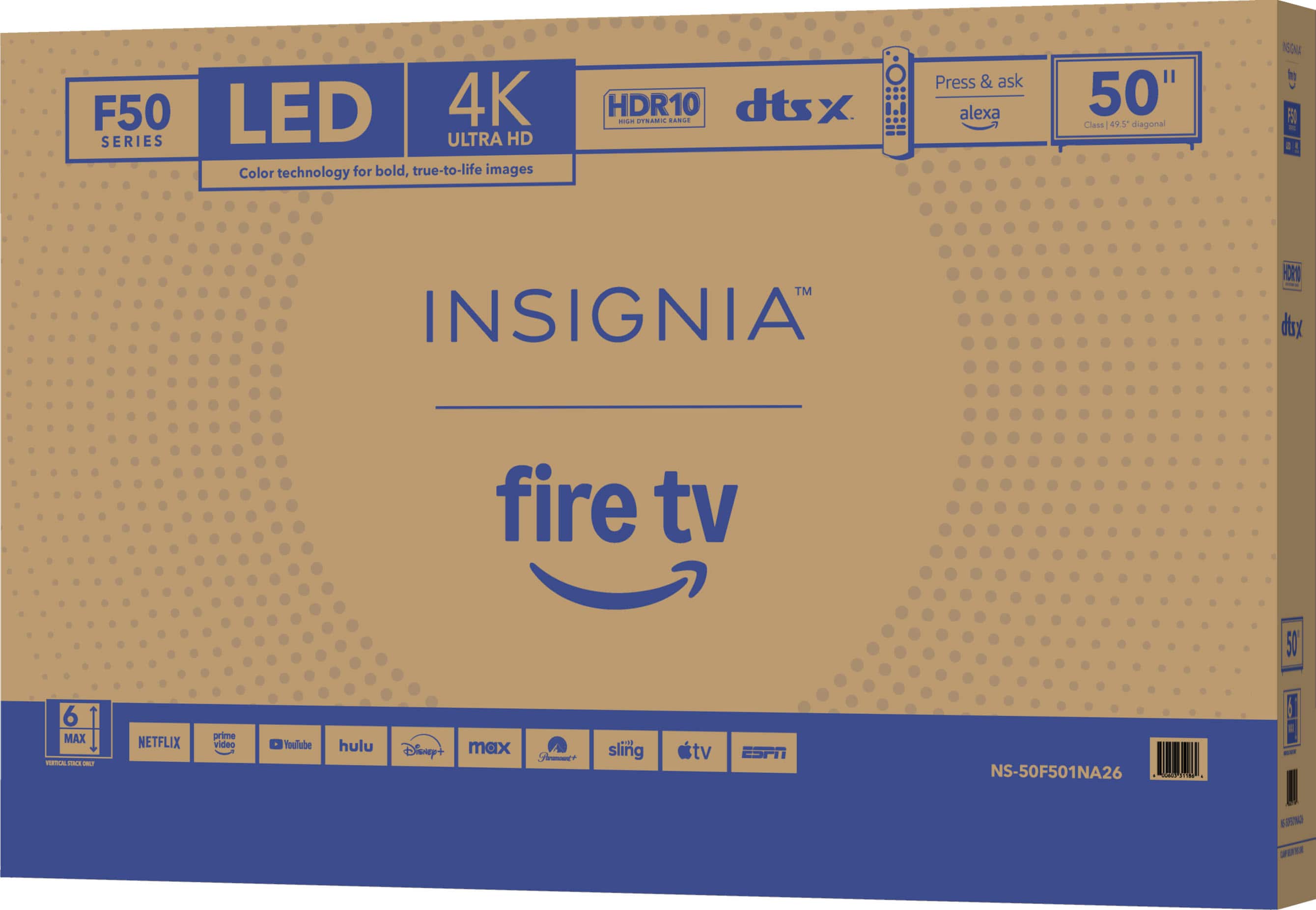
  • QuestionWhat is the resolution of this TV?

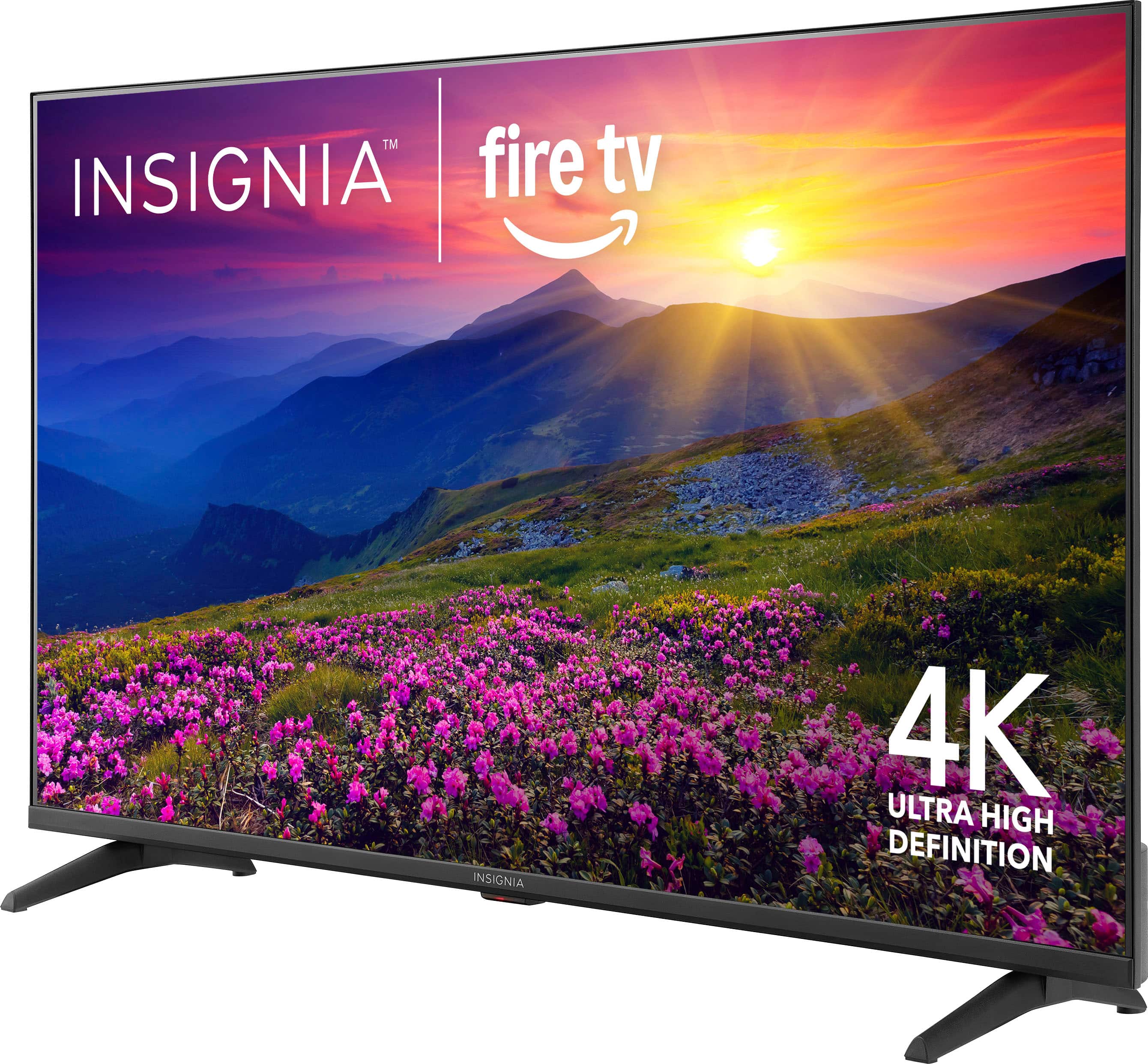
    • Answer This TV has a 4K Ultra HD (2160p) resolution.
    This question and answer was generated by AI based on customer and product data.

  • QuestionWhat type of display does this TV use?

    • Answer This TV uses an LED-backlit LCD screen.
    This question and answer was generated by AI based on customer and product data.

  • QuestionDoes this TV have built-in speakers?

    • Answer Yes, the TV has built-in downward-firing speakers.
    This question and answer was generated by AI based on customer and product data.

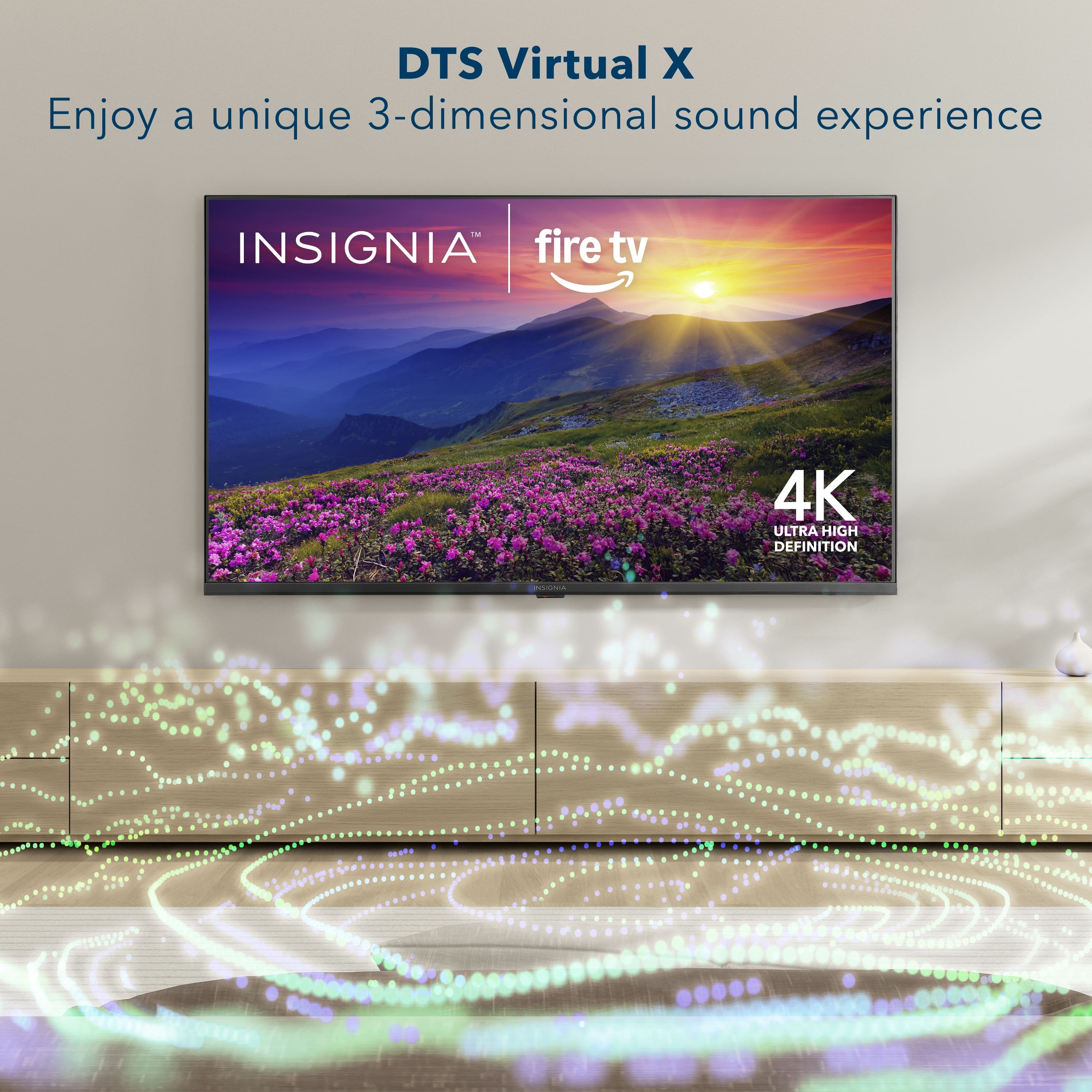
  • QuestionWhat audio technology does this TV use?

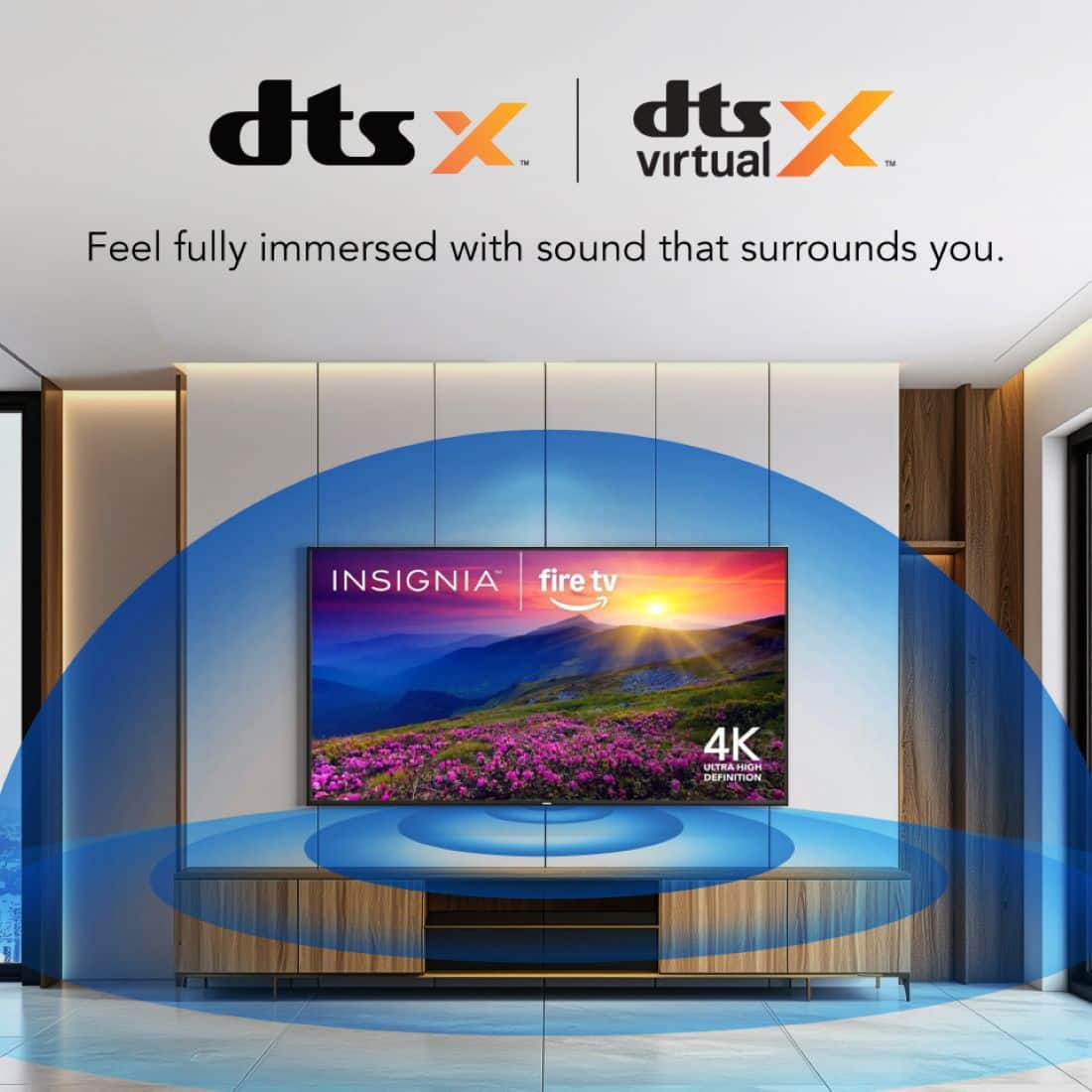
    • Answer This TV uses DTS Virtual-X Sound technology to create a three-dimensional sound experience.
    This question and answer was generated by AI based on customer and product data.

  • QuestionWhat does DTS Virtual:X add to the entertainment experience?

    • Answer DTS Virtual:X adds height and surround audio to your entertainment, delivering sound all around you.
    This question and answer was generated by AI based on customer and product data.

  • QuestionWill I need a sound bar?

    Asked by Anonymous.

    • Answer The Insignia 50” Class F50 Series LED 4K UHD Smart Fire TV has decent built-in speakers that are good enough for casual viewing, especially in smaller or quieter rooms. It supports DTS Virtual:X, which helps simulate surround sound, but it lacks deep bass and doesn’t deliver the rich, immersive audio experience that a soundbar can provide. If you're not too particular about sound quality, you probably won’t need a soundbar. However, if you enjoy watching movies with cinematic sound, playing games, or listening to music with fuller audio and clearer dialogue, then adding a soundbar would be a worthwhile upgrade. If you have any questions or need further assistance, please don't hesitate to reach out. Ivy | Insignia Support

      Answered by InsigniaCustomerSupport

  • Questiondoes this come with TV mount to hang on wall?

    Asked by DREW.

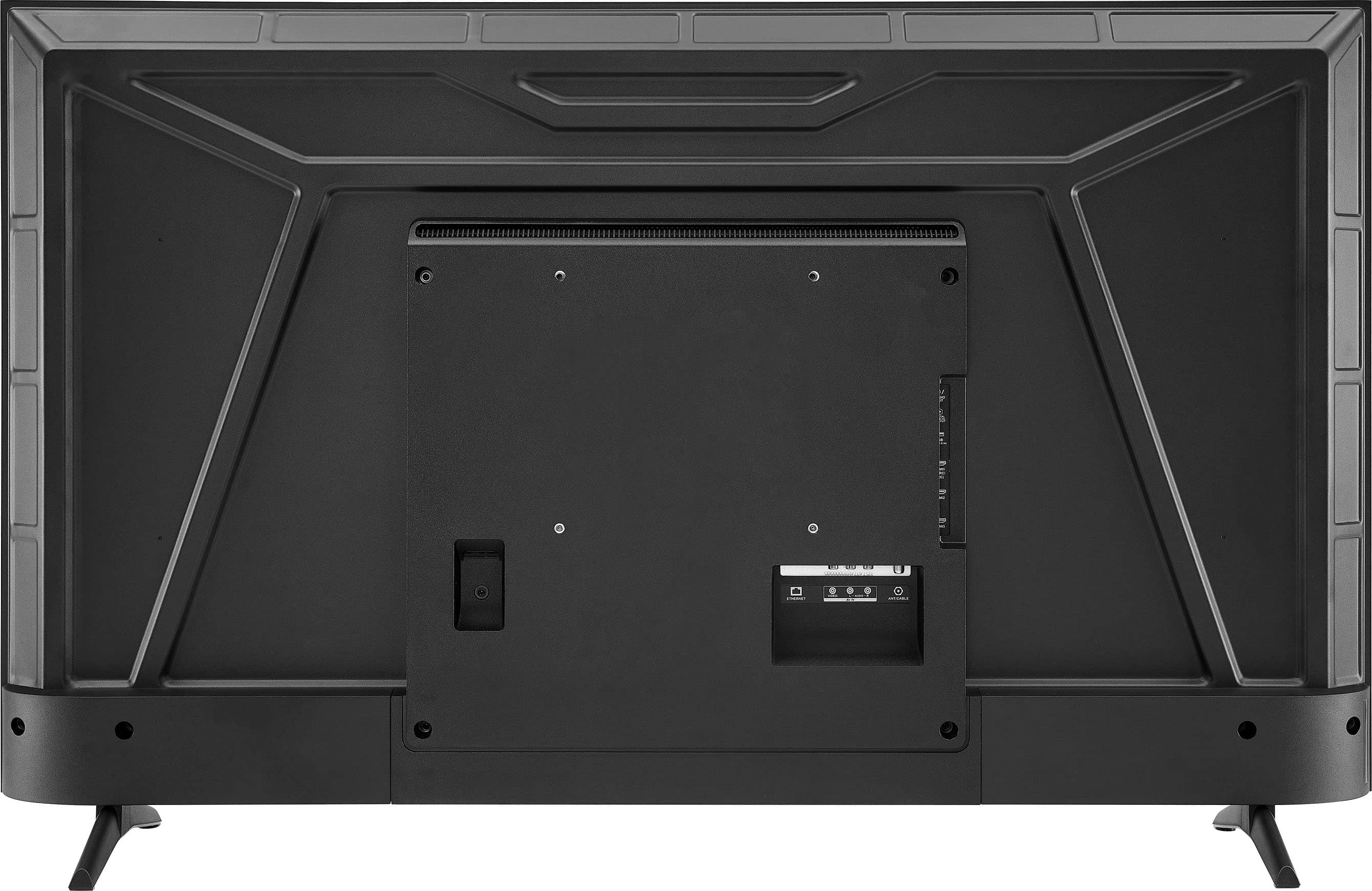
    • Answer Thank you for your inquiry! No, the Insignia™ 50” Class F50 Series LED 4K UHD Smart Fire TV does not come with a wall mount included in the box. It typically includes just the TV, stand legs, remote control, and basic documentation. However, it is wall-mount compatible. It supports the VESA 200mm x 200mm mounting pattern, so you can use most standard wall mounts that match this specification. Keith | Insignia Support

      Answered by InsigniaCustomerSupport

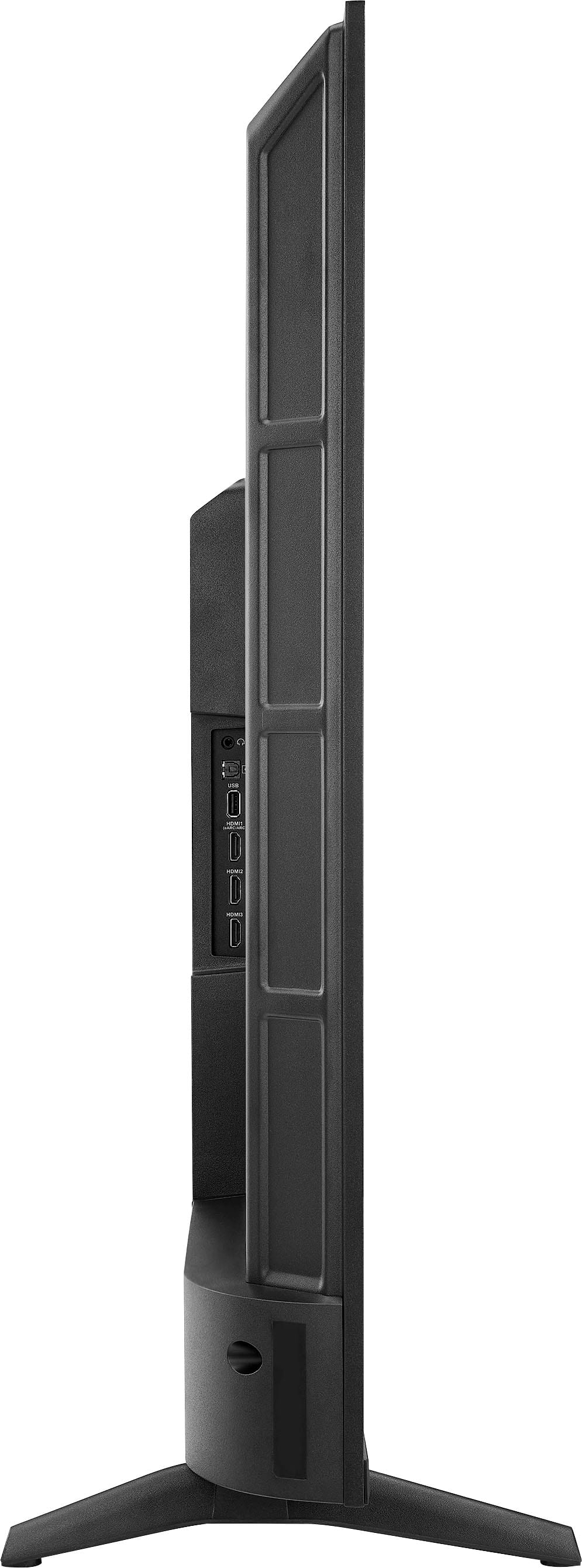
  • QuestionDoes the tv rotate on the feet or are the feet stationary?

    Asked by JB.

    • Answer The Insignia™ 50” Class F50 Series LED 4K UHD Smart Fire TV comes with stationary feet they do not rotate or swivel. Patricia | Insignia Support

      Answered by InsigniaCustomerSupport

  • QuestionCan you connect AirPods Pro to this TV?

    Asked by Kevin.

    • Answer Yes absolutely It has Bluetooth and can be connected to your JBL speakers or AirPods

      Answered by FiddleB

  • QuestionI recently bought the 50 inch Insignia TV. Do I need to set the TV to 2160 or is this automatic. The picture is beautiful but I'm still learning about the settings. I improved the sound dramatically by changing a few settings. Any suggestions?

    Asked by JimS.

    • Answer Hi JimS, thanks for reaching out! The default setting for the screen display is Auto. This means the screen will automatically adjust its display based on the content you're playing. If you have any other questions, please feel free to ask! -Carl | Insignia Support

      Answered by InsigniaCustomerSupport

  • QuestionHow many nits of brightness does this TV feature?

    Asked by KaiyoJinn.

    • Answer Thank you for your inquiry! The Insignia™ 50” Class F50 Series LED 4K UHD Smart Fire TV has a peak brightness of approximately 250 to 300 nits. This level of brightness is typical for budget-friendly LED TVs and is generally sufficient for indoor viewing in moderately lit rooms. However, it may not perform as well in very bright environments or rooms with a lot of natural sunlight, where higher brightness levels (400+ nits) are more effective at combating glare. Keith | Insignia Support

      Answered by InsigniaCustomerSupport

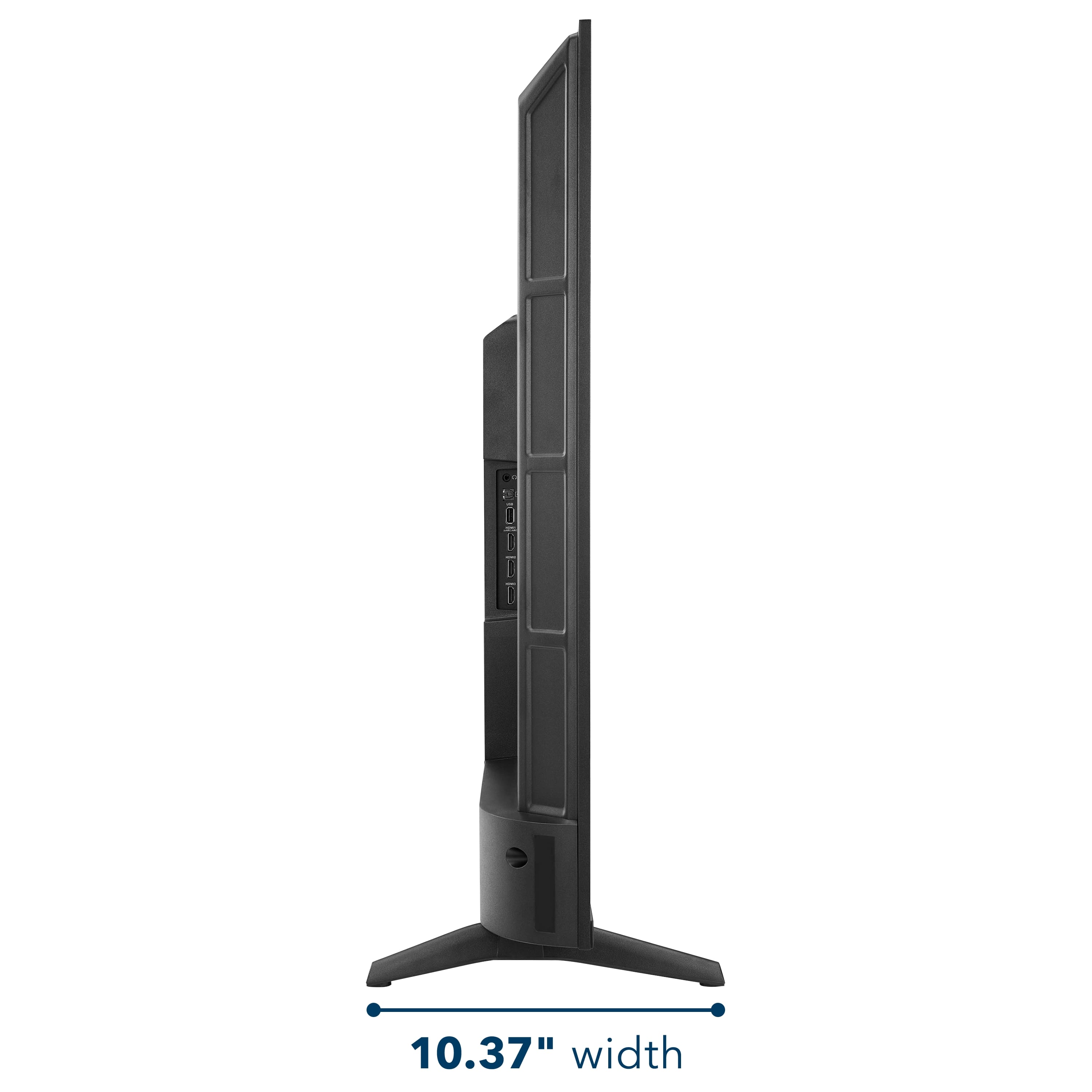
  • QuestionCan this TV be mounted on a center base stand? I would like to place it on a 27 inch wide surface.

    Asked by Anonymous.

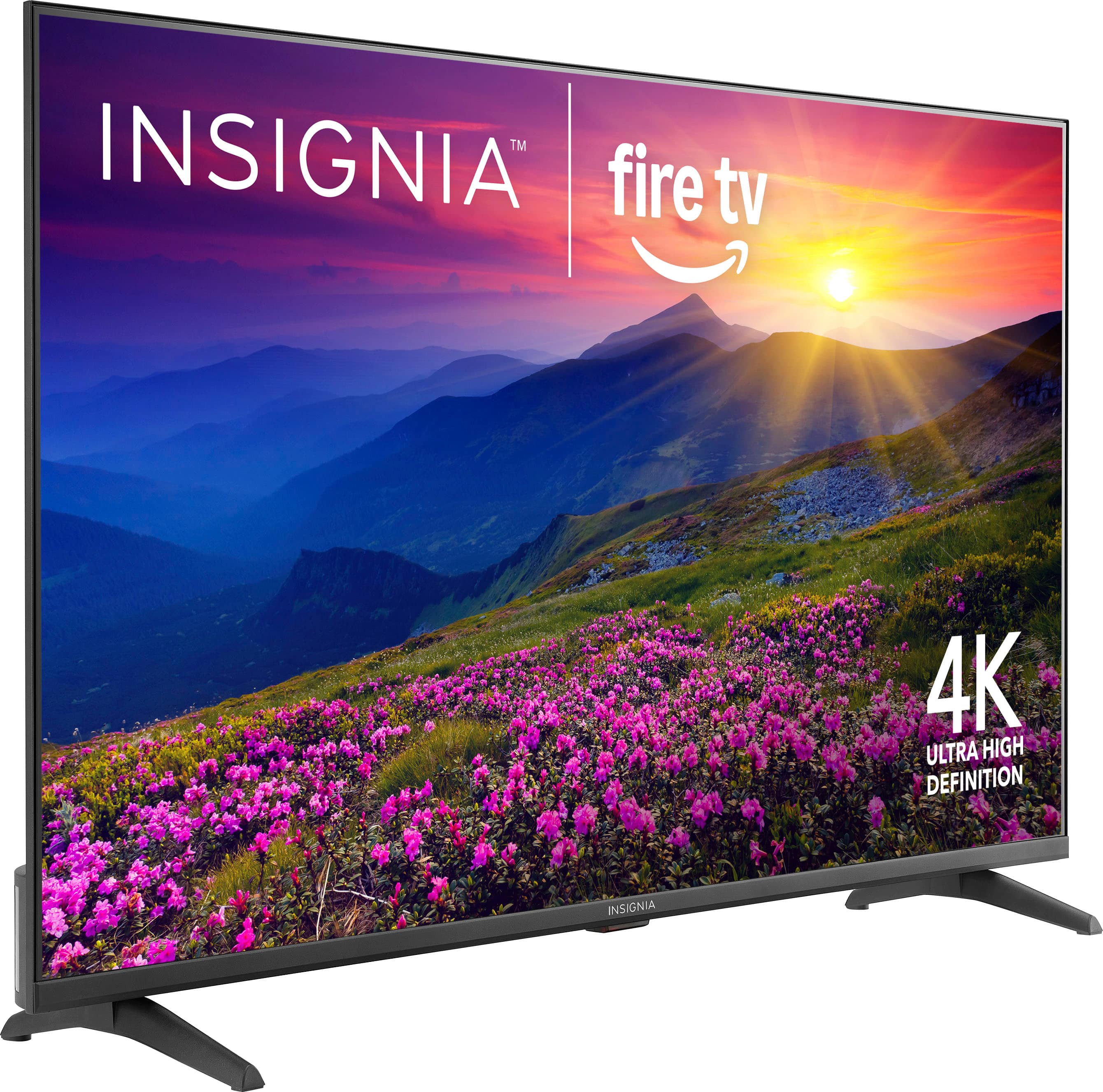
    • Answer The Insignia™ 50” Class F50 Series LED 4K UHD Smart Fire TV (Model: NS-50F501NA26) cannot be placed on a 27-inch wide surface using its default legs, as the distance between the two legs is 36.7 inches. Therefore, a surface at least that wide is required for stable placement with the original stand. However, it is possible to mount this TV on a center base stand by using a universal TV stand that attaches to the VESA mounting holes on the back of the unit. This model supports a VESA pattern of 200 x 200 mm, which is compatible with many universal center stands available on the market. When selecting a stand, ensure it supports the TV’s weight (approximately 20.3 lbs) and has a base width that fits your available surface. Patricia | Insignia Support

      Answered by InsigniaCustomerSupport

  • Questioncan I use bluetooth to get sound from this television in my earbuds?

    Asked by Anonymous.

    • Answer You should, it has a Bluetooth mode..

      Answered by RandyD

  • QuestionWhat is the input voltage? 110 - 120V or 120 - 240V?

    Asked by bogu.

    • Answer Thank you for your inquiry! The Insignia™ 50” Class F50 Series LED 4K UHD Smart Fire TV typically operates on a standard input voltage of 120V AC, which is common for consumer electronics sold in North America. Specifically, it supports 110–120V, 60Hz power input.

      Answered by InsigniaCustomerSupport

  • QuestionHow to get tv to go right to cable WITHOUT using Alexa. Have to push 3 buttons to get there and my father had dementia. So this has to be simplified.

    Asked by Cconhill.

    • Answer To have your Insignia™ 50” Class F50 Series Fire TV automatically switch to cable when turned on without using Alexa you can adjust a setting, so the TV remembers the last input used. Start by turning on the TV and pressing the Home button on the remote. Navigate to the Settings menu (gear icon), then go to “Display & Sounds,” and select “Power Controls.” From there, choose the “Power On” option and set it to “Last Input” instead of “Home.” This way, the TV will automatically return to the last input used such as your cable box whenever it’s powered on. Just make sure the last thing you do before turning off the TV is switch it to the cable input, so it remembers that setting next time. Patricia | Insignia Support

      Answered by InsigniaCustomerSupport

  • QuestionDo I need a fire stick with this tv?

    Asked by Anonymous.

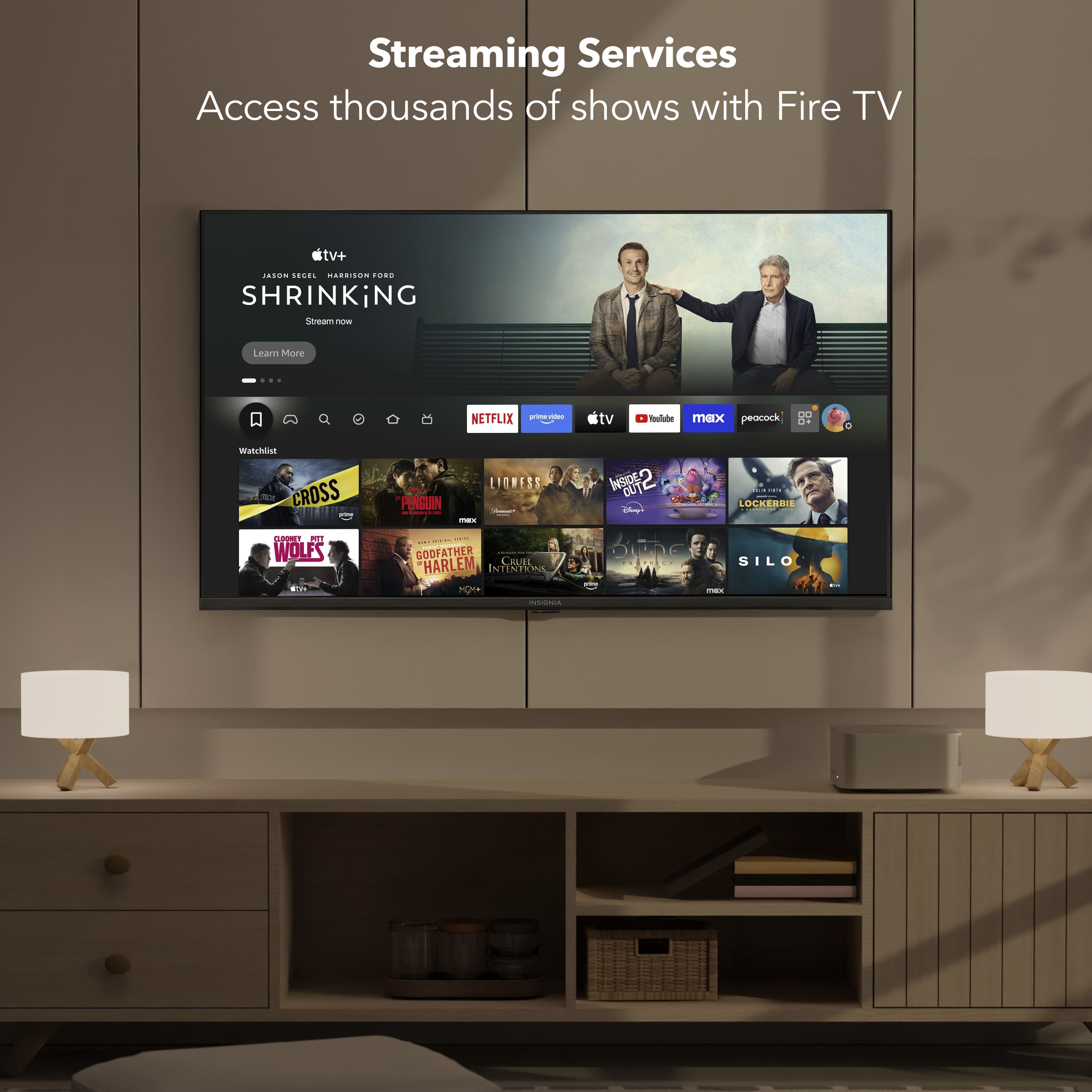
    • Answer No, you do not need a separate Fire Stick for the Insignia™ 50” Class F50 Series LED 4K UHD Smart Fire TV because it already has Amazon Fire TV built in. This means the TV comes preloaded with the Fire TV operating system, giving you direct access to popular streaming apps like Netflix, Prime Video, Disney+, and more, without needing any additional hardware. It also includes a voice remote with Alexa, allowing you to control the TV and search for content using voice commands. Patricia | Insignia Support

      Answered by InsigniaCustomerSupport

  • Questionwhat is the rating of this tv

    Asked by curious.

    • Answer Thank you for your inquiry! The Insignia™ 50” Class F50 Series LED 4K UHD Smart Fire TV (Model: NS-50F501NA26) currently has a customer rating of 4.5 out of 5 stars on Best Buy, based on thousands of reviews. Keith | Insignia Support

      Answered by InsigniaCustomerSupport

  • QuestionCan I watch Roku on this Tv

    Asked by Jbrown.