A:Answer Hi guest,
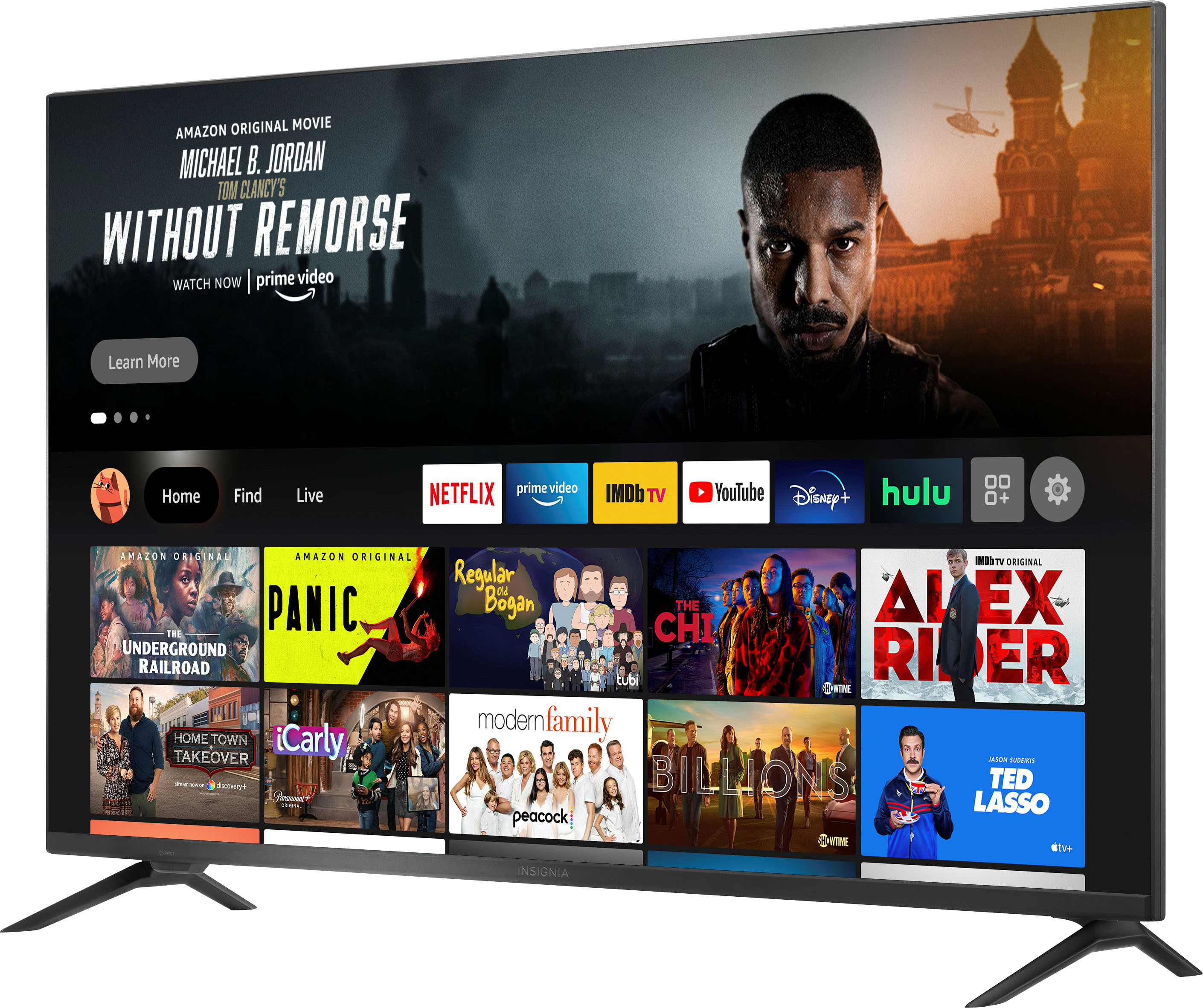
To start sharing content, tap the AirPlay icon in your favorite app on your Apple device and select your Fire TV.
To control your Fire TV with Siri, the TV must be added as a HomeKit accessory. To set up your Fire TV as a HomeKit accessory, navigate to the Settings menu on your TV, then choose Display & Sounds → AirPlay & HomeKit → Set Up and follow the on-screen instructions. Once set up, you can use Siri to control your Fire TV. You can say for example:
• “Siri, turn on the TV.”
• “Siri, play next song.”
• “Siri, mute the TV".
Insignia Products
Lisa
https://insigniaproducts.com