A:AnswerI couldn't wait for Insigina's reply, so I tried this from youtube video (it worked): Not sure which step specifically worked,, as I tried all 3 at once. https://m.youtube.com/watch?v=XUm_R2Hx38s
A:AnswerThere is a “Power On” feature for this smart TV whereby when enabled, it will turn on displaying the last used input. From the Settings menu, go Display & Sounds then Power On and select Last Input.
Dina | Insignia Support | https://www.insigniaproducts.com/contact-us
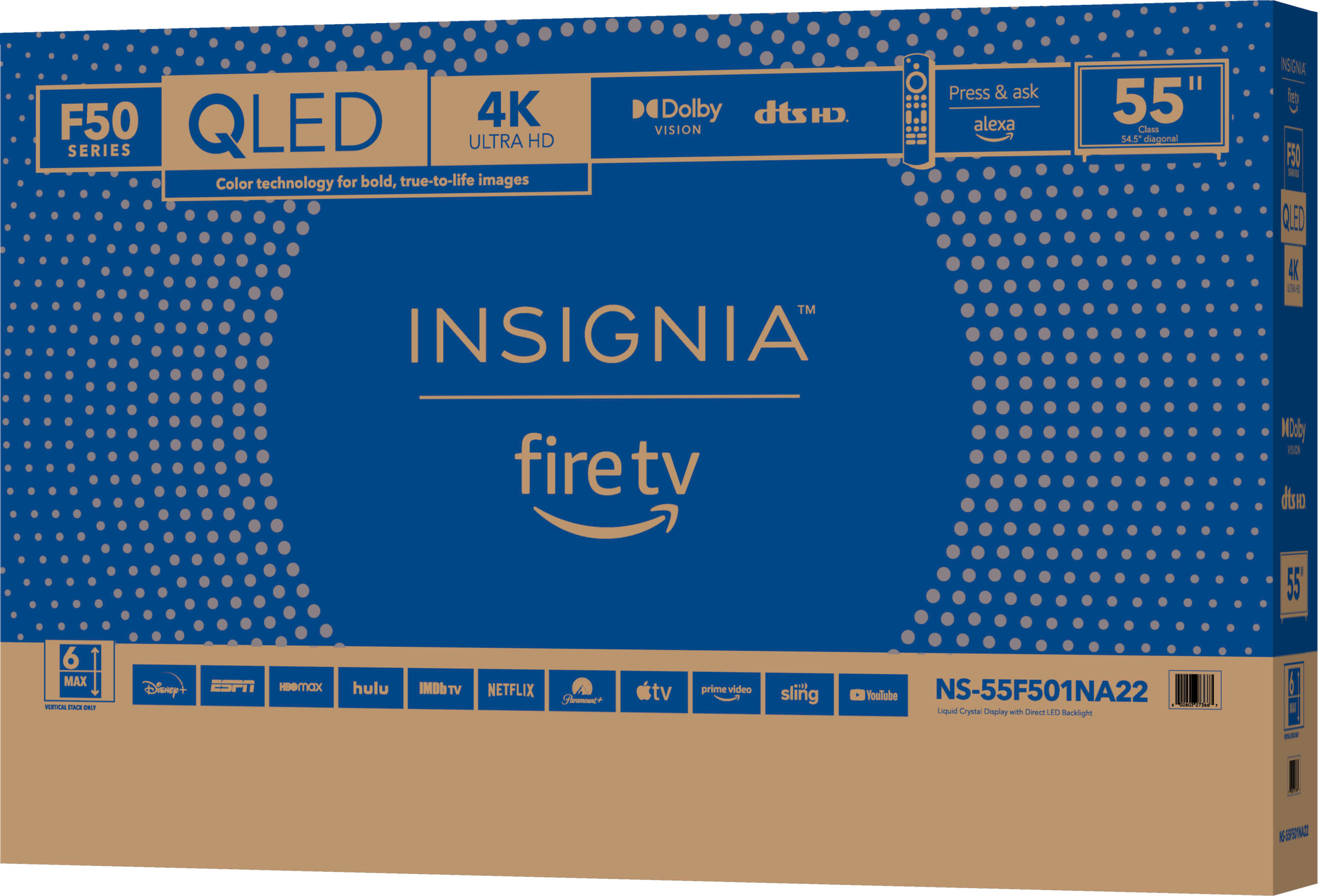
A:AnswerI decided on buying an F50 series QLED Insignia 55" because of the low price and decent reviews that I read and I'm very happy with the picture quality. The black level is very good and the colors are great, not over saturated as one of the reviews I read said they were. As with any new TV going into your picture settings and adjusting levels (most of your advanced settings should be turned off) you will find the picture looking really nice. The F50 series beats the F30 series in many areas for only a few dollars more. If a budget TV is what your looking for this is a winner in many ways. As they say go larger than you think you want (I wish I had), because even the F50 65" is available right now for under $400.00.
A:AnswerYes, I have the fire-tv version and there is a setting menu item to setup Bluetooth and it mentionrs game controllers, speakers, headphones, remotes, keyboards, and mice. Have actuall used it but the controls are there.
A:AnswerHello Jaybird,
We recommends using a USB 3.0 flash drive that's 128 GB or smaller for best performance. Also, note that external hard drives are not supported. Plug a flash drive into the USB port on the back of your Fire TV.
Insignia Support
Louise
www.insigniaproducts.com/support
A:AnswerTry this, to Factory Reset the Remote, press and hold at the same time the DPAD-left, Back (↩) and Menu (≡) buttons for at least 12 seconds. To pair the remote again, press the Home button for up to a minute.
A:AnswerTry to use an external device like the Facebook Portal TV - Big Screen Smart Video Calling for Group Calls on Your TV - Model: 899-00081-02 SKU: 6373513