
Main Content

Questions & Answers

$34.99
Page Showing 1-19 of 19 questions
  • QuestionWhat is the maximum resolution supported by this cable?

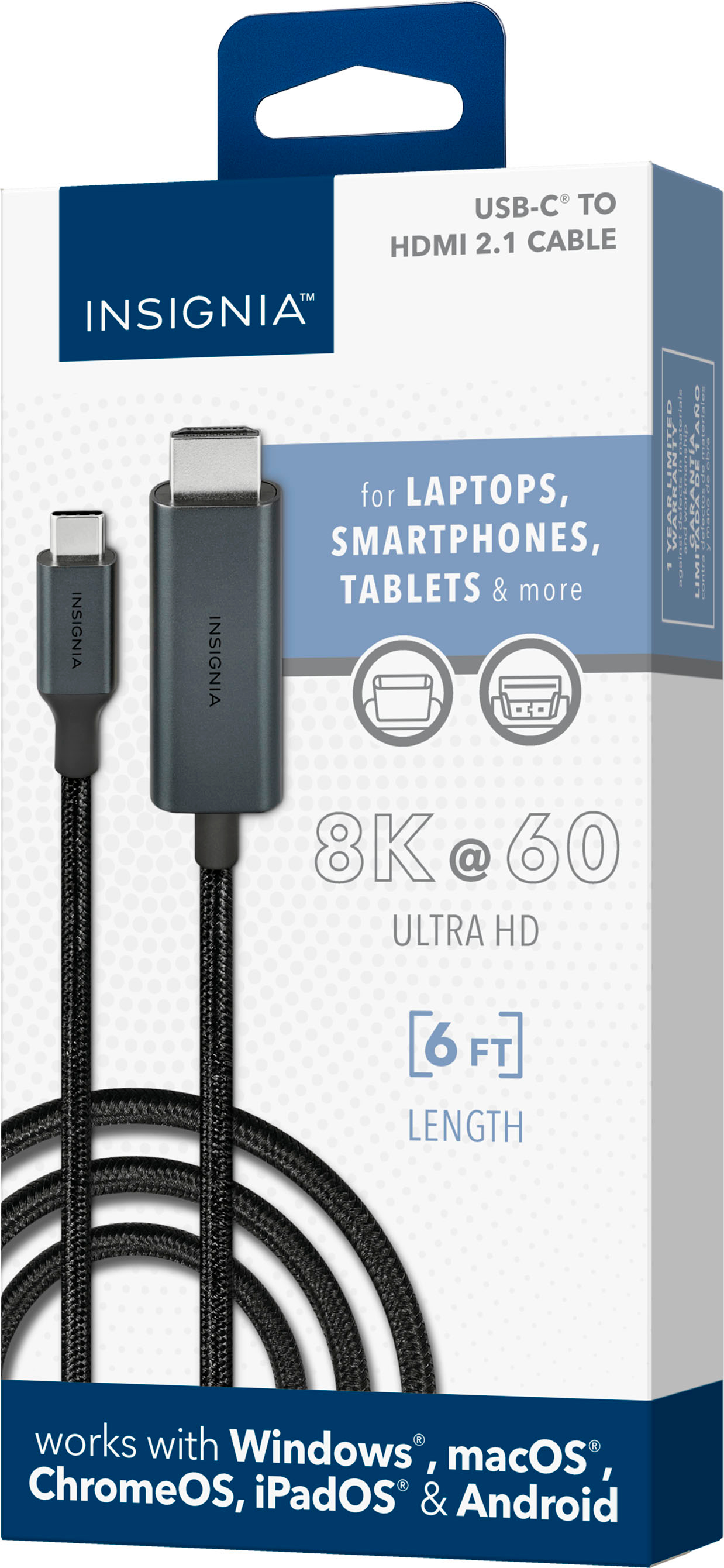
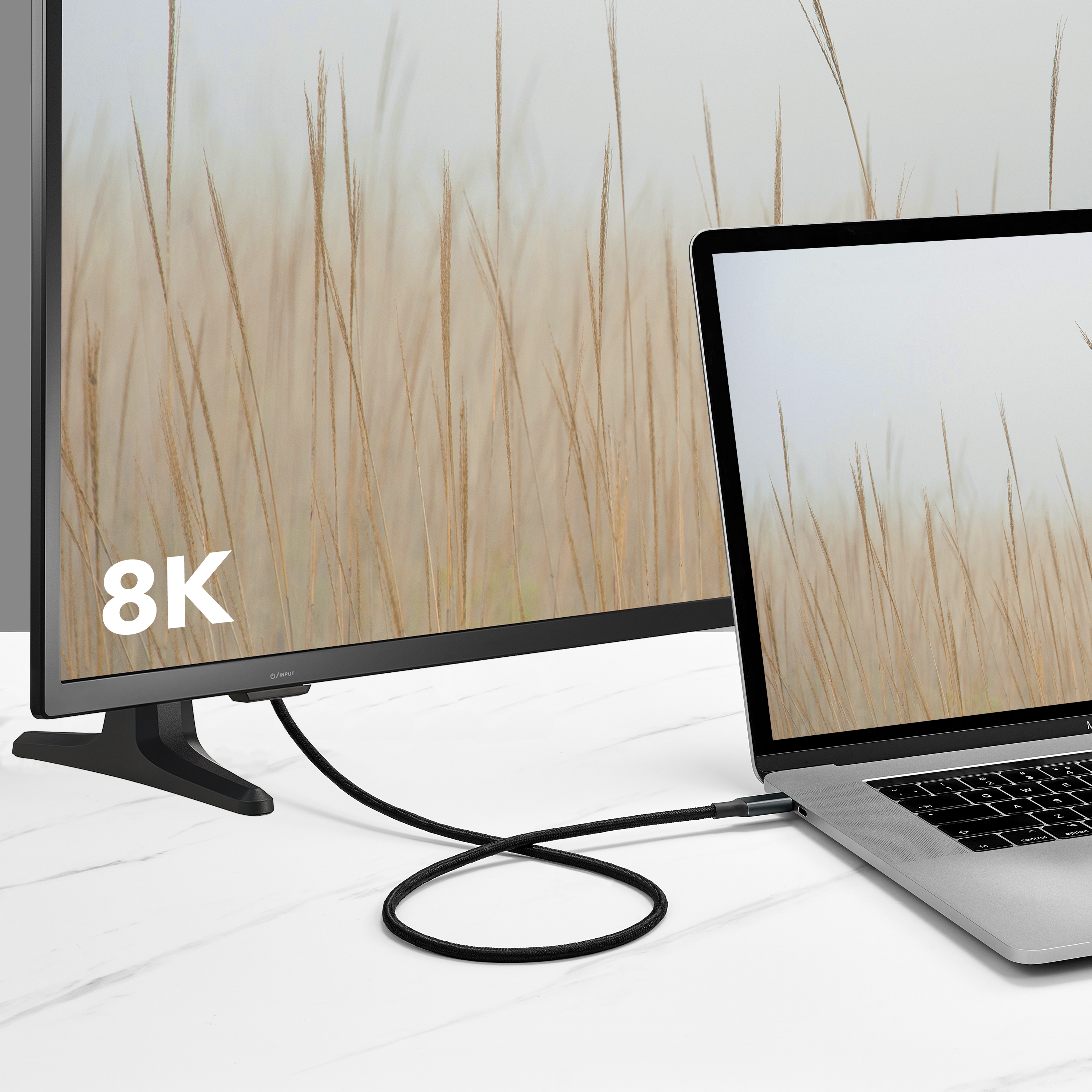
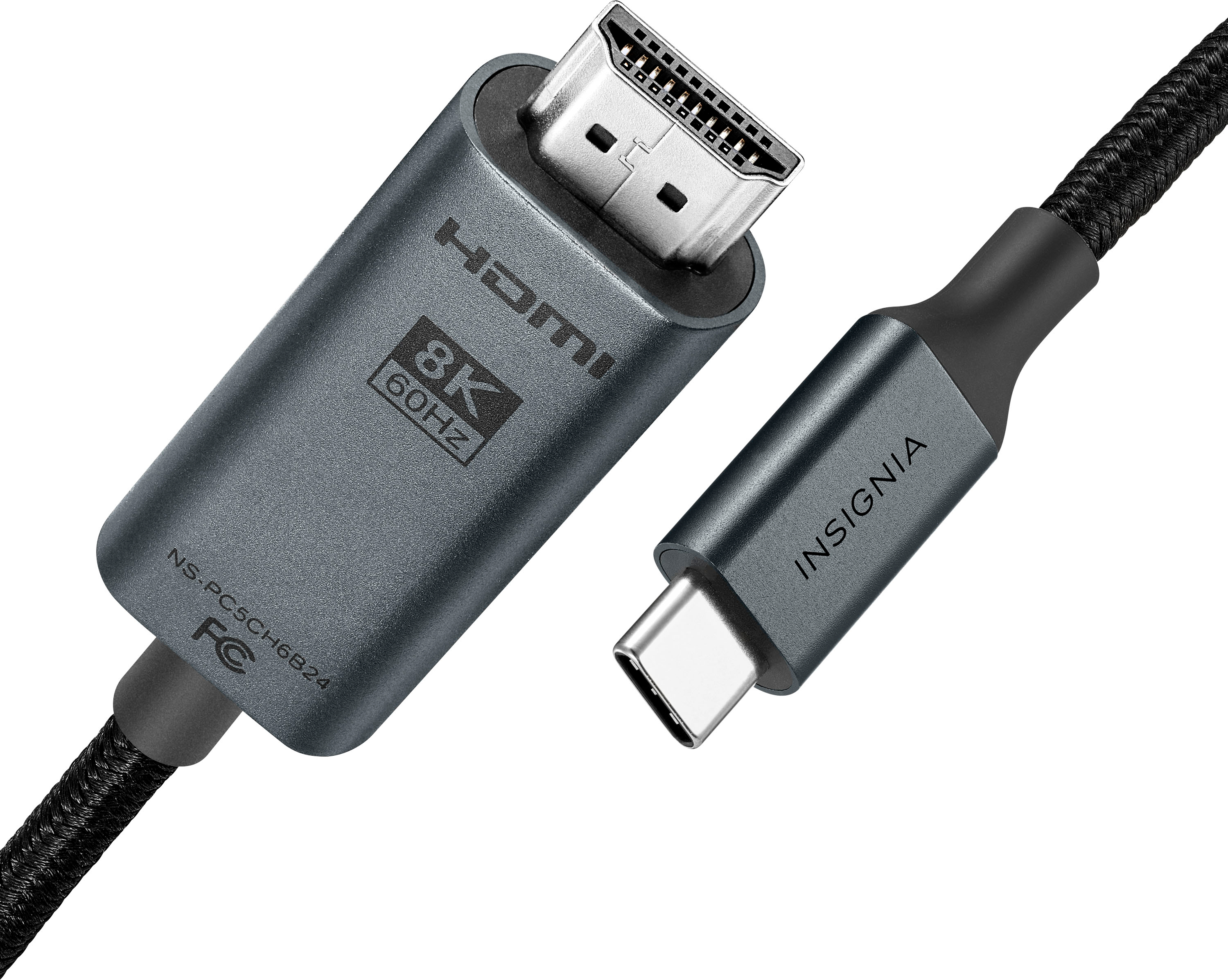
    • Answer This cable supports resolutions up to 8K at 60Hz.
    This question and answer was generated by AI based on customer and product data.

  • QuestionWhat type of connectors does this cable have?

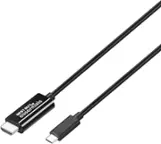
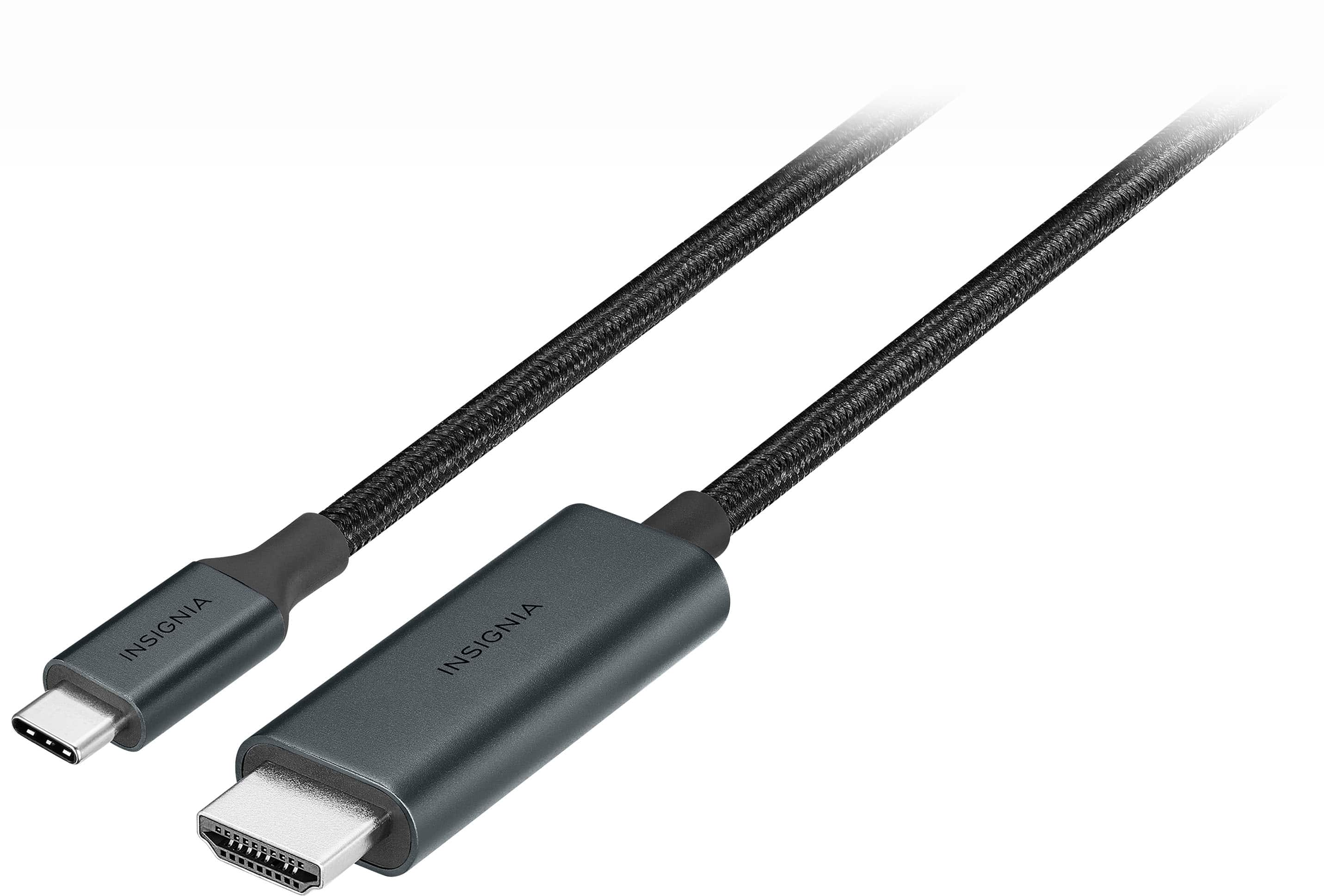
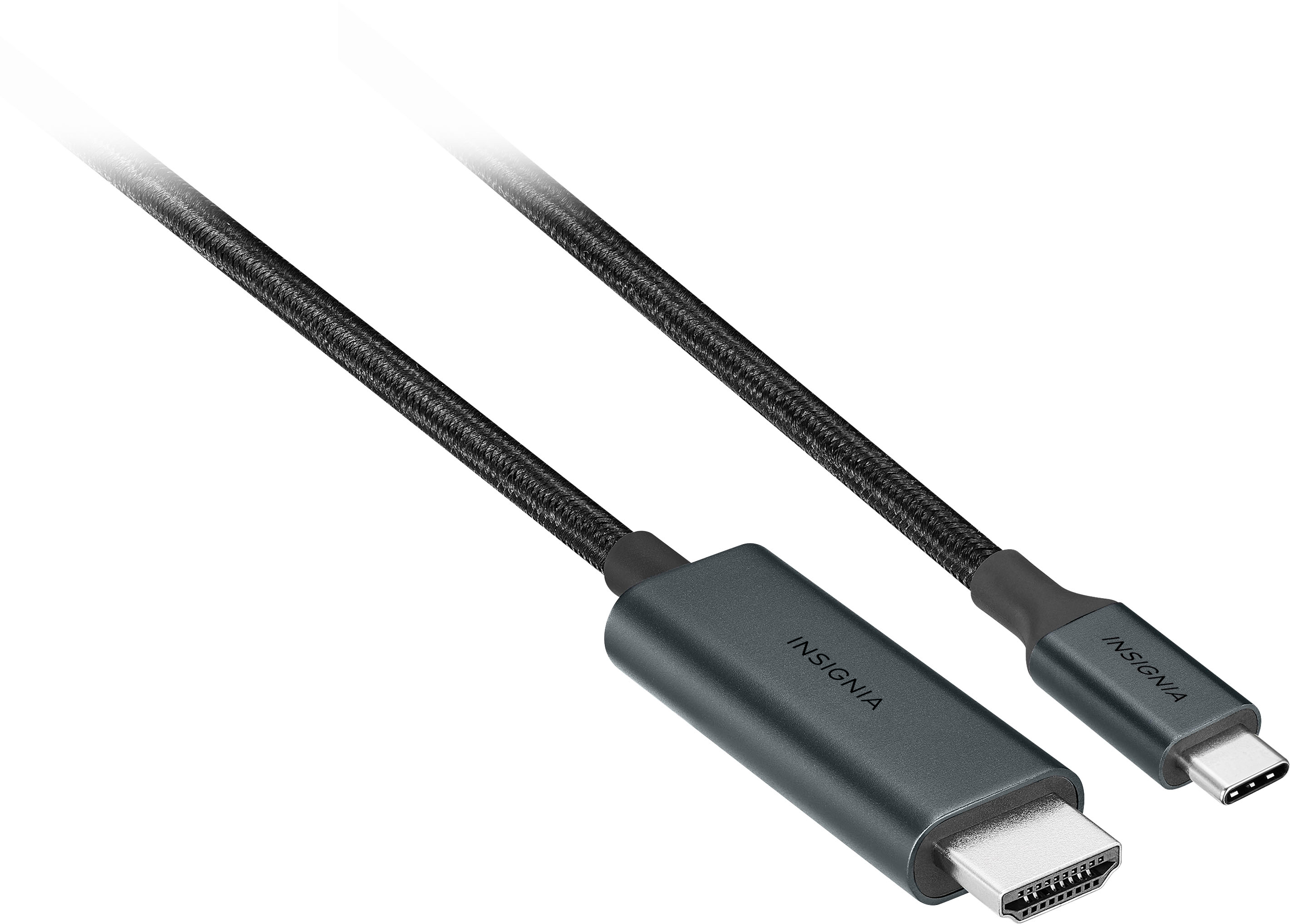
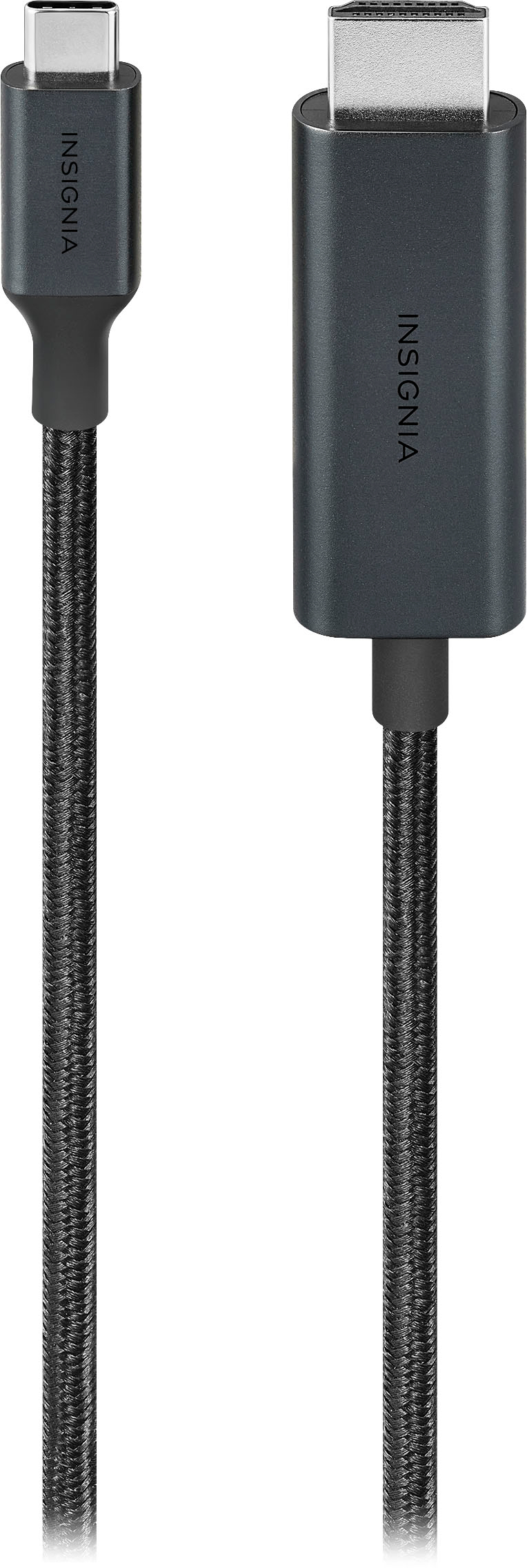
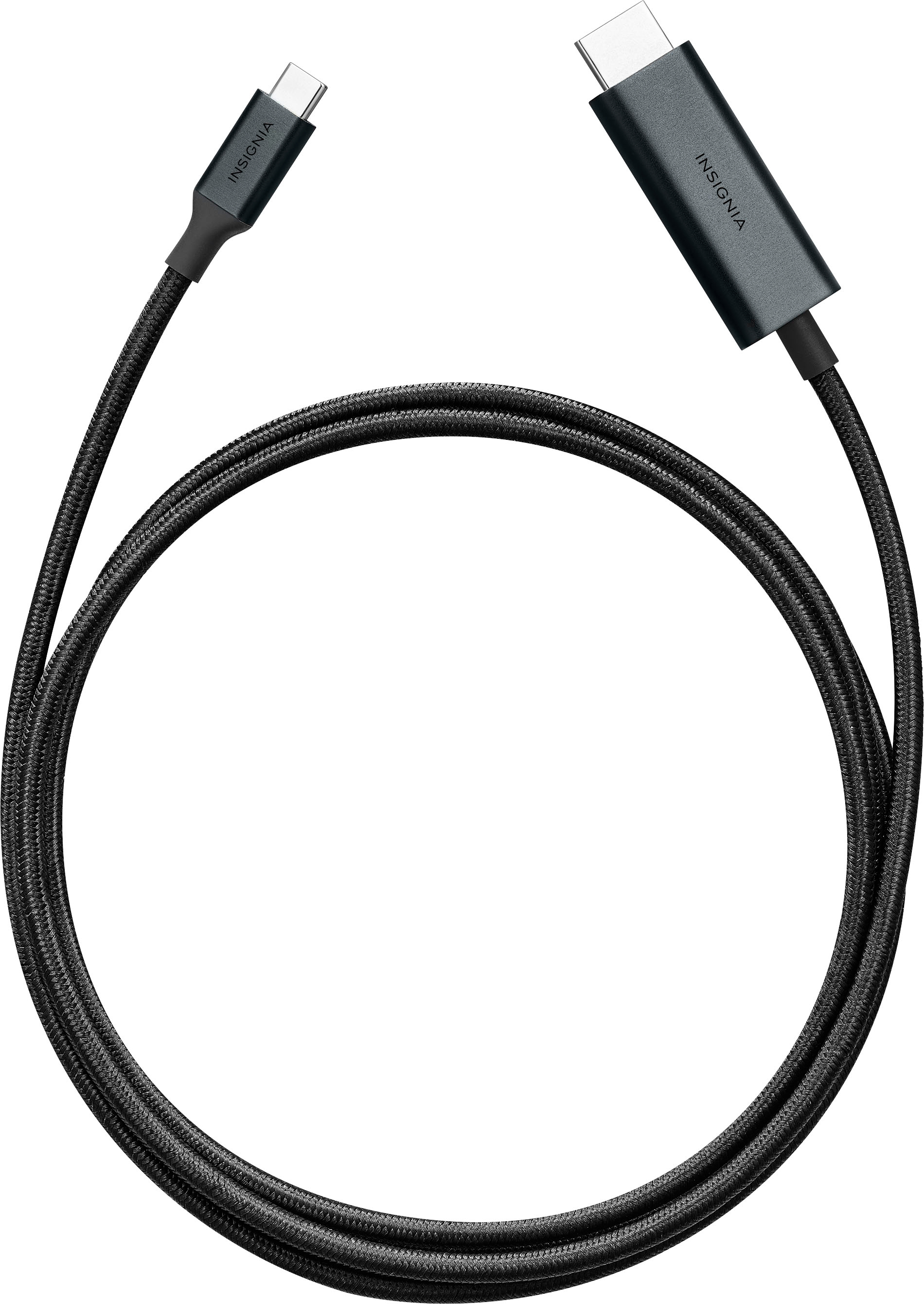
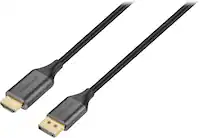
    • Answer This cable has a USB-C connector on one end and an HDMI Type A connector on the other.
    This question and answer was generated by AI based on customer and product data.

  • QuestionWhy should I choose a cable with nickel-plated connectors?

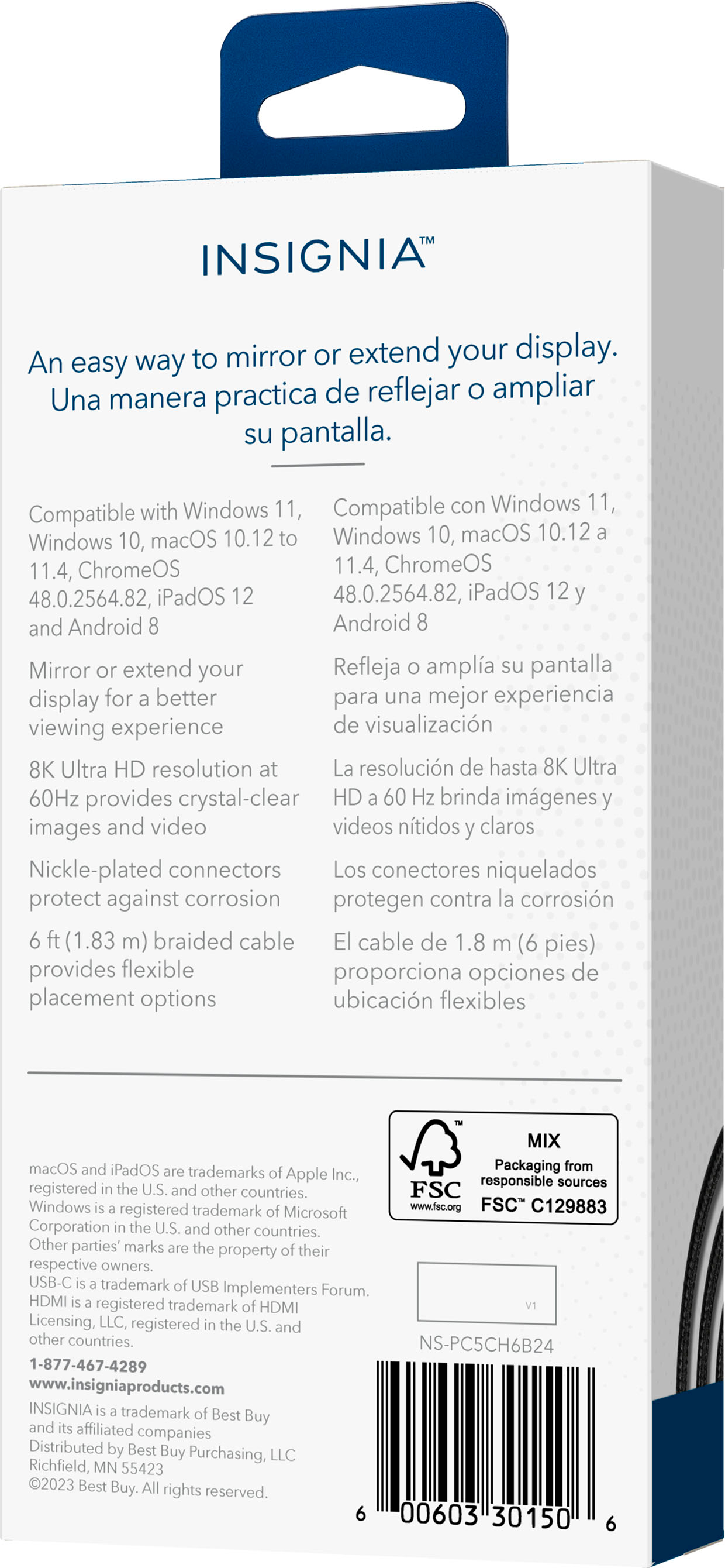
    • Answer The nickel-plated connectors on this cable help to protect against corrosion, which improves wear resistance and ensures a longer lifespan for the cable.
    This question and answer was generated by AI based on customer and product data.

  • QuestionCan I use this cable to mirror my laptop screen to an external monitor?

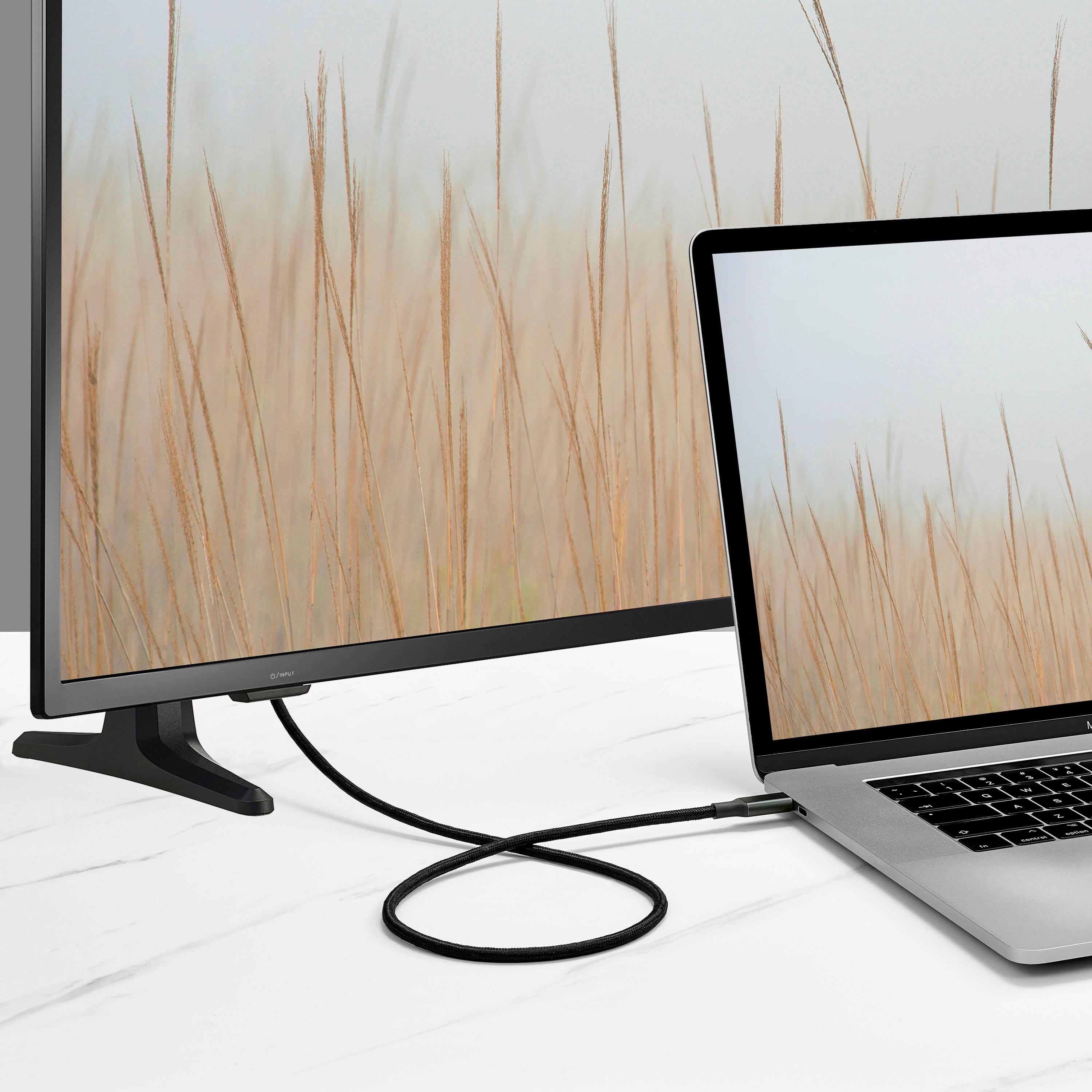
    • Answer Yes, you can use this cable to mirror or extend your display to an HDMI-enabled monitor.
    This question and answer was generated by AI based on customer and product data.
  • QuestionDoes this cable work with Windows operating systems?

    • Answer Yes, this cable is compatible with Windows 11 and Windows 10.
    This question and answer was generated by AI based on customer and product data.

  • QuestionHow long is this Insignia cable?

    • Answer This Insignia cable is 6 feet long.
    This question and answer was generated by AI based on customer and product data.
  • QuestionWhat is the benefit of having a braided cable?

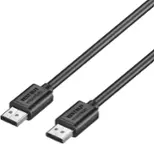
    • Answer The braided design of this cable provides increased durability and flexibility, making it less prone to damage from bending and twisting.
    This question and answer was generated by AI based on customer and product data.

  • QuestionDoes it Support 4K at 120Hz?

    Asked by Lax15.

    • Answer The Insignia™ 6’ 8K Ultra HD USB-C to HDMI 2.1 Braided Cable supports video resolutions up to 8K at 60Hz and 4K at 60Hz. While it utilizes the HDMI 2.1 standard, this specific model does not support 4K at 120Hz. Patricia | Insignia Support

      Answered by InsigniaCustomerSupport

  • Questionis this compatible with Mac Min Pro

    Asked by Luk.

    • Answer Hello! Thank you for your question. Yes, the Insignia 6' 8K Ultra HD USB‑C to HDMI 2.1 Braided Cable is compatible with a Mac mini Pro. It supports macOS, carries both video and audio, and works through the Mac mini Pro’s USB‑C port. Darshan | Insignia

      Answered by InsigniaCustomerSupport

  • QuestionDoes this work with legion go s 8 inch?

    Asked by Chip.

    • Answer Dear Customer, thank you for your question. Yes, the Insignia™ 6’ 8K Ultra HD USB‑C to HDMI 2.1 Braided Cable (NS‑PC5CH6B24) is compatible with the Lenovo Legion Go S 8‑inch. The USB‑C port on the Legion Go supports DisplayPort Alt Mode, allowing this cable to transmit high‑resolution video directly to an HDMI display. Rafay | Insignia Products

      Answered by InsigniaCustomerSupport

  • QuestionDoes this cable support DisplayPort alt mode to connect my iPhone 16 pro to an HDMI monitor?

    Asked by Akin0.

    • Answer I tried it and it works great with my LG Ultragear+ monitor

      Answered by Akin0

  • QuestionWhat about 4k resolution what frequency does it support then?

    Asked by SamT.

    • Answer My OLED supports 4K @ 120 Hz.

      Answered by Anonymous

  • QuestionDoes this work with Ultra-Wide monitors?

    Asked by Dawgdude.

    • Answer Hi Dawgdude, thanks for reaching out! Yes, this will work with ultrawide monitors. Just be sure that your computer's USB-C port supports display output, as some USB-C ports are only designed for charging. We hope this helps! If you have any further questions, feel free to ask. Carl | Insignia Support

      Answered by InsigniaCustomerSupport

  • QuestionWill this stream Disney + and Prime in a vehicle? Have bought two other HDMI cords with no luck. Will play YouTube through the phone onto the screens, but not Disney or Prime.

    Asked by Luke.

    • Answer The Insignia™ 6’ 8K Ultra HD USB-C to HDMI 2.1 Braided Cable should technically support streaming services like Disney+ and Prime Video, as it is designed to transmit video and audio from your USB-C device to an HDMI display. However, some streaming services have HDCP (High-bandwidth Digital Content Protection) requirements that might prevent them from working through certain cables or adapters. Here are a few things you can try: 1. Ensure HDCP Compliance: Make sure the cable and the display device (e.g., car screen) support HDCP. 2. Check Device Settings: Ensure your phone’s settings allow for screen mirroring or casting. 3. Update Apps and Firmware: Make sure both your streaming apps and your device’s firmware are up to date. If these steps don’t resolve the issue, it might be worth trying a different cable or adapter that explicitly states HDCP compliance. If you have any questions or need further assistance, please don't hesitate to reach out. Thank you for choosing Insignia! - Emman | Insignia Support | https://www.bestbuy.com/site/brands/best-buy-brands/pcmcat1596746025285.c?id=pcmcat1596746025285

      Answered by InsigniaCustomerSupport

  • QuestionDo I need to download an app to be able to screen mirror on my TV from a cellphone?

    Asked by Deeboyster.

    • Answer No, this is a physical cable that attaches to your usb c port and direct to a tv, monitor or projector.

      Answered by Jean

  • QuestionIf I plug that into my phone in the USBC and the HDMI into the television will I be able to mirror to the TV

    Asked by Anonymous.

    • Answer Yes, this does that exactly, without needing a dongle.

      Answered by Jean

  • QuestionDoes this cable support VRR, Free-Sync, G-Sync?

    Asked by VRR.

    • Answer Thank you for your inquiry! The Insignia™ 6’ 8K Ultra HD USB-C to HDMI 2.1 Braided Cable supports high-resolution video and audio transmission, but it does not explicitly mention support for VRR (Variable Refresh Rate), FreeSync, or G-Sync in its specifications12. For gaming features like VRR, FreeSync, and G-Sync, it's essential to ensure that both the cable and the connected devices (such as the monitor and graphics card) support these technologies. If you need a cable specifically for gaming with these features, you might want to look for one that explicitly states compatibility with VRR, FreeSync, and G-Sync.

      Answered by InsigniaCustomerSupport