A:AnswerHi Dakota.
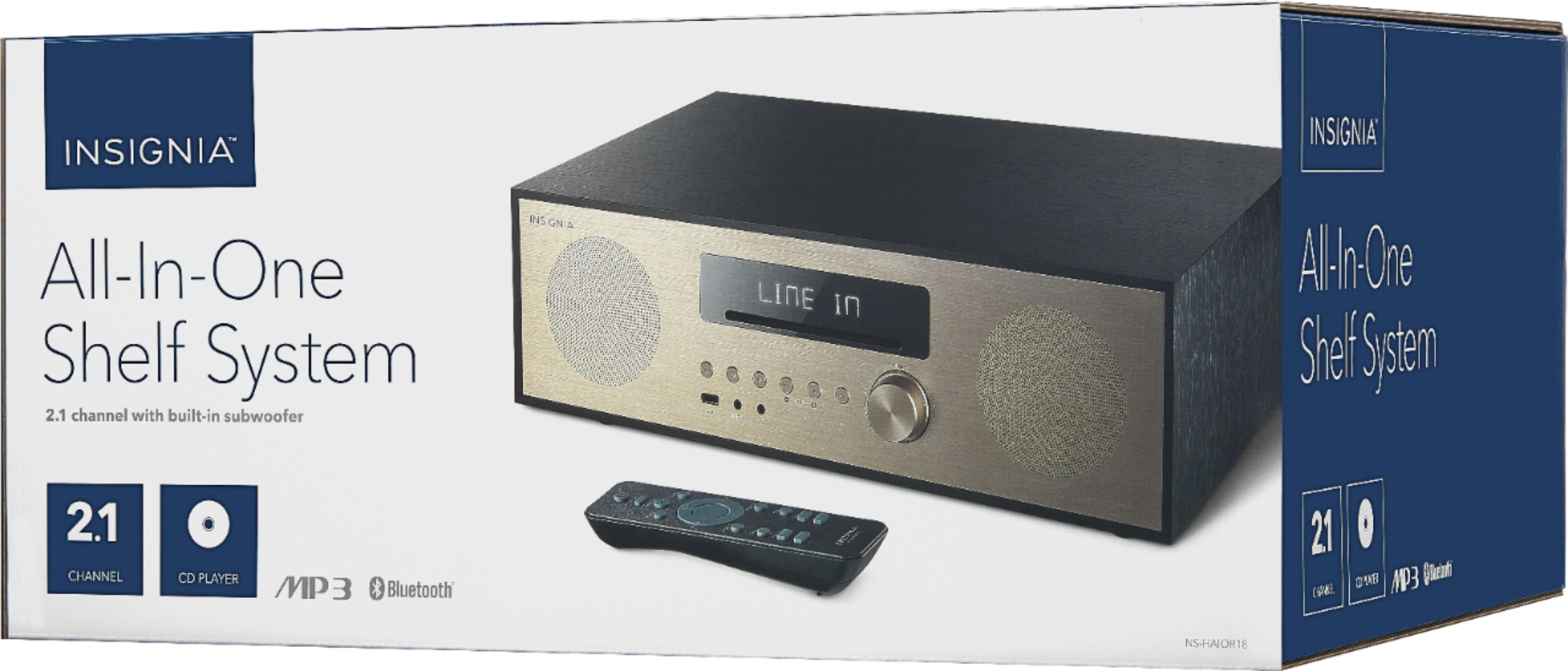
Thank you for leaving us this question. Make sure your phone's Bluetooth is enabled and that our system is on pairing mode, then try to find it on your Bluetooth Configuration screen on your phone. If you feel you require step-by-step guidance, contact us via phone on the link below my signature so one of our specialists can guide you.
Charles V. - Insignia Support
https://www.insigniaproducts.com/contact-us
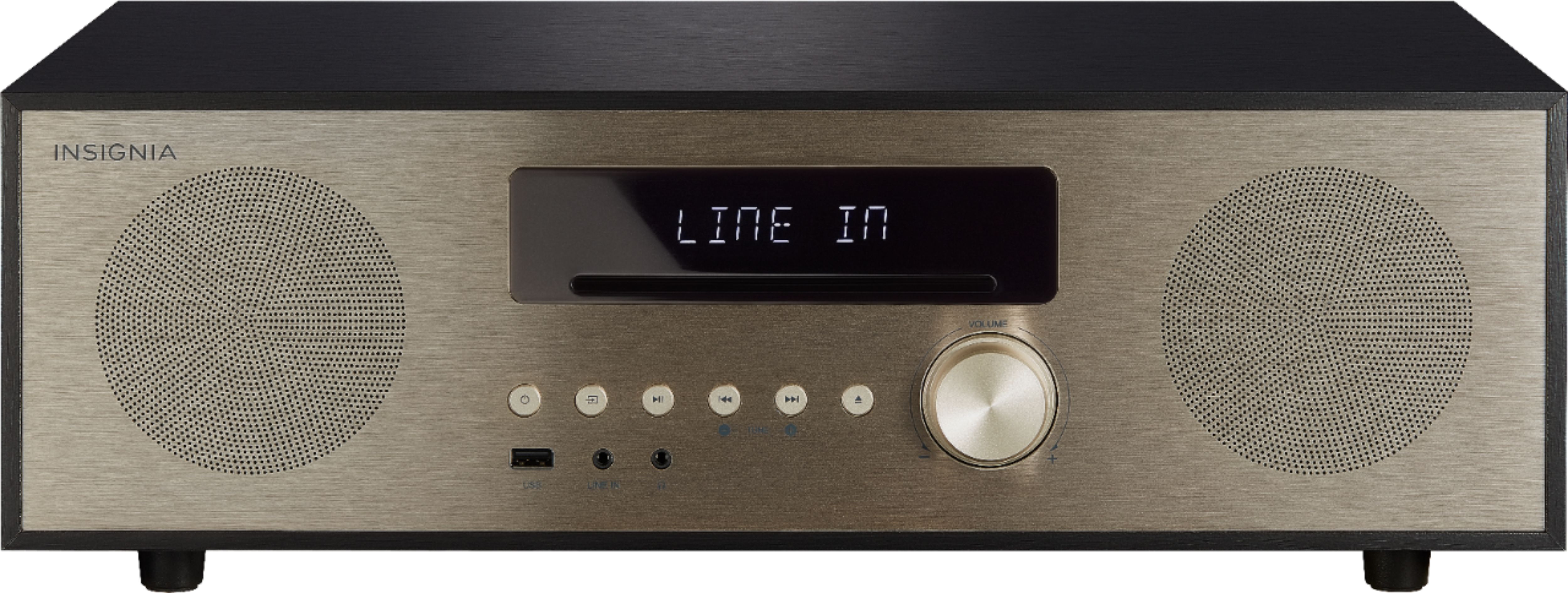
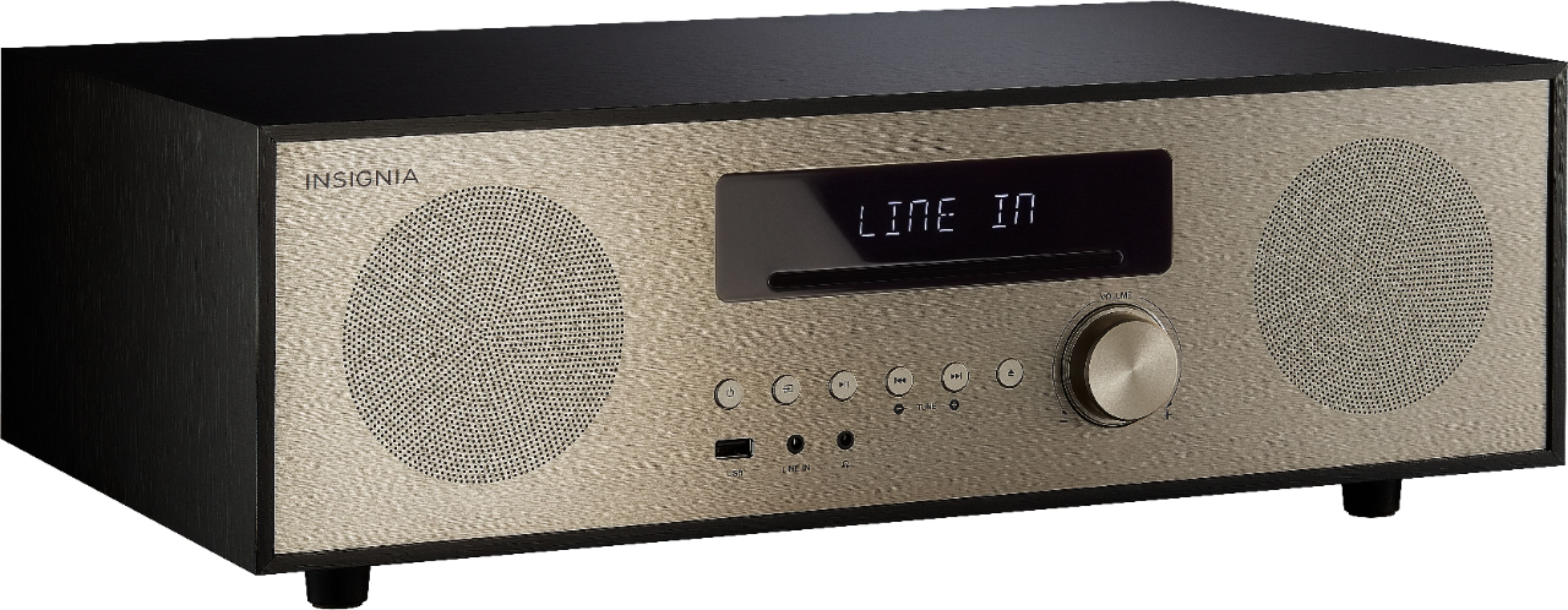
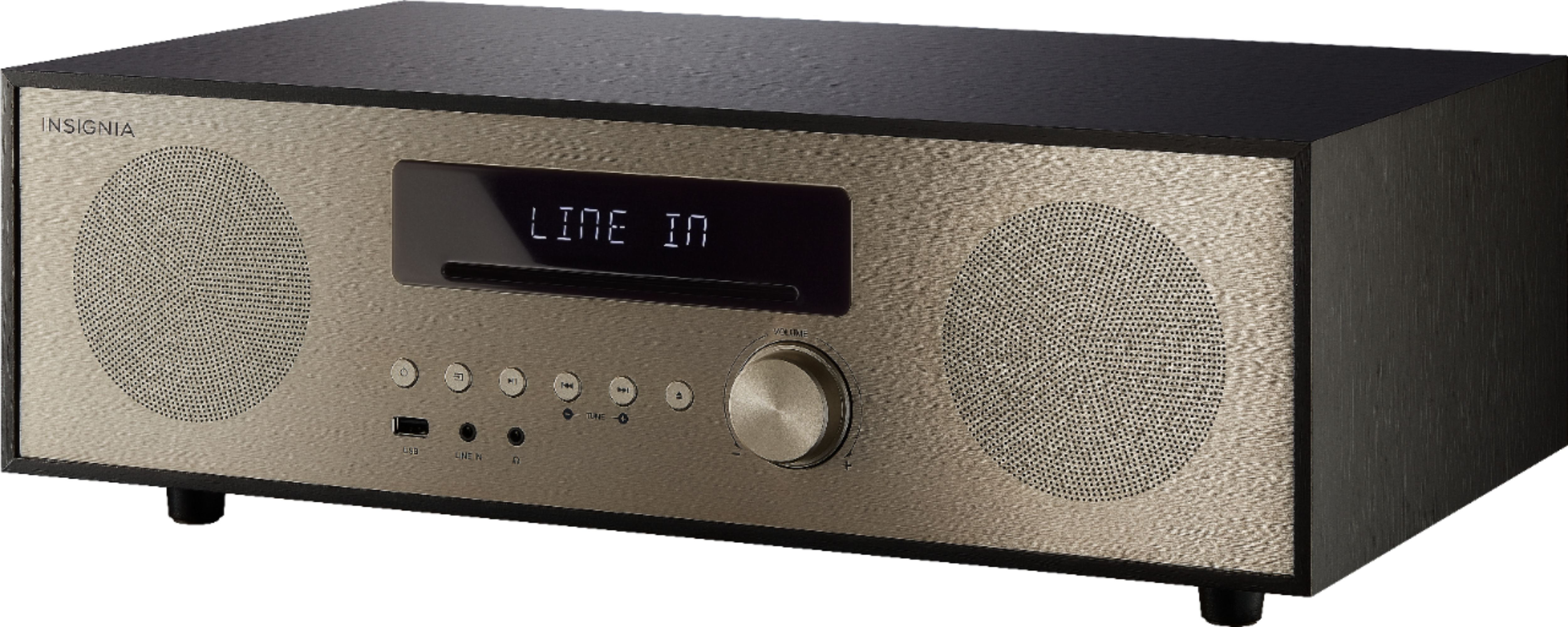
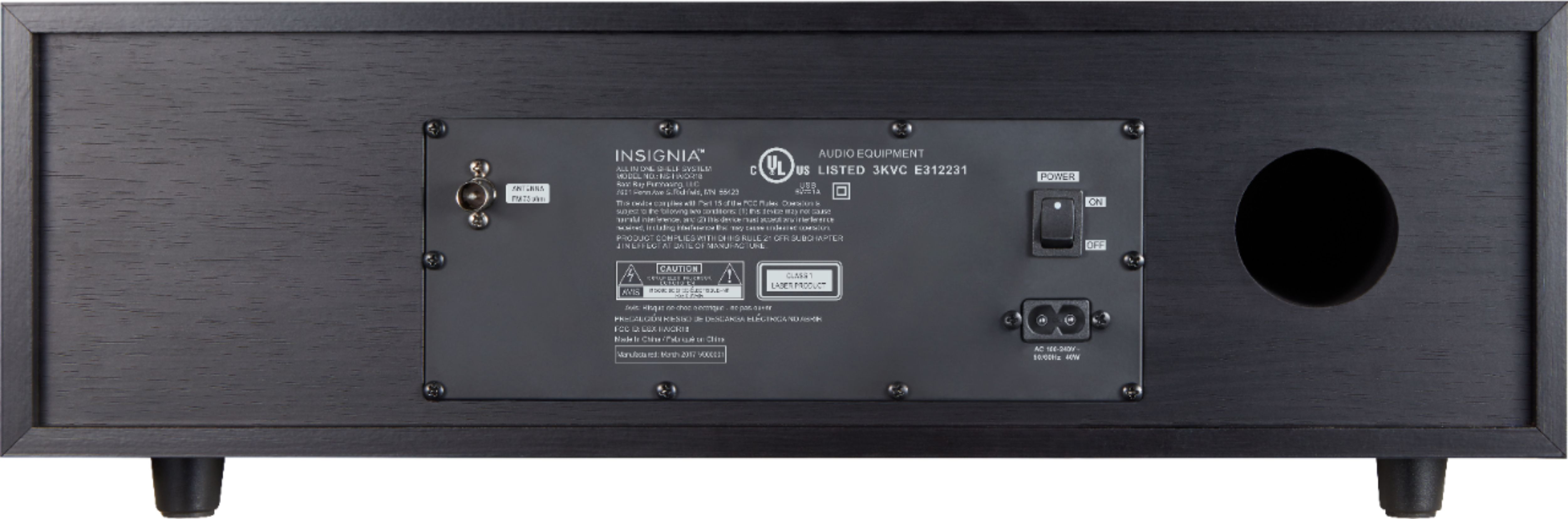
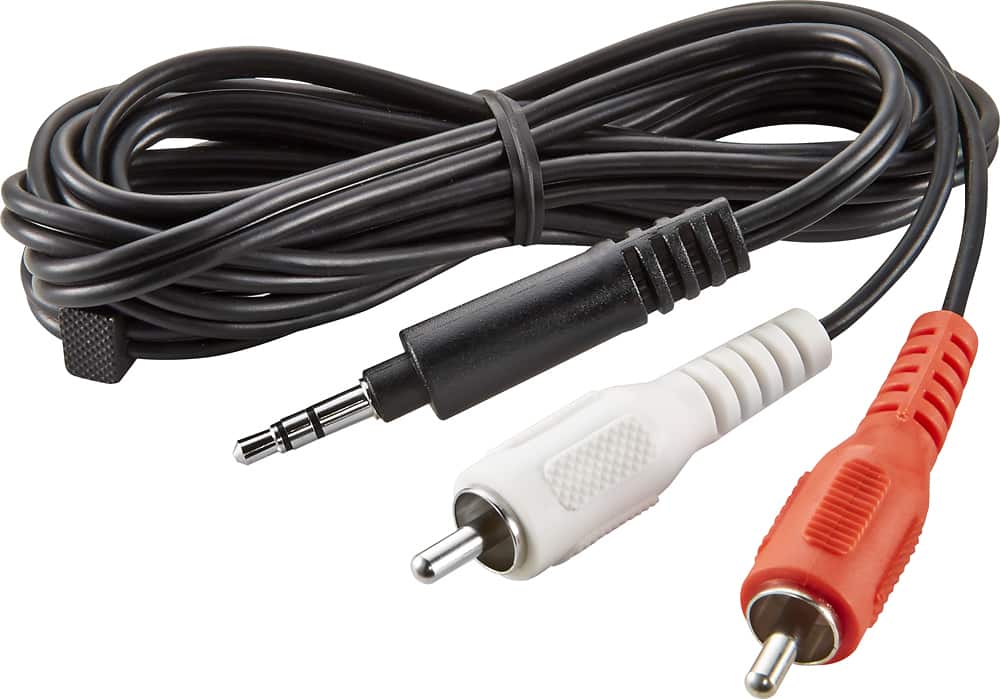
A:AnswerHi Benjamin. You can hook up a Sound Bar to this unit by using the headphone jack. You would need the adapter that has two RCA (red and white) on one side and the 3.5 mm plug in one the other. The sound will be transferred to the sound bar. Hope this helps.
A:AnswerNo it will not. It doesn’t need them anyway . You can connect your connect your PC via Bluetooth and play all your music through it though. It’s a great device and will full a large room with music
A:AnswerIf you change the source or power the unit off with the CD playing, the CD reads and starts over at the beginning when you return to the CD mode
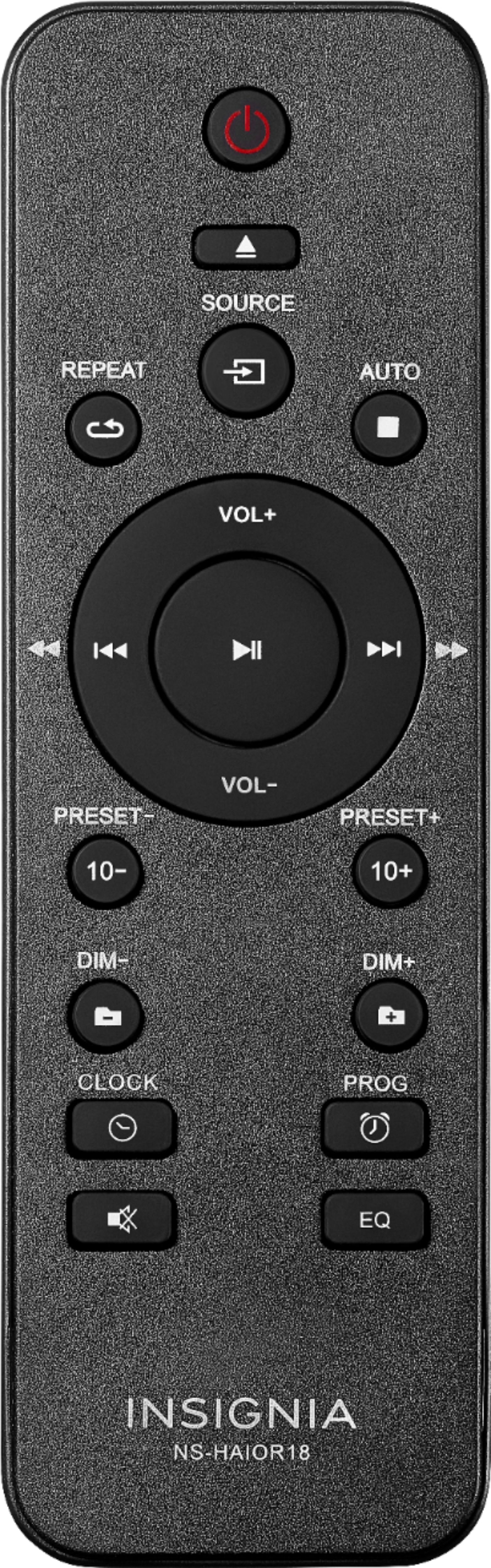
A:AnswerSolved: we had the same problem and found a workaround. Simply shut the unit off with the volume set to 5 or higher and it will come back to that level when you turn it back on. Anything lower than 5 and it starts at the middle setting which is 25, annoying programming glitch in the firmware from somebody drinking too much coffee.
A:AnswerNo, you can input to the receiver, but not output using Bluetooth. Receiver does have a headphone jack to connect to a speaker with a line imput.
A:AnswerThe intention of the usb device, according to the manual and in my experience, is to connect storage with mp3 or other compatible sound files in folders and play the files. I doubt very much anything that's not like a thumb drive will work. The line in is 3.5mm jack just like headphone jack on the front.