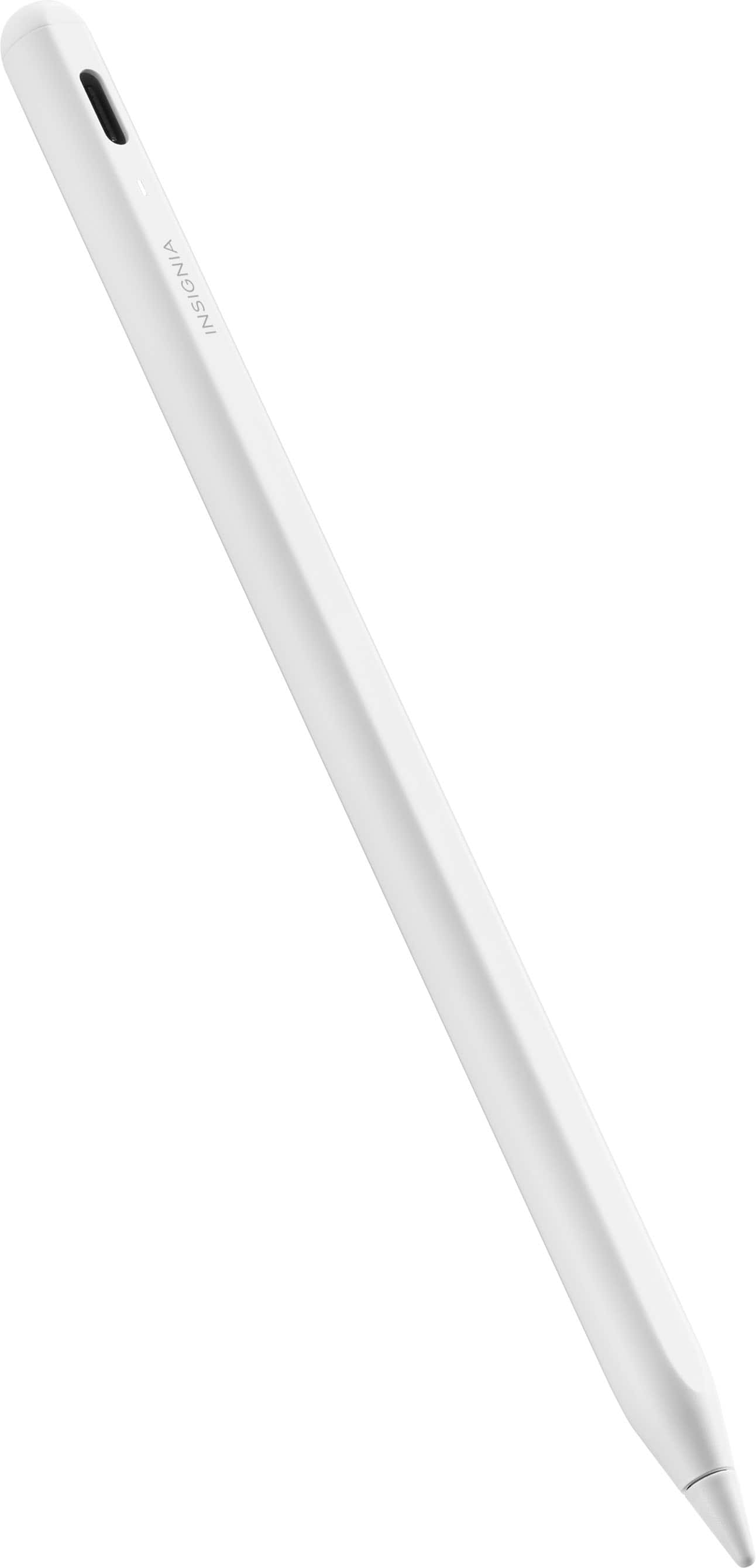
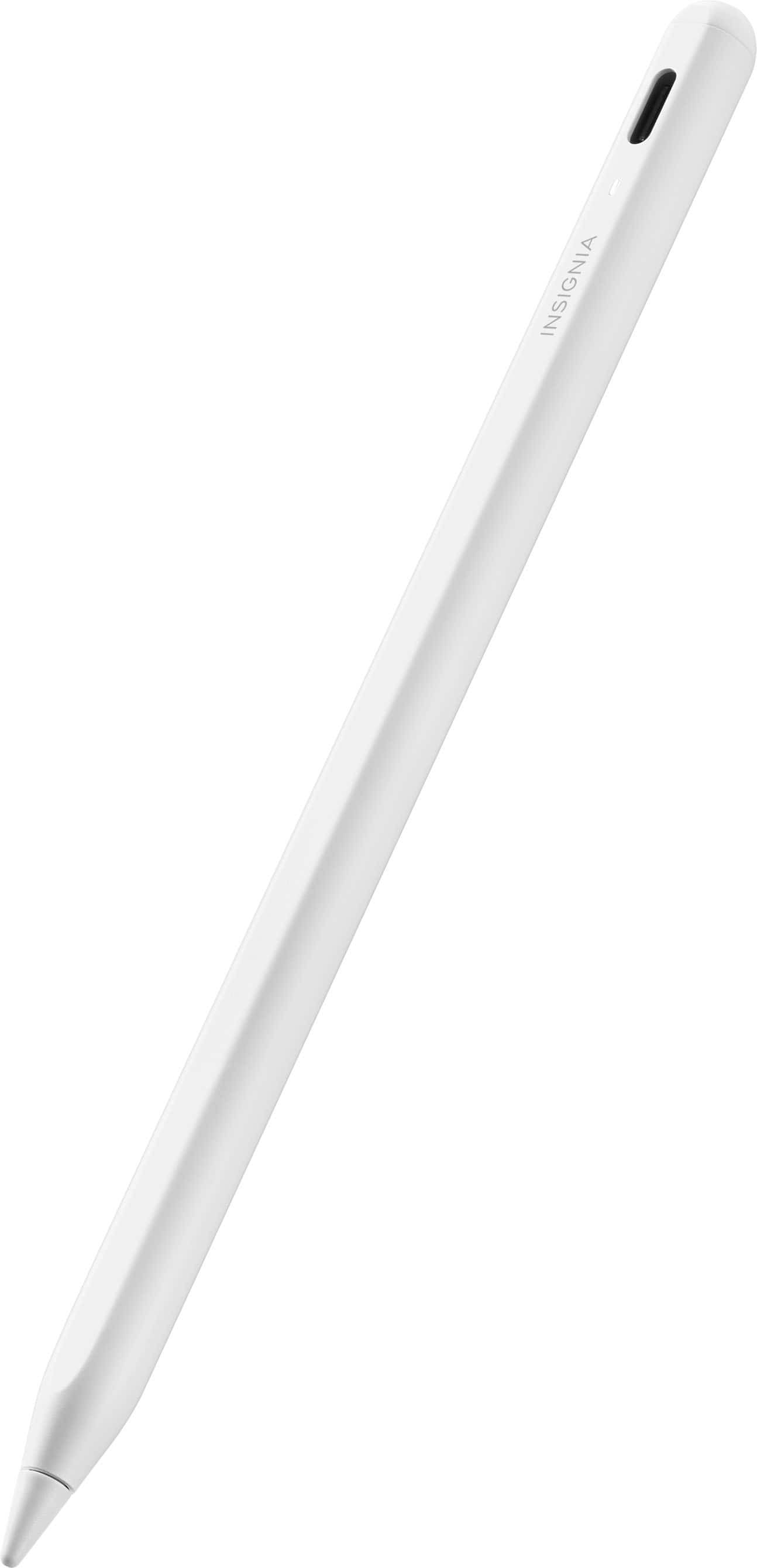
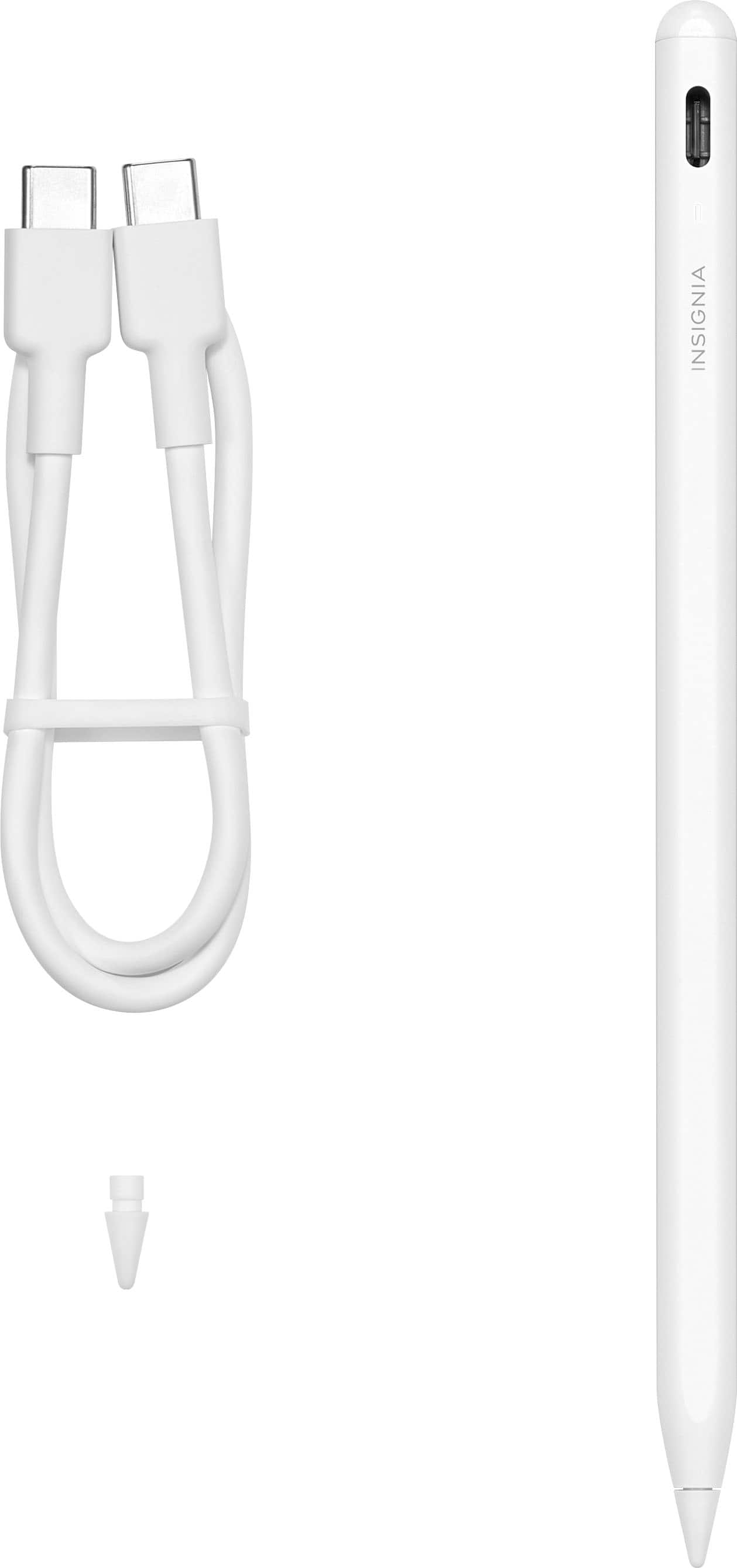
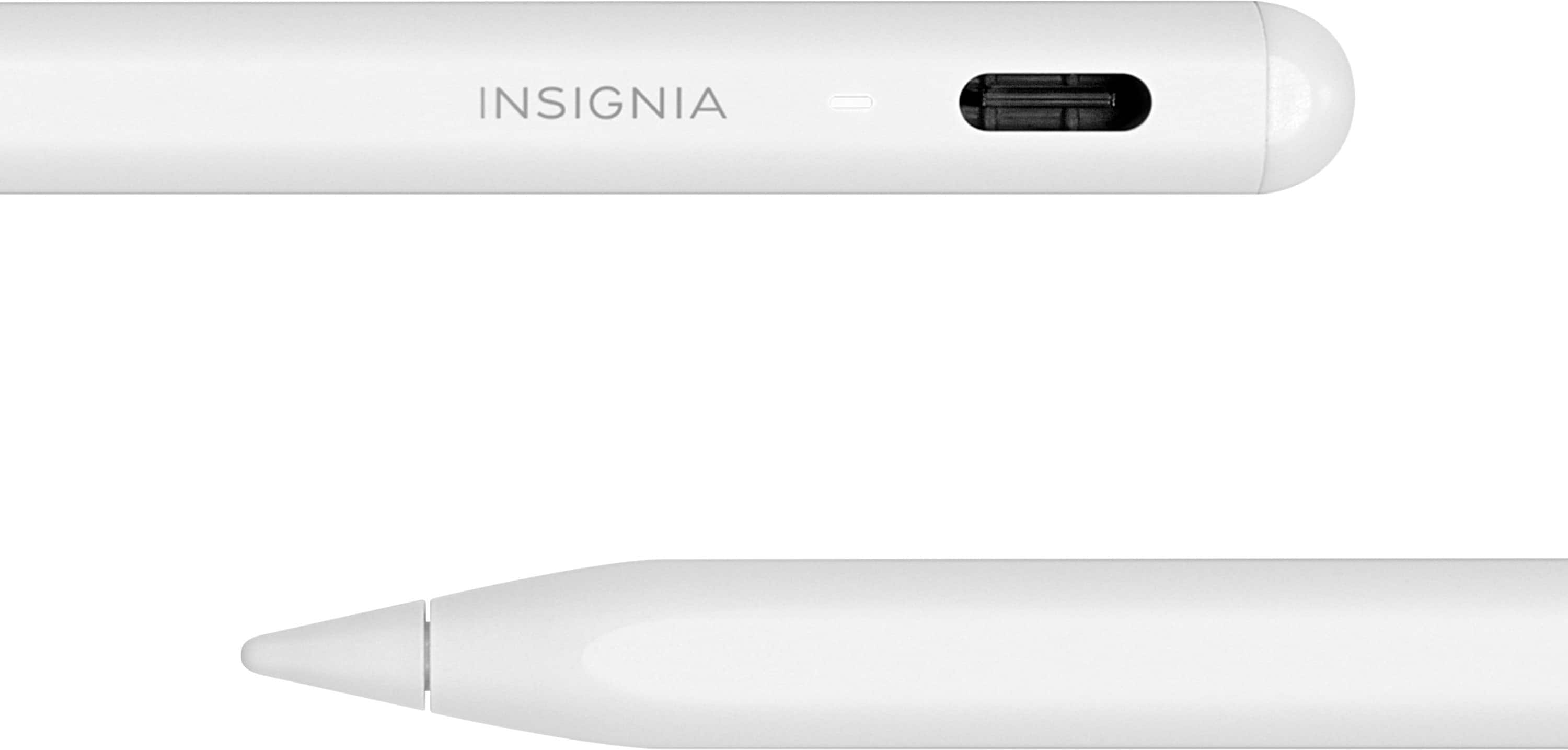
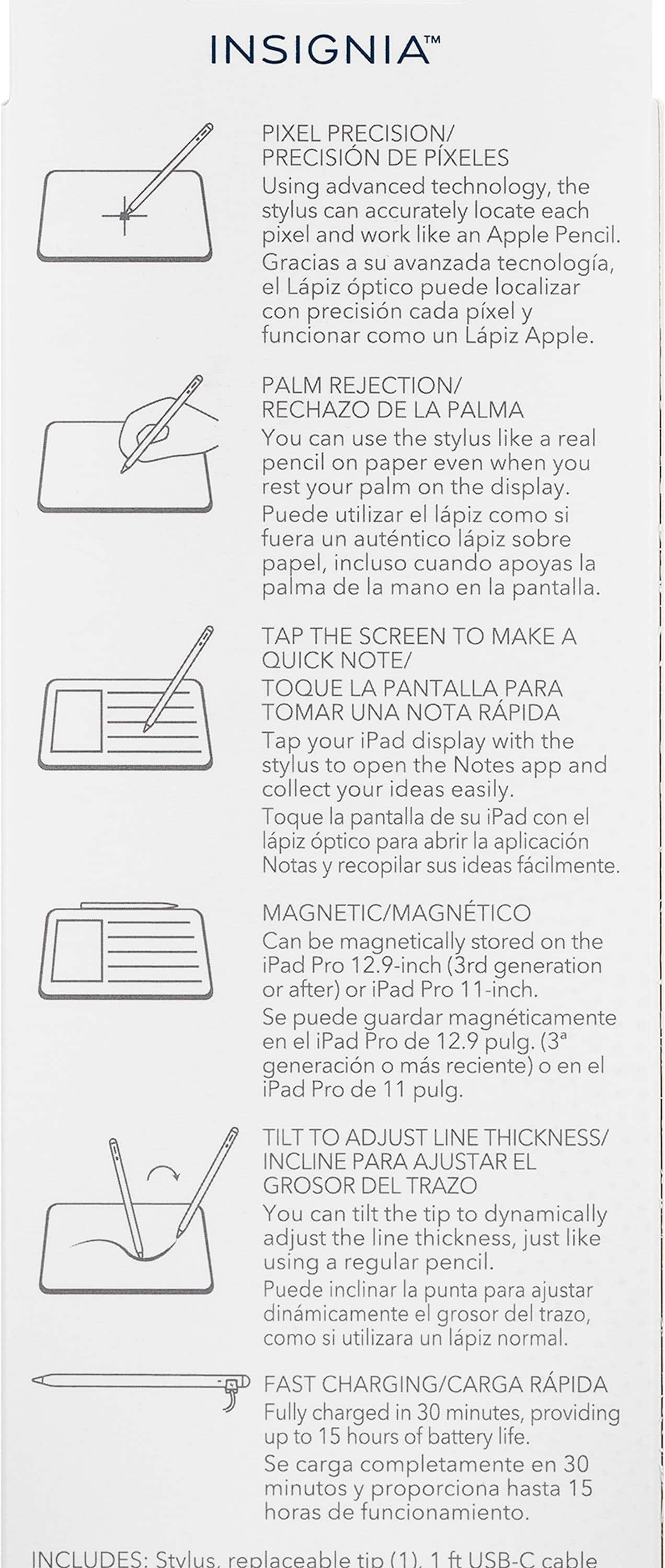
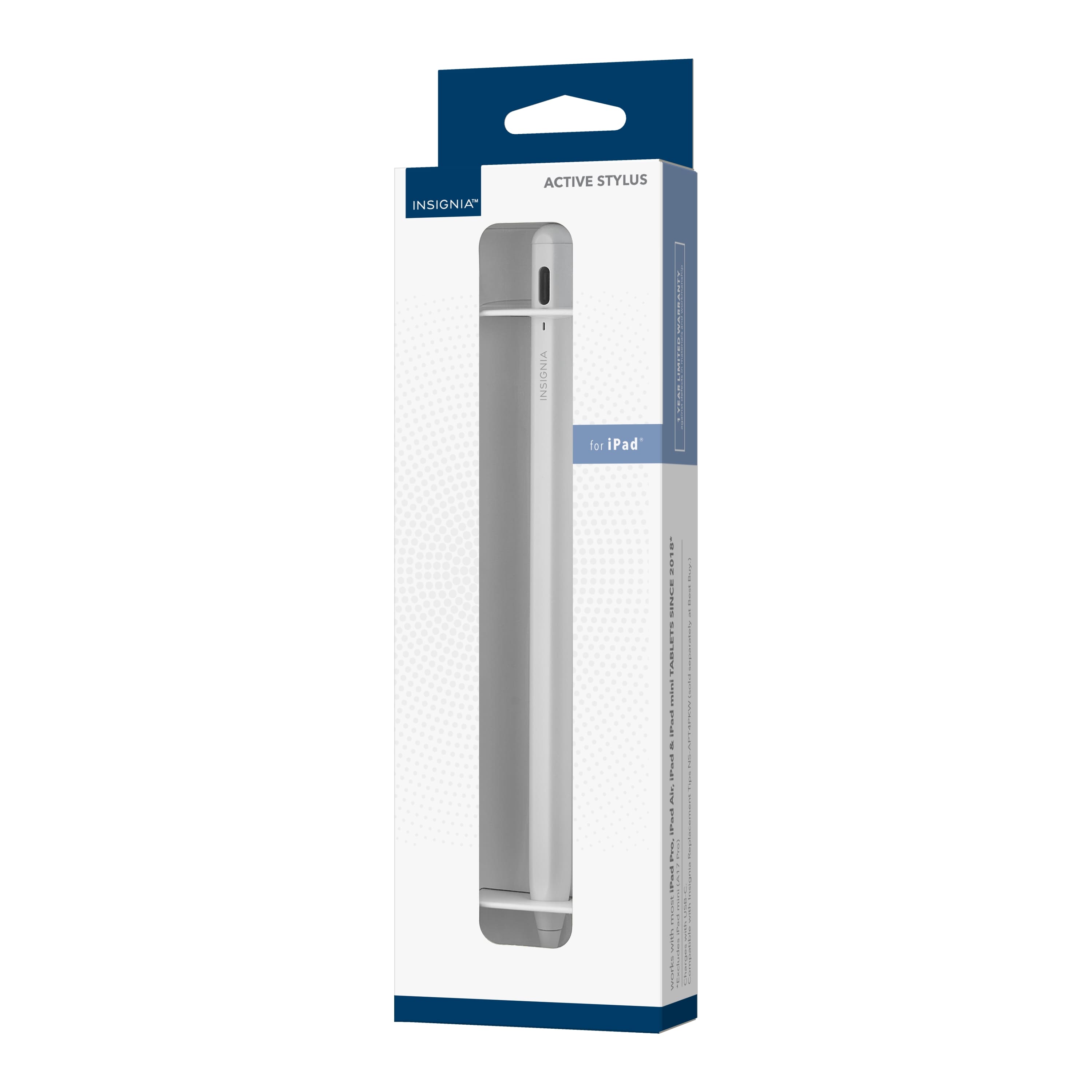
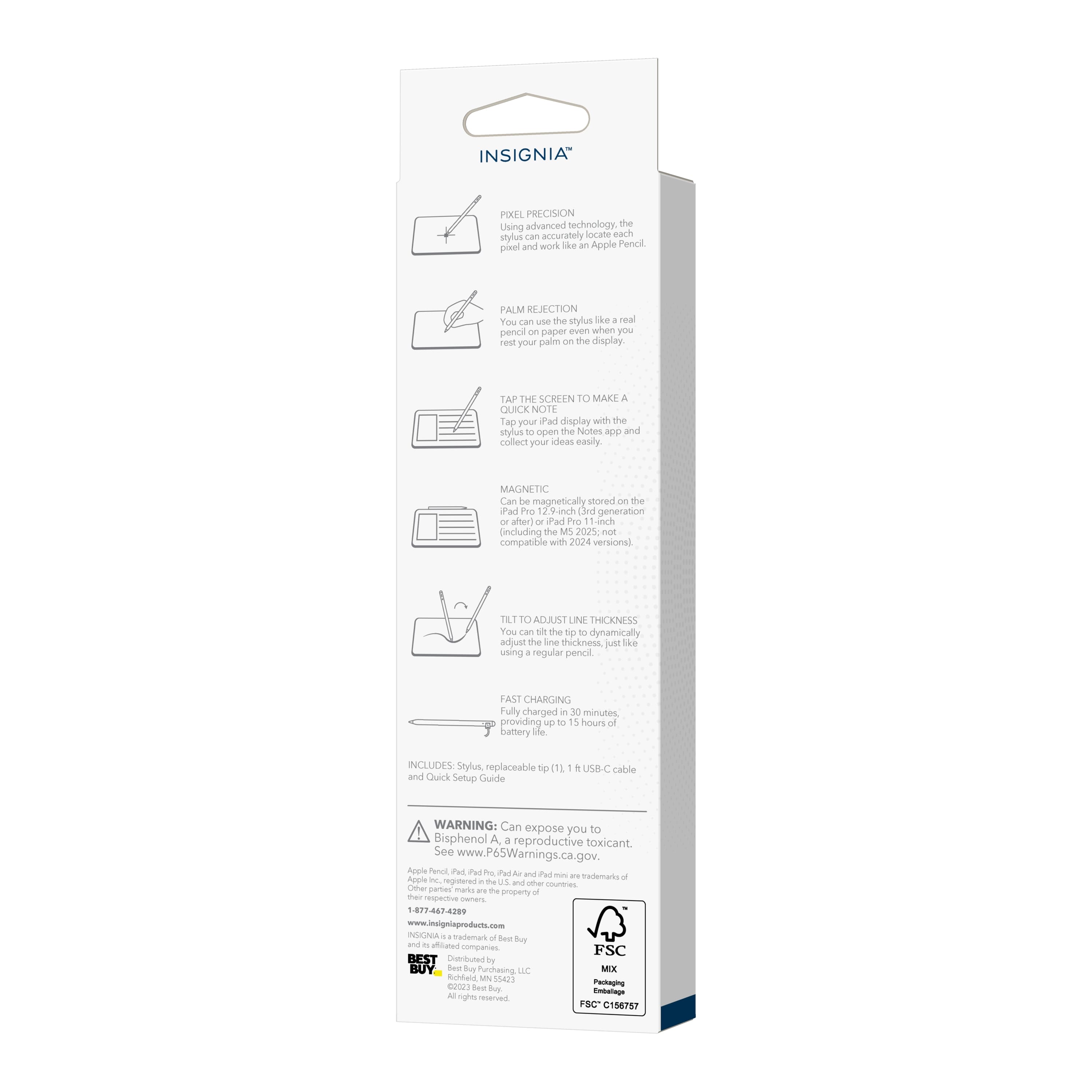
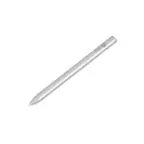
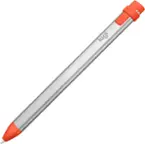
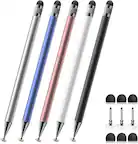
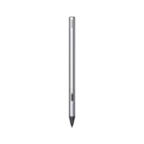
A:AnswerGreat to hear that you got the pen working! The tilt-to-change-thickness feature of the Insignia™ Active Stylus should work similarly to the Apple Pencil, allowing you to adjust line thickness by tilting the stylus, just like a real pencil.
However, this feature is typically supported only in certain apps that are designed to recognize tilt input. Popular apps that support this feature include Procreate, Adobe Fresco, and Notability. If you're using an app that doesn't support tilt sensitivity, you won't see any change in stroke thickness when you tilt the stylus.
If you're using a compatible app and still experiencing issues, make sure your iPad's software is up to date and that the app itself is updated to the latest version. Sometimes, restarting the app or the iPad can also help resolve any glitches.
If you have any other questions or need further assistance, feel free to ask!
A:AnswerHi Chloe! Thank you for sharing your experience with the Insignia Active Stylus. I apologize that it didn't work as expected for you. I understand that the product was marketed as compatible with iPad Air 2, but it's unfortunate that it didn't meet your expectations. Jeth | Insignia Support. https://www.bestbuy.com/site/insignia-active-stylus-for-ipad-ipad-pro-ipad-air-and-ipad-mini-white/6563773.p?skuId=6563773
A:AnswerHi Ashley, yes, Scribble on the 9th generation iPad should be compatible with the Insignia Active Stylus. You should be able to take notes with the stylus and turn them into text because Scribble is not just available with the Apple Pencil. If you have any questions or concerns, please let us know! Gly | Insignia Support | https://www.bestbuy.com/site/insignia-active-stylus-for-ipad-ipad-pro-ipad-air-and-ipad-mini-white/6563773.p?skuId=6563773
A:AnswerIvy, thank you for your question about the compatibility of our Insignia Active Stylus with the new iPad (A16). Unfortunately, without more specific information about the exact model name or year of the iPad with the model number A16, we cannot definitively confirm compatibility. iPad model numbers can sometimes be similar across different generations, and stylus compatibility often depends on the specific iPad model and its features.
To ensure you get the correct information, we recommend contacting our Insignia customer support team (877-467-4289) directly. They will be able to assist you in determining if our stylus is compatible with your specific iPad model A16. They can provide the most accurate and up-to-date compatibility details. - Mae | Insignia Support