A:AnswerHi Kymbi2,
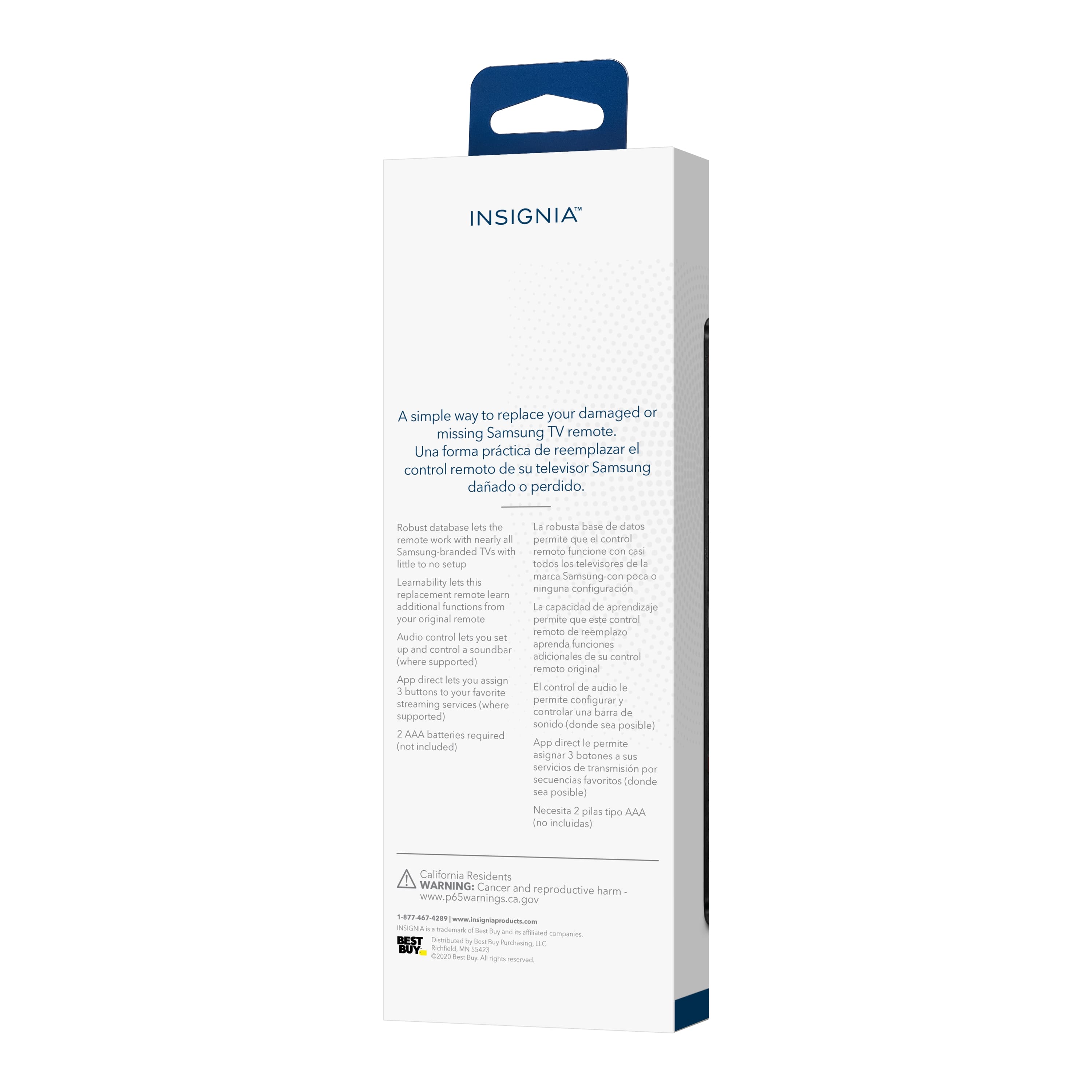
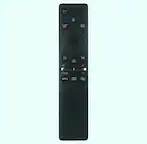
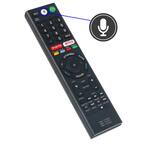
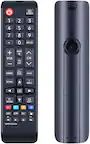
Yes, the Insignia™ Replacement Remote for Samsung TVs is designed to work with nearly all Samsung TVs, including those that use the Samsung Smart Remote. It comes pre-programmed for easy pairing and can learn functions from your original remote if needed.
If you have any other questions or need further assistance, feel free to ask! -Ed | Insignia Support | https://www.bestbuy.com/site/brands/best-buy-brands/pcmcat1596746025285.c?id=pcmcat1596746025285
A:AnswerThank yout for your inquiry! Yes, the Insignia Replacement Remote for Samsung TVs is compatible with the Samsung Model QN65Q7CAMFXZA. You should be able to use it without needing to program any codes. If you have any other questions or need further assistance, feel free to ask! - Mae | Insignia Support
A:AnswerThank you for your inquiry! Yes, the Insignia™ Replacement Remote for Samsung TVs is compatible with the Samsung model UN50AU8000BXZA. This remote is designed to work with most Samsung TVs, making it easy to control your TV. If you have any other questions or need further assistance, feel free to ask! - Mae | Insignia Support
A:AnswerThank you for your inquiry! Yes, the Insignia™ Replacement Remote for Samsung TVs (model NS-RMTSAM21) is compatible with nearly all Samsung TVs, including the Samsung Model UN40B7000WF. This remote is pre-programmed for easy pairing and can control most functions of your Samsung TV. Insignia Support https://www.bestbuy.com/site/insignia-replacement-remote-for-samsung-tvs-black/6448217.p?skuId=6448217
A:AnswerYes, the Insignia™ Replacement Remote for Samsung TVs is compatible with the Samsung QN65S90DAFXZA OLED 4K UHD Smart Tizen TV (2024). This remote is pre-programmed for easy pairing and can control most functions of your Samsung TV. If you have any other questions or need further assistance, feel free to ask! - Mae | Insignia Support
A:AnswerYes, the Insignia™ Replacement Remote for Samsung TVs should be able to turn on your Samsung TV even if the power button on the TV itself is broken and the original remote is no longer working. This remote is designed to be compatible with nearly all Samsung TVs and is pre-programmed for easy pairing. Patricia | Insignia Support
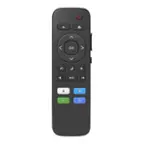
A:AnswerHello! For most Samsung TVs that use this remote, you can input a number by pressing the number button and then using the center button located in the middle of the navigation buttons. However, if this does not work, it may indicate that the center button on this replacement remote is not compatible with your Samsung TV. - Carl | Insignia Support
A:AnswerYes, the Insignia™ Replacement Remote for Samsung TVs is compatible with your Samsung Smart UHD 4K TV Model UN50DU7200FXZAThis remote is designed to work with nearly all Samsung TVs, including those with Samsung TV Plus programming.
If you have any other questions or need further assistance, feel free to ask!
A:AnswerYes, the Insignia™ NS-RMTSAM21 Replacement Remote is designed to be compatible with most Samsung TVs, including the DU6900 and DU6900f models. It is pre-programmed for easy pairing, so you should be able to use it without any issues. Jeth | Insignia Support.
A:AnswerYes, the Insignia™ Replacement Remote for Samsung TVs is compatible with nearly all Samsung TV models, including the UN60F8000BFXZA. It is pre-programmed for easy pairing, so you should be able to use it with your TV without any issues. Ed | Insignia Support | https://www.bestbuy.com/site/brands/best-buy-brands/pcmcat1596746025285.c?id=pcmcat1596746025285
A:AnswerHi Andales23! Yes, the Insignia™ Replacement Remote for Samsung TVs is compatible with nearly all Samsung TVs, including the Samsung - 85” Class QN900B Neo QLED 8K Smart Tizen TV. This remote is pre-programmed for easy pairing and can control most functions of your Samsung TV. If you have any other questions or need further assistance, feel free to ask! - Mae | Insignia Support | https://www.bestbuy.com/site/brands/best-buy-brands/pcmcat1596746025285.c?id=pcmcat1596746025285
A:AnswerHi Ellsbob! Yes, the Insignia™ Replacement Remote for Samsung TVs is compatible with nearly all Samsung TVs, including the Samsung Model QN50Q60DAFXZA 4K QLED. This remote is pre-programmed for easy pairing and can control most functions of your Samsung TV. If you have any other questions or need further assistance, feel free to ask! - Mae | Insignia Support | https://www.bestbuy.com/site/brands/best-buy-brands/pcmcat1596746025285.c?id=pcmcat1596746025285
A:AnswerThe Insignia™ Replacement Remote for Samsung TVs is designed specifically for Samsung TVs and may not be compatible with Xfinity cable boxes. If you need a remote that works with your Xfinity cable box, you might want to consider a universal remote that supports multiple devices, including cable boxes. Patricia | Insignia Support
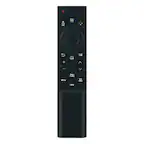
A:AnswerHello VP! The Insignia™ Replacement Remote for Samsung TVs (NS-RMTSAM21) is primarily designed to work with Samsung TVs. It can also control soundbars and audio receivers from various brands. However, it is not specifically compatible with Spectrum cable boxes. Jeth | Insignia Support. https://www.bestbuy.com/site/insignia-replacement-remote-for-samsung-tvs-black/6448217.p?skuId=6448217
A:AnswerHi Peg. This Insignia Replacement Remote for Samsung TVs is not voice-activated. It is designed to be compatible with nearly all Samsung TVs and includes features like pre-programmed pairing, shortcut buttons for apps, and the ability to control soundbars or audio receivers. If there's anything else we can assist you with in the meantime, please don't hesitate to reach out. Ivy | Insignia Support
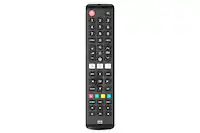
A:AnswerHi there. The Insignia Replacement Remote for Samsung TVs is specifically designed for Samsung televisions, and it may not be compatible with an RCA flatscreen TV. For a more versatile solution, I recommend considering a universal remote. Universal remotes are designed to work with a wide range of TV brands, including RCA, and can be a convenient and cost-effective option. Ivy | Insignia Support
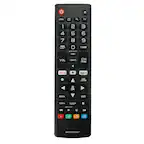
A:AnswerTo pair your Insignia™ Replacement Remote with your Samsung Frame S03C (model QN65LS03BAFXZA), follow these steps:
1. Make sure your TV is turned on and not in standby mode.
2. Hold the remote one to two feet away from the TV, aiming it at the screen.
3. Press and hold the red A and blue D buttons simultaneously until the power button LED blinks twice.
4. Point the remote towards the TV and press and hold the Power button. As soon as the TV turns off, release the Power button immediately. The LED should blink twice to confirm pairing.
If the remote still doesn't work, you can try the following troubleshooting steps:
- Press and hold the Return and Play/Pause buttons simultaneously for about 5 seconds until the remote resets.
- Ensure the remote has fresh batteries and they are installed correctly.
- Repeat the pairing process if necessary.
If you continue to experience issues, it might be helpful to consult the user manual or contact Insignia customer support for further assistance.
Let me know if you need any more help or have other questions!
A:AnswerYes, the Insignia™ Replacement Remote for Samsung TVs is compatible with most Samsung TV models, including the Frame TV. This remote is pre-programmed for easy pairing and should work seamlessly with your Frame TV.
If you have any other questions or need further assistance, feel free to ask!